Your Guide to Using a Canvas App Builder to Ship Faster
Discover how a canvas app builder helps you launch apps faster. Learn how this visual-first tool works with real-world examples for your product team.
By Sanket Sahu
26th Nov 2025
Last updated: 26th Nov 2025
Ever tried mapping out an app idea on a whiteboard with sticky notes? A canvas app builder takes that same free-flowing, visual spirit and turns it into a powerful tool for creating real mobile apps. It lets you design your app by dragging and dropping components onto a digital canvas, giving you the freedom to build what you see and bring ideas to life—fast.
This guide is for founders, product managers, and designers who need to move quickly, test ideas with users, and hand off something tangible to engineering. Let's dig in.
What Exactly Is a Canvas App Builder?
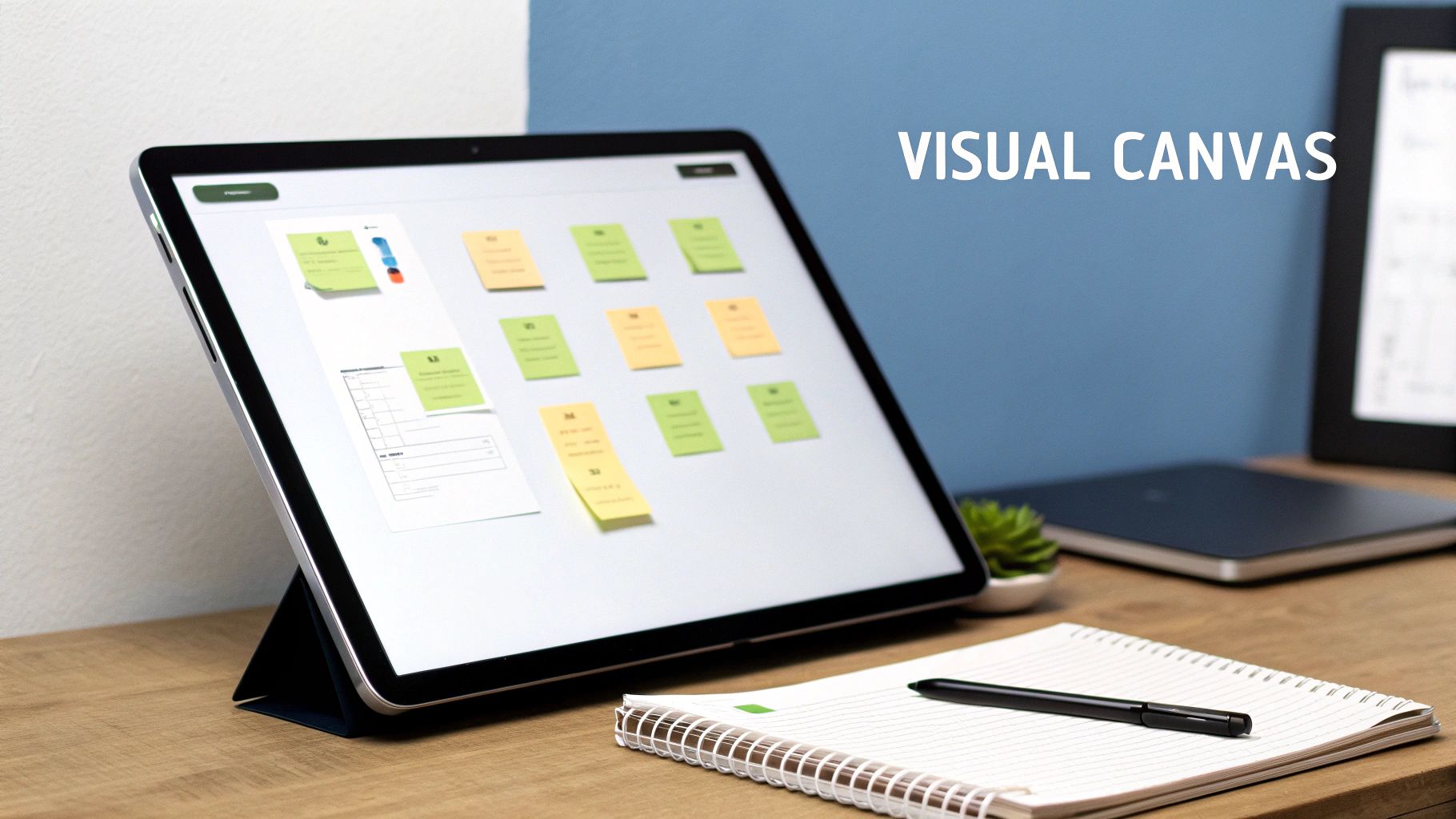
Picture an artist's blank canvas. There are no rigid templates or predefined slots. A canvas app builder brings that same freedom to app creation.
Instead of wrestling with code or being locked into templates, you build your app's interface visually. Need a button in the top-left corner? An image right in the middle? A text input at the bottom? You just place them exactly where you want them with pixel-perfect control. You can explore the core features of a digital canvas to get a better sense of how this works.
This approach changes the dynamic of how product teams work together.
A canvas app builder creates a shared, visual workspace. It allows non-technical founders, PMs, and designers to contribute directly to the app's look and feel, not just write abstract requirements in a document.
The Power of Visual-First Tools
We’ve seen this visual-first model succeed massively in other areas. Canva, for example, made graphic design accessible to millions. Its incredible growth, now serving over 240 million monthly active users and being used by 85% of Fortune 500 companies, proves there's a huge appetite for tools that replace complexity with intuitive, visual interfaces.
A canvas app builder does the same for mobile apps by removing the initial technical hurdles. It’s not just about making the process easier; it’s about making it faster and far more collaborative.
The best drag and drop website builders offer a perfect parallel. They opened up web design to everyone. Now, canvas app builders are doing the same for mobile.
Canvas Builders vs. Other App Development Tools
Choosing the right tool to build your app can feel overwhelming. You have traditional coding, template-based no-code platforms, and the flexible canvas app builder. Each one offers a different trade-off between speed, control, and technical skill. Understanding where a canvas builder fits is key to making the right choice for your product.
Think of a standard no-code platform as building with LEGOs. You get predefined blocks that snap together easily, which is great for building something standard, fast. The catch? You're stuck with the block shapes you're given.
A canvas app builder is more like working with modeling clay. It gives you total freedom to shape, mold, and place every element exactly where you want it. This freeform control is perfect when you're aiming for a unique user interface or a custom layout that just doesn't fit a template.
The Spectrum of App Development
To paint a clearer picture, let's line up the main approaches. Traditional coding offers limitless power but requires the most time and deep technical expertise. Standard no-code tools are incredibly quick but often force you to compromise on your UI vision. A canvas builder lands in a powerful sweet spot, blending visual freedom with impressive speed.
The classic trade-off in app development has always been creative freedom versus development speed. Canvas builders change that dynamic by offering a high degree of both, making them an ideal choice for rapid, high-fidelity prototyping and building your first version.
This unique position is why more and more product teams are jumping on board. If you're trying to get a Minimum Viable Product off the ground, understanding these differences is crucial. You can dive deeper into this in our guide on choosing an MVP app builder.
Comparing App Development Approaches
Let's get practical. The right tool for your team depends on your goals—from the level of customization you need to the technical skills of your team members. This table can help founders and product managers align their vision with a realistic development path.
| Factor | Canvas App Builder | Traditional Code-First | Standard No-Code/Low-Code |
|---|---|---|---|
| UI/UX Flexibility | High (Pixel-perfect control) | Unlimited (Bound only by code) | Low (Template-based) |
| Development Speed | Very Fast (Visual drag-and-drop) | Slow (Manual coding) | Fastest (Pre-built blocks) |
| Technical Skill | Low (Intuitive for non-devs) | High (Requires expert developers) | Very Low (Beginner-friendly) |
| Scalability | Moderate to High (With code export) | Highest (Full control over architecture) | Limited (Platform-dependent) |
A canvas app builder shines brightest when you need to move fast without giving up control over your design. It empowers product teams to test visually rich, unique ideas in days, not months, bridging the gap between a rough sketch and a functional product that developers can take to the next level.
The Modern Workflow: From Idea to App
Getting a mobile app from a napkin sketch to a finished product has always been a disjointed process. Different teams, a clunky handoff, and the constant headache of making the final product match the design. A modern canvas app builder flips that script, creating a single, collaborative workflow that’s incredibly fast.
This new way of working is all about rapid iteration and validation, which is crucial for achieving product-market fit. Forget the old, linear waterfall model. Think of it as a continuous loop of creating, testing, and getting feedback that closes the gap between designers and engineers.
From Whiteboard Brainstorm to Interactive Screens
Everything starts on a digital whiteboard. Instead of passing around static mockups, the whole team—product managers, designers, founders—can jump into a shared space to map out user flows and screen layouts together. It's a dynamic way to define the app's skeleton before anyone thinks about code.
Once the basic flow is down, AI-powered features like "prompt-to-screen" can step in. This is where it gets interesting. A product manager can type something like, "Create a user login screen with email, password fields, and a sign-in button," and the builder generates a fully designed, interactive screen in seconds.
This prompt-driven approach is a massive accelerator. A PM with an idea for a new feature can build a clickable version in minutes, not days, removing the typical friction of manual UI building.
Seamless Handoff From Canvas to Code
The final piece of the puzzle is turning the visual design into production-ready code. After you've polished the look and feel on the canvas, the platform doesn't just give you a flat image. It generates clean, high-quality code that your developers can actually use.
This image shows how the canvas-centric approach compares to other development methods.
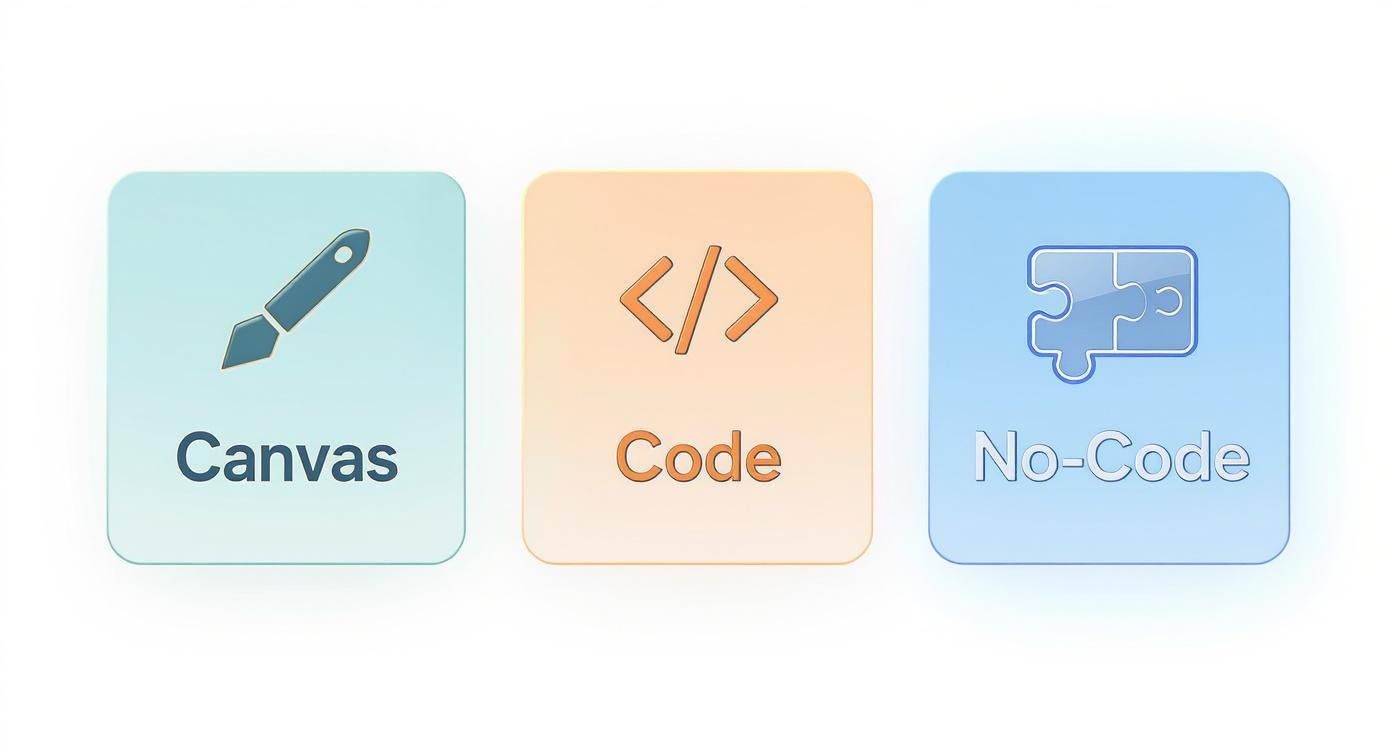
You can see how the canvas builder hits a sweet spot, offering creative freedom without sacrificing speed. For instance, a tool like RapidNative exports high-quality React Native code that's modular and easy to build on.
Developers aren't starting from scratch. They get a solid foundation of UI components and screen structures, which eliminates that expensive and slow "design-to-code" translation phase. This tightens the whole development cycle, helping your team ship products faster.
Why Product Teams and Developers are Choosing Canvas Builders
The real value of a canvas app builder isn't just its features—it's how it improves the entire team's workflow. It creates a shared visual language that gets everyone, from founders to developers, on the same page. App development stops being a siloed relay race and becomes a genuinely collaborative process.
This is a game-changer for startups that need to get an MVP out the door to secure funding, where every day and dollar is critical.
For founders and product managers, the biggest wins are speed and cost. Instead of burning months and a hefty budget to build something you think users want, a canvas builder lets you ship a fully interactive prototype in days. This tight feedback loop means you can get real user input almost immediately, slashing the risk of building the wrong product.
How Canvas Builders Empower Each Role
A great canvas builder changes the day-to-day work for the better, breaking down old bottlenecks and letting people focus on what they do best.
-
For Designers: It’s a breath of fresh air. You can finally design directly in a live environment. No more frustrating handoff meetings where details get lost in translation. What you design on the canvas is exactly what the user will see.
-
For Product Managers: You're no longer just writing specs; you're building prototypes. The ability to spin up an interactive concept yourself to test an idea is incredibly powerful. It makes validating your assumptions and prioritizing features much easier. Dive deeper into this with our guide on product management prototyping tools.
-
For Developers: The biggest win here is getting rid of the tedious work of building standard UI from scratch. Developers are freed up to focus on what really matters: complex backend logic, crucial integrations, and optimizing for performance.
Keeping Pace with Modern Development
This move toward visual, collaborative building isn't just a niche trend—it's becoming the industry standard. Projections show that by 2025, a staggering 70% of new enterprise applications will rely on approaches that mix visual tools with custom code.
This shift is expected to slash IT development backlogs by an average of 65%. That's a massive efficiency gain. You can read more about the future of app development on scaleupally.io.
By uniting the team in a single, visual workflow, a canvas app builder doesn't just make development faster—it makes it smarter. It ensures that business goals, user experience, and technical implementation are aligned from the very start.
Practical Use Cases You Can Build Today
It’s one thing to talk about theory, but seeing a canvas app builder in action is where its real power clicks. These tools aren't just for building abstract wireframes—they’re for creating tangible, working products that solve real-world business problems. Let's look at some concrete examples of what your team could build right now.
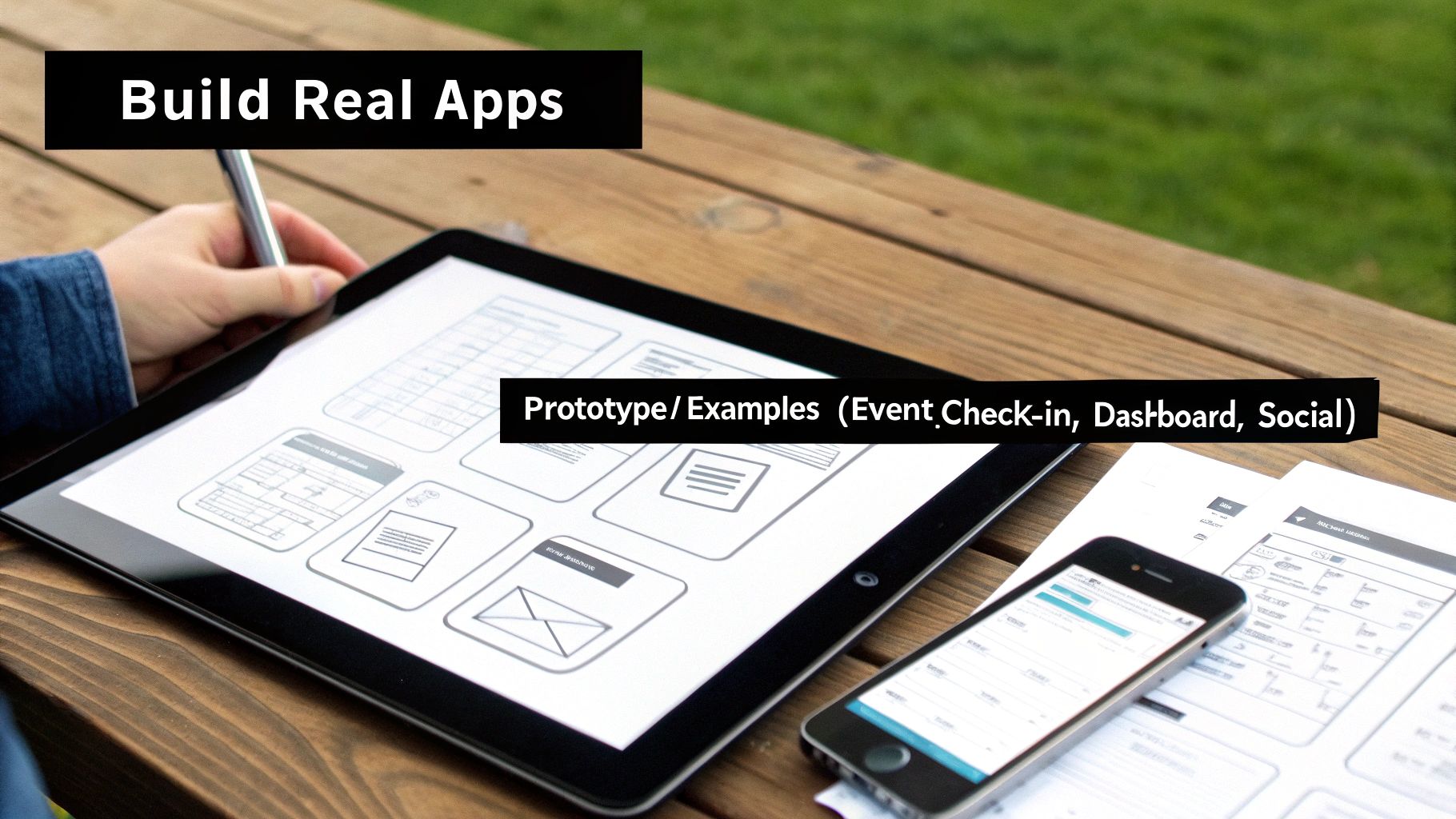
Imagine a founder getting ready to pitch to investors. Instead of walking them through a slide deck, she uses a canvas builder to create a high-fidelity, interactive prototype of her new social media app. Investors aren't just listening; they're clicking through profiles, liking posts, and experiencing the core user flow on a real device. The vision feels immediate and tangible.
This is the perfect scenario for a canvas builder. It delivers a massive impact with minimal engineering effort, turning a static pitch into a compelling, hands-on experience.
For Marketing and Internal Teams
The benefits aren't just for startups. Think about a marketing team organizing a conference. They need a simple app for attendees to check in, browse the schedule, and receive updates. Instead of waiting weeks for the engineering team, they can build it themselves.
- Custom Event Check-in App: A marketing manager designs a simple, branded interface for quick QR code scanning and registration. The whole thing is built in two days without writing a line of code.
- Internal Logistics Dashboard: A warehouse manager needs a mobile dashboard to track inventory and shipments. They build a custom app that shows real-time data exactly how they need to see it, improving efficiency on the floor.
In both cases, the canvas app builder gives non-technical teams the power to solve their own problems. This frees up developers to stay focused on the core product.
For Product and Engineering Teams
For product teams, a canvas builder is a game-changer for validation. Instead of debating which onboarding flow is best, a product manager can build three different versions in an afternoon and start A/B testing with real users right away. This data-driven approach takes the guesswork out of the equation and ensures development resources are spent on what actually works.
For product teams, a canvas builder is a truth machine. It lets you test assumptions with live prototypes, gathering real user feedback in hours instead of weeks, which drastically reduces the risk of building the wrong thing.
Ultimately, a canvas app builder is a versatile tool for any team that needs to create a mobile interface. Whether you're a founder validating an idea, a marketing team running an event, or a product manager testing a new feature, these builders give you the speed and flexibility to turn concepts into working applications faster than ever before.
Getting Started and Best Practices for Your Team
Ready to bring a canvas app builder into your workflow? Getting started is simple, and you’ll be surprised at how quickly it gets everyone on the same page. With a solid plan, you can bridge that gap from a rough idea to a developer-ready product in record time.
The secret is to start with the user, not the tool. Before you drag a single component onto the canvas, spend time on a digital whiteboard mapping out the core user journey. This step is crucial. It forces everyone to agree on the app's essential flow and purpose, making the actual building process far more focused.
Your Quickstart Guide to Building
Let’s walk through the process of getting your first screens live. It boils down to four simple steps designed to get you moving fast. This is how product managers and designers can create something tangible that developers can actually use.
- Map Your Core User Flow: Get on a whiteboard and sketch out the essential path a user takes. What are the must-have screens and actions? Keep it simple.
- Generate Screens with AI: Use simple text prompts to generate your first screens. Try something like, "Create a product detail screen with an image gallery, price, and 'Add to Cart' button."
- Customize on the Canvas: The AI gives you a great starting point. Now, drag, drop, and tweak the components. You have pixel-perfect control to adjust layouts, match brand colors, and get the copy right.
- Export Production-Ready Code: Once you’re happy with the design, export the clean React Native code. This isn't just a picture of your app; it's a high-quality foundation your developers can immediately build on.
Best Practices for Long-Term Success
To really make a canvas app builder work for your team, think beyond just one project. A few team-wide habits will pay off massively in consistency and efficiency.
A canvas builder works best when it becomes the shared source of truth for the product team. It should be the central hub where design, product, and engineering decisions are made visually and collaboratively.
Start by maintaining a shared component library inside the platform. This is a lifesaver for keeping your branding consistent across every screen and every new project.
It also helps to define clear roles. Maybe designers own the final UI polish, while product managers are responsible for validating the user flows. And here's a pro-tip: use the live canvas for user testing sessions. You can gather immediate, actionable feedback and make your canvas a powerful tool for constant improvement.
Frequently Asked Questions
Jumping into a new way of building apps always brings up a few questions. Here are answers to some of the most common ones we hear from founders, product managers, and developers.
Can a Canvas App Builder Create a Production-Ready App?
Yes, but it’s important to understand how. A powerful canvas app builder like RapidNative doesn't spit out a final, locked-down app. Instead, it gives you a production-ready UI foundation.
The React Native code you export is clean, organized, and ready for your developers to take over. They can immediately jump in to connect backend services, build out complex business logic, and integrate native features. Think of it as handling the tedious UI work so your engineering team can focus on the hard problems from day one.
Is This Just for Designers and Product Managers?
Not at all. While it's a fantastic tool for non-technical team members to visualize and test ideas, developers see a huge productivity boost. It completely removes the need to manually code dozens of standard UI screens from scratch, which is where a surprising amount of development time gets sunk.
For developers, a canvas app builder is an accelerator, not a replacement. It automates the repetitive parts of UI creation, freeing them up to solve more complex engineering challenges that create real business value.
Instead of meticulously translating static Figma files into code, they get a working, interactive code foundation. That means less time spent on boilerplate and more time dedicated to performance, security, and the core logic that makes your app unique.
How Does a Canvas Builder Handle Scalability?
Scalability comes down to the quality of the code it produces. Since the output is standard, clean React Native, it naturally follows the best practices for building mobile apps that can handle growth.
Your team can implement any architecture they see fit, from sophisticated state management libraries to complex backend integrations. The canvas builder creates the visual shell, but your developers keep total control over the architecture, ensuring the app can scale with your user base without being boxed in by platform limitations.
Ready to turn your ideas into a real, functional app in minutes? With RapidNative, you can go from a simple text prompt to a fully interactive prototype with production-ready React Native code. Stop waiting and start building today. Experience the future of app creation with RapidNative.
Ready to build your app?
Turn your idea into a production-ready React Native app in minutes.
Free tools to get you started
Free AI PRD Generator
Generate a professional product requirements document in seconds. Describe your product idea and get a complete, structured PRD instantly.
Try it freeFree AI App Name Generator
Generate unique, brandable app name ideas with AI. Get creative name suggestions with taglines, brand colors, and monogram previews.
Try it freeFree AI App Icon Generator
Generate beautiful, professional app icons with AI. Describe your app and get multiple icon variations in different styles, ready for App Store and Google Play.
Try it freeFrequently asked questions
What is RapidNative?
RapidNative is an AI-powered mobile app builder. Describe the app you want in plain English and RapidNative generates real, production-ready React Native screens you can preview, edit, and publish to the App Store or Google Play.
Can I export the code?
Yes. RapidNative generates clean React Native and Expo code that you can export at any time. No lock-in, no proprietary format. Hand it to your developers or keep building inside RapidNative.
Is RapidNative free to use?
Yes. You can build apps on the free plan with no credit card required. Paid plans unlock unlimited AI generations, code export, and direct publishing to the App Store and Google Play.
Do I need to know how to code?
No. Most users build apps by describing what they want in plain English. Developers can drop into the code whenever they want more control, but coding is optional.
How long does it take to build an app?
Most users have a working first screen in under a minute. A full MVP usually takes a few hours instead of the weeks or months traditional development requires.