The 12 Best Membership Website Builder Platforms for Product Teams & Founders
Discover the best membership website builder for your project. We compare 12 top tools for creators, founders, and PMs to help you choose the right one.
By Riya
13th Feb 2026
Last updated: 13th Feb 2026

Building a membership business is more than just restricting content; it’s about creating a sustainable revenue stream and an engaged community. The technology stack, however, can be daunting. Choosing the wrong membership website builder can lead to technical debt, frustrated users, and missed revenue opportunities. This decision is critical whether you're a course creator prototyping an app, a startup founder adding memberships to a Webflow site, or a product manager testing a new subscription model.
This guide cuts through the marketing fluff to provide a practical, side-by-side comparison of the 12 best platforms for product builders. We analyze each option based on real-world use cases, so you can make a decision that scales with your ambition and technical comfort level. For each tool, you'll find a direct link, screenshots, and an honest assessment of its strengths and limitations from a product perspective.
We will also explore when a dedicated, mobile-first app experience might be a smarter play for long-term engagement and retention. As you evaluate these platforms, remember that the initial cost is just one part of the equation; it's also crucial to review the detailed pricing information for any third-party services or integrations you might need to connect. Our goal is to help you select the right foundation for your membership business, saving you time and preventing costly mistakes.
1. Kajabi
Kajabi positions itself as a premium, all-in-one platform designed for serious creators and established businesses aiming to sell digital products. It goes far beyond a simple membership website builder by integrating courses, coaching programs, podcasts, and communities into a single, cohesive ecosystem. This unified approach is its core strength, eliminating the need to stitch together multiple third-party tools for email marketing, landing pages, and payment processing. For a founder or product manager, this means less time spent on technical integration and more time focused on content creation and member engagement.

The platform is particularly well-suited for teams. Features like user roles, API access, and webhooks allow for scalable operations, enabling digital agencies or growing businesses to manage complex membership sites efficiently. For instance, a fitness creator could use Kajabi to sell a membership that bundles on-demand workout videos (courses), weekly group coaching (coaching), and a private community forum, all managed under one roof. Kajabi also offers a branded mobile app, a significant advantage for teams wanting to provide a native mobile experience for their members without custom development.
Key Features & Use Case
- Best For: Creators, coaches, and product teams who need a robust, integrated solution for selling multiple digital products alongside their membership.
- Integrated Suite: Built-in marketing funnels (Pipelines), email campaigns, and a native checkout system streamline the entire customer journey from lead to paying member.
- Product Variety: Easily package and sell courses, communities, coaching sessions, and podcasts under different membership tiers.
- Mobile Access: Offers a branded mobile app option, delivering a premium, on-the-go experience for your community members.
Pricing and Limitations
Kajabi’s pricing reflects its all-in-one nature, starting at a higher base point than many competitors. While it uses Stripe and PayPal for payments, standard transaction fees still apply. For product teams just starting or only needing a simple content paywall to validate an idea, the platform might feel overly complex and expensive. Its power is best realized when leveraging its full suite of marketing and product tools.
Website: https://www.kajabi.com
2. Paid Memberships Pro
Paid Memberships Pro (PMPro) is a powerful, open-source WordPress plugin that transforms a standard site into a full-featured membership website builder. Its core strength lies in its flexibility and developer-friendly nature, offering an unmatched level of control for those who want to build on the WordPress platform. This approach is ideal for agencies, developers, and founders who require deep customization and ownership over their tech stack without being locked into a proprietary, all-in-one system.
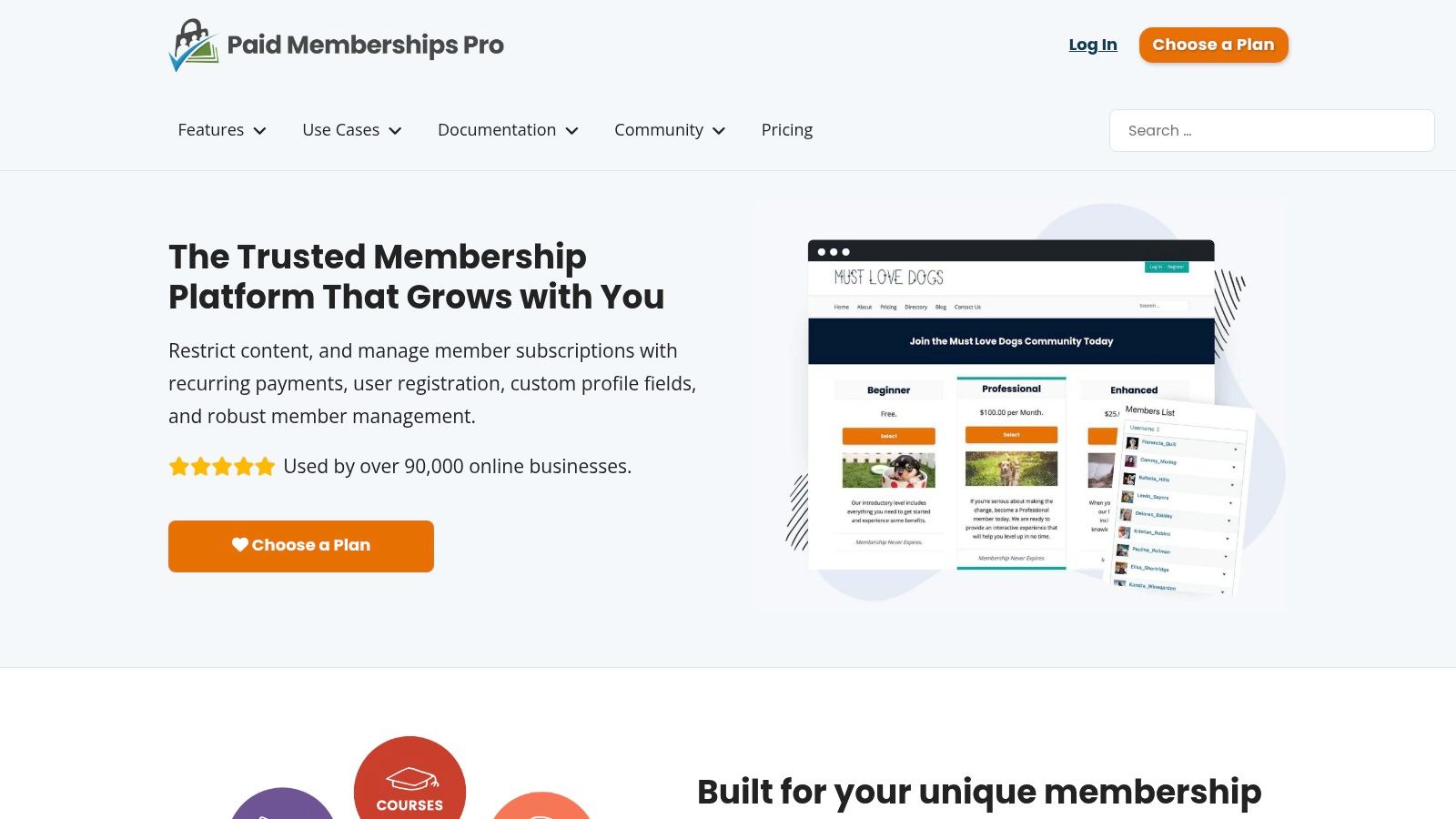
Unlike hosted platforms, PMPro gives you the freedom to choose your own hosting and integrate with any theme or plugin in the WordPress ecosystem. For a product manager, this means you can build a highly specific member experience, leveraging tools you already know, like LearnDash for courses or WooCommerce for physical products. Imagine building a private resource library for a B2B audience; with PMPro, you can create custom member roles and integrate with a CRM to tailor content based on a user's company profile. The platform operates on a freemium model, with a generous free core plugin that allows unlimited members and levels, making it an accessible entry point.
Key Features & Use Case
- Best For: Developers, agencies, and WordPress-savvy founders who need a customizable and scalable membership solution with full data ownership.
- Open-Source Flexibility: The core plugin is free and open-source, allowing for extensive customization and integration without vendor lock-in.
- Extensive Add-Ons: A vast library of free and premium add-ons enables features like content dripping, member directories, group accounts, and custom user fields.
- Payment Gateway Integration: Natively supports popular gateways like Stripe, PayPal, and Authorize.net, along with integrations for WooCommerce.
Pricing and Limitations
The core PMPro plugin is completely free, offering significant value out of the box. However, accessing advanced functionality, priority support, and premium add-ons requires a paid plan. The primary limitation is the self-managed nature of the platform; you are responsible for your own WordPress hosting, security, and maintenance unless you opt for their dedicated PMPro Hosting service. This DIY approach might be a hurdle for non-technical founders looking for a simpler, all-in-one solution.
Website: https://www.paidmembershipspro.com
3. Memberful
Memberful, owned by Patreon, is a streamlined membership software built for independent creators and publishers who prioritize simplicity and reliability. It focuses on doing one thing exceptionally well: managing paid subscriptions and gating content. Instead of offering an all-in-one suite, it provides the essential infrastructure for payments, subscriber management, and content protection, allowing you to integrate it with your existing website or use it as a standalone solution. For a founder or solo creator testing a new paid newsletter, this means a significantly faster and less complex setup process compared to more integrated platforms.
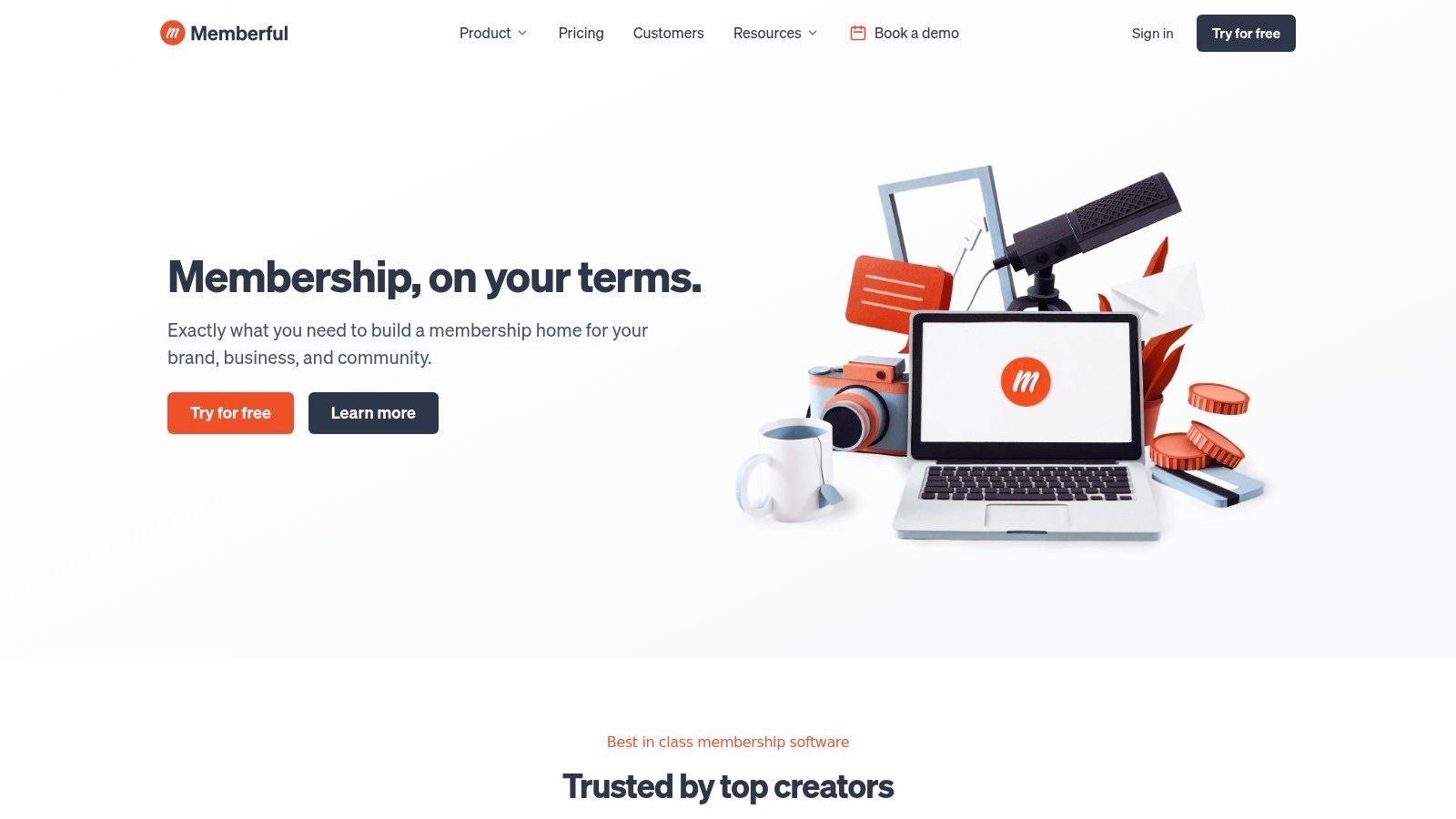
The platform is designed to be lean and effective. It handles the hosted paywalls, checkout processes, and member account management, freeing you from technical overhead. Its direct integration with Stripe ensures a secure and trusted payment experience for your audience. A real-world example is a popular podcast using Memberful to offer a premium, ad-free feed. They simply create a plan in Memberful, and it generates a private RSS feed for each subscriber, which can be added to any podcast app. This approach makes it a powerful membership website builder for those who already have a content platform they love and simply need a robust paywall to monetize it.
Key Features & Use Case
- Best For: Publishers, podcasters, and creators with an existing website who need a fast, reliable way to add paid subscriptions without migrating platforms.
- Flexible Integration: Works seamlessly with popular platforms like WordPress and Ghost, but can also operate independently with hosted landing pages.
- Core Membership Tools: Provides essential features like coupons, group plans (corporate memberships), and free registration workflows to grow your audience.
- Creator-Focused Communication: Includes built-in tools for sending members-only newsletters and paid podcast feeds directly through the platform.
Pricing and Limitations
Memberful’s pricing starts with a plan that has no monthly fee but includes a 10% transaction fee, making it accessible for those just starting. Paid plans reduce this fee significantly. The primary limitation is its focused nature; it lacks the built-in marketing automation, course builders, and advanced community features found in all-in-one systems. It’s a dedicated membership tool, not a complete business platform, so you will need to integrate it with other services for email marketing or community forums.
Website: https://memberful.com
4. Memberstack
Memberstack is designed for developers and product teams who want to add secure user accounts and paid memberships to an existing website, particularly those built with Webflow or custom JavaScript front-ends. Rather than being an all-in-one platform, it acts as a powerful layer that bolts onto your site, handling authentication, content gating, and Stripe subscriptions without forcing you to migrate your entire project. This approach gives founders and agencies the freedom to use their preferred design tools and hosting while still getting robust membership functionality.
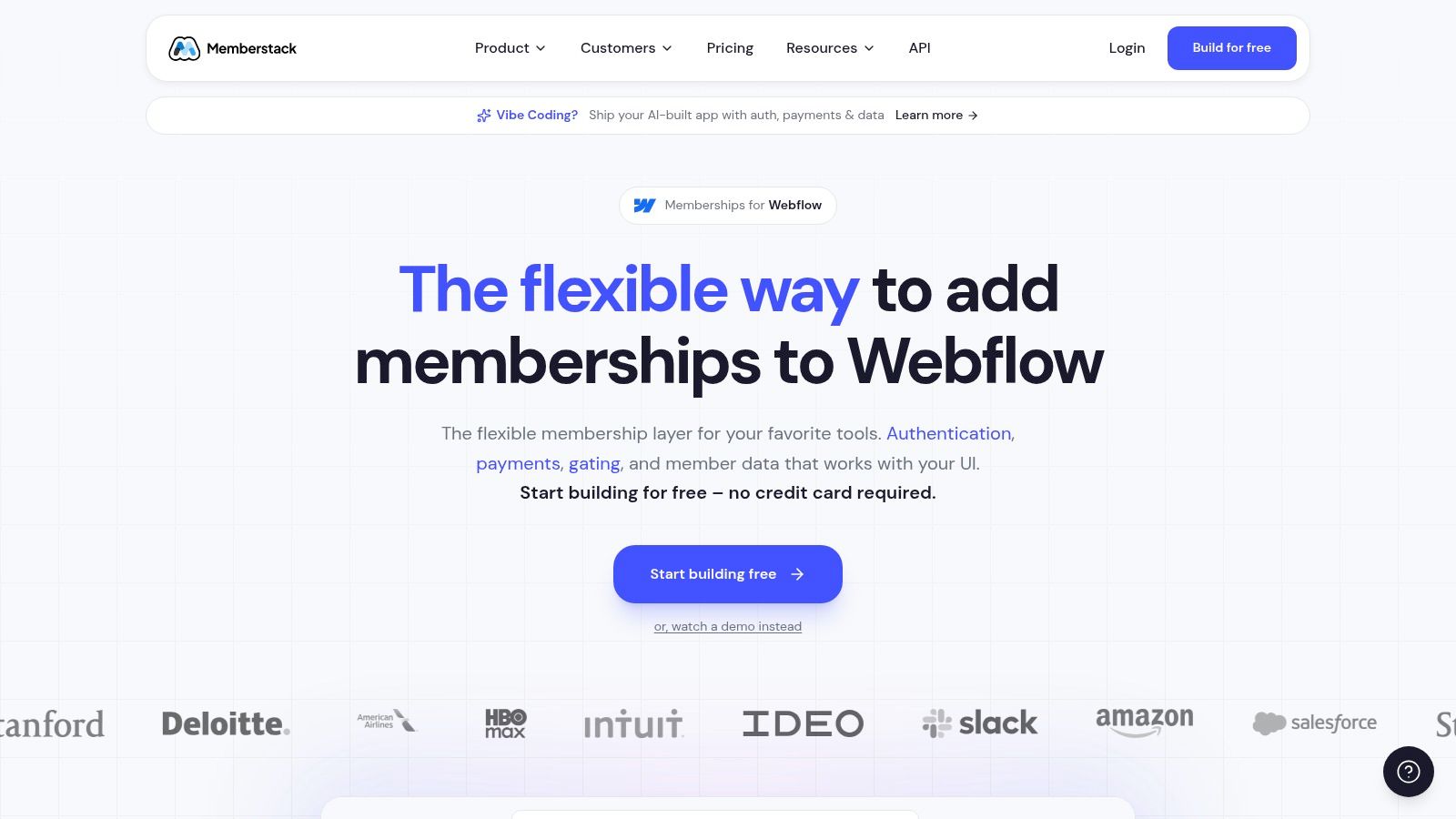
The platform is a go-to solution now that Webflow has sunset its native Memberships feature, filling a critical gap for that community. For a product team, Memberstack provides the flexibility to build a completely custom front-end experience while offloading the complex backend logic of user management and payments. For example, a design agency could use Memberstack to create a client-only portal on their Webflow site where each client can log in to see project updates, invoices, and exclusive resources based on their specific service package. Its API access and deep integration capabilities allow for a seamless user journey, making it feel native to your site rather than a tacked-on tool.
Key Features & Use Case
- Best For: Webflow designers, developers, and agencies needing to add powerful membership logic to custom-built websites without changing their existing tech stack.
- Flexible Integration: Adds authentication, gated content, and Stripe subscriptions to nearly any website using simple data attributes or its developer API.
- Modern Authentication: Includes social logins (Google, Facebook), passwordless options, and fully customizable, branded emails for a professional user experience.
- Webflow-Friendly: Provides extensive documentation and support specifically for Webflow, making it the ideal membership website builder for that ecosystem.
Pricing and Limitations
Memberstack’s pricing starts with a free plan for development and scales with paid tiers that include transaction fees, which decrease as you upgrade. The core limitation is that it is not a standalone site builder; you must bring your own website built on another platform like Webflow, Carrd, or a custom stack. This makes it unsuitable for non-technical users looking for a single tool to build and manage their entire membership business from scratch.
Website: https://www.memberstack.com
5. MemberSpace
MemberSpace takes a unique approach by acting as a flexible membership overlay rather than a standalone builder. It's designed for creators and businesses who already have a website on platforms like Squarespace, Webflow, Notion, or Wix and want to add membership functionality without a complete rebuild. This makes it an incredibly fast and efficient solution for testing a membership model. By adding a simple code snippet, you can instantly protect pages and offer members-only content, turning your existing site into a revenue-generating platform.
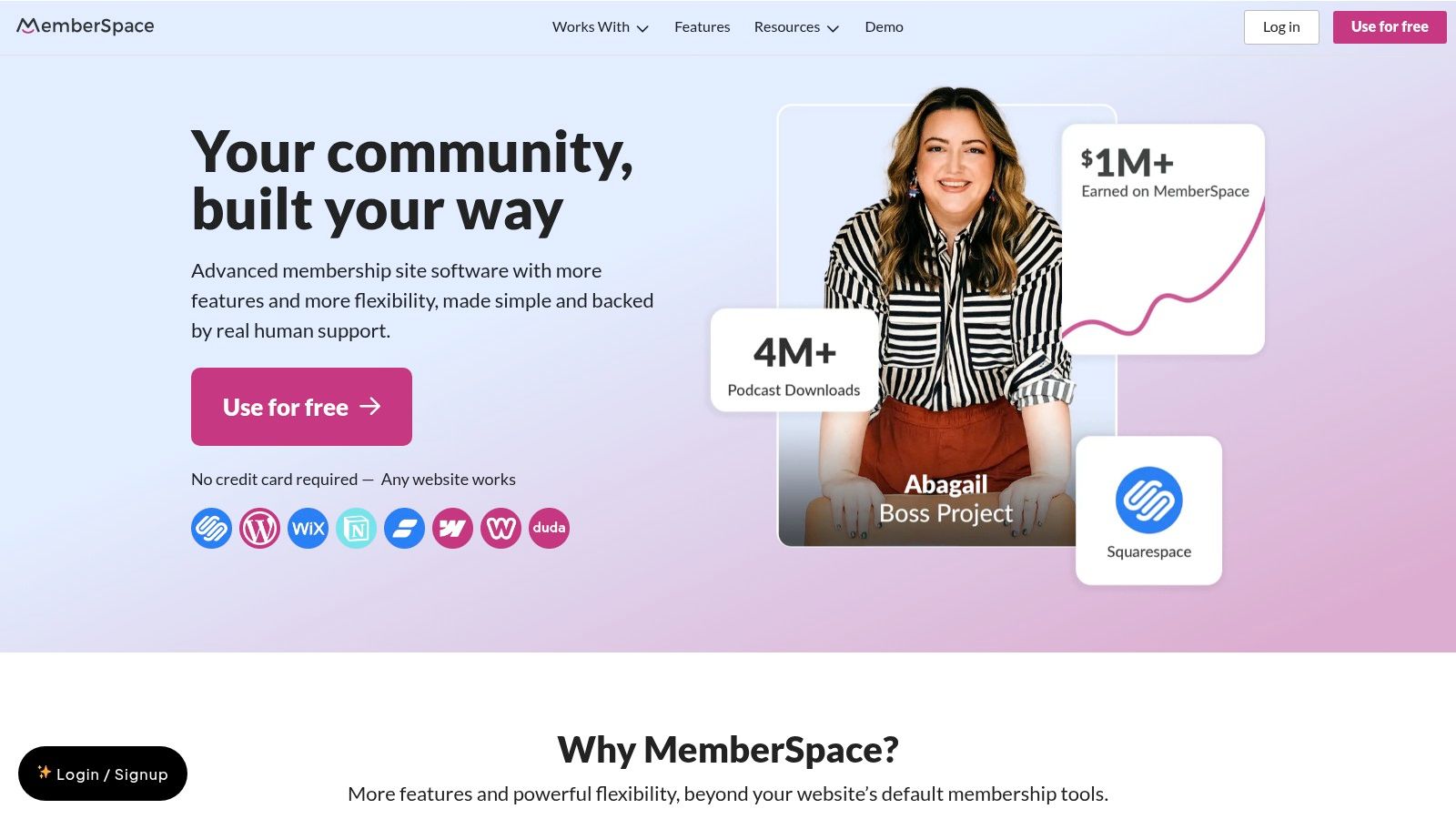
The platform is ideal for a founder or product manager looking to quickly validate a membership concept with an existing audience. For instance, a consultant with a popular blog on Squarespace could use MemberSpace to lock their top 10 most valuable articles behind a $10/month paywall. Instead of migrating to a new system, you can leverage the design and content you've already created. MemberSpace handles the member sign-up, login, and payment processing, allowing you to focus on your content strategy. The setup is straightforward, with clear documentation that makes implementation accessible even for non-technical users.
Key Features & Use Case
- Best For: Entrepreneurs and product teams with an existing website on a popular CMS who need a fast, non-disruptive way to add paid memberships.
- CMS-Agnostic: Works with nearly any website builder, including Squarespace, Wix, Webflow, and even Notion, providing immense flexibility.
- Simple Implementation: Paywall any page on your site by adding its URL within MemberSpace; no complex development is needed.
- Revenue-Focused Tools: Supports recurring, one-time, and multi-payment plans, along with features like abandoned signup reminders to maximize conversions.
Pricing and Limitations
MemberSpace plans are based on the number of active members you have, which is a scalable model. However, a key consideration is that the platform charges its own transaction fee on top of standard Stripe processing fees, which can impact your profit margins. While it excels at straightforward content protection, executing more complex community features or automated funnels may require integrating third-party tools, as it is not an all-in-one system.
Website: https://www.memberspace.com
6. Outseta
Outseta takes a fundamentally different approach, positioning itself as a unified business stack rather than just a membership website builder. It combines authentication, recurring billing, a built-in CRM, email automation, and a help desk into a single subscription. This makes it an incredibly efficient solution for early-stage SaaS companies, paid communities, and content businesses. For a founder, Outseta replaces a handful of essential but disparate tools like Intercom, Mailchimp, and separate billing software, drastically simplifying the tech stack and reducing costs.
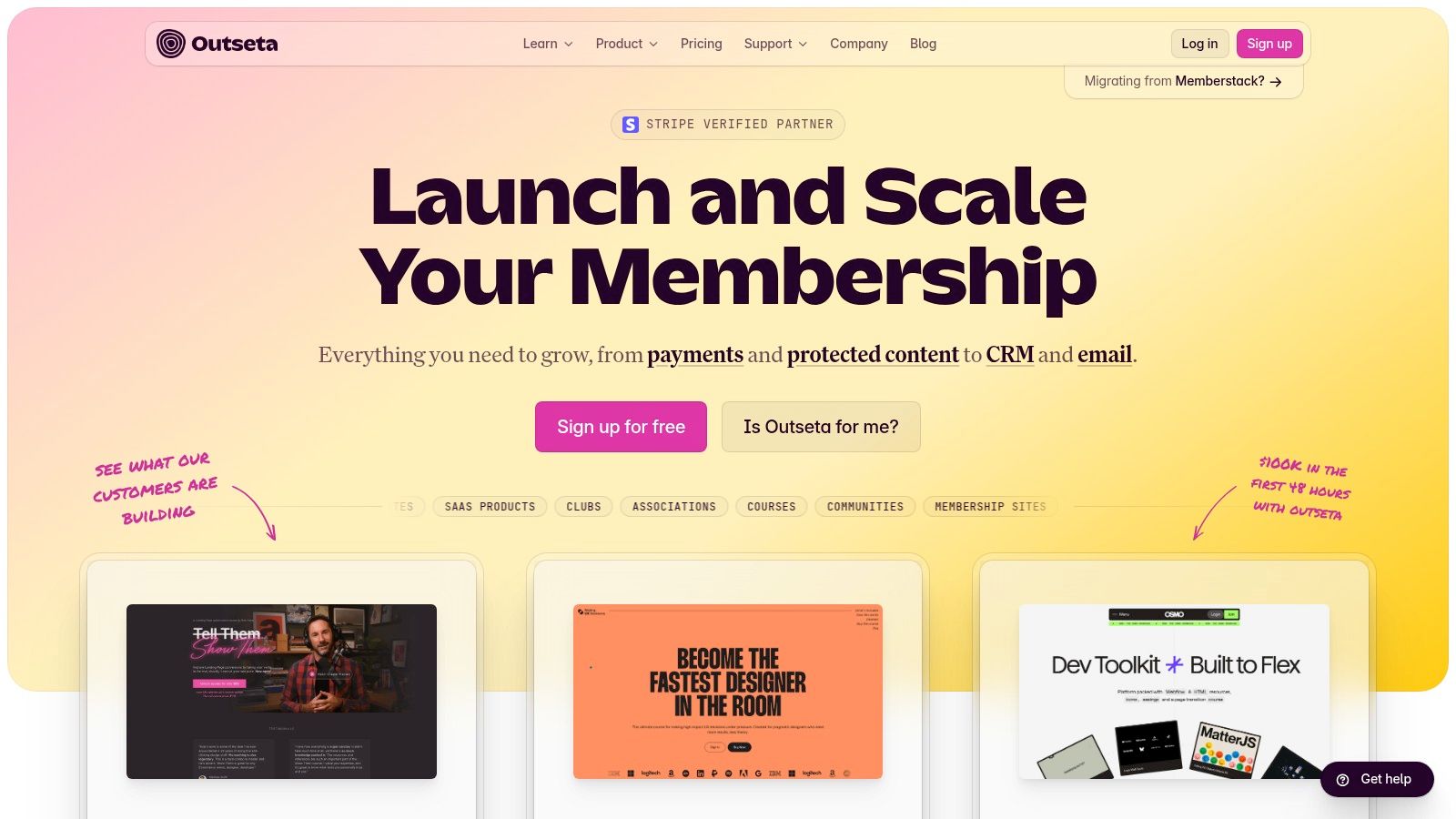
The platform is designed to integrate with any website builder via simple scripts, providing protected content, sign-up forms, and a customer login portal without locking you into a specific ecosystem. For example, a startup launching a paid Webflow template marketplace could use Outseta to handle user sign-ups, recurring license fees, and customer support tickets, all from one backend. This flexibility allows product managers and founders to maintain their preferred front-end technology while centralizing all member and subscription management.
Key Features & Use Case
- Best For: SaaS startups, paid newsletters, and community founders who need an integrated suite of business tools alongside membership management from day one.
- Unified Stack: Replaces multiple subscriptions by bundling CRM, email marketing, billing, and help desk tools, saving significant monthly expenses.
- Authentication & Gating: Provides robust member authentication and content protection that can be added to almost any existing website.
- Founder-Friendly Scalability: Pricing is based on contacts, not features, making it affordable to start and scalable as the business grows, with low transaction fees.
Pricing and Limitations
Outseta's pricing is structured to be founder-friendly, starting with a flat monthly fee plus a low 1% platform fee on transactions. While this consolidation is a major advantage, it also presents a steeper learning curve compared to single-purpose membership plugins. The user interface for each tool (CRM, email, help desk) is functional but may not have the depth or polish of a best-of-breed, standalone solution. It's a trade-off between the power of an all-in-one system and the specialized features of individual products.
Website: https://www.outseta.com
7. Ghost (Ghost Pro)
Ghost is a powerful, creator-centric CMS designed for modern publishing. It excels at combining a super-fast blog, a native email newsletter, and paid memberships into one seamless package. For founders and product managers focused on media-style products—like a paid newsletter or a private publication—Ghost offers a refreshing alternative to bloated, all-in-one platforms. Its core strength lies in its simplicity and performance, allowing you to focus on creating high-quality content without wrestling with complex marketing automation tools.
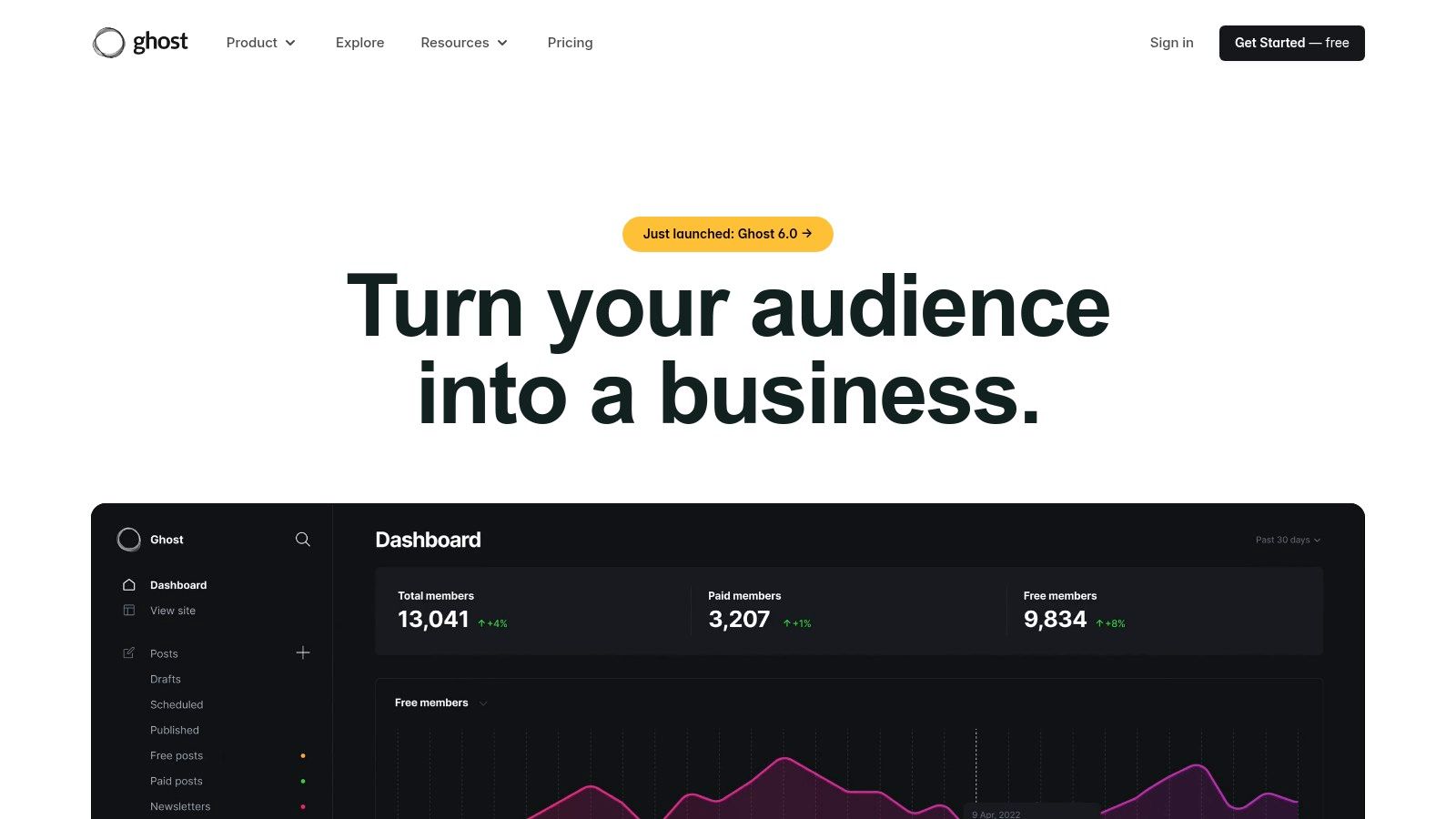
The platform is built on a modern tech stack, which makes it incredibly fast for end-users, a key factor for member retention and SEO. A PM building a subscription-based industry report could use Ghost to publish articles, send them directly to free and paid subscriber lists, and manage payments, all within a single, elegant workflow. Unlike many builders, Ghost is open-source, giving development teams the freedom to customize extensively. This makes it a great choice when deciding between the flexibility of no-code platforms and the power of a custom development approach.
Key Features & Use Case
- Best For: Independent writers, publishers, and media creators who want a fast, focused membership website builder for their content business.
- Native Subscriptions: Built-in tools for managing paid members, creating subscription tiers, and processing payments directly through Stripe.
- Integrated Newsletter: Publish posts directly to the web and to your members' inboxes simultaneously, with detailed email analytics.
- Headless CMS: Offers robust API access for developers to use Ghost as a headless backend for custom websites or mobile apps.
Pricing and Limitations
Ghost’s pricing is straightforward and based on the size of your audience. A major advantage is that Ghost takes a 0% transaction fee on your membership revenue, though standard Stripe fees still apply. However, its focus on publishing means it lacks the visual page-builder flexibility of competitors like Webflow or Squarespace. For teams needing complex sales funnels, advanced automations, or integrated course-building tools, Ghost will require connecting third-party services.
Website: https://ghost.org
8. Kajabi
Kajabi positions itself as a premium, all-in-one platform designed for serious creators and established businesses aiming to sell digital products. It goes far beyond a simple membership website builder by integrating courses, coaching programs, podcasts, and communities into a single, cohesive ecosystem. This unified approach is its core strength, eliminating the need to stitch together multiple third-party tools for email marketing, landing pages, and payment processing. For a founder or product manager, this means less time spent on technical integration and more time focused on content creation and member engagement.
The platform is particularly well-suited for teams. Features like user roles, API access, and webhooks allow for scalable operations, enabling digital agencies or growing businesses to manage complex membership sites efficiently. While some prefer the flexibility of separate tools, it is useful to know if does Memberful work with Squarespace, for instance. Kajabi also offers a branded mobile app, a significant advantage for creators wanting to provide a native mobile experience for their members without custom development.
Key Features & Use Case
- Best For: Creators, coaches, and established businesses who need a robust, integrated solution for selling multiple digital products alongside their membership.
- Integrated Suite: Built-in marketing funnels (Pipelines), email campaigns, and a native checkout system streamline the entire customer journey from lead to paying member.
- Product Variety: Easily package and sell courses, communities, coaching sessions, and podcasts under different membership tiers.
- Mobile Access: Offers a branded mobile app option, delivering a premium, on-the-go experience for your community members.
Pricing and Limitations
Kajabi’s pricing reflects its all-in-one nature, starting at a higher base point than many competitors. While it uses Stripe and PayPal for payments, it’s important to note standard transaction fees still apply. For those just starting or only needing a simple content paywall, the platform might feel overly complex and expensive. Its power is best realized when leveraging its full suite of marketing and product tools.
Website: https://www.kajabi.com
9. Podia
Podia positions itself as a creator-friendly, all-in-one platform that simplifies selling memberships, courses, and digital products. It is designed for founders and small teams who want a straightforward, affordable solution without the steep learning curve of more complex systems. Its primary strength lies in its simplicity and speed, allowing a product manager to quickly prototype and launch a functional membership offering with minimal technical overhead. This focus on ease of use makes it a compelling choice for those prioritizing content creation and validation over platform management.
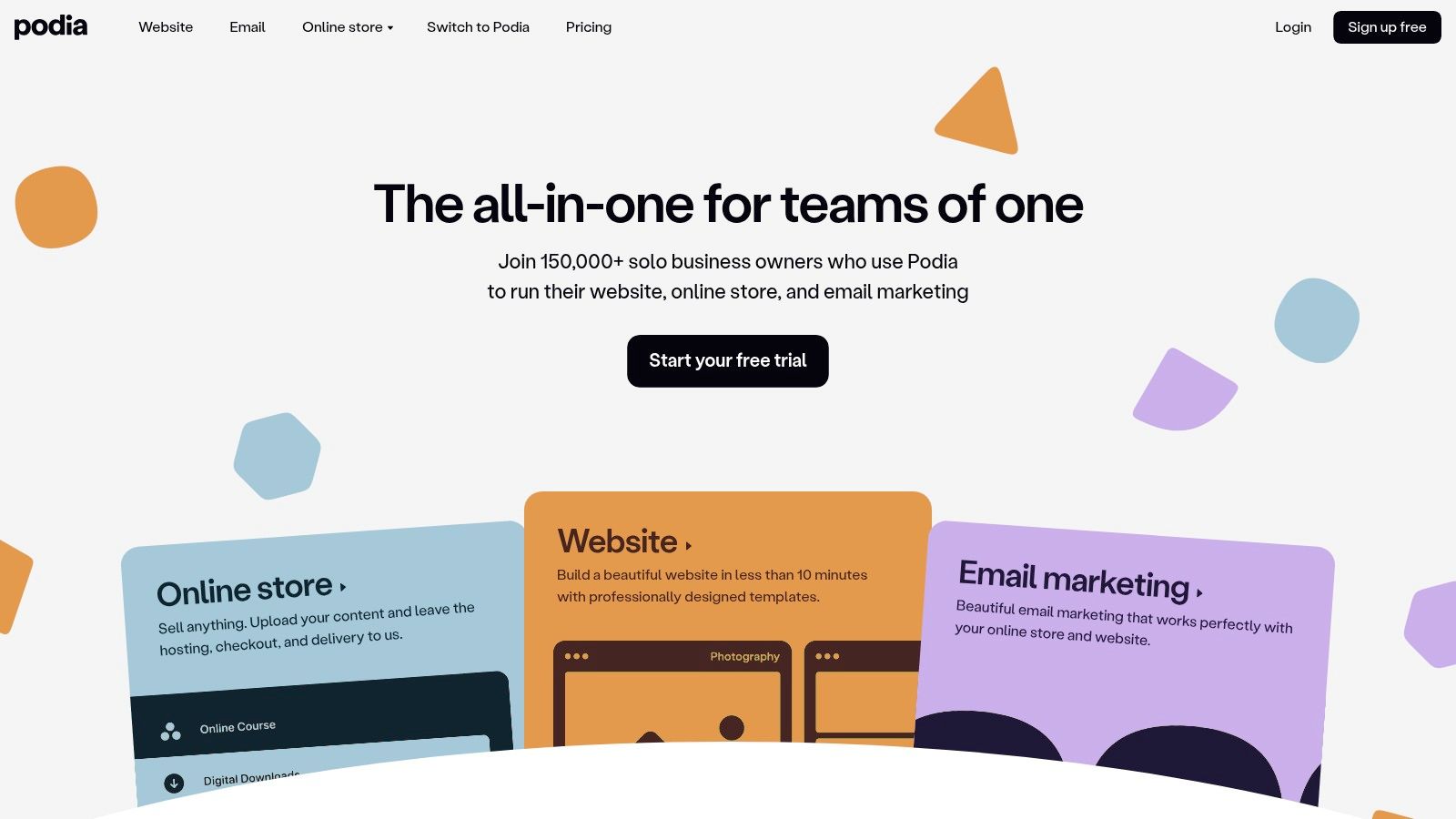
The platform consolidates key creator tools, including a built-in community space, email marketing, and product hosting, into a single dashboard. For a solopreneur testing a new business idea, this means avoiding the need to integrate separate tools for community engagement or email campaigns. For example, a UX designer could use Podia to launch a membership that includes a monthly design resource download, access to a private community forum, and a short video course on a specific skill, all set up in a single afternoon.
Key Features & Use Case
- Best For: Solopreneurs, coaches, and first-time creators who need an affordable and easy-to-use platform to sell memberships, digital downloads, and courses.
- Unified Product Suite: Seamlessly offer memberships, courses, webinars, and digital downloads from a single platform.
- Integrated Community: Includes a native community feature, allowing you to build an engaged member space without relying on third-party software like Circle or Discord.
- Creator-Focused Tools: Comes with built-in email marketing, affiliate programs, and options for coupons and payment plans to support your business growth.
Pricing and Limitations
Podia offers a free plan with transaction fees, making it accessible for new creators to get started. Paid plans remove these fees and unlock more advanced features. Its main limitation is in its design and customization capabilities, which are more restricted compared to platforms like WordPress or Webflow. For businesses requiring deep branding control, complex sales funnels, or extensive third-party integrations, Podia might feel too constrained. Its strength is in its streamlined, out-of-the-box functionality.
Website: https://www.podia.com
10. Squarespace Member Areas
For entrepreneurs and businesses already using Squarespace for their main website, the Member Areas feature offers the most seamless path to creating paid, gated content. Instead of integrating a third-party tool, Squarespace provides a native solution to add exclusive pages, blog posts, or video collections directly within your existing site. This eliminates technical hurdles and ensures your member-only sections maintain perfect design consistency with the rest of your brand.

This approach is ideal for founders or creators who want to add a simple premium layer to their offering without migrating to a new platform. A chef with a food blog on Squarespace could use Member Areas to create a premium recipe club, offering exclusive video tutorials and downloadable recipe cards to paying subscribers. It’s a powerful membership website builder for those who prioritize design, simplicity, and an integrated user experience over advanced automation or community features.
Key Features & Use Case
- Best For: Existing Squarespace users like bloggers, artists, and consultants who want to easily monetize content or create a simple paid community.
- Native Integration: Works flawlessly with Squarespace’s design editor, email campaigns, and analytics, providing a unified management experience.
- Flexible Content Gating: Protect any type of page, including standard pages, galleries, videos, and blog posts, to create exclusive member zones.
- Simplified Billing: Manage all recurring payments and member subscriptions from a single dashboard without needing external payment gateways.
Pricing and Limitations
Squarespace Member Areas is available as an add-on to any existing website plan, with pricing based on the number of member areas and transaction fees. A transaction fee (ranging from 1% to 7% depending on your core plan) applies to all member payments on top of standard payment processor fees. While its strength is simplicity, it lacks the advanced automations, community features, and course-building tools found in more specialized platforms.
Website: https://www.squarespace.com
11. Wix Members Area + Pricing Plans
For businesses and creators already embedded in the Wix ecosystem, leveraging the native Members Area and Pricing Plans apps is a natural and efficient choice. This combination turns a standard Wix website into a functional membership platform without the need for complex third-party integrations. It allows founders to restrict access to specific pages, selling recurring or one-time access directly through their existing site. This approach is ideal for small businesses, consultants, or service providers who want a unified solution for their website, bookings, and member content.
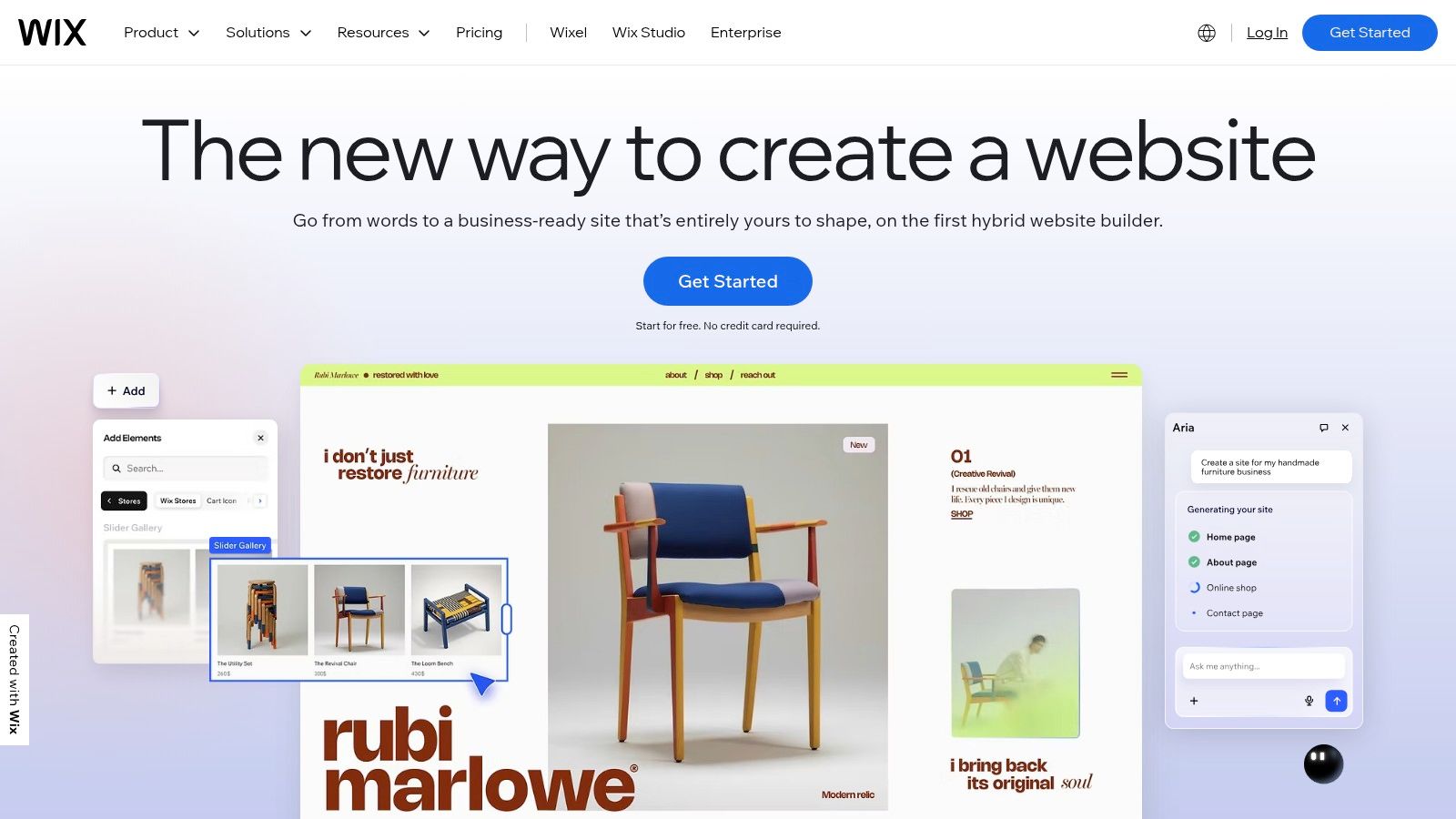
The primary advantage is its seamless integration with other Wix tools, like Wix Bookings and Wix Stores. A fitness instructor, for example, can create members-only pages with exclusive video content and offer plan-based discounts on class bookings, all managed from a single dashboard. For product teams looking to validate a mobile strategy, this web-based membership can be a great first step before investing in a custom app, which is where a no-code mobile app builder could eventually play a role.
Key Features & Use Case
- Best For: Existing Wix users, service-based businesses (like gyms or studios), and entrepreneurs needing an all-in-one website and simple membership solution.
- Wix Ecosystem Integration: Natively connects with Wix Bookings, Stores, and Events to create comprehensive membership packages.
- Flexible Plan Creation: Supports recurring subscriptions, one-time payments, and free membership tiers, complete with trial periods and coupon codes.
- Content Restriction: Easily gate specific pages on your website, making them accessible only to members with a valid plan.
Pricing and Limitations
While the Members Area app itself is free, accepting payments requires a Wix Business or eCommerce premium plan. This makes it a cost-effective choice if you already have a paid Wix plan but adds an essential cost for those on a free or basic plan. The functionality is robust for simple use cases but lacks the advanced community features, course-building tools, or in-depth analytics found in specialized membership website builder platforms.
Website: https://www.wix.com
12. Mighty Networks
Mighty Networks takes a community-first approach to membership, positioning member interaction as the core value proposition. Unlike platforms that treat community as an add-on, it builds the entire experience around spaces, live events, group chats, and activity feeds. This makes it a powerful membership website builder for creators, brands, and organizations where the primary benefit for members is connecting with each other and the host.
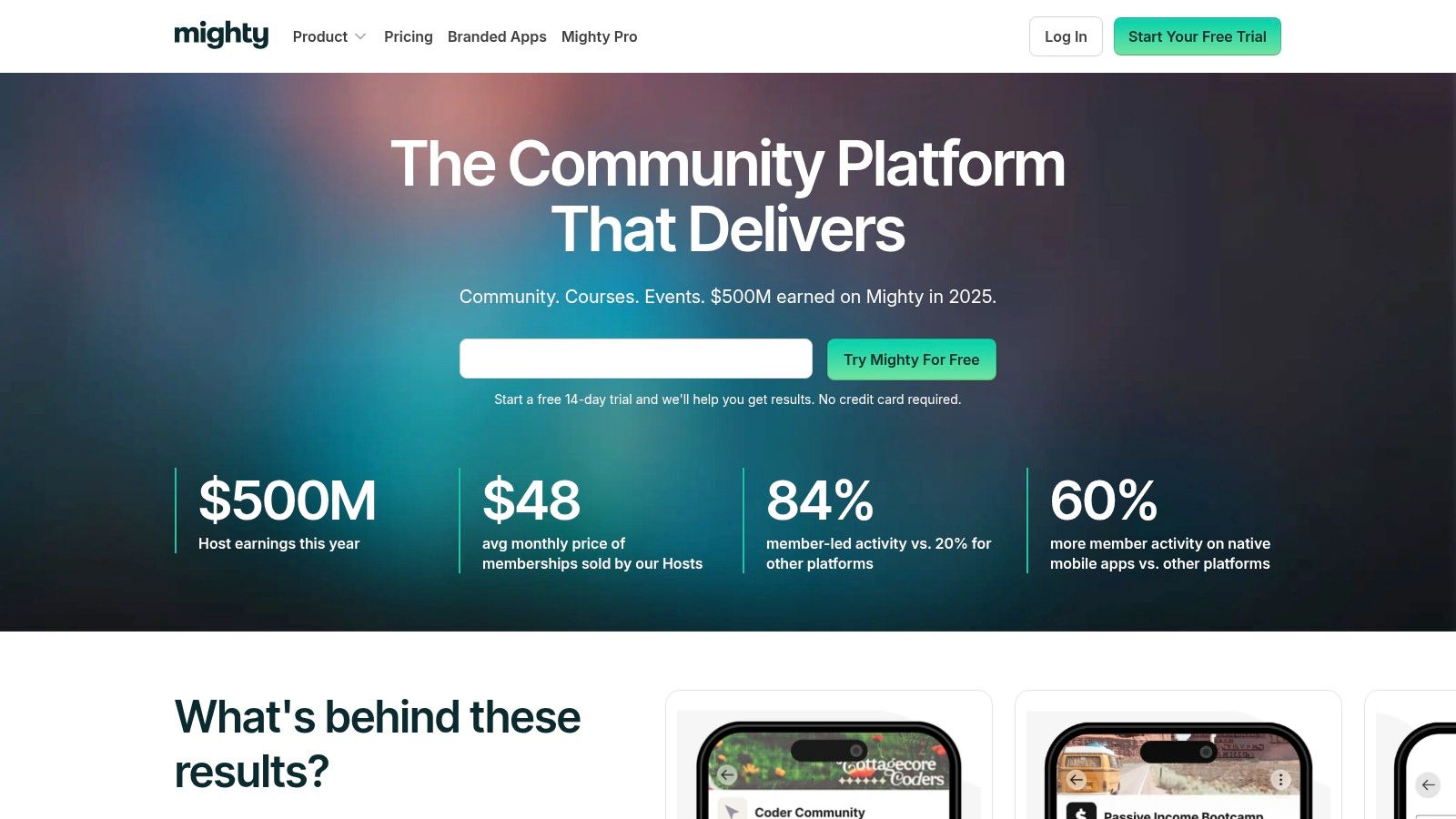
For a product manager or founder, Mighty Networks provides a clear path from a simple paid community to a fully branded native mobile app (via its Mighty Pro service). Imagine a professional association using it to host topic-specific discussion groups ("Spaces"), run virtual networking events, and offer certification courses, all within a single app. This focus on engagement makes it ideal for building a loyal, self-sustaining audience and is a strong choice for those who envision a mobile-centric future for their product.
Key Features & Use Case
- Best For: Community-led businesses, coaches, and brands whose membership value is driven by member-to-member interaction and live events.
- Unified Experience: Combines community feeds, chat, courses, live streaming, and events into one platform, available on web and native mobile apps.
- Flexible Spaces: Create public, private, or secret "Spaces" within your network, each with its own features, to segment members or topics.
- Scalable Path: Offers a clear upgrade to Mighty Pro for a fully white-labeled mobile app, providing a growth trajectory for established communities.
Pricing and Limitations
Mighty Networks' pricing is tiered, with transaction fees on member payments for its lower-level plans. A key limitation is its design as a destination platform, not a general-purpose website builder. You will likely need a separate marketing website to drive traffic and sign-ups. The platform's strength in community can also mean its course features, while functional, are less robust than dedicated Learning Management Systems (LMS).
Website: https://www.mightynetworks.com
Top 12 Membership Website Builders Comparison
| Platform | Target audience | Core features | Setup & UX | Price / fees & USP |
|---|---|---|---|---|
| MemberPress | WordPress site owners, course creators | Paywalls, courses/LMS, content dripping, Stripe/PayPal/Square | Requires WP hosting & plugin management; moderate learning curve | Self‑hosted ownership; no MemberPress transaction fee on higher tiers |
| Paid Memberships Pro | Developers, agencies, budget‑conscious sites | Unlimited levels, Stripe/PayPal/WooCommerce, many add‑ons | Self‑hosted; robust free core but add‑ons often needed | Open‑source core; free tier + paid add‑ons |
| Memberful | Creators & publishers wanting hosted solution | Hosted checkout, subscriber mgmt, landing pages, group plans | Fast setup; works with or without existing site | Hosted SaaS (Patreon-owned); platform fees/minimum plan possible |
| Memberstack | Webflow/custom frontends, no‑code teams | Auth, gated content, Stripe subs, social login, API | Quick to bolt onto frontends; low‑code friendly | No‑code for Webflow; transaction fees at lower tiers |
| MemberSpace | Site owners on Squarespace/Wix/Webflow/Notion | Recurring/one‑time plans, trials, Google/Apple Pay, reminders | Add a snippet — fast, CMS‑agnostic implementation | Easy overlay; platform transaction fee + Stripe fees |
| Outseta | SaaS, communities, content businesses | Auth, billing/dunning, CRM, email automation, help desk | More to learn but replaces multiple tools | All‑in‑one stack; low platform fees, scalable contacts |
| Ghost (Ghost Pro) | Writers, publishers, newsletters | Native subscriptions, member mgmt, newsletters, analytics | Simple editor and fast performance; hosted option | Creator‑centric; straightforward pricing, no extra Ghost payment fees |
| Kajabi | Coaches, course creators, businesses needing marketing | Courses, communities, funnels, automations, affiliates | Highly integrated; minimal integrations needed | Premium pricing; built‑in marketing & branded app options |
| Podia | Creators wanting simple, low‑cost launch | Memberships, courses, downloads, email tools, coupons | Very intuitive; fast to launch for non‑developers | Lower‑cost all‑in‑one; entry plan includes transaction fees |
| Squarespace Member Areas | Squarespace site owners | Multiple member areas/levels, billing, video hosting | Seamless with Squarespace editor; minimal setup | Native to Squarespace; plan + transaction fees may apply |
| Wix Members Area + Pricing Plans | SMBs on Wix needing bookings + memberships | Member pages, recurring/one‑time plans, coupons, scheduling | Cohesive with Wix ecosystem; quick setup | Requires paid Wix plan to accept payments; app ecosystem trade‑offs |
| Mighty Networks | Community‑first brands, event/course hosts | Paid tiers, courses, events, native mobile apps, automations | Strong community UX; built for engagement | Community‑centric UX; transaction fees on lower tiers, scales to branded apps |
Your Next Move: From Decision to Action
We've navigated the complex landscape of the best membership website builder tools, from robust WordPress plugins like Paid Memberships Pro to all-in-one platforms like Kajabi and community-centric powerhouses like Mighty Networks. The journey through features, pricing, and use cases reveals a crucial truth: the “best” platform isn't a one-size-fits-all solution. It's the one that aligns perfectly with your specific business model, technical comfort level, and product roadmap.
Choosing the right membership website builder is less about finding the tool with the longest feature list and more about identifying the one that removes the most friction between your idea and your first paying member. Analysis paralysis is a common roadblock for product teams. To break through it, anchor your decision in the core value you provide to your users.
Distilling Your Choice: Content, Community, or Code?
Let’s simplify the decision-making process by revisiting the fundamental models. Your ideal platform likely falls into one of these primary categories:
- For the Content-Centric Product: If your primary offering is premium content like courses, tutorials, or exclusive articles, your focus should be on content protection, dripped delivery, and a seamless user experience. Tools like Podia, Kajabi, and WordPress-based solutions (Paid Memberships Pro) excel here. They provide a direct path to monetizing your expertise with minimal technical overhead.
- For the Community-First Product: If the heart of your membership is the connection between members, your priority is engagement. Look for features like forums, direct messaging, live events, and member profiles. Mighty Networks is the undisputed leader in this space, offering a dedicated environment—and a clear path to a native mobile app—designed to foster interaction.
- For the Modern Web Builder & SaaS Founder: If you're building on a modern, no-code stack like Webflow or need to gate access to a web application, your needs are different. You require flexibility and a developer-friendly API. Memberstack, MemberSpace, and the all-in-one Outseta are built for this world, acting as a powerful authentication and payments layer on top of your existing site or product.
The 12-Month Rule: Planning for Action, Not Perfection
Avoid the trap of choosing a platform based on what your product might need in five years. Instead, focus on what will get you launched and profitable in the next 12 months. What is your Minimum Viable Product (MVP)? Can you launch with a simple content library and add a community later? Or is the community the essential first step?
Pick the membership website builder that best serves your immediate goals. Most platforms have grown more accommodating of migrations, so you won't be locked in forever. The most critical step you can take right now is to get your product in front of your audience and start gathering feedback. That feedback will be far more valuable in shaping your future direction than any feature comparison chart. Your members will tell you what they need next.
The perfect platform is ultimately the one that empowers you to launch quickly, build a meaningful relationship with your audience, and start delivering value today. You have the map, you understand the terrain, and you know your destination. Now is the time to take that first, decisive step.
Is your membership community thriving and ready for the next level of engagement? If you're considering a dedicated mobile app to provide a premium, native experience, RapidNative can help. We provide exportable React Native UI kits that give your development team a massive head start, turning your successful membership website into a world-class mobile app faster than ever. Check out our component library at RapidNative to see how you can launch your app in weeks, not months.
Ready to build your app?
Turn your idea into a production-ready React Native app in minutes.
Free tools to get you started
Free AI PRD Generator
Generate a professional product requirements document in seconds. Describe your product idea and get a complete, structured PRD instantly.
Try it freeFree AI App Name Generator
Generate unique, brandable app name ideas with AI. Get creative name suggestions with taglines, brand colors, and monogram previews.
Try it freeFree AI App Icon Generator
Generate beautiful, professional app icons with AI. Describe your app and get multiple icon variations in different styles, ready for App Store and Google Play.
Try it freeFrequently asked questions
What is RapidNative?
RapidNative is an AI-powered mobile app builder. Describe the app you want in plain English and RapidNative generates real, production-ready React Native screens you can preview, edit, and publish to the App Store or Google Play.
Can I export the code?
Yes. RapidNative generates clean React Native and Expo code that you can export at any time. No lock-in, no proprietary format. Hand it to your developers or keep building inside RapidNative.
Is RapidNative free to use?
Yes. You can build apps on the free plan with no credit card required. Paid plans unlock unlimited AI generations, code export, and direct publishing to the App Store and Google Play.
Do I need to know how to code?
No. Most users build apps by describing what they want in plain English. Developers can drop into the code whenever they want more control, but coding is optional.
How long does it take to build an app?
Most users have a working first screen in under a minute. A full MVP usually takes a few hours instead of the weeks or months traditional development requires.