The 12 Best AI App Builders of 2024 for Product Teams
Discover the top 12 AI app builders to turn your ideas into functional apps faster. Compare tools for founders, PMs, designers, and developers in 2026.
By Suraj Ahmed
23rd Jan 2026
Last updated: 23rd Jan 2026
Building a mobile app used to mean long development cycles, complex handoffs between design and engineering, and a high cost just to validate an idea. A new wave of AI app builders is fundamentally changing how product teams create, test, and ship. These tools use artificial intelligence to turn simple text prompts, sketches, or even product requirement documents into functional, often code-complete applications in minutes, not months.
For product teams, this isn't just about speed; it's about agility. Imagine a founder sketching an idea on a whiteboard and seeing a working prototype on their phone an hour later. Or a product manager uploading a PRD and getting a functional app to test user flows the same day. These tools collapse the distance between idea and reality, making product validation faster and cheaper. To truly understand the paradigm shift brought about by these tools, delve deeper into the concept of AI-powered software development and how it accelerates the creation of AI-driven apps.
This guide is for founders, product managers, designers, and developers who need to build mobile products faster without compromising on quality. We'll dive deep into the 12 best AI app builders on the market, analyzing them not just on features, but on practical use cases, developer handoff, and the real-world trade-offs you'll face. Each entry includes screenshots and direct links, so you can evaluate them for yourself. Our goal is to help you find the right tool to accelerate your workflow, whether you're building a quick prototype or a scalable product.
1. RapidNative
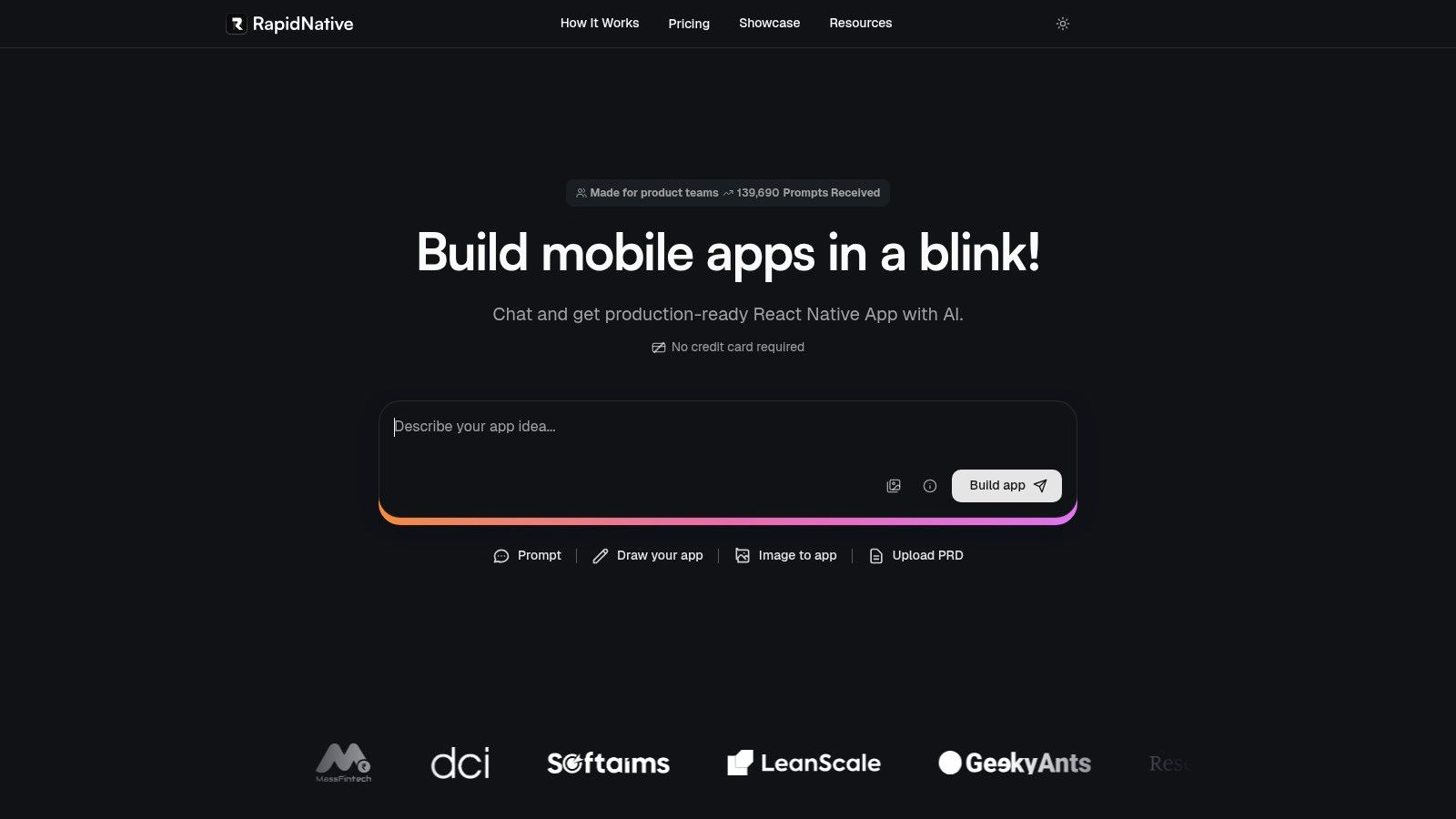
RapidNative stands out as a powerful, developer-centric platform among AI app builders, engineered specifically to bridge the gap between initial concept and production-ready mobile applications. It uniquely focuses on generating high-quality, exportable React Native code, making it a formidable tool for teams who need to move from prototype to a scalable, maintainable codebase without vendor lock-in. The platform's AI engine is adept at interpreting multiple forms of input, including simple text prompts, detailed Product Requirements Documents (PRDs), whiteboard sketches, or even static images, and translating them into a functional, multi-screen mobile app in real-time.
This multi-modal input capability caters directly to a diverse team structure. A product manager can upload a PRD to generate a baseline application, a designer can convert a Figma mockup into interactive screens, and a founder can quickly test a new idea by simply describing it. The generated application isn't a mere visual mock-up; it includes functional navigation, reusable components, and a clean, modular architecture built on a modern tech stack (React Native + Expo + NativeWind), which is immediately familiar to experienced mobile developers.
Key Features & Analysis
RapidNative excels with features designed for professional workflows, setting it apart from more constrained no-code builders.
- Exportable Production Code: The platform's core promise is its "no lock-in" philosophy. At any point, you can export the entire project as a clean React Native + Expo codebase. This is a critical advantage for teams planning to scale, as it allows for a seamless handoff to an engineering team for adding complex native features or integrating with proprietary backend systems.
- Real-Time Collaboration: Much like Figma or Google Docs, RapidNative supports real-time, multi-user editing. This allows cross-functional teams (PMs, designers, engineers) to co-create and iterate on the app simultaneously, drastically reducing feedback loops. Live previews are shareable via a simple link or QR code for instant testing on physical devices.
- Flexible Input Methods: Whether you start with a simple idea (
"Build a 3-screen coffee ordering app") or a detailed visual, the AI adapts. This flexibility accommodates different stages of the product lifecycle, from initial ideation to high-fidelity prototyping. - Developer-Friendly Tooling: The inclusion of a built-in code editor and the use of NativeWind for theming demonstrate a deep understanding of developer needs. It allows for quick tweaks and adjustments directly within the platform before exporting the final code.
Ideal Use Cases
This tool is exceptionally well-suited for:
- Startup Founders & PMs: Rapidly validating a new mobile app concept with a functional prototype that can be shared with users and investors.
- Engineering Teams: Accelerating the initial setup and boilerplate creation for new React Native projects, saving significant development time.
- UX/UI Designers: Creating high-fidelity, interactive prototypes that are built with real code, providing a more accurate feel than traditional design tools.
Pricing and Access
RapidNative offers a freemium model to get started. The free plan includes 20 starter credits without requiring a credit card, which is sufficient for building and testing a basic multi-screen application. For more extensive use, paid plans are available, and detailed pricing is provided after signing up. Enterprise options with priority support are also offered for larger teams.
Website: https://www.rapidnative.com
2. Glide
Glide excels at transforming existing data into polished, AI-powered applications with remarkable speed. It's an ideal choice for operational teams and businesses needing to quickly build internal tools, customer portals, or field service apps directly from sources like Google Sheets, Airtable, or SQL databases. Its "Start with AI" feature acts as an intelligent scaffolder, letting you describe your app's purpose in natural language to generate a functional starting point.
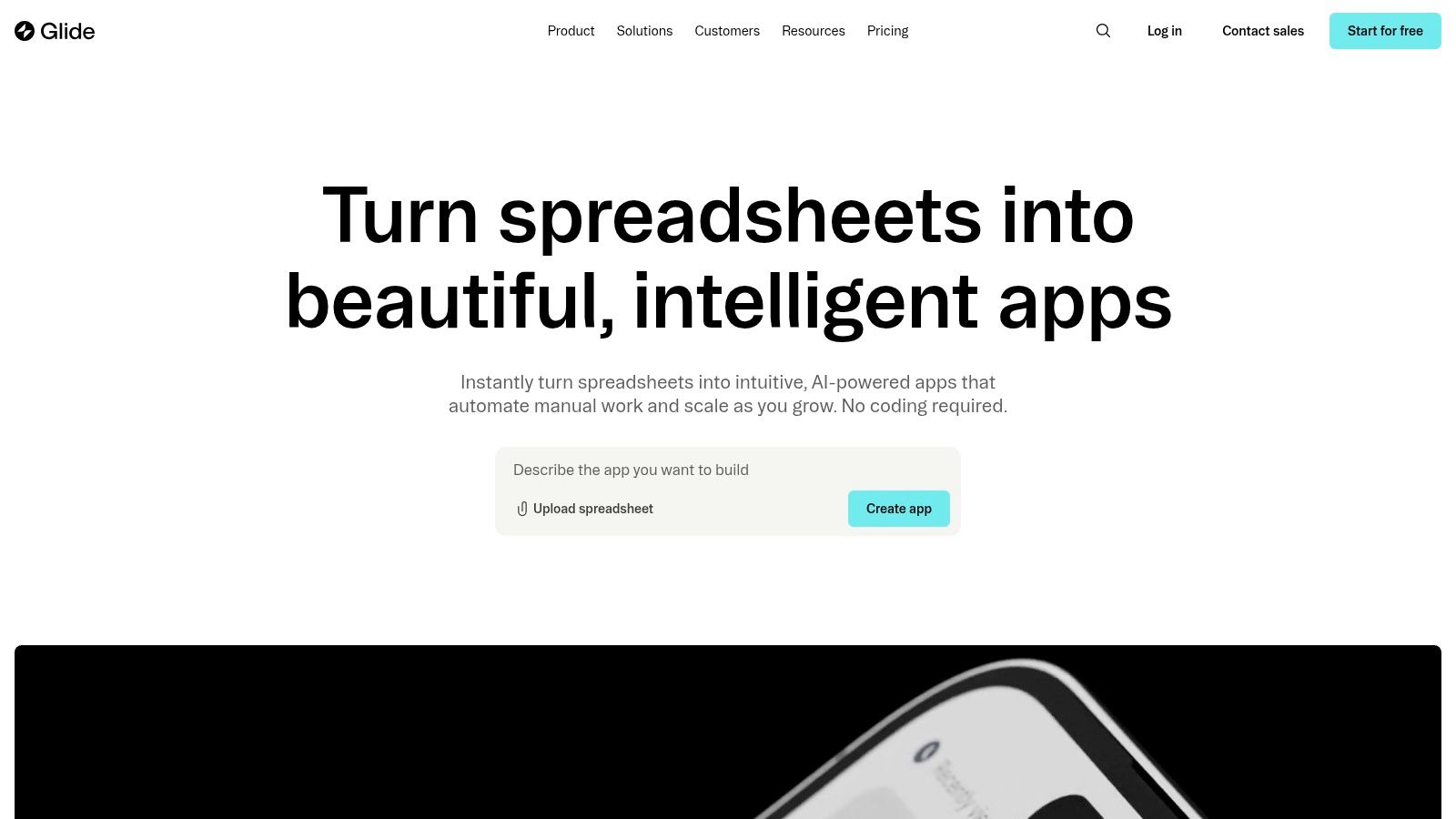
This platform stands out by deeply integrating AI not just at creation but into ongoing operations. You can build automated workflows that include AI steps, such as summarizing text, classifying data, or generating responses, making it one of the most practical ai app builders for data-centric tasks. The user interface is clean and component-driven, ensuring even non-technical founders can produce a professional-looking app.
Key Details & Use Cases
- Core Strengths: Fast data-to-app pipeline, integrated AI actions in workflows, enterprise-grade security (SOC 2 Type II).
- Ideal Use Cases: Building inventory trackers, employee directories, project management dashboards, or simple customer relationship management (CRM) tools.
- Pricing: Offers a free tier for small projects. Paid plans (starting at $49/month) add more users, data sources, and remove Glide branding. Enterprise plans provide advanced security and support.
- Practical Tip: Start with a well-structured spreadsheet. Glide's power is directly tied to the quality of your source data, so cleaning up your columns and rows beforehand will save significant time.
| Feature Analysis | Assessment |
|---|---|
| Primary AI Feature | AI-powered scaffolding and in-app AI actions. |
| UI Fidelity | High (Polished, template-based UI). |
| Exportable Code | No. Glide is a fully hosted no-code platform. |
| Collaboration | Excellent, with user roles and permissions. |
| Integrations | Strong with data sources and Zapier. |
Website: https://www.glideapps.com
3. FlutterFlow
FlutterFlow is a powerful low-code platform for building native mobile and web applications using Google's Flutter framework. It bridges the gap between visual development and professional coding by offering an "AI Gen" feature to generate UI and logic from text prompts, while also providing full access to clean, exportable Flutter code. This makes it a top choice for startups and developers who need to build quickly without sacrificing code ownership or scalability.
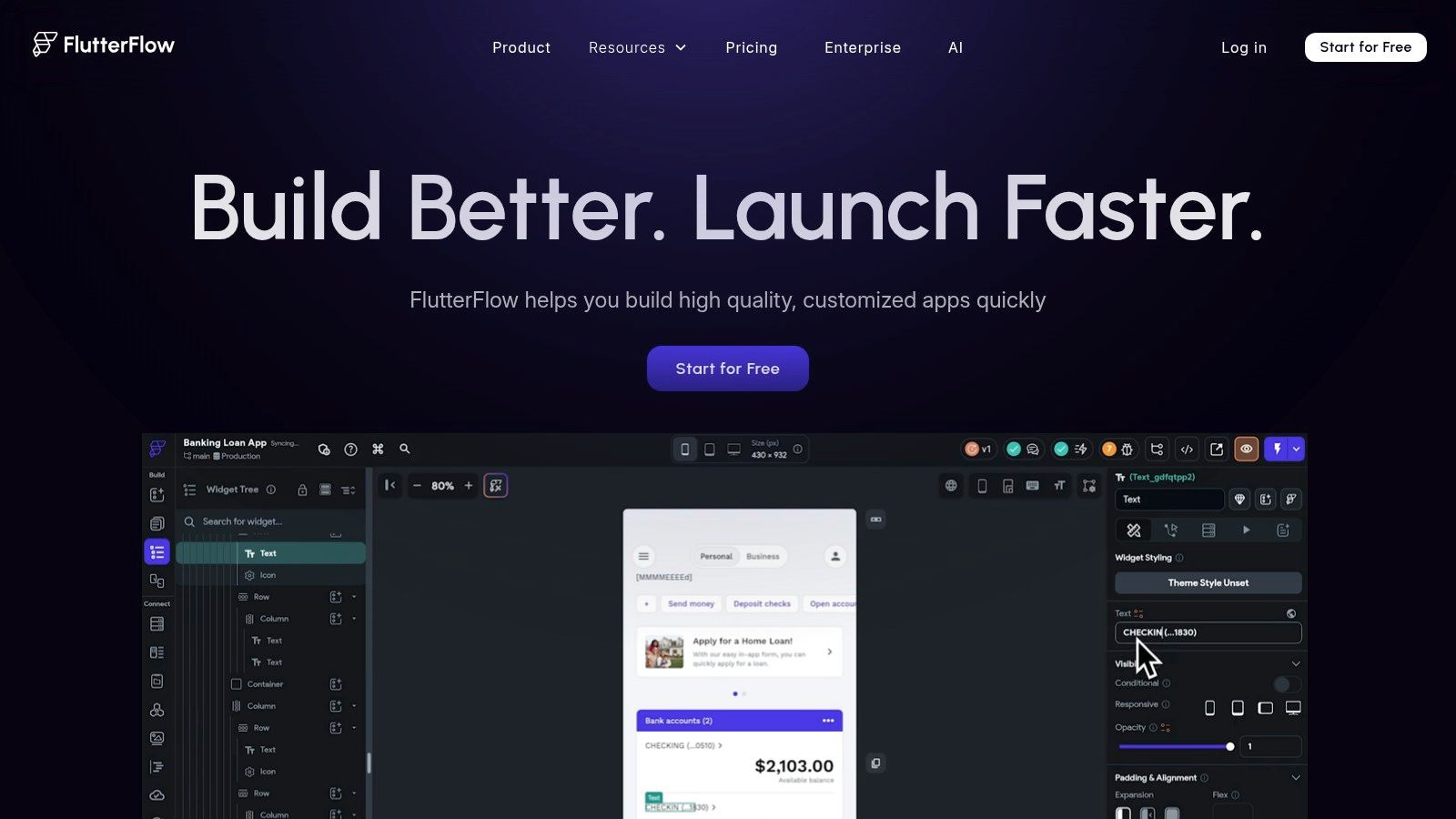
The platform excels at creating visually rich, production-grade applications that can be deployed directly to the Apple App Store and Google Play Store. Unlike many other ai app builders that lock you into their ecosystem, FlutterFlow empowers you with complete control. Its deep integrations with backends like Firebase and Supabase, combined with robust collaboration features like branching, make it suitable for both solo founders and full development teams exploring various kinds of app creation software.
Key Details & Use Cases
- Core Strengths: Full Flutter code export, direct app store deployment, AI-powered UI and logic generation, strong backend integration.
- Ideal Use Cases: Building MVPs for startups, creating complex internal tools, developing cross-platform consumer apps, or quickly prototyping high-fidelity designs from Figma.
- Pricing: Provides a free tier for learning and small projects. Paid plans (starting at $30/month) unlock code export, API integration, and app store deployment. Team plans add collaboration features.
- Practical Tip: Leverage the Figma import feature to create a pixel-perfect starting point. Then, use the AI Gen to wire up the logic and backend connections, significantly accelerating the development process.
| Feature Analysis | Assessment |
|---|---|
| Primary AI Feature | AI Gen for generating UI and logic from prompts. |
| UI Fidelity | Very High (Production-grade, pixel-perfect control). |
| Exportable Code | Yes. Full, clean Flutter/Dart code. |
| Collaboration | Strong, with version control (branching) and comments. |
| Integrations | Excellent with Firebase, Supabase, and any REST API. |
Website: https://www.flutterflow.io
4. Bubble
Bubble stands as a heavyweight in the no-code world, now enhanced with powerful AI capabilities to build complex, full-stack web applications. It empowers users to move fluidly between describing app features in natural language with its AI Agent and fine-tuning every detail in its robust visual editor. Bubble is designed to handle the entire application lifecycle, from UI design and dynamic workflows to database management and deployment, making it a comprehensive solution for ambitious projects.
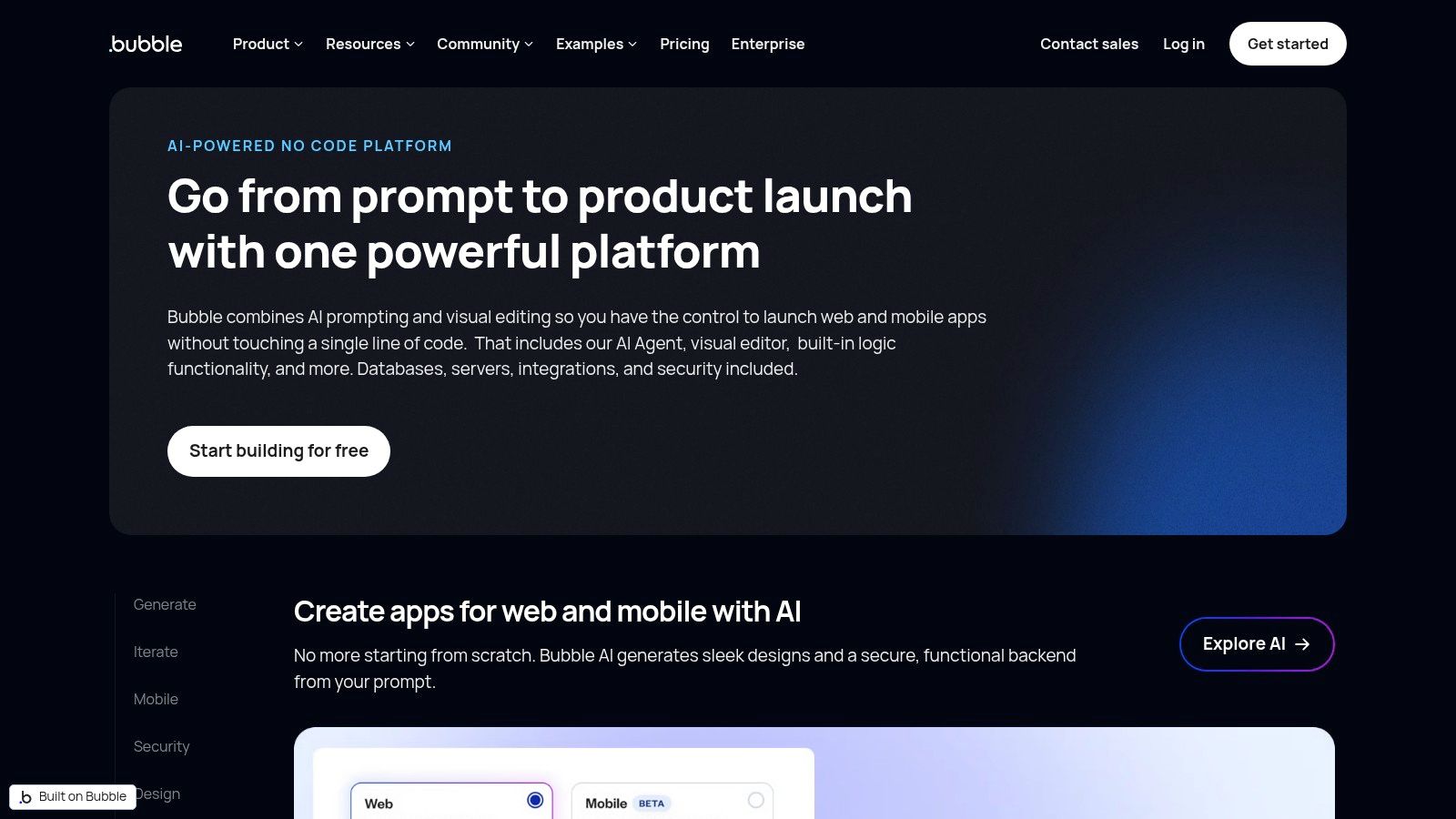
The platform truly shines with its mature ecosystem and deep feature set. Its AI not only assists in initial app scaffolding but also helps with ongoing edits and logic building directly within the editor. With a vast marketplace of plugins, you can easily integrate external AI services like OpenAI or Claude, making Bubble one of the most versatile ai app builders for creating sophisticated, data-driven web platforms without writing a single line of code.
Key Details & Use Cases
- Core Strengths: Full-stack no-code development, integrated AI Agent for scaffolding and edits, extensive plugin and API ecosystem.
- Ideal Use Cases: Building social networks, two-sided marketplaces, internal business tools, or feature-rich SaaS products.
- Pricing: Offers a free tier for learning and small projects. Paid plans (starting around $32/month) are required for launching an app and accessing more server capacity and features.
- Practical Tip: Leverage the Bubble community and educational resources. The platform has a steep learning curve, but its extensive documentation, forums, and tutorials can significantly accelerate your development process.
| Feature Analysis | Assessment |
|---|---|
| Primary AI Feature | AI Agent for app generation and in-editor assistance. |
| UI Fidelity | High (Pixel-perfect control but requires responsive design skill). |
| Exportable Code | No. Bubble is a fully-hosted platform. |
| Collaboration | Excellent, with version control and multi-user editing on higher tiers. |
| Integrations | Massive, via a rich plugin marketplace and direct API connections. |
Website: https://bubble.io/features/ai-builder
5. Adalo
Adalo is a versatile no-code platform designed for building both native mobile and responsive web applications. It empowers entrepreneurs and SMBs to bring their ideas to life through an intuitive drag-and-drop interface, a built-in database, and seamless integrations. While its AI-assisted build workflows are still rolling out, its core strength lies in its balance of simplicity and power, making it a go-to for creating functional MVPs.
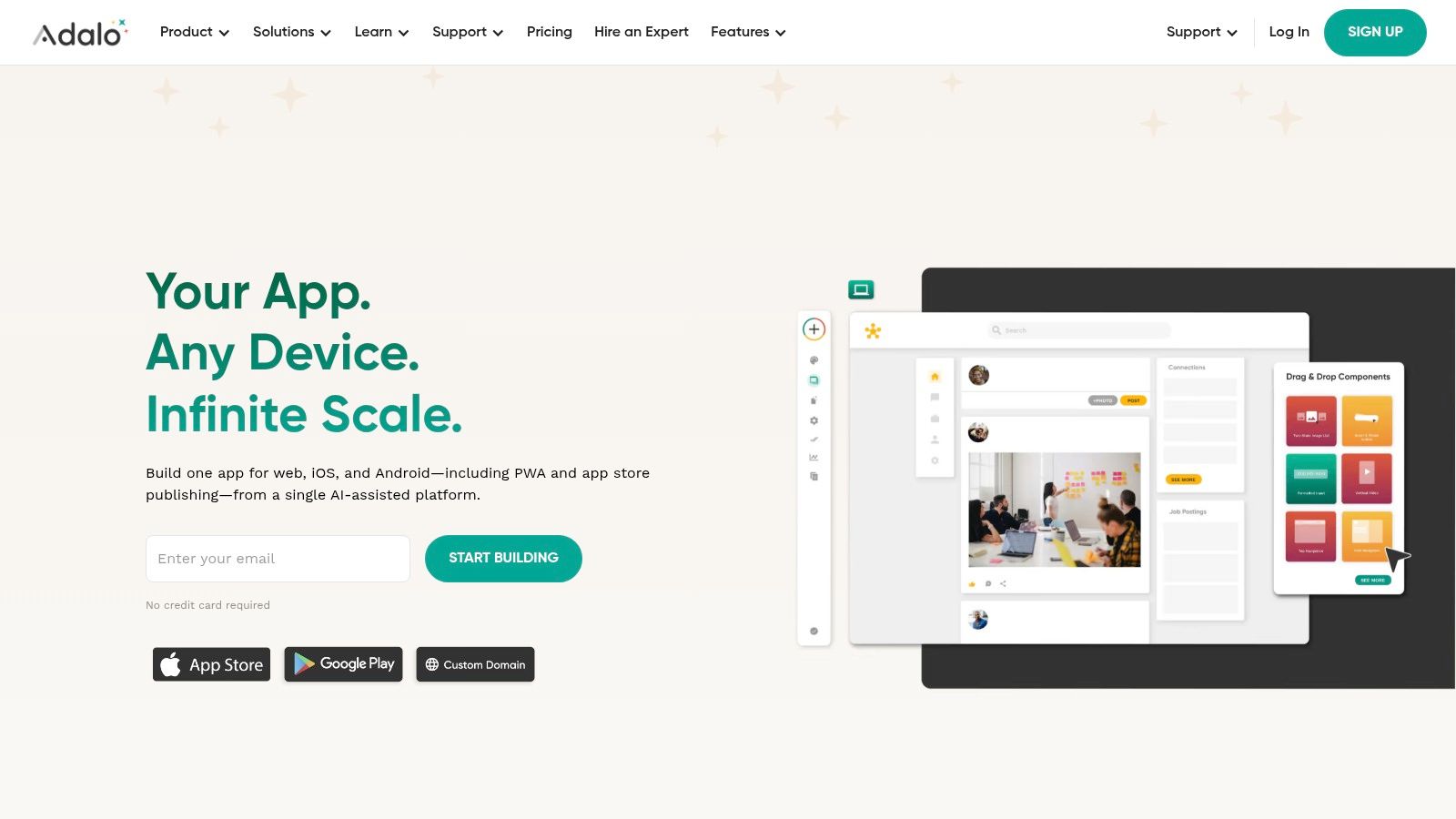
The platform shines with its component marketplace and robust feature set, including native in-app purchases and Stripe integration for monetization. Users can publish directly to the Apple App Store and Google Play Store, simplifying a traditionally complex process. For those exploring different ai app builders, Adalo offers a strong foundation for user-facing applications that need to get to market quickly, a topic further explored when you learn more about the evolving app builder landscape.
Key Details & Use Cases
- Core Strengths: Simple publishing to app stores, drag-and-drop canvas, component marketplace, and built-in monetization tools.
- Ideal Use Cases: Building two-sided marketplaces, social networks, internal tools for small businesses, or booking and scheduling apps.
- Pricing: Provides a free plan for exploration. Paid tiers start at $45/month (billed monthly), offering custom domains, more app actions, and publishing capabilities.
- Practical Tip: Leverage the Adalo component marketplace early. Many common features, like advanced charts or calendars, have pre-built components that can significantly accelerate your development timeline.
| Feature Analysis | Assessment |
|---|---|
| Primary AI Feature | AI-assisted build workflows (rolling out). |
| UI Fidelity | Medium (Functional, template-driven UI). |
| Exportable Code | No. Adalo is a hosted platform. |
| Collaboration | Good, with team member roles available. |
| Integrations | Strong with Zapier, Airtable, and Xano. |
Website: https://www.adalo.com
6. Draftbit
Draftbit bridges the gap between visual design and full-code development, targeting teams that need the speed of a no-code interface but demand complete code ownership. Its AI App Builder lets you describe screens and user flows in natural language, which it then translates into functional React Native components. This makes it an exceptional tool for developers and designers who want to accelerate the initial build phase without being locked into a proprietary platform.
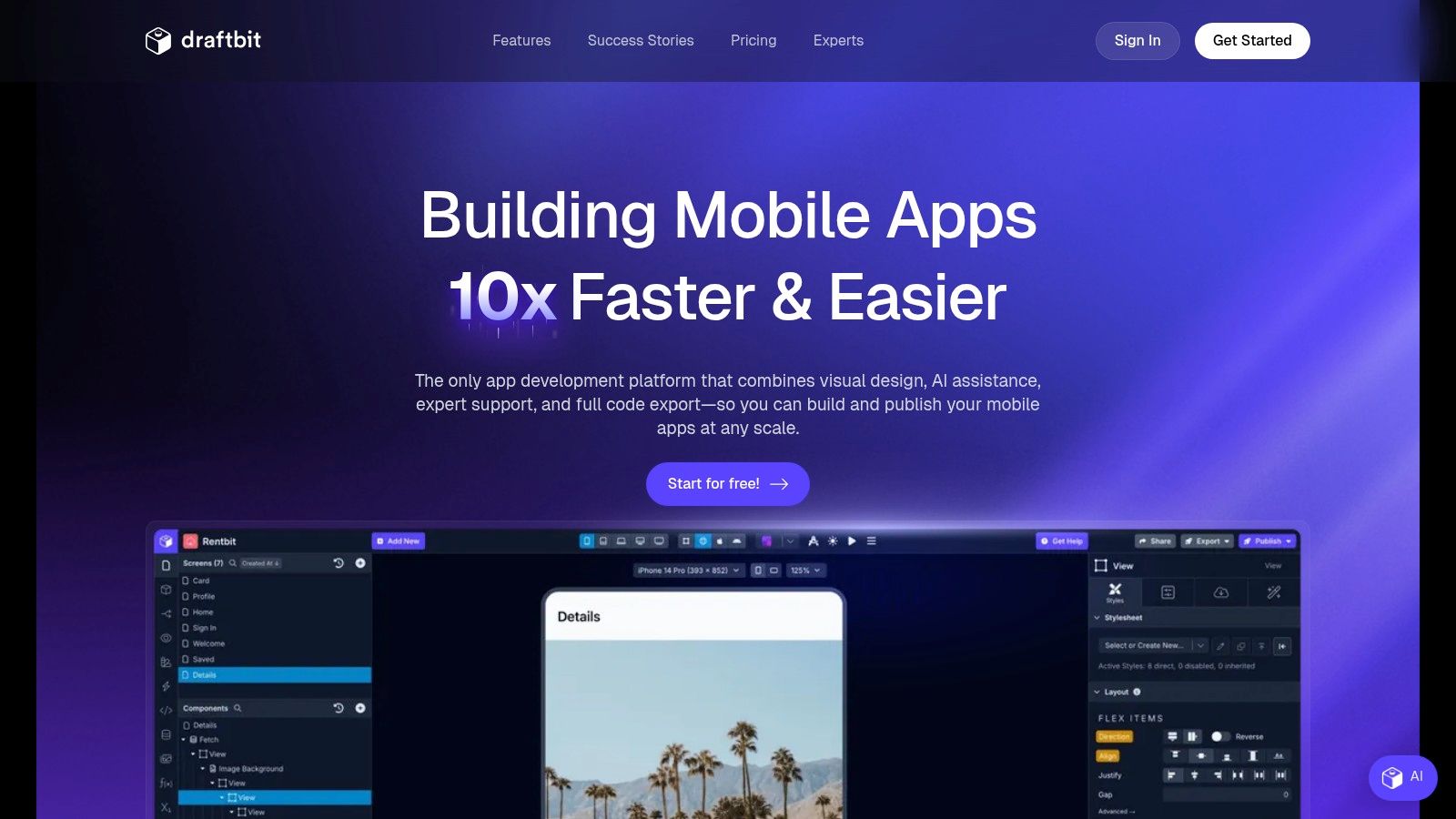
The platform's standout feature is its commitment to developer hand-off. You get full, clean, and exportable React Native code, allowing your engineering team to take over and build complex features on a solid foundation. This unique approach, combined with optional "co-build" services from their experts, makes Draftbit one of the most flexible ai app builders for teams that plan to scale their application with custom code. The real-time preview and component-based editor feel familiar to designers while producing developer-ready output.
Key Details & Use Cases
- Core Strengths: Full React Native code export, AI-powered screen and flow generation, optional expert co-build services.
- Ideal Use Cases: Building high-fidelity mobile prototypes, creating the V1 of a startup's mobile app, or accelerating development for digital agencies building client apps.
- Pricing: Starts with a free plan for exploration. Paid plans (from $79/month) unlock features like code export and app publishing. Team and Enterprise tiers offer advanced collaboration and support.
- Practical Tip: Use the AI builder to generate the core screens (e.g., login, dashboard, profile) and then switch to the visual editor to fine-tune layouts and component properties for a pixel-perfect design.
| Feature Analysis | Assessment |
|---|---|
| Primary AI Feature | Natural language to React Native screens and user flows. |
| UI Fidelity | High (Pixel-perfect control over native components). |
| Exportable Code | Yes. Full, human-readable React Native source code. |
| Collaboration | Good, with features designed for team-based workflows. |
| Integrations | Strong, connects to any REST API or backend service. |
Website: https://draftbit.com
7. Thunkable
Thunkable provides a powerful no-code environment for building native mobile apps, positioning itself as a favorite among educators, makers, and first-time entrepreneurs. It simplifies the creation of sophisticated apps by combining a visual drag-and-drop interface with a block-based logic system reminiscent of Scratch. Its AI assistant helps users get started by generating an initial app layout and component structure from a simple text prompt.
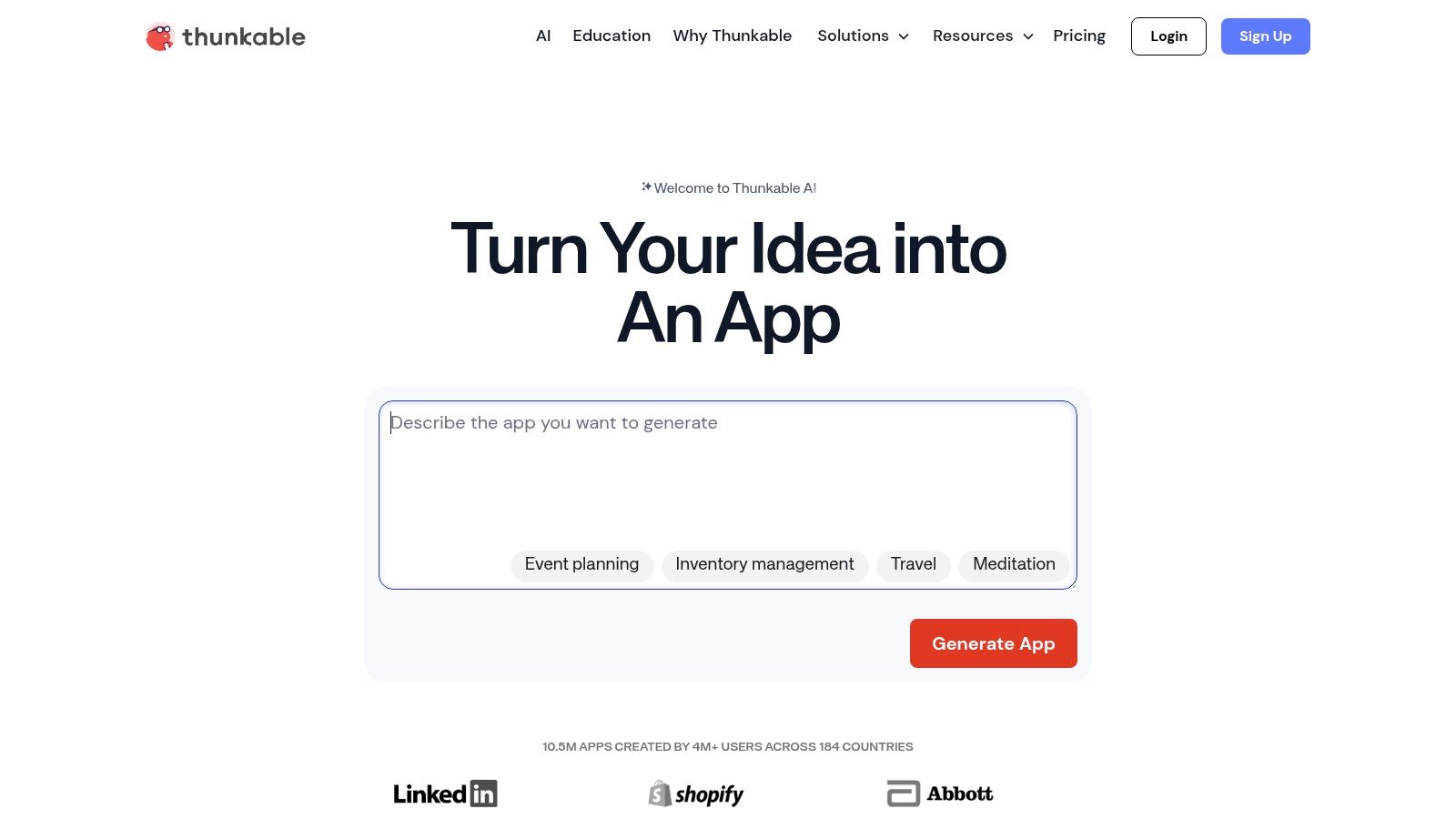
The platform’s key differentiator is its deep access to native device features like GPS, camera, Bluetooth, and push notifications, all configurable without writing code. This makes it one of the most capable ai app builders for creating apps that feel truly native. Thunkable excels at enabling a quick path from a functional prototype to a published app on both the Apple App Store and Google Play Store, supported by a strong community and extensive learning resources.
Key Details & Use Cases
- Core Strengths: True native app creation (iOS/Android/Web), block-based logic for complex functionality, access to device hardware.
- Ideal Use Cases: Building educational tools, community-focused apps, IoT device controllers, or interactive prototypes that require native phone features.
- Pricing: Offers a free tier for getting started. Paid plans (starting around $45/month) provide advanced features, more storage, and private projects.
- Practical Tip: Use the Thunkable Live companion app extensively on your physical device. It provides a real-time preview of your app, which is crucial for testing native features like the camera or accelerometer accurately.
| Feature Analysis | Assessment |
|---|---|
| Primary AI Feature | AI-powered app scaffolding from a text prompt. |
| UI Fidelity | Medium (Functional and customizable, but less polished than template-driven platforms). |
| Exportable Code | No. Thunkable is a proprietary, hosted platform. |
| Collaboration | Fair, suitable for small teams or solo builders. |
| Integrations | Good, with support for APIs and services like Firebase and Airtable. |
Website: https://thunkable.com
8. Bravo Studio
Bravo Studio empowers designers to be the primary drivers of mobile app development, offering a powerful Figma-to-native app pipeline. It's the ideal platform for those who refuse to compromise on design fidelity, allowing them to transform pixel-perfect Figma prototypes into fully functional, data-driven iOS and Android applications. AI features assist in mapping components and structuring workflows, bridging the gap between static design and dynamic functionality.
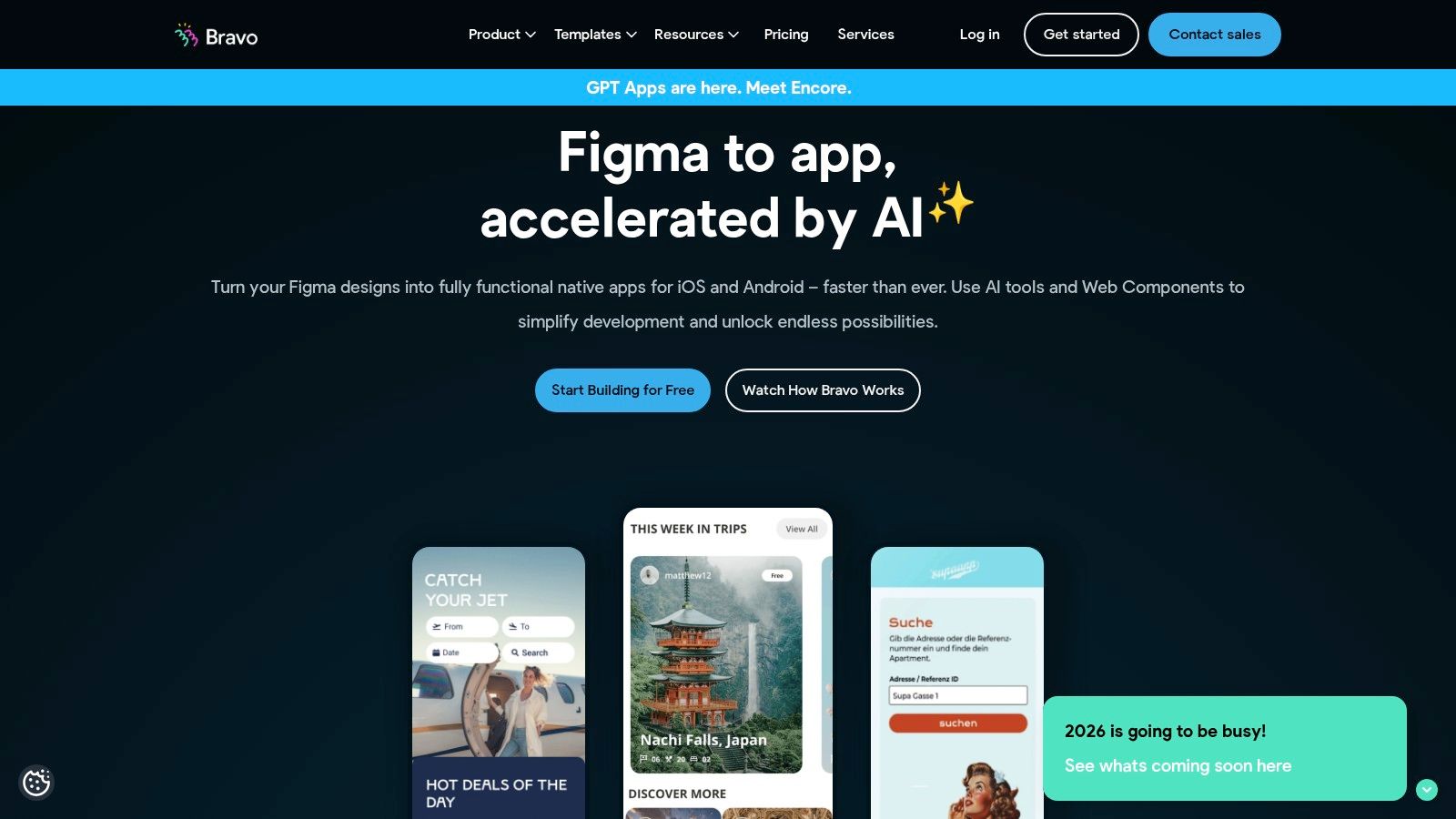
The platform's unique strength lies in its "Bravo Tags" system, which lets designers assign native functionalities directly within Figma. Bravo Studio then interprets these tags to build the native app, connecting the visually perfect UI to powerful backends like Airtable, Xano, or any custom API. This makes it one of the best ai app builders for creating apps where the user experience is paramount, without requiring designers to write a single line of code.
Key Details & Use Cases
- Core Strengths: True design-first workflow, pixel-perfect Figma to native app conversion, flexible backend integration.
- Ideal Use Cases: Building membership apps, event guides, simple e-commerce storefronts, or any application where a unique, branded user interface is critical.
- Pricing: Offers a free plan for single app projects. Paid plans (starting around €21/month) unlock team collaboration, more API requests, and advanced features.
- Practical Tip: Master the Bravo Tags system within Figma. This is the core of the platform's power. Using their sample files and documentation to understand how tags map to native components will dramatically accelerate your development process.
| Feature Analysis | Assessment |
|---|---|
| Primary AI Feature | AI-enhanced component mapping and workflow suggestions. |
| UI Fidelity | Pixel-Perfect (Directly mirrors the Figma design). |
| Exportable Code | No. Bravo Studio builds and manages the native app package. |
| Collaboration | Good, with team features on paid plans. |
| Integrations | Excellent for APIs and backends (Airtable, Xano, custom REST APIs). |
Website: https://www.bravostudio.app
9. Softr
Softr excels at building secure, data-driven client portals and internal tools, leveraging AI to streamline the entire creation and operational process. It's designed for businesses that need to provide controlled access to data from sources like Airtable, Google Sheets, HubSpot, or various SQL databases. The platform's "AI Co-builder" lets you describe your app in plain English, generating a robust starting point with pages, logic, and data connections already configured.
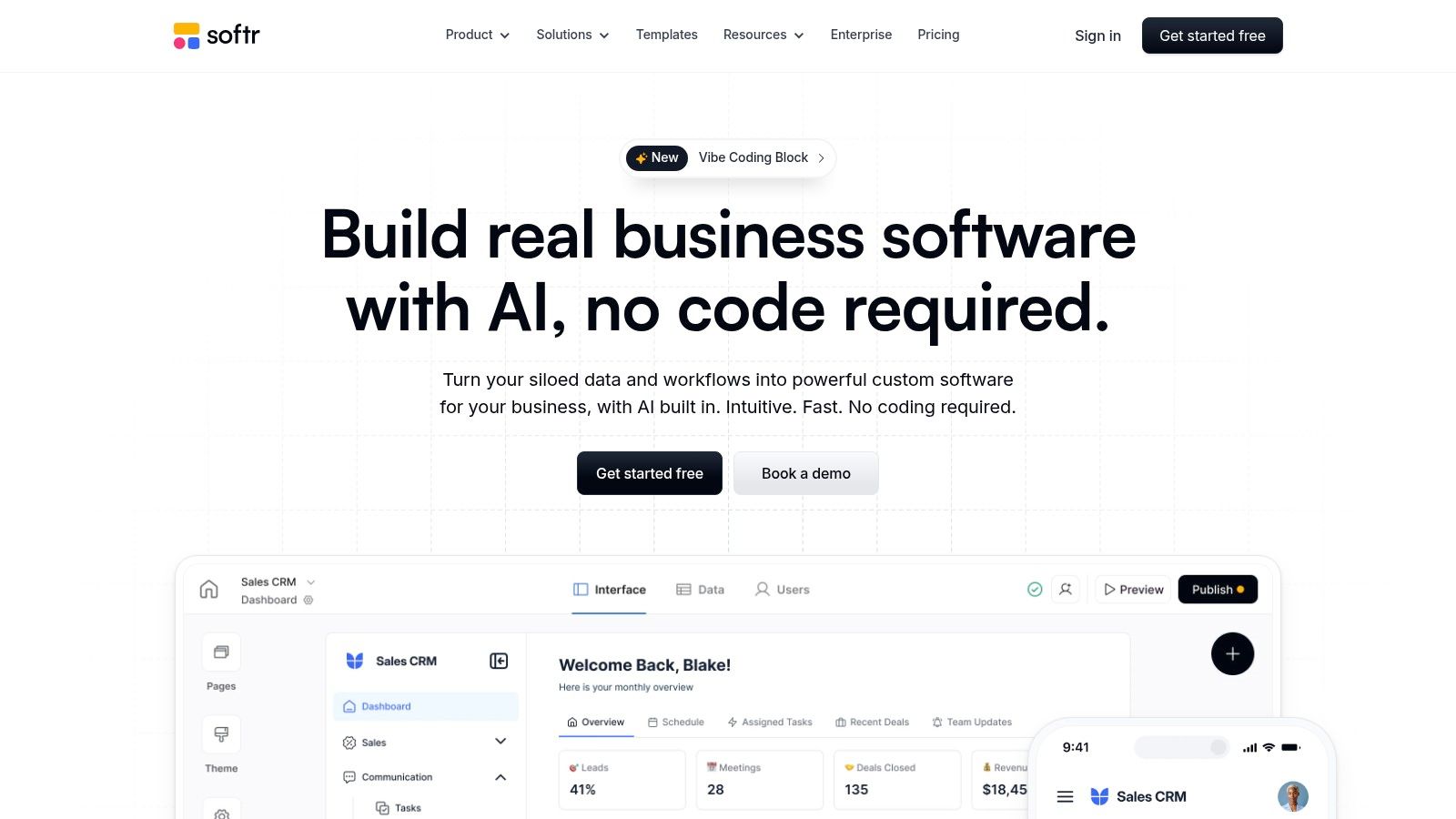
Where Softr shines is in its deep integration of AI beyond initial setup. Features like "Ask AI" allow users to query their connected data using natural language, while "AI Agents" can automate complex data-related tasks. This makes it one of the most powerful ai app builders for creating operational applications where user interaction with data is central. Its focus on enterprise-grade features, such as granular permissions and SOC 2 compliance, makes it a trusted choice for business-critical tools.
Key Details & Use Cases
- Core Strengths: Enterprise-grade security and permissions, AI-powered app generation and data querying, extensive data source connectivity (14+).
- Ideal Use Cases: Building customer portals, partner directories, internal knowledge bases, or resource management dashboards with role-based access.
- Pricing: A free plan is available for personal projects. Paid plans start at $49/month (billed annually) for more features, with Business and Enterprise tiers offering advanced security like SSO/SAML.
- Practical Tip: Leverage the user groups and permissions feature early in your build. Defining roles (e.g., admins, managers, clients) from the start will simplify the process of securing data and creating tailored user experiences.
| Feature Analysis | Assessment |
|---|---|
| Primary AI Feature | AI Co-builder for app generation and "Ask AI" for data queries. |
| UI Fidelity | High (Clean, block-based UI that is highly customizable). |
| Exportable Code | No. Softr is a fully hosted no-code platform. |
| Collaboration | Excellent, with commenting, user roles, and permissions. |
| Integrations | Very Strong with data sources and 30+ third-party tools. |
Website: https://www.softr.io
10. Retool
Retool is a developer-centric platform designed for building high-performance internal applications that blend AI-powered generation with direct code control. Its AppGen feature allows teams to scaffold complex, production-ready apps from natural language prompts, working directly against live database schemas. This approach gives technical teams a massive head start while retaining full governance and the ability to customize every aspect with code.
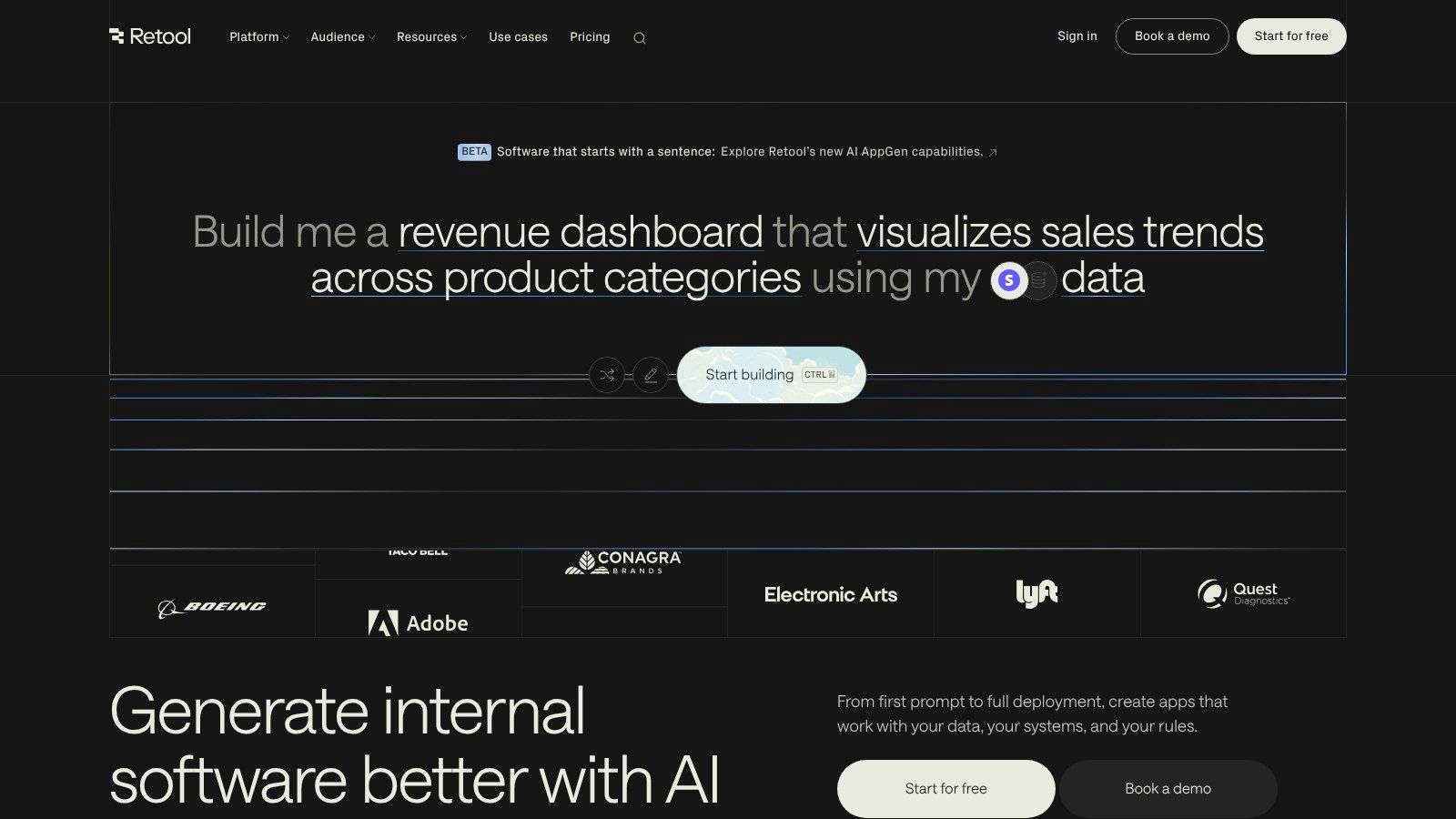
The platform shines by providing powerful "escape hatches" for developers. While you can build quickly with over 100 UI components and rich database connectors, you can also write custom SQL or JavaScript and even import your own React components. This makes Retool one of the most robust ai app builders for creating serious internal tools like admin panels, dashboards, and complex operational software where performance and security are paramount.
Key Details & Use Cases
- Core Strengths: Developer-first approach, powerful AI scaffolding (AppGen), extensive integrations, and the ability to self-host for maximum control.
- Ideal Use Cases: Building database GUIs, customer support dashboards, underwriting tools, or any data-intensive internal application requiring custom logic.
- Pricing: Offers a free tier for up to 5 users. Team plans start at $10 per user/month, with Business and Enterprise tiers adding advanced security, deployment options, and support.
- Practical Tip: Leverage Retool's direct database integrations early. Connect to a staging database to explore AppGen's capabilities without affecting production data, giving your team a safe environment to learn how AI can accelerate development.
| Feature Analysis | Assessment |
|---|---|
| Primary AI Feature | AppGen for scaffolding apps from prompts and in-app AI components. |
| UI Fidelity | High (Clean, functional UI with extensive component library). |
| Exportable Code | No. It's a low-code platform, but logic (JS/SQL) is portable. |
| Collaboration | Excellent, with version control (Git), permissions, and reusable modules. |
| Integrations | Top-tier with databases, APIs, and SaaS tools. |
Website: https://retool.com
11. Google AppSheet (Gemini-enhanced)
For organizations deeply embedded in the Google ecosystem, AppSheet offers a secure and highly integrated path to building data-driven applications. It leverages existing data from sources like Google Sheets, Drive, BigQuery, and SQL databases to create functional internal tools. Its AI capabilities, now enhanced with Gemini, are focused on practical automation tasks, allowing you to build workflows that can extract structured information from documents or categorize text automatically.
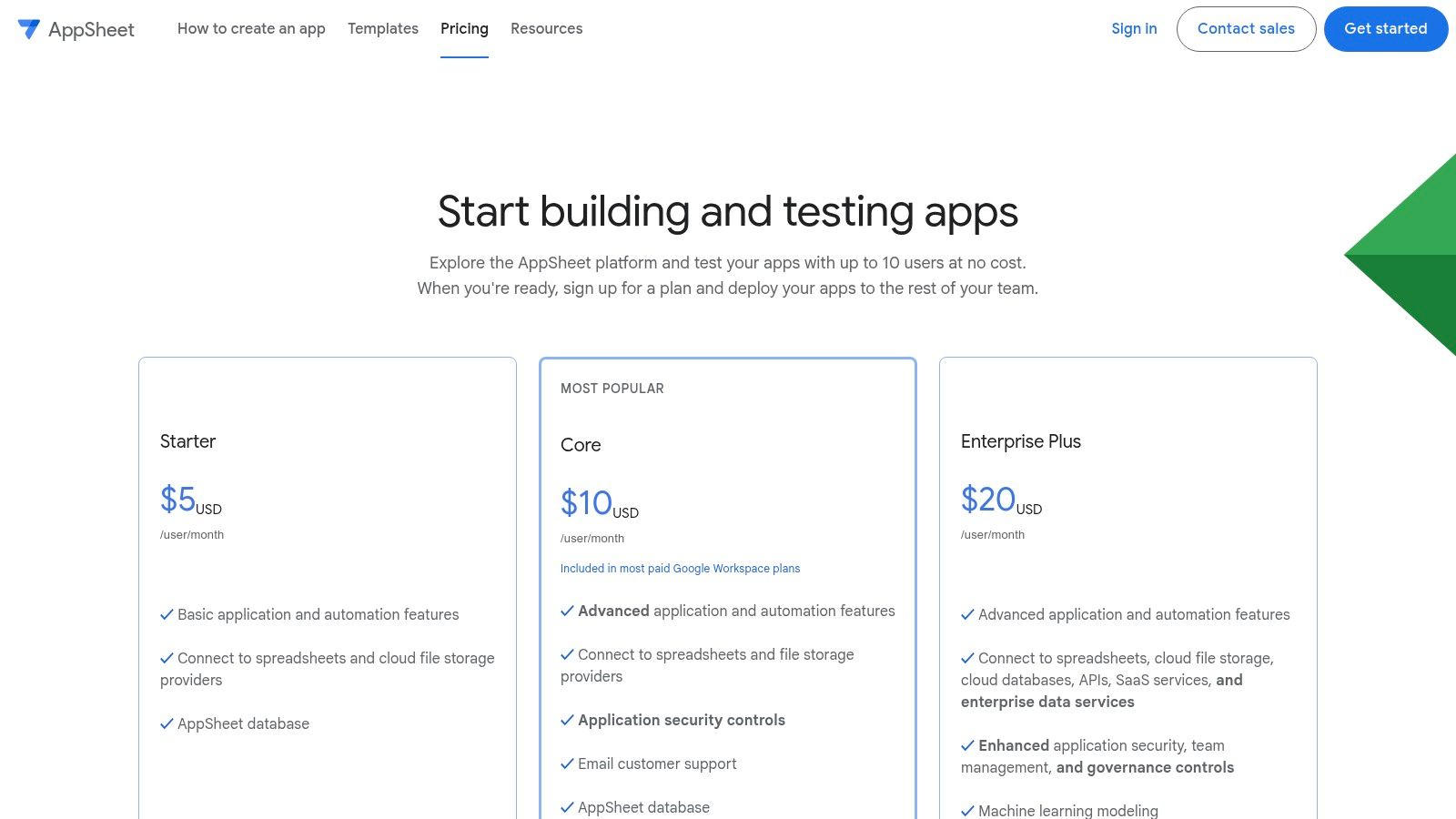
What sets AppSheet apart is its governance model, which is managed directly through the Google Workspace admin console. This makes it one of the best ai app builders for businesses that need strict control over app deployment, user access, and AI credit consumption. While the UI is more functional than flashy, its strength lies in creating powerful, data-centric utilities that solve specific business process problems with the security and familiarity of the Google Cloud Platform.
Key Details & Use Cases
- Core Strengths: Deep integration with Google Workspace/Cloud, strong governance and admin controls, Gemini-powered AI tasks for data processing.
- Ideal Use Cases: Building field data collection apps, inventory management systems, safety compliance checklists, and internal approval workflows.
- Pricing: Starts with a free tier for prototyping. Paid plans (from $5 per user/month) add more features and data sources. AI features consume credits, which are pooled at the organization level.
- Practical Tip: Leverage the AppSheet Database for new projects. It’s a native, built-in database that simplifies data management without needing to set up an external Google Sheet or SQL database first.
| Feature Analysis | Assessment |
|---|---|
| Primary AI Feature | Gemini-powered AI tasks (Extract, Categorize) in automations. |
| UI Fidelity | Medium (Functional, template-driven mobile UX). |
| Exportable Code | No. AppSheet is a fully managed no-code platform. |
| Collaboration | Excellent, managed via Google Workspace roles and permissions. |
| Integrations | Excellent with Google services; strong with other databases and APIs. |
Website: https://about.appsheet.com/pricing
12. Figma Make (AI App Builder)
Figma Make introduces a powerful prompt-to-app environment directly within the familiar Figma workspace, designed to bridge the gap between design and functionality. It empowers design teams to generate functional app prototypes and web apps by combining visual design, logic, and data in a single, fluid workflow. This approach dramatically accelerates the prototyping phase, allowing designers to transform static mockups into interactive applications using natural language.
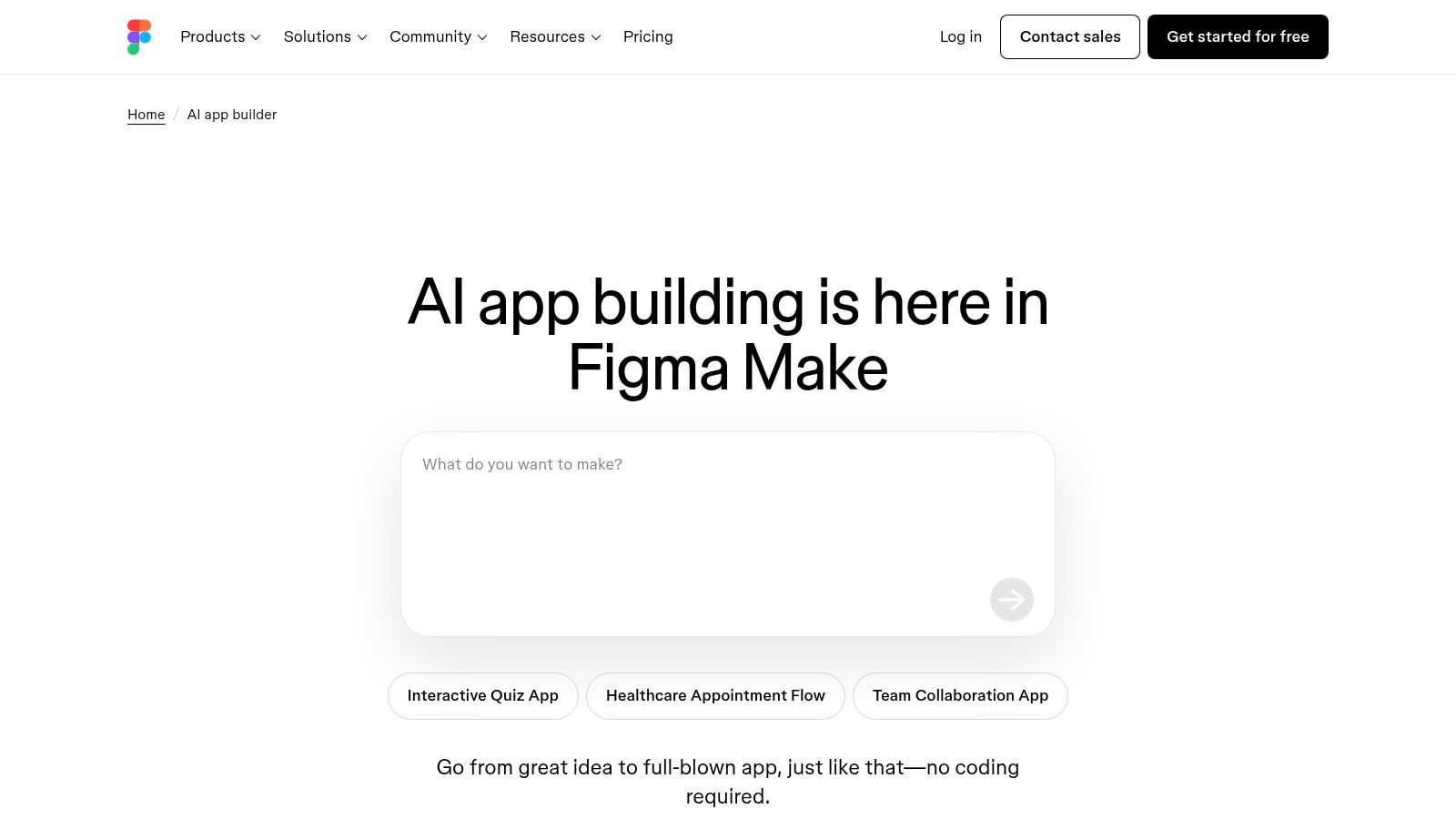
The platform's standout feature is its native integration, which minimizes the traditionally complex handoff between design and development. By keeping the design, logic, and even backend data connections within Figma, teams can iterate faster and ensure greater fidelity between the intended design and the working prototype. This makes it one of the most compelling ai app builders for design-led organizations looking to validate user flows and concepts with real, data-driven interactions.
Key Details & Use Cases
- Core Strengths: Seamless design-to-app workflow, rapid prototyping with natural language, and reduced friction in the design-to-dev handoff.
- Ideal Use Cases: Creating high-fidelity interactive prototypes, building internal tools for design review, or developing functional web app frontends directly from mockups.
- Pricing: Access, publishing rights, and AI usage are tied to Figma seat types. AI credits are allocated based on your plan, which may impact extensive use.
- Practical Tip: Leverage existing Figma components and design systems. Figma Make works best when it can reference your established design library, ensuring consistency and speeding up the generation process.
| Feature Analysis | Assessment |
|---|---|
| Primary AI Feature | Natural-language app generation and iteration inside Figma. |
| UI Fidelity | Very High (Directly uses and references Figma designs). |
| Exportable Code | No. Primarily a prototyping and web publishing tool. |
| Collaboration | Excellent, leveraging Figma's native collaboration features. |
| Integrations | Strong, with backend connections for live data. |
Website: https://www.figma.com/solutions/ai-app-builder/
12 AI App Builders — Side-by-Side Feature Comparison
| Platform | Target audience | Code & export | Key features | Collaboration & UX | Pricing & support |
|---|---|---|---|---|---|
| RapidNative | Founders, PMs, designers, engineers, product teams | Production-ready React Native (Expo + NativeWind); full code export, no lock-in | Prompt/image/PRD/whiteboard→app; routing, reusable components, built-in code editor | Real-time co-editing; live device preview (link/QR); instant render | Free trial (20 starter credits); paid plans, priority support, enterprise |
| Glide | Non‑devs, ops teams, internal tools | No-code web/PWA/mobile; limited/no code export | Agent Mode (AI scaffold); Glide Tables/Sheets/Airtable; automations | Fast UI from data; templates; role-based access & enterprise security | Transparent tiers; scaling may increase costs |
| FlutterFlow | Developers building Flutter apps | Production-grade Flutter export; store deploy (iOS/Android/Web) | AI Gen for UI/logic; Firebase/Supabase/Figma import; deep integrations | Branching & collaboration; large component library | Paid plans; AI request quotas vary by plan |
| Bubble | Entrepreneurs, product builders, non‑dev teams | No-code full‑stack; limited direct code export | Visual editor for UI/workflows/db; AI Agent; plugin ecosystem | Mature ecosystem, templates, experts & education | Tiered pricing; strong marketplace and support resources |
| Adalo | SMBs, MVP builders | No direct code access; publish to app stores | Drag‑and‑drop canvas; built‑in DB or external (Airtable/Xano); payments | Simple publishing; many templates & components | Paid tiers; complex use cases may need external backends |
| Draftbit | Teams wanting React Native code ownership | Full React Native code export; one‑click publishing | NL to screens; visual design + component tree; co‑build services | Real‑time preview; expert co‑build available | Paid plans; extra setup for advanced auth/data |
| Thunkable | Educators, makers, low‑code creators | No‑code native apps; direct store publishing | AI scaffold; block‑based logic; native device features (push, GPS) | Strong learning community; quick prototype→store path | Community & paid tiers; simpler enterprise footprint |
| Bravo Studio | Designers using Figma | Figma→native app export; connects to Airtable/Xano | Figma import; design‑first workflows; native monetization/auth | Pixel‑perfect control for designers; Figma-centric flow | Paid plans; best for design‑led apps |
| Softr | Operations teams, portals, dashboards | PWA/portal focus (not native binaries) | AI Co‑builder; 14+ data connectors; granular permissions (SSO/SAML) | Built for internal portals; 24/7 chat and expert network | Tiered plans; enterprise features & SOC 2 |
| Retool | Developer teams building internal tools | Developer‑first (JS/SQL editors, custom React); deploy cloud/self‑host | AppGen from schema; 100+ components; rich connectors & RBAC | Strong governance, performance, and escape hatches to code | Enterprise pricing; geared to technical teams |
| Google AppSheet (Gemini) | Google Workspace orgs, admins | No‑code with Publisher Pro; governed deployments | Gemini AI Tasks (Extract/Categorize); Sheets/Drive/BigQuery support | Admin visibility for AI credits; Workspace integration | Per‑user pricing; admin controls and enterprise fit |
| Figma Make (AI App Builder) | Design teams & prototypers | Prototype/web apps inside Figma; mobile binaries need export | NL app generation in Figma; design+logic+data in one workspace | Reduces handoff; seat/credit model for publishing | Seat‑based pricing and AI credit allocations |
Choosing Your Builder: A Practical Guide for Product Teams
The landscape of AI app builders is no longer a niche curiosity; it's a powerful and legitimate accelerator for product teams of all sizes. As we've explored, the market offers a diverse spectrum of tools, from no-code platforms that empower non-technical founders to sophisticated low-code builders that generate production-ready code for engineering teams. The common thread is speed, transforming the sluggish cycle of ideation-to-deployment into a matter of days or even hours.
The core takeaway is that the "best" tool is entirely dependent on your specific goal. There is no one-size-fits-all solution. Your decision-making process should be guided by a clear understanding of your team's technical skills, your project's immediate needs, and, most importantly, your long-term roadmap. Choosing an AI app builder isn't just a technical decision; it's a strategic one that impacts your ability to scale, pivot, and maintain your product down the line.
Key Factors for Your Decision Matrix
To move from analysis to action, consider these critical questions with your team:
-
What is the primary objective? Are you validating a high-fidelity prototype to secure funding, building a functional internal tool to streamline operations, or launching a full-scale consumer MVP? The answer will immediately narrow your options. For example, a validation prototype requires high UI fidelity and interactivity, while an internal tool prioritizes data connectivity and permissions.
-
Who is the primary user of the builder? Is it a product manager, a UX designer, or a developer? Platforms like Glide and Softr are highly accessible for non-technical users, whereas Retool and Draftbit offer deeper control for those with engineering skills. Tools like RapidNative aim to bridge this gap, allowing designers and PMs to generate code that developers respect.
-
What happens after the initial build? This is the most crucial question. If your plan involves handing the app off to an engineering team for custom feature development and long-term maintenance, then code export is non-negotiable. Platforms like RapidNative (React Native/Expo) and FlutterFlow (Flutter) are designed for this exact hand-off, preventing the dreaded "no-code ceiling" and vendor lock-in. Conversely, if your application is expected to live entirely within the no-code ecosystem, platforms like Bubble or Adalo provide a robust, all-in-one environment.
-
What does your tech stack look like? Consider your existing data sources, APIs, and authentication systems. Ensure the builder you choose has the necessary integrations to connect seamlessly with your infrastructure. The more a tool can integrate with your current systems, the less friction you'll encounter during implementation.
When evaluating potential options, exploring comprehensive lists of the best AI productivity tools discovery platforms can provide valuable insights for your selection process.
The Future is Collaborative and Code-Aware
The most exciting evolution in the AI app builder space is the move towards a more collaborative, code-aware paradigm. The walls between design, product, and engineering are becoming more permeable. AI-powered tools are not just about building faster; they're about building smarter by enabling a shared language and workflow. A designer can now generate a component that is not just a picture but a functional piece of code, fundamentally changing team dynamics and accelerating the entire product lifecycle.
Ultimately, these tools empower you to focus on what truly matters: solving your users' problems. By automating the repetitive, time-consuming aspects of app development, you free up your team’s cognitive resources for innovation, user feedback, and strategic growth. Choose the builder that best aligns with your vision, test it with a small, well-defined project, and get ready to ship products at a pace you previously thought impossible.
Ready to turn your app ideas into high-quality, exportable React Native code? RapidNative is an AI app builder designed for product teams who need to move fast without sacrificing code quality or future scalability. Try RapidNative today and experience the future of mobile app development.
Ready to build your app?
Turn your idea into a production-ready React Native app in minutes.
Free tools to get you started
Free AI PRD Generator
Generate a professional product requirements document in seconds. Describe your product idea and get a complete, structured PRD instantly.
Try it freeFree AI App Name Generator
Generate unique, brandable app name ideas with AI. Get creative name suggestions with taglines, brand colors, and monogram previews.
Try it freeFree AI App Icon Generator
Generate beautiful, professional app icons with AI. Describe your app and get multiple icon variations in different styles, ready for App Store and Google Play.
Try it freeFrequently asked questions
What is RapidNative?
RapidNative is an AI-powered mobile app builder. Describe the app you want in plain English and RapidNative generates real, production-ready React Native screens you can preview, edit, and publish to the App Store or Google Play.
Can I export the code?
Yes. RapidNative generates clean React Native and Expo code that you can export at any time. No lock-in, no proprietary format. Hand it to your developers or keep building inside RapidNative.
Is RapidNative free to use?
Yes. You can build apps on the free plan with no credit card required. Paid plans unlock unlimited AI generations, code export, and direct publishing to the App Store and Google Play.
Do I need to know how to code?
No. Most users build apps by describing what they want in plain English. Developers can drop into the code whenever they want more control, but coding is optional.
How long does it take to build an app?
Most users have a working first screen in under a minute. A full MVP usually takes a few hours instead of the weeks or months traditional development requires.