12 Best AI Prototyping Tools for Mobile Product Teams in 2025
Discover the top 12 AI prototyping tools to build mobile apps and websites faster. Compare features, use cases, and pricing for your next project.
By Sanket Sahu
9th Dec 2025
Last updated: 9th Dec 2025
If you're building a mobile product, you're in a race against time. The traditional path from a static Figma mockup to a real, interactive prototype is often slow, expensive, and creates a frustrating gap between what you designed and what you can actually test. This is the exact problem that ai prototyping tools are built to solve. They dramatically shorten the journey from a simple idea to an interactive experience you can put in users' hands, empowering your team to validate concepts and iterate faster.
These tools aren't just about making designers faster; they're changing how mobile products get built. They create a common language for founders, product managers, designers, and developers by turning simple text prompts, rough whiteboard sketches, or existing design files into high-fidelity UIs—and in some cases, production-ready code—in minutes, not weeks. Many of these tools bring powerful automation capabilities that streamline the entire workflow, from initial concept to a testable build.
This guide cuts through the hype to give you a practical, hands-on look at the 12 best ai prototyping tools for mobile product teams today. We're skipping the generic feature lists to provide a clear, honest assessment of what each tool does best, who it's for, and why it matters for your mobile app workflow. For each tool, you’ll find:
- Its core features and a specific mobile use case.
- An honest look at its pros and cons for a product team.
- Clear pricing information.
- How it fits into a modern mobile development workflow.
Our goal is to help you find the right tool for your specific needs, whether you're a founder sketching an MVP or a PM validating a new feature flow. Let's explore the tools that will help you build, test, and ship your next mobile product faster.
1. RapidNative
RapidNative is designed specifically for mobile product teams, bridging the critical gap between an idea and developer-ready mobile app code. It lets founders, PMs, and designers turn a plain-English prompt, a rough sketch, or a whiteboard photo into a functional, multi-screen mobile UI. The platform generates high-quality, production-ready source code using a modern, scalable stack: React Native, Expo, TypeScript, and NativeWind for styling.
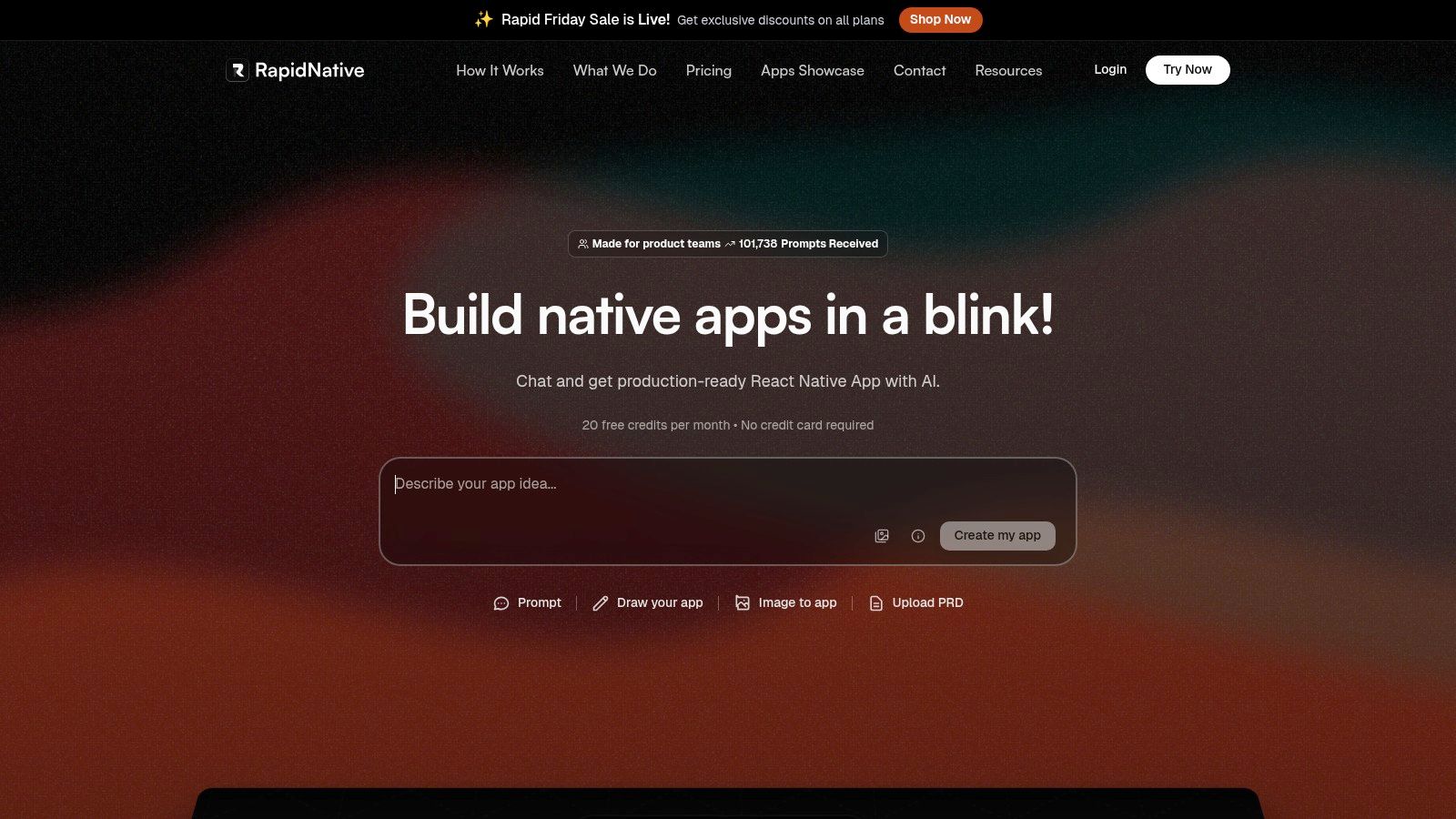
What makes RapidNative stand out is its developer-first approach. Unlike closed, no-code platforms that produce proprietary outputs, it delivers clean, modular, and extensible code that your engineering team can actually use. This means the prototype isn't a dead end; it's the actual starting point for your production app. The iterative, chat-based interface allows non-technical users to refine layouts, colors, and components in real-time, drastically reducing the time from a concept to a tangible, testable mobile prototype.
Key Features & Use Cases
- Multi-Modal Input: Go from idea to UI using text prompts (
"Create a login screen with Google SSO and a password reset link"), sketches, or uploaded images of existing designs. This flexibility fits different creative workflows. - Developer-Ready Code Export: The output isn't just a picture; it's a complete Expo project with well-structured TypeScript components and NativeWind utility classes, ready for
npm install. - Iterative AI Chat: Refine your prototype with conversational commands. Ask the AI to change the color scheme, add a new button, or restructure a layout, and see the changes reflected instantly.
- Real-World Example: A startup founder can use RapidNative to build a 5-screen interactive prototype for a pitch deck in under an hour. A product manager can validate a new user flow by generating a working UI and sharing it with stakeholders before committing engineering resources.
| Feature | Best For |
|---|---|
| Text-to-UI | Quickly scaffolding standard screens (profiles, settings, logins). |
| Image-to-UI | Recreating or modernizing existing app screens for a new project. |
| Chat-based Editing | Iterating on design details without writing a single line of code. |
| Code Export | Handing off a solid, maintainable foundation to the development team. |
Pros & Cons
-
Pros:
- Generates production-ready React Native code, not locked-in visuals.
- Multiple input modes and chat-driven editing enable extremely rapid iteration.
- Code is clean, modular, and built on standard tools for easy handoff.
- Offers a usable free plan for initial testing and exploration.
-
Cons:
- Focused on UI/UX scaffolding; does not generate backend logic or complex business logic.
- Credit-based system means generating many complex apps may require a paid plan.
Pricing
RapidNative operates on a credit-based system. It offers a free tier that includes 20 requests per month, which is enough for small-scale prototyping. Paid plans provide more requests, team collaboration features, and priority support.
Website: https://www.rapidnative.com
2. Figma AI
For teams already working in Figma, Figma AI integrates generative AI directly into your design workflow. It's a suite of AI-powered features designed to speed up the process from initial concept to developer handoff, making it one of the most integrated ai prototyping tools. This native integration means designers can use text prompts to generate app screens, create UI copy, find icons, and automate tedious tasks without ever leaving their primary design environment.
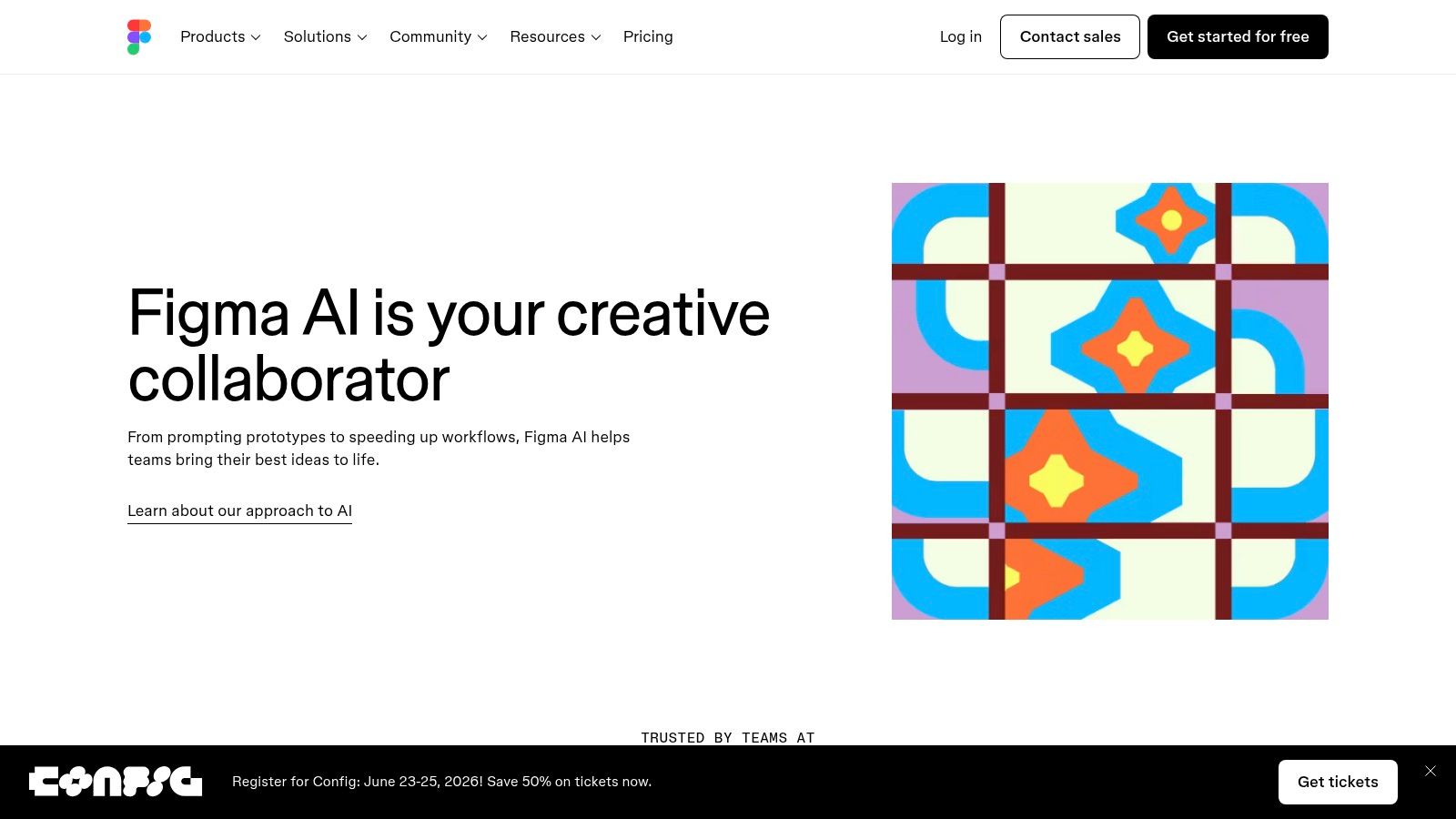
The platform helps bridge the gap between design and development. Features like Sites and Code Layers allow for the creation of interactive prototypes and even simple websites directly from the canvas. This seamless transition is a key part of the modern design-to-code automation pipeline, reducing the manual effort required to translate static designs into functional code.
Key Features & Use Cases
- Prompt-to-UI Generation: A product manager can type "Create a mobile app screen for a coffee subscription service with a featured product carousel" to instantly generate a starting layout.
- AI-Powered Handoff: Developers can use Dev Mode to get cleaner, more context-aware code suggestions based on the design.
- Content Ideation: A UX writer can use FigJam AI to brainstorm user flows or generate placeholder text that is contextually relevant to the interface.
| Pros | Cons |
|---|---|
| Native integration within the industry-standard Figma platform | AI features and credit limits vary by Figma plan type |
| Strong connection from design to developer handoff | The feature set is still evolving and rolls out incrementally |
| Covers ideation, design, and prototyping within one tool | Can have a learning curve to master all AI capabilities |
Website: https://www.figma.com/ai/
3. Framer AI
Framer AI excels at turning text prompts into fully responsive, production-ready websites in seconds. While less focused on native mobile apps, it's a leader for creating high-fidelity marketing sites or web-based prototypes. Framer integrates AI into a powerful no-code site builder, complete with a CMS and hosting. This allows product teams to go from a simple idea for a landing page to a live, interactive site without writing code, making it a practical tool for web-based projects that support a mobile app.
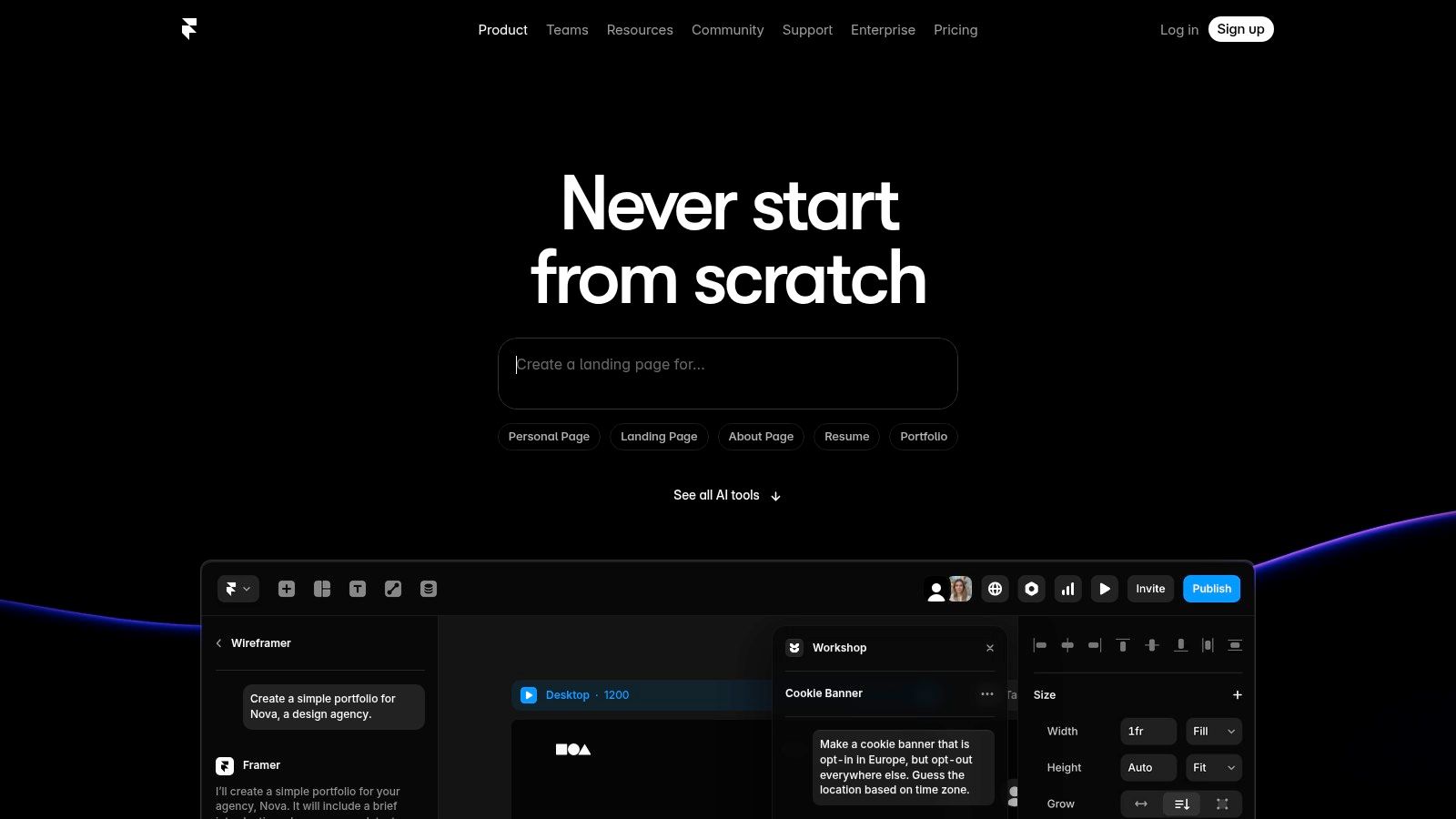
The platform’s strength is its seamless post-generation workflow. Once the AI creates a layout, you can jump into Framer’s intuitive visual editor to tweak every detail, add animations, and connect components to a CMS. This blend of AI speed and hands-on control is ideal for teams who need to ship high-quality websites quickly. The AI also assists with content, offering localization and copy refinement to speed up the design process.
Key Features & Use Cases
- Prompt-to-Page Generation: A startup founder can type "A modern landing page for a SaaS analytics tool with a three-tier pricing table" to generate a complete, responsive page.
- AI-Powered Localization: A marketing team can use the AI Translate feature to instantly convert their website copy into multiple languages for a global launch.
- Interactive Component Creation: A designer can use the no-code Workshop to build complex interactive elements like carousels or form fields that are immediately usable on the live site.
| Pros | Cons |
|---|---|
| Extremely fast from initial idea to a live, hosted website | Better suited for websites than complex, multi-screen app flows |
| Smooth and powerful visual editing after AI generation | Some advanced features are gated by higher-tier plans |
| Growing ecosystem of plugins and community-built components | Primarily focused on web, not native mobile app prototyping |
Website: https://www.framer.com/ai
4. Webflow AI
For teams building web experiences that complement their mobile apps, Webflow AI embeds generative capabilities directly into a powerful no-code platform. It’s a full-stack solution that uses AI to accelerate the entire site-building process, from initial page generation to content optimization. This makes it one of the most practical ai prototyping tools for founders and marketers who need to create and launch functional, interactive web experiences quickly.
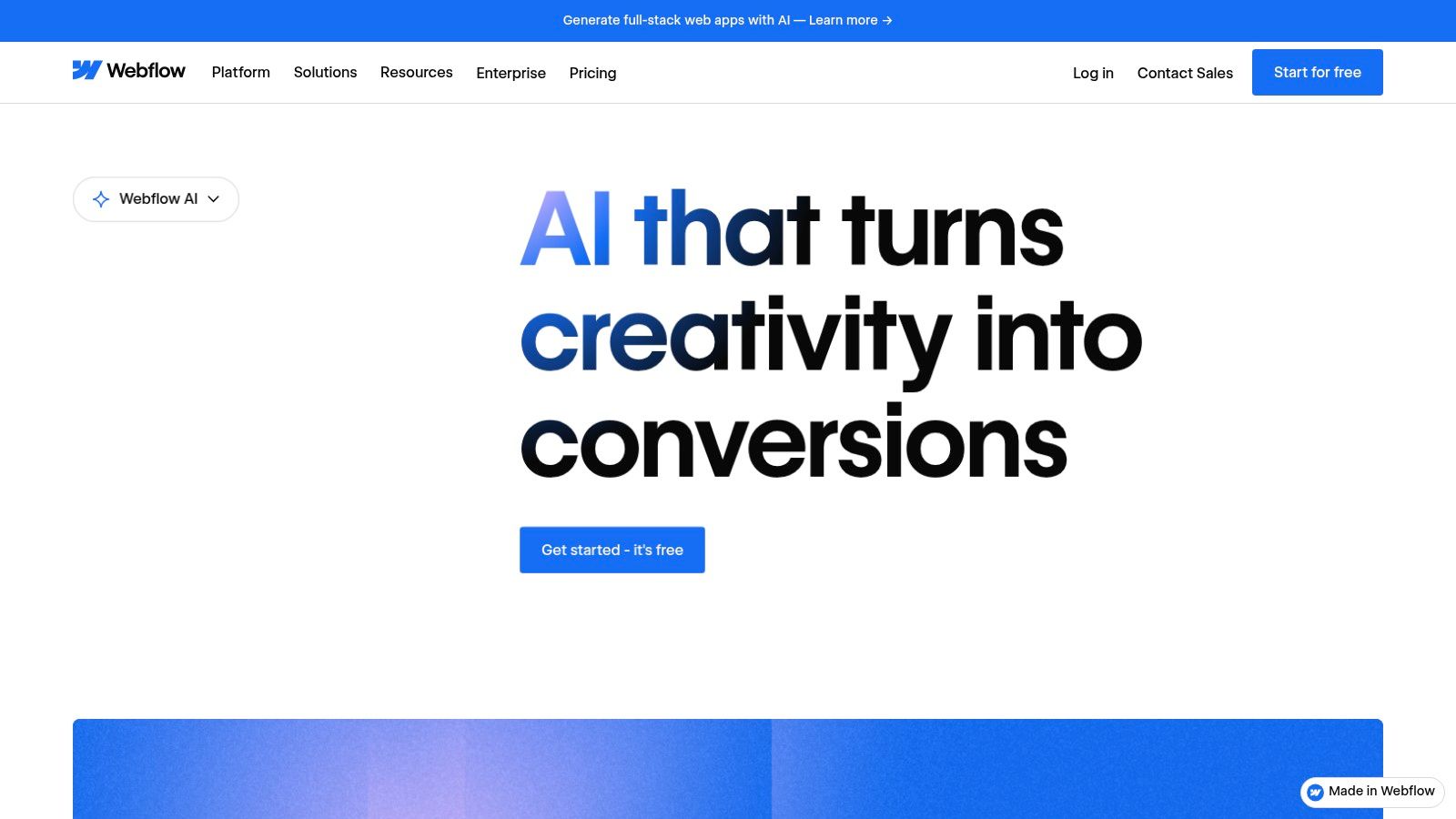
Webflow AI stands out by combining its robust CMS and enterprise-grade hosting with intelligent automation. You can generate an entire themed, responsive website from a few prompts and then use AI-assisted tools to refine designs, write SEO-optimized copy, and even translate the site. This allows a prototype to evolve directly into a scalable, live product without a traditional developer handoff.
Key Features & Use Cases
- AI Site Builder: A startup founder can type "Create a landing page for a B2B SaaS product that helps with project management" to get a multi-page, structured site with relevant sections and layouts.
- AI-Driven Content and SEO: A content marketer can use the AI to generate blog post ideas, write meta descriptions, and audit pages for SEO improvements directly within the Webflow CMS.
- Intelligent Localization: A global business can use AI to automatically translate and adapt all site content for new markets, ensuring cultural and linguistic relevance.
| Pros | Cons |
|---|---|
| Deep integration with a powerful CMS and hosting | Some AI features are tied to add-ons or higher-tier plans |
| Robust localization and SEO optimization workflows | Learning curve for advanced features if new to the platform |
| Clear privacy and data usage guardrails for AI features | Primarily focused on web, not native mobile app prototyping |
Website: https://webflow.com/feature/ai
5. Vercel v0
For developer-led teams building on the Next.js and React ecosystem, Vercel v0 is a generative UI system that dramatically speeds up the transition from idea to code. It doesn't just create static images; v0 generates React code based on text and image prompts, which can then be iterated upon and deployed directly. This makes it one of the most powerful ai prototyping tools for developers looking to build production-ready frontends without starting from scratch.
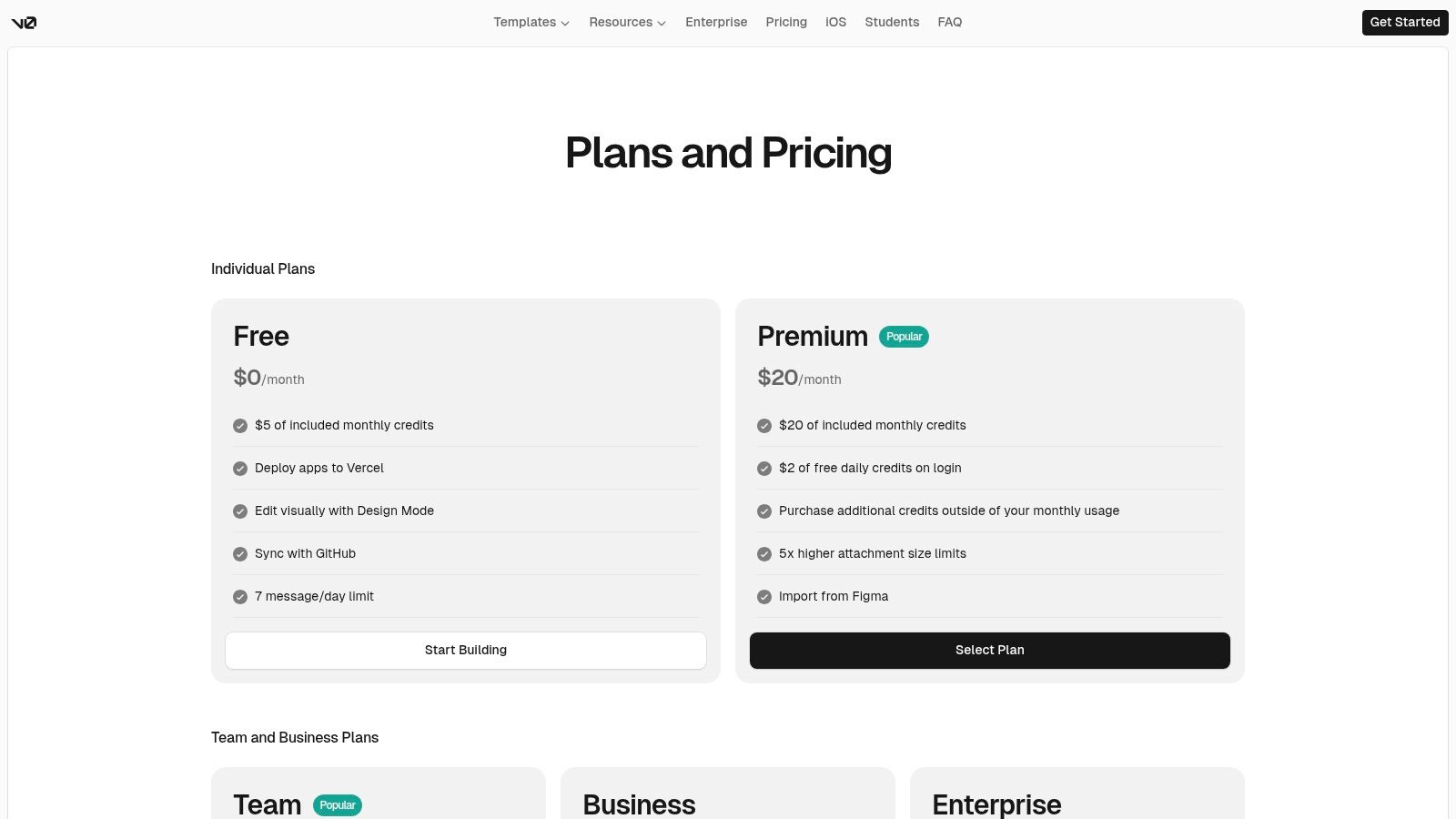
The platform stands out by producing high-quality code that integrates with existing design systems like Shadcn UI and Tailwind CSS. You can refine generated components with further prompts, directly edit the code, and sync it to a GitHub repository. This direct line from prompt to live deployment provides a tangible way for product managers and developers to collaborate and quickly validate complex user interfaces with real, functioning code.
Key Features & Use Cases
- Prompt-to-Component Generation: A frontend developer can prompt, "Create a dashboard sidebar with icons for home, analytics, and settings, with a user profile at the bottom," to get an interactive React component instantly.
- Code-Based Iteration: Once an initial UI is generated, a designer can use Design Mode to make visual tweaks, or a developer can jump into the code to refine logic.
- API-Driven Automation: An agency can use the Platform API to build a custom tool that programmatically generates different landing page variations for A/B testing.
| Pros | Cons |
|---|---|
| Produces production-grade code with immediate hosting | Usage costs are based on a credit model that requires monitoring |
| Ideal for teams already using the React/Next.js stack | Best value is realized if you already use the Vercel platform |
| Flexible API and SDK allow for custom workflow automation | Output is primarily web-focused and needs adaptation for mobile |
Website: https://v0.dev/
6. Uizard (Autodesigner 2.0)
Uizard is an AI-powered design tool built for speed, making it accessible for non-designers, product managers, and startups to quickly visualize mobile app ideas. It excels at rapidly generating multi-screen user interfaces from simple text prompts. This platform lowers the barrier to entry for creating tangible mockups, allowing teams to go from a handwritten sketch or a screenshot to an editable digital wireframe in minutes. As one of the most user-friendly ai prototyping tools, it prioritizes quick iteration over high-fidelity perfection.
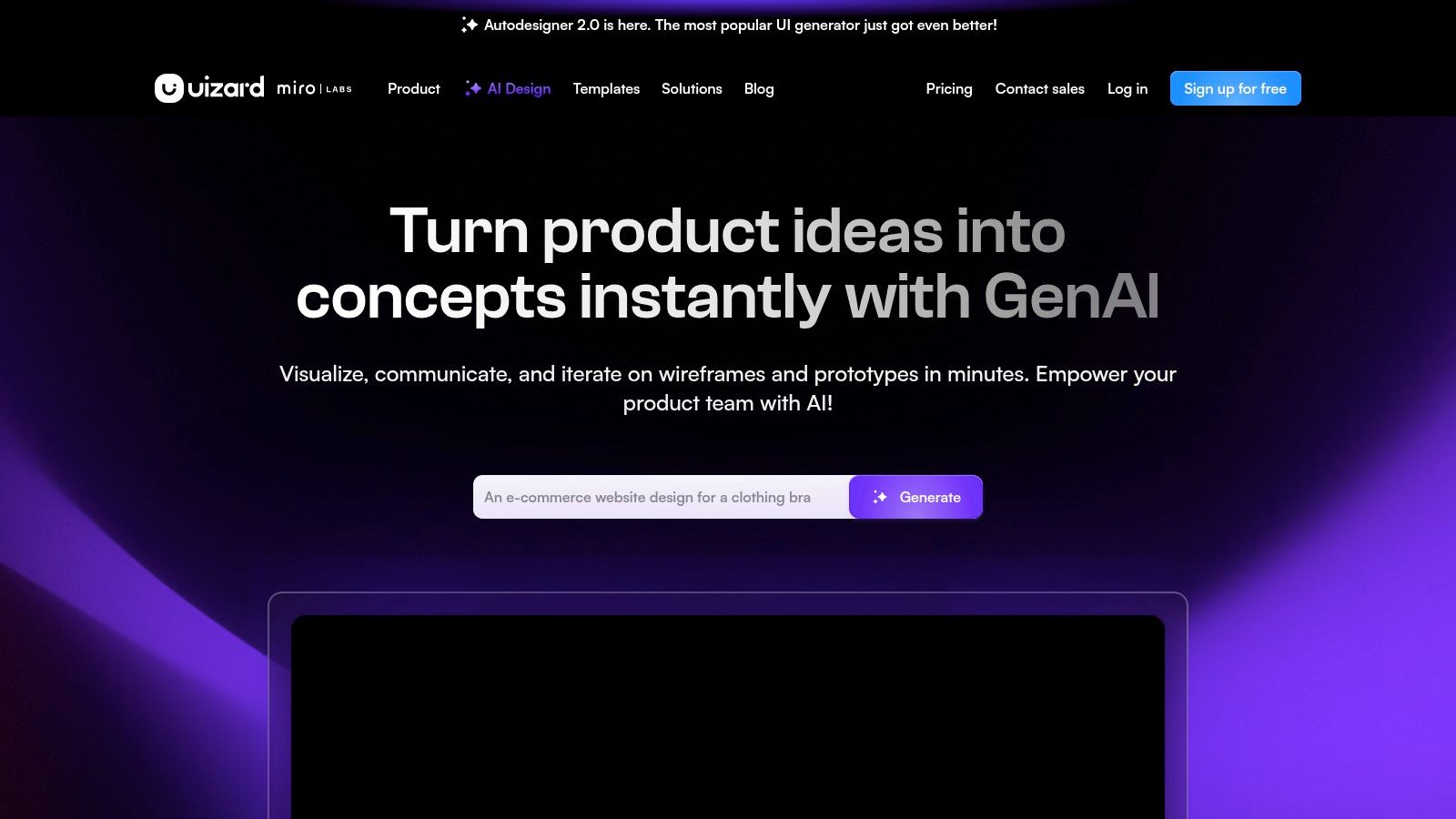
The platform's standout feature, Autodesigner 2.0, can generate comprehensive, multi-screen mockups complete with logical user flows. It also includes unique AI-powered usability features like a "Focus Predictor," which creates attention heatmaps to help identify potential UX issues before user testing. This functionality is part of the broader trend of leveraging AI in mobile prototyping to validate concepts faster, even at the earliest stages of design.
Key Features & Use Cases
- Prompt-to-UI Generation: A startup founder can type "an onboarding flow for a pet adoption app" and receive a complete, editable multi-screen prototype.
- Screenshot & Sketch Scanning: A product manager can upload a screenshot of a competitor's app or a photo of a whiteboard drawing to convert it into an editable Uizard project.
- Early Usability Prediction: Before building, a designer can use the Focus Predictor heatmap to see where users' attention is likely to be drawn on a new screen layout.
| Pros | Cons |
|---|---|
| Extremely low barrier to entry, ideal for non-designers | Generated designs often require refinement for production quality |
| Very fast for initial ideation and concept validation | Maintaining design system consistency requires manual setup |
| Includes helpful AI usability aids like heatmap predictions | Less powerful for complex interactions than other tools |
Website: https://uizard.io/
7. Visily
Visily is an AI-powered UI design platform engineered for non-designers, product managers, and founders looking to quickly visualize app ideas. It streamlines the initial design phase by converting simple inputs like text prompts, hand-drawn sketches, or screenshots of existing apps into editable wireframes and mockups. This makes it one of the most accessible ai prototyping tools for teams without dedicated design resources, empowering anyone to create and iterate on concepts.
The platform excels at rapid ideation. Instead of starting from a blank canvas, a product manager can upload a picture of a whiteboard sketch and let Visily’s AI generate a structured, interactive wireframe. This approach dramatically lowers the barrier to entry for creating functional prototypes, fostering better communication and alignment between technical and non-technical stakeholders early in the development cycle.
Key Features & Use Cases
- Screenshot-to-Design: A founder can take a screenshot of a competitor's app feature and have Visily instantly convert it into a customizable design template to build upon.
- Auto-Prototyping: A business analyst can generate a multi-screen flow from a text prompt and Visily will automatically link related components like "Sign Up" buttons to the appropriate screens.
- Figma Export: Once a low-fidelity concept gets stakeholder buy-in, the design can be exported to Figma for a professional designer to refine.
| Pros | Cons |
|---|---|
| Extremely low learning curve, ideal for non-designers | Smaller component library than mature tools |
| Strong for quick validation and stakeholder communication | Free tier is limited in the number of boards and elements |
| Multiple AI-powered entry points (text, sketch, screenshot) | Less suitable for highly detailed, pixel-perfect final designs |
Website: https://www.visily.ai/
8. Relume (AI Site Builder + libraries)
Relume is an AI-powered platform designed to dramatically accelerate the initial stages of website and application planning. It excels at translating a simple text prompt into a comprehensive sitemap and then generating AI-powered wireframes for each page. This makes it one of the fastest ai prototyping tools for moving from a high-level idea to a tangible site structure, providing a solid foundation for more detailed design work in tools like Figma or development in Webflow.
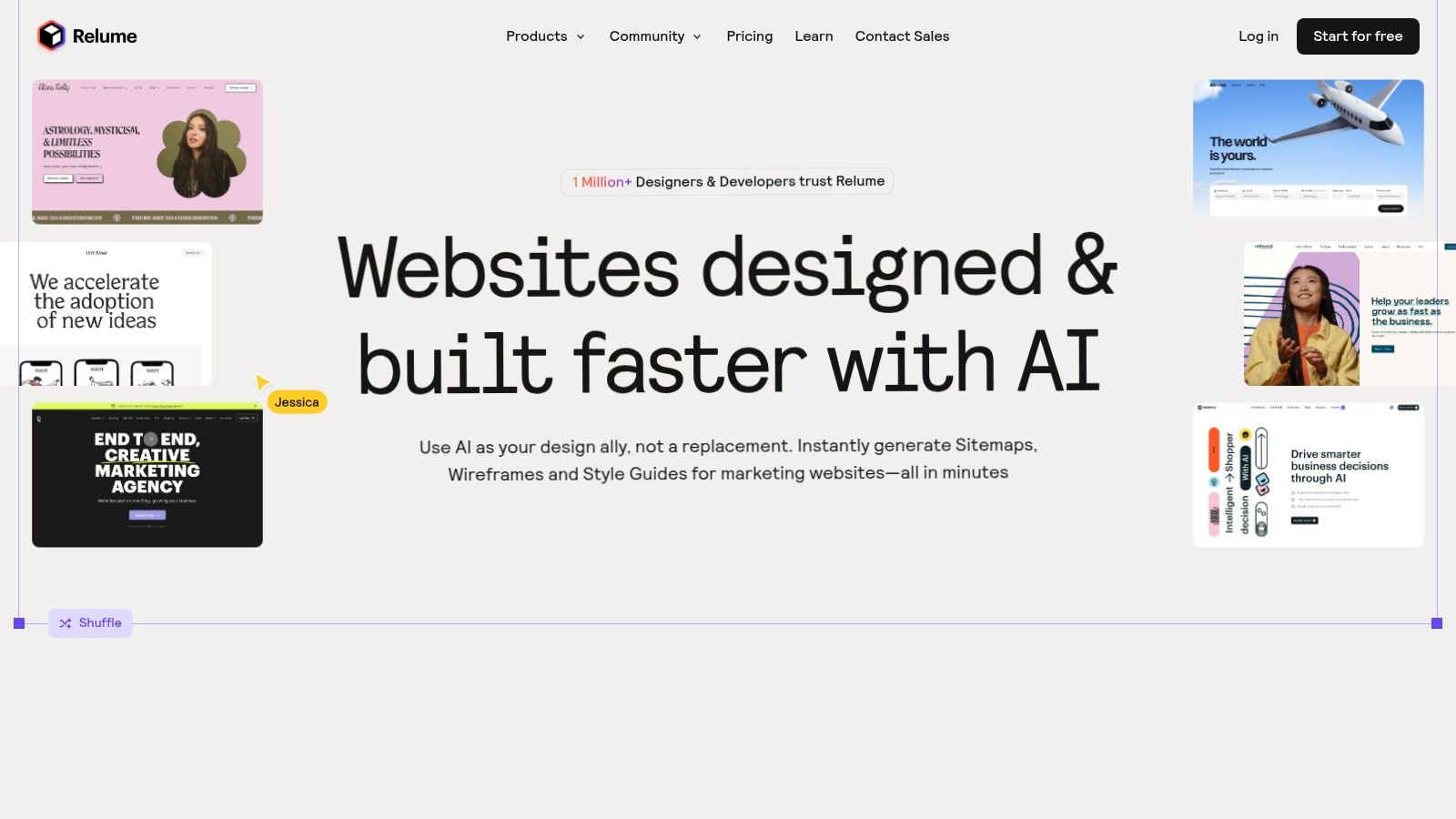
The platform's strength lies in its extensive library of over 1,000 pre-built components that are compatible with Figma and Webflow. After generating a wireframe, users can instantly copy and paste these high-quality, responsive components into their design files. This workflow is invaluable for product teams who need to validate concepts quickly by creating structured, visually coherent prototypes without building every element from scratch.
Key Features & Use Cases
- AI Sitemap & Wireframe Generation: A product manager can input "an e-commerce site for sustainable home goods" and receive a complete sitemap with AI-generated wireframes for the homepage, product pages, and checkout flow.
- Component Library Integration: A designer can take the generated wireframe and export it to Figma, then use the Relume Figma library to replace low-fidelity blocks with high-fidelity components.
- Rapid Development Handoff: A freelance developer can use the AI-generated structure as a blueprint and then leverage the Relume React library to quickly build the front end.
| Pros | Cons |
|---|---|
| Saves significant time on site architecture and wireframing | Best for site flows; complex app logic requires downstream work |
| Large component libraries are compatible with popular stacks | Some libraries and advanced features require paid plans |
| Active community and extensive learning resources | AI-generated content may still need significant manual refinement |
Website: https://www.relume.io/
9. Bubble + Bubble AI Agent (beta)
Bubble has long been a dominant force in the no-code space, enabling founders to build complex web applications without code. With its Bubble AI Agent, it is evolving into a powerful tool for creating functional prototypes that can become a market-ready product. This allows you to not only design the UI but also build the backend logic, databases, and user authentication needed for a real web app that might support your mobile product.
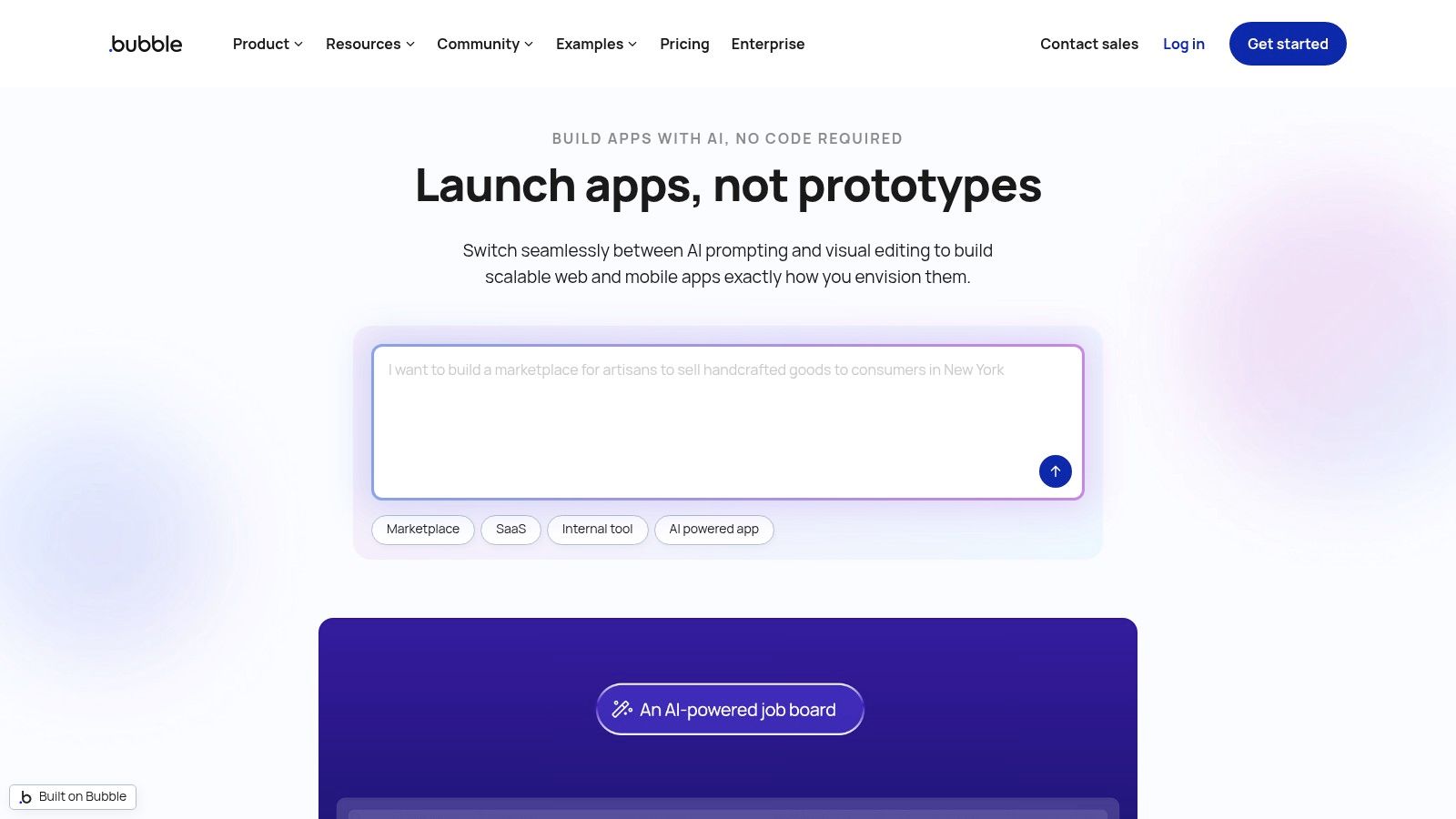
Bubble's key differentiator is its ability to go beyond static mockups. The in-editor AI Agent (currently in beta) acts as a co-pilot, helping users troubleshoot workflows, modify database structures, and generate app components from natural language prompts. This dramatically lowers the learning curve, allowing a non-technical founder to validate an idea with a live, interactive web app complete with user accounts and dynamic data, not just clickable screens.
Key Features & Use Cases
- AI-Assisted App Building: A startup founder can describe their app idea, such as "a marketplace for local artists," and the AI will generate initial pages, database tables, and workflows to get started.
- Workflow Troubleshooting: A product manager can ask the AI Agent, "Why isn't the user's profile picture updating when they upload a new one?" to get suggestions for fixing the logic.
- Rapid Functional Prototyping: A designer can build a prototype with real sign-up flows, dashboards that pull from a live database, and third-party API integrations.
| Pros | Cons |
|---|---|
| Rapid path from prototype to functional MVP with auth and data | AI Agent and generated workflows are in beta and still limited |
| Large community, tutorials, and a rich plugin marketplace | Pricing model can be complex to predict as you scale |
| AI features significantly speed up learning and iteration | Primarily web-focused; native mobile is still a newer feature |
Website: https://bubble.io/
10. tldraw + Make Real
For teams who prefer to ideate with the freedom of a whiteboard, tldraw offers a unique bridge from rough sketch to functional code. Its "Make Real" feature uses AI to interpret hand-drawn wireframes on its canvas and instantly convert them into live, interactive HTML. This workflow is exceptionally fast for early-stage validation, allowing product teams to test raw concepts without the overhead of traditional design software, making it one of the most innovative ai prototyping tools.
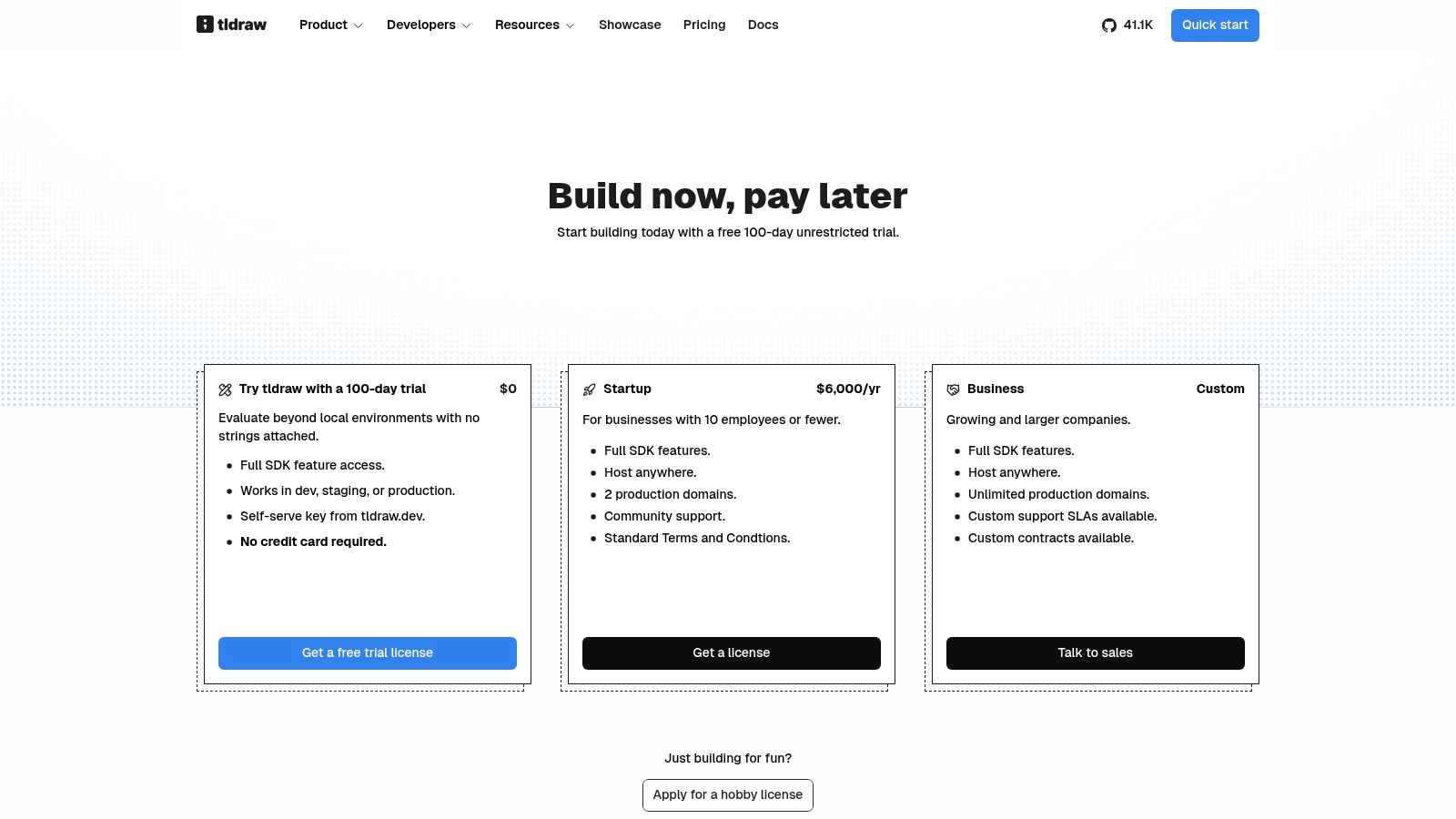
The platform shines in its developer-first approach. As an open-source SDK, tldraw can be integrated into custom applications to create bespoke collaborative tools. While the AI-generated code is primarily for prototyping, it provides a functional starting point that a developer can refine. This makes it an ideal tool for hackathons, collaborative brainstorming sessions, or any scenario where speed from idea to interactive demo is the main goal.
Key Features & Use Cases
- Sketch-to-Code Conversion: A UX designer can draw a simple login form with a text input and a button, and use the "Make Real" prompt to generate a working HTML version in seconds.
- Collaborative Ideation: A distributed team can use the shared canvas to collectively sketch out a user flow, then instantly turn parts of it into interactive elements.
- Custom Tooling: An engineering lead can use the tldraw SDK to build an internal prototyping tool tailored to their company's design system.
| Pros | Cons |
|---|---|
| Extremely fast sketch-to-UI experimentation and iteration | Requires developer skills to refine prototypes for production |
| Developer-friendly, open-source, and highly extensible | AI conversion quality can vary based on prompt and drawing |
| Excellent for real-time collaborative ideation and sketching | Less suited for creating high-fidelity, pixel-perfect designs |
Website: https://tldraw.dev/pricing
11. Anima
Anima serves as a powerful bridge between design and development, focusing on converting high-fidelity designs from tools like Figma into clean, front-end code. Its AI Playground extends this by allowing users to generate websites from text prompts or clone existing sites. The platform is built to accelerate the creation of working front-end prototypes, enabling teams to move from a static design file to a live, hosted preview with remarkable speed.
What sets Anima apart is its emphasis on generating high-quality, maintainable code (React, Vue, HTML/CSS) that developers can actually use. Unlike tools that only produce visual mockups, Anima creates interactive prototypes that can be hosted and shared for feedback, or the code can be directly integrated into a development workflow. This focus on a practical design-to-code pipeline is ideal for teams looking to reduce the manual effort of front-end implementation.
Key Features & Use Cases
- Design-to-Code Conversion: A UI designer can take a completed Figma mobile app design and use Anima to export it directly into interactive React components, ready for a developer to integrate with a backend.
- AI-Powered Site Generation: A startup founder can type a prompt like "Create a one-page marketing site for a new SaaS product" to get a functional starting point.
- Rapid Prototyping & Hosting: A product manager can quickly convert a new feature design into a live, interactive prototype and share the URL with stakeholders for immediate feedback.
| Pros | Cons |
|---|---|
| Practical path from design to front-end code and hosting | Best outcomes require well-structured and organized design files |
| Popular with Figma users and supports team workflows | Enterprise features are priced at a premium |
| Predictable pricing without confusing token-based limits | AI features are still evolving compared to design-only tools |
Website: https://www.animaapp.com/pricing
12. Locofy.ai
For teams seeking to accelerate the handoff from design to code, Locofy.ai offers a powerful plugin-based solution. It integrates directly with Figma and Adobe XD, converting design files into production-ready front-end code for a wide range of frameworks, including React, Next.js, and React Native. This focus on code generation makes it one of the most practical ai prototyping tools for engineering teams and startups aiming to accelerate MVP development. Designers use the plugin to tag elements and define props, ensuring the AI generates clean, maintainable code.
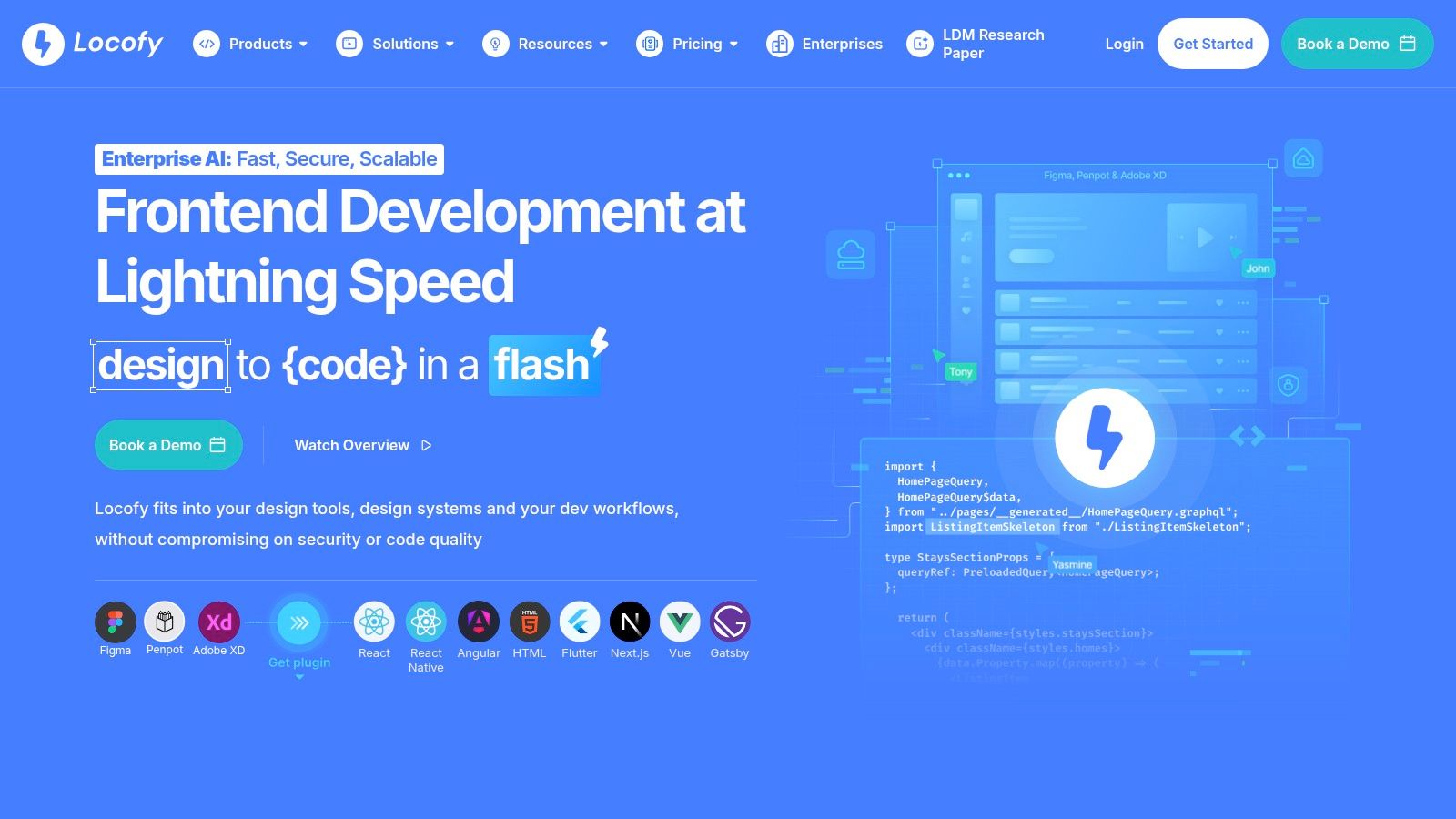
The platform stands out by giving designers significant control over the final code output without writing code themselves. By following best practices for layer naming and component structure in their design files, teams can generate high-fidelity coded prototypes that are nearly identical to what a developer would hand-code. This workflow dramatically reduces the manual work of translating a design into a functional UI, allowing developers to focus on business logic instead of pixel-pushing.
Key Features & Use Cases
- Multi-Framework Code Generation: An agency can take a single Figma design and export it to both a Next.js web app and a React Native mobile app.
- Component-Based Export: A UI designer can tag design elements as reusable React components with specific props, ensuring the generated code is modular and scalable.
- Rapid MVP Creation: A startup founder can convert their validated mockups into a working front-end in minutes, allowing them to test their product with real users much faster.
| Pros | Cons |
|---|---|
| Broad framework coverage for front-end teams | Best results require clean, well-layered design files |
| Significant time savings from design to working UI | The credit system (LDMtokens) and annual billing need monitoring |
| Ideal for agencies and startups building MVPs | Initial setup and tagging can have a slight learning curve |
| Plugin workflow keeps designers in their native tools | Less focused on AI-driven design ideation, more on code conversion |
Website: https://www.locofy.ai/
Top 12 AI Prototyping Tools — Feature Comparison
| Product | Core capability | Best for / Target audience | Unique selling point | Pricing & access |
|---|---|---|---|---|
| RapidNative (Recommended) | Prompt-to-UI → production-ready React Native + Expo (TypeScript, NativeWind); whiteboard & image-to-app; chat-driven edits | Founders, PMs, UX designers, small dev teams, agencies — rapid mobile UI prototyping & handoff | Exports clean, modular, extensible React Native code (developer-first); NativeWind theming; real code, not locked no-code | Free (20 req/mo); Starter $20/mo; Pro $50/mo; Teams/Enterprise custom; credit-based |
| Figma AI | Prompt-to-prototype, AI image/text tools, Code Layers, FigJam AI | Design teams already in Figma; ideation → handoff | Native to Figma with strong Dev Mode and integration ecosystem | Seat-based AI credits; features roll out by tier |
| Framer AI | Prompt-to-page Wireframer, visual editing, built-in hosting & CMS | Web designers and marketing teams building fast sites | Fast path from idea to live site with smooth visual editing | Free/paid tiers; some features gated by plan |
| Webflow AI | AI site builder, content edits, localization, SEO/AEO + CMS & hosting | Marketing teams, enterprises needing CMS and optimization | Enterprise-grade CMS, SEO tools and optimization workflows | Plan-tied AI features; add-ons and paid tiers |
| Vercel v0 | Text/image → Next.js project + deploy pipeline; API/SDK; Figma import | Developers and teams using React/Next.js who want deployed code quickly | Generates production-grade Next.js apps with immediate hosting & APIs | Usage/token-based costs; best value within Vercel ecosystem |
| Uizard (Autodesigner 2.0) | Text-to-UI generator, screenshot/wireframe scanner, heatmap/AI design aids, React/CSS export | Non-designers, PMs, startups needing fast mockups | Very low barrier for quick ideation; usability aids like focus heatmaps | Free and paid plans; advanced exports may require paid tier |
| Visily | Text/screenshot→UI, auto-prototyping, real-time collaboration, Figma export | Non-designers and stakeholders for quick buy-in and collaboration | Easy learning curve, strong collaboration and Figma export | Free tier limits; paid plans include generous credits |
| Relume | AI sitemap/wireframe, 1,000+ component libraries (Webflow/React/Figma), exports | Site architects, Webflow/React teams speeding layout exploration | Large component libraries and quick architecture generation | Some libraries/features require paid plans |
| Bubble + Bubble AI Agent (beta) | No-code app builder + AI agent, visual DB & workflows, plugin ecosystem | Non-technical founders and PMs building data-driven MVPs | Rapid route to functional MVPs with auth/data; in-editor AI assistance (beta) | WUs/plan-tier costs affect scaling; AI features in beta |
| tldraw + Make Real | Infinite-canvas SDK for sketches; Make Real converts drawings to live HTML | Teams doing collaborative sketching and experimental prototyping | Extremely fast sketch-to-UI experimentation; developer-friendly SDK | Open tooling; commercial SDK licensing/options |
| Anima | Figma-to-code, prompt site generation, hosting & preview exports, API/SDK | Figma users needing front-end prototypes and previews | Practical design→front-end pipeline with hosting previews | Paid tiers; enterprise features at premium |
| Locofy.ai | Converts Figma/Adobe XD → production code (React, Next.js, Vue, Angular, React Native); plugin workflow | Agencies and teams needing multi-framework code exports | Broad multi-framework code output; speeds design-to-code handoff | Credit/token model (LDMtokens); paid tiers, annual billing options |
How to Choose the Right AI Tool for Your Mobile Product
The landscape of product development is being reshaped by ai prototyping tools. The market is no longer one-size-fits-all. The key takeaway is that the "best" tool depends entirely on your team's goals, your tech stack, and what you plan to do with the prototype.
Choosing the right tool isn't about finding the longest feature list. It's about solving your biggest bottleneck. A startup founder with a mobile app concept but no coding experience has different needs than an established design team iterating on an existing product in Figma. The founder needs speed and accessibility; the design team needs seamless integration.
A Decision Framework for Your Team
To pick the right tool, ask yourself one question: what is my primary goal right now?
-
Goal: Early-stage idea validation for a mobile app. You need maximum speed with minimum investment to get a visual concept in front of users. Tools like Uizard and Visily are perfect here, turning sketches or text prompts into clickable mockups in minutes. They empower non-designers to create and test ideas quickly.
-
Goal: Streamlining the design-to-development handoff. Your team is already working in Figma and wants to reduce the friction of turning designs into code. Figma AI brings generative power directly into your workflow. Plugins like Anima and Locofy.ai act as powerful bridges, converting Figma designs into developer-friendly code.
-
Goal: Creating high-fidelity web prototypes or landing pages. If your mobile app needs a supporting website, tools like Framer AI and Webflow AI are front-runners. They let you create interactive, responsive web experiences without code. For developers, Vercel v0 generates React code you can use immediately.
-
Goal: Building a functional mobile prototype with production-ready code. This is where the difference between a visual mockup and a real app matters. If your target is an iOS and Android app, your tool must produce code developers can actually use. This is the specific challenge RapidNative is built to solve. It moves beyond visuals to generate high-quality, extensible React Native code, creating a solid foundation that directly accelerates your mobile development lifecycle.
Beyond the Features: Final Considerations
Ultimately, selecting an AI prototyping tool is a strategic decision. As you evaluate your options, look beyond the initial "wow" factor. How steep is the learning curve? Does the tool's output align with your engineering standards? Most importantly, does it help your team ship better products, faster? The right tool will feel less like a replacement for your team and more like a powerful collaborator, amplifying creativity and compressing timelines from weeks to days.
Ready to bridge the gap between your mobile app idea and a functional, developer-ready foundation? RapidNative is the AI prototyping tool designed specifically for mobile-first teams, transforming your concepts into clean, production-quality React Native code. Stop rebuilding from scratch and start building on a solid, AI-generated scaffold by visiting RapidNative to see how it can revolutionize your mobile workflow.
Ready to build your app?
Turn your idea into a production-ready React Native app in minutes.
Free tools to get you started
Free AI PRD Generator
Generate a professional product requirements document in seconds. Describe your product idea and get a complete, structured PRD instantly.
Try it freeFree AI App Name Generator
Generate unique, brandable app name ideas with AI. Get creative name suggestions with taglines, brand colors, and monogram previews.
Try it freeFree AI App Icon Generator
Generate beautiful, professional app icons with AI. Describe your app and get multiple icon variations in different styles, ready for App Store and Google Play.
Try it freeFrequently asked questions
What is RapidNative?
RapidNative is an AI-powered mobile app builder. Describe the app you want in plain English and RapidNative generates real, production-ready React Native screens you can preview, edit, and publish to the App Store or Google Play.
Can I export the code?
Yes. RapidNative generates clean React Native and Expo code that you can export at any time. No lock-in, no proprietary format. Hand it to your developers or keep building inside RapidNative.
Is RapidNative free to use?
Yes. You can build apps on the free plan with no credit card required. Paid plans unlock unlimited AI generations, code export, and direct publishing to the App Store and Google Play.
Do I need to know how to code?
No. Most users build apps by describing what they want in plain English. Developers can drop into the code whenever they want more control, but coding is optional.
How long does it take to build an app?
Most users have a working first screen in under a minute. A full MVP usually takes a few hours instead of the weeks or months traditional development requires.