12 Essential AI Development Tools for Agencies Building Mobile Apps
ai development tools for agencies: explore the top 12 tools for prototyping, coding, testing, and deployment in real-world projects.
By Rishav
1st Dec 2025
Last updated: 1st Dec 2025
The pressure on agencies is immense: deliver high-quality mobile products faster, stay ahead of the technology curve, and keep client projects on budget. The rise of AI isn't just another trend; it's a fundamental shift in how we design, build, and test mobile apps. But navigating the crowded landscape of ai development tools for agencies can be overwhelming, filled with marketing hype and platforms that don't fit a real agency workflow.
This guide cuts through the noise. We've curated a list of 12 essential AI tools specifically for teams building and managing mobile products. For agencies looking to supercharge their workflows, these practical AI tools offer significant advantages, complementing or even replacing traditional solutions used to streamline document workflows with software. From instantly generating usable React Native UI from a simple prompt to managing complex AI models in production, these are the platforms that solve real-world agency problems.
This isn't a generic feature list. It's a practical resource for product managers, designers, and developers alike. For each tool, we'll show you:
- Real use cases tailored for mobile agency scenarios.
- Honest assessments of what they're good at and where they fall short.
- How to get started with implementation and integration.
- Direct links and screenshots so you can see them in action.
This list is designed to help you find the right tools to solve your specific challenges, allowing your team to focus on shipping exceptional mobile apps for your clients. Let's dive in.
1. RapidNative
RapidNative is an AI development tool built specifically for agencies that need to get from a mobile app idea to production-ready code as fast as possible. It directly tackles the most common bottleneck in the agency workflow: translating a client's vision (a whiteboard sketch, a Figma design, or just a text description) into clean, developer-ready UI code.
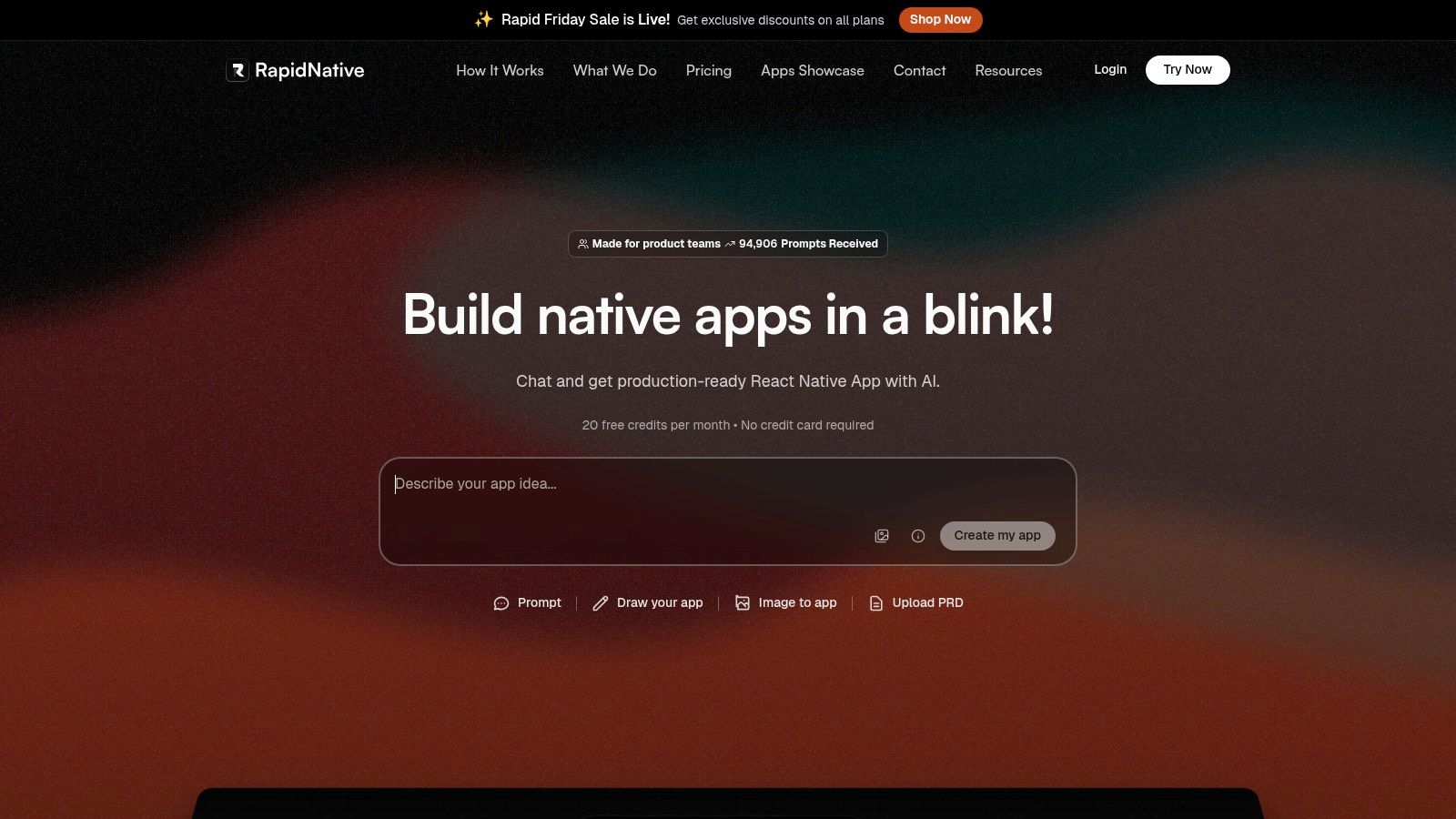
Unlike typical no-code builders that lock you into a proprietary platform, RapidNative acts as an AI-powered accelerator for your professional development team. It generates clean, modular source code built on a standard, professional mobile stack: Expo, React Native, TypeScript, and NativeWind. This means the output isn't a dead-end prototype; it's the actual starting point for your engineers, ready to be exported directly into an Expo project.
Why It's a Top Choice for Agencies
The platform’s real power for mobile agencies lies in its speed and collaborative nature. A product manager or designer can conversationally refine UI elements using simple chat commands ("make the primary button blue," "add more padding around the avatar"), and the code updates instantly. This drastically cuts down on revision cycles between design and development and ensures pixel-perfect handoffs. Learn more about how an AI native app builder can transform this process.
-
Pros:
- Multi-Modal Input: Generates high-quality React Native code from text prompts, sketches, or Figma designs.
- Developer-First Output: Creates clean, extensible code (Expo, TypeScript) that developers can immediately use.
- Rapid Iteration: Chat-driven adjustments on a visual canvas make refining UI/UX incredibly fast.
- Agency-Focused Workflow: Slashes the time it takes to go from client idea to a coded, testable prototype.
-
Cons:
- UI/UX Focus: Primarily builds the front-end UI. It won't generate your backend, complex business logic, or native device integrations.
- Credit-Based Model: Usage is tied to a monthly request limit, which may require a higher-tier plan for agencies with multiple, active projects.
Pricing & Access
RapidNative offers a tiered pricing structure that works for agencies of all sizes. It starts with a Free tier (20 requests/month), a Starter plan at $20/month (50 requests), and a Pro plan at $50/month (150 requests). Custom Teams/Enterprise plans are also available for larger-scale operations.
Website: https://www.rapidnative.com
2. OpenAI Platform
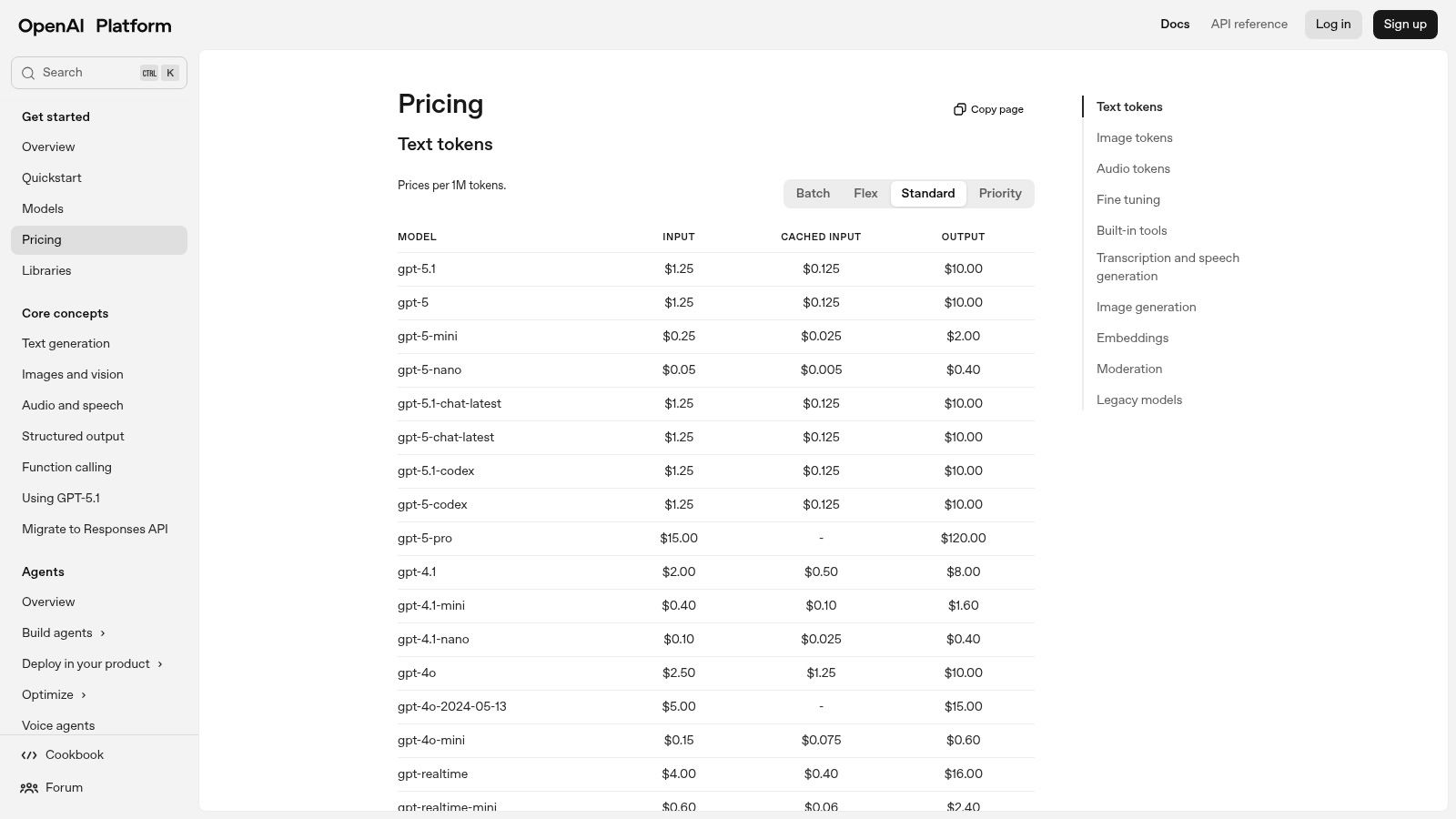
The OpenAI Platform is the engine for agencies looking to build custom AI features into mobile apps. It gives you direct API access to the entire suite of GPT models, from the powerful GPT-4o to more cost-effective options. For mobile agencies, this means you can build features like in-app chatbots, content summarizers, or AI-powered onboarding flows without needing a team of machine learning PhDs.
The platform’s Assistants API is a standout feature for building complex in-app agents. You can create a persistent, stateful assistant that can use tools like Web Search or Code Interpreter. This is a game-changer for creating sophisticated features for client apps, like a travel assistant that can browse for flights and hotels. The excellent documentation and interactive Playground make it one of the most accessible ai development tools for agencies to start prototyping new features. To get the most out of these powerful models, mastering how you craft your instructions is key; you can explore these advanced techniques with our guide to effective prompt engineering.
Practical Agency Use Cases & Features
| Feature | Mobile Agency Application |
|---|---|
| Assistants API | Build a "personal shopping assistant" for a client's e-commerce app that can access a product catalog (File Search) and help users find the perfect item. |
| Model Variety | Use GPT-4o for a "creative story generator" feature in a children's app, but use a faster, cheaper model for real-time chat support to manage client costs. |
| Enterprise Controls | For a client's corporate wellness app, implement SSO and role-based access to ensure data privacy and meet security requirements. |
| Batch API | Process thousands of user-generated product reviews overnight at a 50% discount, summarizing them for the client's marketing team and saving on API costs. |
- Pros: Competitive token pricing, excellent developer documentation, strong enterprise and compliance support.
- Cons: Billing can be hard to predict, especially with varying token costs for different models and tools. You'll need to plan for traffic spikes on high-demand apps.
- Website: https://platform.openai.com/pricing
3. Google Cloud Vertex AI
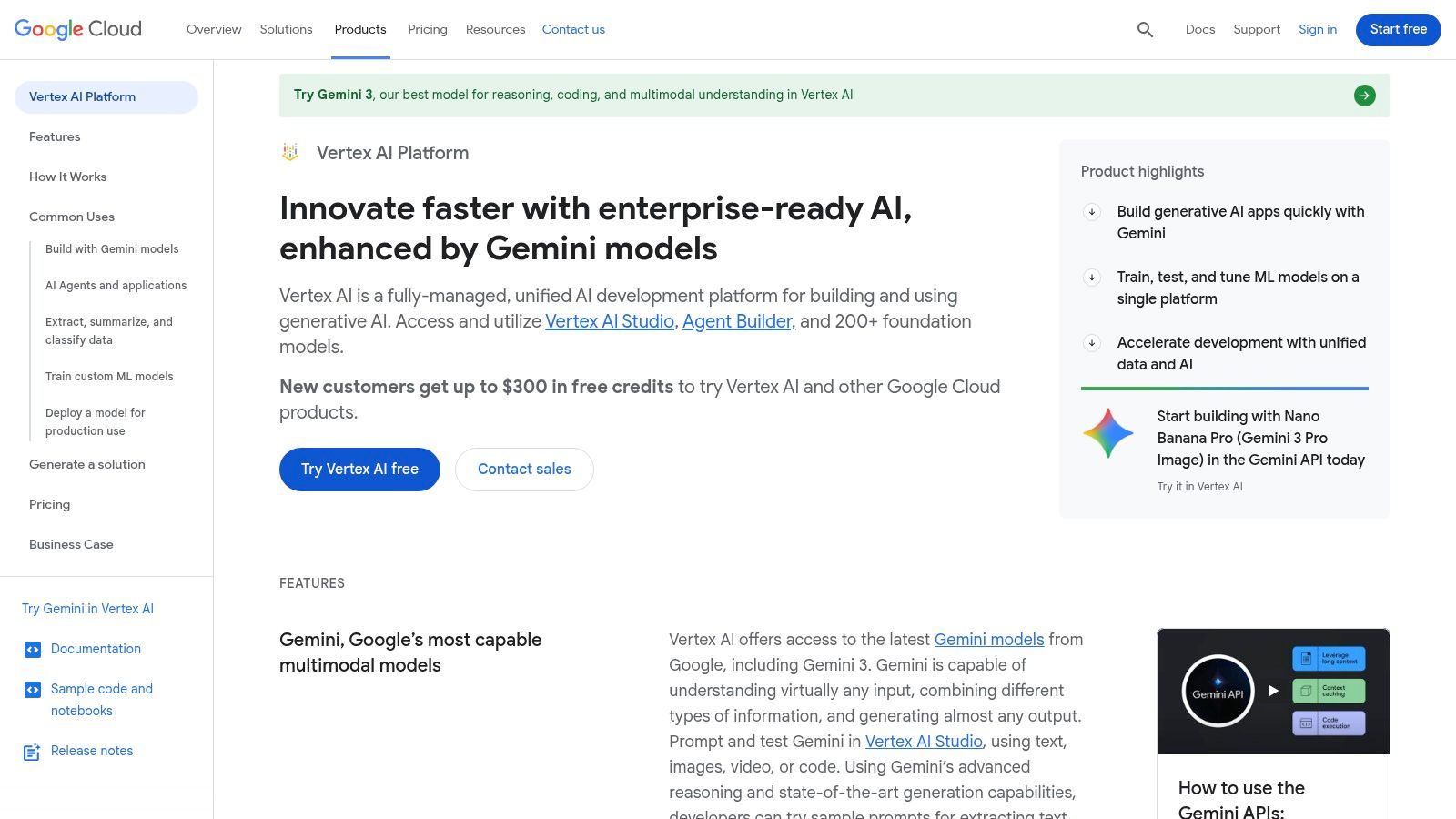
Google Cloud's Vertex AI is a full-stack platform for agencies building, deploying, and scaling custom AI models with production-grade reliability. It gives you access to Google’s powerful Gemini models and a huge Model Garden, letting you pick the right tool for any client's mobile app. This allows your agency to create highly scalable AI features, from apps that analyze user-uploaded photos to complex data-driven dashboards.
A key advantage of Vertex AI is its "grounding" capability, which connects model responses to reliable data sources like Google Search or a client’s internal database. This dramatically reduces the risk of the AI "making stuff up" (hallucinating) in client-facing apps. For agencies building deeply integrated mobile experiences for clients already on Google Cloud, its tight connections with BigQuery, Google Maps, and Workspace make it one of the most powerful ai development tools for agencies available.
Practical Agency Use Cases & Features
| Feature | Mobile Agency Application |
|---|---|
| Grounding with Google Search | Build a feature for a travel app that gives real-time, verifiable info on local attractions, with links to its sources from Google Search. |
| Model Garden & Tuning | For a client in the real estate business, fine-tune an image analysis model on their property photos to automatically classify rooms and features with high accuracy. |
| Agent Engine | Create an order-management bot for an e-commerce app that can check inventory in BigQuery, process orders, and provide delivery updates using the Google Maps API. |
| Gemini Model Family | Use Gemini 1.5 Pro's multimodal capabilities to analyze video feedback from user testing sessions of a client's app, automatically extracting key themes and sentiment. |
- Pros: Excellent data security and regional controls, seamless integration with Google Workspace and BigQuery, and clear pricing tables for each model.
- Cons: The platform can feel complex for new users, and some of the newest features might have limited availability in certain regions.
- Website: https://cloud.google.com/vertex-ai
4. Amazon Web Services – Amazon Bedrock
For agencies already building on AWS, Amazon Bedrock is the easiest way to access a wide range of top-tier AI models. Instead of juggling multiple APIs and contracts, you get a single, unified API to access models from Anthropic (Claude), Meta (Llama), Cohere, and Amazon itself. This simplifies everything from development to billing, letting your agency build on a familiar, enterprise-grade cloud platform.

Bedrock is built for the operational rigor that large clients demand, integrating natively with AWS tools like IAM, VPC, and CloudWatch. Features like Guardrails for content safety and Knowledge Bases for retrieval-augmented generation (RAG) are built-in, saving your team significant development time. For agencies building complex AI workflows, Bedrock Flows provides a visual tool to chain prompts and API calls, making it one of the most robust ai development tools for agencies focused on operational stability and security. You can deliver sophisticated, compliant AI features for mobile apps without ever leaving the AWS environment.
Practical Agency Use Cases & Features
| Feature | Mobile Agency Application |
|---|---|
| Multi-Model Access | Build an in-app agent that automatically picks the best model for a task—like Claude 3 Opus for analyzing a document and Llama 3 for a quick chat response—to optimize client costs. |
| Bedrock Flows | Visually map out a multi-step user onboarding flow for a fintech app, chaining prompts and API calls without writing complex orchestration code. |
| Knowledge Bases | Quickly build a help center chatbot for a client's app by pointing Bedrock to their support documents in an Amazon S3 bucket. |
| Guardrails | Automatically enforce content policies in a social media app's chat feature, preventing harmful language and ensuring a safe user experience. |
- Pros: Enterprise-ready security with AWS IAM integration, consolidated billing, and access to a diverse set of top models through one API.
- Cons: Pricing can be complex, as it varies by model provider, and features like Guardrails are billed separately, requiring careful cost estimation.
- Website: https://aws.amazon.com/bedrock
5. Microsoft Azure AI (Azure OpenAI Service)
For agencies with enterprise clients, especially in regulated industries like finance or healthcare, Microsoft Azure AI offers a secure and compliant gateway to OpenAI's models. Through the Azure OpenAI Service, you get dedicated, private access to models like GPT-4 and DALL-E 3 within your own Azure cloud. This guarantees data residency, meets strict security standards, and provides the enterprise-grade SLAs that large clients need, making it one of the most trusted ai development tools for agencies working on corporate mobile apps.
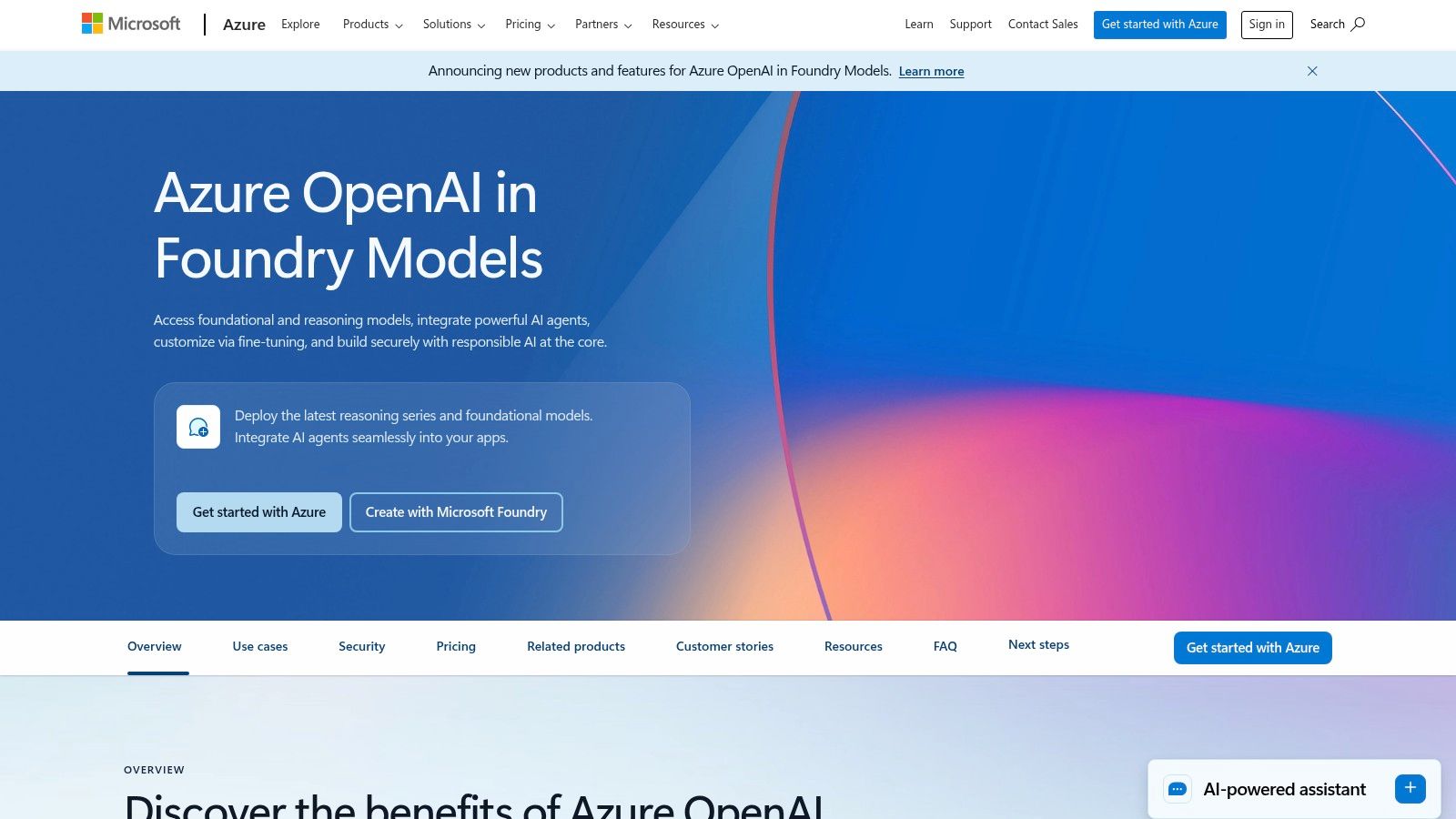
Azure's key advantage is its deep integration with the broader Microsoft ecosystem. You can easily connect your AI models to Azure AI Search for advanced RAG over a client's internal data or integrate them with Microsoft 365. This lets your agency build powerful, secure mobile solutions that tap into a client's existing infrastructure. The platform gives you precise control over where data is processed and stored—a critical factor for meeting compliance standards like GDPR or HIPAA.
Practical Agency Use Cases & Features
| Feature | Mobile Agency Application |
|---|---|
| Azure OpenAI Deployments | For a European healthcare client's app, deploy a model in an EU data center to meet strict GDPR data residency requirements. |
| Integration with Azure AI Search | Build a secure "internal knowledge base" feature for a corporate client's employee app, connecting a model to their private documents in Azure Storage. |
| Enterprise SLAs | Offer clients guaranteed uptime and support for their app's AI features, backed by Microsoft's service level agreements—a huge selling point for enterprise contracts. |
| Unified Azure Ecosystem | Connect the app's AI features to the client's existing Azure Active Directory for user authentication and use Azure's monitoring tools for performance tracking. |
- Pros: Strong compliance and regional controls, great for clients already on Microsoft Azure. Easy to pair with Azure AI Search, Storage, and Observability.
- Cons: Finding the right pricing information can be tricky as it's segmented by service and region. Access to the newest models may require specific region selection or an approval process.
- Website: https://azure.microsoft.com/en-us/products/ai-services/openai-service
6. Anthropic (Claude API and Console)
Anthropic provides a suite of powerful language models, including the Claude 3 family (Haiku, Sonnet, and Opus), known for their strong reasoning capabilities and large context windows. For agencies, Anthropic is an excellent choice for mobile app features that need to understand and process long documents or adhere to high safety standards. Its ability to handle massive amounts of text in a single prompt makes it ideal for apps that analyze legal contracts, research papers, or entire codebases.

The platform is designed for predictable and safe performance, making it a reliable choice for client-facing apps where brand reputation is key. Features like advanced tool use (function calling) allow you to build complex, automated workflows that can interact with external APIs. For agencies managing client budgets, the straightforward prepaid credit system simplifies spending forecasts. This focus on performance and control makes Anthropic one of the most practical ai development tools for agencies building enterprise-grade mobile solutions.
Practical Agency Use Cases & Features
| Feature | Mobile Agency Application |
|---|---|
| Large Context Windows | Build a "document analysis" feature for a legal tech app that lets users upload a 150-page contract and ask specific questions about its clauses. |
| Advanced Tool Use | Create an automated agent for a logistics app that can query a client's shipping database via an API, analyze the results, and generate a natural language delivery update. |
| Prompt Caching | Reduce latency and costs for a customer support chatbot by caching responses to frequently asked questions, making the app feel faster and cheaper to run. |
| Prepaid Credit Tiers | Purchase a block of credits upfront for a client project, giving them a clear, fixed budget for AI usage and avoiding surprise pay-as-you-go bills. |
- Pros: Excellent performance on complex reasoning tasks and document analysis. The prepaid credit model helps with budget management.
- Cons: The prepaid model requires some upfront planning. Accessing the largest context windows and most powerful models comes at a higher cost.
- Website: https://www.anthropic.com
7. Cohere
Cohere is an enterprise-focused AI platform, making it a great option for agencies building robust mobile solutions for clients in data-sensitive industries. It specializes in models that are highly optimized for real-world business tasks like Retrieval-Augmented Generation (RAG), advanced search, and multilingual applications. For your agency, this means you can build powerful, accurate chatbots or internal knowledge bases that ground their answers in your client's specific documents, increasing reliability and reducing errors.
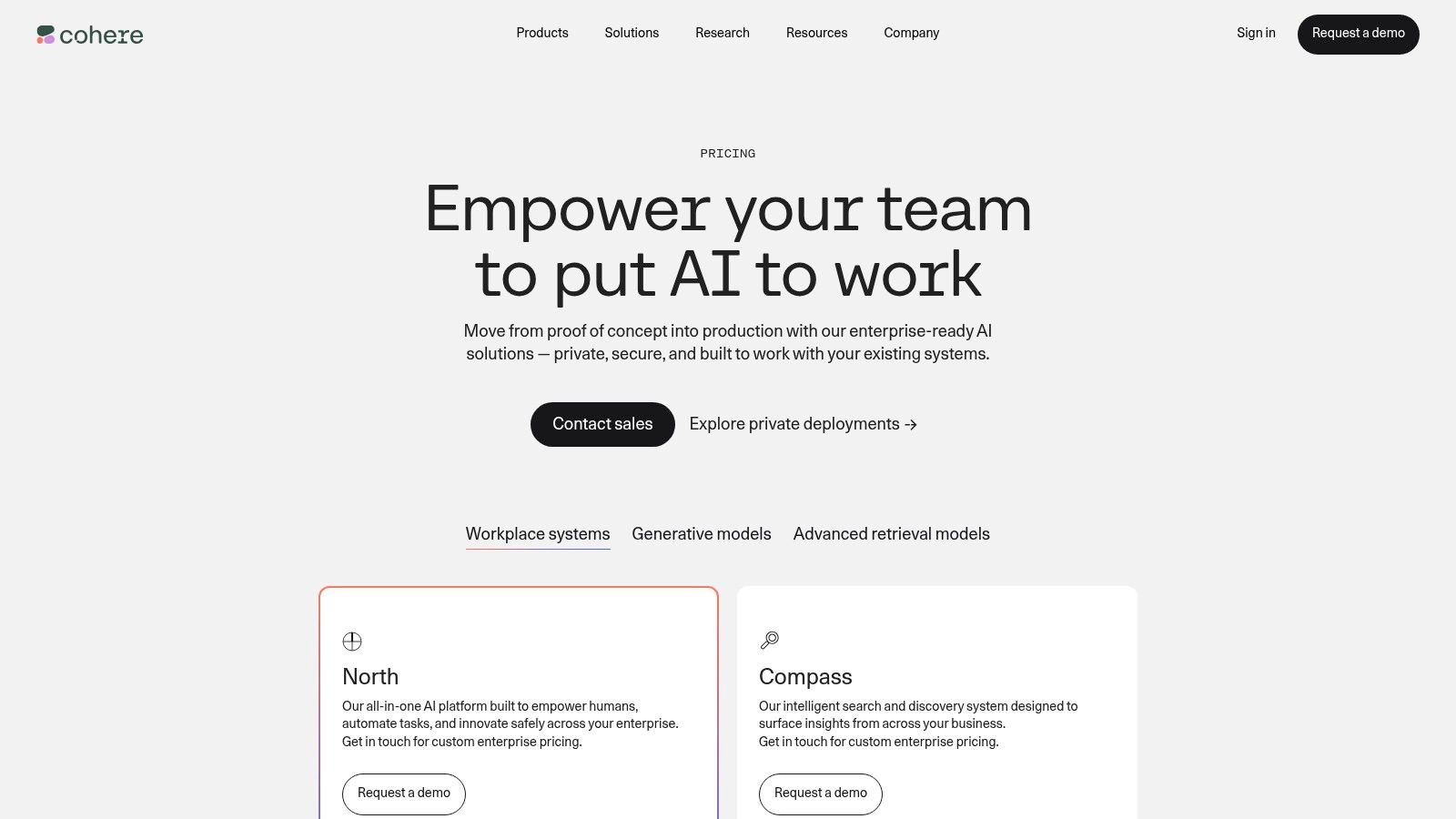
The platform’s transparent pricing and dedicated endpoints for its Embed and Rerank APIs are a major plus. This structure makes it much easier for agencies to forecast costs for building search-heavy apps. With models like Command R/R+ that excel at understanding long documents and multiple languages, Cohere is one of the most practical ai development tools for agencies when the client's top priority is verifiable accuracy and enterprise-level control, including options for private cloud deployment for maximum data security.
Practical Agency Use Cases & Features
| Feature | Mobile Agency Application |
|---|---|
| RAG-Optimized Models | Build a highly accurate chatbot for an e-commerce app that pulls product details directly from the client's catalog to answer customer questions correctly every time. |
| Embed & Rerank APIs | Create a semantic search feature for a client's mobile app that lets users search their extensive library of training documents using natural language queries. |
| Multilingual Capabilities | Develop a global customer support agent for an international client's app that can understand and respond accurately in multiple languages without needing separate models. |
| Private Deployments | For a finance or healthcare client, offer a fully private AI solution hosted on their own cloud (e.g., AWS, GCP) to meet strict data privacy and compliance needs. |
- Pros: Transparent pricing for the entire search and retrieval stack, excellent performance on RAG and multilingual tasks, and enterprise-grade deployment options.
- Cons: The model catalog isn't as broad as hyperscalers like Google or Microsoft. Accessing private deployments or the most advanced models usually requires contacting their sales team.
- Website: https://cohere.com/pricing
8. Hugging Face
Hugging Face is the essential hub for agencies wanting to tap into the open-source AI world. It gives you access to thousands of pre-trained models and datasets, but its real power for agencies is in its deployment tools. With Inference Endpoints and Spaces, you can take any open-source model (or a custom-trained one) and deploy it as a production-ready API or an interactive demo, without managing the underlying infrastructure. This is perfect for client projects that need cost control, data privacy, or a specialized model that proprietary APIs don't offer.
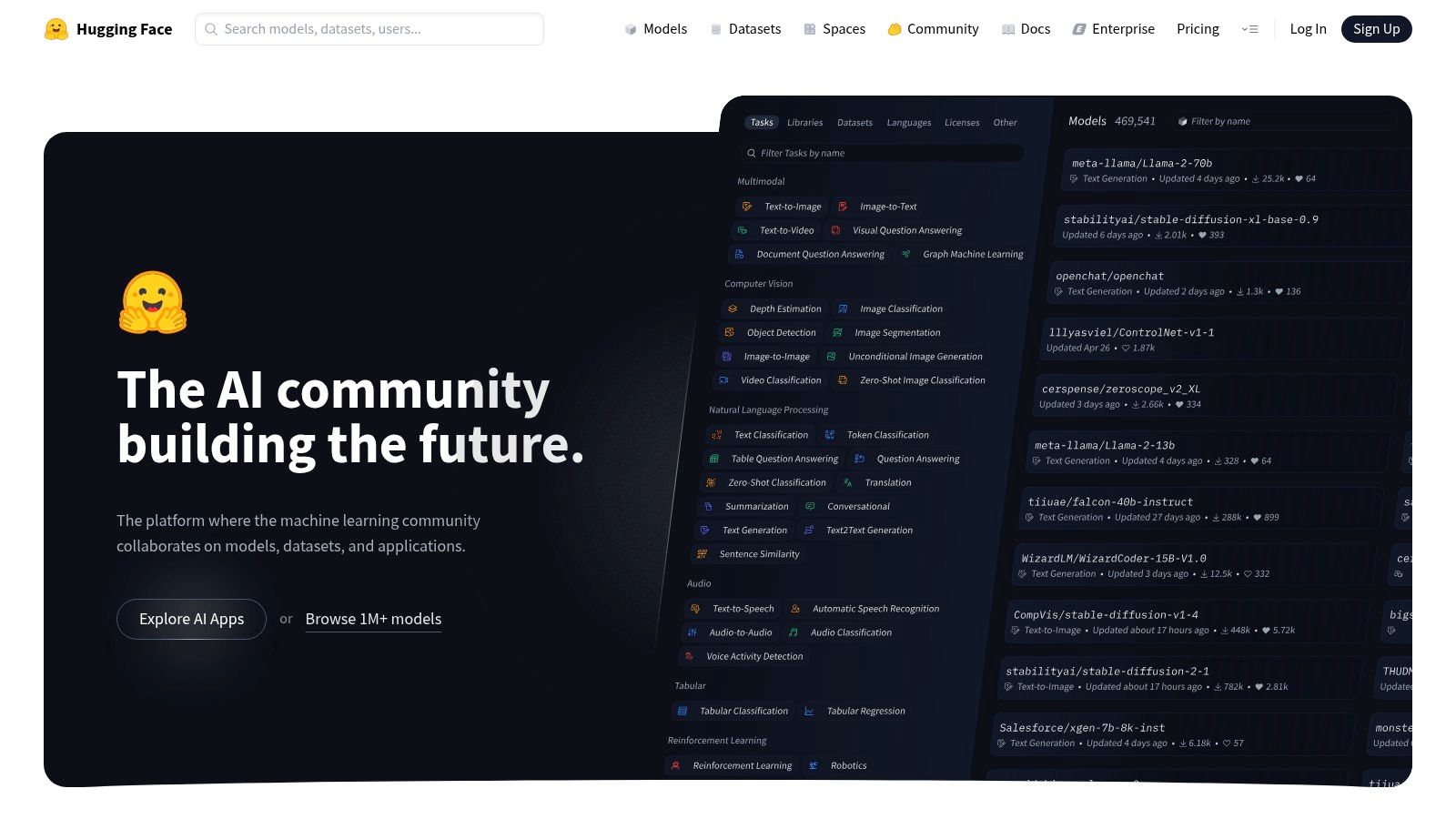
The platform gives you a direct path from finding a model to deploying a scalable, production endpoint with autoscaling across AWS, Azure, and GCP. Instead of a pay-per-token model, you pay per instance hour, giving you predictable costs for dedicated throughput. This makes Hugging Face one of the most versatile ai development tools for agencies looking to build custom, cost-effective solutions for clients. Spaces are especially useful for creating quick, shareable web demos to show a model's capabilities during a client pitch.
Practical Agency Use Cases & Features
| Feature | Mobile Agency Application |
|---|---|
| Inference Endpoints | For a client's niche industry app, deploy a specialized open-source model (like a fine-tuned Llama 3) to ensure data privacy and predictable costs with hourly billing. |
| Spaces | Quickly build and host an interactive web demo of a new AI feature, allowing the client to test its performance firsthand before it's integrated into the mobile app. |
| Broad Model Zoo | Find and test unique models for tasks like real-time audio translation or specialized image recognition that aren't available through major commercial APIs. |
| Enterprise Support | Offer clients multi-cloud deployment options and private model hosting for mission-critical mobile apps that demand high availability and security. |
- Pros: A fast path from finding a model to deploying a production endpoint, multi-cloud support with fine-grained control, and a vast ecosystem of open-source models.
- Cons: You manage scaling and cost at the instance level (which requires more oversight than per-token billing), and advanced enterprise features may require higher-tier plans.
- Website: https://huggingface.co
9. GitHub Copilot
GitHub Copilot is an AI pair programmer that works directly inside your agency's code editor (IDE). It provides intelligent code suggestions, in-line chat for asking questions, and even helps with code reviews. For mobile agencies, this means developers can build and ship projects faster because they spend less time writing boilerplate code or looking up documentation.
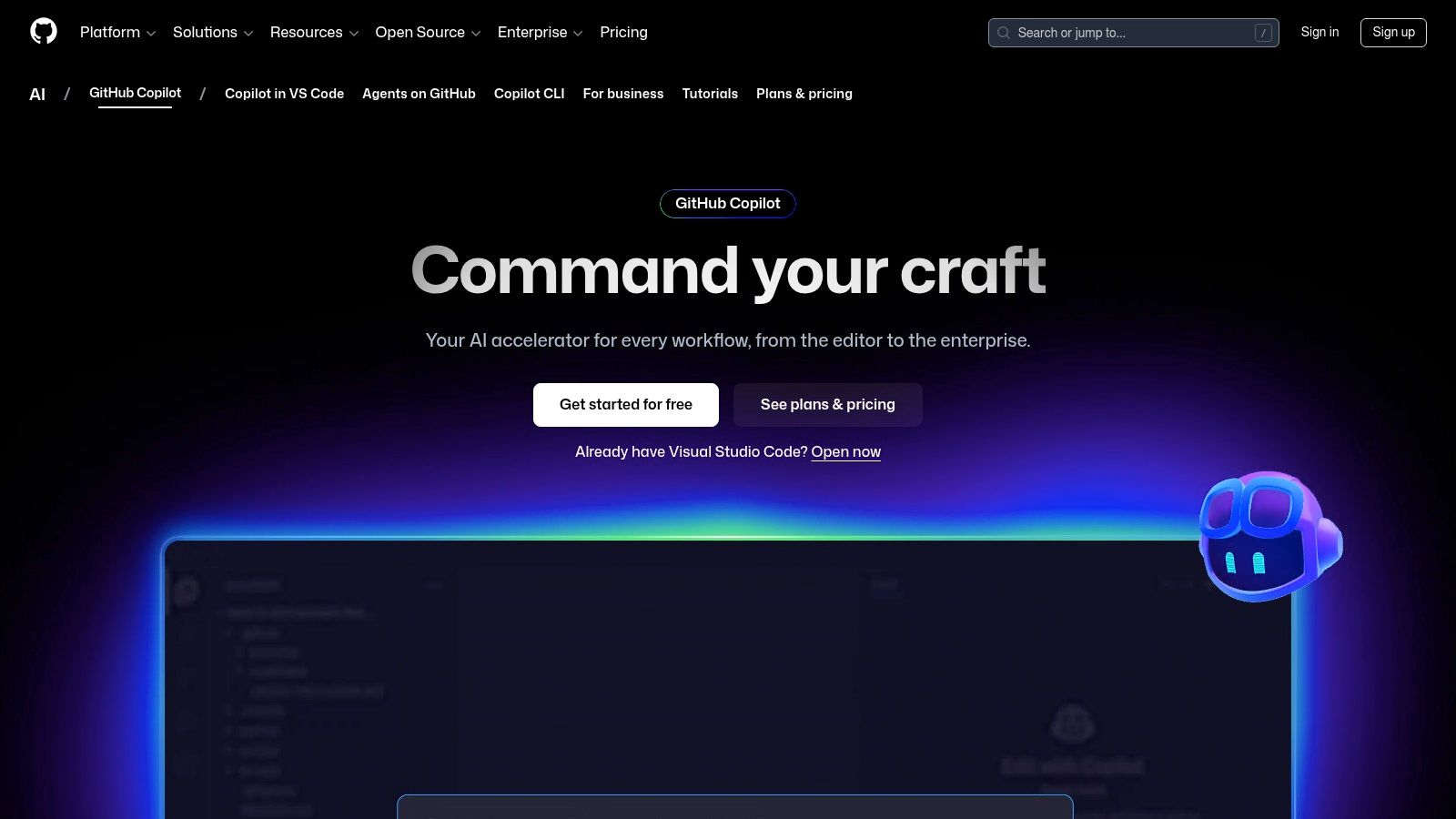
The platform's value is amplified for agencies by its enterprise features, which include centralized license management and organization-wide security policies. GitHub Copilot integrates seamlessly into your team's existing workflow in VS Code, JetBrains, and other popular IDEs. It stands out by augmenting the developer's primary workspace, making it one of the most practical ai development tools for agencies looking to boost team efficiency without adding a whole new platform to manage. The clear per-developer pricing makes it easy to budget for and scale across your entire team.
Practical Agency Use Cases & Features
| Feature | Mobile Agency Application |
|---|---|
| IDE & Chat Integration | Accelerate React Native development by generating components, functions, and unit tests directly in the editor. Use the chat to debug errors or understand a client's legacy codebase. |
| Pull Request Summaries | Speed up code reviews with AI-generated summaries of changes, helping team leads quickly understand what's new in a client's mobile app project. |
| CLI Assistance | Help developers find the right shell commands or git syntax, reducing the time they spend switching contexts and searching for documentation online. |
| Admin Controls | Manage licenses for your whole team and enforce policies, like preventing suggestions that match public code, to meet client security and IP requirements. |
- Pros: Clear per-seat pricing, significantly reduces time spent on repetitive coding, and speeds up code reviews.
- Cons: It's a developer productivity tool, not a hosting or API platform. It complements other tools on this list but doesn't replace them.
- Website: https://github.com/features/copilot
10. LangChain (LangSmith, LangServe, LangGraph)
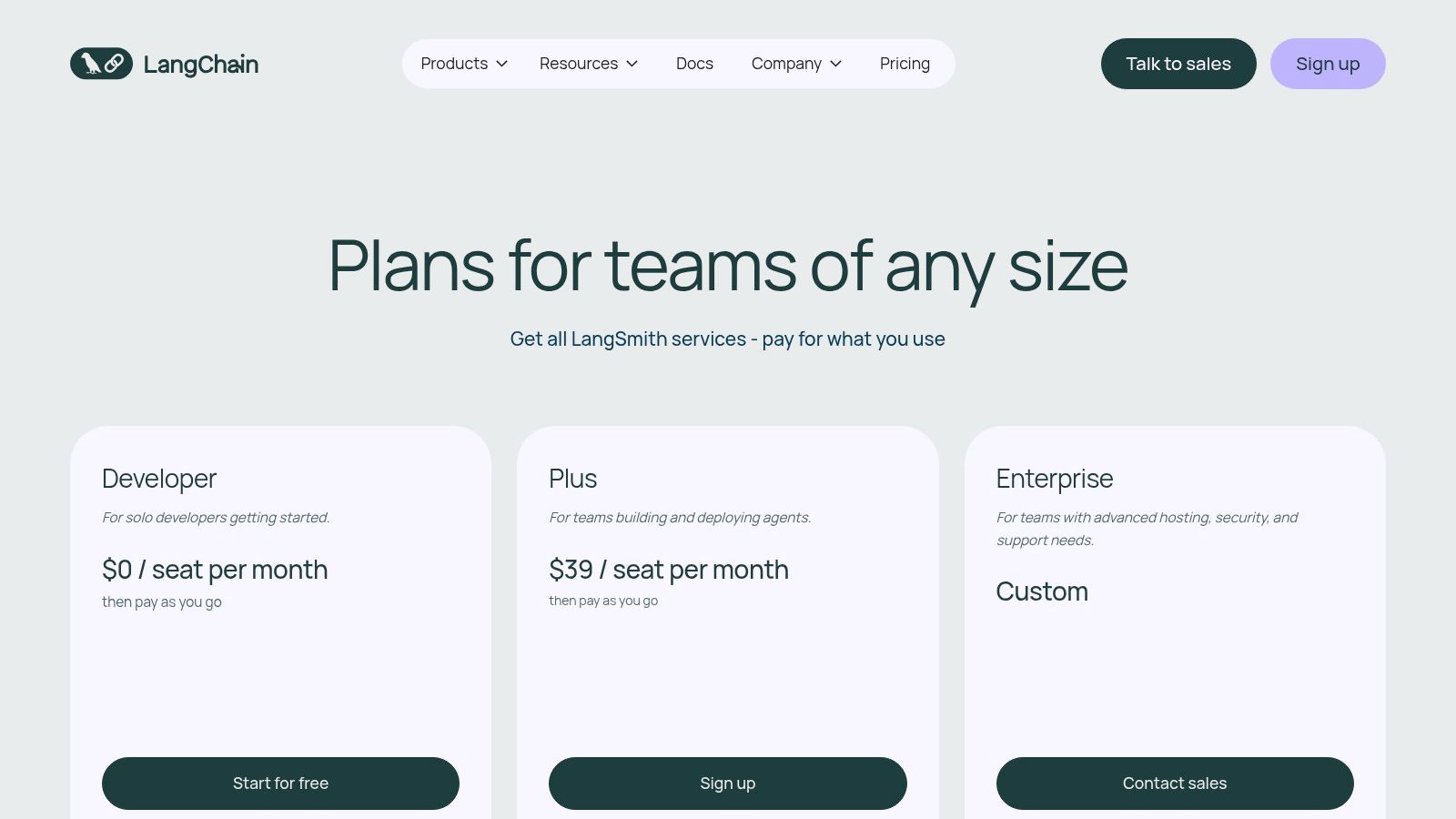
LangChain is a full suite of open-source frameworks and managed services designed to take AI apps from a prototype to a production-ready system. For agencies, this ecosystem provides a standardized way to build, test, and deploy complex, agent-like systems for client mobile apps. The platform includes LangSmith for observability and testing, LangServe for deployment, and LangGraph for creating stateful, multi-step AI applications.
What makes LangChain stand out is its focus on the entire application lifecycle, especially the often-overlooked parts like testing and monitoring. LangSmith lets your team see exactly what your AI is doing, debug complex chains of thought, and create evaluation datasets to ensure client app features perform reliably. This makes it one of the most powerful ai development tools for agencies focused on delivering high-quality, production-ready AI solutions. For a deeper dive into this workflow, you can explore how to take your project from prompt to a full-fledged app.
Practical Agency Use Cases & Features
| Feature | Mobile Agency Application |
|---|---|
| LangSmith Observability | Debug a complex chatbot in a client's app by tracing every step, API call, and thought process, drastically reducing troubleshooting time. |
| LangServe Deployments | Package and deploy a client's AI-powered feature as a scalable API, making it easy to manage operational costs and client billing. |
| LangGraph for Agents | Build a sophisticated, multi-step agent for a travel app that can research flights, check hotel availability, and then book the trip based on user confirmation. |
| Managed Dev-to-Prod Path | Standardize your agency's AI development process, ensuring that apps built by different teams are maintainable, testable, and deployable using a consistent toolchain. |
- Pros: Purpose-built for improving LLM app quality and iteration speed, with a clear path from development to production.
- Cons: It's an additional platform cost on top of your model provider fees and requires your team to adopt its specific framework.
- Website: https://www.langchain.com/pricing
11. Vercel
Vercel is a top-tier front-end deployment platform, but its AI SDK and Gateway make it a powerful choice for agencies building AI-powered mobile web experiences or PWAs. The Vercel AI SDK provides a single, unified API to work with various models from providers like OpenAI, Anthropic, and Hugging Face. This means your team can swap models or use multiple providers in a client app without rewriting a bunch of code.

The standout feature for agencies is the AI Gateway, which acts as a central control panel for all your AI model calls. It gives you crucial observability, rate-limiting, and API key management, providing a unified view of costs and usage across different client projects and model providers. This makes Vercel one of the most efficient ai development tools for agencies looking to streamline development, manage operational costs, and deploy AI features with the same speed and reliability they use for their front-end hosting.
Practical Agency Use Cases & Features
| Feature | Mobile Agency Application |
|---|---|
| AI SDK | Build an AI feature in a client's web app that can automatically switch between a fast model for quick chats and a powerful model for complex analysis to optimize cost and performance. |
| AI Gateway | Manage and rotate API keys securely for multiple client projects from a single dashboard. Monitor spending and latency across different model providers to help clients save money. |
| Global Edge Network | Deploy an AI-powered PWA with a real-time chatbot that has low latency worldwide, ensuring a fast user experience for a global audience. |
| Centralized Analytics | Provide clients with clear reports on their app's AI feature usage, token consumption, and costs, improving transparency and justifying project fees. |
- Pros: Extremely fast to go from prototype to production with a great developer experience. Centralized analytics provide excellent visibility into spending.
- Cons: You still pay your model vendors separately; the gateway credits don't reduce your OpenAI or Anthropic bills. Complex AI agent flows may require careful configuration.
- Website: https://vercel.com
12. Databricks (Mosaic AI / Model Serving)
Databricks provides a unified Data and AI platform where agencies can build, deploy, and monitor generative AI applications directly on top of their client's enterprise data. Its Mosaic AI and Model Serving tools let you deploy both open-source and proprietary models in a secure, governed environment. For agencies managing data-heavy client projects, this means you can create powerful RAG applications or fine-tune models without ever moving sensitive data outside the client's secure data lakehouse.
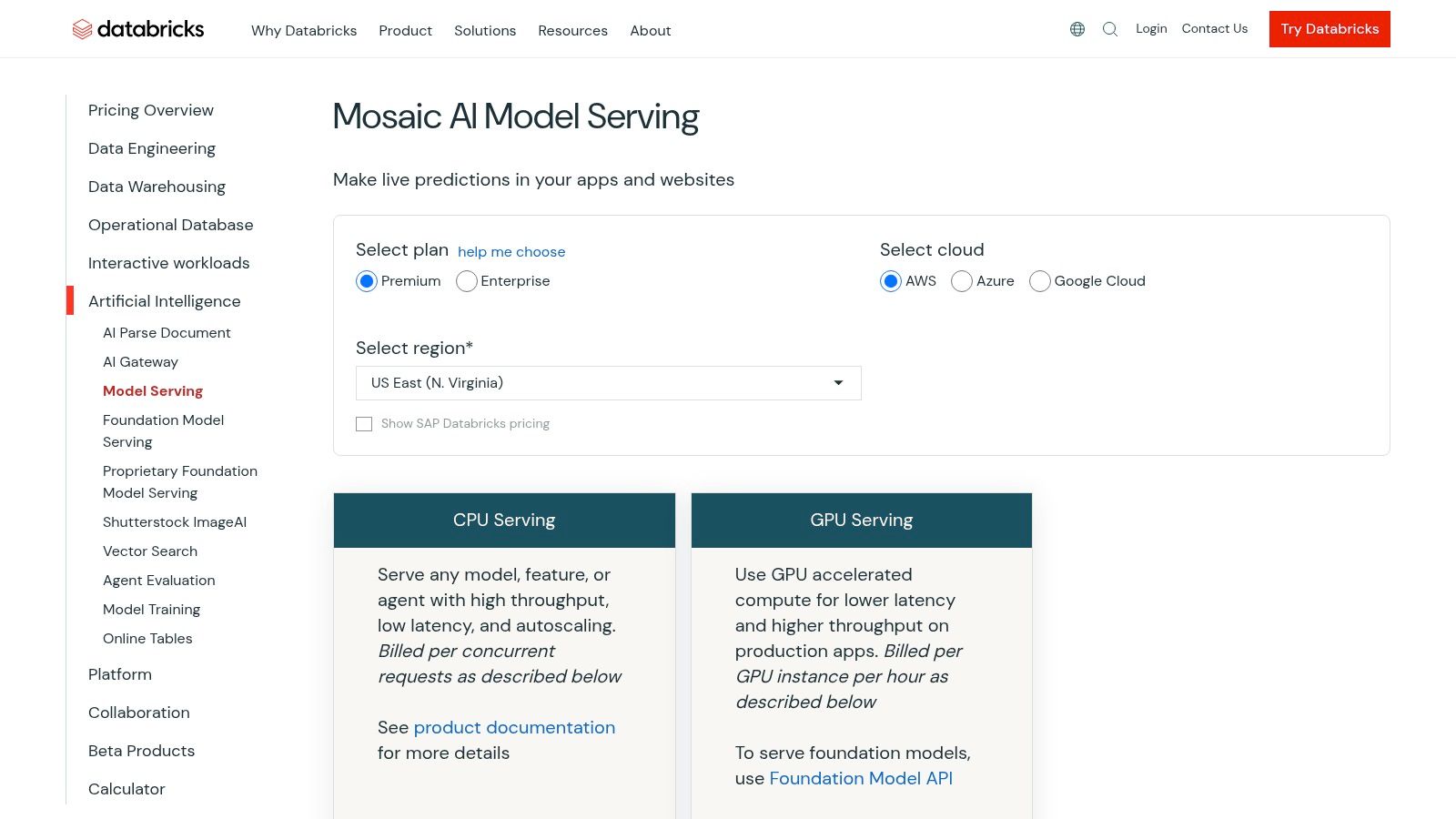
The platform shines by integrating model deployment with strong data governance and cost management tools. Agencies can serve models via pay-per-token APIs or with provisioned throughput for custom models, offering the flexibility to match client budgets and performance needs. Features like Vector Search and Inference Tables provide essential monitoring for RAG systems, making it one of the most comprehensive ai development tools for agencies that need end-to-end control—from data prep to production monitoring—all in one place.
Practical Agency Use Cases & Features
| Feature | Mobile Agency Application |
|---|---|
| Unified Model Serving | For a client's mobile app, deploy a custom-tuned Llama 3 model and a third-party model like GPT-4 through the same secure endpoint, simplifying infrastructure management. |
| Vector Search | Build a RAG-powered feature for a client's app that queries their proprietary product documentation, ensuring the AI assistant provides accurate, up-to-date information. |
| AI Gateway & Guardrails | Implement content filters and track spending across multiple client apps that use different AI models, all from a central control plane. |
| MLflow Integration | Trace and evaluate complex agent behavior during development, ensuring the AI feature in a client's app is reliable before it goes live. |
- Pros: Strong data governance and cost monitoring in one platform. Flexible serving options (per-token or provisioned) to fit different project needs.
- Cons: The DBU-based pricing can be harder to understand than straightforward per-token pricing. Some features may still be in public preview or vary by cloud region.
- Website: https://www.databricks.com/product/pricing/model-serving
Top 12 AI Development Tools for Agencies — Comparison
| Product | Core features | Unique selling point | Target audience | Pricing / Notes |
|---|---|---|---|---|
| RapidNative | Prompt / image / whiteboard → React Native UI; Expo + TypeScript + NativeWind; chat-driven iteration; exportable navigation & components | Real, extensible production React Native code from plain-English prompts; developer-first handoff | Founders, PMs, UX designers, agencies, small dev teams | Free tier (20 req/mo); Starter $20/mo; Pro $50/mo; Teams/Enterprise custom; annual discounts |
| OpenAI Platform | Responses API, Agents SDK, multimodal models, built-in tools (Search, Code Interpreter) | State-of-the-art LLMs with integrated tools and agent capabilities | Developers building reasoning- and tool-enabled apps | Pay-as-you-go token pricing; discounts for batch/caching |
| Google Cloud Vertex AI | Gemini models, Agent Engine, grounding (Search/Maps), Vertex Studio prototyping | Strong Google ecosystem integrations and managed ML tooling | Enterprises/agencies needing Google integrations & data workflows | Per-model/token pricing, regional variations, batch discounts |
| AWS Bedrock | Multi-model API (Anthropic, Llama, etc.), Bedrock Flows, guardrails, prompt routing | Single AWS-native API for multiple FMs with enterprise controls | Agencies/enterprises standardizing on AWS procurement & governance | Pricing varies by model/provider; separate metering for flows/guardrails |
| Microsoft Azure AI (Azure OpenAI) | Azure-hosted OpenAI models, Vector DB/Search, multimodal & speech, enterprise SLAs | Data residency, compliance controls and tight M35/Azure integration | Regulated customers, enterprises, agencies | Segmented pricing by service/region; some features require approval |
| Anthropic (Claude) | Large-context Claude models, batch discounts, prompt caching, team plans | Long context windows and safety-first defaults for complex tasks | Agencies needing strong reasoning, RAG and safety controls | Prepaid credits / tiered caps; premium rates for largest contexts |
| Cohere | Command models (generate/rerank/embed), RAG-optimized tooling | Transparent pricing for retrieval/RAG and strong multilingual support | Teams building RAG, retrieval and multilingual apps | Clear generate/retrieve pricing; enterprise options via sales |
| Hugging Face | Model hub, Spaces for demos, Inference Endpoints (CPU/GPU/TPU), multi-cloud | Open-source model ecosystem and flexible deployment options | Teams wanting OSS models, dedicated inference and cost control | Instance-based hourly pricing; you manage scaling/cost at instance level |
| GitHub Copilot | IDE completions, chat, code review assistants, CLI tooling | Boosts developer productivity directly in IDEs with per-seat controls | Developers, engineering teams, agencies | Per-seat pricing; Business/Enterprise plans with central billing |
| LangChain (LangSmith/Serve/Graph) | Framework + managed tooling for agents, traces, runtime deployments | Purpose-built LLM app lifecycle (dev→prod) with observability | Teams building agentic / complex LLM workflows | Platform/runtime fees on top of model/provider costs |
| Vercel | AI SDK, AI Gateway (unified model access), edge hosting, analytics | Unified provider access + centralized observability and edge deployment | Frontend teams and agencies deploying AI web apps | Gateway credits + pay-as-you-go; model fees billed to vendors |
| Databricks (Mosaic AI) | Lakehouse model serving, vector search, inference tables, guardrails | Data+AI platform with integrated governance and monitoring | Data-rich enterprises and agencies standardizing on lakehouse | DBU/GPU-based pricing and per-token serving options; regional variance |
Choosing the Right AI Stack for Your Agency
Navigating the AI tool landscape can feel overwhelming. The goal isn't to master every platform, but to build a smart, flexible stack that solves your agency's biggest problems. There's no single "best" tool—only the right combination for your team and your clients.
The most effective strategy starts with looking at your current process. Where are the bottlenecks? Is the handoff from design to development slow? Is your team bogged down writing boilerplate code? Are you struggling to monitor the cost and performance of AI features in client apps? Your answers will point you to the tools that will have the biggest immediate impact.
From Foundational Models to Practical Application
For most agencies, the journey starts with a foundational model provider. Platforms like the OpenAI Platform, Google Cloud Vertex AI, and Amazon Bedrock provide the core "brains" for your app's AI features. But these powerful engines need frameworks and infrastructure to become useful products.
This is where orchestration tools like LangChain come in, providing the structure to build complex, multi-step AI agents. At the same time, tools like GitHub Copilot are revolutionizing the day-to-day coding process, freeing up your developers to solve bigger problems. The real win is integrating these pieces into a seamless workflow.
Building Your Agency's Bespoke AI Toolchain
To build an AI stack that delivers real value, focus on these key factors:
- Solve a Real Problem: Don't adopt a tool just because it's popular. Identify a specific bottleneck. If prototyping mobile UIs is your biggest time sink, a tool like RapidNative will deliver immediate ROI. If it's building a complex chatbot, a powerful API from OpenAI or Anthropic is your starting point.
- Ensure It Integrates: Your AI stack needs to work with your existing tools—Figma, Jira, your CI/CD pipeline. Prioritize platforms with good APIs and clear documentation. A powerful tool that creates a new silo is more trouble than it's worth.
- Plan for Scale and Cost: Start small, but think big. Choose platforms with flexible, pay-as-you-go pricing. This lets you experiment with new AI features on smaller projects without a huge upfront commitment, while ensuring you can scale when a client's app takes off. Tools like Vercel and Databricks are built for this.
- Match Your Team's Skills: If you have a strong team of React Native developers, a tool that generates clean, familiar code will be adopted much faster than a black-box, no-code solution. The best tools amplify your team's existing skills, they don't force them to start from scratch.
Ultimately, the goal is to create a partnership between your team's talent and the AI's capabilities. By starting with a clear problem, prioritizing integration, and planning for scale, your agency can move beyond the hype and use AI as a practical, powerful tool to build better mobile products, faster and more efficiently than ever before.
Ready to eliminate your biggest bottleneck between design and development? RapidNative transforms your Figma designs into production-ready React Native code in minutes, leveraging AI to accelerate your mobile app workflow. Stop wasting time on manual UI coding and start delivering beautiful, functional apps faster for your clients.
Explore how RapidNative can supercharge your agency's development process.
Ready to build your app?
Turn your idea into a production-ready React Native app in minutes.
Free tools to get you started
Free AI PRD Generator
Generate a professional product requirements document in seconds. Describe your product idea and get a complete, structured PRD instantly.
Try it freeFree AI App Name Generator
Generate unique, brandable app name ideas with AI. Get creative name suggestions with taglines, brand colors, and monogram previews.
Try it freeFree AI App Icon Generator
Generate beautiful, professional app icons with AI. Describe your app and get multiple icon variations in different styles, ready for App Store and Google Play.
Try it freeFrequently asked questions
What is RapidNative?
RapidNative is an AI-powered mobile app builder. Describe the app you want in plain English and RapidNative generates real, production-ready React Native screens you can preview, edit, and publish to the App Store or Google Play.
Can I export the code?
Yes. RapidNative generates clean React Native and Expo code that you can export at any time. No lock-in, no proprietary format. Hand it to your developers or keep building inside RapidNative.
Is RapidNative free to use?
Yes. You can build apps on the free plan with no credit card required. Paid plans unlock unlimited AI generations, code export, and direct publishing to the App Store and Google Play.
Do I need to know how to code?
No. Most users build apps by describing what they want in plain English. Developers can drop into the code whenever they want more control, but coding is optional.
How long does it take to build an app?
Most users have a working first screen in under a minute. A full MVP usually takes a few hours instead of the weeks or months traditional development requires.