12 Essential AI Product Development Tools for Mobile Teams in 2025
Discover the 12 best AI product development tools to build, test, and ship mobile apps faster. A practical guide for founders, PMs, and developers.
By Paridhi
22nd Dec 2025
Last updated: 17th Feb 2026
Building a mobile product is a marathon of ideation, prototyping, coding, and testing. For founders, product managers, and designers, the gap between a great idea and a functional app can feel vast. For developers, too much time is often spent on boilerplate UI code instead of core logic. This is where a new generation of AI product development tools changes the game. They offer practical ways to validate ideas faster, generate real code, and streamline team collaboration.
This guide cuts through the hype to give you a curated list of 12 essential tools that solve specific problems in the mobile product lifecycle. We cover everything from sketching an idea on a whiteboard to shipping production-ready features. We'll focus on practical use cases, honest limitations, and how these platforms fit together to help your team build better, faster. Each entry includes screenshots, direct links, and a breakdown of who it's for, helping you find the right solution for your specific needs. To truly supercharge your workflow from idea to app store, consider leveraging AI not just in development but also in creating compelling launch content, such as using AI tools for marketing videos. Let's dive into the platforms that can accelerate your build process.
1. RapidNative
RapidNative stands out as a premier choice among ai product development tools because it's built specifically to accelerate mobile app creation from concept to production-ready code. It directly addresses a critical bottleneck: the slow, expensive translation of ideas, sketches, and wireframes into tangible, testable applications. By converting natural language prompts or simple images into high-quality React Native code, RapidNative empowers founders, product managers, and designers to build and iterate on real UI screens in minutes, not weeks.
This platform's core strength lies in its developer-first philosophy. Unlike no-code builders that lock you into a proprietary ecosystem, RapidNative generates clean, modular, and maintainable source code built on standard technologies like Expo, TypeScript, and NativeWind. This ensures a seamless handoff to engineering teams, who can immediately build upon the AI-generated foundation without needing to rewrite it from scratch. For product teams, this means prototypes are no longer throwaway assets; they are the actual starting point for the final product, dramatically reducing redundancy and development costs.
Key Strengths & Use Cases
- Rapid Prototyping for Validation: A founder can take a whiteboard sketch of their app idea, upload it, and generate interactive screens to test with potential users within the same day. This accelerates the feedback loop and validates concepts before significant engineering investment.
- Designer-to-Developer Handoff: A UX designer can create a high-fidelity design, describe its components in a prompt, and use RapidNative to generate the corresponding React Native screens. The exported code serves as a perfect, immediately usable starting point for the development team.
- Feature Scaffolding for PMs: A product manager can quickly build out the UI for a new feature set using chat-driven prompts on the collaborative canvas. This allows them to demonstrate the user flow to stakeholders and developers with a functional prototype rather than static mockups.
Real-World Impact: Mobile teams using RapidNative report substantial reductions in initial development time and costs, with some claiming up to an 80% decrease. This efficiency gain allows for more experimentation and faster market entry.
Platform Details
| Feature | Description |
|---|---|
| Primary Use Case | AI-powered generation of mobile app UI from prompts, sketches, or images. |
| Core Technology | React Native, Expo, TypeScript, NativeWind. |
| Key Differentiator | Exports clean, production-ready source code, avoiding platform lock-in. |
| Collaboration | Features a Canva-style canvas for real-time team collaboration and on-device previews. |
| Best For | Founders, PMs, designers, developers, and agencies building React Native applications. |
| Limitations | Focuses on UI and navigation scaffolding; does not generate backend logic, complex animations, or deep native module integrations. |
| Pricing | Free Tier: 20 credits/month. Starter: $20/month for 50 credits. Pro: $50/month for 150 credits. Custom Team/Enterprise plans available. |
Practical Tip: Maximize your credits by starting with broad prompts to generate the overall screen layout, then use the chat-based iteration feature to refine smaller details like colors, fonts, and component spacing.
Website: https://www.rapidnative.com
2. OpenAI Platform
The OpenAI Platform provides the foundational APIs and models—like the powerful GPT-4o—that power countless AI-driven mobile apps. Instead of offering a user interface for building apps, it provides the core "brains" that developers integrate into their own software. This lets mobile teams rapidly prototype and launch features like intelligent chatbots, content summarization tools, and complex reasoning agents directly within their apps.
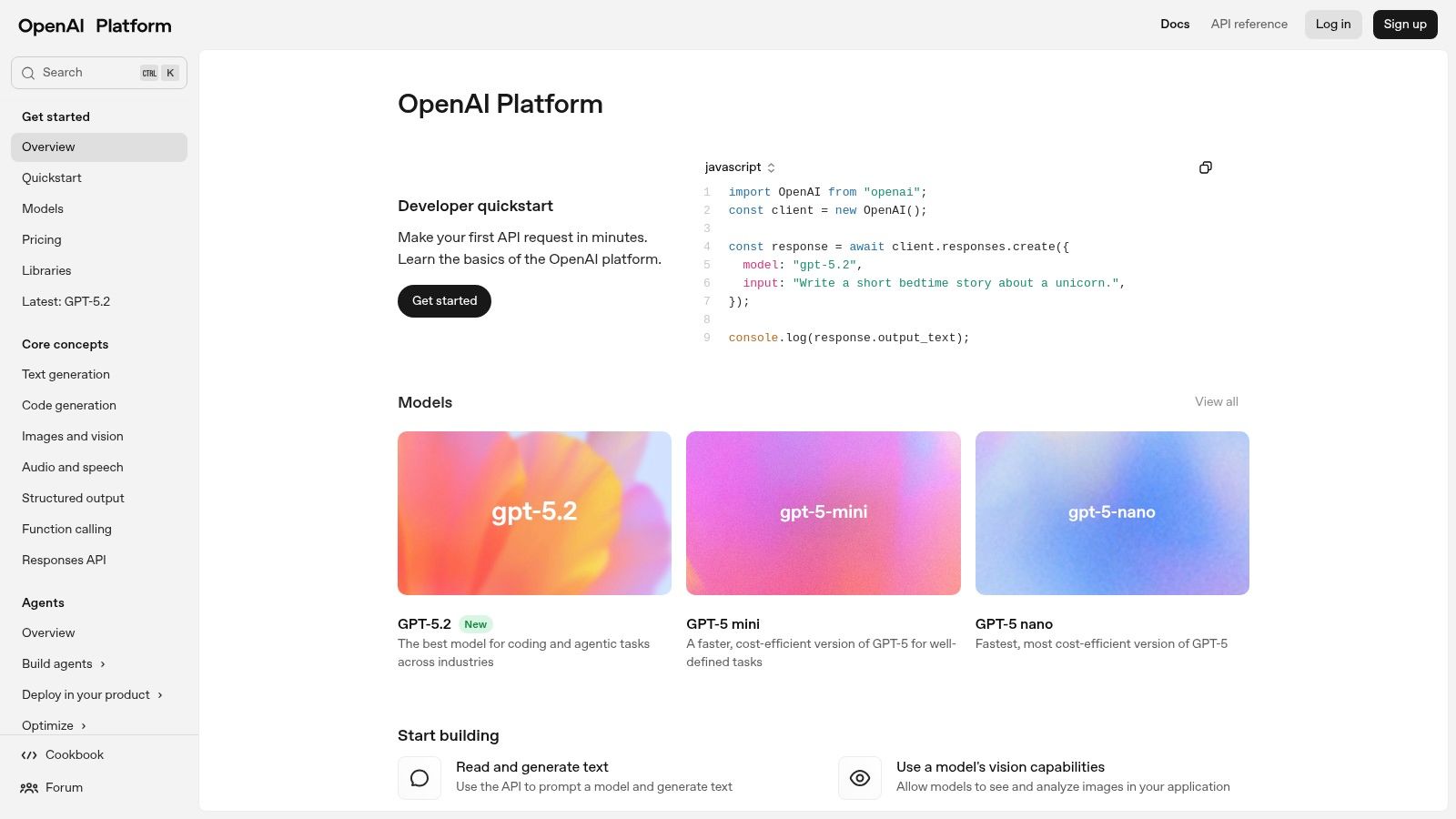
Its strength lies in its extensive documentation, mature developer ecosystem, and predictable, token-based pricing, which simplifies the transition from a simple idea to a production-ready feature.
Use Case: Powering Core AI Logic
For product managers and developers, OpenAI is the go-to for embedding advanced AI capabilities. For example, a travel app team could use its APIs to build a feature that generates personalized itineraries based on user preferences, or a language-learning app could use it to power real-time conversation practice.
Pros & Cons
| Pros | Cons |
|---|---|
| Industry-leading models and performance. | High usage can become expensive quickly. |
| Excellent documentation and community support. | Risk of vendor lock-in without proper abstraction. |
| Clear, per-token pricing for predictable costs. | Requires a developer to implement and manage API calls. |
How It Fits Your Workflow
While a tool like RapidNative helps build the user-facing app, the OpenAI Platform provides the AI intelligence behind specific features. You can learn more about how to connect these powerful models to a functional app.
3. Amazon Bedrock (AWS)
For mobile teams already embedded in the Amazon Web Services ecosystem, Amazon Bedrock offers a unified API to access a wide range of foundation models from providers like Anthropic, Meta, and Cohere. This approach streamlines AI integration by keeping billing, security, and data governance consolidated within AWS, eliminating the need to manage multiple vendor accounts and APIs. It allows developers to experiment with different models (e.g., swapping Claude for Llama) to find the best one for their specific task without rewriting the app's core logic.
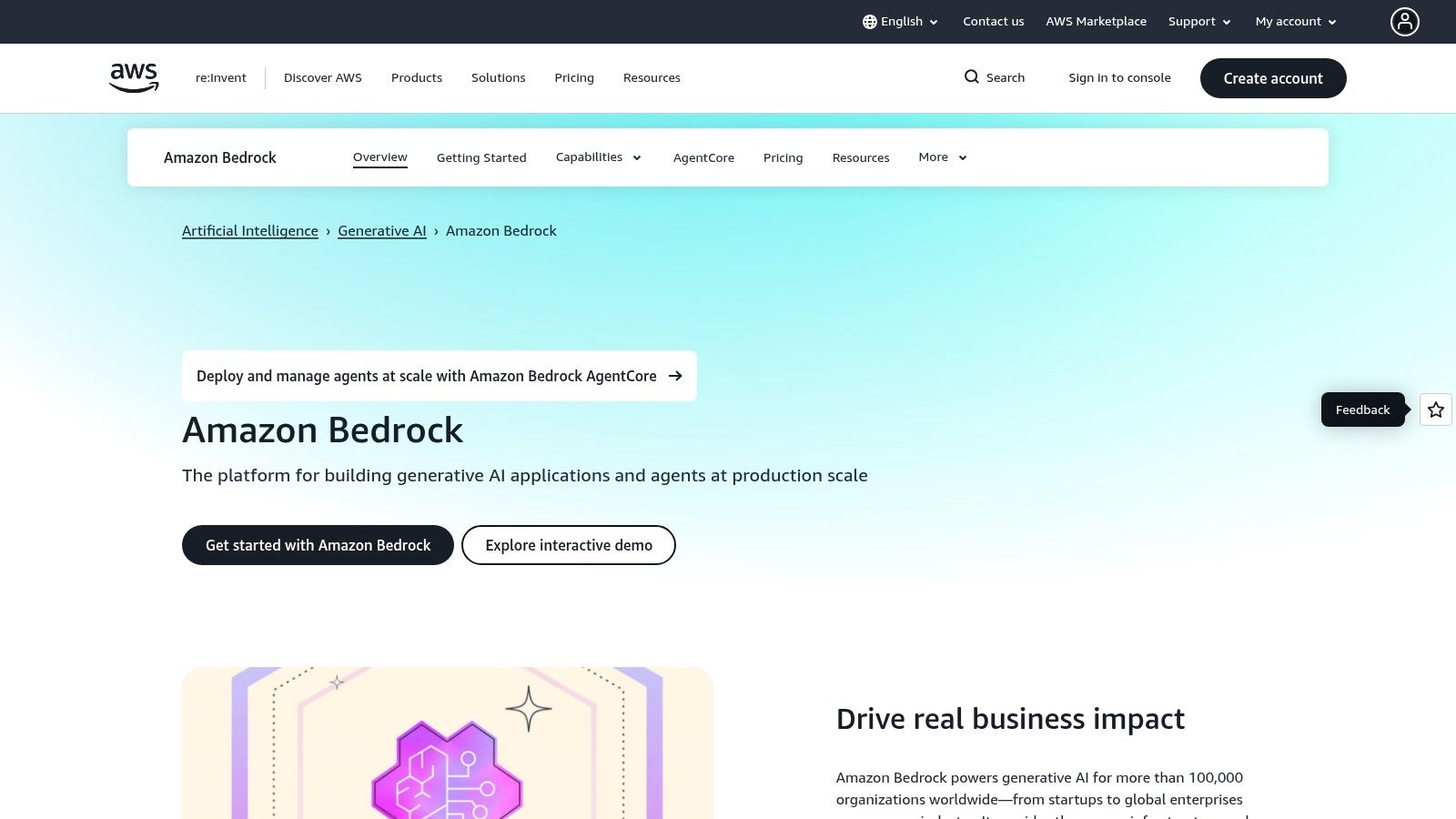
Its key advantage is the deep integration with other AWS services. This simplifies building complex, production-grade features like Retrieval-Augmented Generation (RAG) using your existing data stores.
Use Case: Enterprise-Grade AI Integration
Bedrock is ideal for established mobile products looking to add AI features while leveraging existing AWS infrastructure. A product team could build an in-app support chatbot that uses their existing knowledge base stored in Amazon S3 for data and Anthropic's Claude for summarization, all managed under a single AWS account.
Pros & Cons
| Pros | Cons |
|---|---|
| Consolidated AWS billing and governance. | Complex pricing structures across different models. |
| Excellent for teams with data already in AWS. | Model features may lag behind the native provider APIs. |
| Provisioned throughput for predictable performance. | Can feel overwhelming for teams new to the AWS ecosystem. |
How It Fits Your Workflow
Similar to the OpenAI Platform, Bedrock provides the back-end AI models. After designing your app's UI and flow in a tool like RapidNative, your developer would connect its front-end components to a back end powered by models accessed through the Bedrock API.
Website: https://aws.amazon.com/bedrock
4. Google Cloud Vertex AI
Google Cloud Vertex AI is an end-to-end platform for managing the entire machine learning lifecycle, from data preparation to model deployment and monitoring. It provides access to Google's powerful Gemini models alongside third-party options, allowing mobile teams to build, tune, and deploy sophisticated AI features. The platform is designed to handle enterprise-scale challenges with features like vector stores, grounding with Google Search, and comprehensive MLOps tooling.
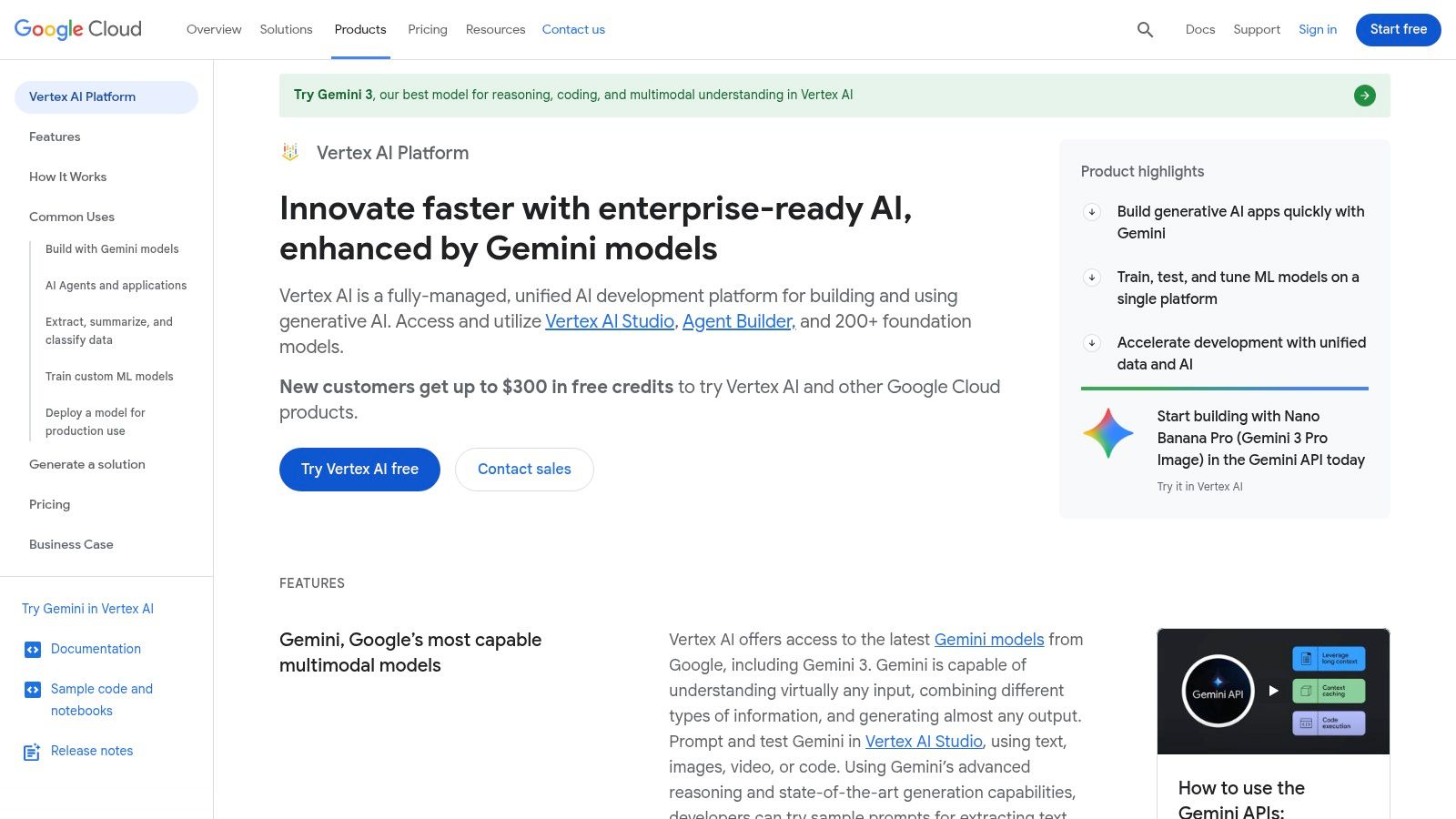
Its key strength is the seamless integration with the broader Google Cloud ecosystem, especially BigQuery. This makes it a natural choice for teams that already rely on GCP for their data infrastructure, simplifying the process of building data-intensive AI applications.
Use Case: Data-Intensive AI Systems
For mobile teams building AI products on existing enterprise data, Vertex AI is a powerhouse. A fintech app could use it to create a custom fraud detection model trained on transaction data stored in BigQuery, or an e-commerce app could build a complex multimodal search feature using Gemini.
Pros & Cons
| Pros | Cons |
|---|---|
| Strong data and AI integration, especially with BigQuery. | Complex pricing grids and per-region differences. |
| Powerful multimodal Gemini models available. | Steep learning curve for teams not already on GCP. |
| Comprehensive MLOps tools for production. | Can feel overly complex for simple prototyping. |
How It Fits Your Workflow
Vertex AI provides the underlying infrastructure and models for enterprise-grade AI features. While it handles the heavy lifting on the backend, you can use RapidNative to quickly build the user-facing mobile app that consumes these powerful models. You can learn more about how agencies leverage powerful AI development tools to deliver for clients.
Website: https://cloud.google.com/vertex-ai
5. Microsoft Azure AI Studio / Foundry
Microsoft Azure AI Studio offers a unified platform for organizations deeply integrated into the Microsoft ecosystem to build, manage, and deploy generative AI applications. It serves as a comprehensive hub, combining a diverse model catalog (including OpenAI models via Azure, Llama, and Phi-3), prompt engineering tools like Prompt flow, and robust enterprise-grade governance features. This makes it ideal for teams that need to build AI solutions that adhere to strict corporate security and compliance standards.
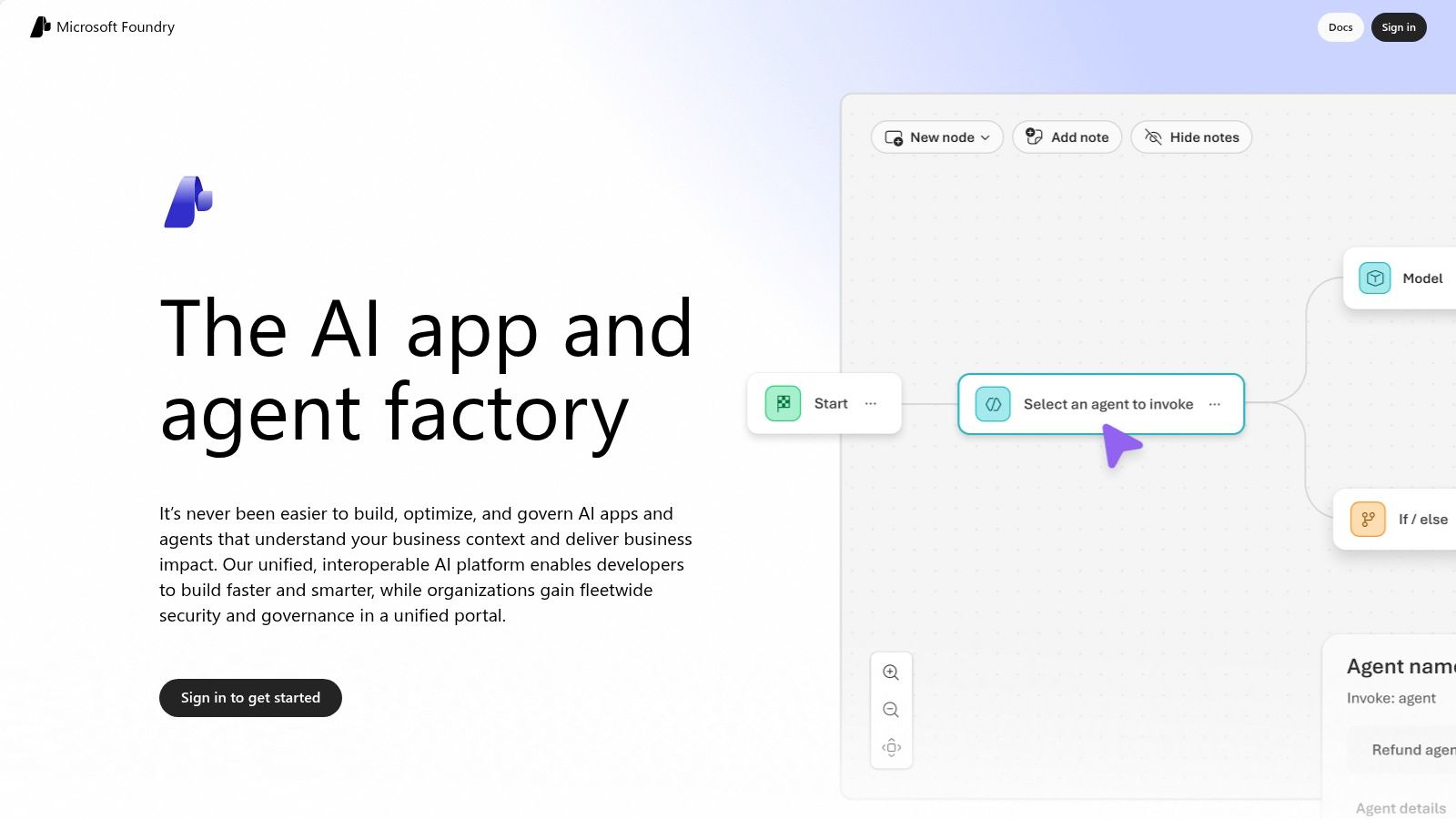
Its main advantage is the seamless integration with Azure services like Entra ID and Microsoft 365, allowing developers to securely leverage organizational data. The platform provides a full lifecycle toolkit, from experimentation and evaluation to monitoring and content safety filters in production.
Use Case: Enterprise-Grade AI Application Development
For a company building an internal-facing mobile app for employees, Azure AI Studio is the logical choice. A product team could build an HR assistant app that securely answers employee questions by drawing from company policy documents stored in SharePoint, ensuring compliance through integrated governance tools.
Pros & Cons
| Pros | Cons |
|---|---|
| Strong security and compliance alignment. | Pricing can feel fragmented across multiple Azure services. |
| Easy integration with Microsoft 365 and Azure data. | Some features roll out region-by-region, causing delays. |
| Integrated lifecycle tooling from build to deployment. | Can be complex for teams outside the Microsoft ecosystem. |
How It Fits Your Workflow
Azure AI Studio provides the enterprise-ready backend and model access for your application's AI features. After prototyping a UI with a tool like RapidNative, your development team can connect it to a production-grade AI model and data source managed and secured within the Azure environment.
Website: https://ai.azure.com
6. Hugging Face
Hugging Face serves as a central hub for the open-source machine learning community, offering a massive repository of models, datasets, and demos. For product teams, it's an invaluable resource for discovering, testing, and deploying a wide range of open-source models without starting from scratch. Instead of being locked into one provider, you can experiment with various models for tasks like text generation, image classification, or audio processing.
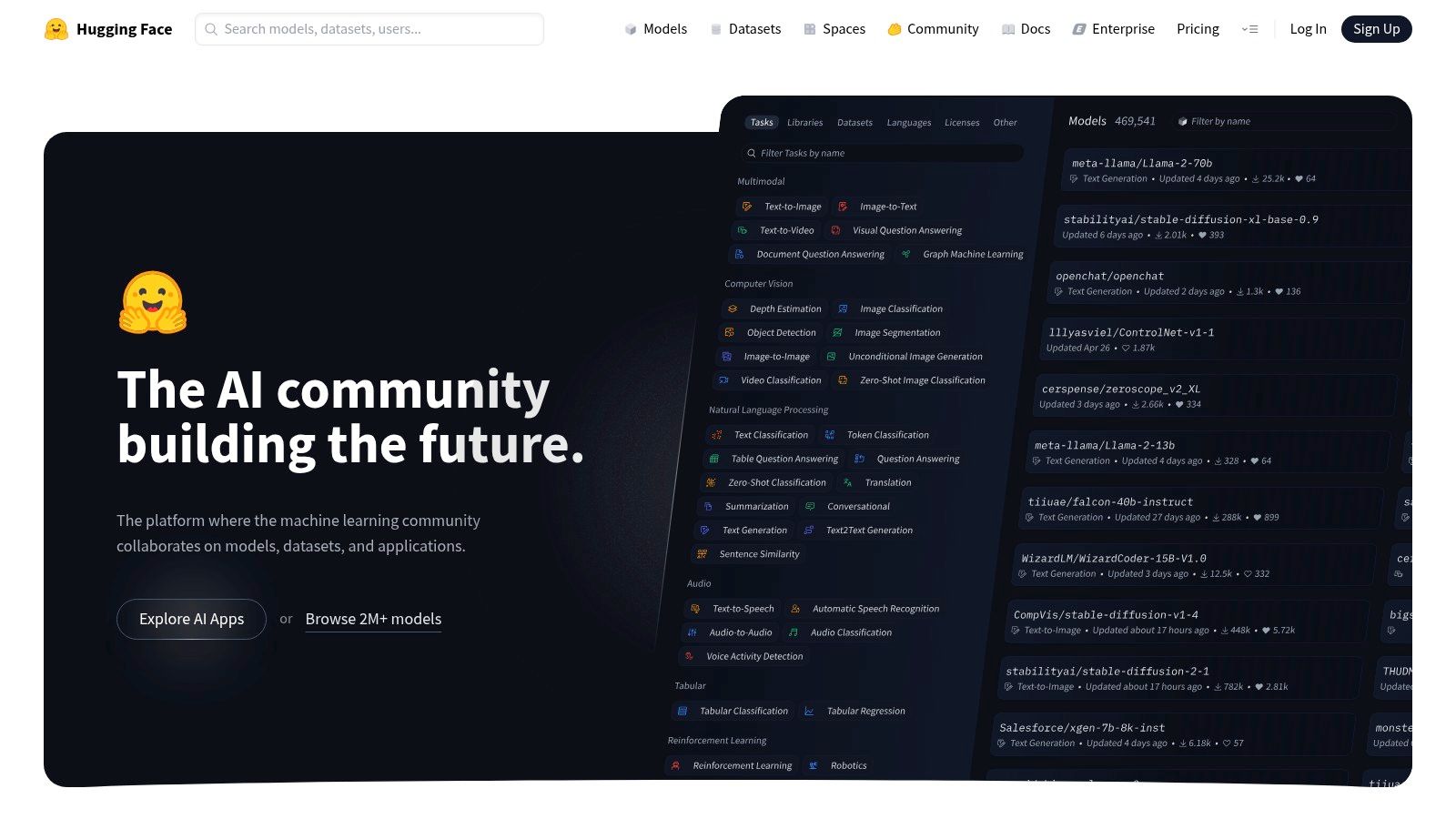
The platform simplifies deployment through its Hosted Inference Endpoints and Spaces, which provide the infrastructure to run these models. Pricing is transparent, with clear per-instance hourly rates and minute-level billing, making it a flexible choice for teams wanting to leverage open-source AI.
Use Case: Deploying Specialized Open-Source Models
If your mobile app requires a specific, fine-tuned open-source model—like one specialized for medical terminology or legal document analysis—Hugging Face is the ideal solution. A startup could find a specialized translation model, test it in a hosted Space, and deploy it as a production-ready Inference Endpoint to power a feature in their app.
Pros & Cons
| Pros | Cons |
|---|---|
| Massive selection of open-source models and datasets. | Managing endpoint costs requires vigilance with autoscaling. |
| Clear hourly pricing with minute-level billing. | Advanced enterprise features are locked behind higher-tier plans. |
| Strong community resources and examples. | Can be complex for non-technical users to navigate. |
How It Fits Your Workflow
Hugging Face provides access to a diverse ecosystem of models that can serve as the backend for your application. After prototyping a UI with a tool like RapidNative, you could connect it to a specialized model hosted on Hugging Face Inference Endpoints to power a unique AI feature.
Website: https://huggingface.co
7. Databricks — Mosaic AI
Databricks extends its unified data analytics platform into the AI development space with Mosaic AI, offering an integrated environment for building enterprise-grade AI applications. Instead of just providing models, it delivers a complete stack built on its Lakehouse architecture, combining data processing, feature engineering, vector search, model fine-tuning, and governance. This unified approach is ideal for teams that need to build sophisticated AI systems with strong data lineage and security.
Its primary strength is the seamless integration between data pipelines and AI workflows. Teams already using Databricks for analytics can leverage existing data and infrastructure to build, deploy, and monitor production-ready Retrieval-Augmented Generation (RAG) applications without stitching together multiple disparate tools.
Use Case: Enterprise-Grade AI with Data Governance
For product teams in regulated industries or large enterprises, Mosaic AI is a powerful choice. It allows developers to build custom AI solutions while maintaining strict control over data access and model behavior. A financial services firm, for example, could use it to create a compliant internal assistant app that draws only from audited company documents for its financial advisors.
Pros & Cons
| Pros | Cons |
|---|---|
| Strong data lineage and governance controls. | Heavier platform than standalone model APIs. |
| Excellent integration for existing Databricks users. | Pricing spans multiple SKUs and may require a sales quote. |
| Multi-cloud support and enterprise-grade security. | Can be overly complex for simple prototyping tasks. |
How It Fits Your Workflow
Mosaic AI is best suited for the production and scaling phases of AI product development, especially when data governance is paramount. While tools like RapidNative handle the front-end app creation, Databricks provides the robust, secure, and scalable backend infrastructure required to power the AI features with enterprise data.
Website: https://www.databricks.com
8. Weights & Biases
Weights & Biases is the MLOps backbone for teams building and deploying AI models, offering a comprehensive suite of tools for the entire machine learning lifecycle. It excels at experiment tracking, allowing developers to log, visualize, and compare every detail of their model training runs. This helps product teams maintain a transparent and reproducible development process, from initial prototypes to production-ready systems.
Its strength lies in providing a single source of truth for ML projects, tracking everything from hyperparameters to datasets and model artifacts. For teams serious about building robust AI, this level of observability is non-negotiable, ensuring that every decision is data-driven and traceable.
Use Case: Tracking and Evaluating Model Performance
For product and engineering teams, Weights & Biases provides critical infrastructure for model development. A mobile commerce team building a custom recommendation engine can use it to track hundreds of experiments, identify the best-performing model, and trace its lineage from training data to deployment in their app.
Pros & Cons
| Pros | Cons |
|---|---|
| Industry standard for experiment tracking. | Some features, like inference, have separate billing. |
| Strong community and extensive integrations. | Enterprise options require contacting sales. |
| Clear Free, Pro, and Enterprise tiers available. | Can introduce overhead for very small projects. |
How It Fits Your Workflow
While other tools help build the application logic and user interface, Weights & Biases is where you manage the core machine learning models themselves. It ensures the AI "engine" of your mobile product is performant, reliable, and continuously improving.
Website: https://wandb.ai
9. Pinecone
For AI products that need to remember and retrieve information—like a chatbot that references past conversations—a vector database is essential. Pinecone is a fully managed vector database designed for high-performance semantic search, making it a critical piece of infrastructure for building intelligent, context-aware mobile applications. It handles the complex task of storing and querying vector embeddings, which are numerical representations of data like text or images.
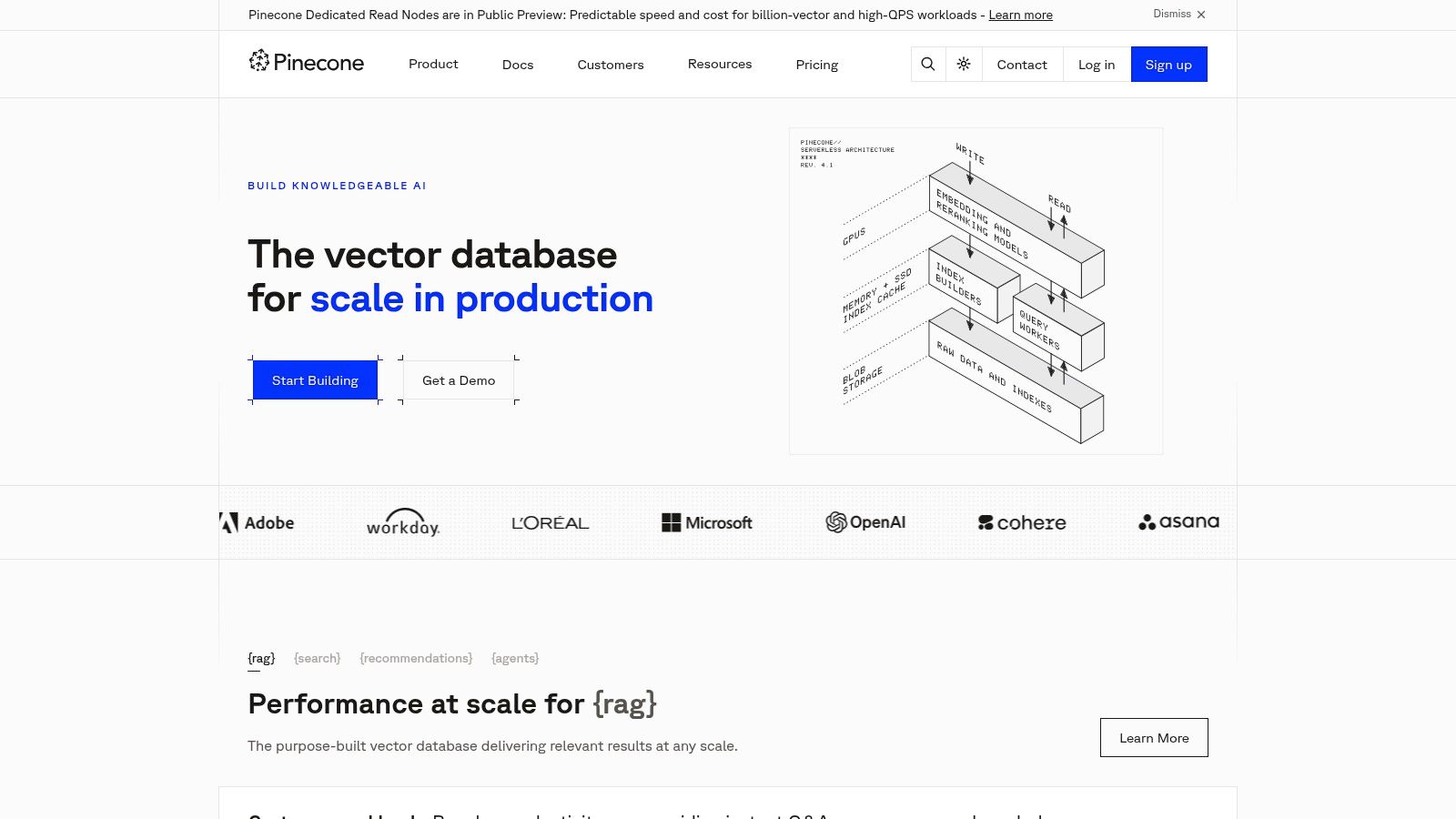
Its serverless architecture allows product teams to start small and scale seamlessly as their data and user base grow. This simplifies building features that rely on long-term memory or searching through vast knowledge bases.
Use Case: Building Application Memory
Pinecone serves as the long-term memory for an AI application. For instance, a product team could use it to power a sophisticated in-app Q&A bot that pulls answers from thousands of product manuals. By storing document embeddings in Pinecone, the bot can quickly find the most relevant information to answer a user's query.
Pros & Cons
| Pros | Cons |
|---|---|
| Simple to scale from prototype to production. | Minimum monthly charges apply to paid tiers. |
| Transparent pricing and usage calculator. | Costs can scale if reads/writes are not optimized. |
| Strong compliance and security options (SOC2, HIPAA). | Primarily for retrieval; not a complete AI platform. |
How It Fits Your Workflow
While OpenAI provides the reasoning engine for your app, Pinecone provides the specialized memory. It stores the knowledge your AI model needs to access, ensuring responses are accurate and contextually relevant. This combination is key for building truly useful AI-powered features.
Website: https://www.pinecone.io
10. Labelbox
For mobile apps that rely on custom models, high-quality training data is non-negotiable. Labelbox is a data-centric AI platform that helps teams manage, label, and improve the datasets used to train and evaluate their models. It provides the essential infrastructure for creating reliable data pipelines, whether for computer vision (CV) or large language models (LLMs).
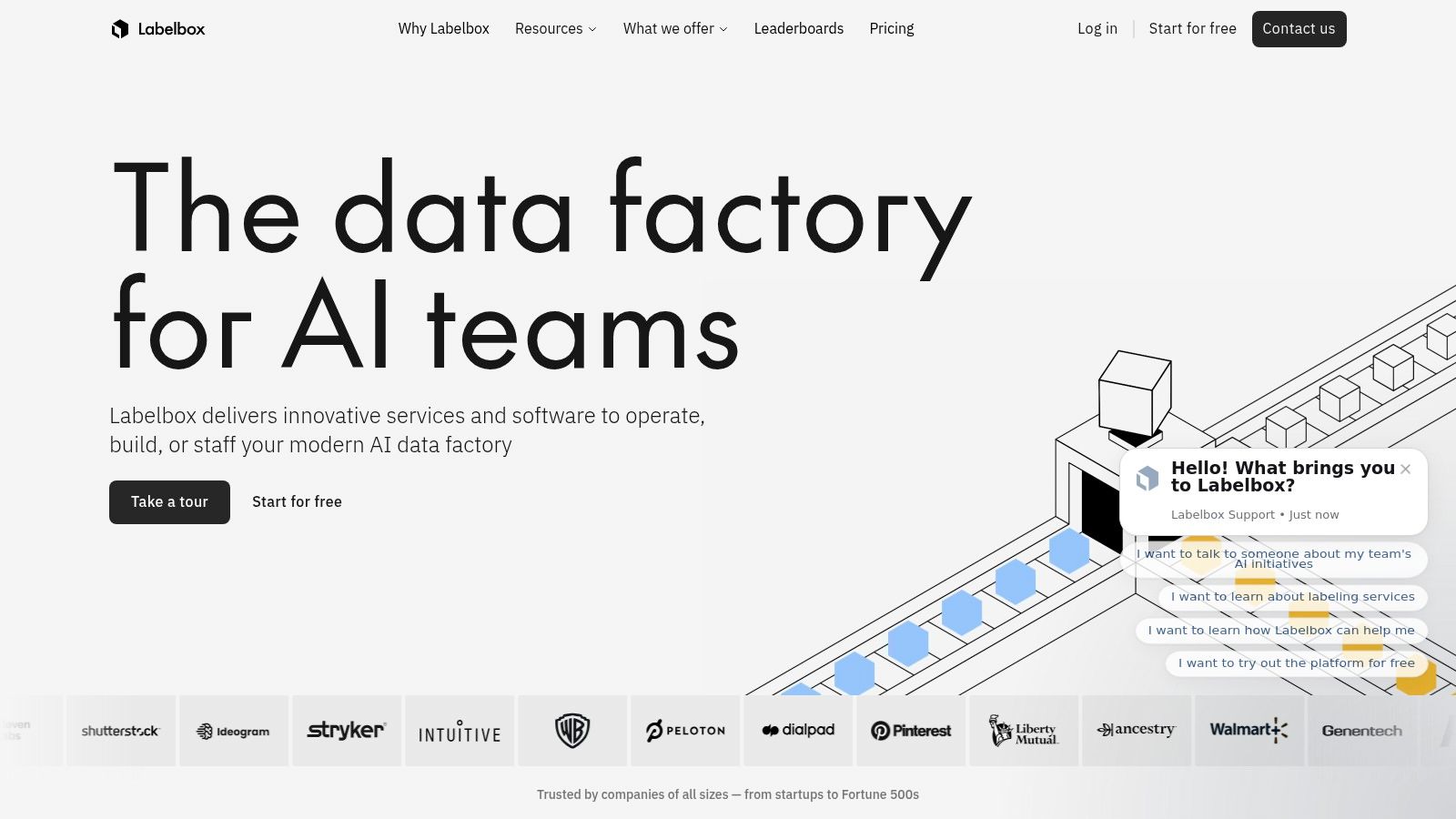
Its strength lies in combining powerful software with optional human-in-the-loop services, allowing teams to scale data annotation and review without hiring massive internal teams. This makes it a critical part of the stack for building differentiated AI features.
Use Case: Creating High-Quality Training Data
If you're building a unique mobile feature, like a custom image recognition model for a plant identification app, you need thousands of accurately labeled images. Labelbox provides the tooling for your team or its network of labelers to annotate that data efficiently.
Pros & Cons
| Pros | Cons |
|---|---|
| Combines software and services for flexibility. | Detailed pricing often requires sales engagement. |
| Supports multimodal data (text, image, video). | Services costs can vary based on project scope. |
| Free tier and education program to start. | Can be overly complex for very simple projects. |
How It Fits Your Workflow
While a tool like OpenAI provides the pre-trained model, Labelbox helps you fine-tune it or build a custom one with your own proprietary data. This step is crucial for creating a defensible mobile product with unique capabilities that competitors cannot easily replicate.
Website: https://labelbox.com
11. NVIDIA NGC Catalog
The NVIDIA NGC Catalog is a hub for high-performance, GPU-optimized software, offering pre-trained models and containers that significantly accelerate the development of demanding AI applications. For mobile teams building products that require intense computational power on the backend, such as video analysis or scientific computing, NGC provides ready-to-deploy assets that are tested and tuned for performance. This eliminates the complex and time-consuming process of configuring software stacks from scratch.
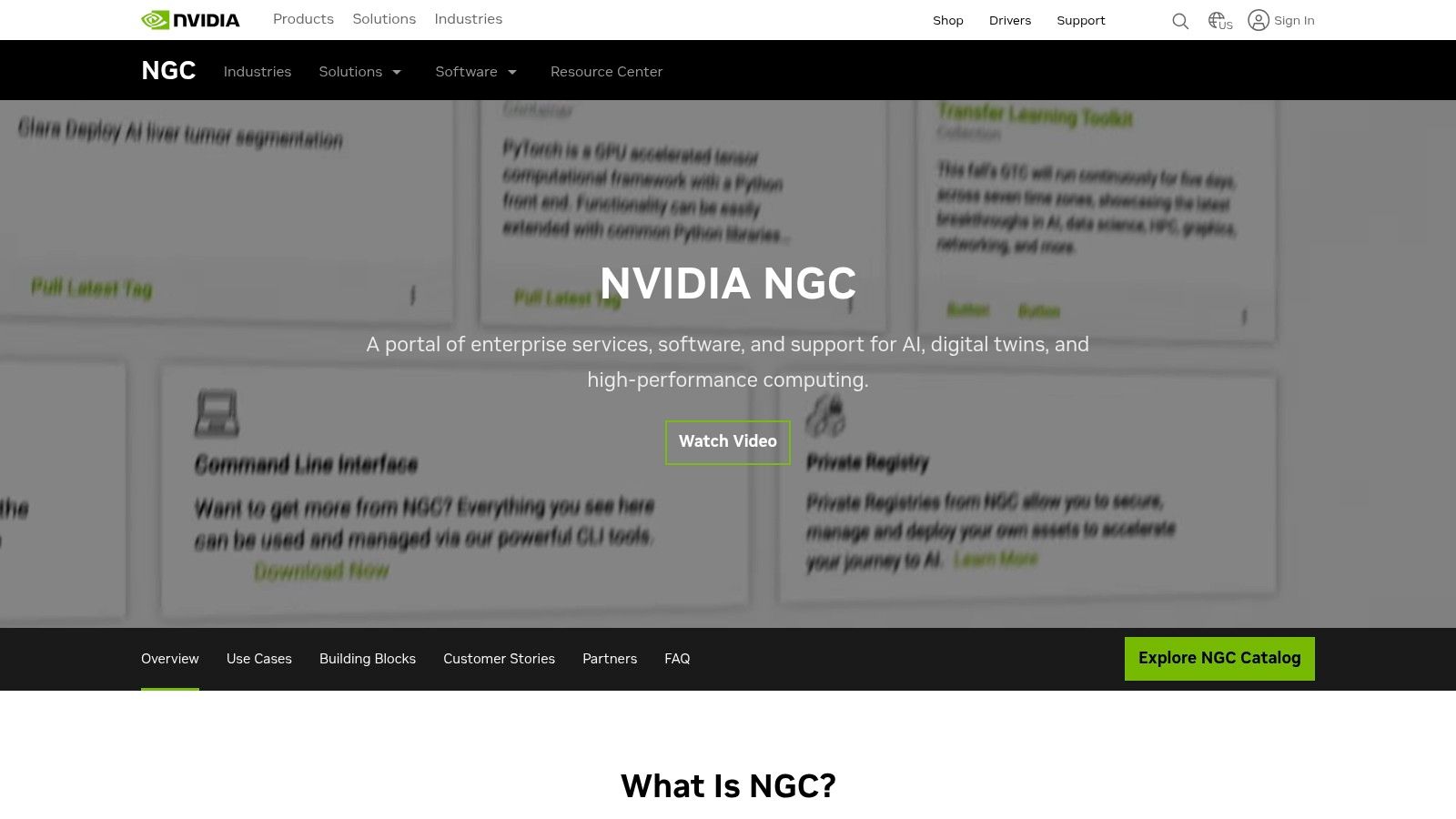
Its key advantage is providing a direct path to production-grade performance, allowing developers to pull a container with all necessary dependencies (like CUDA and PyTorch) and immediately start working.
Use Case: Accelerating High-Performance AI
Product teams can use NGC to jumpstart development on complex AI features. For a mobile fitness app that analyzes user workout videos for form correction, a developer could download a containerized human pose estimation model from NGC and begin fine-tuning it with their own data, saving weeks of setup time.
Pros & Cons
| Pros | Cons |
|---|---|
| Performance-tuned stacks reduce integration time. | Some assets require NVIDIA AI Enterprise licensing. |
| Broad coverage of frameworks and AI use cases. | Users must manage their own infrastructure and deployment. |
| Many assets are free to access with an NGC account. | Best suited for those with a technical background. |
How It Fits Your Workflow
NGC provides the specialized, high-performance building blocks for the backend of an application. While a tool like RapidNative can build the user-facing app, NGC delivers the optimized models needed to power sophisticated, computationally intensive AI features that run on your own infrastructure.
Website: https://www.nvidia.com/en-us/gpu-cloud
12. GitHub Copilot
GitHub Copilot is an AI pair programmer that directly integrates into your IDE, dramatically accelerating the development of backend services, data pipelines, and API integrations that power your mobile app. It provides intelligent code completions, generates unit tests, and even refactors existing code, helping engineering teams move from concept to implementation faster. This allows developers to focus more on complex logic and less on boilerplate code.
Its main strength is the tangible velocity boost it offers developers by reducing manual coding effort. For organizations, business and enterprise plans add essential policy, security, and administrative controls.
Use Case: Accelerating Backend and Integration Development
For engineering teams, Copilot is an indispensable tool for writing the server-side logic that makes a mobile app work. It can suggest entire functions for connecting to a database, processing user data, or integrating third-party services like Stripe for payments.
Pros & Cons
| Pros | Cons |
|---|---|
| Tangible developer velocity improvements. | Quality varies by repository and context. |
| Easy rollout for teams already using GitHub. | Premium requests have usage limits. |
| Broad language support and consistent updates. | Effective use depends on good prompting. |
How It Fits Your Workflow
After a tool like RapidNative generates the frontend code, GitHub Copilot helps developers build the backend services and APIs to make the app functional. Mastering it requires good prompting, and you can get started with these prompt engineering tips.
Website: https://github.com/features/copilot
Top 12 AI Product Development Tools — Feature Comparison
| Product | Primary use | Key features | Target users | Value proposition / Pricing |
|---|---|---|---|---|
| RapidNative (Recommended) | Prompt/image/whiteboard → production-ready React Native UI screens & exportable code | Exportable Expo + TypeScript + NativeWind code, chat-driven edits, whiteboard/image-to-app, collaboration, modular scaffolding | Founders, PMs, UX designers, agencies, small dev teams | Real, extensible code for fast prototyping; Free (20 req/mo), Starter $20/mo, Pro $50/mo, Teams/Enterprise |
| OpenAI Platform | General-purpose AI models & APIs for text, image, audio, realtime | Broad model catalog, fine-tuning, tool calling, multimodal I/O, enterprise controls | Developers and teams building AI features and prototypes | Production-grade APIs with token-based pricing; strong docs and ecosystem |
| Amazon Bedrock (AWS) | Managed foundation models with AWS integration | One API to multiple models, guardrails, serverless inference, RAG & agents | Teams already on AWS, enterprises needing governance | Consolidated AWS billing and security; model-specific pricing can be complex |
| Google Cloud Vertex AI | End-to-end ML and GenAI platform (Gemini + partners) | Gemini models, tuning, pipelines, RAG, BigQuery integration, MLOps | Data teams and enterprises on GCP | Tight data+AI integration; detailed pricing and enterprise tooling |
| Microsoft Azure AI Studio / Foundry | Unified AI app lifecycle & governance for Microsoft ecosystem | Model catalog, prompt flow, evals, policy & identity integration | Enterprises using Microsoft 365/Entra and Azure | Strong compliance/security tie-ins; pricing spread across Azure services |
| Hugging Face | Open ML hub + hosted inference and app hosting | Model & dataset hub, Inference Endpoints, Spaces, analytics | Researchers, startups, teams using open-source models | Fast path to test/deploy open models; per-instance hourly pricing |
| Databricks — Mosaic AI | Lakehouse-native data + AI for enterprise ML and RAG | Vector search, fine-tuning, pipelines, governance, multi-cloud | Enterprises standardizing analytics and AI | Strong data lineage and governance; enterprise pricing via sales |
| Weights & Biases | Experiment tracking, LLM evals, and ML observability | Experiment & asset registry, LLM tracing, monitoring, hosted inference | ML engineers, researchers, ops teams | Standard for experiment tracking; Free/Pro/Enterprise tiers |
| Pinecone | Managed vector DB for production semantic search & RAG | Serverless vector DB, dense/sparse indexes, RBAC, high-QPS options | Teams building retrieval/RAG systems | Simple scaling to production; transparent plans, minimums on paid tiers |
| Labelbox | Training data ops, annotation and LLM/CV evaluation workflows | Annotation, model-assisted labeling, eval workflows, human-in-the-loop services | Data ops teams, enterprises building reliable training data | Combines software + services for quality data; pricing often requires estimator |
| NVIDIA NGC Catalog | GPU-optimized containers, pretrained models and solutions | CUDA-ready containers, pretrained models, performance-tuned stacks | Infra teams, ML engineers needing GPU optimization | Speeds performance tuning; some assets require enterprise licensing |
| GitHub Copilot | AI coding assistant for code generation and refactoring | Inline completions, chat, test generation, IDE integrations | Developers and engineering teams | Improves developer velocity; individual & org plans, usage limits apply |
Choosing the Right AI Tools for Your Mobile Product Stack
The landscape of ai product development tools can feel overwhelming, but navigating it successfully comes down to a simple principle: match the tool to the task, team, and stage of your mobile product journey. The right toolset isn't a single platform but a modular stack that evolves with your needs.
For founders, product managers, and designers in the critical early stages, the primary goal is validation. Speed and user feedback are your most valuable currencies. This is where high-leverage tools that bridge the gap between idea and interactive prototype shine. Instead of getting bogged down in complex model training or infrastructure, your focus should be on tools that deliver tangible results quickly, allowing you to test assumptions and gather insights from real users before committing significant engineering resources.
As your product matures and you move from validation to building production-ready features, your toolkit will naturally expand. This is when integrating foundational model platforms like the OpenAI Platform or AWS Bedrock becomes essential for powering core AI functionality. Simultaneously, specialized tools for data management and MLOps, such as Labelbox for data annotation and Weights & Biases for experiment tracking, become critical for building and maintaining robust, scalable AI systems.
Key Takeaways for Building Your AI-Powered Product
To assemble an effective stack, consider these guiding principles:
- Start with Validation: Prioritize tools that accelerate the idea-to-feedback loop. The faster you can get a working concept in front of users, the more likely you are to build something people actually want.
- Embrace a Modular Approach: Avoid vendor lock-in. Build a flexible stack where components can be swapped out. A vector database like Pinecone can be paired with any foundational model, giving you the freedom to adapt.
- Align Tools with Team Skills: Select tools that empower your current team. A non-technical founder can achieve incredible results with a UI generation tool, while an engineering team will get the most value from developer-centric platforms like GitHub Copilot and the powerful models available through Hugging Face.
Your Actionable Next Steps
- Identify Your Current Stage: Are you validating an initial idea, building an MVP, or scaling a mature product? Your answer will dictate your immediate tooling priorities.
- Map Your Core AI Use Case: What specific problem are you solving with AI? Is it a RAG-based chatbot, an image generation feature, or a complex data analysis engine? This defines whether you need a vector database, a specific model API, or a full MLOps platform.
- Run a Small Pilot: Before committing to a platform, test it on a small, well-defined project. This de-risks the adoption process and provides your team with hands-on experience, ensuring the tool truly fits your workflow.
Ultimately, integrating ai product development tools is about more than just efficiency; it's a strategic advantage that allows you to innovate faster, build smarter, and deliver more intelligent and compelling user experiences. By taking a practical, problem-focused approach, you can harness the power of AI to turn your vision into a reality.
Ready to skip the static mockups and go straight to a working, code-backed prototype? RapidNative is the AI-powered tool designed to help you validate your mobile app ideas in a fraction of the time. Transform your concepts into interactive React Native prototypes that you can test with users and hand off to developers today. Explore what you can build at RapidNative.
Ready to build your app?
Turn your idea into a production-ready React Native app in minutes.
Free tools to get you started
Free AI PRD Generator
Generate a professional product requirements document in seconds. Describe your product idea and get a complete, structured PRD instantly.
Try it freeFree AI App Name Generator
Generate unique, brandable app name ideas with AI. Get creative name suggestions with taglines, brand colors, and monogram previews.
Try it freeFree AI App Icon Generator
Generate beautiful, professional app icons with AI. Describe your app and get multiple icon variations in different styles, ready for App Store and Google Play.
Try it freeFrequently asked questions
What is RapidNative?
RapidNative is an AI-powered mobile app builder. Describe the app you want in plain English and RapidNative generates real, production-ready React Native screens you can preview, edit, and publish to the App Store or Google Play.
Can I export the code?
Yes. RapidNative generates clean React Native and Expo code that you can export at any time. No lock-in, no proprietary format. Hand it to your developers or keep building inside RapidNative.
Is RapidNative free to use?
Yes. You can build apps on the free plan with no credit card required. Paid plans unlock unlimited AI generations, code export, and direct publishing to the App Store and Google Play.
Do I need to know how to code?
No. Most users build apps by describing what they want in plain English. Developers can drop into the code whenever they want more control, but coding is optional.
How long does it take to build an app?
Most users have a working first screen in under a minute. A full MVP usually takes a few hours instead of the weeks or months traditional development requires.