Startup MVP Generator: Build Your Mobile App Idea Without Code
A practical guide to using a startup MVP generator. Learn how non-technical founders can build, test, and launch a real app idea in days, not months.
By Suraj Ahmed
13th Dec 2025
Last updated: 13th Dec 2025
Got a killer app idea sketched on a napkin? A startup MVP generator is a tool that takes your idea, written in plain English, and turns it into a real, functional mobile application with actual code. It’s the fastest way for a founder, especially a non-technical one, to get a working product into their hands—often in just a few minutes—without hiring an expensive dev team.
Why MVP Generators Are Changing The Startup Playbook
So, you have a brilliant mobile app idea. Then comes the reality check: hiring developers costs a fortune, and the process can drag on for months. This is the classic roadblock that shuts down countless great ideas before they ever get off the ground. For non-technical founders, it can feel like hitting a brick wall.
This is exactly where a startup mvp generator flips the script. Instead of spending weeks trying to translate your vision to a team of engineers, you just describe it directly to an AI.
It’s a fundamental shift, tackling the biggest frustrations founders face right out of the gate. This new workflow is as simple as it looks.
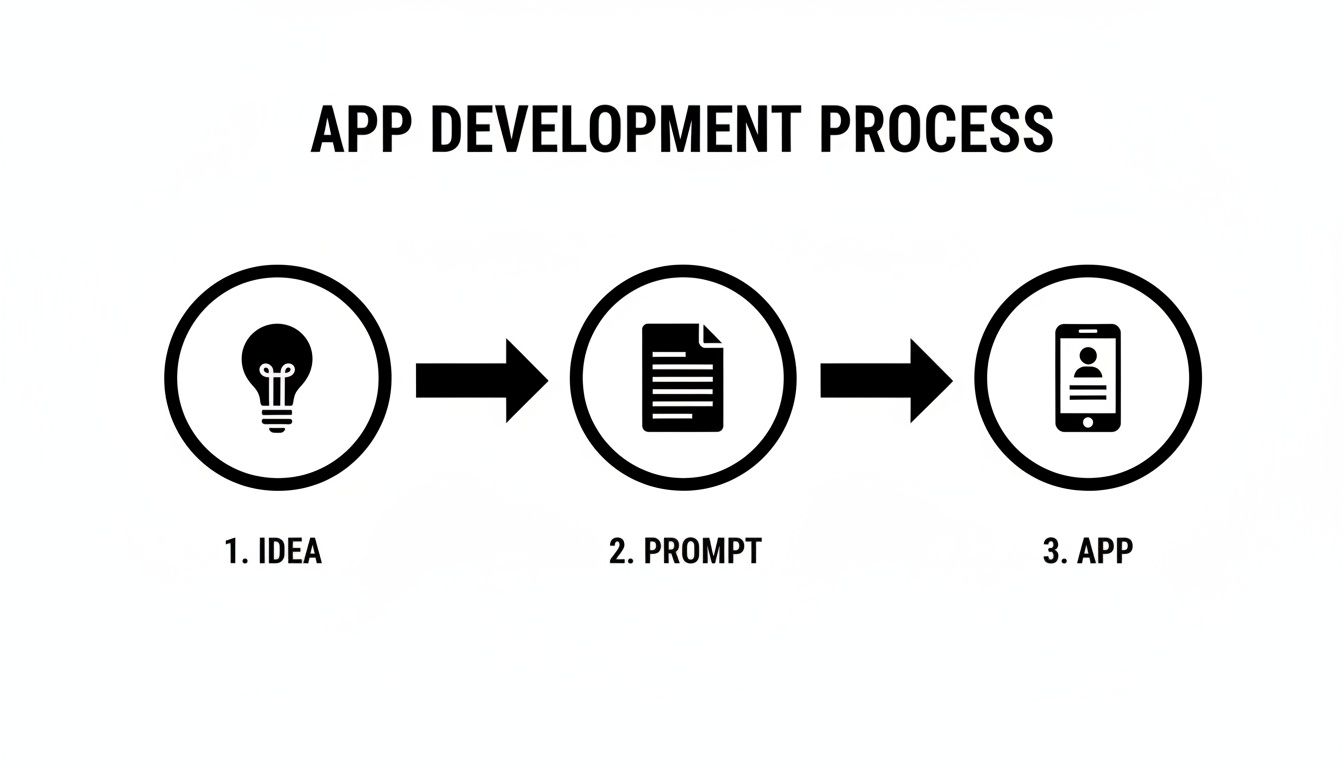
As you can see, the messy, expensive development process gets boiled down to a simple, prompt-driven flow you can control.
Bridging The Gap Between Your Vision And A Real Product
The old way of getting from an idea to a minimum viable product (MVP) is painfully slow and expensive. Founders burn through their cash runway on wireframes, design mockups, and long development cycles. The whole point of an MVP is to test an idea with the least effort, but that "minimum" has always felt pretty massive and costly.
An AI-powered generator makes the entire process radically more efficient. By turning your words into code, it lets you:
- Validate your idea faster: Get a working prototype in front of real users in days, not months. This is how you get feedback that actually matters before you run out of money.
- Slash initial costs: You can sidestep the six-figure price tag that often comes with building a version-one app with a traditional team.
- Keep creative control: Need to tweak a feature or change the layout? You can do it yourself with simple, conversational text edits. Learn more about how an AI app creator gives you this hands-on control.
The core benefit is speed. When you collapse the design-to-code timeline, you can run more experiments, pivot based on what users are telling you, and find product-market fit before you run out of cash.
To see just how different this approach is, let's look at a side-by-side comparison.
Traditional Development vs. AI MVP Generator
| Factor | Traditional Mobile Development | AI MVP Generator |
|---|---|---|
| Time to MVP | 3-6 months | Hours to days |
| Initial Cost | $50,000 - $150,000+ | Low monthly subscription |
| Skills Needed | Requires developers, designers, PMs | A clear idea and plain English |
| Iteration Speed | Weeks per change | Minutes |
| Founder Control | Reliant on technical team | Direct, hands-on control |
The table makes it clear: this new way removes the biggest barriers—time, cost, and technical skills—that used to stop founders in their tracks.
This isn't just a niche trend. We're seeing that over 70% of startups are now using MVP frameworks to cut initial costs and validate their ideas faster. It’s why the Minimum Viable Product Development market is expected to hit USD 541 million by 2031. This shift is happening right now.
How To Write Prompts That Build Great Apps
The magic of an AI MVP generator comes down to one thing: the quality of your prompt. If you feed it a vague request like "build a social media app," you'll get a generic, cookie-cutter template. But a thoughtful, well-structured prompt? That’s how you translate your unique vision into a functional mobile app.
As the founder, you are the architect. You need to give the AI a clear blueprint. Don't think of it as a casual chat; treat it like you're writing a detailed brief for a human developer. The more specific you are upfront, the better the initial app will be, saving you a ton of time on edits later.
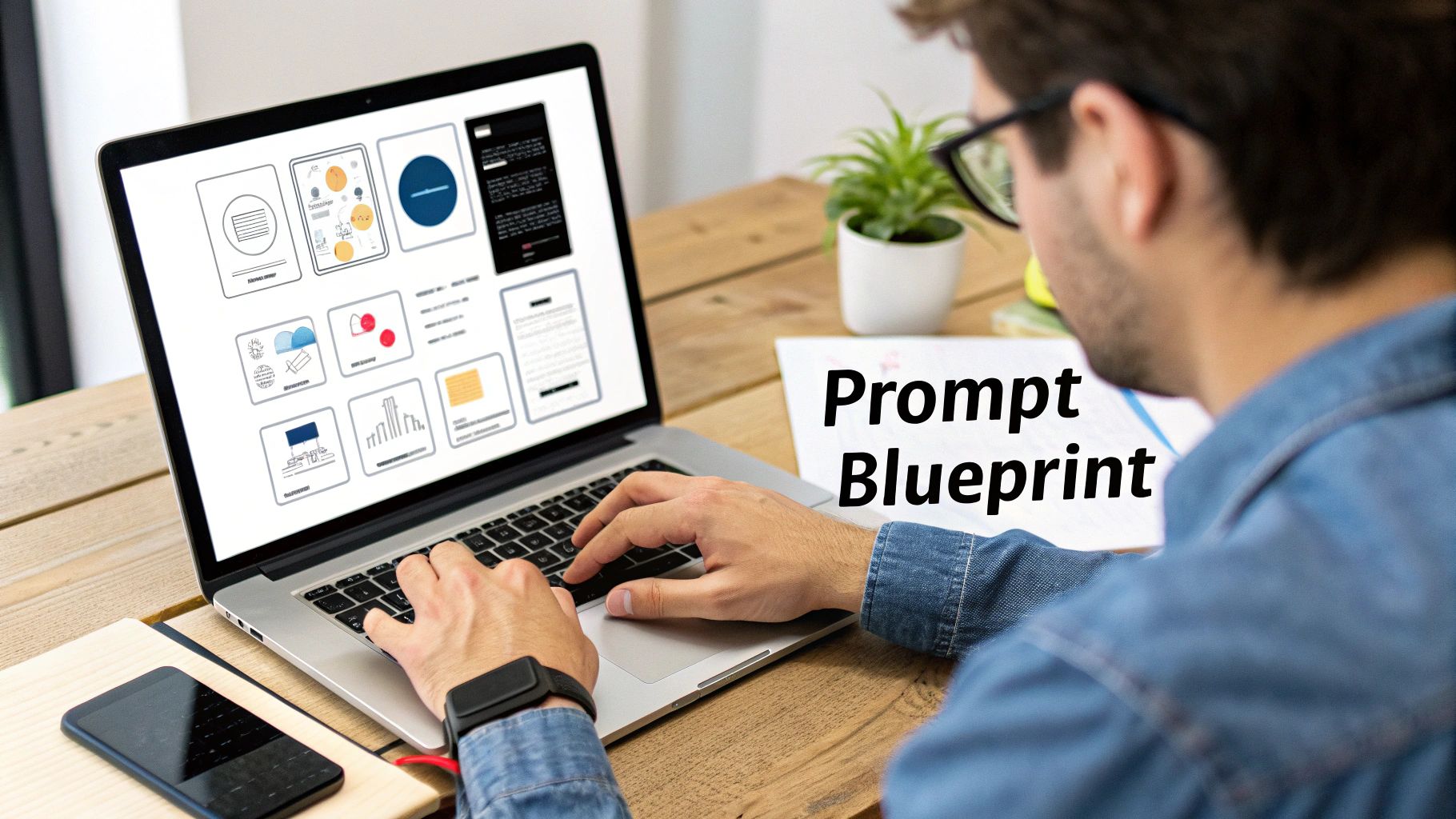
When you break down your app concept into these manageable pieces, the AI can build a much more organized and coherent app structure from the get-go.
The Four Pillars of a Powerful Prompt
To get the best results on your first try, your prompt needs four key components. Mastering these dramatically improves the quality of the generated MVP.
- Define the Core Problem and User: Start with who the app is for and what problem it solves. For example, "This app is for busy city-dwelling dog owners who struggle to find reliable walkers on short notice." This context is critical for the AI to understand the why behind your app.
- Outline Key Features: Get specific. Don't just say "user profiles." Instead, describe it: "User profiles need a profile picture, a unique username, a short bio, and a grid view of their past walks."
- Describe the Main User Flow: Walk the AI through the primary journey. For instance, "A new user opens the app, signs up with their email, and lands on a home feed showing available walkers. They can tap any walker to see details and tap a 'Book Now' button."
- Specify UI/UX and Brand Elements: Give it some personality. "Use a minimalist design with a dark theme. The primary brand color should be #5A67D8, and use the Poppins font."
The difference between a good and a great MVP often comes down to the clarity of that initial prompt. Spending an extra 10 minutes refining your instructions can save you hours of iterative work.
From Vague Idea to Actionable Prompt
Let’s make this real with a use case: an app to connect local dog walkers with clients.
A vague prompt would be: "Make an app for dog walkers." This is not helpful; the AI has to make too many assumptions.
Here’s an actionable prompt: "Build a mobile app for busy professionals (the user) to find and book vetted dog walkers in their neighborhood. The main screen should be a map view showing available walkers nearby. Users can tap a walker's pin to see their profile, rates, and reviews. There also needs to be a simple booking flow and an in-app chat feature for communication."
See the difference? This second prompt gives the AI specific instructions on the user, the core features, and the primary journey. It has a clear direction.
To get even better at crafting these instructions, it's worth understanding how LLMs for digital voice control work to interpret language. For more advanced techniques, check out our guide on prompt engineering tips.
Refining Your App With Conversational Edits
Alright, you’ve generated your first app. It’s a great starting point, but it’s never perfect right out of the gate. This is where the real power of a startup mvp generator kicks in: how ridiculously fast you can iterate.
Think of it like having a dialogue with an AI developer who’s always on call. No support tickets, no waiting for the next sprint. You just talk to it in plain English. This makes building and testing ideas accessible, whether you’re a non-technical founder, a PM, or a designer.
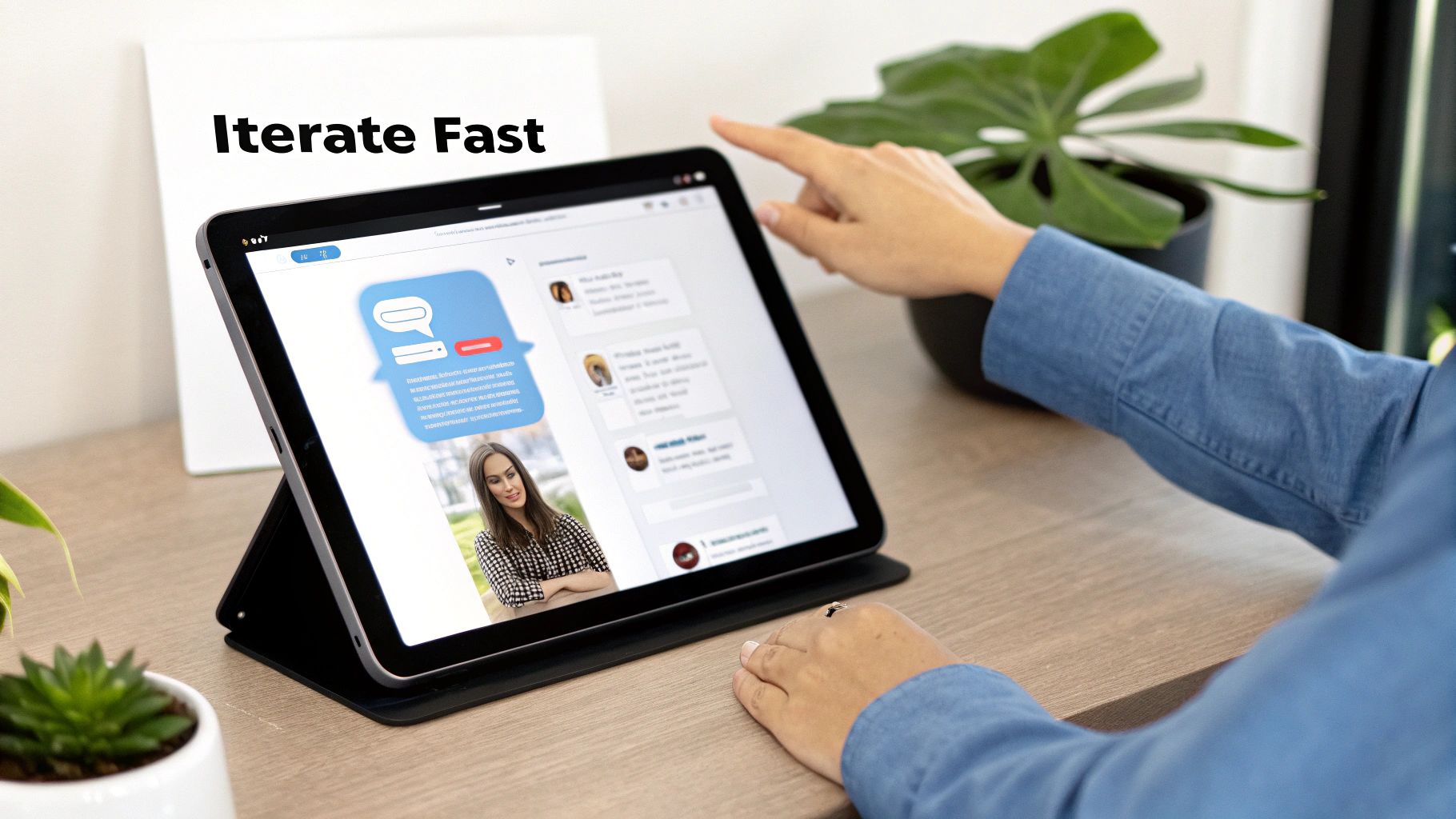
This back-and-forth is how you mold the AI’s work to fit the vision in your head, one simple command at a time.
Shaping The User Experience With Simple Prompts
Let's get practical. Imagine the AI generated a standard login screen—functional, but basic. You know that adding social logins is crucial for reducing friction. Instead of hiring a developer, you just tell the AI what you need.
Your next prompt could be as simple as:
"Add Google and Apple sign-in buttons below the email field. Make the Google button blue with the Google logo, and the Apple button black with the Apple logo."
Within moments, the generator updates the UI and the underlying code. This same conversational method works for almost any change.
Here are a few more real-world examples:
- For UI Elements: "Increase the font size of the screen title to 24pt and make it bold."
- For Layout: "Move the 'Forgot Password' link to be directly under the password input field."
- For Navigation: "When the user taps the new 'Sign Up' button, take them to the Registration screen."
- For Fixing Behavior: "The main button is too close to the bottom of the screen. Add 32px of margin below it."
This rapid feedback loop is a game-changer. AI is slashing early product development cycles by up to 40%, letting founders test ideas without torching their runway. It’s how MVP costs are dropping from $100K+ down to as low as $10K, and how teams are getting to market 60% faster. You can dig deeper into how AI is reshaping startup development costs and timelines.
Knowing When a Feature Is "Done"
It’s incredibly easy to get lost in endless tweaks when making changes is this simple. The trick is to define what "done" looks like for your MVP before you start refining.
Your goal is a Minimum Viable Product—just enough to solve the core problem for your first users. Once a screen or user flow works, stop. Move on. You can always come back and polish it after you’ve gathered that priceless initial feedback from real people.
Exporting Your Code and Prepping for Launch
You’ve prompted, iterated, and polished your idea into a working prototype that looks and feels like the app you envisioned. Now for the moment of truth: getting your MVP out of the generator and into the real world.
A prototype isn't a business until real users can get their hands on it. This is where you shift from the design sandbox to a launch-ready product.
Before you export, do one last run-through. Click through every single user flow. Can someone sign up? Can they perform the one core action your app is built for? We're not aiming for pixel-perfect design; this is about making sure the fundamental plumbing works.
From Prototype to Production-Ready Code
Once you're satisfied, it's time to export. This feature is what truly separates a powerful MVP generator from a restrictive no-code platform. Instead of being locked into their system, you get a clean, human-readable codebase—usually in a robust mobile framework like React Native.
With the right tool, exporting your code is often as simple as clicking a single button.
Getting this actual source code is a huge deal. It gives you total ownership of your intellectual property and the freedom to scale without being stuck on someone else's platform.
This jump from a simple text prompt to a real codebase is why this space is booming. The global market for MVP Building Tools was valued at USD 1.2 billion and is on track to hit USD 3.8 billion by 2032, according to a report from Dataintelo.com. These tools have become vital for founders who need to move fast.
Your Launch Handoff Checklist
With the code exported, you can either hand it off to a technical co-founder or a development team or prepare it for the app stores yourself.
Here's a quick checklist to make that transition smooth:
- Code Walkthrough: Have a developer (even a freelancer for a few hours) review the exported code to understand its structure.
- Set Up Your Dev Environment: Get your computer configured to run the React Native project. This involves installing tools like Node.js, Xcode (for iOS), and Android Studio.
- Gather Your Assets: Collect your final logos, icons, splash screens, and any API keys you'll need.
- Create Developer Accounts: Don't wait. Setting up your Apple Developer and Google Play Console accounts can take a few days, so get it done early.
This process gives you the flexibility to keep building on your own or bring in an expert without forcing them to start from scratch. To see what comes next, learn more about how to export real React Native code in our detailed guide.
Common Mistakes to Avoid When Building Your MVP
Using an AI startup mvp generator can feel like you have a dev team on speed dial, but it’s not a silver bullet. I’ve watched many founders stumble into the same predictable traps. These tools are incredible accelerators, but they can't substitute for solid product sense.
The first hurdle is prompt paralysis—getting so fixated on writing the "perfect" prompt that you never actually hit "generate." Don't overthink it. Your first output is never your last. It’s simply the clay you’ll use to start sculpting.
Over-Engineering Your MVP
The biggest temptation is to cram too many features into your app right away. Because tools like RapidNative make it feel so easy, feature creep starts almost immediately. "Oh, we could add a social feed! And a loyalty program! And AI-powered recommendations!"
Stop. That’s the quickest way to lose sight of your core purpose. Your MVP needs to solve one problem, and solve it well. Everything else is a distraction that confuses your first users.
To keep yourself focused, try this:
- Define the single most critical action you want a user to take.
- Build only the features essential for that one action.
- Put everything else on a "someday" list and ignore it until you get real user feedback.
This ruthless focus is what separates a clean, effective MVP from a bloated mess.
Forgetting The User Feedback Loop
The biggest blunder is to treat the AI as your co-founder and forget about actual human beings. The point of an MVP isn't just to ship an app; it's to start learning from the people you want to serve.
If you generate an app, tweak it based on your own gut feelings, and then launch it without ever showing it to a potential customer, you're just building in a vacuum. The AI is a tool for bringing your ideas to life quickly so you can start a conversation with your market—it doesn't replace that conversation.
Get your prototype in front of real people. Early and often. Their reactions, confusion, and "aha!" moments are the most valuable data you will ever collect. This is what fuels your next prompt, your next iteration, and your path to product-market fit.
If you don't, you're just talking to yourself through a machine. Get out of your office, find your target users, and watch them use your app. That's how a generated prototype becomes a real business.
The Future Is Building Software By Talking To It
We've turned a corner. Gone are the days when a great app idea had to sit on the shelf, waiting for a six-figure check or an elusive technical co-founder. The process of building software has been flipped on its head.
A startup MVP generator closes the gap between what's in your head and a product people can actually use. It treats plain, natural language as the ultimate programming language. For non-technical founders, this is a monumental leap that puts them directly in the driver's seat.
The advantages are too big to ignore: incredible speed, drastically lower costs, and total creative control. You're no longer playing a game of telephone with project managers and developers. You just say what you want, and the app starts to materialize, opening the door for a whole new wave of entrepreneurs.
Embrace The New Way To Build
This isn't just another tool; it's a green light to finally act. The classic excuses that kept great ideas stuck in a notebook are gone.
Your ability to clearly articulate your vision is now your most valuable technical skill. The barrier to entry for creating software has never been lower.
So, the question isn't if you can build your MVP anymore. It's when are you going to start? The future of creating software is conversational and accessible, and it’s here, waiting for you. It's time to take that first step from idea to action.
Got Questions? We’ve Got Answers
Jumping into AI development tools can feel like a big step, so it's natural to have questions. Here are some of the most common things we hear from founders.
Is The Code Actually Mine To Keep?
Yes, it’s 100% yours. Any decent platform, like RapidNative, is built on the principle that you get full ownership of the exported source code.
You get clean, human-readable code—typically React Native—that you can immediately hand over to a developer. There's no vendor lock-in, which is a massive advantage over most closed-system no-code tools.
So, Can I Build The Next Uber With This?
Let's be real. An AI MVP generator is designed to get you a solid, functional MVP out the door fast. It’s brilliant at building the core features and foundational structure of your app.
While the code it produces is high-quality, you’ll eventually want to bring in human developers for complex, custom features and the fine-tuned performance optimizations a growing app needs.
Think of it this way: an AI generator builds the first 80% of your app in a fraction of the time. This frees up your budget and your team's energy to focus on the unique 20% that will make your product a winner.
How Is This Any Different From A Regular No-Code Builder?
This is a big one. Traditional no-code builders are fantastic, but they often keep you locked inside their ecosystem. You build with their drag-and-drop tools, and your app lives on their platform. This can create a "glass ceiling" where you eventually hit a wall, unable to build the custom features you need to grow.
An AI MVP generator works differently. You're using natural language to create something genuinely custom. Most importantly, it hands you the keys at the end: the full source code. This means you have total freedom and a clear runway to scale.
Ready to stop sketching and start building? With RapidNative, you can turn your app idea into a functional, coded MVP in minutes.
Ready to build your app?
Turn your idea into a production-ready React Native app in minutes.
Free tools to get you started
Free AI PRD Generator
Generate a professional product requirements document in seconds. Describe your product idea and get a complete, structured PRD instantly.
Try it freeFree AI App Name Generator
Generate unique, brandable app name ideas with AI. Get creative name suggestions with taglines, brand colors, and monogram previews.
Try it freeFree AI App Icon Generator
Generate beautiful, professional app icons with AI. Describe your app and get multiple icon variations in different styles, ready for App Store and Google Play.
Try it freeFrequently asked questions
What is RapidNative?
RapidNative is an AI-powered mobile app builder. Describe the app you want in plain English and RapidNative generates real, production-ready React Native screens you can preview, edit, and publish to the App Store or Google Play.
Can I export the code?
Yes. RapidNative generates clean React Native and Expo code that you can export at any time. No lock-in, no proprietary format. Hand it to your developers or keep building inside RapidNative.
Is RapidNative free to use?
Yes. You can build apps on the free plan with no credit card required. Paid plans unlock unlimited AI generations, code export, and direct publishing to the App Store and Google Play.
Do I need to know how to code?
No. Most users build apps by describing what they want in plain English. Developers can drop into the code whenever they want more control, but coding is optional.
How long does it take to build an app?
Most users have a working first screen in under a minute. A full MVP usually takes a few hours instead of the weeks or months traditional development requires.