12 Best AI UI/UX Tools for 2026 (Tested on Mobile Apps)
Discover the top 12 AI UI UX tools to accelerate your mobile app development. A practical guide for founders, PMs, and designers.
By Sanket Sahu
7th Dec 2025
Last updated: 16th Apr 2026
Building a mobile app used to be a long, expensive process involving distinct design, prototyping, and coding phases. Today, a new category of AI UI UX tools is collapsing that timeline, allowing founders, product managers, and designers to go from a simple idea to a functional, interactive prototype—and even production-ready code—in record time. This shift is fundamentally changing the skills required in product teams. As AI continues to reshape mobile app creation, it also opens up numerous career paths; explore various remote designer roles to see how the industry is adapting.
This guide cuts through the hype to give you a practical, hands-on look at the 12 best tools for mobile product teams. Instead of just listing features, we'll show you how these platforms solve real-world problems. For each tool, you'll find a clear breakdown of what it's for, specific use cases for building mobile products, and an honest look at its limitations, complete with screenshots and direct links.
Our goal is to help you move past analysis and into action. Whether you're a startup founder validating a mobile MVP, a product manager planning new features, or a developer looking to accelerate your workflow, this list provides the clarity needed to select the right AI tool. We’ll show you which platforms excel at generating initial concepts, which are best for creating interactive prototypes, and which can take you all the way to production-ready mobile code.
1. RapidNative
RapidNative is a developer-centric tool that bridges the gap between idea and interactive mobile prototype with incredible speed. It’s an AI-first mobile app builder designed to convert plain-English prompts, hand-drawn sketches, or even Figma designs directly into production-ready React Native source code. This makes it an indispensable asset for startup founders looking to build an MVP, product managers validating new features, and designers wanting to hand off something more than a static screen—all without writing code themselves.
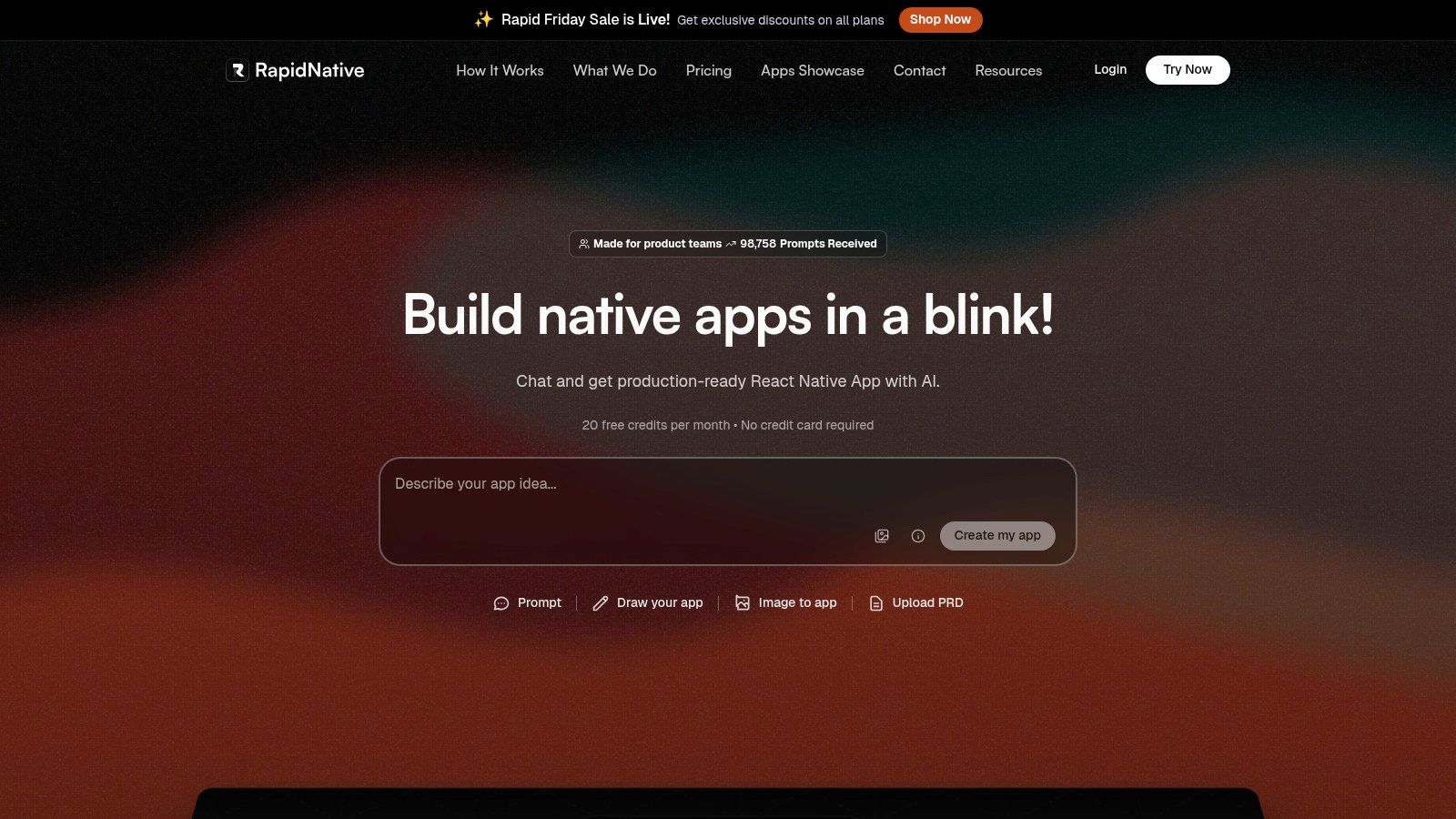
Unlike website builders or no-code platforms that lock you into their system, RapidNative generates code using a modern, standard mobile stack: Expo, React Native, TypeScript, and NativeWind. This means the UI screens, navigation, and components it creates aren't just a simulation; they are the actual foundation of a real mobile app, ready to be exported to GitHub for your developers to continue working on.
Why It's a Top Choice for Mobile Teams
The platform’s standout feature is its iterative, chat-based workflow. You can start with a sketch of a login screen, get the initial code, then ask the AI to "make the primary button green" or "add a password input field," and watch the UI update in real-time. This fluid process dramatically accelerates the design and feedback loop, allowing teams to refine user flows for their mobile app in minutes rather than days. The code quality is consistently praised by users from firms like Thoughtworks and GeekyAnts, making it one of the most practical ai ui ux tools for serious mobile development. You can explore how it works in detail by checking out their article on how an AI native app builder works.
Best For: Product teams needing to quickly build and hand off high-fidelity, code-based mobile prototypes for iOS and Android.
| Key Features | Description |
|---|---|
| Prompt-to-Code Generation | Converts text, images, or sketches into React Native UI code. |
| Developer-First Output | Produces clean, modular TypeScript and NativeWind code. |
| Chat-Driven Iteration | Refine layouts and components using conversational AI commands. |
| Exportable Source Code | Full access to the generated codebase for extension and deployment. |
Pros:
- Generates clean, production-ready mobile code that developers can actually use and extend.
- The multi-modal input (text, sketch, image) offers incredible flexibility for initial app ideas.
- A generous free tier lets you test the entire workflow before committing.
Cons:
- Its focus is on the mobile app's UI and front-end; it does not generate backend logic.
- High-volume prototyping may require upgrading from the free or starter plans.
Pricing: A free tier is available (20 requests/month). Paid plans start at $20/month for the Starter tier.
2. Figma
Figma is the industry-standard collaborative design platform, and its recent push into AI transforms it from a pure design tool into a more powerful, integrated ecosystem. For mobile product teams already using Figma for wireframes and mockups, these new AI features streamline workflows by bringing helpful automation directly into the design and handoff process.
The platform’s AI capabilities are thoughtfully integrated across its suite. For example, a PM can use FigJam AI to generate a user flow diagram from a text prompt, while a designer can use Figma AI to write placeholder copy for a new settings screen. This makes it one of the most practical ai ui ux tools for teams looking to enhance their existing process without adopting an entirely new application. Figma’s Dev Mode also now supports integrations with code-generation tools, bridging the gap between design and development. The commitment to integrating design and code is a key part of the modern workflow; explore more about the evolution of design-to-code automation.
Key Features & Use Cases
| Feature | Best Use Case |
|---|---|
| Figma AI (Beta) | Generating placeholder text for mobile app screens, creating user flow diagrams in FigJam, or summarizing meeting notes to speed up ideation. |
| Dev Mode Integrations | Allowing engineering teams to connect AI code generation tools directly to Figma designs for more accurate component creation. |
| Collaborative Platform | Serving as the single source of truth for design systems, mobile prototypes, and developer handoff, now with added AI efficiencies. |
Pros & Cons
- Pros:
- Deeply integrated into a platform most mobile product teams already use.
- Strong collaboration and developer handoff features are core to the product.
- Free starter tier allows for testing core functionalities.
- Cons:
- AI features are still in beta and their final pricing and availability may change.
- It's a design tool first; it doesn't generate production-ready mobile code on its own.
Website: https://www.figma.com
3. Framer
Framer has evolved from a prototyping tool into a powerful, AI-driven website builder that blurs the line between design and production. It empowers creators to go from a simple text prompt to a fully published, responsive website in minutes. While not a mobile app builder, it's an exceptional choice for creating marketing sites or landing pages for your mobile product.
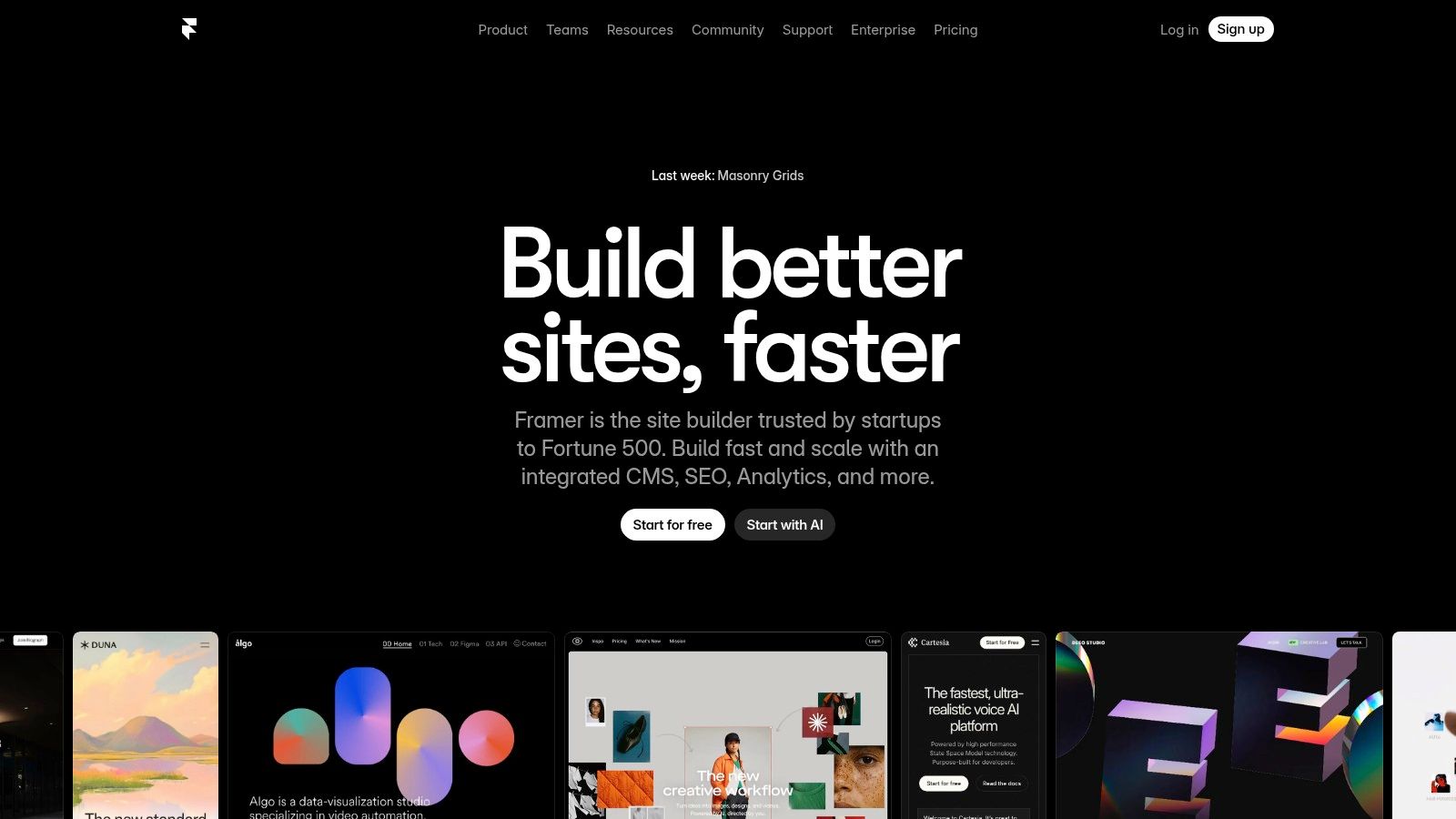
The platform’s core strength is its "prompt-to-site" AI generator. For example, you could prompt it with "a landing page for a new fitness tracking app" and get a unique, structured starting point complete with relevant copy and imagery. From there, you can refine the design in a familiar visual editor, manage content, and publish. This integrated workflow makes it one of the most efficient ai ui ux tools for launching promotional web projects.
Key Features & Use Cases
| Feature | Best Use Case |
|---|---|
| AI Site Generator | Quickly creating a first draft of a landing page for your mobile app to drive sign-ups or announce features. |
| Visual Editor & CMS | For founders or marketers who need to build and manage a professional website for their app without developer handoff. |
| Integrated Hosting & CDN | Launching a high-performance marketing site with built-in SEO optimizations directly from the design tool. |
| Localization & A/B Testing | Scaling your app's web presence by translating content and optimizing for conversions. |
Pros & Cons
- Pros:
- Extremely rapid idea-to-live-site workflow.
- All-in-one platform including design, CMS, and hosting.
- Great for non-technical team members.
- Cons:
- Primarily focused on website creation; it cannot be used to build a native mobile app.
- For highly custom web apps, you'll eventually need a more robust coding solution.
Website: https://www.framer.com
4. Webflow (Webflow AI)
Webflow is a powerful no-code platform known for giving designers visual control over production-ready websites, and its Webflow AI features push this even further. Like Framer, it's focused on web, but serves as a great tool for building the marketing or support site for your mobile app. The AI features are embedded directly into the workflow to assist with content generation, SEO optimization, and page structure.
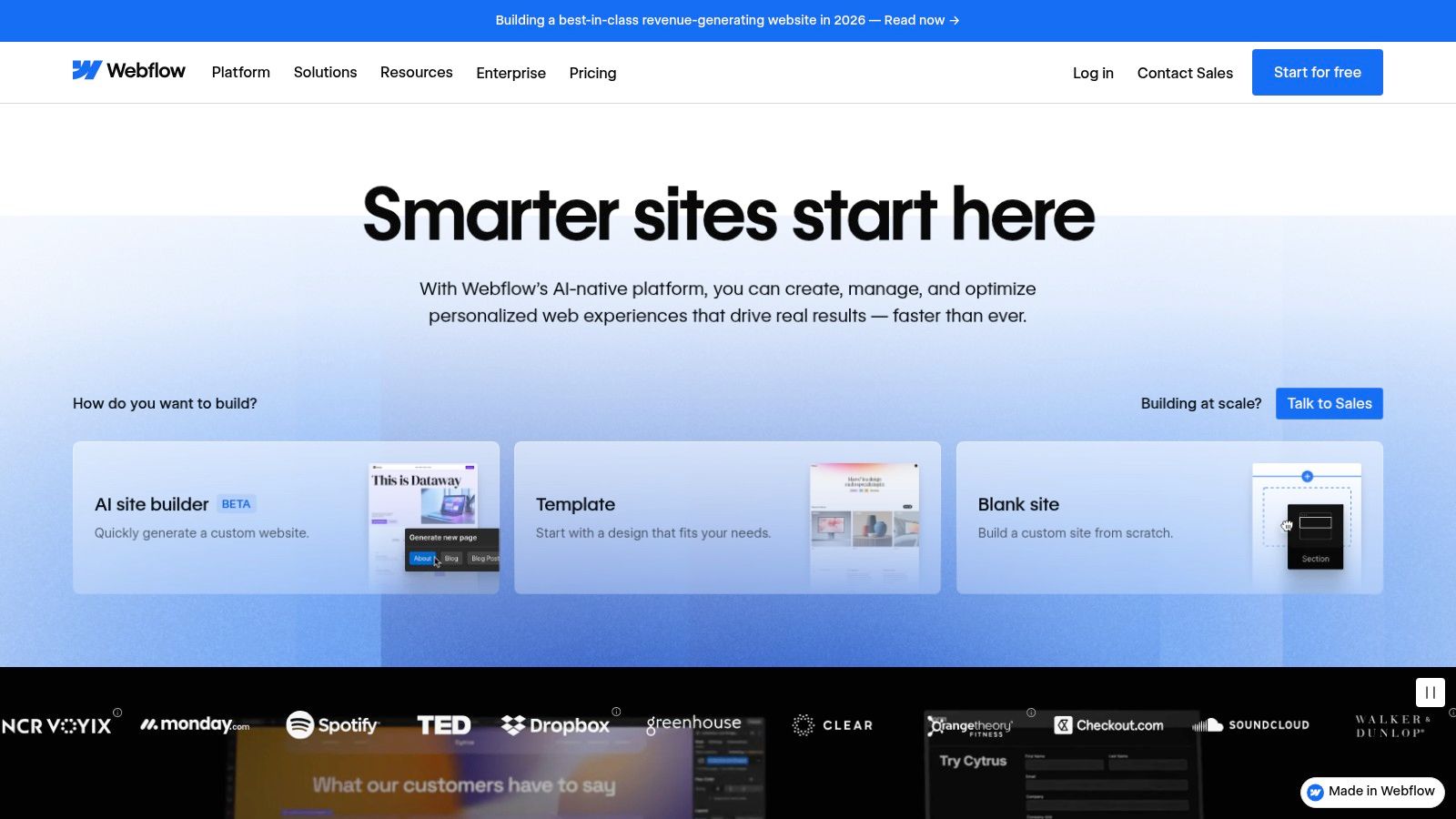
This makes Webflow one of the most practical ai ui ux tools for teams that need to go from design to a fully functional, enterprise-grade site without a traditional development handoff. The AI can automatically write or refine marketing copy for your app's landing page, generate structured data for better search engine visibility, and translate content across languages, all within the same interface. This integrated approach is ideal for marketing teams and startups that need to launch and iterate quickly.
Key Features & Use Cases
| Feature | Best Use Case |
|---|---|
| Webflow AI | Generating SEO-optimized headlines and body copy for your app's website, or translating the entire site with one click. |
| Robust CMS | Building a dynamic blog or help center for your mobile app where AI can help populate and manage content. |
| Workspace Collaboration | Marketing agencies and in-house teams managing multiple sites with granular permissions and staging environments. |
| Enterprise-Grade Hosting | Launching a high-traffic marketing site for your mobile app that requires scalable hosting and security. |
Pros & Cons
- Pros:
- Enterprise-grade hosting and security options are included.
- Powerful enough for complex websites and animations.
- Active documentation, community, and educational resources.
- Cons:
- Steeper learning curve compared to simpler site builders like Framer.
- Not suitable for building the core mobile application itself.
Website: https://www.webflow.com
5. Uizard
Uizard is an AI-native design tool built for speed, making it exceptionally useful for non-designers like founders and product managers. Its core strength is rapidly generating multi-screen mockups and functional prototypes for mobile apps from simple text prompts, sketches, or even screenshots of other apps. This drastically lowers the barrier to entry for UI/UX design.
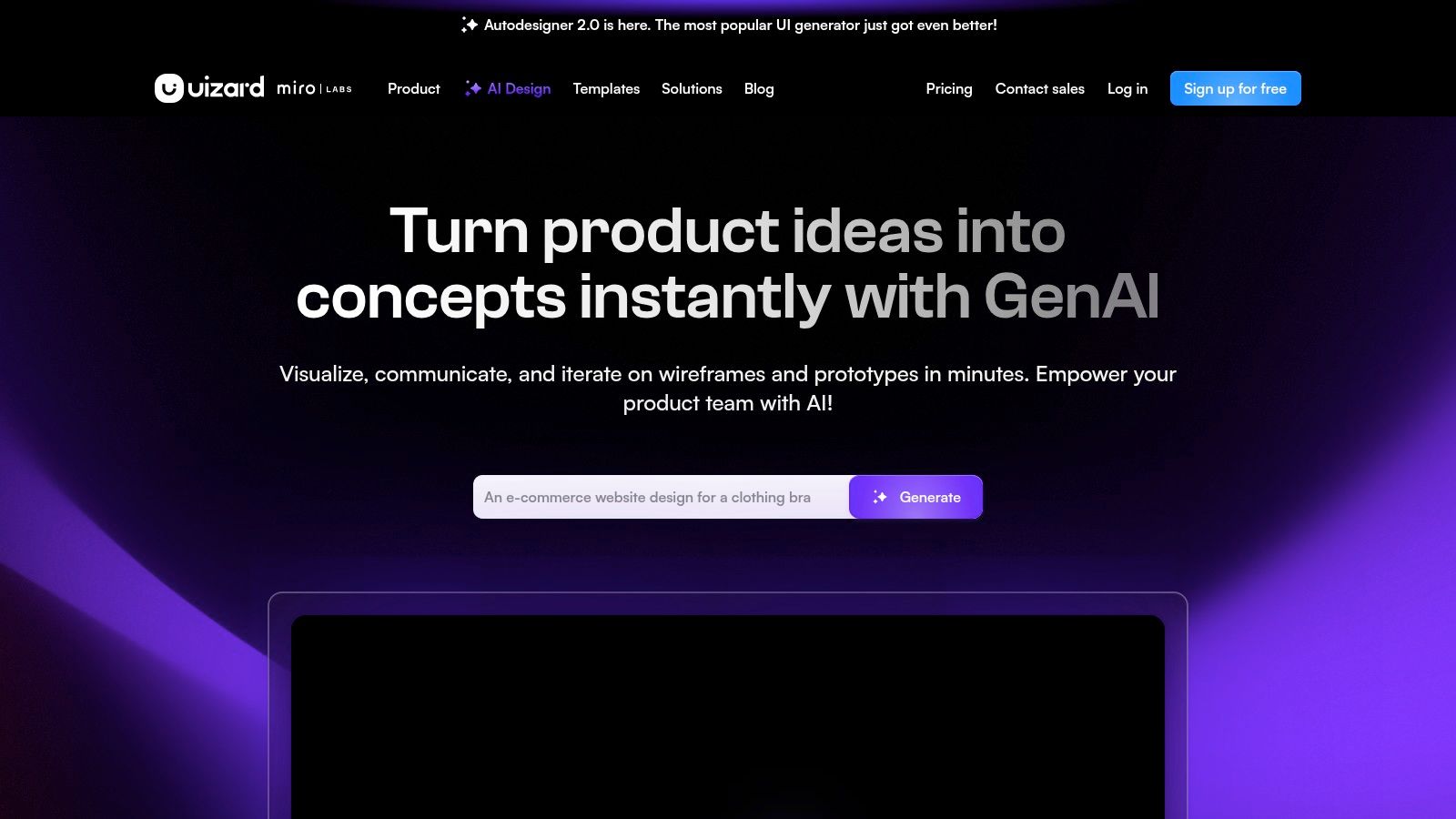
The platform’s standout feature, Autodesigner 2.0, can take a single prompt like "a meal-planning app for busy parents" and generate a complete, editable, multi-screen UI design with logical user flows. This makes it one of the most effective ai ui ux tools for early-stage validation and brainstorming. For a mobile product team, this means you can go from a rough idea scribbled on a napkin to a shareable prototype in minutes, not days.
Key Features & Use Cases
| Feature | Best Use Case |
|---|---|
| Autodesigner 2.0 | A product manager or founder quickly generating a multi-screen mobile prototype from a simple text description of an app idea. |
| Screenshot Scanner | Taking a screenshot of a competitor's app and instantly converting it into an editable mockup for competitive analysis or redesign inspiration. |
| Attention Heatmaps | Getting a quick, AI-driven prediction of which UI elements on a mobile screen will grab user attention to optimize button placement. |
| Sketch-to-Design Import | Turning a hand-drawn wireframe from a whiteboard into a clean, digital, and editable design file. |
Pros & Cons
- Pros:
- Extremely fast for generating initial ideas and prototypes for mobile apps.
- Intuitive and easy to learn, especially for non-designers.
- Generous free plan to get started.
- Cons:
- Designs are great for validation but often need refinement in a tool like Figma for final production.
- The predictive heatmaps are a helpful guide, but not a replacement for real user testing.
Website: https://uizard.io
6. Visily
Visily is an accessible, AI-powered wireframing and prototyping tool designed for rapid ideation. It's ideal for product managers, founders, and other non-designers who need to quickly visualize mobile app concepts without getting bogged down in complex design software. The platform uses AI to generate wireframes from text prompts or screenshots, drastically reducing the time it takes to get an initial idea ready for stakeholder feedback.
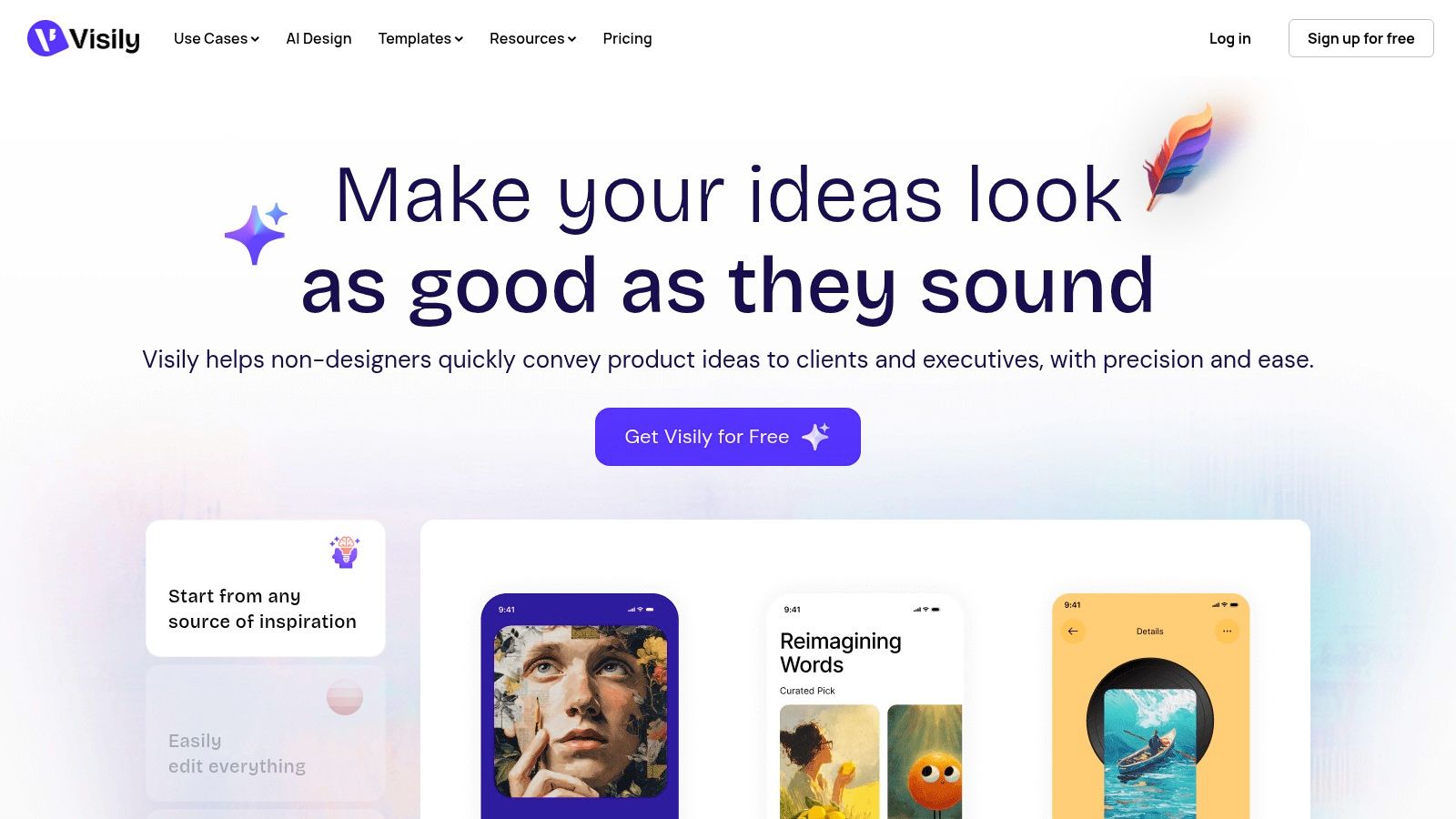
By focusing on speed and simplicity, Visily serves as an excellent on-ramp to the design process. Its affordability makes it one of the more practical ai ui ux tools for early-stage teams or those with tight budgets. The key feature for mobile product teams is its ability to export designs to Figma. This ensures that once a concept is validated in Visily, it can be seamlessly handed off to a designer for high-fidelity work, bridging the gap between a rough idea and professional execution.
Key Features & Use Cases
| Feature | Best Use Case |
|---|---|
| AI Wireframe Generation | Quickly creating low-fidelity mobile mockups from a text description or a screenshot to kickstart the design process. |
| Figma Export | Handing off validated wireframes created by a PM or founder to a professional UI/UX designer for further refinement. |
| Collaboration & Templates | Brainstorming and iterating on mobile user flows and screen layouts in real-time using a library of common patterns. |
Pros & Cons
- Pros:
- Very accessible for non-designers, making it easy to create mobile wireframes.
- Affordable Pro tier provides good value.
- The Figma export creates a clear handoff path to design teams.
- Cons:
- It is primarily a wireframing tool, not a full-featured design platform.
- Less powerful than more established platforms like Figma.
Website: https://www.visily.ai
7. Relume
Relume is a specialized AI site builder and component library that excels at accelerating the foundational stages of web design, particularly for teams building on Webflow. It uses AI to translate a simple prompt into a comprehensive sitemap and wireframes. While web-focused, its methodology is a powerful example of how AI can structure information architecture, a key step in designing complex mobile apps.
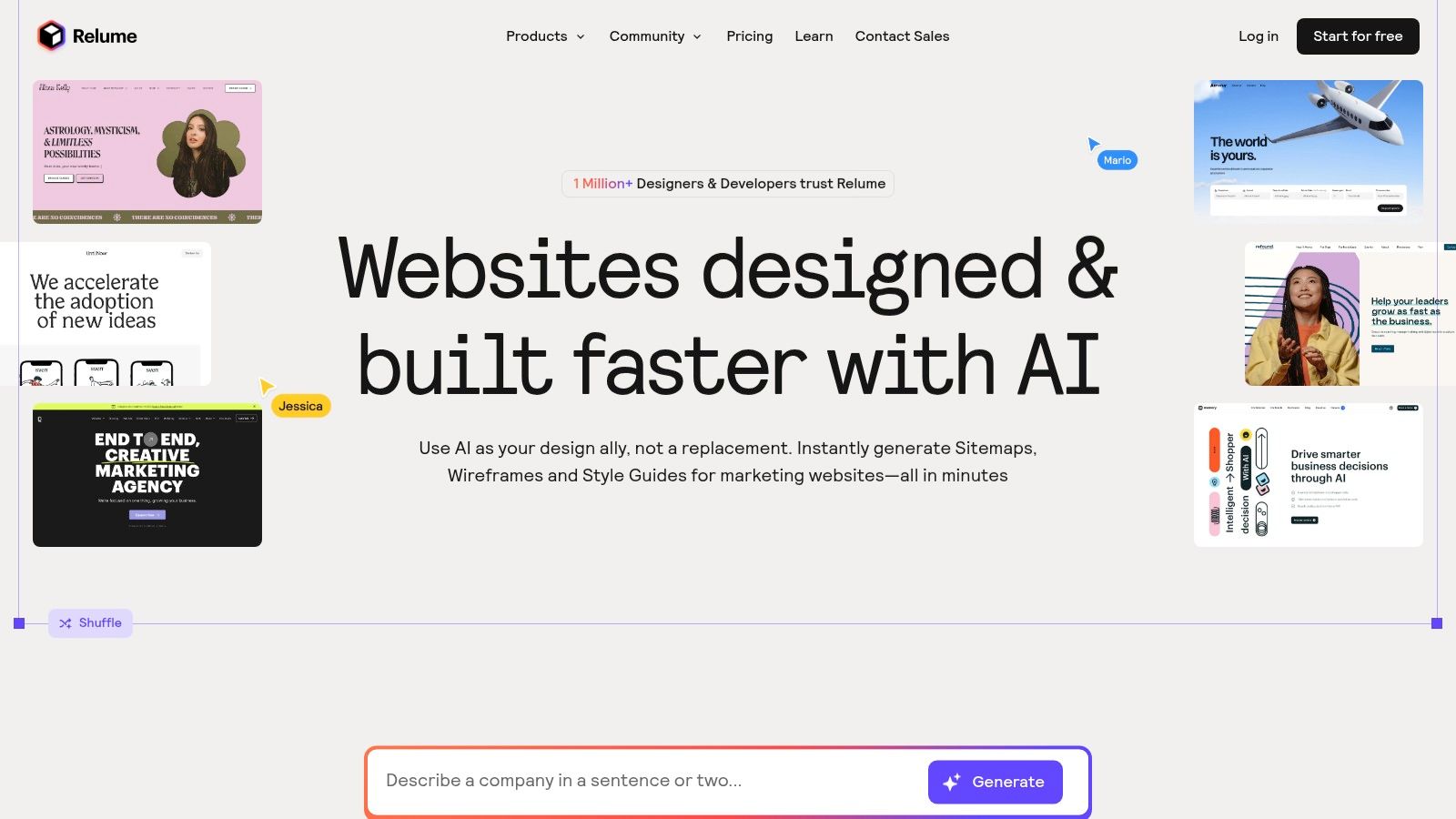
Relume’s value is deeply connected to its massive library of over 1,000 professionally designed Webflow components and corresponding Figma kits. This tight integration allows teams to move seamlessly from an AI-generated structure to a high-fidelity build. For those building the web presence for their mobile app, Relume is one of the most practical ai ui ux tools available, bridging the gap between initial concept and production-ready development with remarkable speed.
Key Features & Use Cases
| Feature | Best Use Case |
|---|---|
| AI Site Builder | Rapidly generating a complete sitemap and page-by-page wireframes for your app's marketing website from a single prompt. |
| Extensive Component Library | Building a consistent, professional Webflow site quickly using a vast collection of pre-made components and Figma kits. |
| Website Scoping Tools | For agencies or freelancers creating project briefs and pricing estimates for clients' websites. |
Pros & Cons
- Pros:
- Saves significant time in the initial information architecture and wireframing phases for websites.
- Deep, seamless integration with the Webflow and Figma ecosystem.
- Extensive component library ensures design consistency and speed.
- Cons:
- Provides the most value for teams already committed to Webflow for their web projects.
- Not applicable for building native mobile app UIs.
Website: https://www.relume.io
8. v0 by Vercel
V0 by Vercel is an AI-powered UI generation tool that directly bridges the gap between text prompts and production-ready web code. It acts as an AI agent, interpreting prompts or images to generate React UI using Tailwind CSS. This makes it an exceptional tool for developers building web applications or Progressive Web Apps (PWAs) within the Next.js and Vercel ecosystem.
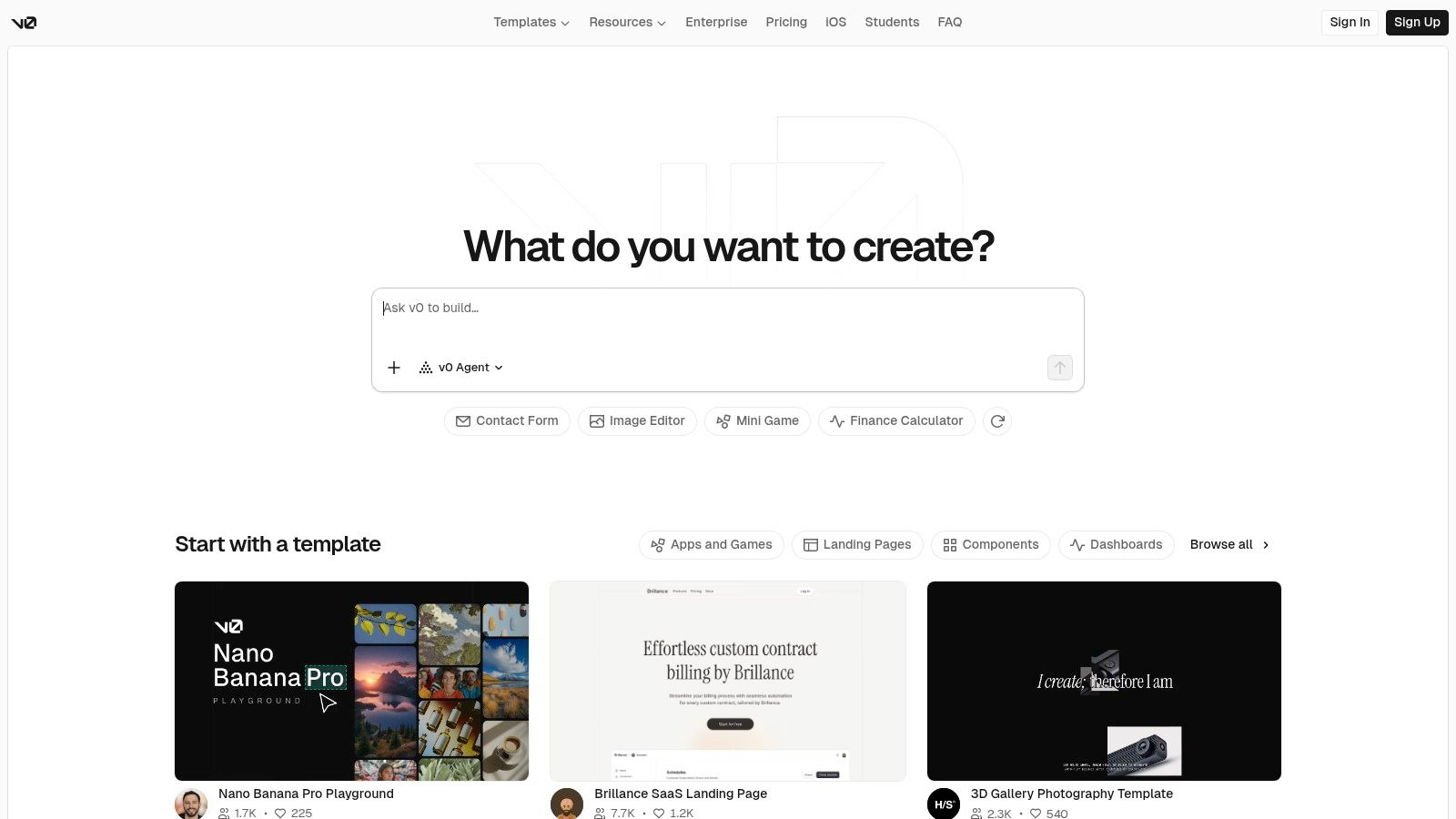
Unlike pure design tools, v0’s output isn't just a visual prototype; it's clean, usable code that can be iterated upon and deployed with a single click. This tight integration makes it one of the most practical ai ui ux tools for rapidly creating and shipping web interfaces. Its iterative nature allows you to refine the AI's output with follow-up prompts, treating the generation process more like a conversation with a developer than a one-off command.
Key Features & Use Cases
| Feature | Best Use Case |
|---|---|
| Generative UI Agent | Quickly scaffolding new pages or components for a web app from a text description or a screenshot. |
| Iterative Code Refinement | Starting with a generated UI and using follow-up prompts to tweak layouts or add new elements without writing code manually. |
| One-Click Vercel Deploy | Instantly publishing a generated UI concept to a live URL for stakeholder feedback on a web project. |
Pros & Cons
- Pros:
- Seamlessly bridges design, code generation, and deployment for web apps.
- Generates clean, production-quality React and Tailwind CSS code.
- Free plan includes monthly credits, making it accessible to test.
- Cons:
- Focused on React/Next.js for web; it does not generate code for native mobile apps (like React Native).
- Best results require familiarity with the Vercel ecosystem.
Website: https://v0.dev
9. Builder.io
Builder.io is a visual development platform that excels at bridging the gap between design and production code with its AI capabilities. Its flagship feature, Visual Copilot, uses AI to convert Figma designs directly into clean, responsive code for web frameworks like React and Vue. This makes it a standout choice for teams that want to maintain their existing design systems during the web development handoff process.
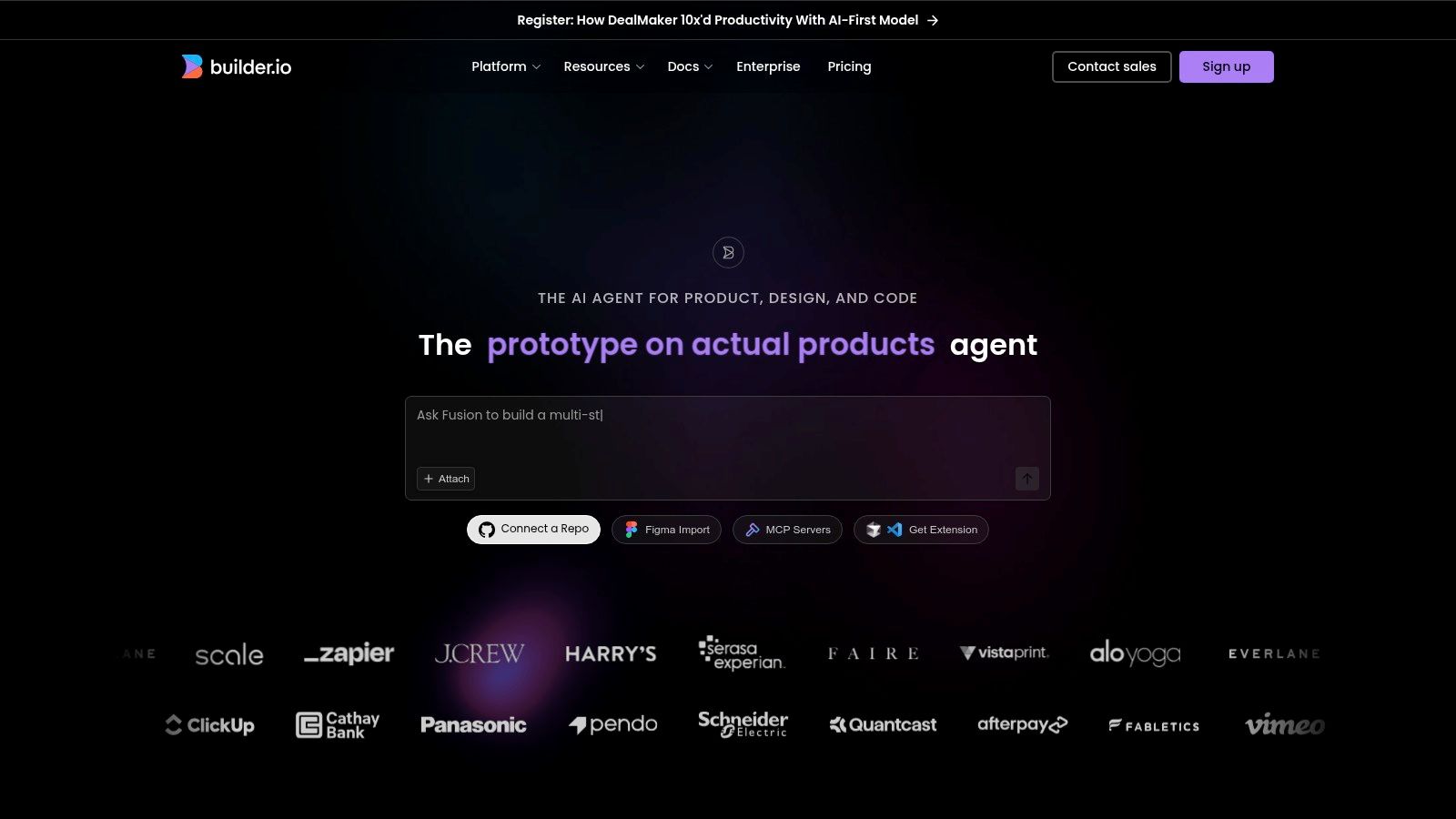
Unlike other design-to-code tools, Builder.io’s AI is "design-system-aware." It intelligently maps imported designs to your actual coded components, ensuring the final output is production-ready. For engineering teams building a web app or PWA, this significantly reduces the manual effort of translating static designs into functional interfaces. This makes it one of the most practical ai ui ux tools for organizations aiming to accelerate web development without sacrificing code quality.
Key Features & Use Cases
| Feature | Best Use Case |
|---|---|
| Visual Copilot | Automatically converting Figma designs into high-quality, responsive web code that uses your team's existing component library. |
| Visual CMS | Empowering marketing and non-technical teams to visually update web pages and content for your app without developer help. |
| Builder Fusion | Integrating the visual editor directly with your application's codebase, allowing developers and designers to collaborate. |
Pros & Cons
- Pros:
- Generates production-ready web code that leverages your existing design system.
- Strong focus on developer experience with integrations for modern web frameworks.
- Excellent documentation and community support.
- Cons:
- Initial setup to map components requires developer involvement.
- Does not generate code for native mobile frameworks like React Native or Swift.
Website: https://www.builder.io
10. Anima
Anima bridges the gap between high-fidelity design and front-end code, functioning as a powerful toolchain that integrates directly into Figma. Its main purpose is to dramatically accelerate the handoff process from designer to developer for web projects. For mobile teams building a web-based companion to their app, Anima offers a practical solution.
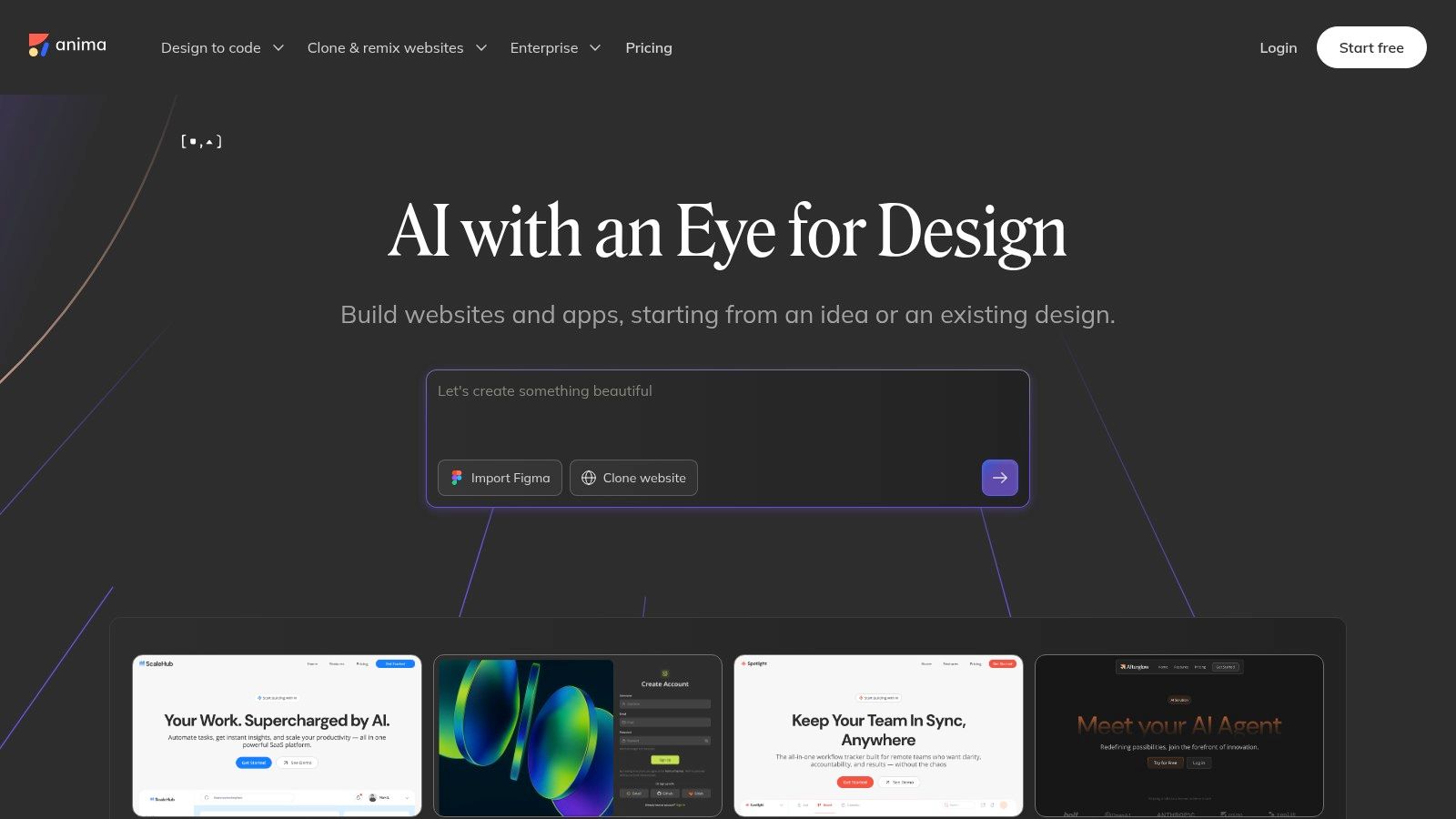
The platform stands out by converting Figma designs into developer-friendly React, Vue, or HTML code. Recently, Anima has expanded its offerings with an AI Playground, allowing users to generate websites and code snippets from simple text prompts. This feature positions it as one of the more versatile ai ui ux tools for teams that want to automate front-end web development, from initial concept to a coded component, directly from their design environment.
Key Features & Use Cases
| Feature | Best Use Case |
|---|---|
| Design-to-Code Export | Converting completed Figma designs into clean, usable front-end web code (React, Vue, HTML) to speed up development cycles. |
| AI 'Playground' | Quickly generating websites or UI components from text prompts for rapid web prototyping. |
| Enterprise-Grade Features | Large organizations requiring enhanced security and support for their toolchain. |
Pros & Cons
- Pros:
- Provides a direct and rapid path from design to usable web code.
- Integrates seamlessly with Figma, enhancing existing workflows.
- Offers robust enterprise support and security options.
- Cons:
- The generated code is for web (React, HTML) not native mobile (React Native).
- The quota system for code generations requires monitoring.
Website: https://www.animaapp.com
11. Maze
Maze transforms user research from a manual, time-intensive process into a streamlined, AI-powered operation. It excels at automating the analysis and reporting for a wide range of research methods used to test mobile products, including prototype tests, surveys, and user interviews. For product teams looking to get user feedback faster, Maze is an indispensable platform.
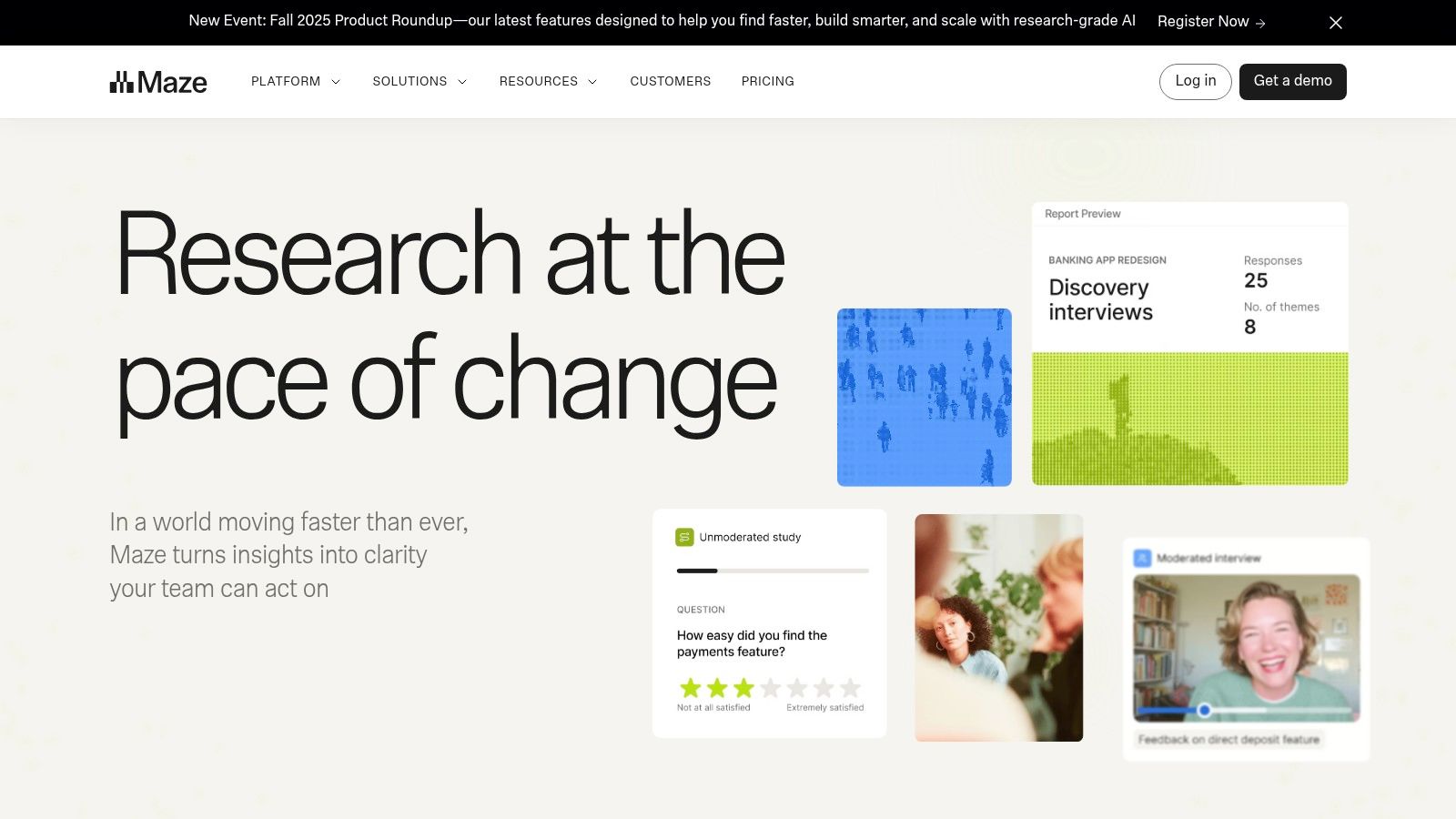
The platform’s strength lies in its AI-driven analysis. After you run a test on your mobile prototype, Maze automatically transcribes interviews, identifies key themes from open-ended questions, and generates shareable reports. This automation frees up researchers and PMs from hours of manual work, allowing them to focus on strategic insights rather than data processing. As one of the most comprehensive ai ui ux tools for validation, it helps teams integrate user feedback into their workflow continuously. Understanding which research methods to apply is crucial; you can explore a variety of user experience testing methods to maximize the platform's value.
Key Features & Use Cases
| Feature | Best Use Case |
|---|---|
| AI-Assisted Analysis & Reporting | Automatically generating summaries and thematic clusters from qualitative data to quickly understand user feedback on a new mobile feature. |
| AI-Moderated Interviews & Surveys | Running unmoderated user tests on a mobile prototype, ensuring consistent question delivery and data collection at scale. |
| Transcription & Theme Extraction | Transcribing user interviews about your mobile app and identifying recurring pain points without manual review of every session. |
Pros & Cons
- Pros:
- Drastically reduces the time spent on analyzing user research for your mobile product.
- Strong integration with design tools like Figma for seamless prototype testing.
- Excellent for scaling continuous discovery and frequent research cycles.
- Cons:
- Advanced features are part of paid plans, which can be costly.
- Most valuable for teams that conduct user research frequently.
Website: https://maze.co
12. Hotjar
Hotjar is a leading behavioral analytics platform that provides a direct window into how users interact with your live website or web app. While traditionally known for heatmaps and session recordings, its integration of AI-powered insights elevates it into a crucial tool for UX analysis. It uses AI to automatically surface user frustration signals and summarize complex user sessions.

This makes Hotjar one of the most effective ai ui ux tools for identifying and understanding usability issues without manually sifting through hours of footage. For product managers and designers responsible for a PWA or the mobile web experience, the AI-generated summaries and frustration scores quickly highlight which parts of the user journey are causing friction. Instead of just seeing what users did, teams can now get AI-driven hypotheses about why they struggled, accelerating the product improvement cycle.
Key Features & Use Cases
| Feature | Best Use Case |
|---|---|
| AI-Assisted Insights | Automatically identifying rage clicks and u-turns on your mobile website to prioritize UX fixes. |
| Session Replay Summaries | Generating concise, AI-powered summaries of long user sessions to quickly grasp the core of a user's experience. |
| Heatmaps & Funnels | Visualizing aggregate user behavior to see where users tap, scroll, or drop off in key funnels on your mobile site. |
| Feedback & Surveys | Collecting qualitative user feedback directly on-site and using AI to help analyze responses. |
Pros & Cons
- Pros:
- Extremely quick to install and provides immediate visibility into UX issues on your website.
- Combines quantitative heatmaps with qualitative feedback and AI summaries.
- Flexible tiers, including a free starting plan, make it accessible.
- Cons:
- Primarily for web analytics; it doesn't track user behavior within a native mobile app.
- Session-based pricing can become costly for high-traffic sites.
Website: https://www.hotjar.com
12 AI UI/UX Tools — Feature Comparison
| Product | Core offering | Target users | Unique selling point | Output / Export | Pricing & access |
|---|---|---|---|---|---|
| RapidNative (Recommended) | AI prompt / image / whiteboard → production-ready React Native UI | Founders, PMs, UX designers, small dev teams, developers | Prompt-to-production React Native + chat-driven iteration, clean TypeScript + NativeWind code | Exportable Expo/React Native TypeScript projects, modular components & navigation scaffolds | Free tier (20 req/mo); Starter $20; Pro $50; Teams/Enterprise |
| Figma | End-to-end design & collaboration with growing AI tools (Make) | Designers, product teams, agencies | Shared design system, prototyping, strong dev handoff & ecosystem | Figma files, Make app outputs, Dev Mode integration | Free starter; seat-based plans; AI features in beta/credits |
| Framer | AI-assisted web design, hosting & CMS | Creators, small teams needing live sites fast | Idea→live site workflow with hosting on Framer CDN | Published sites on Framer CDN, CMS-backed pages | Solo/Team tiers; hosting add-ons |
| Webflow (Webflow AI) | Professional no-/low-code site builder + CMS & e‑commerce | Agencies, enterprises, product teams | Enterprise-grade hosting, CMS, e‑commerce + AI content tools | Webflow sites, CMS collections, production hosting | Seat & site plans; add-ons for bandwidth/storage |
| Uizard | Fast text-to-multi-screen wireframes & prototypes | Non-designers: PMs, founders, early product teams | Rapid ideation, screenshot/sketch import, attention heatmaps | Clickable prototypes, editable designs, exports for iteration | Generous generation counts on paid tiers; free trial |
| Visily | AI wireframing & prototyping with Figma export | Teams needing fast stakeholder feedback | Affordable AI wireframes, template library, collaboration | Export to Figma (paid), wireframe prototypes | Credit-based model; affordable Pro tier |
| Relume | Component library + AI site builder for Webflow | Webflow users, agencies building sites at scale | Large Webflow component library (800–1000+), sitemap briefs | Webflow-ready components, Figma kits | Library pricing varies; best value with Webflow stack |
| v0 by Vercel | AI agent that generates React/Next.js UI + deploys to Vercel | Teams using React/Next.js and Vercel | End-to-end: prompt → code → one-click deploy to Vercel | React/Next.js projects with GitHub sync and deploy | Free credits; usage/token-based pricing |
| Builder.io | Visual CMS & visual IDE with AI (Visual Copilot) | Teams with component libraries and design systems | Design-system-aware code generation & visual IDE | Production-ready code respecting components/tokens | Tiered pricing; some features in beta |
| Anima | Design-to-code exports (Figma plugin) with AI assist | Design & dev teams needing front-end code | High-fidelity Figma → front-end workflow, enterprise features | Exportable front-end code, API/SDK options | Quota-based generations; enterprise support |
| Maze | AI-augmented user research & automated analysis | Product teams doing user testing & surveys | Automated moderation, analysis, shareable AI summaries | Research reports, transcripts, insight summaries | Plans for frequent studies; add-ons (Panel) |
| Hotjar | Behavioral analytics: heatmaps, replays, surveys + AI | Product & UX teams tracking user behavior | Session replays + AI-surfaced insights (Sense) | Heatmaps, replays, funnels, AI summaries & feedback | Free tier; session-based pricing can scale with traffic |
Choosing the Right AI Tool for Your Mobile Workflow
The landscape of AI UI UX tools shows a clear trend: the walls between idea, design, and production-ready mobile code are crumbling. We've explored platforms that generate designs from sketches, analyze user feedback automatically, and even write production-quality code.
The main takeaway is that there isn't one "best" tool, only the right tool for your specific job. A founder needing to build a quick MVP to show investors has different needs than a designer refining an existing app's user flow. The common thread is efficiency—these tools help you get more done, faster, with a smaller team.
How to Select Your AI Co-pilot
To choose the right tool, first figure out where your biggest bottleneck is. Ask your team:
- What is our biggest pain point right now? Are you stuck trying to visualize an idea? Is the handoff from design to development slow and painful? Or do you lack real user data to back up your decisions? Identifying the core problem will narrow your options fast.
- What is the desired output? Do you need a clickable prototype to share with stakeholders (Uizard)? Or do you need production-ready mobile code that your developers can immediately build upon (RapidNative)? The end deliverable is a key deciding factor.
- Who will be using this tool? A simple tool like Uizard is perfect for non-technical founders and PMs. In contrast, a tool like RapidNative that outputs developer-ready code is ideal for teams where the final output needs to go straight to engineering.
- Does it fit our mobile-first strategy? Many tools generate code for websites (React, HTML). For teams building for iOS and Android, a tool that specifically outputs a mobile-native framework like React Native is crucial. Using a web-focused tool for a mobile app will only create more work for your developers later.
Integrating AI Without Breaking Your Workflow
Once you’ve selected a tool, don't try to change everything overnight. Start small. Pick one new feature or a small, low-risk project to build using your new AI tool. This lets your team learn its strengths and weaknesses in a safe environment.
Get feedback from everyone involved. Did it save the designer time? Was the developer happy with the code it produced? This feedback is key to understanding the tool's real value. Remember, these AI UI UX tools are collaborators, not replacements. They handle the repetitive 80% of the work, freeing up your team to focus on the creative and strategic 20% that makes a mobile app truly great.
Ready to bridge the gap between design and a fully functional mobile app? RapidNative is the only prompt-to-code solution built specifically for React Native, allowing you to generate production-ready screens and components for your iOS and Android apps in minutes. Move from idea to MVP faster by visiting RapidNative and start building your mobile app today.
Skip the design step entirely
If you're building a mobile app and want to skip the design tool entirely, our React Native templates come with production-ready UI you can customize. From Uber Clone to AI calorie tracker to chat with PDF — pick one, customize, ship.
Ready to build your app?
Turn your idea into a production-ready React Native app in minutes.
Free tools to get you started
Free AI PRD Generator
Generate a professional product requirements document in seconds. Describe your product idea and get a complete, structured PRD instantly.
Try it freeFree AI App Name Generator
Generate unique, brandable app name ideas with AI. Get creative name suggestions with taglines, brand colors, and monogram previews.
Try it freeFree AI App Icon Generator
Generate beautiful, professional app icons with AI. Describe your app and get multiple icon variations in different styles, ready for App Store and Google Play.
Try it freeFrequently asked questions
What is RapidNative?
RapidNative is an AI-powered mobile app builder. Describe the app you want in plain English and RapidNative generates real, production-ready React Native screens you can preview, edit, and publish to the App Store or Google Play.
Can I export the code?
Yes. RapidNative generates clean React Native and Expo code that you can export at any time. No lock-in, no proprietary format. Hand it to your developers or keep building inside RapidNative.
Is RapidNative free to use?
Yes. You can build apps on the free plan with no credit card required. Paid plans unlock unlimited AI generations, code export, and direct publishing to the App Store and Google Play.
Do I need to know how to code?
No. Most users build apps by describing what they want in plain English. Developers can drop into the code whenever they want more control, but coding is optional.
How long does it take to build an app?
Most users have a working first screen in under a minute. A full MVP usually takes a few hours instead of the weeks or months traditional development requires.