The 12 Best App Builder Without Coding Platforms for Product Teams in 2024
Discover the top app builder without coding platforms to build your mobile app. We review tools for real code export, no-code, and AI generation.
By Parth
12th Jan 2026
Last updated: 12th Jan 2026
Building a mobile app used to mean hiring a costly development team or learning to code yourself. Today, a new generation of tools lets you bring your vision to life visually. But for those building a real product, not every app builder without coding is created equal. Some lock you into their platform, limiting your future growth. Others give you real, extensible code you can hand off to a developer. Some are great for a quick internal tool, while others are built for launching a scalable consumer app.
This guide is for you—the founder, product manager, designer, or developer tasked with building or testing a mobile product. We'll cut through the marketing fluff to show you the practical differences, real-world use cases, and crucial trade-offs for 12 of the top platforms. You’ll find direct links and screenshots for each tool, helping you choose the right one for your specific goal.
Whether you're building a quick prototype to get user feedback, launching your startup's first version, or exploring powerful Minimum Viable Product examples, this guide provides an honest assessment of what each platform can realistically achieve. We’ll help you understand the critical distinction between pure no-code platforms and low-code tools that generate production-ready code, ensuring you make an informed decision without wasting time or resources.
1. RapidNative
RapidNative is designed for serious product teams who need to bridge the gap between a no-code concept and developer-ready code. It stands out as an app builder without coding by using AI to transform plain-English prompts, hand-drawn sketches, or existing UI images into production-ready React Native source code. This unique approach empowers founders and designers to generate testable, high-fidelity mobile app UIs without writing code, while delivering a clean, extensible codebase that developers can immediately build upon.
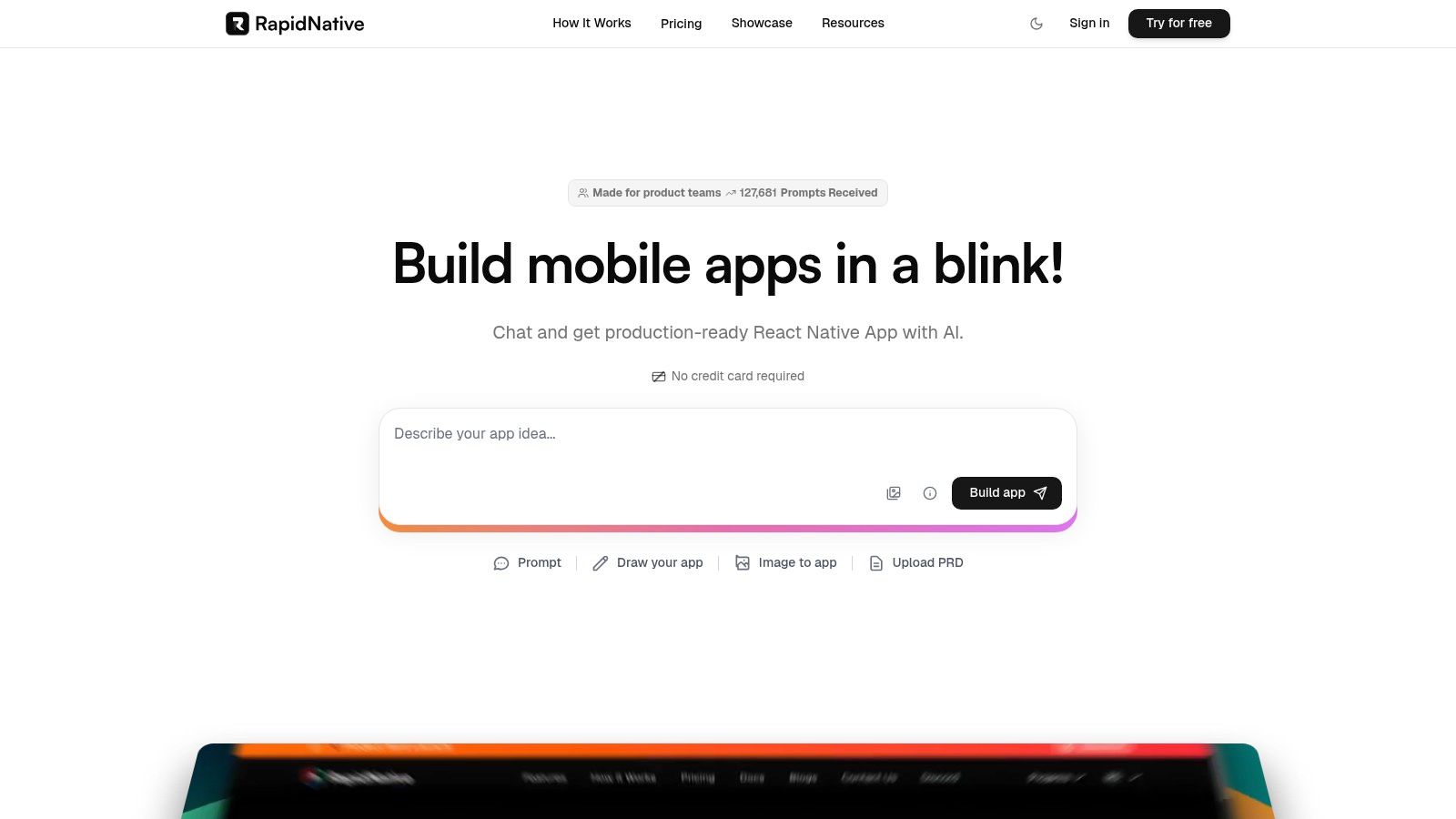
The platform’s core strength is its output. Unlike builders that trap you in a proprietary ecosystem, RapidNative generates modular code using standard technologies like Expo and TypeScript. What you build is yours to keep. You can export it to GitHub and hand it off to an engineering team without a complete rebuild. Its chat-driven iteration is particularly powerful for non-technical users. For instance, you can type "make the primary button green and move it to the bottom of the screen," and the UI updates in real-time, making the prototyping process incredibly fast and collaborative.
Core Strengths and Use Cases
- For Founders & PMs: Validate an app idea by creating a functional MVP UI in minutes. Use the interactive canvas to present a realistic user flow to stakeholders or get early feedback from potential customers.
- For UX/UI Designers: Instantly convert wireframes or mockups (from an image or even a whiteboard sketch) into live, interactive React Native components for much more realistic usability testing.
- For Developers & Agencies: Drastically accelerate the initial stages of mobile development. Use it to eliminate boilerplate UI work and focus directly on complex business logic and backend integration, significantly reducing project timelines.
RapidNative offers a transparent, tiered pricing model, including a free plan to test its capabilities. With a clear roadmap that includes a Figma plugin and backend connectors, it stands out as a pragmatic tool for any team serious about building a real mobile app efficiently.
Website: https://www.rapidnative.com
2. Thunkable
Thunkable is a visually-driven app builder without coding that excels at creating true native mobile apps for both iOS and Android. Its main value is the ability to publish directly to the Apple App Store and Google Play Store. This makes it a great choice for entrepreneurs, educators, and early-stage startups who want to get a functional mobile app into users' hands without writing code.
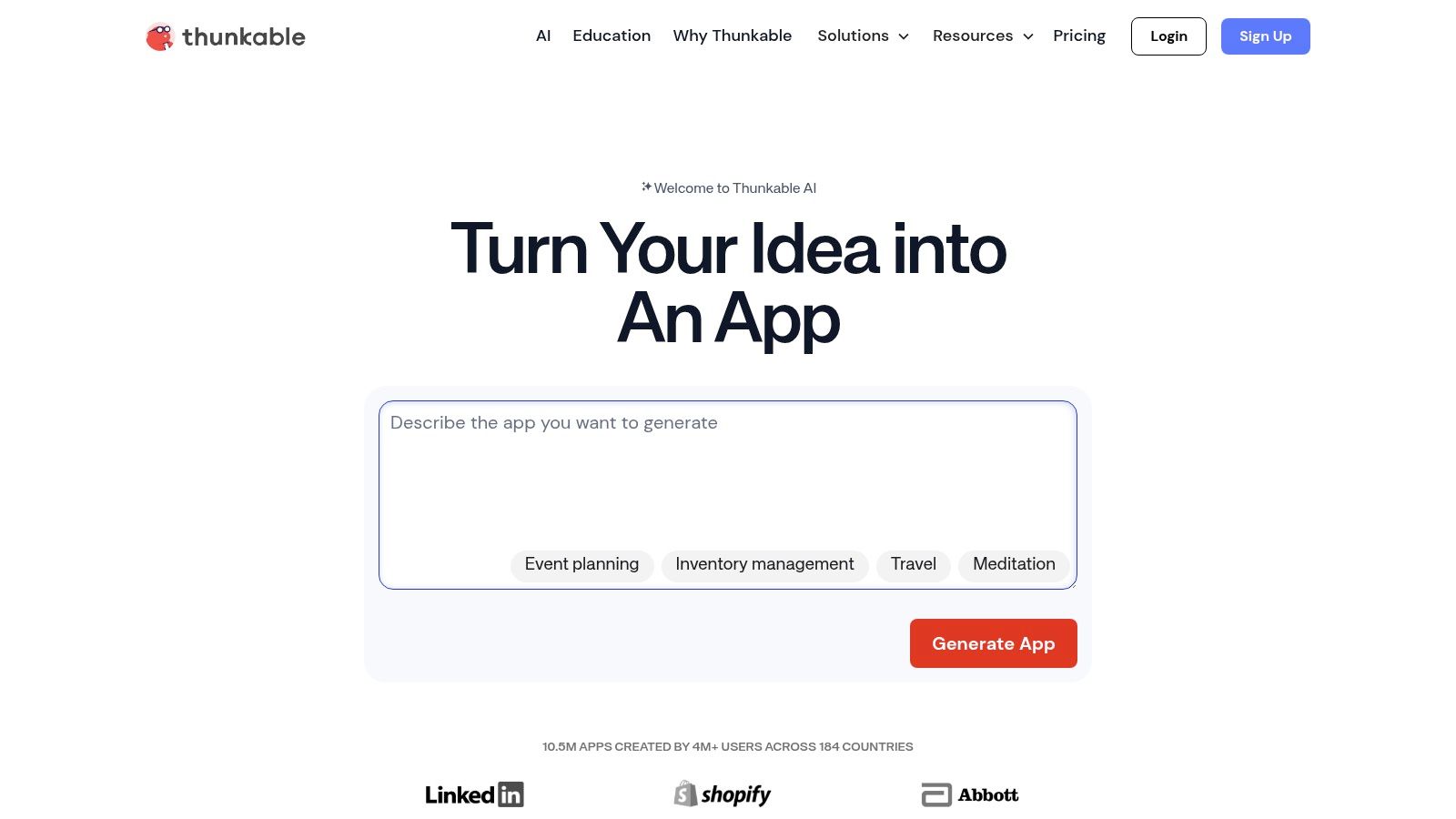
The platform uses a block-based logic system, similar to Scratch, making programming concepts accessible. You can build complex workflows by connecting visual blocks, controlling everything from user authentication to API integrations. For example, a restaurant could use Thunkable to build an app for online orders, accessing the phone’s camera for QR code scanning and sending push notifications when an order is ready. The key trade-off is that your app is tied to their ecosystem; you can't export the code.
Key Details & Considerations
- Best For: Entrepreneurs needing to publish a straightforward native app to both major app stores quickly. For example, building a simple event guide app or a local business directory.
- Pricing: Offers a free plan for learning. Paid plans start at $45/month (billed annually) for features like private projects and direct app store publishing.
- Pros: Direct publishing pathway to iOS and Android, intuitive block-based logic, and a solid free tier for learning.
- Cons: Higher-tier plans are necessary for private projects. The visual approach creates a ceiling on complexity; you are fundamentally locked into their platform.
For a deeper analysis of the trade-offs between platforms like Thunkable and a code-first approach, explore the differences between no-code and real code solutions.
3. FlutterFlow
FlutterFlow is a low-code app builder without coding that accelerates development on the Flutter framework, enabling you to create beautiful, natively compiled applications for mobile, web, and desktop from a single visual interface. It is uniquely positioned for teams who want the speed of visual development without sacrificing ownership of the source code. This makes it a powerful option for startups who need to move quickly but want to avoid the hard limits of traditional no-code platforms.
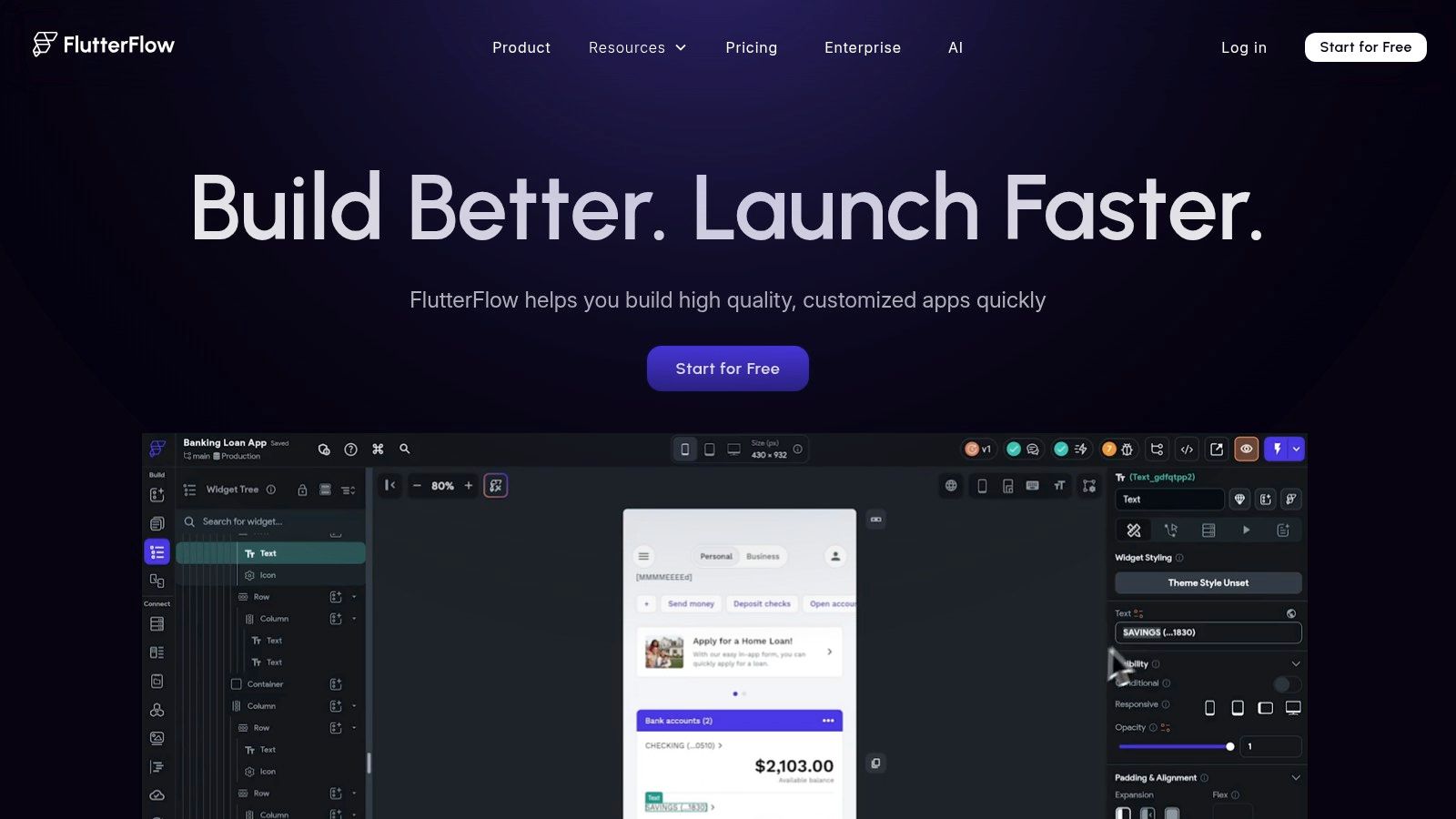
The platform translates your visual designs and logic into clean, usable Flutter code. Key differentiators include one-click deployment to both app stores, GitHub integration, and the ability to download the full source code on paid tiers. A real-world use case would be a startup building a social networking MVP. They can visually design the feed, user profiles, and messaging screens in FlutterFlow, then export the code for a developer to add custom backend logic and advanced features. This code-export feature is critical, allowing teams to transition to a traditional development environment as the app scales.
Key Details & Considerations
- Best For: Startups and development teams who want to build visually but require access to the underlying Flutter source code for future custom development.
- Pricing: A limited free plan is available. Paid plans start at $30/month, with code export and advanced deployment available on higher-tier plans.
- Pros: Generates ownable Flutter source code, offers an extensive template library, and supports cross-platform deployment.
- Cons: Team collaboration features are reserved for more expensive tiers. The per-seat pricing can become costly for larger teams.
For a comprehensive guide on getting started, you can find more information on how to build an app without coding.
4. Draftbit
Draftbit occupies a specific niche, acting as a bridge between visual development and traditional coding for React Native. It is a powerful app builder without coding that creates native mobile apps, but its standout feature is the ability to view and export the complete source code. This makes it an ideal platform for teams that want the speed of a no-code tool for prototyping, but require the flexibility of real code for long-term scalability and handoff to developers.
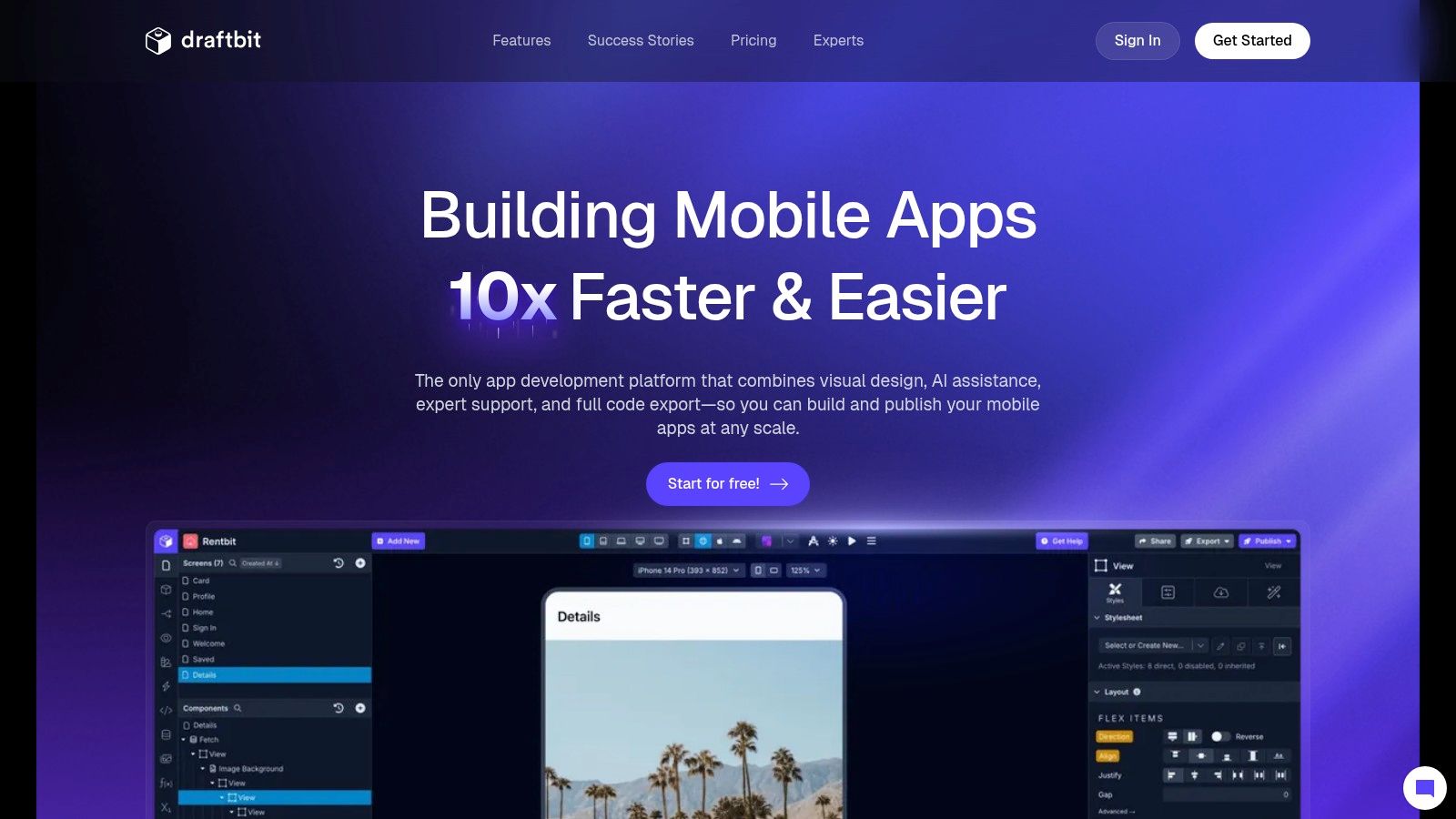
The platform is designed for a more technical user or a team with developer resources. A product manager could visually lay out the screens for a new e-commerce app, connecting to a Shopify API. A developer could then export the clean React Native codebase to implement a custom checkout flow or integrate a unique payment gateway—something that would be difficult or impossible in a closed-ecosystem builder. This avoids platform lock-in, a critical feature for serious projects.
Key Details & Considerations
- Best For: Product teams and developers who need to rapidly build a real React Native app and retain full ownership of the source code.
- Pricing: Free plan for building. Paid plans start at $39/month (billed annually) for publishing, with code export available on the "Pro" tier at $129/month.
- Pros: Generates and exports clean React Native source code, offers direct developer handoff, and avoids platform lock-in.
- Cons: Full capabilities, including the crucial code export feature, are locked behind expensive Pro plans. It has a steeper learning curve than simpler tools.
Learn more about building with developer-friendly no-code tools at the official Draftbit website.
5. Adalo
Adalo is a popular app builder without coding designed for founders and small teams who want to build and launch mobile apps with a true App Store presence. It streamlines the creation of both native iOS/Android apps and Progressive Web Apps (PWAs). The platform's major strength is its straightforward, database-driven approach, allowing users to visually design app front-ends and connect them to a built-in, spreadsheet-like database with ease.
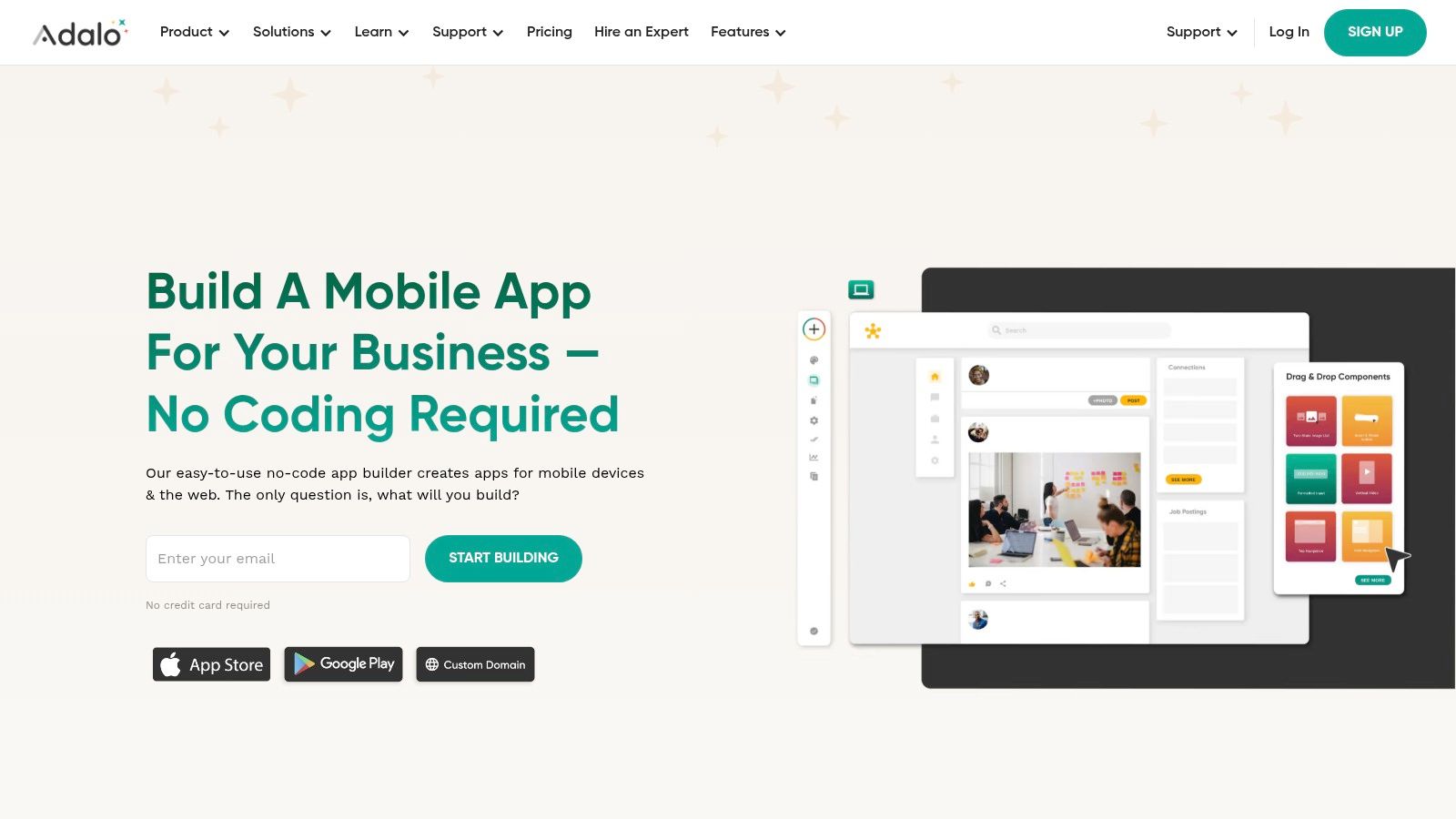
The user experience feels like designing a slide deck. A founder could use Adalo to build an MVP for a two-sided marketplace, like a platform for booking local dog walkers. They can create separate user profiles for owners and walkers, a booking system, and a simple messaging feature, all by connecting screens and using pre-built components. Adalo also provides extensive guides for the often-intimidating app store submission process, making it a complete solution for getting an idea from concept to launch.
Key Details & Considerations
- Best For: Entrepreneurs who need to launch a database-driven mobile app (like a marketplace or simple social network) on both app stores.
- Pricing: A free plan exists for building and previewing. Paid plans, required for publishing, start at $45/month (billed annually).
- Pros: Direct, guided path to publishing on both app stores. Web and native apps are generated from one build, and it has an active component marketplace.
- Cons: Publishing native apps requires a paid subscription. More complex functionality depends on third-party integrations, and you are locked into their platform.
For more insights into how Adalo compares to other tools, see a breakdown of the best no-code app builder options available.
6. Bravo Studio
Bravo Studio is a unique app builder without coding that transforms Figma designs directly into publishable native mobile apps for both iOS and Android. This design-first approach makes it an exceptional tool for UX/UI designers and product teams who want to maintain pixel-perfect control from their design files to the final product. Instead of building the UI inside the tool, you design entirely in Figma and use specific "Bravo Tags" to make elements interactive and connect them to data.
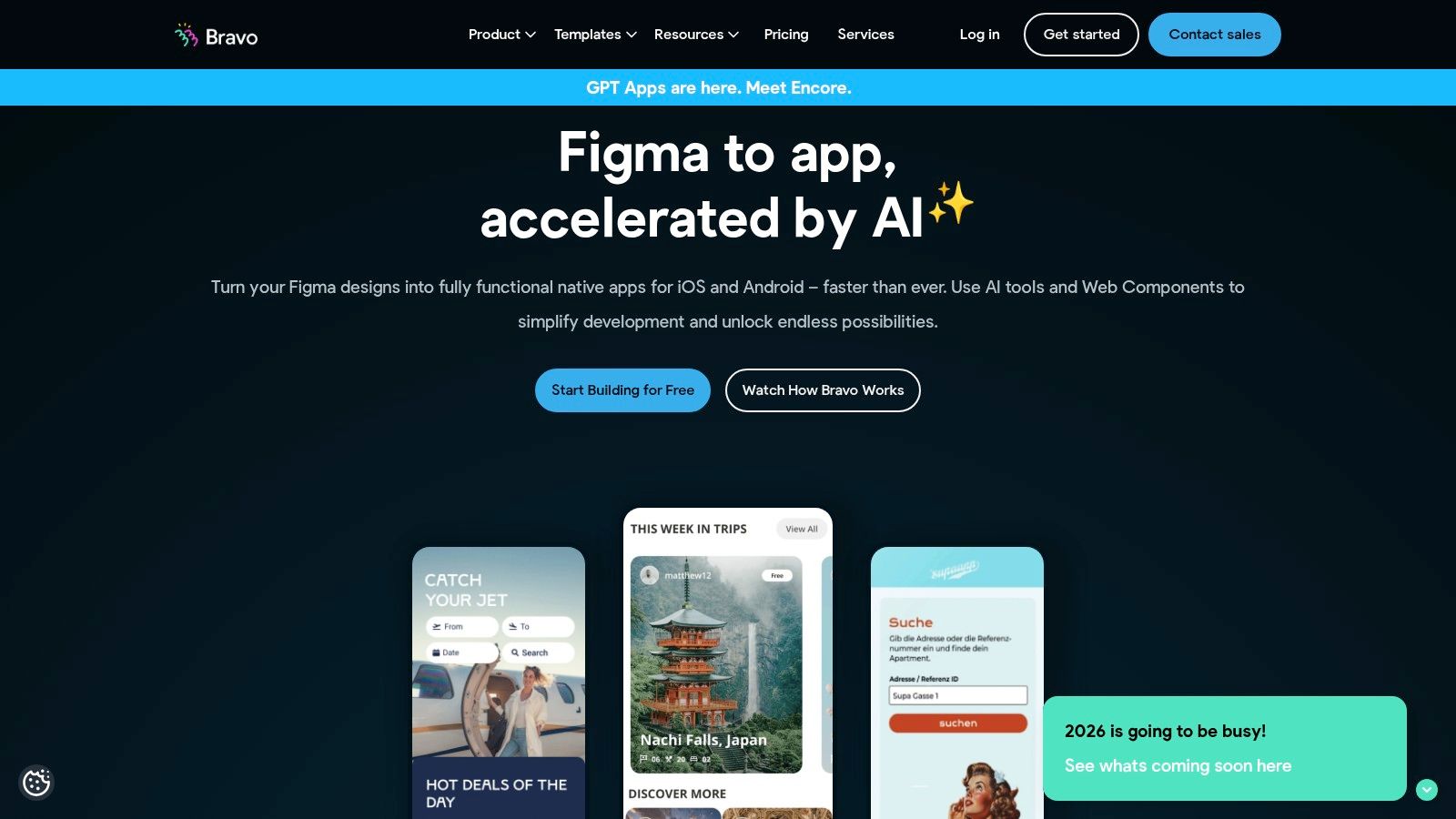
A great use case is a design agency creating a high-fidelity prototype for a client's travel app. The designer creates the entire UI in Figma, then uses Bravo to connect it to a real-time flight data API from Airtable. This creates a fully functional, data-driven prototype that looks and feels exactly like the final design, which is far more powerful for user testing than a simple clickable mockup. Higher-tier plans add crucial business features like in-app purchases, making it viable for launching a commercial product directly from a design file.
Key Details & Considerations
- Best For: Design-led teams proficient in Figma who want to turn their high-fidelity prototypes into functional, data-connected native apps.
- Pricing: A free plan is available for testing. Paid plans start at around €21/month (billed annually), with team plans offering collaboration features.
- Pros: Unparalleled integration with Figma for rapid UI iteration, supports real API connections for dynamic content, and offers clear paths to app store publishing.
- Cons: Heavily reliant on Figma proficiency. The screen limits on lower-tier plans can be restrictive for complex applications.
7. Google AppSheet
Google AppSheet is a powerful app builder without coding that excels at transforming data from spreadsheets into functional business applications. Deeply integrated into the Google Workspace ecosystem, it's the ideal choice for organizations looking to create internal tools, like inventory trackers, project management dashboards, or field service reports. The platform's core strength is its data-centric approach; you build apps directly on top of sources like Google Sheets or cloud databases.
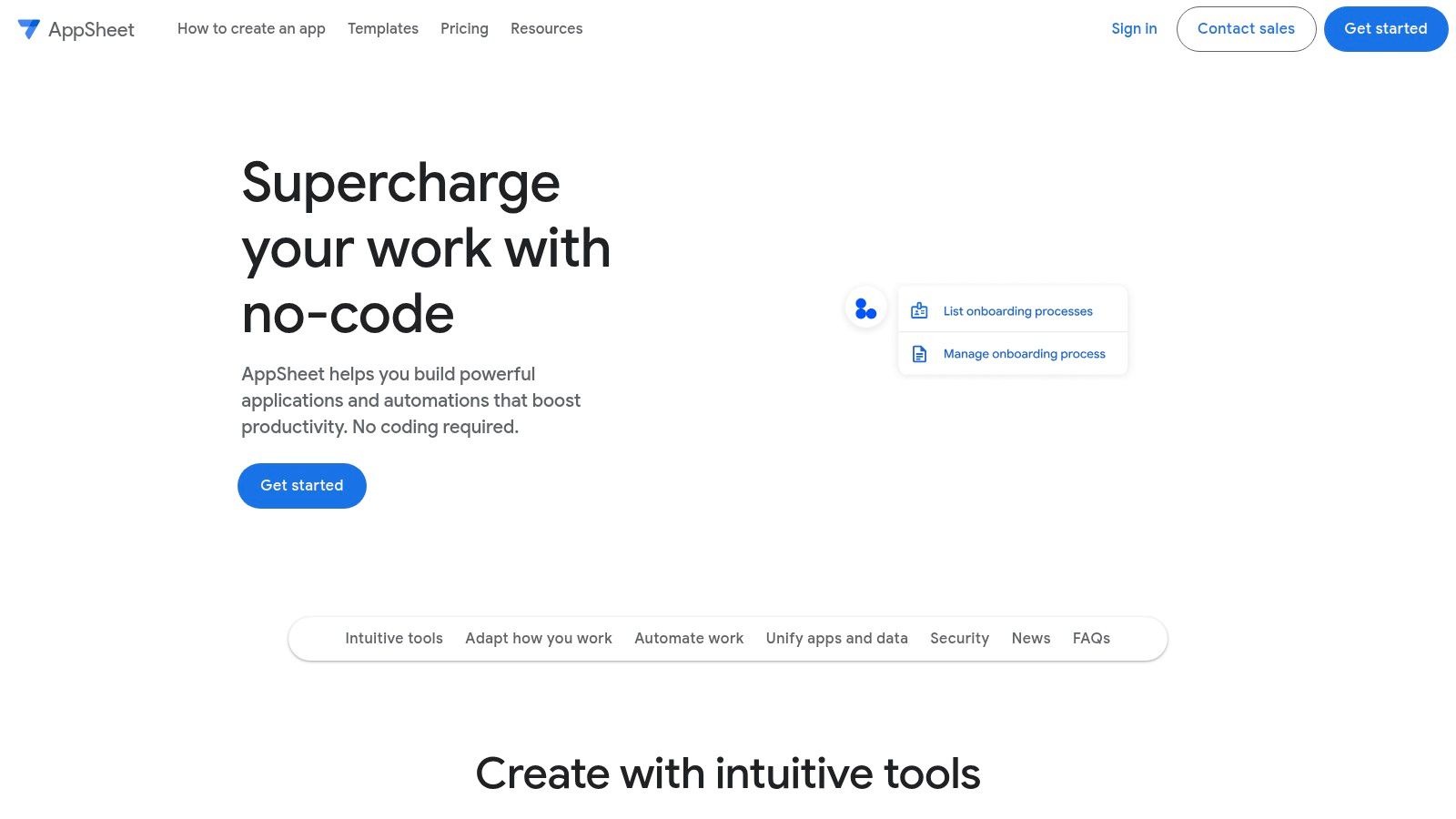
Imagine a construction company that tracks equipment across multiple job sites using a Google Sheet. With AppSheet, the operations manager could build an internal app in under an hour that allows field workers to update equipment status, upload photos, and log maintenance requests directly from their phones. The data syncs back to the original spreadsheet instantly. AppSheet is not for building the next social media hit, but it is incredibly efficient for digitizing internal processes.
Key Details & Considerations
- Best For: Businesses needing to create internal tools for data management, field service, or process automation, especially those already using Google Workspace.
- Pricing: Included in many Google Workspace plans. Standalone plans start with a free tier and paid Core plans at $5 per user/month.
- Pros: Seamless integration with Google Sheets, strong security controls, and a very low barrier to entry for spreadsheet-savvy users.
- Cons: Primarily suited for internal business applications. UI customization is more limited than other platforms.
8. BuildFire
BuildFire is a robust app builder without coding designed for businesses that need a powerful, scalable mobile application with hands-on support. Its main differentiator is a vast marketplace of pre-built "plugins" that allow you to add sophisticated features like loyalty programs, e-commerce, and user authentication with a few clicks. It's a versatile choice for established companies looking to extend their digital presence with a feature-rich app.
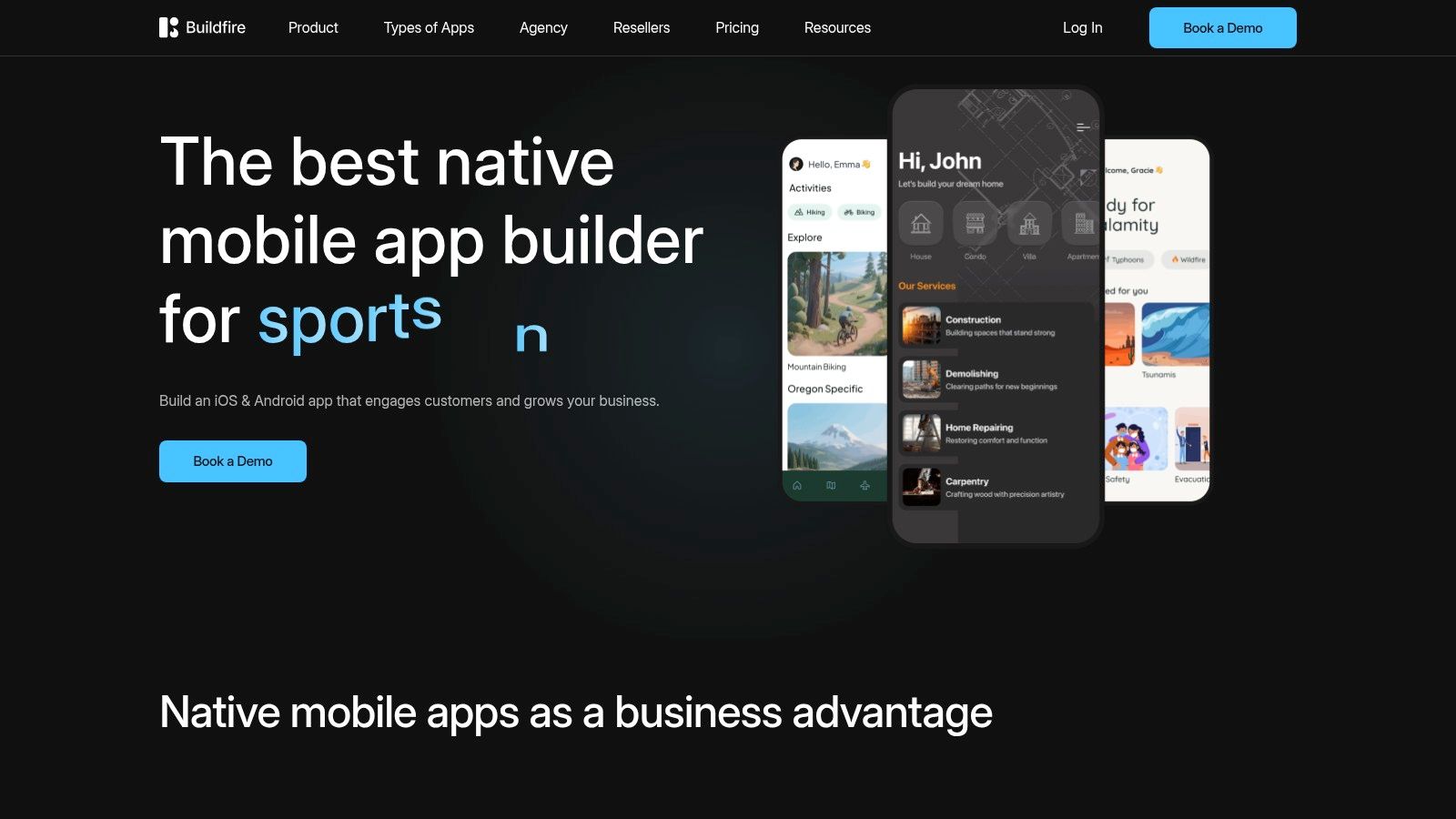
Unlike pure DIY platforms, BuildFire offers a more managed experience, including dedicated onboarding and full support for publishing to the app stores. This removes a major hurdle for non-technical teams. For example, a gym chain could use BuildFire to create a member app with plugins for class scheduling, workout tracking, and member-only content. The platform is built to scale, handling high-volume push notifications and user data without performance issues, making it a reliable choice for businesses with an existing customer base.
Key Details & Considerations
- Best For: Small to medium-sized businesses that need a feature-rich app with managed publishing and ongoing support.
- Pricing: Plans start at $100/month (billed annually) for a web-only app. Native iOS and Android app plans begin at $189/month.
- Pros: Extensive plugin marketplace for easy feature integration, included app store submission support, and infrastructure that scales with user growth.
- Cons: Higher price point makes it less suitable for early-stage validation. The most advanced plugins are often gated to premium-tier plans.
9. GoodBarber
GoodBarber is a reliable app builder without coding that focuses on creating high-performance native iOS and Android apps alongside Progressive Web Apps (PWAs). It is particularly well-suited for content publishers, local businesses, and e-commerce merchants who need a beautiful, stable mobile presence. The platform is built on native technologies like Swift and Kotlin, which means a smoother user experience and better access to device features.
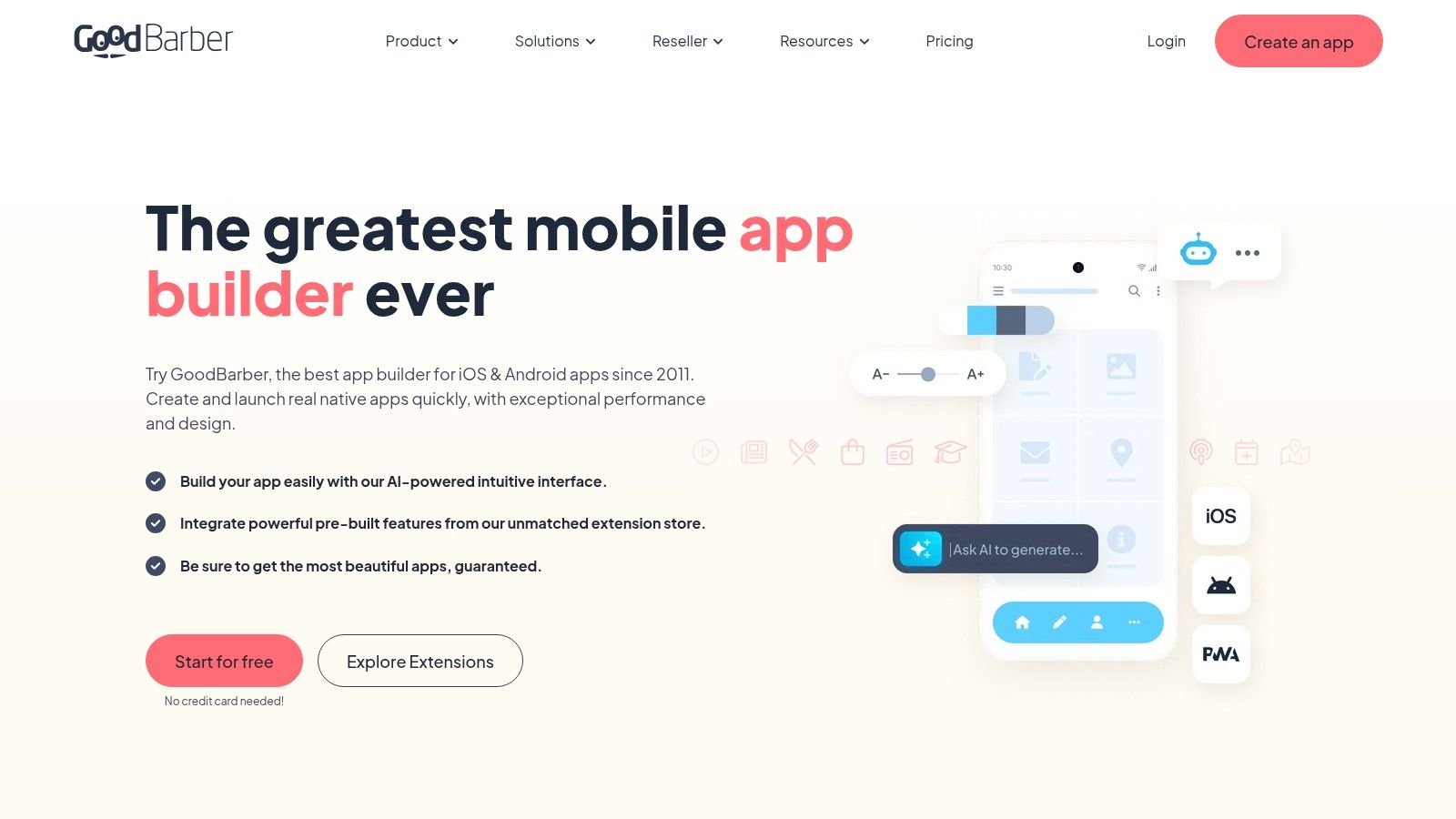
The platform's strength lies in its pre-built features tailored for specific verticals. A local news organization could use GoodBarber to create a mobile app that delivers articles, sends breaking news push notifications, and even allows users to submit their own stories. GoodBarber stands out by offering robust native capabilities like geofencing and beacons, making it a powerful tool for engaging users based on their location. It even offers a reseller program for agencies looking to build apps for clients.
Key Details & Considerations
- Best For: Publishers, e-commerce stores, and local businesses that need a content-rich, performant native app with features like push notifications.
- Pricing: Starts at $30/month (billed annually) for PWAs. Native app plans begin at $95/month. A 30-day free trial is available.
- Pros: Strong native performance (Swift/Kotlin), excellent features for content and commerce verticals, and a generous 30-day trial period.
- Cons: Less flexible for highly custom logic outside of its core verticals. The app is dependent on their platform.
10. Appy Pie App Builder
Appy Pie is a widely known, template-driven app builder without coding designed for users who need a fast and straightforward path to creating a mobile presence. It's particularly well-suited for small businesses, restaurants, or community groups looking to build a functional app with standard features like contact forms, notifications, and basic e-commerce. The platform's main value proposition is speed and simplicity; you select from pre-built modules and customize the look and feel to launch an app quickly.
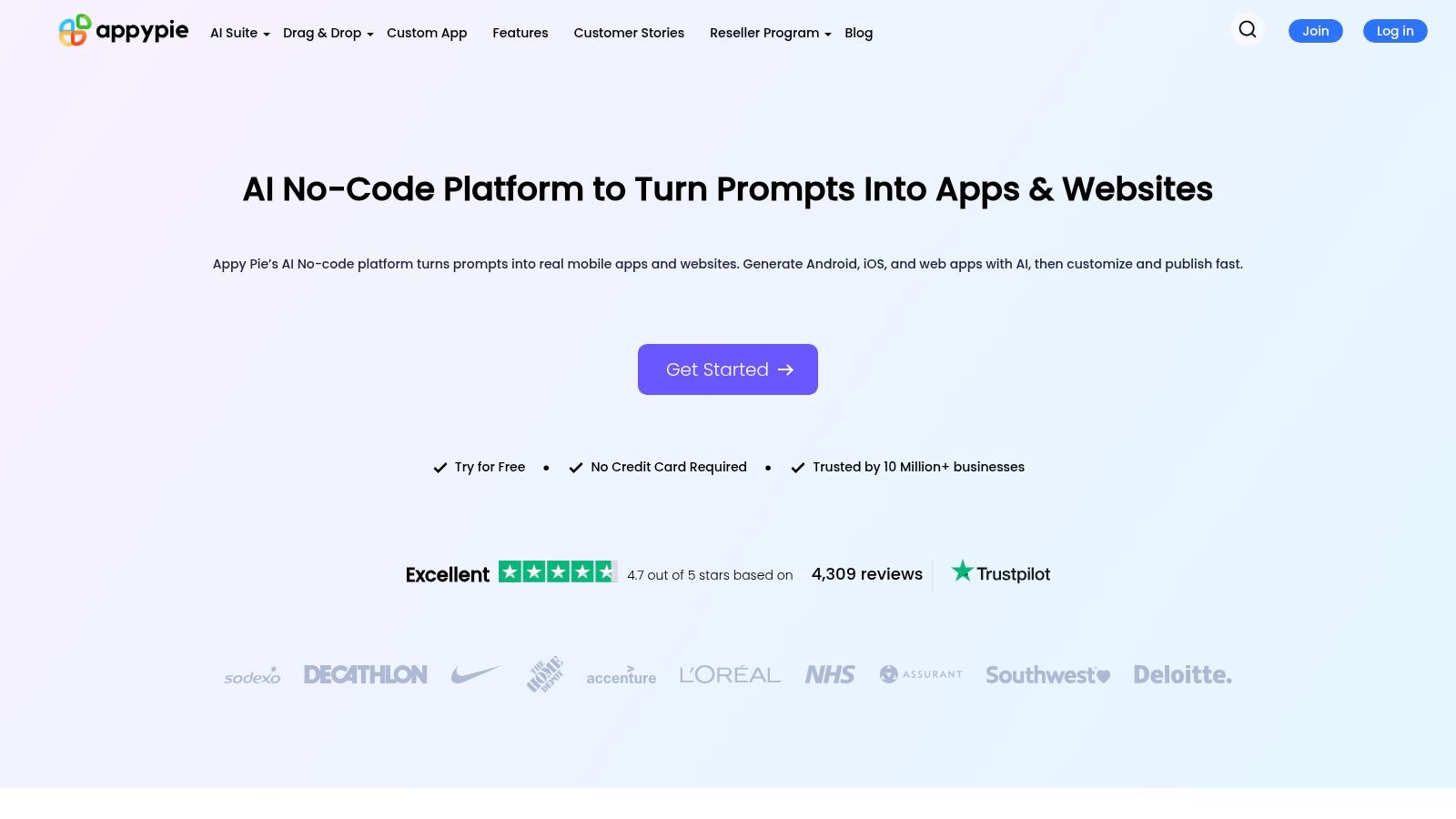
The platform streamlines the creation process by abstracting away nearly all technical complexities. For instance, a local pizza shop could build an app that includes their menu, a simple ordering form, and a loyalty card feature in a single afternoon. One of its standout features is the app store submission assistance, which helps first-time publishers. However, this ease of use comes with a significant trade-off: your app is entirely dependent on your subscription. If you cancel your plan, your app will cease to function, locking you into their ecosystem.
Key Details & Considerations
- Best For: Small businesses or non-technical individuals needing a simple, template-based mobile app with minimal upfront investment.
- Pricing: Offers a free plan for PWA creation. Paid plans start at $16/month (billed annually) for Android-only apps, with iOS support requiring a higher-tier plan.
- Pros: Very low cost of entry for Android apps, includes unlimited hosting, and offers guided assistance for app store submission.
- Cons: Apps are subscription-locked and will stop working if you cancel your plan. iOS publishing is restricted to the most expensive plan, and the template-driven nature limits deep customization.
11. AppMachine
AppMachine is a user-friendly app builder without coding designed primarily for agencies and small businesses that need a streamlined process for creating iOS, Android, and Progressive Web Apps (PWAs). The platform simplifies app creation with a building-block approach, making it accessible for users without technical expertise. It stands out by offering clear, structured plans with defined usage quotas, which is useful for agencies managing multiple client projects and needing predictable costs.
The platform focuses on practical business features, enabling connections to web services and the implementation of push notifications. Its agency-centric offerings, like a white-label CMS, provide a scalable solution for resellers. A real-world use case would be a marketing agency building simple informational apps for several local clients—a plumber, a cafe, and a hair salon. The agency can manage all apps from a single dashboard and provide each client with their own login to update content like business hours or special offers.
Key Details & Considerations
- Best For: Digital agencies and SMBs needing to create and manage multiple apps with predictable usage limits and white-label capabilities.
- Pricing: Plans start around $19/month for a web-only app. Native iOS and Android publishing requires the Pro plan or higher, starting at approximately $69/month.
- Pros: Straightforward plan structure with clear quotas, strong support for agency workflows with white-labeling, and an easy upgrade path from PWA to native.
- Cons: Native app publishing is locked behind higher-tier plans. Key features like branding removal are reserved for the most expensive tiers.
12. Glide
Glide is a specialized app builder without coding that excels at turning spreadsheets into functional, data-driven applications in minutes. Its core strength is its ability to take a data source like Google Sheets or Airtable and instantly generate a responsive Progressive Web App (PWA). This makes it an ideal solution for building internal tools, client portals, event apps, or simple directories where the primary function is to display and interact with structured data.
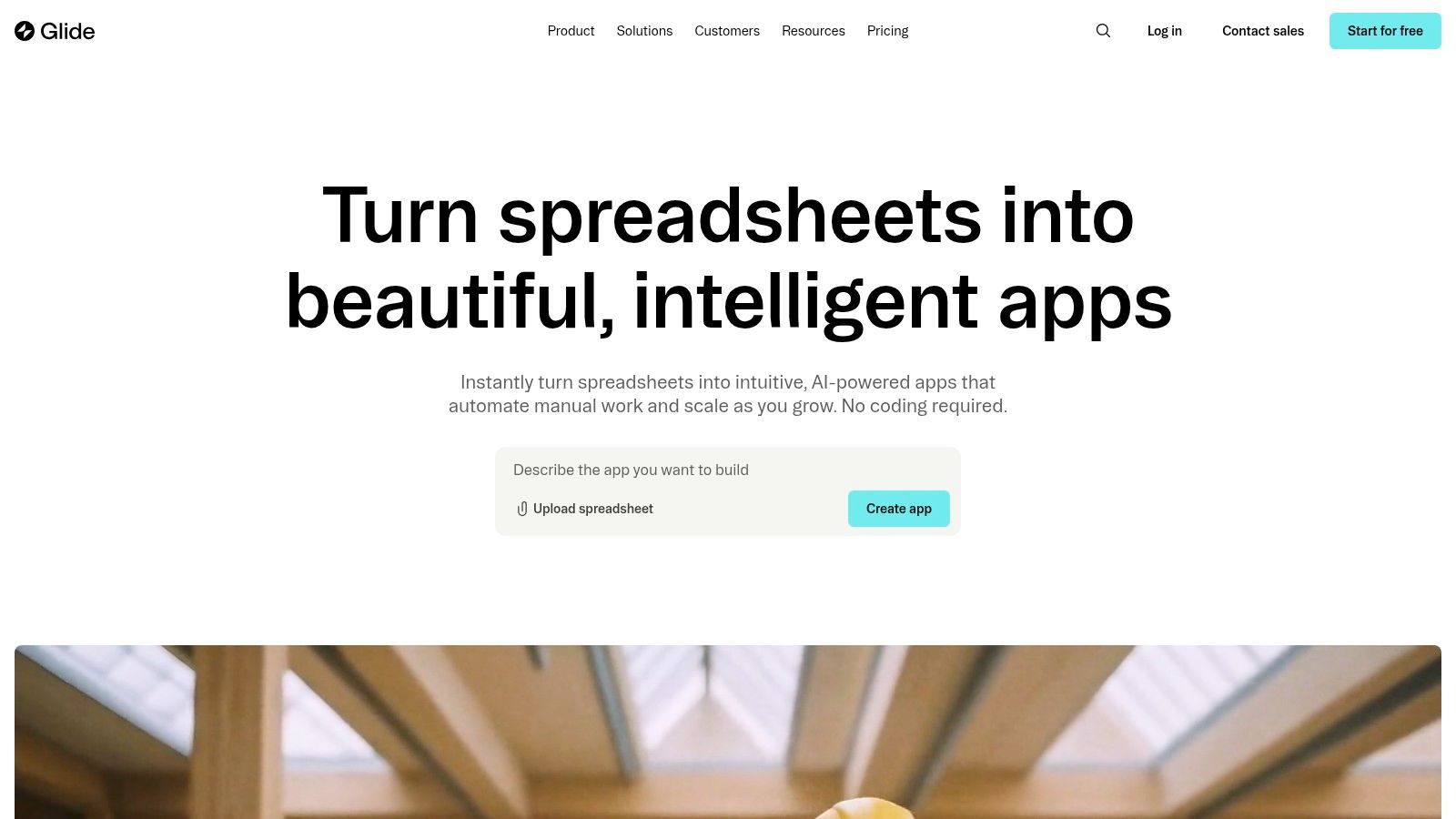
The platform is renowned for its speed. For example, a project manager could create a project dashboard for their team by connecting a Google Sheet that tracks tasks, deadlines, and owners. Within minutes, they can have a mobile-friendly PWA where team members can view their assigned tasks and mark them as complete, with all changes syncing back to the spreadsheet. While it doesn't publish to native app stores, it delivers professional-looking web apps that work seamlessly across all devices, making it perfect for rapid tool development.
Key Details & Considerations
- Best For: Teams needing to quickly launch internal tools, customer portals, or simple data-driven apps from existing spreadsheets.
- Pricing: A free plan is available for personal projects. Paid plans start at $49/month (billed annually) for more users and features.
- Pros: Incredibly fast development from data to app, excellent for internal tools, and scales to handle large datasets.
- Cons: Does not publish to the Apple App Store or Google Play Store. It is strictly for creating PWAs.
Top 12 No-Code App Builders Comparison
| Product | Core output & tech | Target audience / Use case | Key differentiator / USP | Pricing (typical) |
|---|---|---|---|---|
| RapidNative (Recommended) | Exportable React Native screens (Expo, TypeScript, NativeWind); chat, image & whiteboard inputs | Founders, PMs, UX designers, small dev teams — prototype, validate, hand off real UI code | Prompt-to-UI + chat-driven edits; modular, themeable, production-ready code (not locked no-code) | Free tier; Starter $20/mo; Pro $50/mo; Enterprise custom |
| Thunkable | No-code native apps & PWA; visual drag-and-drop logic | Creators and non-technical makers who want direct app-store output | Visual logic blocks + direct store publishing on paid tiers | Tiered plans; publishing on paid tiers |
| FlutterFlow | Visual Flutter builder with code export, GitHub & one-click deploy | Teams wanting visual dev with Flutter source ownership | Exportable Flutter source + app store deployment | Free/paid tiers; code export and team features on paid plans |
| Draftbit | Visual React Native builder with source export & custom code | Dev teams and agencies needing RN handoff | Developer-friendly React Native code export and GitHub integration | Pro for code export; higher tiers for advanced/team features |
| Adalo | No-code mobile + web with click-to-publish and DB collections | Founders & small teams wanting simple store publishing | Straightforward path to App Store + web from single build | Free trials; native publishing on paid plans |
| Bravo Studio | Figma → app workflow, publishing & monetization options | Design-led teams converting Figma designs to apps | Tight Figma integration; quick designer-to-app pipeline | Tiered plans; monetization on higher tiers |
| Google AppSheet | Spreadsheet/database-driven apps with automation & governance | Enterprises and internal teams building data-driven tools | Strong governance, Workspace integration, per-user pricing | Per-user / per-app pricing; Publisher Pro for public apps |
| BuildFire | Plugin marketplace, managed publishing & onboarding | Businesses needing plugins, onboarding and managed support | Hands-on onboarding, plugin ecosystem, white-label options | Higher-cost commercial plans; plugin-dependent pricing |
| GoodBarber | Native iOS/Android/PWA with content & e‑commerce templates | Publishers and merchants focused on content/commerce | Native performance features (offline, push, geofencing) & vertical templates | Paid tiers; 30-day trial available |
| Appy Pie App Builder | Template-driven mobile apps with modules & hosting | Small businesses and entry-level app creators | Low-cost entry, template modules, publishing assistance | Low-cost Android plans; iOS on top-tier (Platinum) |
| AppMachine | No-code for iOS/Android/PWA with white-label & quotas | Agencies and SMBs needing multi-app/white-label workflows | Clear usage quotas and agency white-label CMS | Simple plan structure; native on Pro+ tiers |
| Glide | Spreadsheet → responsive PWA; Big Tables/SQL support | Internal teams and data-driven apps from sheets | Extremely fast sheet-to-app workflow; scales for large datasets | Maker to Enterprise tiers; no official App Store publishing |
Beyond No-Code: Building for the Future
Navigating the world of no-code reveals a powerful truth: the ability to create a functional application is no longer gated by traditional programming skills. We've explored a diverse landscape of tools, from the drag-and-drop simplicity of Glide for internal tools to the design-centric approach of Bravo Studio. Each platform offers a unique pathway to transform an idea into a tangible product, democratizing development for founders, designers, and product managers.
The journey through this list highlights a crucial decision point for any product builder. The choice of an app builder without coding is not merely technical; it's a strategic one that impacts your project's future scalability, customizability, and long-term viability. While pure no-code platforms provide incredible speed for validation, they often introduce platform lock-in, creating a ceiling on what you can ultimately build.
The Strategic Shift from No-Code to Code Ownership
The most critical takeaway is the emerging distinction between tools that build on a platform and tools that build a foundation. Platforms like Adalo and BuildFire are excellent for contained ecosystems, but what happens when your app's success demands features they don't support? You hit a wall. This is where the paradigm shifts towards tools that grant you true ownership of your underlying source code.
Solutions like RapidNative, Draftbit, and FlutterFlow represent this forward-thinking approach. They use visual interfaces not as an end but as a means to generate professional, high-quality code. This model offers the best of both worlds: non-technical team members can contribute meaningfully to the product's design and initial build, while developers receive clean, maintainable code they can extend and integrate into professional CI/CD pipelines. This collaborative bridge is the future of efficient product development.
Your Next Steps: Choosing the Right Path
As you move forward, your decision should be guided by your ultimate goal for the product.
- For quick validation and internal tools: A pure no-code platform like Google AppSheet or Glide offers the fastest path from concept to a functional prototype to share internally.
- For design-led, API-driven apps: If you have a strong design team, Bravo Studio provides an excellent workflow to bring sophisticated UIs to life for user testing.
- For scalable, long-term products: If your MVP is intended to evolve into a full-featured application, you must prioritize code ownership. Choosing a tool like RapidNative ensures that your initial time and effort create a lasting asset, not a temporary solution you'll have to discard later.
The era of the app builder without coding has matured. It's no longer just about avoiding code; it's about generating it intelligently. By selecting a tool that aligns with your long-term vision, you aren't just building an app for today. You are laying a scalable, future-proof foundation for tomorrow.
Ready to experience the power of a visual builder that generates real, developer-ready code? See how RapidNative bridges the gap between no-code speed and professional-grade React Native development, giving you full ownership and infinite scalability. Start building your next great idea without compromise at RapidNative today.
Ready to build your app?
Turn your idea into a production-ready React Native app in minutes.
Free tools to get you started
Free AI PRD Generator
Generate a professional product requirements document in seconds. Describe your product idea and get a complete, structured PRD instantly.
Try it freeFree AI App Name Generator
Generate unique, brandable app name ideas with AI. Get creative name suggestions with taglines, brand colors, and monogram previews.
Try it freeFree AI App Icon Generator
Generate beautiful, professional app icons with AI. Describe your app and get multiple icon variations in different styles, ready for App Store and Google Play.
Try it freeFrequently asked questions
What is RapidNative?
RapidNative is an AI-powered mobile app builder. Describe the app you want in plain English and RapidNative generates real, production-ready React Native screens you can preview, edit, and publish to the App Store or Google Play.
Can I export the code?
Yes. RapidNative generates clean React Native and Expo code that you can export at any time. No lock-in, no proprietary format. Hand it to your developers or keep building inside RapidNative.
Is RapidNative free to use?
Yes. You can build apps on the free plan with no credit card required. Paid plans unlock unlimited AI generations, code export, and direct publishing to the App Store and Google Play.
Do I need to know how to code?
No. Most users build apps by describing what they want in plain English. Developers can drop into the code whenever they want more control, but coding is optional.
How long does it take to build an app?
Most users have a working first screen in under a minute. A full MVP usually takes a few hours instead of the weeks or months traditional development requires.