Fullstack in One Prompt: How RapidNative Generates Backend + Frontend Together
of what the backend should be.
By Riya
25th Jun 2026
Last updated: 25th Jun 2026
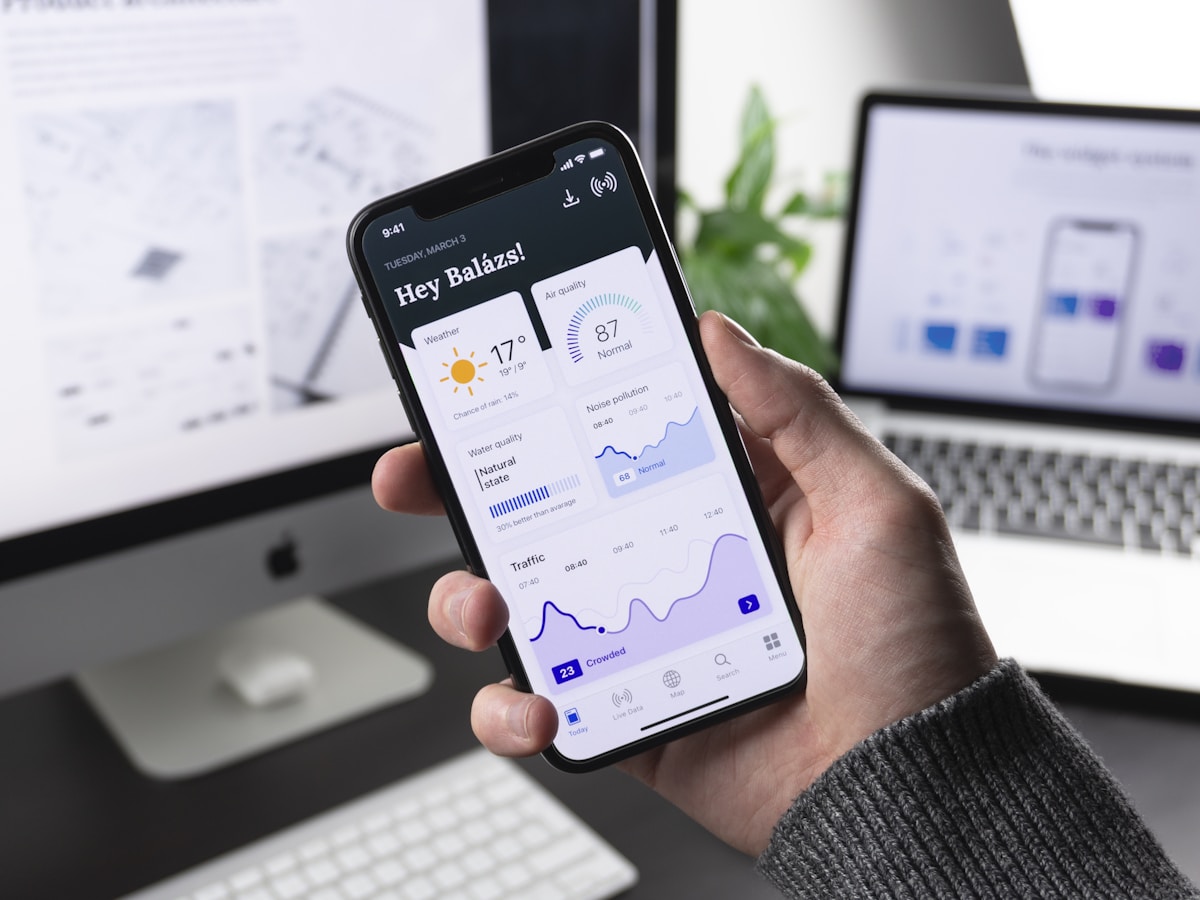
Most AI app builders have a dirty secret: they generate pretty screens with nothing behind them. You get a beautiful login page that doesn't actually log anyone in, a "submit" button that POSTs to nowhere, and a profile screen with hardcoded mock data. The moment you try to ship, you realize you're back to writing the backend yourself.
That's the problem RapidNative's fullstack template was built to solve. A single prompt — "build a todo app with users, tasks, and tags" — produces a complete repo containing an Expo mobile app, a hosted backend, database tables, migrations, authentication screens, seed data, and a typed database client. It's a real fullstack AI app builder, not a screen designer pretending to be one.
This post is a technical walkthrough of how that actually works under the hood. It's the kind of architecture you don't see on landing pages: how JSON-first schema generation keeps the LLM honest, why some files are deterministic instead of AI-generated, how the same generated code can swap between a hosted backend and a mock in-memory store, and the load-bearing "3-file sync rule" that makes the whole system stay consistent.
What "fullstack" actually means in an AI app builder
The word "fullstack" gets thrown around loosely. For a mobile AI app builder to legitimately claim it, four things need to be true:
- Persistent data — the app needs real database tables, not localStorage hacks or hardcoded JSON arrays.
- A query layer — generated screens need typed CRUD operations (
from('tasks').select()), not stubbed-out functions. - Auth that works — sign-in and sign-up screens that hit a real auth endpoint, with session handling.
- Migrations and seed data — so the database starts in a known state and can evolve without losing data.
If any of those is missing, you're shipping a wireframe. RapidNative's fullstack template provides all four out of the box — and it generates them in a way that's deterministic enough to be reliable and flexible enough to handle arbitrary app ideas.
Quick answer: A fullstack AI app builder is a tool that generates both the frontend (UI, screens, navigation) and the backend (database schema, API endpoints, authentication, seed data) from a single natural-language description, producing a working app — not just a static prototype.
The architecture: Expo + PocketBase + a thin database SDK
When you generate a fullstack project, the scaffold that lands in your hands is a monorepo with three logical layers:
Frontend: Expo 54 + React Native 0.81 + Expo Router 6 (file-based routing, just like Next.js App Router) + NativeWind 4 (Tailwind for React Native). State and data fetching go through TanStack Query 5, which gives you the same caching, refetching, and optimistic updates you'd get on the web.
Backend: PocketBase by default — a single-binary Go server with built-in auth, file storage, realtime subscriptions, and a Postgres-style query API. RapidNative provisions a hosted PocketBase instance per project, so the generated app works the moment you download it, no infrastructure setup required. If you'd rather use Supabase, the template supports that too via an environment variable swap (more on that below).
Database SDK: A thin abstraction called @vibecode-db/client that gives generated screens a Supabase-like API regardless of which backend is active. Code like client.from('tasks').select().eq('user_id', user.id) works the same against PocketBase, Supabase, or an in-memory mock. This indirection is critical — it's what lets the AI generate database calls without committing to one backend forever.

How the AI generates a database schema from a single prompt
Here's where the architecture gets interesting. Most AI code generators do the obvious thing: ask the LLM to write migration files directly. That works until the LLM hallucinates a column name, mistypes a foreign key, or generates a migration that breaks on the seventh row of seed data.
RapidNative's fullstack template takes a different approach. The AI doesn't write migration files — it writes a JSON description of the schema, and a deterministic tool generates the migration files from that JSON.
The JSON-first generation flow
When the AI decides your app needs a tasks table, it doesn't output SQL or migration code. It outputs something like:
{
  "tables": [
    {
      "name": "tasks",
      "columns": [
        { "name": "title", "type": "text", "required": true },
        { "name": "completed", "type": "bool", "default": false },
        { "name": "user_id", "type": "relation", "ref": "users" },
        { "name": "due_date", "type": "date", "required": false }
      ],
      "seeds": [
        { "title": "Buy groceries", "completed": false },
        { "title": "Finish blog draft", "completed": true }
      ]
    }
  ],
  "auth": true
}
The database tool (tools/project-templates/fullstack/ai/tools/database.ts) reads that JSON and deterministically generates six files per table:
src/db/schema.ts— thedefineTableexport plus TypeScript types for the entire appsrc/db/seeds/<table>.ts— the mock seed data, typed against the schemasrc/db/seeds/index.ts— the seed registry that wires every table togetherpocketbase/migrations/<timestamp>_create_<table>.js— a PocketBase migration to create the table in productionpocketbase/seeds/<table>.mjs— the seed loader for the hosted backend- Updates to the global schema export so generated screens get type safety end-to-end
Because this is code-generated from JSON rather than written by the LLM, the names always match. The TypeScript type for Task always has the same fields as the PocketBase migration. The mock seed data is always typed against the same schema as the production tables. There's no drift between layers, no hallucinated column names, no chance of the LLM forgetting to update one of the six files.
The 3-file sync rule
There's a constraint baked into this architecture that every developer who downloads a project needs to understand. The scaffold's own CLAUDE.md file calls it the 3-file sync rule: every database table requires three files to be kept in lockstep:
src/db/schema.ts— thedefineTablecall and TypeScript typesrc/db/seeds/<table>.ts— the mock data arraysrc/db/seeds/index.ts— the registry that imports both
If you add a column and only update one of the three, the mock adapter will silently break — your TanStack Query hooks will start returning undefined for that column, and you'll spend an hour staring at a perfectly fine-looking UI wondering why nothing renders. The deterministic generator avoids this by always updating all three together. When you ask the AI to add a priority column to your tasks table, all three files get patched in the same operation.
This is the kind of constraint that's invisible in marketing copy but load-bearing in practice. It's why the generation is reliable enough to ship.
How authentication gets generated automatically
If the AI's JSON output sets "auth": true, a second deterministic tool kicks in (tools/project-templates/fullstack/ai/tools/auth.ts). It generates:
- A sign-in screen wired to the database client's
auth.signIn()method - A sign-up screen wired to
auth.signUp() - A session provider that hydrates the current user on mount
- A protected route wrapper that redirects unauthenticated users
- Tab navigation and root layout updates so the auth screens appear before the main app
The screens themselves are React Native components with NativeWind styling and React Query mutations. Sign-up calls signUp({ email, password }) which goes through the SDK to PocketBase, which creates the user and returns a session token. That token is stored in secure storage, hydrated on every app launch, and attached to every subsequent database query as an authenticated request.
Because the auth tool is deterministic, the implementation is consistent across every fullstack project. You get the same patterns whether you generated a todo app or a fitness tracker — which means once you understand the auth flow in one project, you understand it in all of them.

The pluggable adapter system: PocketBase, Supabase, or mock
Here's where the abstraction layer earns its keep. Every fullstack project ships with an environment variable called EXPO_PUBLIC_ADAPTER_TYPE. Setting it to pocketbase (the default), supabase, or mock swaps the entire backend without changing a single line of generated app code.
pocketbase — Talks to the hosted PocketBase instance RapidNative provisions for your project. This is the default and it works immediately after download. No setup, no signup flow, no API key juggling. Just npm install and npm start.
supabase — Routes all queries through the Supabase client instead. The schema, migrations, and seed data you generated with the database tool are PocketBase-format by default, but a supabase/ directory with equivalent SQL migrations is also generated, so you can drop into a Supabase project and have parity. If you want to learn more about why teams choose Supabase, our breakdown of what Supabase actually is covers it well.
mock — The most underrated of the three. Sets up an in-memory adapter that runs entirely on the device, using the seed data from src/db/seeds/*.ts. Useful for offline development, demos, taking the app on a plane, or hacking on features without a network round-trip. Mutations are kept in memory for the session and reset on app reload, which makes it perfect for prototyping but also a hard line between "playing with it" and "actually shipping it."
The fact that the same generated code can run against three completely different backends — without conditionals, branching, or backend-specific imports — is what makes the SDK abstraction worth the engineering investment. It means the AI never has to know which backend you'll end up using. It just generates against the SDK, and the SDK figures out the rest at runtime.
What you get when you download a fullstack project
Push the export button and you get a real git-ready monorepo. Concretely:
| File / directory | What it is |
|---|---|
app/ | Expo Router screens — generated tabs, stack navigation, all your app routes |
src/db/schema.ts | Single source of truth for tables and TypeScript types |
src/db/seeds/ | Per-table mock data + the seed registry |
pocketbase/migrations/ | PocketBase migration JavaScript files |
pocketbase/seeds/ | Production seed loaders |
supabase/ | Equivalent SQL migrations for Supabase users |
.env | Pre-configured with hosted PocketBase credentials so it works on install |
.claude/ | Claude Code slash commands (new-screen, new-table, new-component) for AI-assisted iteration after handoff |
theme.ts | Semantic color tokens, light/dark mode setup |
package.json | Pinned dependencies — Expo 54, React Native 0.81, NativeWind 4, TanStack Query 5 |
You can open it in VS Code or Cursor, run npm install && npm start, scan the QR code, and the app runs against the hosted backend immediately. No backend setup, no database provisioning, no signup flows for third-party services. That working-on-install experience is the goal of the entire generation pipeline.
If you're new to React Native and want to understand the export side of things, our post on the export pipeline walks through how generated code ends up on the App Store.
Why fullstack-in-one-prompt is harder than it looks
It's tempting to assume that "generate the backend too" is just "generate more code." It isn't. There's a category difference between generating a single React Native screen and generating a coherent fullstack repo. Three problems get exponentially harder:
1. Cross-file consistency. A frontend-only generator only has to make the JSX render. A fullstack generator has to make the TypeScript type in schema.ts match the column in the migration match the field in the mock data match the property name in the JSX. One LLM hallucination — task.due_date vs task.dueDate — and the build breaks. The deterministic generator pattern solves this by making the LLM responsible for intent (JSON schema) and reserving implementation (file output) for code that can't hallucinate.
2. Migrations as a state machine. Your first prompt creates tables. Your fifth prompt adds a column. Your tenth prompt renames a relation. Each step has to produce a new migration without breaking existing data. The fullstack template handles this by timestamping every migration and appending — never editing — past migrations. Add a column? You get a new add_priority_to_tasks migration file, not a rewritten create_tasks.
3. Backend-agnostic frontend code. If the AI generates pb.collection('tasks').getList() directly, you're locked into PocketBase forever. If it generates supabase.from('tasks').select(), you're locked into Supabase. The SDK abstraction is what lets generated code stay portable — and writing that abstraction is more work than just picking one backend and shipping.
These are the kinds of architectural decisions that don't show up in a demo video but determine whether the generated code is actually usable a month after you downloaded it.

People also ask
Can the fullstack template generate a backend for any kind of app?
It can generate the storage and auth layer for any app that's primarily CRUD-shaped — todo apps, social feeds, e-commerce browsing, fitness logs, recipe collections, anything that maps cleanly to tables and queries. For apps that need custom server-side logic (payment processing, complex search, third-party API integrations), the fullstack template gives you a working baseline and you extend it with your own endpoints.
Is the generated backend production-ready?
The hosted PocketBase instance RapidNative provisions is suitable for early-stage production traffic and MVPs. Once you have meaningful user load, the recommended path is to switch EXPO_PUBLIC_ADAPTER_TYPE to supabase and migrate to a managed Supabase project — same generated frontend code, swappable backend.
How does the AI know what tables my app needs?
It reads your prompt. A prompt like "build a fitness tracker with workouts, exercises, and personal records" maps to three tables with specific relationships. The AI infers the schema from the domain language of your prompt and the screens it plans to generate. You can also ask it to add or remove tables later — "add a tags table and let users tag their workouts" — and it'll generate the migration and update the schema in place.
Can I edit the generated database schema by hand?
Yes. The generated files are normal TypeScript and JavaScript — nothing is locked or compiled. The constraint is the 3-file sync rule: if you add a column to schema.ts, also update the mock seed data and (if you're using PocketBase or Supabase) add a migration. If you're working in Claude Code or Cursor, the included slash commands handle the sync for you.
Try the fullstack template
Generating a working fullstack app — with a real backend, real auth, and a real database — used to mean spinning up a Supabase project, configuring auth providers, writing your own migrations, scaffolding a React Native app, wiring up the client, and adding screens. The fullstack template collapses that into a single prompt because the architecture under the hood is doing the boring, error-prone work for you: enforcing schema consistency, generating migrations deterministically, abstracting the backend behind a portable SDK, and shipping with a working hosted instance from day one.
If you want to see it in action, start a fullstack project and describe an app idea — even a simple one. Watch the migrations, schema, and seed data show up in the file tree as the screens generate. That's the moment the difference between a fullstack AI app builder and a screen designer becomes obvious.
You can also browse pricing (the free tier includes fullstack generation) or read how we approach AI code generation more broadly for context on the rest of the system.
Ready to build your app?
Turn your idea into a production-ready React Native app in minutes.
Free tools to get you started
Free AI PRD Generator
Generate a professional product requirements document in seconds. Describe your product idea and get a complete, structured PRD instantly.
Try it freeFree AI App Name Generator
Generate unique, brandable app name ideas with AI. Get creative name suggestions with taglines, brand colors, and monogram previews.
Try it freeFree AI App Icon Generator
Generate beautiful, professional app icons with AI. Describe your app and get multiple icon variations in different styles, ready for App Store and Google Play.
Try it freeFrequently asked questions
What is RapidNative?
RapidNative is an AI-powered mobile app builder. Describe the app you want in plain English and RapidNative generates real, production-ready React Native screens you can preview, edit, and publish to the App Store or Google Play.
Can I export the code?
Yes. RapidNative generates clean React Native and Expo code that you can export at any time. No lock-in, no proprietary format. Hand it to your developers or keep building inside RapidNative.
Is RapidNative free to use?
Yes. You can build apps on the free plan with no credit card required. Paid plans unlock unlimited AI generations, code export, and direct publishing to the App Store and Google Play.
Do I need to know how to code?
No. Most users build apps by describing what they want in plain English. Developers can drop into the code whenever they want more control, but coding is optional.
How long does it take to build an app?
Most users have a working first screen in under a minute. A full MVP usually takes a few hours instead of the weeks or months traditional development requires.