React Native
ChatPDF
Template
A React Native template for building an AI chat with PDF app — the starting point for a ChatPDF alternative, AskYourPDF competitor, or custom document Q&A product. Ships with 14+ screens covering AI chat, document library, PDF viewer, rich text editor, and authentication. Built with Expo 54, NativeWind v4, and TypeScript — ready to connect to any LLM (OpenAI, Anthropic, Gemini) with your own RAG pipeline.
Join thousands of developers building amazing apps
TEMPLATE AT A GLANCE
16+
App Screens
56+
UI Components
100%
TypeScript
Why Choose This ChatPDF Template?
Build your own Chat with PDF app in weeks. This React Native template ships with a complete AI chat interface, document upload flow, PDF viewer, rich text editor, and chat history — everything you need to launch a ChatPDF alternative or custom document AI product. Connect any LLM (GPT-4, Claude, Gemini), bring your own vector database and RAG pipeline, and customize the branding. You own the code and the differentiation.
Advanced Components
Access a library of pre-built, highly customizable composite components that work seamlessly across platforms.
Seamlessly Responsive
Ensure your designs look stunning on any device with fully responsive components. From mobile to tablet.
Customization & Theming
Tailor components to your brand with extensive theming options including full dark mode support.
Effortless Copy-Paste
Streamline your workflow with easy copy-paste functionality. Quickly integrate components into your projects.
Inclusive Design
Ensure your applications are accessible to all users. Components are built with accessibility in mind.
Tailwind CSS with NativeWind
Leverage the power of Tailwind CSS through NativeWind for flexible and efficient styling in React Native.
Faster Development
Accelerate your workflow with tools and templates designed to streamline development and ship faster.
Cost Reduction
Save resources with affordable templates and streamlined processes without compromising quality.
Everything you need in a ChatPDF
Build a ChatPDF Alternative
AI-Powered Chat
Have intelligent conversations with your PDF documents. Ask questions, get explanations, and explore content naturally.
Smart Summarization
Get instant summaries of lengthy documents. Extract key points and essential information in seconds.
Multi-Language Translation
Translate documents into 8+ languages including Spanish, French, German, Chinese, Japanese, and more.
Rich Document Editor
Edit documents directly with a powerful rich text editor. Format text, add headings, lists, and more.
Document Library
Organize and manage all your PDFs in one place. Search, filter, and access documents instantly.
Dark Mode
Beautiful dark theme that is easy on the eyes. Automatically adapts system alerts and all UI elements.
Merge & Split
Combine multiple PDFs or split documents by pages and sections with intelligent formatting preservation.
Secure & Private
Your documents are encrypted and never shared. Built with privacy-first architecture.
PRODUCT PREVIEW
See it in action
Experience the beautiful document chat interface
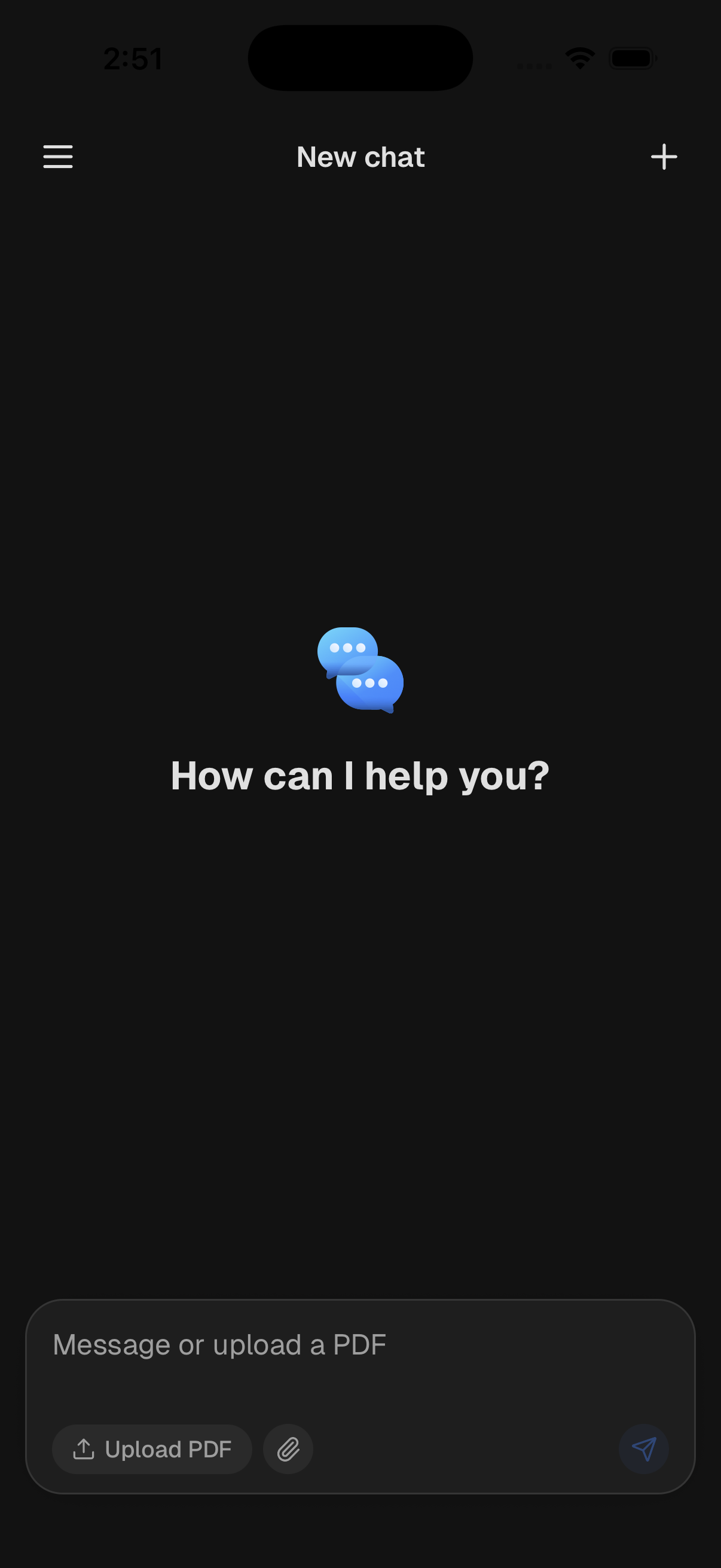
Home
Upload PDFs and start chatting with AI
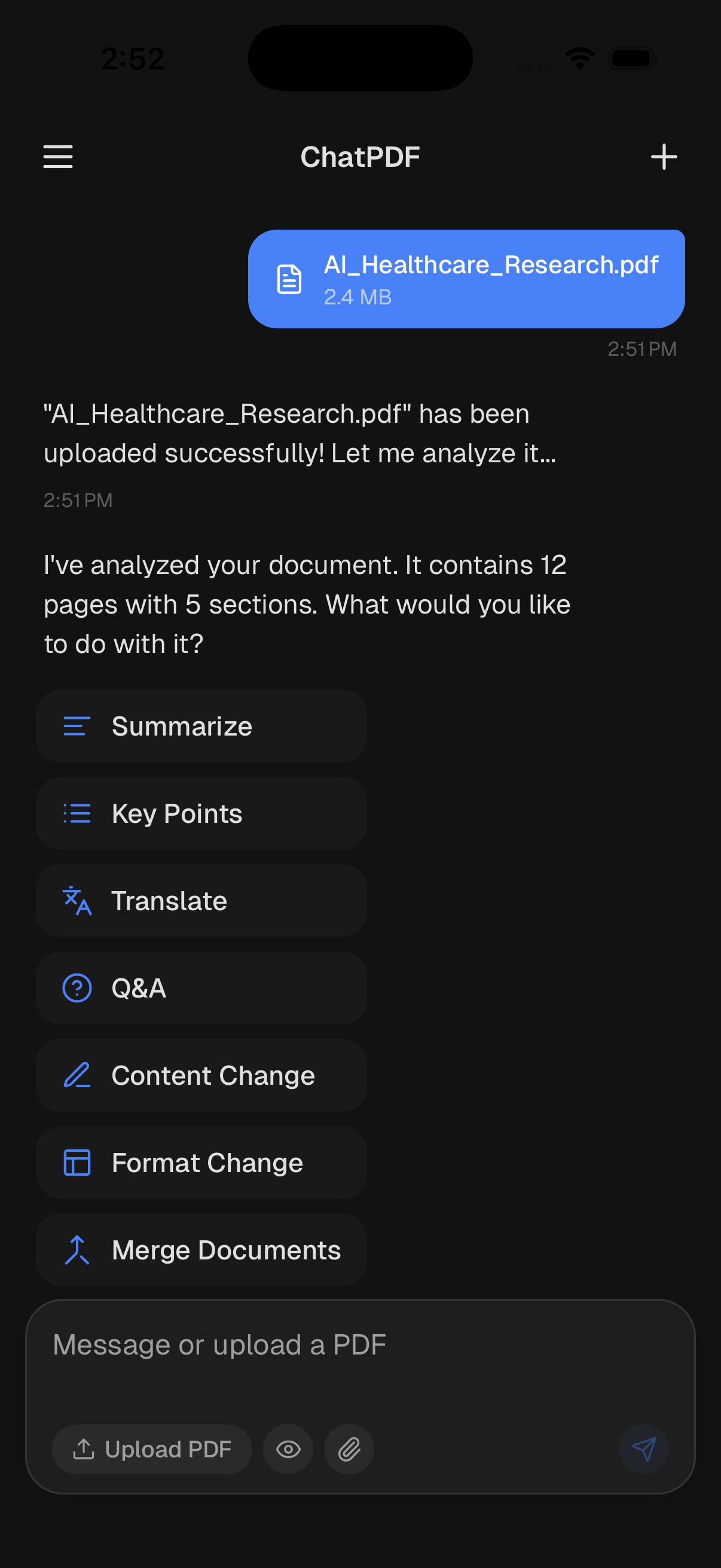
Chat
Have intelligent conversations about your documents
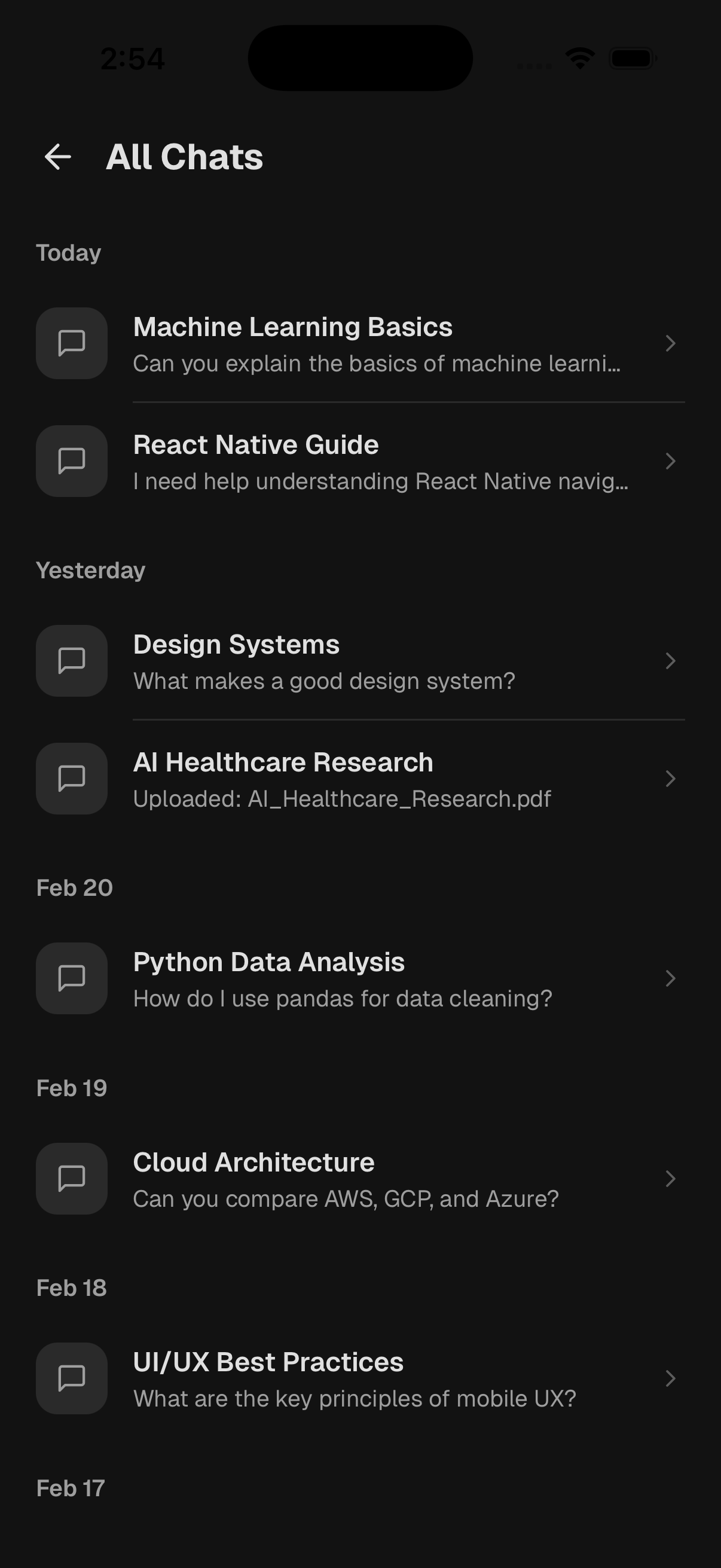
Chat History
Browse previous conversations with your PDFs
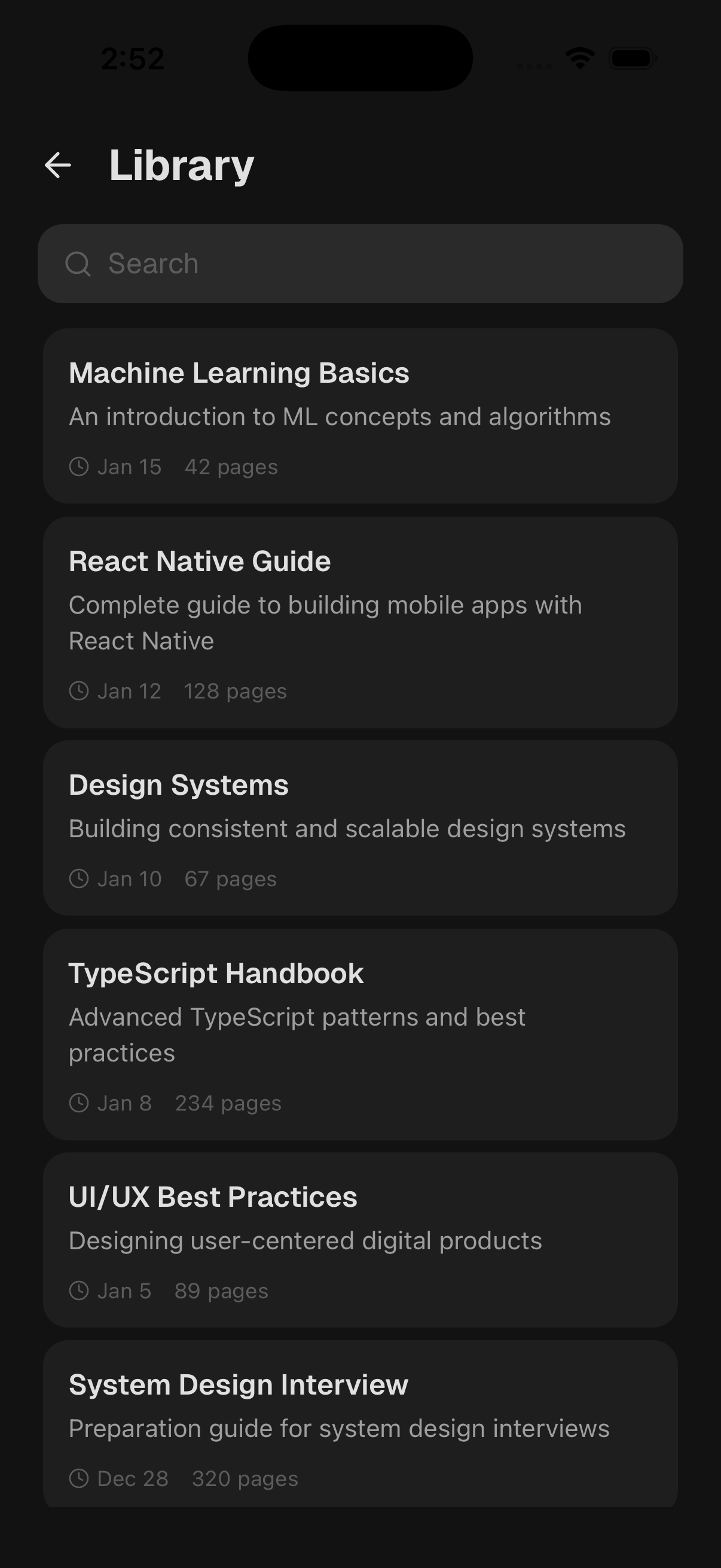
Library
Browse and manage your document collection
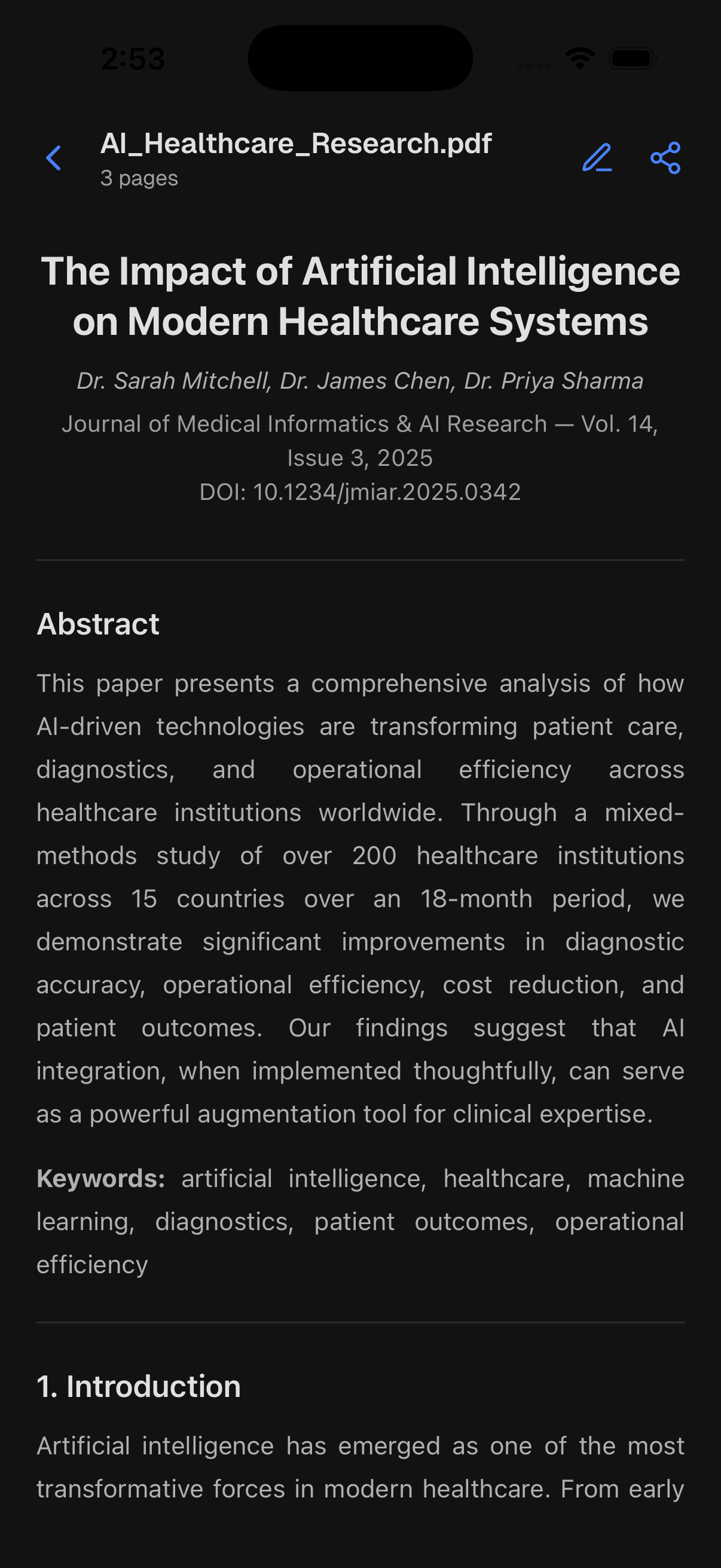
PDF Viewer
Read and annotate your PDF documents
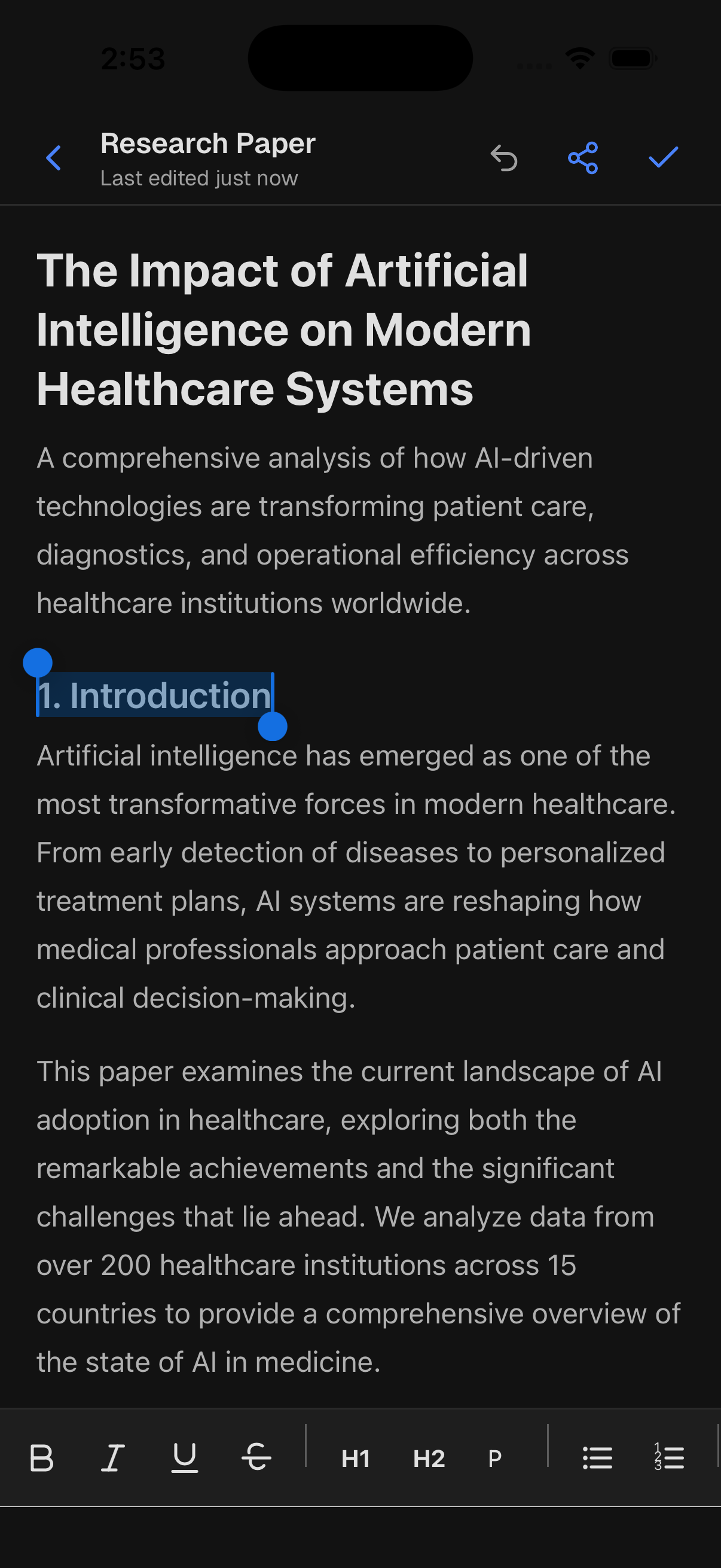
Editor
Edit documents with a rich text editor
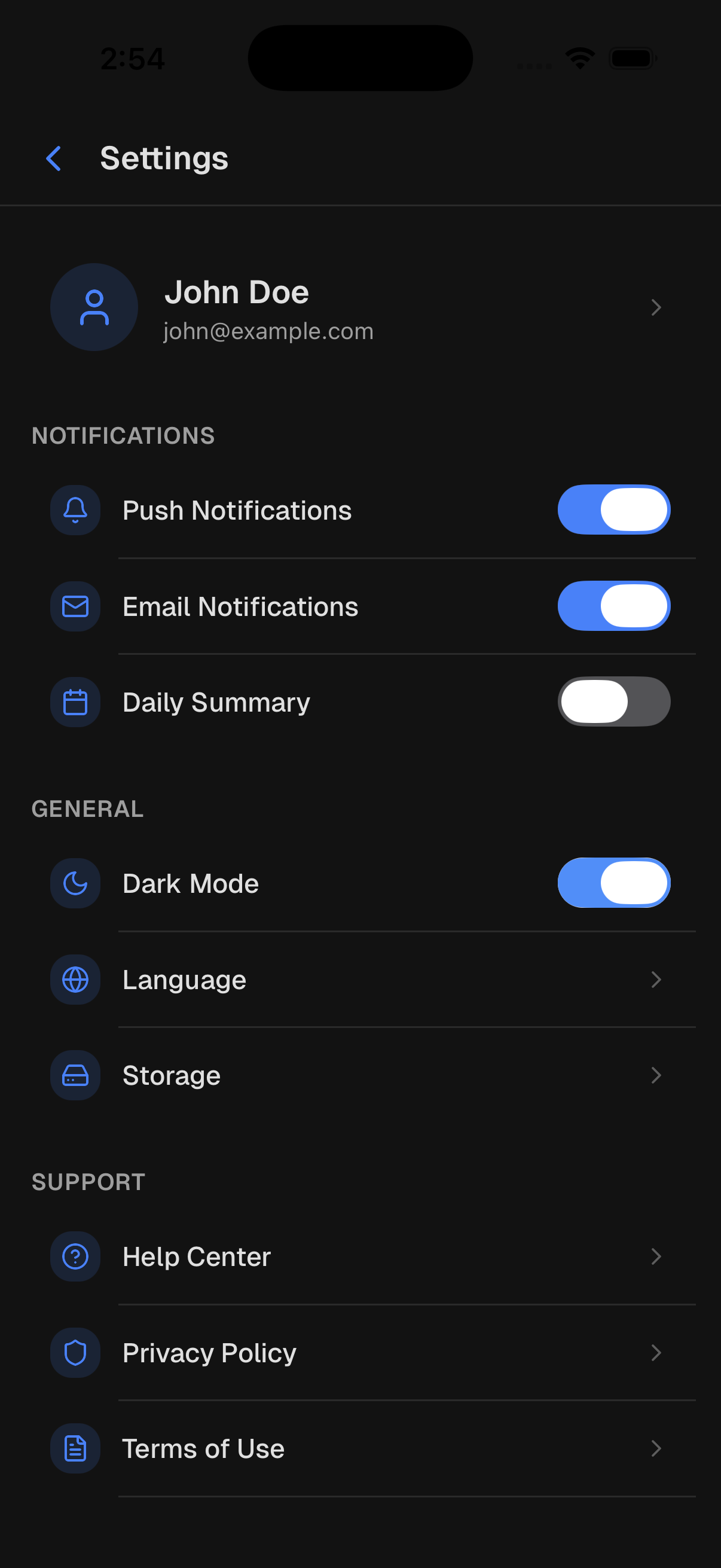
Settings
Customize your experience with dark mode
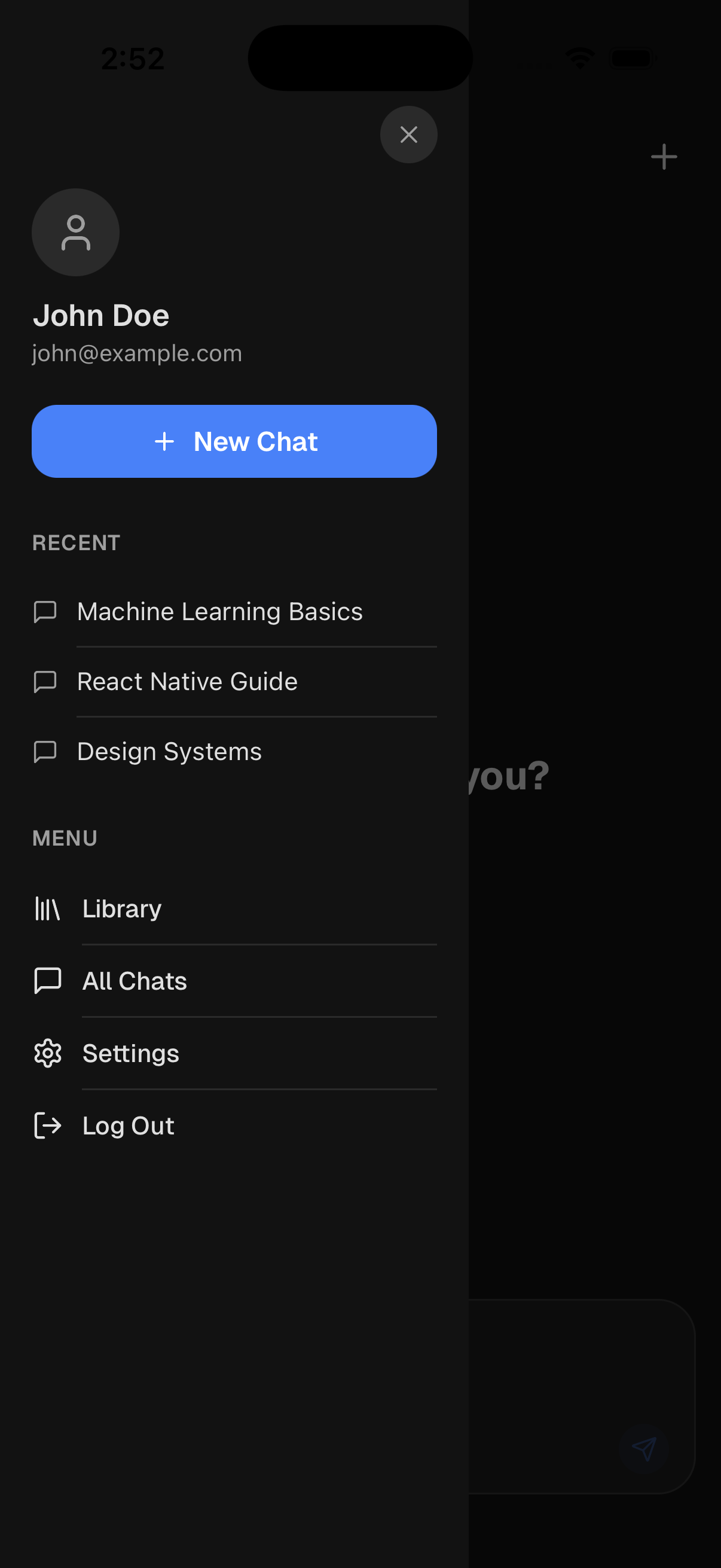
Sidebar
Quick navigation and document management
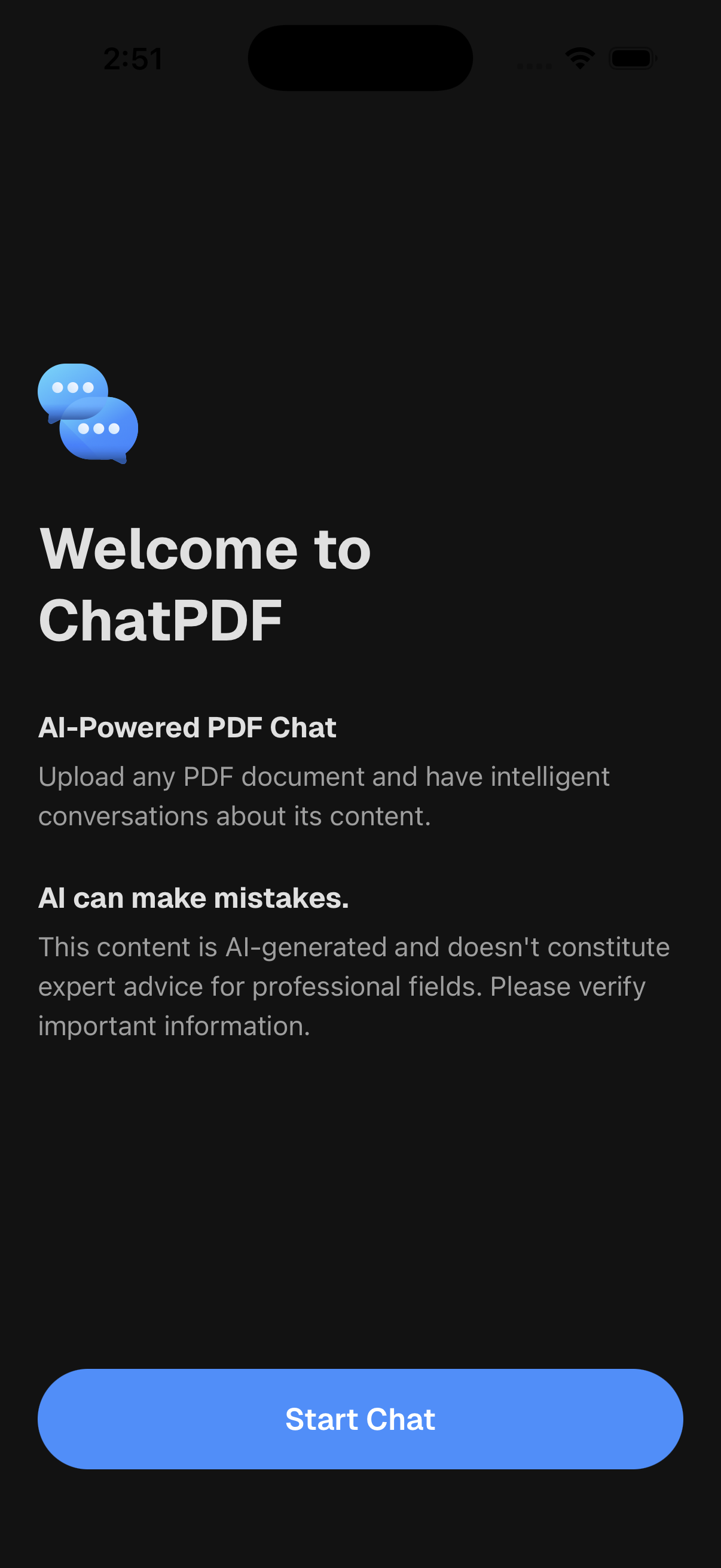
Onboarding
Beautiful onboarding flow for new users
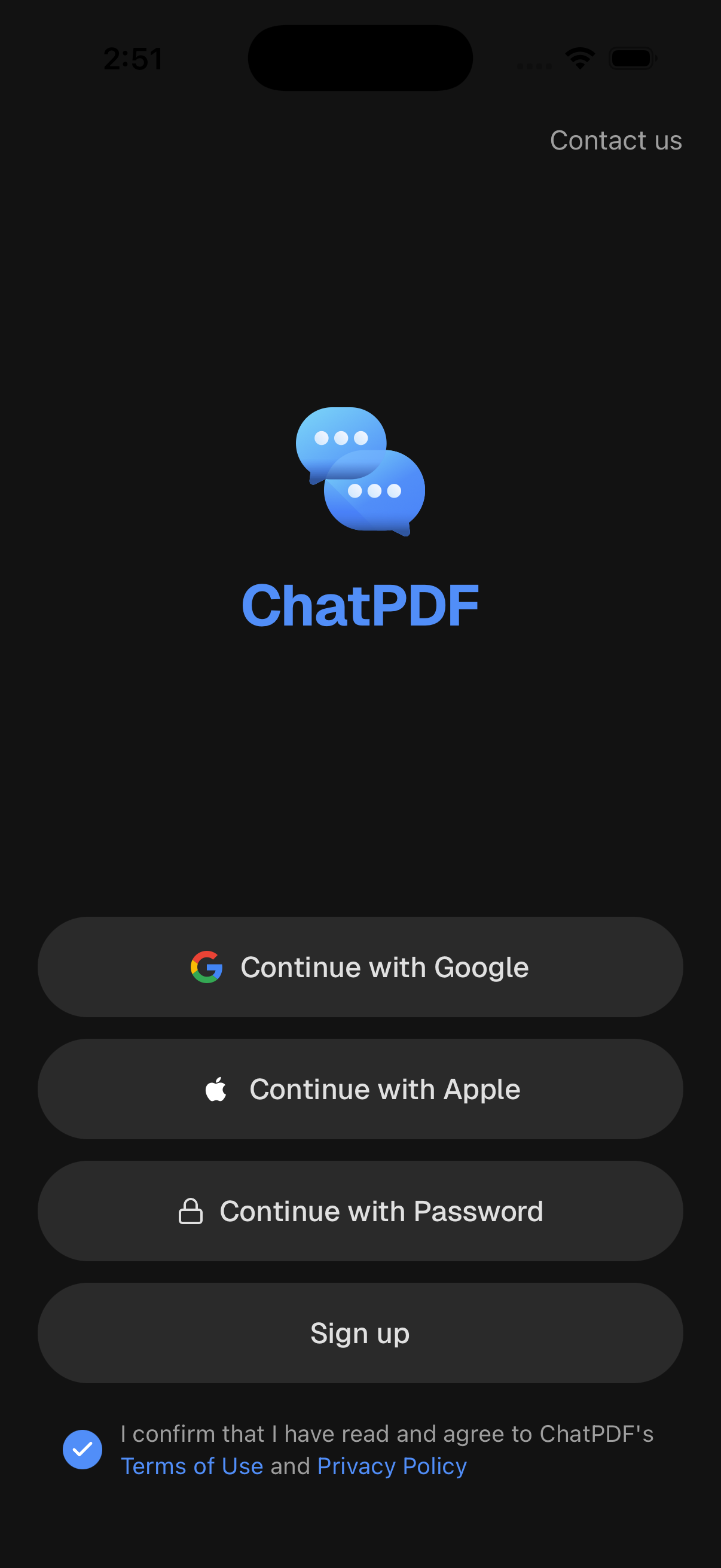
Login
Secure authentication with multiple sign-in options
HOW IT WORKS
Get started in 4 simple steps
Purchase & Download
Get the ChatPDF template and clone the repository to your local machine. Everything is set up and ready to go.
Install & Configure
Run npm install and configure your environment variables. Connect your AI backend and authentication provider.
Customize & Brand
Update colors, fonts, and content to match your brand. The centralized theme system makes this incredibly fast.
Deploy & Launch
Build for iOS and Android with Expo, submit to app stores, and start delighting your users with AI-powered PDF chat.
Built with Modern Technologies
This template is designed to boost your productivity by providing premium mobile app experiences. With advanced features and creative tools, it's the perfect choice to create engaging apps for your users.
Core Technologies

- Cross-platform development
- Native performance
- Hot reload enabled
- Simplified development
- OTA updates
- Native APIs access
- Full type safety
- Better developer experience
- IntelliSense support
UI & Development Experience

- Universal styling solution
- Platform-specific adaptations
- Dark mode support
- File-based routing
- Deep linking
- Type-safe navigation
- Data caching
- Auto refetching
- Offline persistence
Loved by developers worldwide
“ChatPDF template saved us weeks of development time. The AI chat interface was exactly what we needed, and the dark mode implementation is flawless. Highly recommended for any team building document AI products.”
Sarah Chen
Lead Mobile Developer at DocuTech
“The code quality is exceptional. Clean architecture, proper TypeScript types, and the theming system made customization incredibly easy. We launched our PDF app in half the expected time.”
Marcus Rivera
CTO at ReadFlow
“Best React Native template I have purchased. The document editor alone is worth the price. The entire onboarding flow with OTP verification works out of the box.”
Priya Sharma
Indie Developer at AppCraft Studio
Frequently asked questions
Everything you need to know
What is included in the ChatPDF template?
The template includes 14+ fully designed screens covering onboarding, authentication (email, Google, Apple), AI chat interface, PDF viewer, rich text editor, document library, settings with dark mode, and more. All built with React Native, Expo SDK 54, TypeScript, and NativeWind.
Does it work on both iOS and Android?
Yes! The template is built with React Native and Expo, ensuring full cross-platform compatibility. It runs natively on both iOS and Android with a single codebase, and includes platform-specific optimizations.
How do I integrate my own AI backend?
The template uses a clean separation between UI and data layers. Simply replace the dummy AI responses in the chat handlers with calls to your preferred AI API (OpenAI, Anthropic, etc.). The architecture makes integration straightforward.
Can I customize the theme and colors?
Absolutely. The template features a centralized theme system with full dark and light mode support. Change the primary color in one file and it propagates throughout the entire app. NativeWind (Tailwind CSS) makes styling changes quick and consistent.
Is authentication included?
Yes, the template includes complete authentication screens: login, signup, OTP verification, forgot password, and profile setup. It supports email/password, Google, and Apple sign-in flows ready for backend integration.
Do I get updates and support?
Yes, you receive all future updates to the template. We provide documentation and support to help you customize and deploy your app successfully.
Can I build a ChatPDF alternative with this template?
Yes. The template mirrors the core ChatPDF experience — upload a PDF, chat with an AI about its content, review chat history, and manage a document library. You get the full React Native frontend. Wire up your LLM of choice (OpenAI GPT-4, Anthropic Claude, Google Gemini) and your own vector database (Pinecone, Supabase pgvector, Weaviate) to power the actual document Q&A.
Do I need a RAG pipeline to use this template?
Partly. The app backend is built in — a database, authentication, and file storage for documents and chat history. What is not included is the RAG pipeline itself: extracting text from PDFs, chunking and embedding it, storing vectors, and retrieving context for each question before sending it to an LLM. LangChain or LlamaIndex can help you set that up faster.
Does the chat with PDF template work on iOS and Android?
Yes. Built with React Native and Expo, the template runs on both iOS and Android from a single codebase. Includes a PDF viewer that works across platforms.
Can I use this for other document types besides PDFs?
The UI patterns work for any document format — Word, PowerPoint, text, Markdown. You would need to update the viewer and add support for the new file types in your backend. The chat interface, library, and editor screens work for any document format.
PRICING
Get the ChatPDF Template
Choose the license that fits your needs. All licenses include lifetime access and free updates.