App Store screenshots that sell, designed by AI
Upload your raw app screens. Appshots writes the headlines, picks layouts and colors from your brand, and exports store-ready sets for the App Store and Google Play.
iOS + Android · Every required size · Uses your RapidNative credits
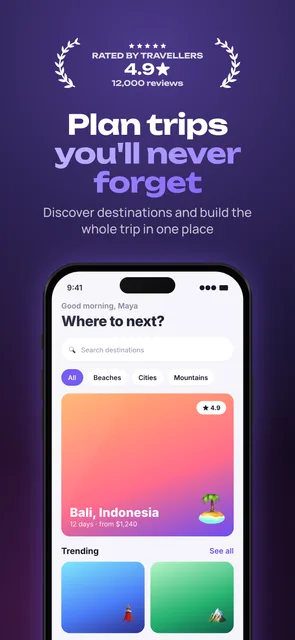
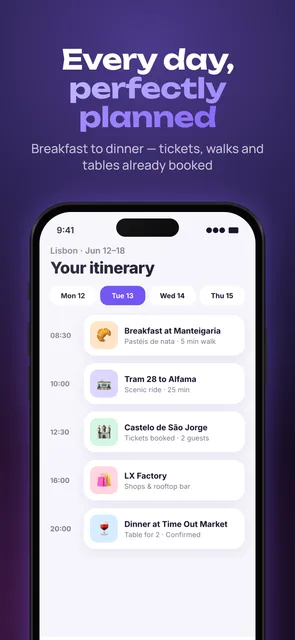
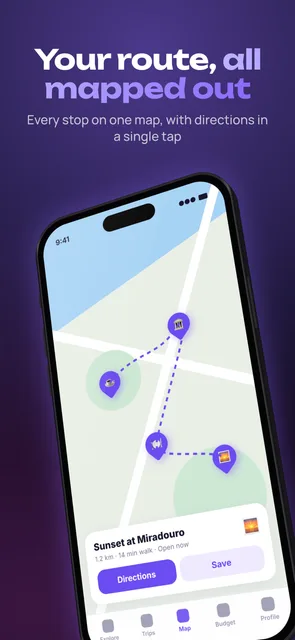
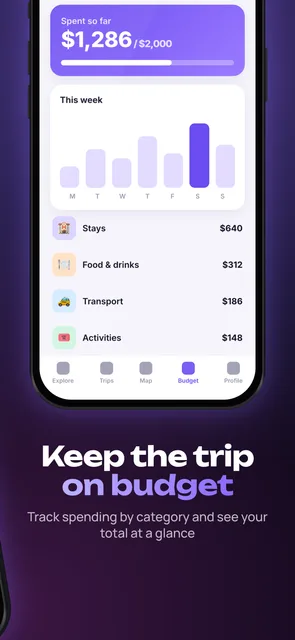
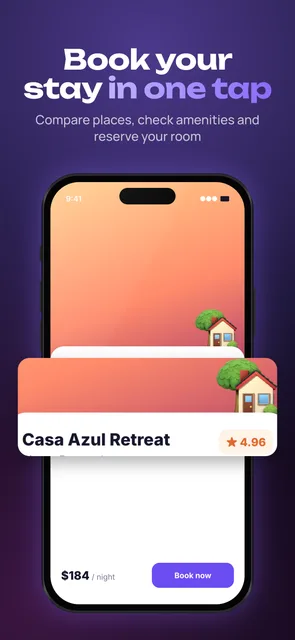
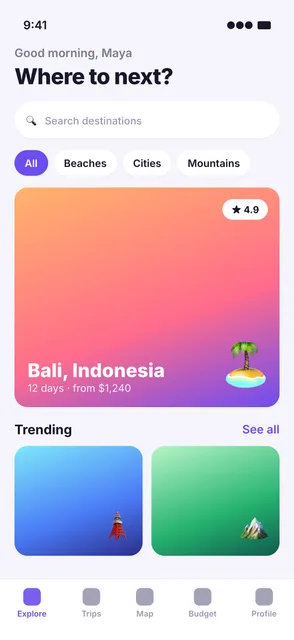
From raw screen to store-ready
Same screenshot, same app. Appshots adds the headline, frame, badge and color that make people stop scrolling.
Three steps, about a minute
No design tool, no templates to fill in. Start from the screens you already have.
Add your screenshots
Drop in raw screens from your app, straight from the simulator or device. Add your app name and a line about what it does.
AI designs the set
Appshots reads your screens, writes benefit-first headlines, orders the story, picks layouts and builds themes from your brand colors.
Edit and export
Tweak anything, layer by layer. Export store-ready PNGs for the App Store and Google Play in every required size.
Everything a great set needs
AI does the heavy lifting, and every choice it makes stays editable.
Copy from your real screens
Headlines are written from what your screenshots actually show, not generic filler. Rewrite any line in one click.
Themes from your brand
Colors are pulled from your screenshots, then turned into a set of themes. Switch the whole set in a click.
iOS and Android together
One project builds iPhone 6.9" and Android layouts from the same plan, plus iPad, tablets and the Play feature graphic.
2D frames and 3D phones
Realistic iPhone, Pixel and iPad frames with perspective tilt, or real 3D phone shells you can rotate.
Badges from real facts
Laurels, ratings and award badges, built only from facts you provide. Nothing invented, nothing that gets you rejected.
Edit every layer
Move, resize and rotate text, devices and shapes. Elements can span two screenshots for a seamless panorama.
AI stickers and objects
Generate 3D mascots, stickers and backgrounds that match your palette, with the background removed for you.
Built for your team
Projects live in your RapidNative team workspace, alongside your apps, with the same credits and access.
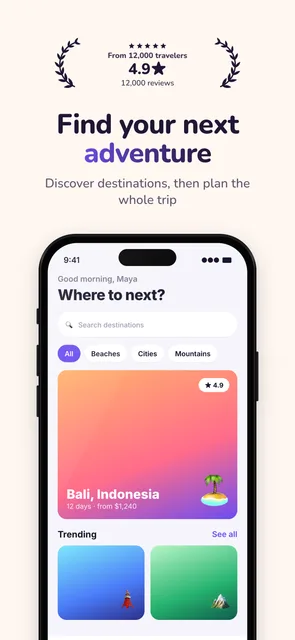
One app, two looks
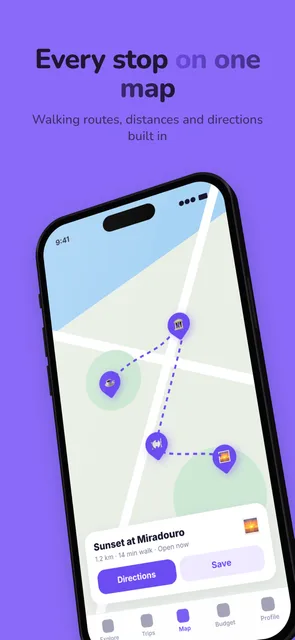
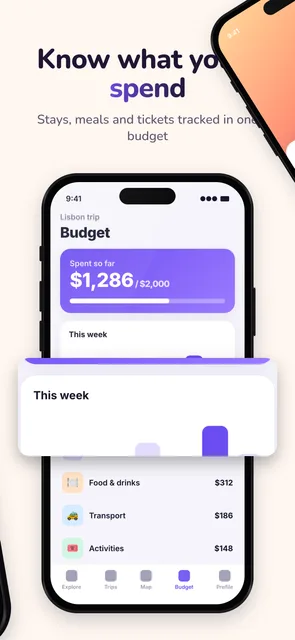
Both sets came from the same five screenshots. Switching themes restyles every screen at once.
Warm theme
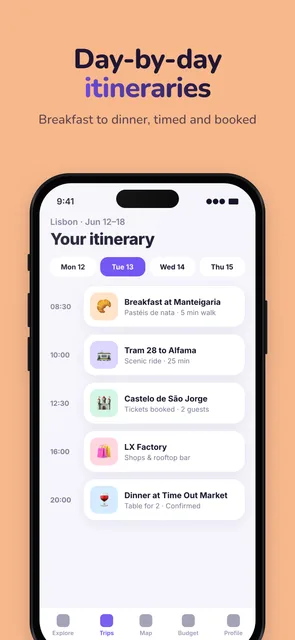
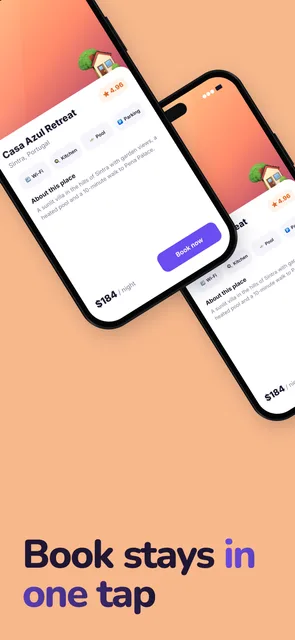
Midnight theme
Pay with your RapidNative credits
No separate subscription. Appshots draws from the same credits as the rest of RapidNative.
A full set for 2.5 credits
Generate, restyle and export as often as you like. Browser exports are always free, and your credits work across every RapidNative product.
Good to know.
Do the exports meet App Store and Google Play requirements?
Yes. Appshots exports the required iPhone 6.9" size (1320×2868) plus 6.7", 6.5", 6.3" and 6.1", iPad 13", Android phone and tablet sizes, and the 1024×500 Play feature graphic. Images are flattened with no transparency, and the export checks screenshot counts and aspect ratios for each store.
Which stores and devices are supported?
Apple App Store (iPhone and iPad) and Google Play (phone, 7" and 10" tablet, feature graphic). One project holds every format, so you design once and export for both stores.
Can I edit what the AI makes?
Everything stays editable. Change headlines inline, swap layouts per screen, switch themes, move and resize any layer, add devices, badges and shapes, or start from a blank canvas.
How much does it cost?
Appshots uses your RapidNative credits. Generating a full set costs 2.5 credits, themes and headline rewrites 0.5, AI stickers and HQ exports 1. Exporting in your browser is free. See plans and top-ups at https://www.rapidnative.com/pricing
Will the AI invent awards or ratings?
No. Badges and laurels are only created from facts you type in, like a real rating or award. Misleading claims get apps rejected, so Appshots never makes them up.
Where are my screenshots stored?
Your projects and screenshots are stored in your team's workspace under unguessable private paths, and are only listed for members of your team.
Do I need to build my app with RapidNative?
No. Appshots works with screenshots from any app, whether it was built with React Native, Flutter, Swift, Kotlin or anything else.
Ship store screenshots that sell
Upload your screens and get a designed, store-ready set for iOS and Android in about a minute.