RapidNative for Designers: Turn Your Mockups into Working Apps
By Rishav
10th May 2026
Last updated: 10th May 2026
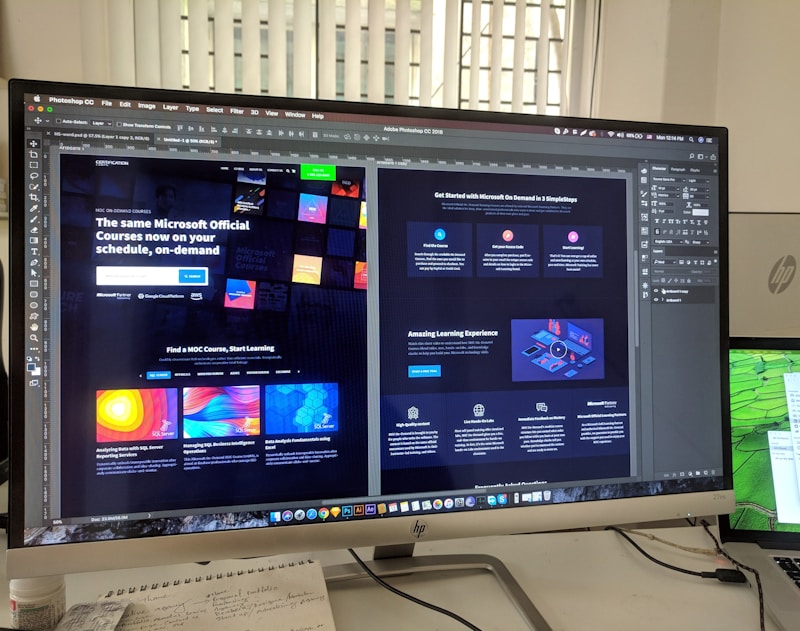
Every designer has lived this story. You spend three weeks crafting a flawless mobile mockup in Figma. The typography is dialed in, the spacing is pixel-perfect, the prototype links are wired up like a circuit board. You ship it to the dev team. Six weeks later, the build comes back — and it's wrong. Padding is off. Animations are missing. The button you spent two days perfecting has been replaced by something the engineer "found in the design system."
Static mockups are a translation problem. They look like apps but they don't behave like apps. Stakeholders click around in InVision and confuse "tap-through prototype" with "working product." Engineers eyeball margins and ship approximations. And designers are stuck refereeing the gap between intent and implementation.
That gap is what RapidNative closes for designers. Instead of handing off a static file, you hand off a real React Native app — one that runs on iOS and Android, exports clean production code, and lets you iterate on the actual product without waiting on engineering. This guide walks through how RapidNative works for designers specifically: the inputs it accepts, the workflow it enables, and the hand-off it produces.
The Mockup-to-App Gap, in 50 Words
Mockups communicate intent. Working apps communicate behavior. The "mockup to app" gap is the design-to-code translation layer where 30-50% of design fidelity is typically lost during developer handoff. RapidNative collapses that gap by generating real React Native code directly from your mockups, sketches, screenshots, or written briefs — preserving design intent.
Why Static Mockups Are Holding Designers Back
For decades, the design tool stack has gotten better at one thing: making mockups look more like apps. Figma's prototype mode added taps and transitions. Smart Animate made micro-interactions previewable. Plugins promised "design-to-code." But none of these tools cross the line from artifact to product.
Here's what that actually costs designers in 2026:
- Usability testing is fake. Tap-through prototypes don't have real keyboards, real loading states, real scroll physics, or real error handling. Any usability insight you get from a Figma prototype is contaminated by the medium itself.
- Stakeholder confidence is unstable. Showing a CEO a clickable prototype is a roll of the dice. Some "get it." Many don't. They tap something the prototype doesn't handle, see a dead screen, and lose faith in the design.
- Design fidelity erodes during handoff. Engineering teams approximate. They round padding to 16dp because that's the design token. They drop a shadow because it's "expensive." Each small loss compounds across 40 screens.
- Iteration cycles take weeks. A small change ("can we try a bottom sheet instead of a modal?") becomes a ticket, a sprint, a code review, a QA pass. By the time it ships, you've lost the context.
The job-to-be-done for most designers isn't "produce a prettier mockup." It's "see this design running on a real phone, iterate it, and ship it without losing intent." That's the gap RapidNative was built to close.
How RapidNative Turns Mockups Into Working Apps
RapidNative is an AI-powered mobile app builder that generates real React Native and Expo code from any of four inputs. For designers, this means you can start from whatever artifact you already have — no need to translate work into a new format.
1. Figma or Sketch Mockup → App
Drop a screenshot or export of your Figma frame into RapidNative. The AI parses layout, hierarchy, components, and typography, then generates React Native screens that match. Because the output is real code (not a static export), every element is interactive: text fields accept input, buttons fire actions, lists actually scroll. You can read more on the image-to-app workflow.
2. Whiteboard or Excalidraw Sketch → App
Not every idea starts in Figma. RapidNative accepts hand-drawn sketches and Excalidraw exports, then maps the shapes and connections into a canvas-style flow of screens. This is genuinely useful for early-stage exploration: you can sketch a five-screen onboarding flow on a whiteboard during a workshop and have it running by lunch. The sketch-to-app feature is built around this rough-input use case.
3. Plain English Brief → App
Sometimes the fastest way to communicate a design is to describe it. "Build a habit tracker with a calendar view, streak counter, and a bottom-sheet add-habit form." RapidNative converts that prompt into a real, opinionated mobile app you can then refine visually.
4. PRD → App
If your team writes product requirements documents, paste one into the PRD-to-app interface. RapidNative reads the user stories, infers the screens, and generates the app. This is especially useful for designers working on cross-functional teams where the PM has already written the spec.
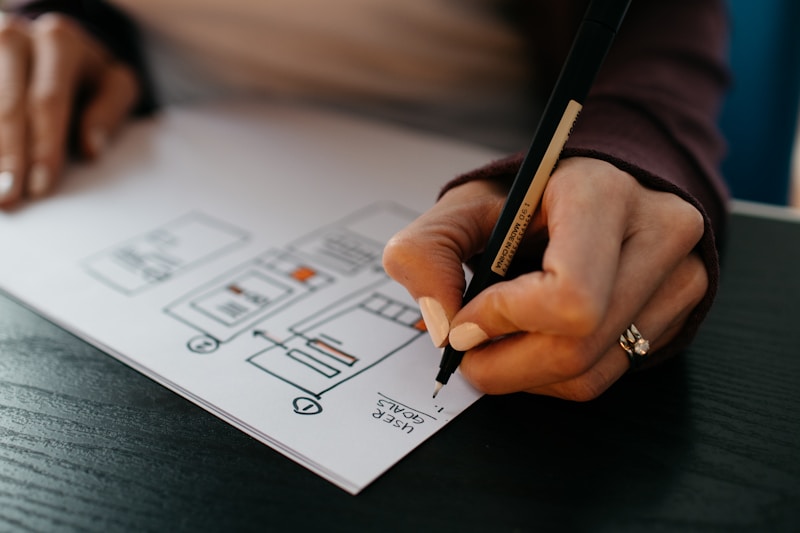
The point isn't that one input is better than the others. It's that designers shouldn't have to change how they work just to generate an app. Your existing artifact — sketch, mockup, or doc — is enough.
A Designer's Workflow with RapidNative
Here's what a typical day looks like when a designer integrates RapidNative into their workflow. This is not a "replace all your tools" pitch. It's a "fill in the layer that's been missing" workflow.
Step 1 — Start in Figma (or wherever you already are). You're not changing tools. Keep designing in Figma, Sketch, or on paper. Build your mockups the way you always do.
Step 2 — Generate the working app. When you're ready to test, take the screenshot or sketch into RapidNative and let it generate the React Native screens. This step takes 30-60 seconds for a typical screen. The output isn't a static rendering — it's a real app component tree using NativeWind for styling and gluestack for components.
Step 3 — Refine with point-and-edit. This is where it gets interesting for designers. Once the app is generated, you don't go back into Figma to change things. You click directly on any element in the live preview and describe the change in plain English. "Make this button rounded." "Increase spacing above the title." "Change the empty state copy." The AI updates the underlying code in real time. Read more about how point-and-edit works under the hood.
Step 4 — Test on a real device. Scan the QR code from the editor and your app loads on your iPhone or Android. Real keyboard, real scroll physics, real biometric auth, real animations. If your design feels weird on a real phone — too much padding, too small a tap target, awkward transitions — you'll know in seconds, not sprints.
Step 5 — Hand off (or skip the handoff). When you're happy with the design, you have two options. Export the React Native code and hand it to your engineers as a starting point — saving them from 40-60% of the boilerplate. Or, if your team uses RapidNative end-to-end, the same project becomes the actual production app. No translation, no fidelity loss, no JIRA ticket called "match the Figma."
This workflow doesn't replace design work. It replaces the part of design work that wasn't really design — the hours spent on prototyping plumbing, the meetings explaining padding to engineers, the round trips between Figma and a half-built app.
From Mockup to Code: What Actually Ships
When a designer hears "AI generates code from mockups," the natural reaction is suspicion. "Is the code junk? Will my engineers throw it out?" These are fair questions, and the answer is more nuanced than "trust me."
RapidNative produces:
- React Native + Expo code using the standard project structure engineering teams already know.
- NativeWind for styling, which is essentially Tailwind CSS for React Native. Designers familiar with utility classes can read it. Engineers familiar with Tailwind can extend it.
- gluestack for components, an accessible, themeable React Native component library. This means the generated app uses real, production-grade primitives — not custom one-off views.
- Component-based architecture with logical file organization, so engineers can navigate the codebase the same way they would a hand-written app.
The result is code your engineering team can extend, not throw out. For deeper context on why generated code can rival hand-written code, see AI vs. templates: why generated code beats boilerplate. And if you're curious about the underlying generation pipeline, inside RapidNative: how AI turns a chat prompt into production React Native code walks through the architecture.

Real Use Cases for Designers
Three patterns we see most often across designer accounts:
1. Validating Designs Before Engineering Spends a Sprint
Anna is a senior product designer at a Series A startup. She used to ship Figma prototypes for usability testing, but the testers kept saying "I'm not sure what I'm supposed to do here" — because the prototype didn't behave like an app. Now she generates a working RapidNative version of every key flow, tests it on a real iPhone with five users, and only hands designs to engineering after she's seen them work. Her team's design-to-ship rework rate dropped from 40% to under 10%.
2. Freelance Client Delivery
Jason is a freelance UX designer who used to deliver mockups and call it done. Clients consistently asked, "Cool, but what does this actually feel like on a phone?" Now Jason delivers a real, runnable app prototype alongside the Figma file, generated in a couple of hours from his own mockups. His average project rate went up 30% because the deliverable is materially different — the client gets something they can hand to a dev team or even ship as a beta.
3. Design Technologists Bridging the Stack
Maya is a design technologist at a fintech company. Her job is to live in the gap between design and engineering — she writes some React Native, but she's a designer first. RapidNative is her secret weapon: she designs in Figma, generates the working app in RapidNative, then refines the code by hand for production. She's effectively the entire mockup-to-shipped-feature pipeline, alone, in a fraction of the time it used to take a 4-person team.
Common Questions Designers Ask
Below are the four questions designers ask most often when they first hear about RapidNative. The answers double as a quick decision guide.
Is RapidNative trying to replace Figma?
No. RapidNative is not a design tool. It doesn't have a vector editor, a layer panel, or a comment-on-a-frame workflow. It's a layer that sits after design — turning your Figma work into a working React Native app. Most designers using RapidNative still spend the bulk of their time in Figma and use RapidNative only when they need a real, runnable artifact.
Do I need to know how to code?
No. The entire workflow — generating the app, editing it via point-and-edit, testing on a phone, exporting code — happens through natural language and a visual editor. That said, designers who pick up a little React Native syntax will get more leverage out of RapidNative, because they can read the generated code and tweak it directly when needed.
What about my design system and tokens?
RapidNative uses NativeWind (Tailwind for React Native), which means the generated styles map cleanly to design tokens. Spacing, color, typography, and radius can all be configured through Tailwind config, so a generated app can be aligned to an existing design system. For component primitives, the gluestack library provides themeable, accessible building blocks that designers and engineers can both reason about.
Can my engineering team actually use the code?
Yes — that's the design goal of the export pipeline. The generated project follows standard Expo conventions, uses widely adopted libraries (NativeWind, gluestack), and is organized in a way React Native engineers find familiar. For a deeper dive, see inside RapidNative's export pipeline: from AI-generated code to App Store.
Where RapidNative Fits in the Designer Stack
A simple rule of thumb: keep doing what you do well, and let RapidNative own the layer between mockup and shipped product.
| Stage | Tool | What it does best |
|---|---|---|
| Visual design | Figma / Sketch | Vectors, components, design systems |
| User research | Maze, UserTesting, dovetail | Capturing qualitative feedback |
| Mockup → Working app | RapidNative | Turning mockups into real React Native apps |
| Prototype testing | TestFlight, Expo Go (via QR) | Real-device usability validation |
| Code handoff | RapidNative export | Production-ready React Native + Expo |
| Engineering | Engineering team | Backend integration, edge cases, scale |
This is not a "rip and replace" stack. RapidNative isn't trying to take Figma's job, and it's not trying to take engineering's job. It's filling in the missing translation layer that designers have been working around for two decades.
Bringing Your Designs to Life
The most overlooked truth about modern mobile design is this: a working app is a fundamentally different artifact than a mockup. It exposes problems mockups hide. It builds stakeholder confidence mockups can't. And it shortens the loop from idea to feedback by an order of magnitude.
For designers, the question in 2026 is no longer "can I get a working app from my mockup?" The question is "why am I still spending weeks defending Figma decisions in engineering review when I could have shipped a working version myself?"
If you're a designer who's ever felt the gap between intent and implementation — the gap between what you designed and what eventually shipped — RapidNative is built for you. Start with a mockup, a sketch, or a sentence at rapidnative.com. No credit card required. Your first working app takes about as long as a coffee break.
For more on related workflows, the team has written deep dives on Figma to React Native, design-to-code automation, and the AI UI/UX tools landscape. If you'd rather see what other designers have built, the project gallery has dozens of mockup-to-app stories worth a look.
The mockup-to-app gap doesn't have to be your problem anymore.
Ready to build your app?
Turn your idea into a production-ready React Native app in minutes.
Free tools to get you started
Free AI PRD Generator
Generate a professional product requirements document in seconds. Describe your product idea and get a complete, structured PRD instantly.
Try it freeFree AI App Name Generator
Generate unique, brandable app name ideas with AI. Get creative name suggestions with taglines, brand colors, and monogram previews.
Try it freeFree AI App Icon Generator
Generate beautiful, professional app icons with AI. Describe your app and get multiple icon variations in different styles, ready for App Store and Google Play.
Try it freeFrequently asked questions
What is RapidNative?
RapidNative is an AI-powered mobile app builder. Describe the app you want in plain English and RapidNative generates real, production-ready React Native screens you can preview, edit, and publish to the App Store or Google Play.
Can I export the code?
Yes. RapidNative generates clean React Native and Expo code that you can export at any time. No lock-in, no proprietary format. Hand it to your developers or keep building inside RapidNative.
Is RapidNative free to use?
Yes. You can build apps on the free plan with no credit card required. Paid plans unlock unlimited AI generations, code export, and direct publishing to the App Store and Google Play.
Do I need to know how to code?
No. Most users build apps by describing what they want in plain English. Developers can drop into the code whenever they want more control, but coding is optional.
How long does it take to build an app?
Most users have a working first screen in under a minute. A full MVP usually takes a few hours instead of the weeks or months traditional development requires.