Real Time Collaboration Whiteboard: Build Better Together
Master real time collaboration whiteboards for mobile product teams. Learn how shared digital canvases sync, resolve conflicts, and turn sketches into
By Riya
8th Oct 2026
Last updated: 8th Oct 2026
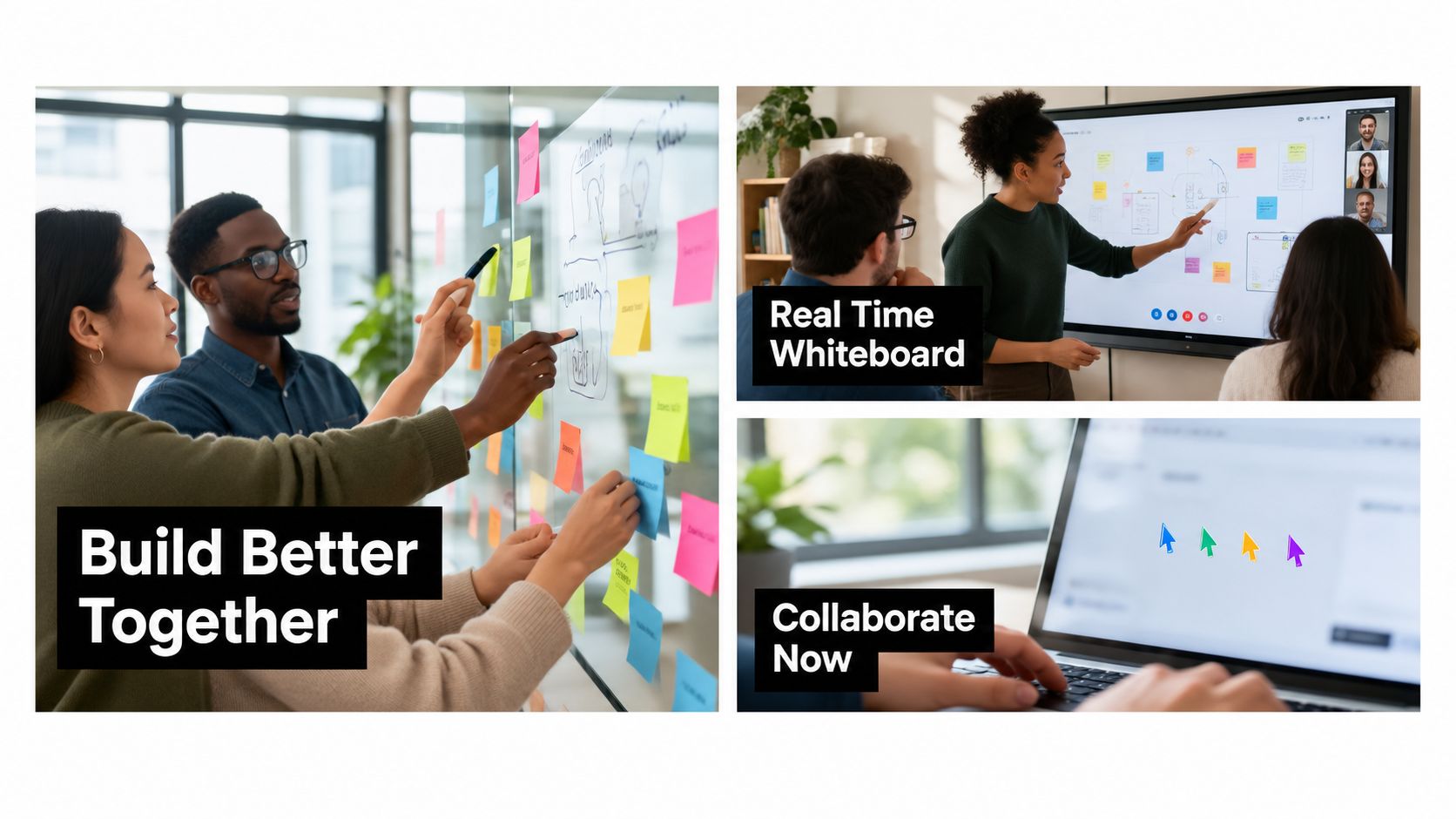
Your mobile product sprint is underway. The designer shares a user-flow canvas, the product manager wants to move three screens, and an engineer is trying to annotate a technical constraint. Someone is still sharing a screen, so only one person can edit. By the time the team agrees on a direction, the important decisions are scattered across chat messages, meeting notes, and a screenshot nobody can find.
A real time collaboration whiteboard changes the working surface. The team edits one canvas together, sees who is changing what, and keeps the flow available after the meeting ends. The value isn't replacing physical sticky notes. It's creating a shared product workspace that can carry an idea from rough sketch to testable interface.
The Remote Whiteboard Reality
A distributed team validating a mobile feature often starts with a familiar compromise. The designer controls the canvas while everyone else describes changes aloud: “Move the sign-up step left,” “Can we connect this screen to the empty state?” The conversation moves quickly, but the artifact moves slowly because one person has to interpret and apply every instruction.
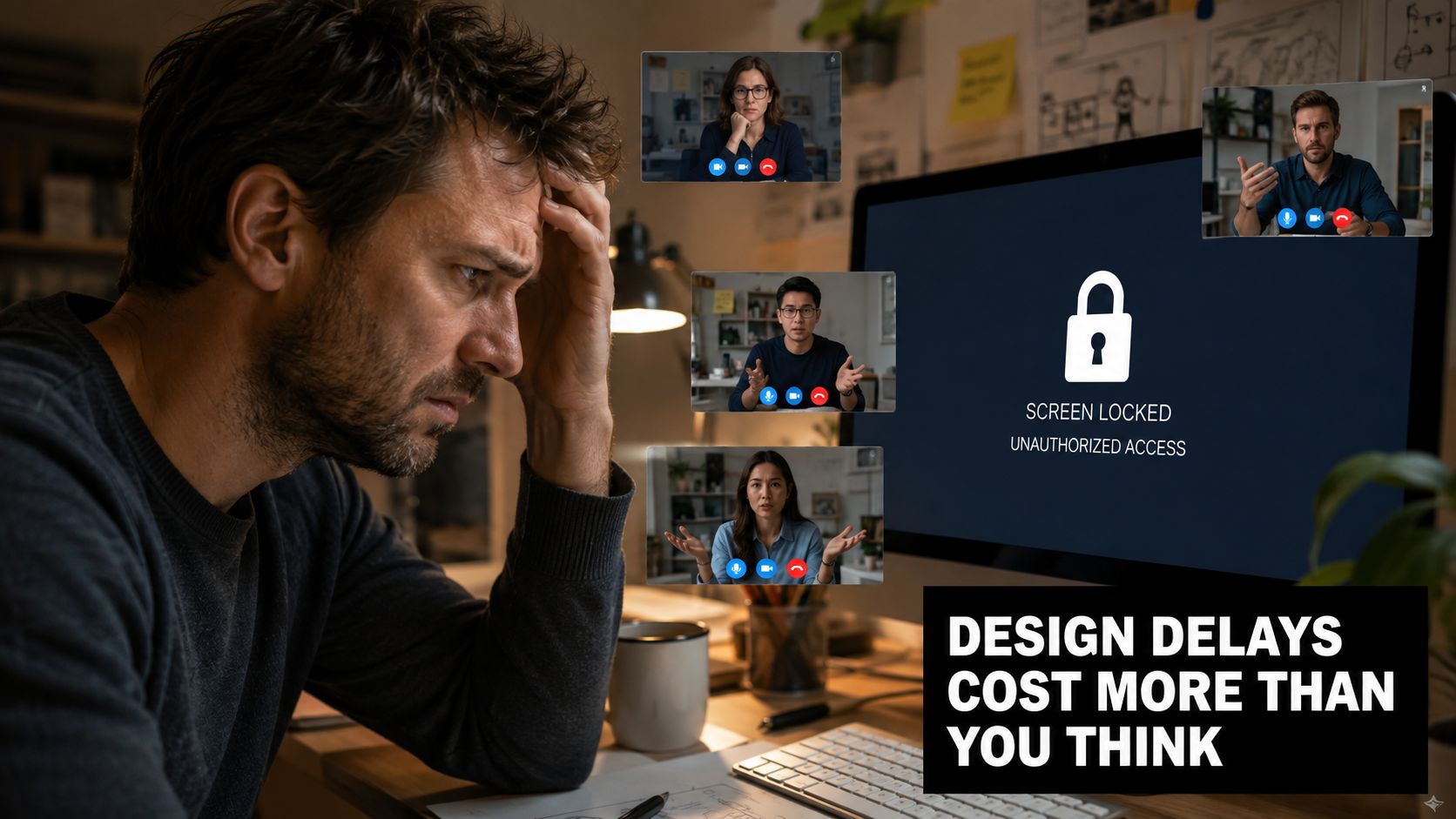
A collaborative canvas removes that bottleneck. A PM can group requirements, a designer can redraw the flow, and a developer can add a note beside the screen that depends on an existing API. Everyone works on the same spatial model instead of translating ideas through a single presenter.
The broader collaboration ecosystem shows why this matters. By 2024, Microsoft Teams had reached approximately 320 million monthly active users, Slack reported 32.3 million daily active users for fiscal year 2024, and Zoom reported more than 191,000 enterprise customers in fiscal year 2024, according to the available remote work collaboration data. The same source reports that 54% of organizations used three or more separate collaboration tools in 2024, so the whiteboard usually works as a visual layer alongside chat, video, documents, and project software.
The canvas becomes shared memory
A physical whiteboard disappears when the room is cleared. A digital board can preserve the rejected flows, open questions, evidence links, and approved direction. That record helps a developer who couldn't attend the workshop and gives a stakeholder a way to review the reasoning without replaying the entire conversation.
Practical rule: Treat the board as a product artifact, not as disposable meeting decoration.
The business case should also be framed carefully. A 2023 executive survey found that 82% of organizations reported faster decision-making after improving their collaboration tools, while another study reported that 73% of teams using real-time collaboration software experienced a 20%–30% increase in project-completion rates. Those figures describe collaboration software broadly, not every whiteboard product, so the useful question is whether your board makes decisions and dependencies easier to see.
Teams improving their remote rituals can also find practical ideas in performance team remoti Spark. For a product sprint, the test is straightforward: can every participant contribute directly, can the team recover the reasoning later, and can the chosen flow move into the next product tool without being redrawn?
How Collaborative Whiteboards Actually Work
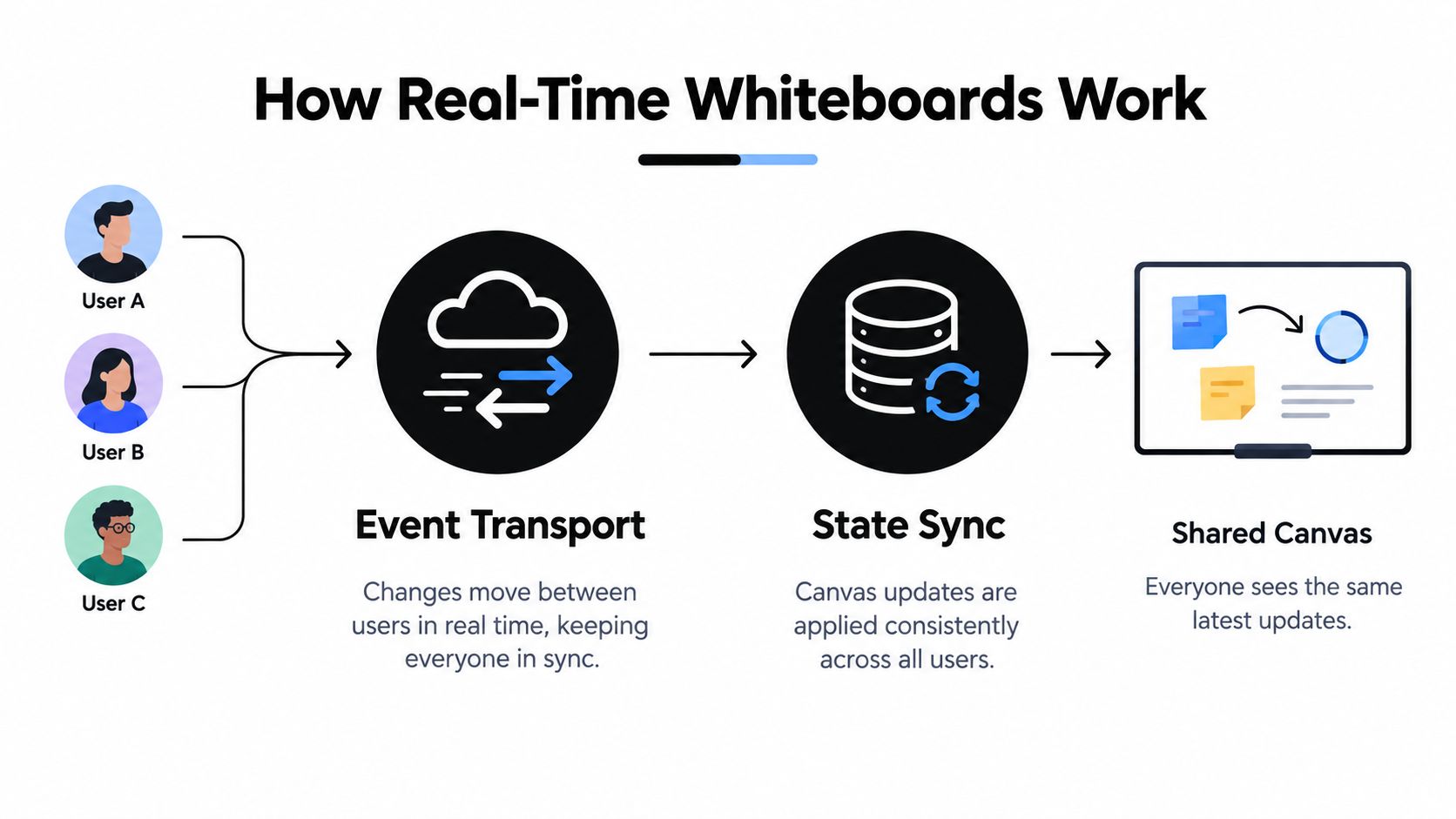
A smooth whiteboard doesn't send a complete screenshot every time someone moves a sticky note. It sends events, such as “object 42 moved,” “label changed,” or “stroke added,” and distributes those events to the other connected clients.
WebSockets provide the persistent connection used to deliver frequent changes such as strokes, pointer movements, and object mutations. The server can fan those events out while each participant renders the local action immediately. That local response matters because waiting for a round trip before showing a dragged screen makes the board feel broken even if the final state is correct.
The harder problem is concurrency. If a designer moves a screen while a PM edits its label, the system needs a predictable way to combine the operations. CRDTs, or conflict-free replicated data types, let replicas merge concurrent operations deterministically. Their operations are designed to be commutative and idempotent, so users can continue working during intermittent connectivity and reconcile changes later without locking the entire canvas.
Use separate latency budgets
“Real time” isn't one metric. A product team should separate at least four experiences:
- Local interaction: Your own stroke or drag should appear immediately.
- Presence: Cursors, avatars, and active-object indicators should update frequently.
- Synchronization: Other users should see meaningful edits quickly.
- Durability: Semantic changes should survive refreshes, reconnects, and device changes.
Pointer events can be sampled or coalesced because a cursor doesn't need the same durable history as a new screen. Adding a screen, changing a component property, or reordering layers should enter an operation log and later be compacted into snapshots.
A published hybrid OT/CRDT implementation reported operation latency consistently below 200 ms with ten concurrent users, while comparable systems can degrade to 156–320 ms beyond approximately 25–30 users in the cited collaborative whiteboard implementation. These aren't universal guarantees. They show why load, fan-out, and conflict handling belong in product evaluation.
For a mobile workflow, inspect what happens after a reconnect. Does the board restore the latest state, identify unresolved operations, and preserve object history? Teams designing cross-device experiences can also compare their assumptions with guidance on syncing data across devices.
Synchronous and Asynchronous Workflows
A live workshop is only one mode of collaboration. The stronger model lets a designer sketch a checkout flow during working hours, a PM add acceptance criteria later, and an engineer review the same artifacts during a scheduled session without asking anyone to recreate the context.
Research on the Tele-Board system found that users could work on a panel asynchronously or connect simultaneously for real-time idea generation and feedback across distance, supporting practical handoffs in mobile-product workflows, as described in the Tele-Board research.
Design the handoff, not just the meeting
The board needs clear signals for both modes. A live cursor tells the team who is present now. A comment, status label, or change log tells a later contributor what requires attention. Without those distinctions, asynchronous participants may mistake an unfinished sketch for an approved direction.
Use a simple workflow:
- Sketch: Create the screens, connectors, and open questions without pretending the flow is final.
- Annotate: Add requirements, assumptions, technical constraints, and links to evidence.
- Review: Invite delayed contributors to comment directly on the relevant object.
- Decide: Mark the selected path and record the owner of each unresolved item.
- Convert: Move the approved flow into a prototype or implementation task.
- Recover: Reopen the board after a reconnect or device switch and verify that the latest state is intact.
A designer might leave three onboarding options on Tuesday. The PM can add a note about activation goals on Wednesday. During Thursday's live review, the developer can explain which option fits the current navigation model. Nobody needs to rebuild the board from screenshots.
Test the delayed path
Before adopting a tool, ask whether a contributor can join late and understand the latest state without verbal coaching. Check whether edits persist after closing the browser, whether comments stay attached to objects, and whether an export retains enough structure to support implementation.
A whiteboard earns its place in a product workflow when delayed participation feels like continuation, not archaeology.
Key Features for Product Teams
A product team shouldn't choose a whiteboard because it has attractive templates. The important question is whether the tool preserves awareness, decisions, and ownership while people work at different speeds.
A three-month study of collaborative whiteboard software used by a globally distributed team identified avatars, synchronization, and verbal communication as features that improved awareness, while saving problems and slow synchronization reduced it, according to the study of distributed whiteboard use. That translates into concrete product behavior. Show who is present, show who is editing an object, and make save or recovery states visible.
| Feature | Impact on Discovery | Testing Tip |
|---|---|---|
| Real-time presence | Helps participants understand who is active and where attention is focused | Ask two users to edit nearby objects and verify that presence remains clear |
| Persistent version history | Separates exploration from approved decisions and supports recovery | Restore an earlier flow and check whether comments and ownership remain understandable |
| Accessible export paths | Turns visual work into requirements, review material, or implementation input | Export a flow and test whether a non-participant can act on it |
| Role-based permissions | Protects sensitive research and makes editing authority explicit | Test owner, editor, commenter, guest, copy, and export permissions |
| Conflict-safe synchronization | Prevents concurrent work from silently overwriting another person's change | Edit the same label and move the same object from separate sessions |
| Semantic structure | Makes the board usable beyond the visual canvas | Navigate objects with keyboard and assistive technology rather than relying on zoom |
Awareness needs operational support
Presence is useful only when it answers a practical question. If a teammate's avatar appears on the board but their edits arrive slowly, the team still can't tell whether a flow is current. Likewise, a save icon that doesn't explain recovery status leaves people guessing before they close a session.
Governance matters just as much. Decide who can invite guests, whether guests can copy or export content, how anonymous edits are attributed, and how long customer or product data remains available. A board that lets everyone edit everything may feel fast at first, but it can make accountability difficult.
Teams working across documents and whiteboards may also benefit from practical hacks to optimize Google Workspace, especially when board decisions need to move into shared specifications. The integration itself isn't the goal. The goal is a traceable path from idea to decision to implementation.
Common Misconceptions About Collaboration
The first misconception is that removing friction always improves collaboration. A one-click guest link can help an external reviewer join quickly, but unrestricted copying, exporting, or anonymous editing can weaken trust. Research on collaborative ideation and session setup points to a useful trade-off: participants often prefer direct control when initiating a session, even though manual setup requires more effort. Explicit control can make ownership and consent visible.
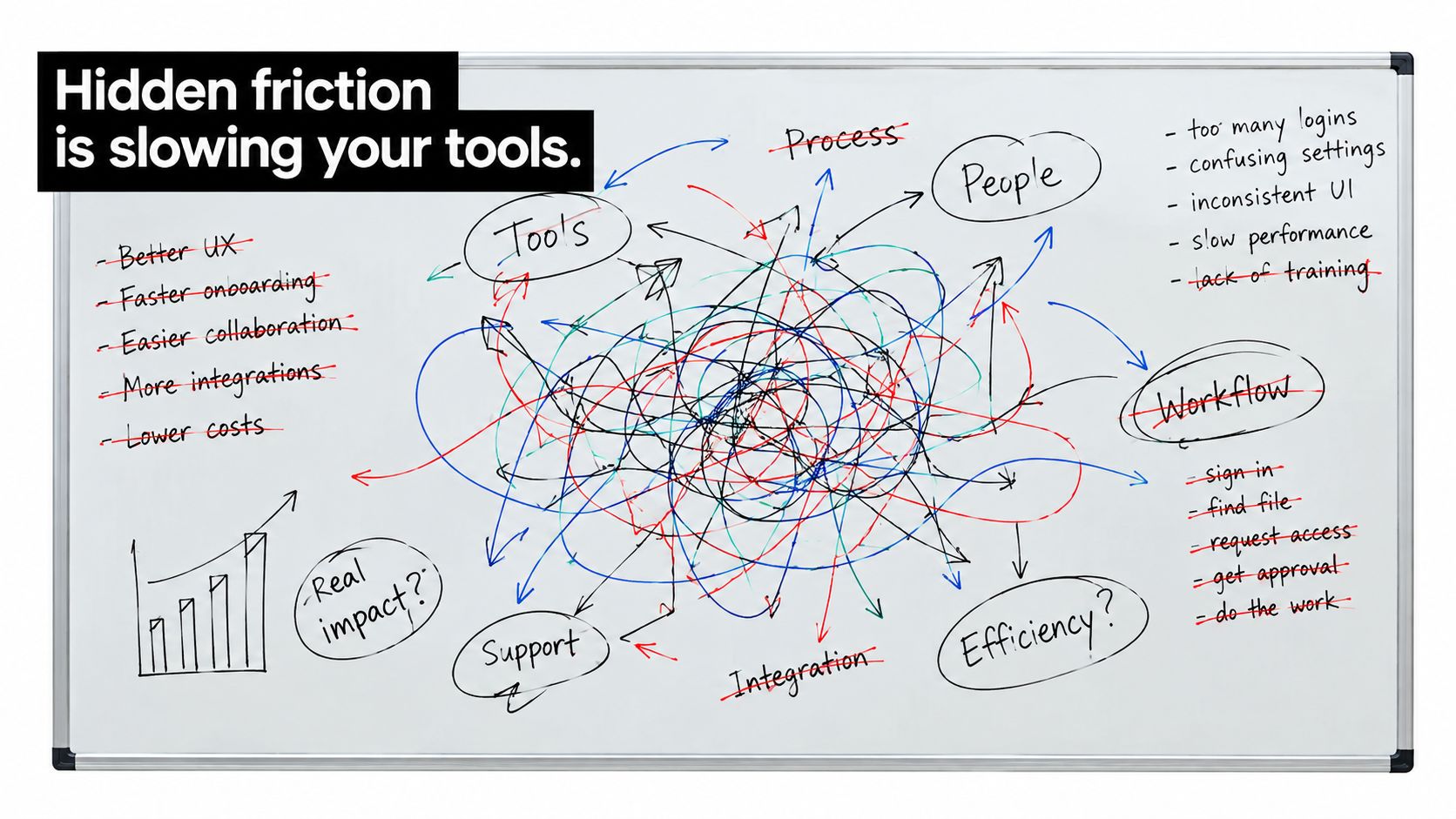
The second misconception is that real-time work automatically produces better decisions. A fast canvas can still amplify the loudest participant, bury dissent in a crowded diagram, or turn an unresolved idea into an accidental commitment. Microsoft guidance recommends assigning roles such as facilitator, note taker, and presenter, clarifying goals before a session, using polls or individual sticky notes when only a few people contribute, and sharing the board afterward for follow-up.
Accessibility isn't a visual polish task
The third misconception is that a visual canvas works for everyone because everyone received the same link. A 2025 ACM ASSETS study found that digital whiteboards were described by blind and low-vision workers as extremely difficult to use, with little screen-reader compatibility, weak text alternatives, and insufficient semantic structure, as reported in the study on digital whiteboard accessibility.
A serious accessibility test covers the entire workflow:
- Joining: Can a participant enter the session and understand its purpose without a sighted facilitator?
- Navigation: Can they move through objects in a meaningful reading order?
- Editing: Can they create, label, move, and delete objects with a keyboard?
- Awareness: Can they receive changes through text, speech, or accessible presence indicators?
- Export: Can they leave with structured decisions rather than an inaccessible image?
The 1EdTech accessibility guidance recommends accessible synchronous text chat for describing graphical work, keyboard completion of mouse actions, and SVG-based workspaces that can use accessibility features. Product leaders exploring broader business collaboration topics should apply the same standard here: inclusion must cover the decision process, not only the final interface.
Implementing Whiteboards in Your Workflow
Start with a narrow product job. “Explore the new mobile experience” is too vague. “Choose an onboarding path for first-time users and identify the unresolved implementation questions” gives the team a shared finish line.
Microsoft's practical collaboration guidance recommends assigning roles such as facilitator, note taker, and presenter, clarifying goals before the session, using polls or individual sticky notes when only a few people contribute, and sharing the board link afterward for follow-up, as outlined in its digital whiteboard collaboration guidance.
A workable sprint pattern
- Prepare the board. Add the feature goal, customer evidence, constraints, and a clearly marked decision area. Keep brainstorming space separate from approved direction.
- Assign ownership. The facilitator protects the time and keeps the discussion focused. The note taker captures decisions and open questions. The presenter explains the selected flow to stakeholders or engineering.
- Collect independently. Let participants add ideas before discussion begins. This reduces the chance that the first suggestion becomes the default.
- Converge visibly. Group related flows, record trade-offs, and mark rejected options instead of deleting them without explanation.
- Create the handoff. Turn the selected path into screens, requirements, acceptance notes, and named follow-ups.
- Preserve the record. Share the board after the session and keep the decision state distinct from ongoing exploration.
For a RapidNative-style workflow, the handoff should retain more than a picture. A mobile prototype needs screen order, navigation intent, component behavior, content assumptions, and unresolved states. Teams evaluating whiteboarding features should test whether those details can move from the canvas into a working prototype without manual reconstruction.
A small startup might sketch a sign-up flow, mark the loading and error states, and attach a note about authentication dependencies. The designer refines the screens, the PM confirms the acceptance criteria, and the developer reviews navigation before implementation begins. The board remains the source of reasoning, while the prototype becomes the source of interaction truth.
From Canvas to Ship
The strongest whiteboard workflow doesn't end when the workshop ends. A team sketches a mobile flow, tests competing paths, records why one option won, and converts the selected structure into an interactive prototype. Stakeholders review the behavior instead of interpreting a static diagram, while engineering receives a clearer account of screens, transitions, and unresolved decisions.
That progression depends on the operational foundations covered earlier. Conflict-safe updates protect concurrent edits. Separate latency budgets keep the board responsive without treating every event as durable. Version history and permissions preserve accountability, while accessible alternatives ensure that the people shaping the product can participate in the first place.
A useful next step is to connect canvas objects to product outputs. A screen can become a prototype screen. A decision note can become an acceptance criterion. An open question can become an owned task. The whiteboard-to-app workflow reflects this direction, where visual product thinking feeds directly into something people can preview and test.
AI may help classify ideas, summarize decisions, or suggest structure, but teams still need to approve the resulting interpretation. Accessibility improvements should follow the same principle. Automatic descriptions are useful only when participants can verify them, edit them, and rely on them during the complete collaboration process.
The strategic value of a real time collaboration whiteboard isn't the novelty of drawing together. It's the continuity from shared problem framing to tested interface to shippable product.
RapidNative turns prompts, sketches, images, PRDs, and whiteboard concepts into shareable React Native apps with live screens, navigation, and reusable components. Visit RapidNative to turn your next collaborative canvas into a working prototype that your team can review, test, and hand to engineering.
Ready to build your app?
Turn your idea into a production-ready React Native app in minutes.
Free tools to get you started
Free AI PRD Generator
Generate a professional product requirements document in seconds. Describe your product idea and get a complete, structured PRD instantly.
Try it freeFree AI App Name Generator
Generate unique, brandable app name ideas with AI. Get creative name suggestions with taglines, brand colors, and monogram previews.
Try it freeFree AI App Icon Generator
Generate beautiful, professional app icons with AI. Describe your app and get multiple icon variations in different styles, ready for App Store and Google Play.
Try it freeFrequently asked questions
What is RapidNative?
RapidNative is an AI-powered mobile app builder. Describe the app you want in plain English and RapidNative generates real, production-ready React Native screens you can preview, edit, and publish to the App Store or Google Play.
Can I export the code?
Yes. RapidNative generates clean React Native and Expo code that you can export at any time. No lock-in, no proprietary format. Hand it to your developers or keep building inside RapidNative.
Is RapidNative free to use?
Yes. You can build apps on the free plan with no credit card required. Paid plans unlock unlimited AI generations, code export, and direct publishing to the App Store and Google Play.
Do I need to know how to code?
No. Most users build apps by describing what they want in plain English. Developers can drop into the code whenever they want more control, but coding is optional.
How long does it take to build an app?
Most users have a working first screen in under a minute. A full MVP usually takes a few hours instead of the weeks or months traditional development requires.