10 Best Mobile App Display Mockup Resources
Compare 10 mobile app display mockup resources for Figma, PSD, Sketch, presentations, prototypes, app-store screenshots, and client-ready exports.
By Sanket Sahu
18th Oct 2026
Last updated: 18th Oct 2026
You've got mobile screens ready for review, but the presentation still feels unfinished. Dropping them into a phone frame would help, except the same image now needs to work in a product review, a launch deck, and an app-store submission. Those aren't interchangeable jobs.
Choose the right mockup for the job, not the most impressive template. A polished device frame can make a mobile concept easier to understand, but the best mobile app display mockup depends on what your product team needs to do next. Validating navigation calls for readable screens and an interactive companion; presenting a launch concept may justify a cinematic scene; preparing store assets requires careful sizing and device coverage.
For mobile product teams, the useful comparison is workflow, realism, collaboration, licensing, and export requirements. A large library won't help if the export is unsuitable for client work, the screen becomes unreadable at presentation size, or updating the image requires rebuilding the composition.
Bulk Image Generation's mockup guide provides another starting point for exploring online mockup workflows. The resources below fit different production jobs, from quick framing to collaborative asset creation and controlled device animation.
Treat the device frame as presentation packaging. Keep the editable interface and its interaction behavior separate so reviewers can judge both appearance and usability.
1. Canva Mockups
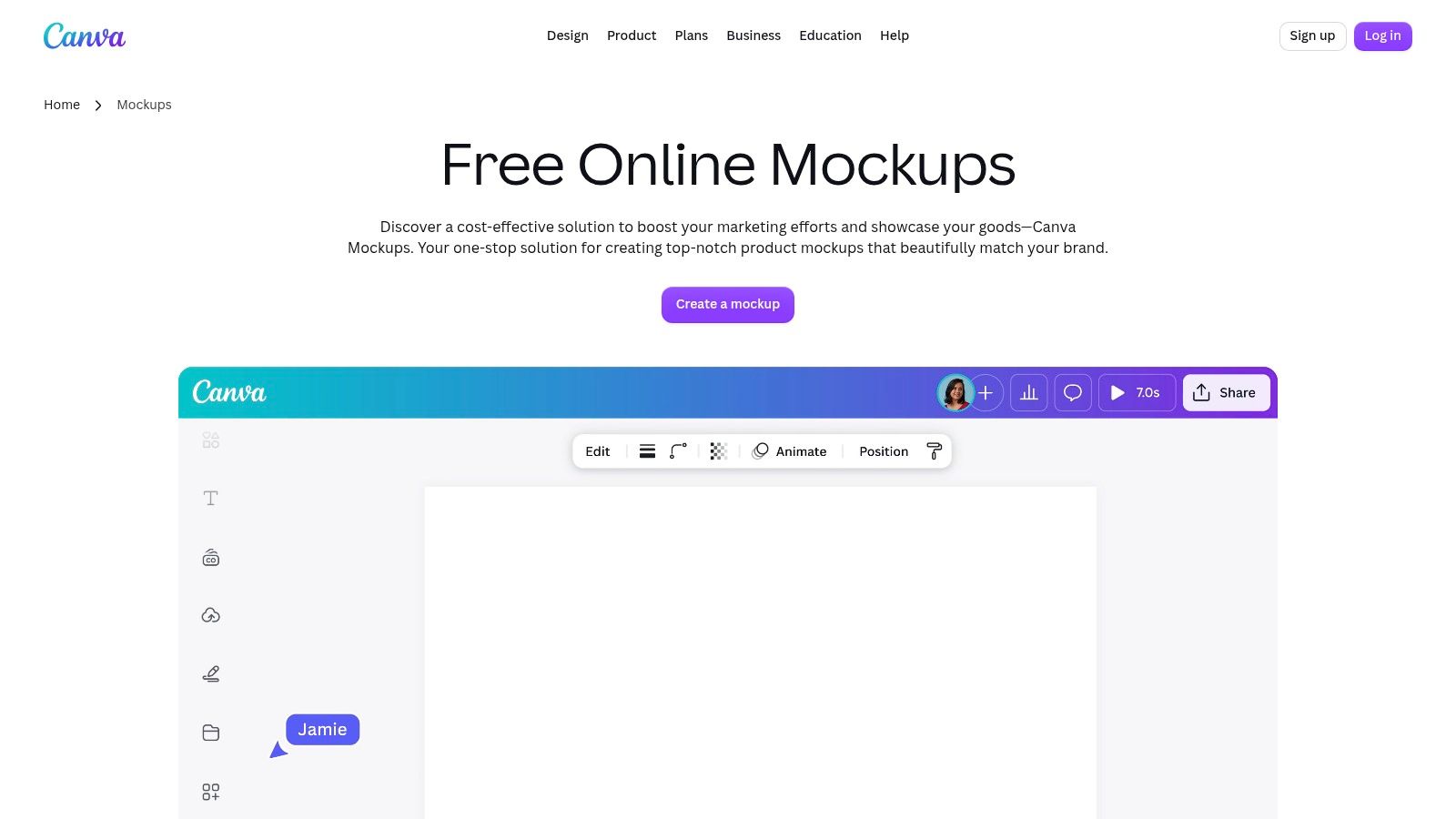
Canva fits the team that needs a mockup and the surrounding presentation in the same workspace. Put an app screen into a phone frame, then build the slide, announcement graphic, or feature explainer around it. That's a practical fit when product and marketing teammates need to review the finished communication, not just the interface.
The browser-based editor combines device mockups with collaboration, approvals, brand kits, and paid AI-assisted editing. Smartmockups now redirects to Canva Mockups, so teams revisiting that workflow should use Canva as their starting point.
Best for presentation-ready product updates
For a hypothetical budgeting app launch, keep the account overview readable inside the device and place the benefit statement beside it. Use consistent brand elements across the deck and social assets rather than making each mockup a separate design exercise.
- Strength: A broad design ecosystem lets teammates work on mockups, presentations, and campaign collateral together.
- Trade-off: Device angles are less adjustable than in dedicated 3D software, and premium mockups and controls require paid access.
- Pricing: A free plan is available; individual Pro is listed at US$144/year, while Business is US$250/year per person, excluding tax, through Canva Mockups.
Keep review expectations clear. A framed screen can communicate hierarchy, but it can't demonstrate keyboard behavior or error recovery. Pair the presentation with the connected-flow approach described in RapidNative's mobile app development mockup guide when the team needs to validate the product itself.
2. Mockuuups Studio
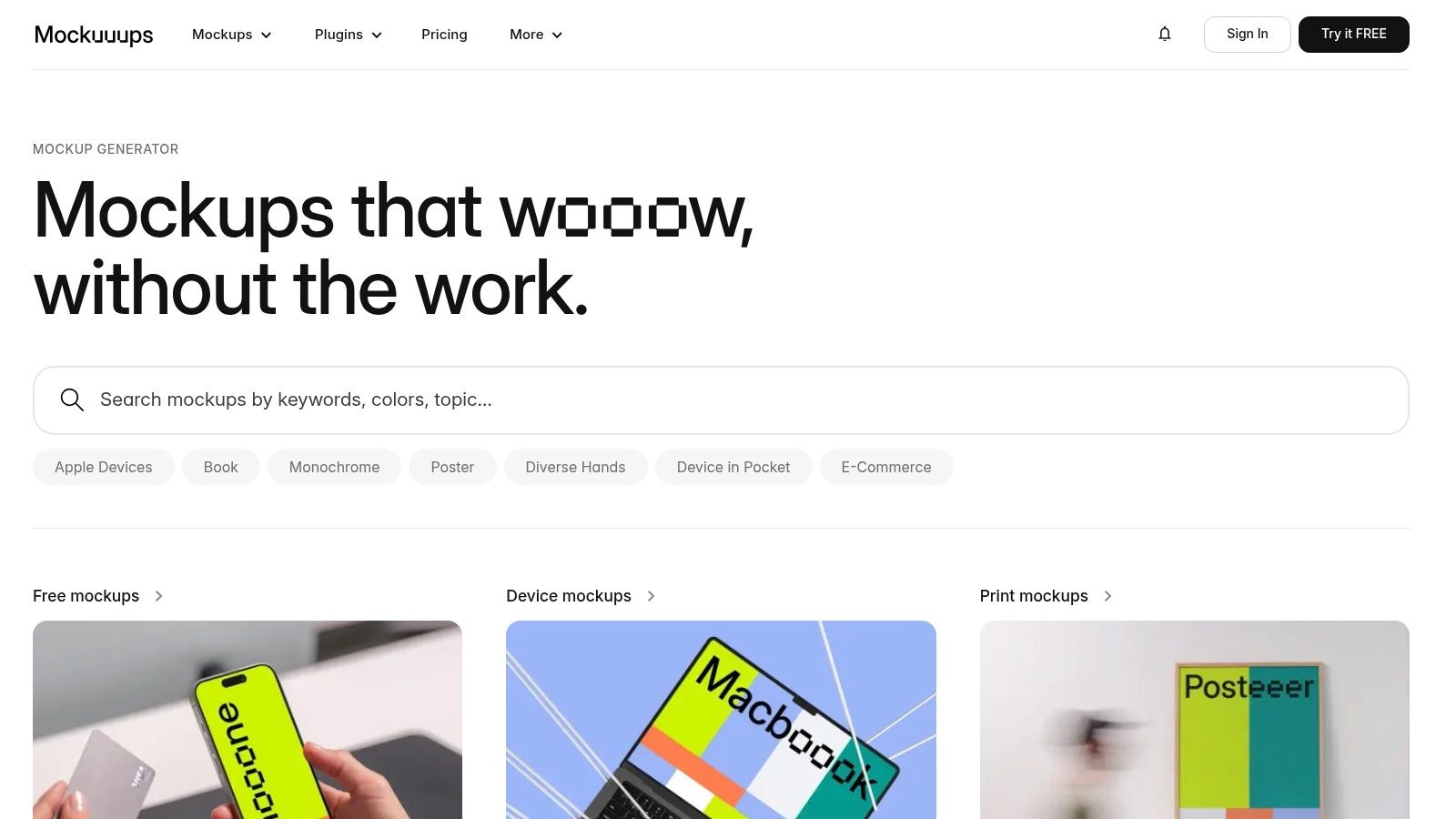
If your team already designs in Figma, Mockuuups Studio is a focused route from interface frame to realistic presentation image. Its desktop app and Figma plugin suit recurring product updates where the design changes but the visual treatment should remain consistent.
Device photographs and scenes are useful for showing an app in a plausible setting. For a delivery app, a hand-held phone image could support launch messaging, while a cleaner device scene would better serve a feature walkthrough. Choose the setting according to what reviewers need to read.
Separate preview convenience from usage rights
Mockuuups Studio also supports website screenshot capture and shareable preview links. Those previews can support asynchronous composition reviews, but they shouldn't replace feedback on the underlying product flow.
- Library and exports: Mockuuups Studio lists 5,300+ mockups, 4K exports, commercial licensing on paid plans, and team features.
- Paid access: Professional is listed at US$12/month billed annually or US$20 month-to-month; Team starts at US$18 per user/month billed annually.
- Free limitations: Free exports are limited, require attribution, and are non-commercial, so don't assume a trial image is suitable for a public launch or client delivery.
The principal trade-off is subscription access to the full library. It makes sense for teams producing release visuals regularly; occasional users should first confirm that an available scene fits their interface. Pay particular attention to reflections and perspective, since realism isn't useful when it obscures the app's main action.
3. Artboard Studio
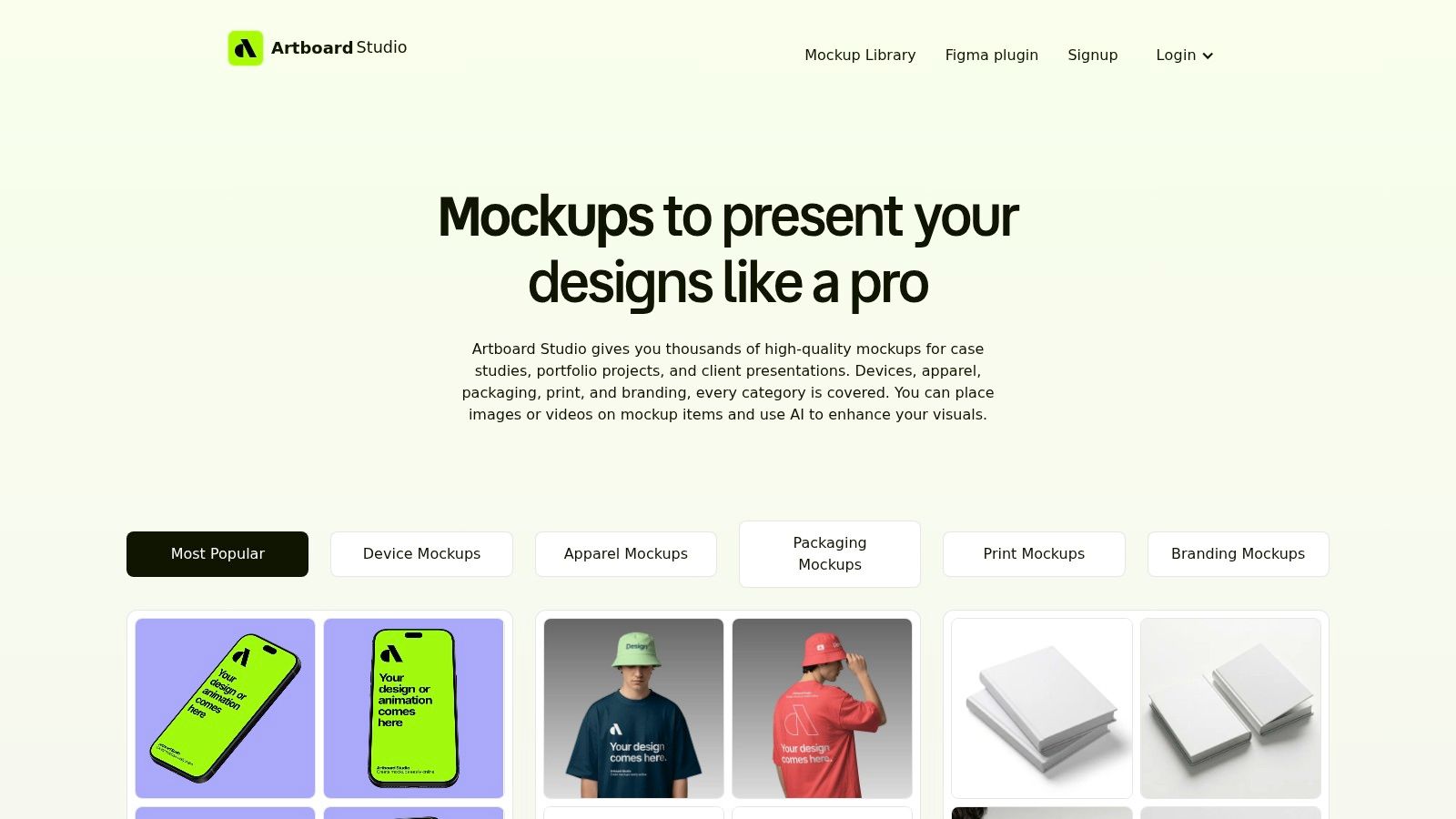
Artboard Studio is a better fit for multi-format production than simple screenshot framing. Its browser editor supports phone, tablet, laptop, and video mockups, alongside static and animated scenes. Product teams preparing a feature campaign can develop related assets without treating every output as an unrelated composition.
Consider a hypothetical scheduling app release. A static scene could introduce the calendar interface, while an animated device presentation could illustrate the relationship between appointment selection and confirmation. The same campaign might also need a tablet image for a product page.
Choose it when animation earns its place
The platform includes AI mockup generation, high-resolution exports, and Figma and Adobe Express plugins. Its 5,000+ mockups span 2D and 3D scenes; a free plan is available, and paid options include subscriptions and a US$129 one-time Mockup Forever plan, as listed by Artboard Studio.
The trade-off is a more involved editor. Full-library access and video exports require a paid plan, and the learning curve is steeper than with a single-purpose generator. If the team only needs a framed screenshot for a review slide, that extra capability may be unnecessary.
Production rule: Use animation to explain a feature or create a launch treatment. Don't use camera movement to distract from an interface that reviewers still need to inspect.
Before committing to a campaign workflow, try the actual screen content in the intended scene. Check whether headings, controls, and captions remain readable in the exported asset, not merely in the editor.
4. Rotato
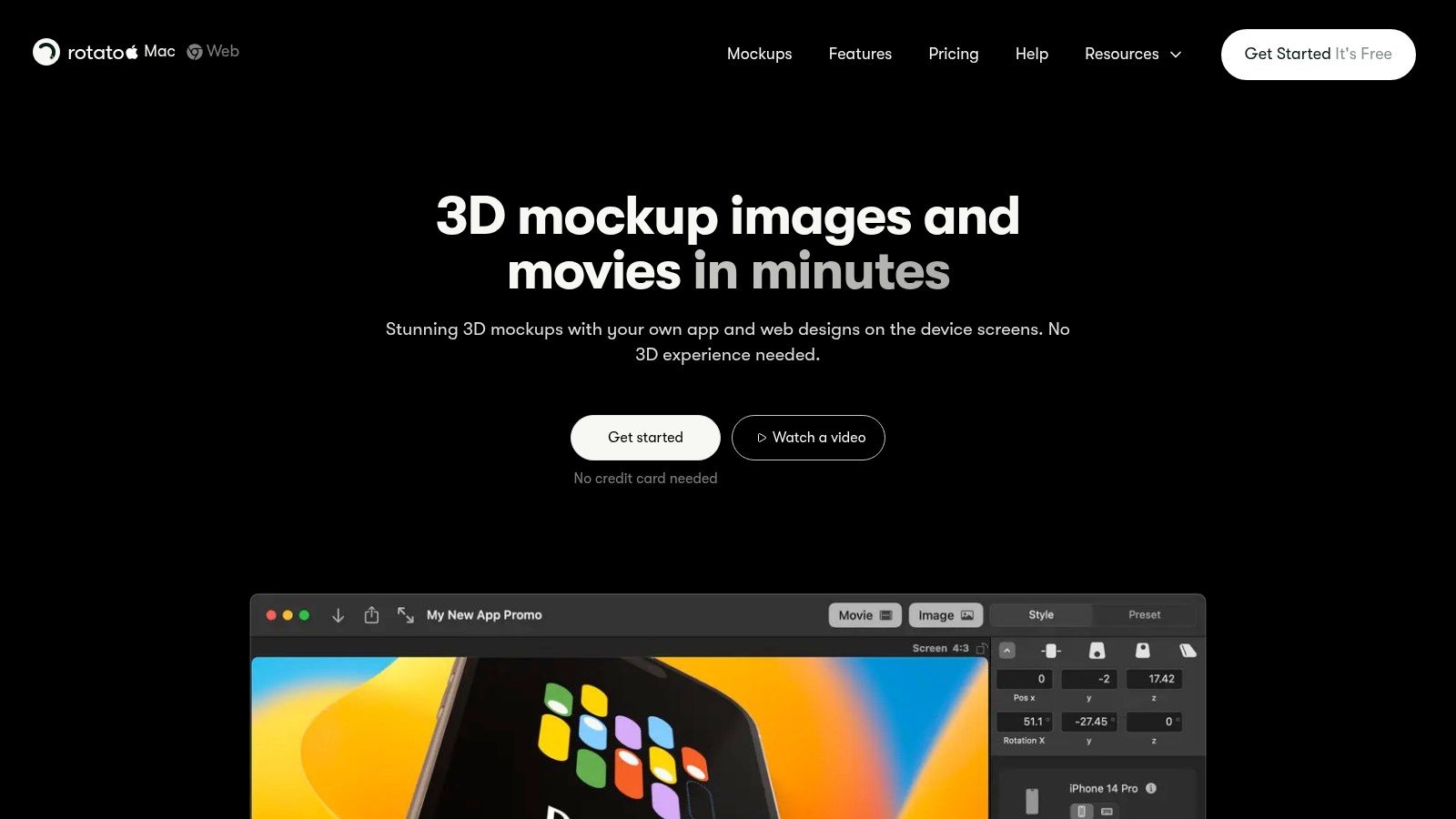
Camera movement is the reason to choose Rotato. Its 3D device mockup and animation workflow suits launch videos, product showcases, and ads where device angle and motion are part of the creative direction.
For a hypothetical fitness app presentation, an angled device reveal could introduce the product, followed by a front-facing view that lets viewers read the workout interface. Keep the explanatory portion restrained. A dramatic camera path can make the device look impressive while making the actual feature harder to understand.
Mac production control versus browser templates
The Mac app offers an animation timeline, presets, camera paths, and multi-device scenes. Rotato Web provides a template-based browser alternative, which is a different workflow from composing a controlled desktop animation.
- Device coverage: Rotato lists 30+ 3D device models.
- Export options: Higher-tier Mac packs include exports up to 8K and ProRes; the web subscription offers unlimited watermark-free image and video exports.
- Purchase model: The Mac app uses a one-time purchase with tiered packs and one year of updates included, while Rotato Web is subscription-based.
The desktop app is Mac-only, and learning its animation controls requires more effort than using a one-click mockup generator. That's worthwhile when a product team needs precise device angles or repeatable camera treatment.
It's less worthwhile for routine design reviews. Keep a straightforward screen export beside the cinematic version so stakeholders can inspect labels and layout without pausing a moving presentation.
5. Previewed
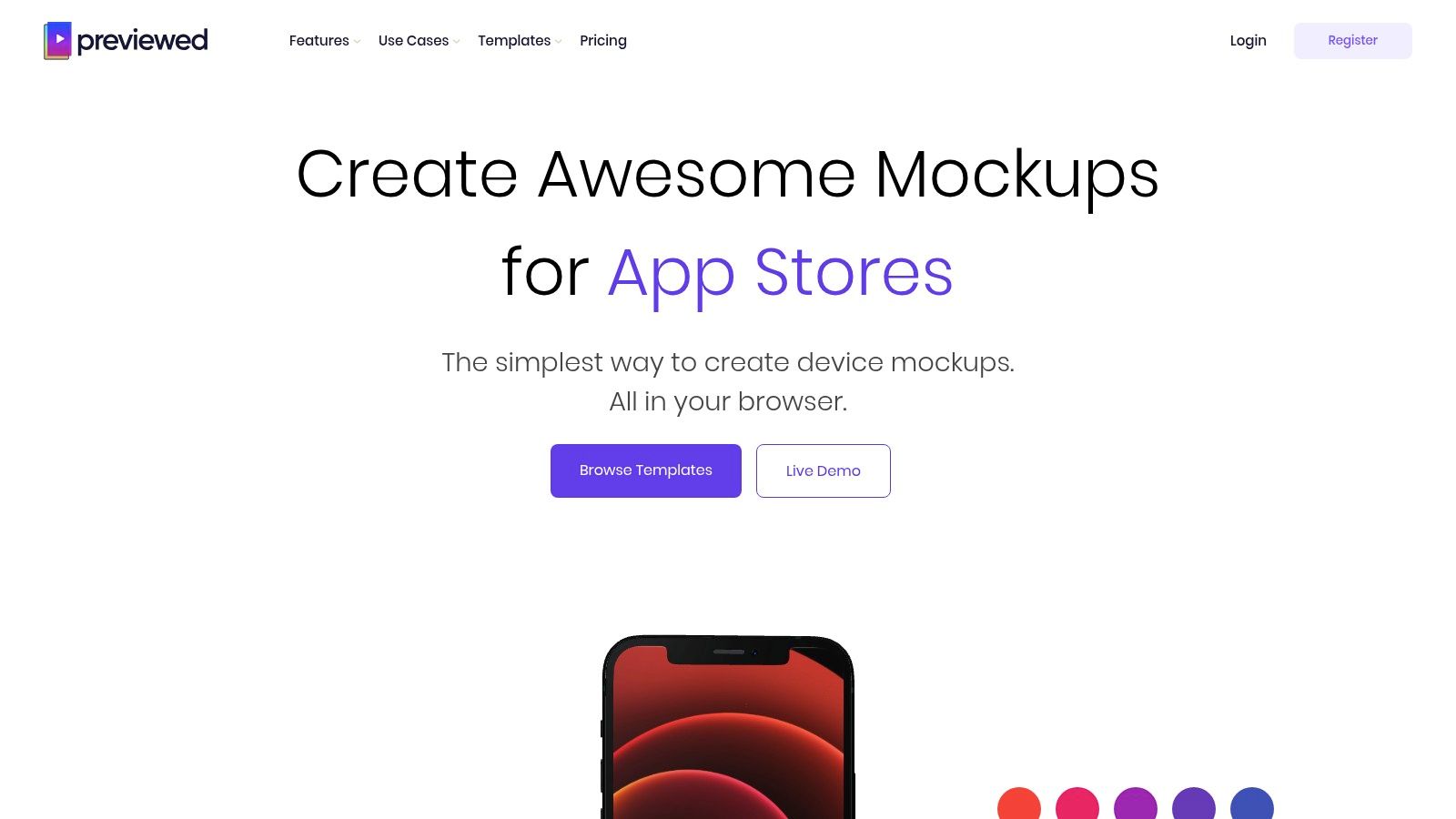
App-store production needs more than an attractive hero image. Previewed fits teams building store screenshots and related promotional assets, with browser-based static device scenes and animated videos.
Its device library covers iPhone, iPad, Android, and laptops, with templates and team collaboration. That makes it a useful candidate when a launch includes both mobile platforms and supporting social material.
Build store assets around the interface
For a hypothetical language-learning app, lead with a readable lesson screen and supporting copy that explains the benefit. Avoid letting decorative devices consume the space needed to show what the app does.
Previewed supports 2D and 3D mockups, animations, and JPG, PNG, and MP4 exports. It offers a free Lite plan, a US$9.99 one-time Plus plan, and Pro listed at US$19/month billed annually, with advanced exports and features requiring paid tiers.
The limitation is template-driven lighting and 3D precision. Choose it for repeatable launch assets, not for custom camera direction comparable to a dedicated animation tool.
Apple's App Store Connect screenshot specifications require specified device classes, including an iPhone with Dynamic Island and, when supported, a 13-inch iPad. Apple permits scaling from the highest required resolution when interfaces remain consistent across sizes and localizations.
Check those requirements before exporting. Keep store compositions separate from source screens, and use RapidNative's mockup-to-app designer playbook to connect visual assets with the broader implementation workflow.
6. Mediamodifier
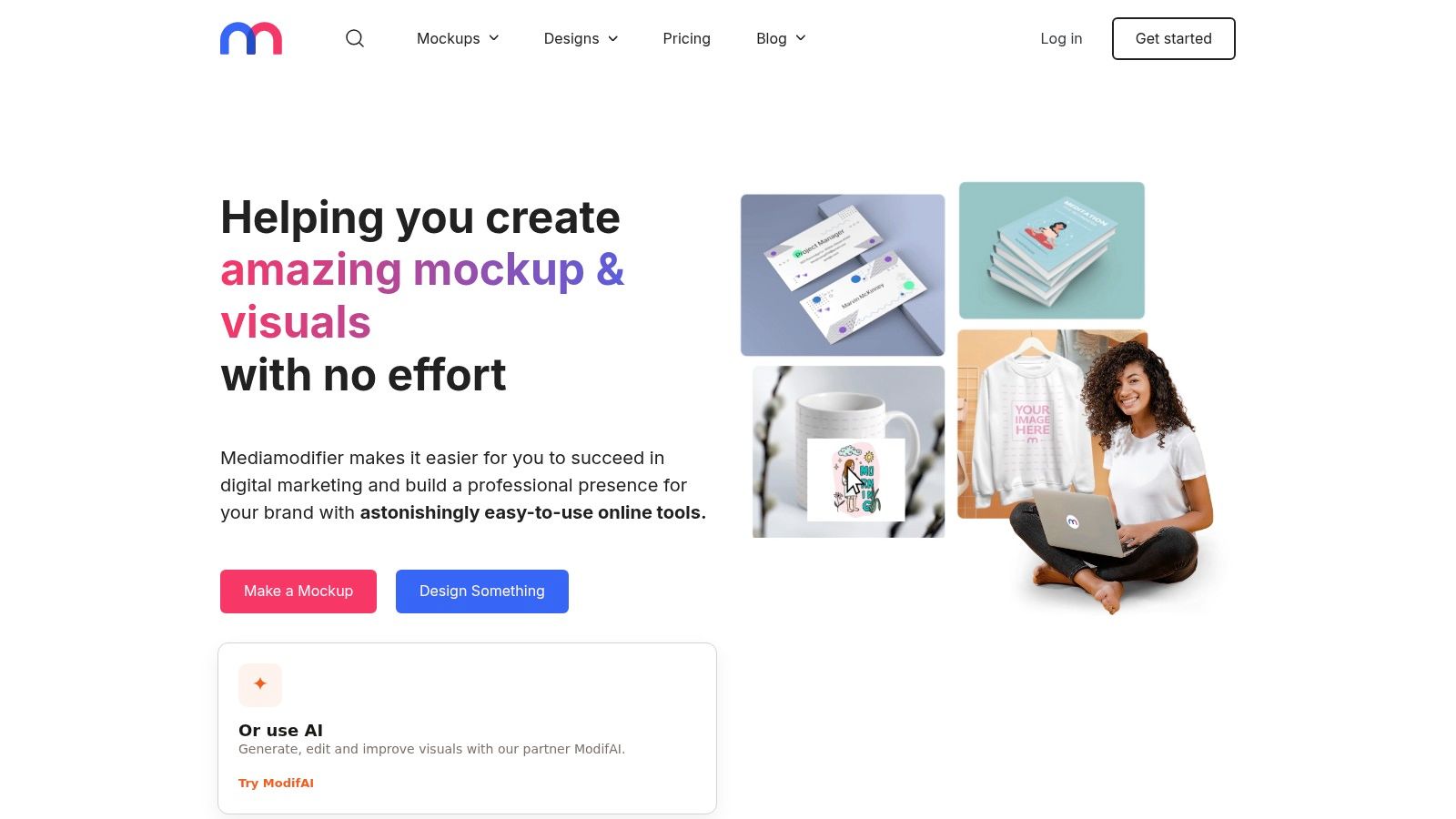
Mediamodifier is worth evaluating when mockup production becomes an operations task. Its online library, design editor, and API suit product teams that need repeatable visual assets rather than a bespoke scene for every release.
A team maintaining several mobile features could standardize approved scenes, then explore automating screenshot replacement through the API. The useful question is whether automation is available. It's whether the selected templates handle the team's content reliably without frequent manual correction.
Useful breadth, limited camera control
Mediamodifier includes iPhone, iPad, Android, MacBook, and other device scenes. It also supports uploading your own PSD mockups, which is relevant when the team wants to retain an established visual treatment.
- Library and licensing: Mediamodifier lists 10,000+ templates, with unlimited downloads and commercial licensing on paid plans.
- Professional pricing: The plan is listed at US$19/month or US$190/year, excluding tax.
- Team pricing: The Team plan includes five seats at US$45/month or US$450/year, excluding tax.
The editor is template-oriented, so device angles depend on the available compositions. It isn't the strongest choice when the creative direction requires granular 3D adjustments.
Before building an automated workflow, test screens with long titles, dense lists, and important controls near the edges. A successful export should preserve the interface without stretching or unintended cropping. Maintain human review for the final assets, especially when a product update changes the screen structure rather than just its content.
7. Screely
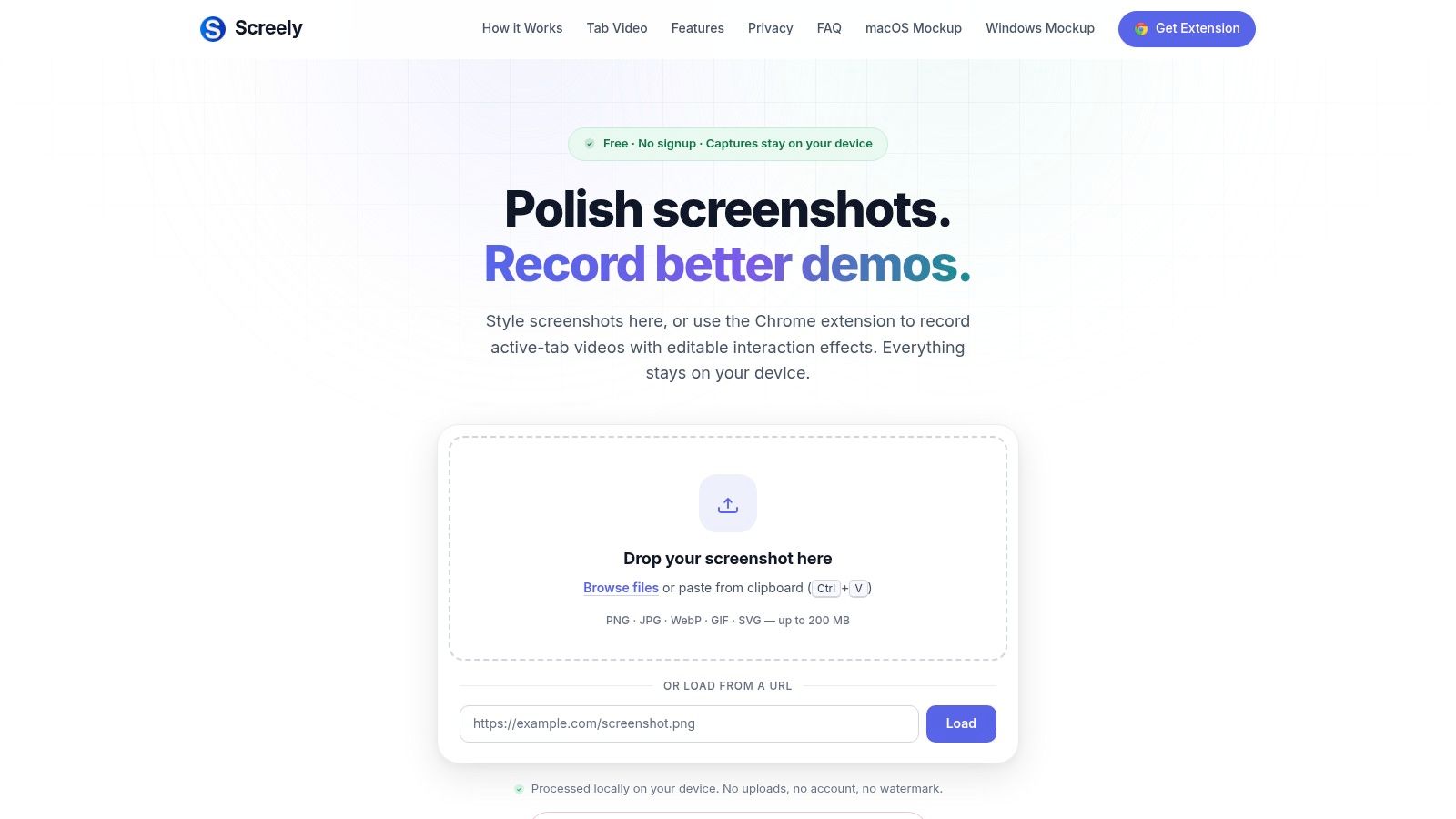
Not every product image needs a phone. Screely fits documentation, changelogs, and quick interface explanations where a clean screenshot treatment is more useful than a realistic device scene.
For a mobile team documenting a settings update, a framed capture with an annotation can focus attention on the changed control. A hand-held phone or reflective device render would add presentation detail without necessarily helping the reader understand the change.
Keep documentation direct
Screely is free and browser-based, with local processing, no uploads, no signup, and no watermark. It provides macOS and Windows window frames, backgrounds, annotations, PNG and PDF exports, support for very large images, and a Chrome extension for recording the active tab.
Those characteristics make it a lightweight option when a teammate needs to prepare an image without opening a design application. Local processing is useful for sensitive captures, but screenshots should still be checked for private information before publication.
Its limitation is also its strength: Screely offers window frames and backgrounds rather than hand-held scenes, 3D devices, or adjustable camera angles. It won't make a mobile interface look like an app photographed on a phone.
A documentation image should make the changed behavior easy to find. If the frame attracts more attention than the interface, simplify the treatment.
Use Screely for explanation, not device validation. When documenting a mobile layout, retain the screen's original proportions and identify the relevant platform context so readers don't mistake a window-framed capture for a desktop version of the product.
8. Shotsnapp
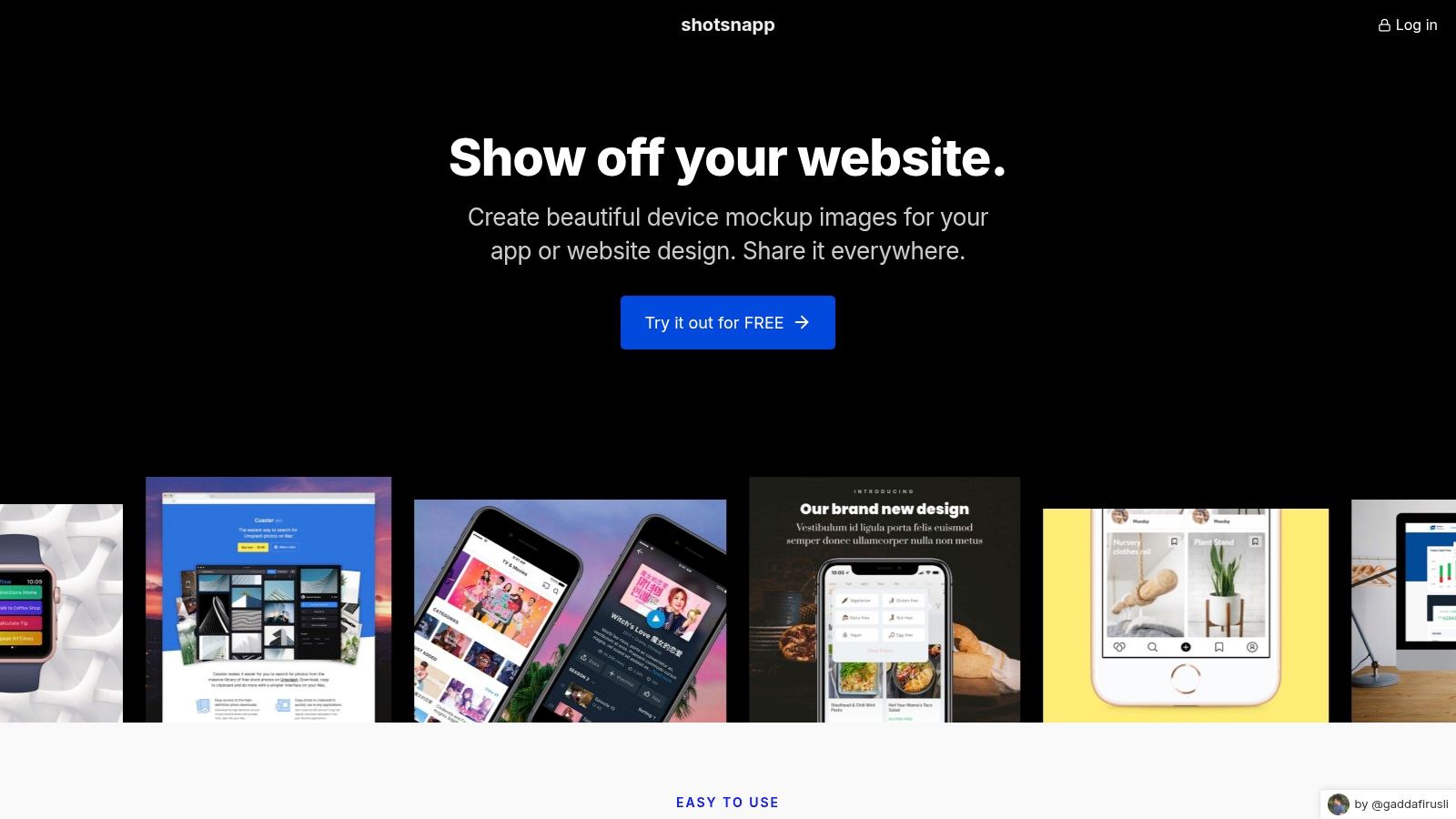
A quick feature announcement rarely needs a full animation workflow. Shotsnapp suits lightweight marketing visuals, especially when the team wants a predesigned composition rather than an open-ended scene editor.
Its browser-based workflow combines device frames, templates, and curated Unsplash backgrounds. Phone, tablet, laptop, and watch options give product teams room to present related interfaces without moving into advanced 3D production.
A practical alternative for occasional assets
Suppose a hypothetical habit-tracking app needs a social image showing its redesigned progress screen. Start with a simple phone composition, choose a background that doesn't compete with the progress display, and keep explanatory text outside the device.
Shotsnapp offers PNG and JPEG exports, a basic free tier, and Pro listed at US$48 for one year, with higher-resolution exports and expanded access.
- What works: Templates reduce layout work, and the editor is a practical starting point for occasional mockups.
- Where it stops: The library is smaller than enterprise mockup platforms, and there aren't advanced 3D or camera controls.
- Best team fit: Product teams that need straightforward announcement images without maintaining a complex asset-production setup.
Judge the result at its intended display size. A screenshot that looks readable while enlarged in an editor may be difficult to understand in a social feed. If the template requires shrinking the interface too far, choose a simpler composition rather than trying to compensate with more decorative elements.
9. MockUPhone
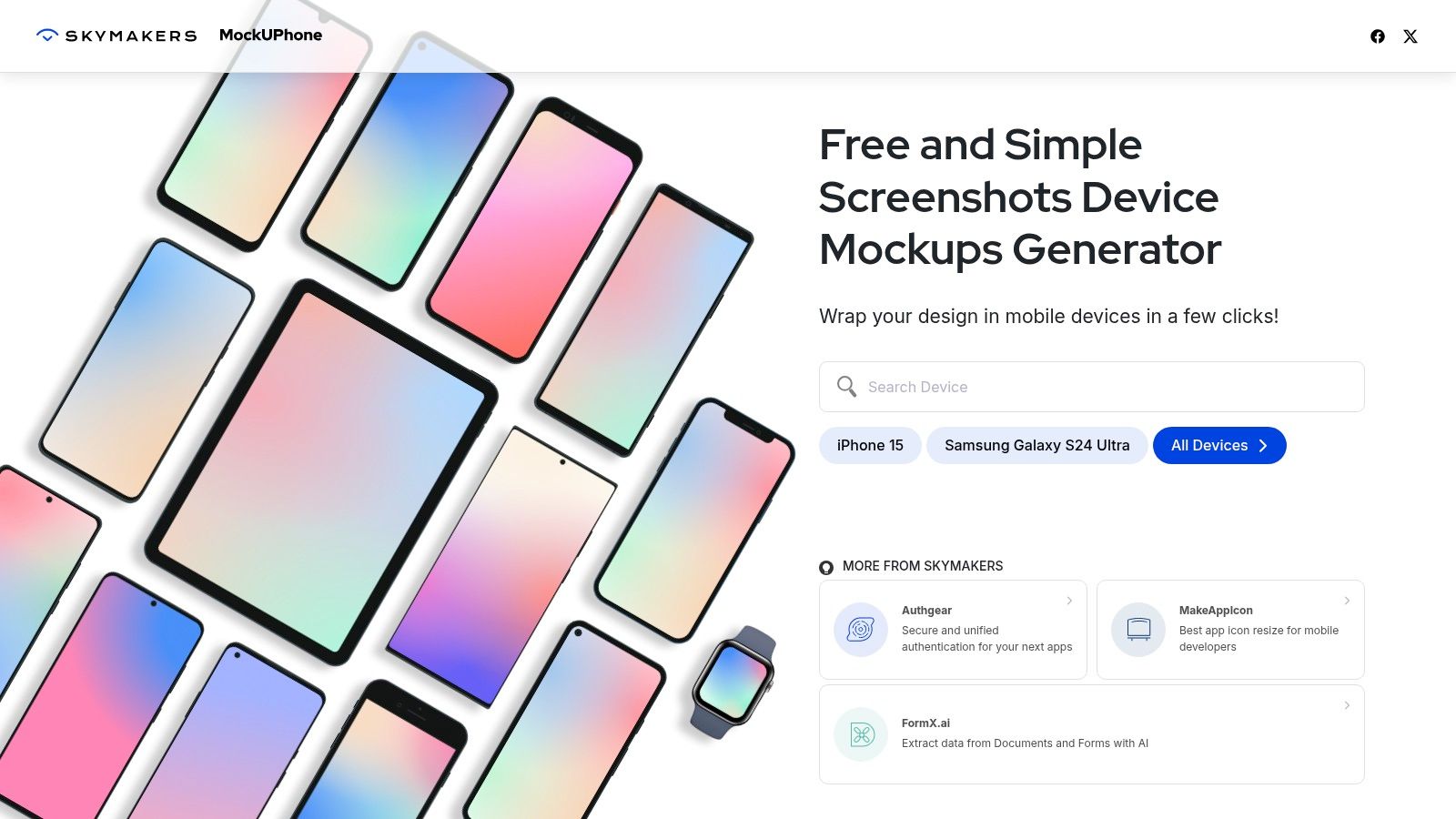
MockUPhone is the straightforward choice when the deliverable is just a screenshot inside a device frame. Upload the screen, select a device, and generate the framed image. There's no need to compose a lifestyle scene when the team only wants a recognizable mobile presentation.
MockUPhone is free, runs in the browser, and covers iOS and Android devices, including recent flagship models. Its minimal workflow suits internal slides, early concept sharing, and quick platform-specific visuals.
Framing isn't interaction fidelity
The trade-off is limited customization beyond the device frame. MockUPhone doesn't provide scene composition or 3D motion, so it's not the resource for a cinematic launch asset.
A hypothetical field-service app illustrates the distinction. A framed job-detail screen helps colleagues understand the layout, but it won't establish whether technicians can reliably tap adjacent actions.
Android's touch-target accessibility guidance recommends targets of at least 48 × 48 dp, with at least 8 dp separation between neighboring targets; a 24 dp icon can use surrounding padding to achieve the larger interactive area.
Review those hit areas in the prototype or implementation, not in the decorative frame. A button may look substantial in a presentation while its actual interactive area remains too small.
Use MockUPhone to package the screen quickly, then return to the unframed design for layout inspection. That separation keeps a useful presentation shortcut from becoming a substitute for product testing.
10. Placeit by Envato
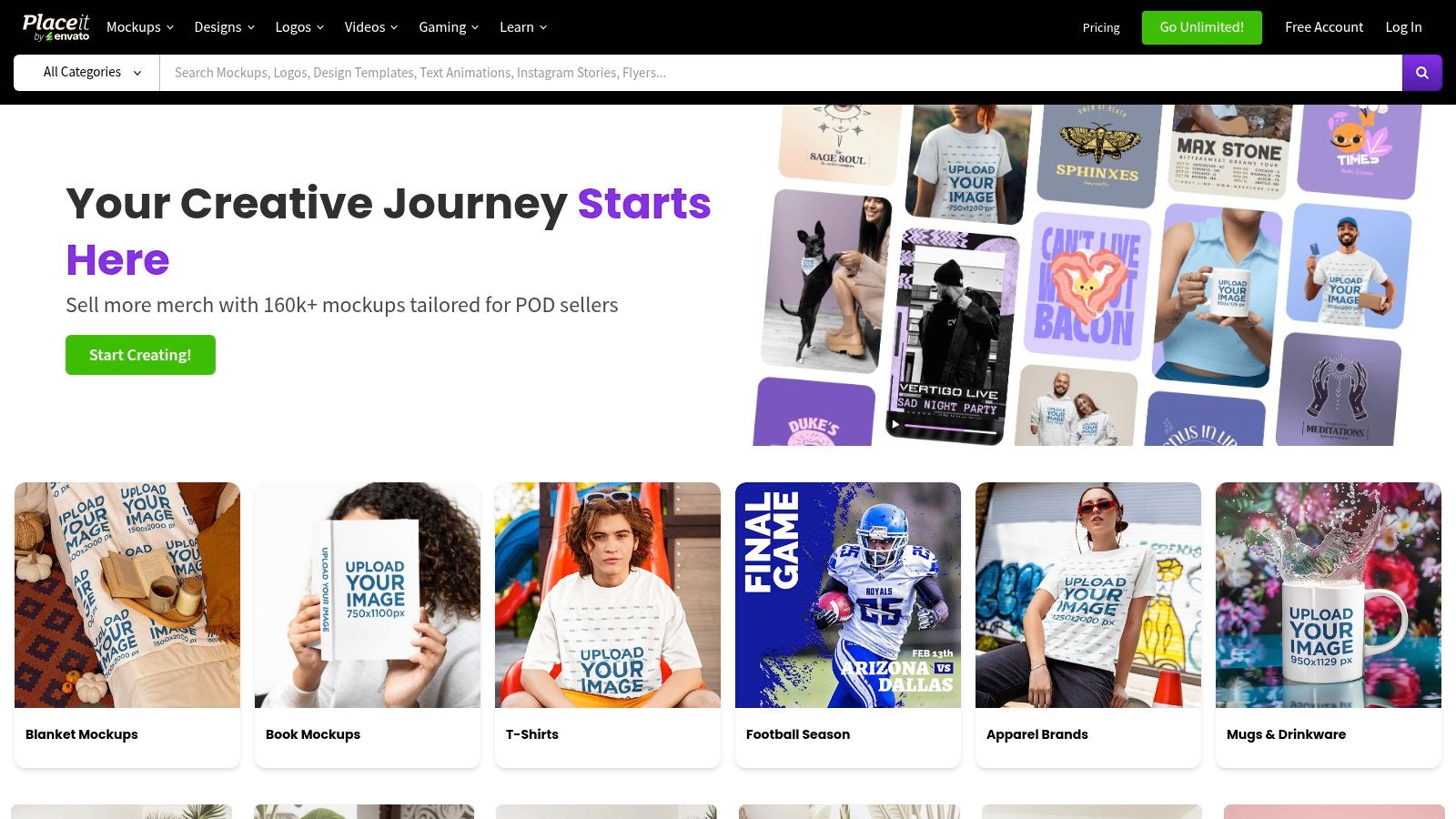
Placeit by Envato fits product teams producing a broader launch campaign. Its browser-based generator combines mobile mockups, lifestyle scenes, video templates, and other marketing assets without requiring design software.
The searchable scenes, models, and categories are useful when the communication needs to show an app in context. For a hypothetical meal-planning product, a lifestyle scene could support launch messaging, while a simpler device composition would better explain the shopping-list interface.
Choose scenes for relevance, not decoration
Placeit by Envato offers monthly and annual subscriptions with unlimited downloads and commercial use available through subscription. Confirm current pricing on its official pricing page rather than budgeting around an assumed rate.
The advantage is breadth across devices, lifestyle imagery, apparel, and ads. A product team can prepare related image and video assets within the same service instead of selecting a different resource for every marketing format.
- Best use: Multiple campaign variants that need recognizable product context without custom scene construction.
- Main limit: Device angles are less precisely controlled than in dedicated 3D applications.
- Review priority: Check that the scene supports the intended message and leaves enough room to read the interface.
A lifestyle mockup shows a context; it doesn't demonstrate that users can complete a task in that context. Keep launch-image approval separate from usability approval.
For teams deciding whether they need presentation templates or an interface-building workflow, RapidNative's mobile app mockup tools guide provides a relevant comparison starting point.
Top 10 Mobile App Mockup Tools Compared
| Tool | Core Features | Best For | Standout Advantage | Key Limitation | Price |
|---|---|---|---|---|---|
| Canva Mockups | Device frames, templates, brand kits, collaboration | Teams creating mockups and marketing assets | Large design ecosystem and collaboration tools | Limited control over device angles | Free; Pro $144/year; Business $250/person/year |
| Mockuuups Studio | 5,300+ mockups, Figma plugin, 4K exports, preview links | Figma-based teams and client reviews | Fast Figma workflow with commercial licensing on paid plans | Free exports are limited and non-commercial | Free tier; Pro $12/month annually or $20 monthly; Teams from $18/user/month annually |
| Artboard Studio | 5,000+ mockups, 2D/3D scenes, video, AI generation | Creators and agencies producing varied assets | Strong in-browser video mockup tools | Steeper learning curve | Free tier; Mockup Forever $129; subscriptions available |
| Rotato | 3D device models, animation, camera paths, video exports | Polished app launch videos and showcases | Detailed 3D control and high-resolution exports | Mac app is Mac-only; more complex to learn | Mac app one-time purchase; Web subscription |
| Previewed | 2D/3D mockups, animations, store assets, JPG/PNG/MP4 | App Store and Google Play assets | Combines static mockups and promotional video | Advanced features require paid tiers | Free Lite; Plus $9.99 one-time; Pro $19/month billed annually |
| Mediamodifier | 10,000+ templates, device scenes, editor, API | Teams automating mockup production | API, team seats, and broad template library | Template-based, with limited angle control | Professional $19/month or $190/year; Team $45/month or $450/year |
| Screely | Window frames, backgrounds, annotations, PNG/PDF export | Quick documentation and screenshot sharing | Free, local processing with no signup | No handheld device scenes or 3D mockups | Free |
| Shotsnapp | Device frames, templates, Unsplash backgrounds, PNG/JPEG export | Quick social and marketing visuals | Simple workflow and affordable upgrade | Smaller library; no advanced 3D controls | Free tier; Pro $48/year |
| MockUPhone | iOS and Android device frames, upload-and-generate workflow | Fast, straightforward device-framed screenshots | Free and minimal setup | Limited customization; no 3D motion | Free |
| Placeit by Envato | Mobile mockups, lifestyle scenes, video and marketing templates | Non-designers creating varied marketing assets | Broad image and video template library | Limited device-angle control; pricing may vary | Monthly and annual subscriptions; check current pricing |
Build a Mockup Workflow That Scales
Start with the output you need, not the tool with the largest library. Use MockUPhone for straightforward framing, Screely for documentation, Canva for collaborative presentation work, and Previewed for store-oriented assets. Choose Rotato when camera movement is central to the launch story, or consider Mockuuups Studio, Artboard Studio, Mediamodifier, Shotsnapp, and Placeit according to the scene, production volume, and editing control required.
Keep source screenshots separate from presentation mockups. Store the editable interface, exported screen, and final composition as distinct assets so a navigation change doesn't force the team to recreate every launch image. Export at the final presentation or store dimensions, inspect device framing and text legibility, and confirm commercial licensing before sharing assets publicly.
Validate the product behind the presentation
A polished mobile app display mockup can support review, but usability approval requires connected tasks. Ask representative users to complete the product's main journey, including relevant loading, error, keyboard, and back-navigation states. Use wireframe best practices for apps as a companion resource when the team still needs to resolve structure before polishing presentation assets.
Nielsen Norman Group recommends five users for a qualitative usability study, emphasizing repeated small tests rather than a single large round in its guidance on why testing with five users is useful. Recruit people who match the product's intended audience, give them realistic tasks, and revise the highest-severity issues before testing again.
- Presentation review: Check whether the image communicates the feature clearly at its actual display size.
- Product review: Check whether users understand labels, find actions, complete the flow, and recover from mistakes.
- Handoff review: Record behavior and layout expectations alongside the source screens, rather than expecting developers to infer them from a device render.
Move from images to working interfaces
Preview important flows on actual devices rather than relying exclusively on desktop presentation. A 2025 study involving 100 participants compared desktop-emulator testing with testing on Android and iPhone devices, examining the distinction between those testing environments in MeasuringU's mobile-prototype research. For your own workflow, inspect thumb reach, keyboard overlap, portrait orientation, and loading or offline states.
For teams moving toward a React Native prototype, RapidNative can turn prompts, sketches, images, or PRDs into collaborative, shareable app interfaces with exportable code. Use presentation tools to explain the concept, then use a working interface to test how the concept behaves. Keep both tied to the same evolving product design.
RapidNative turns prompts, sketches, images, or PRDs into shareable React Native apps that your team can preview, refine, and export as code. Bring your mobile app mockup to RapidNative and build a connected prototype so you can test the flow behind the presentation.
Ready to build your app?
Turn your idea into a production-ready React Native app in minutes.
Free tools to get you started
Free AI PRD Generator
Generate a professional product requirements document in seconds. Describe your product idea and get a complete, structured PRD instantly.
Try it freeFree AI App Name Generator
Generate unique, brandable app name ideas with AI. Get creative name suggestions with taglines, brand colors, and monogram previews.
Try it freeFree AI App Icon Generator
Generate beautiful, professional app icons with AI. Describe your app and get multiple icon variations in different styles, ready for App Store and Google Play.
Try it freeFrequently asked questions
What is RapidNative?
RapidNative is an AI-powered mobile app builder. Describe the app you want in plain English and RapidNative generates real, production-ready React Native screens you can preview, edit, and publish to the App Store or Google Play.
Can I export the code?
Yes. RapidNative generates clean React Native and Expo code that you can export at any time. No lock-in, no proprietary format. Hand it to your developers or keep building inside RapidNative.
Is RapidNative free to use?
Yes. You can build apps on the free plan with no credit card required. Paid plans unlock unlimited AI generations, code export, and direct publishing to the App Store and Google Play.
Do I need to know how to code?
No. Most users build apps by describing what they want in plain English. Developers can drop into the code whenever they want more control, but coding is optional.
How long does it take to build an app?
Most users have a working first screen in under a minute. A full MVP usually takes a few hours instead of the weeks or months traditional development requires.