10 UI UX Prototyping Software Tools for Mobile Apps
Compare 10 ui ux prototyping software tools for mobile products, including features, trade-offs, pricing context, and when to use RapidNative.
By Riya
21st Sep 2026
Last updated: 21st Sep 2026
A mobile feature idea rarely fails because the team lacked enthusiasm. It fails because the team picked the wrong kind of prototype for the decision in front of them. If you're trying to validate an onboarding flow by Friday, a static mockup might be enough. If you're testing gestures, camera access, biometric login, or whether a flow feels believable on a real phone, a simple click-through won't tell you much.
That's job of UI UX prototyping software for mobile teams. It helps you decide whether you need a wireframe, a polished interactive mockup, a sensor-aware simulation, or something much closer to the actual app. Low-fidelity prototypes work well when you're checking structure and information architecture, while high-fidelity prototypes are better when you need to evaluate interactions, copy, and visual hierarchy, as explained in Netguru's guide to mobile app prototyping. Research also suggests lower-fidelity prototypes can work well early on because fidelity affects feedback more than basic usability scores, according to this UBC study on mobile app prototype fidelity.
The short list comes down to six things: fidelity, collaboration, device realism, engineering handoff, pricing model, and how far the output can move toward production.
Practical rule: Pick the cheapest prototype that can answer the next product question with confidence.
No single tool wins every stage. Some are best for sketch-to-concept speed. Others shine when you need realistic motion, conditional logic, or code your developers can ship.
1. RapidNative
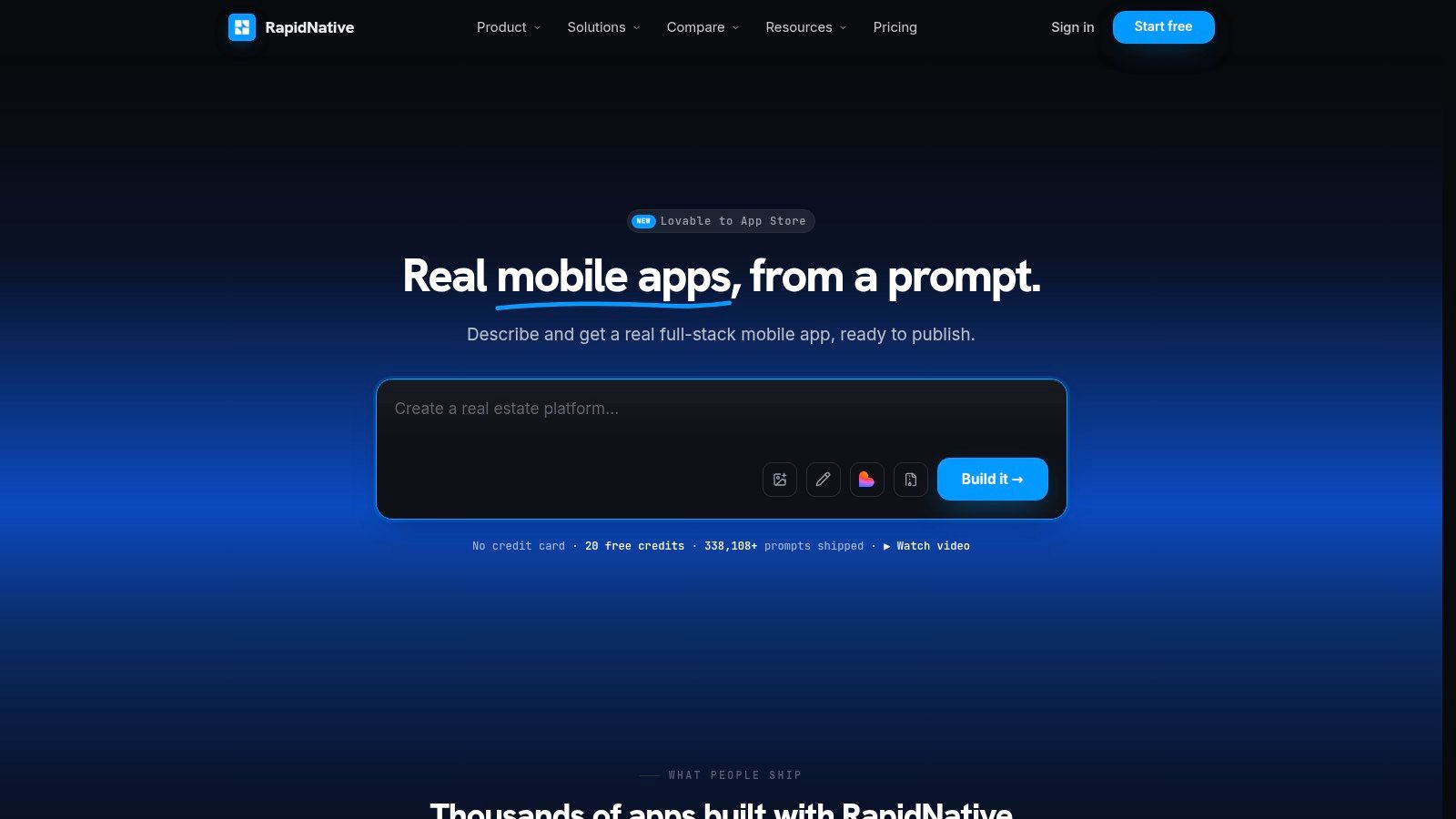
RapidNative is the option I'd put in front of a founder or product team that doesn't want the prototype to die in design review. It takes a short prompt, sketch, image, PRD, or whiteboard idea and turns it into a live React Native and Expo app that you can preview on a phone through a link or QR code. That changes the conversation fast, because people stop reacting to static screens and start reacting to a working interface.
The biggest difference is distance to production. A lot of UI UX prototyping software helps you simulate an app. RapidNative generates exportable React Native code, so engineers can keep building from the output instead of rebuilding everything from scratch in another stack. It also scaffolds practical app foundations like auth, database, file storage, realtime updates, and routing, which matters when your prototype needs to behave like a product instead of a slideshow.
Where it fits in the mobile journey
RapidNative works best when the team starts with loose inputs and wants to move quickly toward realistic validation. A founder can paste a PRD. A designer can start from a sketch. A PM can turn a feature brief into something testable. A developer can step into the in-browser code editor and clean up edge cases without waiting for a separate handoff cycle.
That makes it unusually strong in the messy middle of product work, where teams need both speed and technical continuity.
- Best for realistic mobile validation: Screens, navigation, and reusable components render live, so the app feels closer to the final experience than a basic click-through.
- Best for cross-functional teams: Designers, PMs, and developers can collaborate in real time instead of passing files back and forth.
- Best for app-bound prototypes: Native features like camera, push, GPS, and biometrics make it useful when web-first tools stop being believable.
RapidNative also offers a free starting point with 20 credits, and paid plans begin at $20 per month on Starter, with higher tiers and enterprise options available through RapidNative. If the team needs to push beyond prototyping, its Deploy service can handle app store publishing steps including metadata, signing, compliance, and resubmissions after rejection.
The strongest use case is simple. You need to validate a mobile app idea, and if it works, you want a head start on the actual build.
Trade-offs to expect
RapidNative isn't magic. Highly bespoke UI systems and some third-party integrations still need manual work, and unusual backend logic can outgrow the generated scaffolding. That's normal for any AI-assisted build workflow. The difference is that the output doesn't trap your team in a locked canvas.
The social proof is meaningful too. RapidNative says it has shipped over 338,108 prompts and names customers including Dubizzle, FPTO, and Theodo on its official product site.
2. Figma
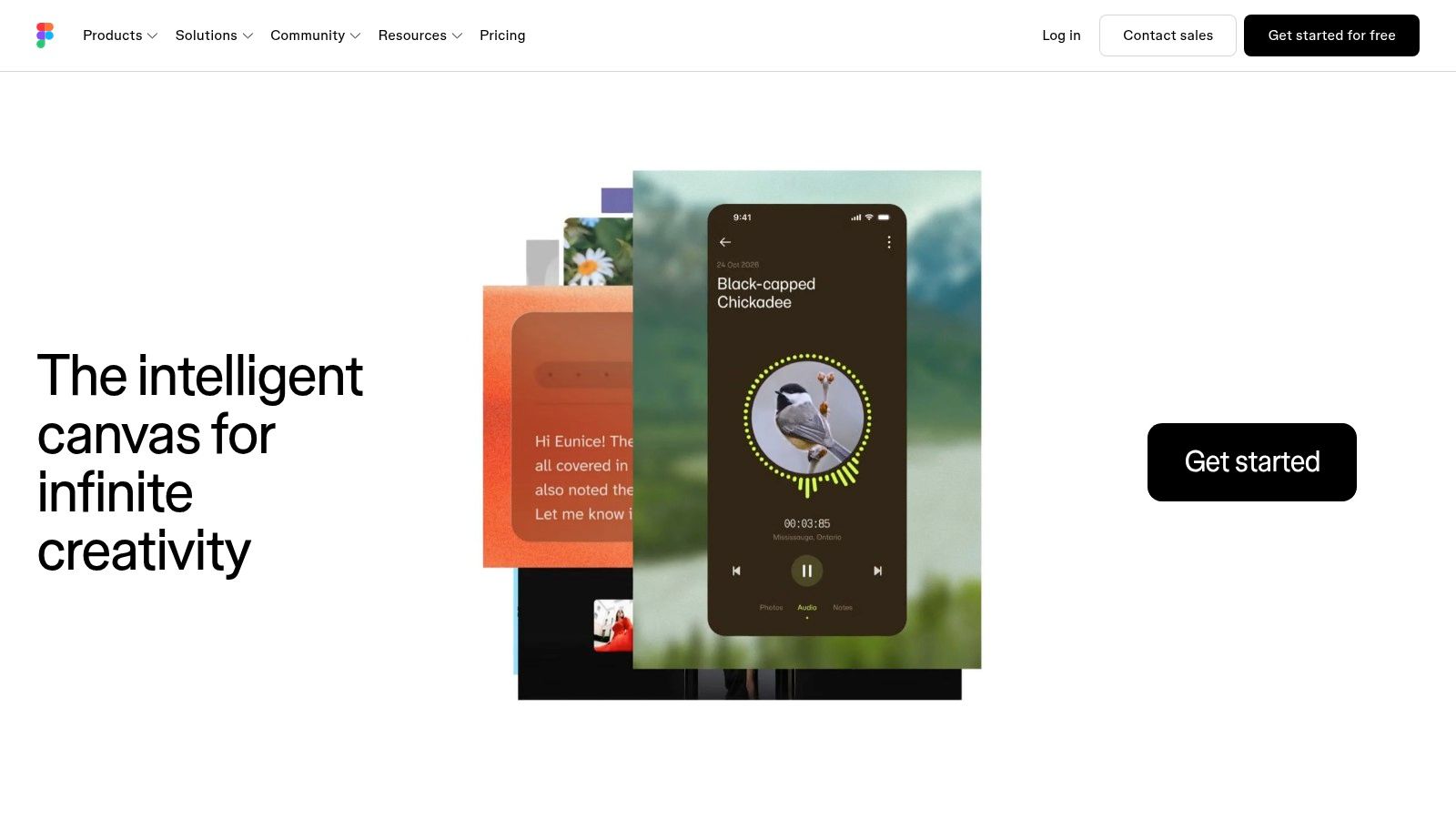
Figma is still the default answer for a reason. If your mobile team wants one browser-first workspace for UI design, stakeholder review, prototyping, comments, and handoff, Figma is usually the least controversial choice. It's widely adopted, easy to share, and familiar to almost everyone involved in product work.
Its real advantage isn't just drawing screens. It's how quickly a PM, founder, designer, and engineer can all react to the same file without setup drama. That matters more than feature depth in early product decisions.
Best when the team needs alignment first
Figma is strongest during concept exploration and early to mid-stage validation. Variables, conditional logic, expressions, advanced animations, and multi-action interactions give it enough depth for many mobile flows, especially onboarding, subscriptions, account setup, and standard commerce paths. Dev Mode also helps developers inspect spacing, tokens, and component details without asking for separate redlines.
The market has clearly settled around this kind of browser-accessible workflow. Cloud-based UI and UX design software accounted for 68.19% of market share in 2025 and was projected to grow at a 32.98% CAGR through 2031, according to Mordor Intelligence's UI UX market report.
- What works well: Collaborative reviews, design systems, fast iteration, broad team familiarity.
- What doesn't: Heavy files can drag, and pricing tiers plus AI credits can get confusing for larger organizations.
- What to watch: Figma prototypes can look production-ready long before they answer whether the experience should become production code.
If your team eventually wants to bridge visual design into working mobile code, it helps to understand the Figma to code workflow for React Native.
3. Sketch
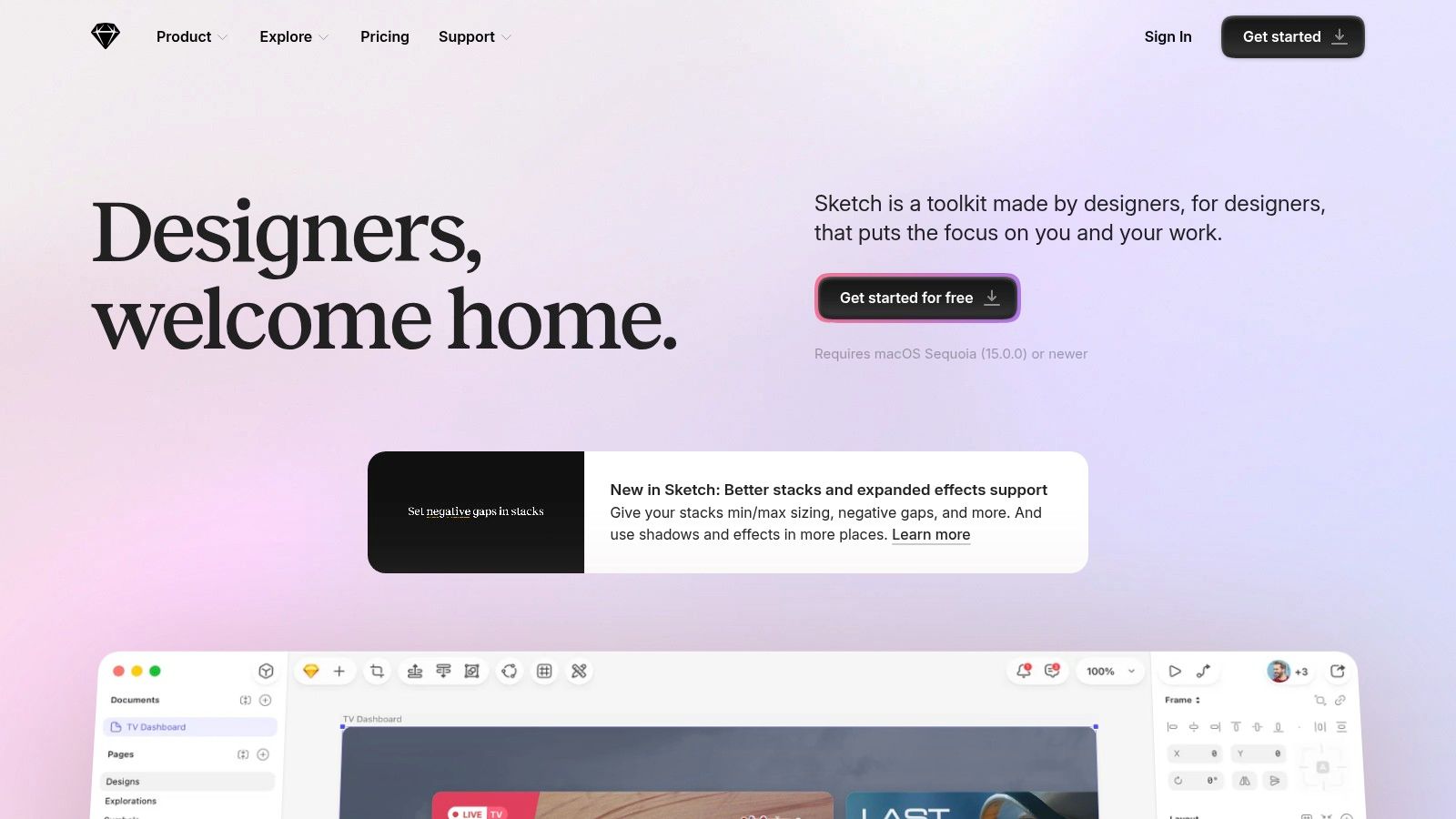
Sketch still makes sense for a certain kind of mobile team. If your designers are deep in the Apple ecosystem, prefer a native Mac app, and don't need advanced simulation logic, Sketch remains fast, clean, and pleasant to work in. That last part matters more than people admit.
Its prototyping model is straightforward. You build click-through flows, preview on iPhone or iPad, and share through the web app for review. For many startup apps, that's enough to validate a basic user journey before spending time on interaction polish.
Where Sketch still earns its place
Sketch is a practical fit when your design team values authoring speed over all-in-one complexity. The native editor feels lighter than many browser-based alternatives, and the pricing model is easier to reason about if you like the idea of a perpetual Mac-only license alongside subscription options.
That said, the editor being Mac-only is the biggest constraint. The moment your team includes Windows-based designers or more code-heavy prototyping expectations, Sketch becomes a narrower bet.
If your workflow is mostly designer-led and Mac-based, Sketch stays out of the way in a good way.
For teams that want to carry Sketch work into a working mobile build, this Sketch to React Native path is the practical next step.
- Best use case: Fast mobile concept design and stakeholder review.
- Less ideal for: Complex app states, simulation-heavy testing, or highly mixed operating-system teams.
- Good trade: Simplicity over deep logic.
Use Sketch when your bottleneck is design execution speed, not behavior modeling.
4. Axure RP
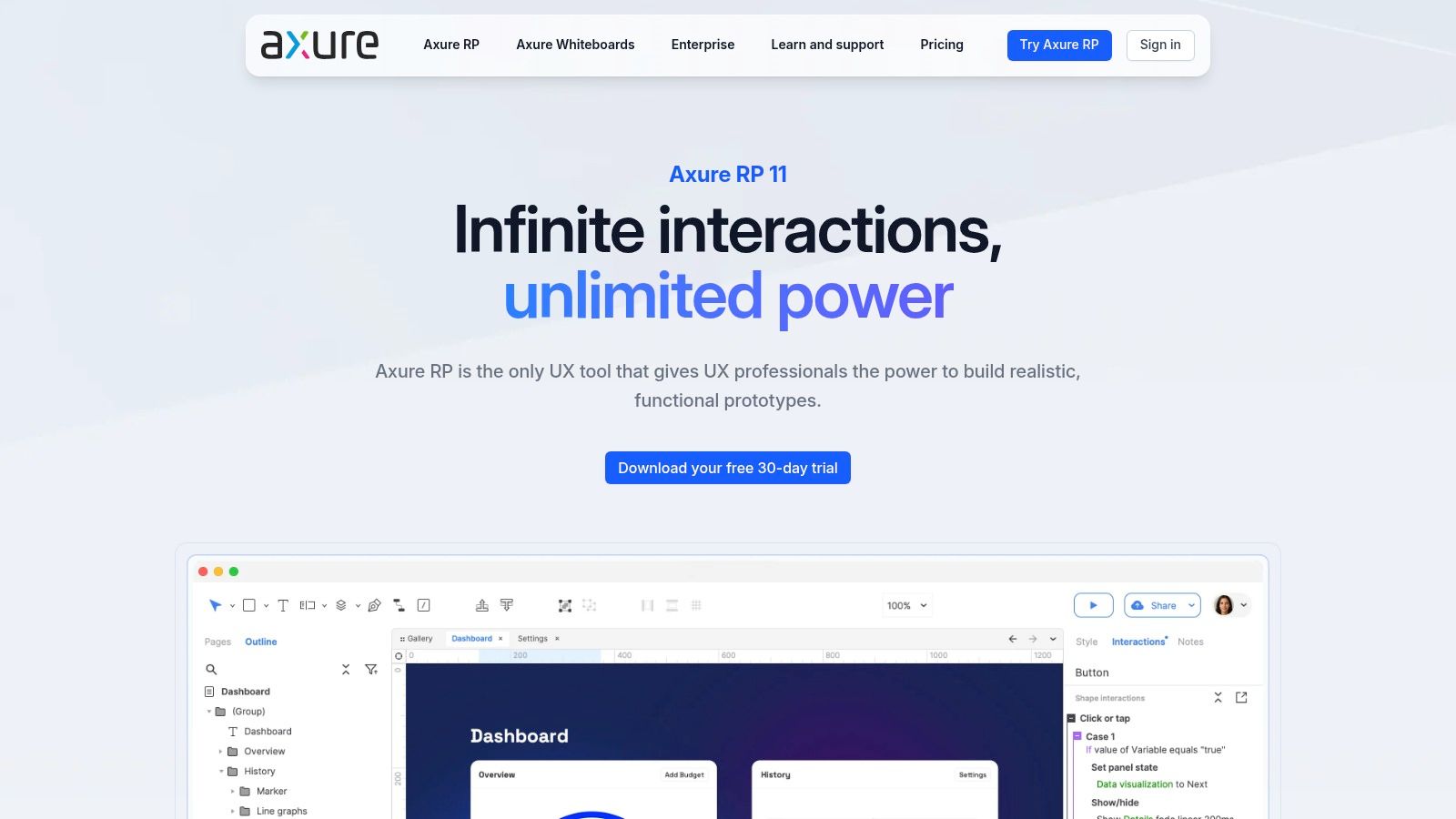
Axure RP is what I reach for mentally when a team says, “This app has too many states for a normal prototype.” It's built for complexity. Repeaters, conditional logic, dynamic panels, and data-driven forms let you simulate behavior that most canvas-first tools gloss over.
That makes Axure especially useful for fintech, healthcare, enterprise operations, or internal tools where users don't just tap through polished screens. They sort, filter, submit, correct, compare, and move through branching states that need to behave credibly before development starts.
Strongest when realism means logic, not polish
Axure isn't the prettiest environment, and it doesn't try to be. It's for teams that need to answer hard questions about behavior. Can a form adapt to different inputs? Can the prototype mimic permissions, state changes, and complex task paths? Can product, design, and compliance review one artifact together?
That's where it shines. It also helps when the prototype needs to double as documentation.
- Best for: Complex workflows, enterprise UX, near-product interaction logic.
- Best avoided when: The team only needs quick visual validation and broad casual feedback.
- Main drawback: The learning curve is steeper than Figma or Sketch, and the price feels heavier if you only use a fraction of its depth.
Axure makes more sense after the team has already validated the broad concept and now needs to reduce implementation risk. If you're still deciding what kind of mobile prototype to build in the first place, this broader guide to mobile app prototyping software can help frame the choice.
5. ProtoPie
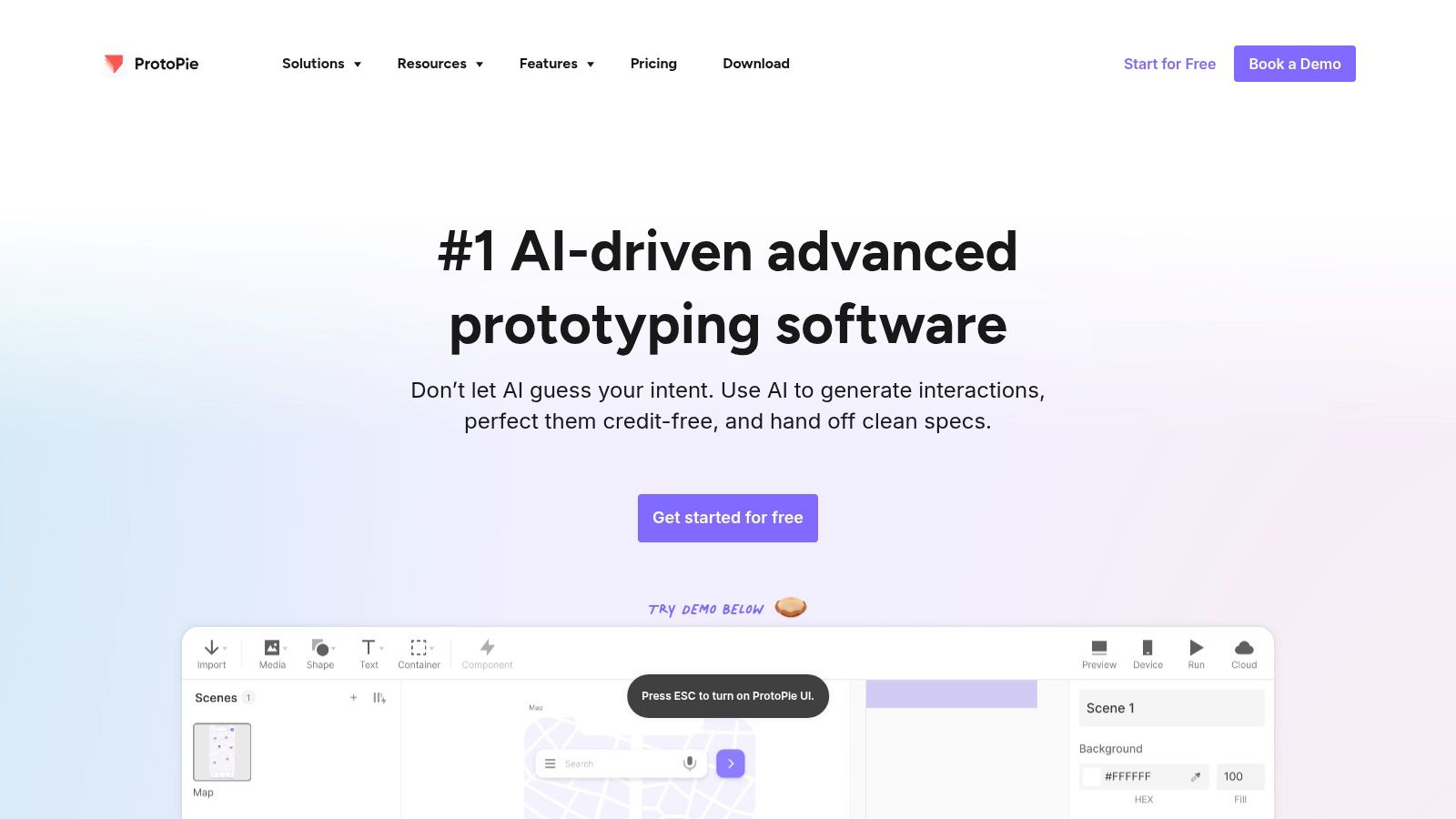
ProtoPie is for teams that care whether the mobile experience feels right, not just whether the screens connect. That distinction matters. If your app depends on gestures, sensor input, layered transitions, voice or microphone interactions, or connected device behavior, ProtoPie gets you much closer to reality than standard click-through tools.
This is one of the few tools that can help a team test interaction nuance before code. Tilt, camera, mic, variables, formulas, and cross-device communication are all on the table.
Best for interaction-heavy mobile products
ProtoPie earns its keep when product quality depends on timing and physicality. Fitness apps, smart-device interfaces, camera workflows, map interactions, and onboarding patterns with gesture learning all benefit from a prototype that behaves like a device, not a slideshow.
That aligns with what tool adoption data suggests. In UX Tools' survey, Figma was the top wireframing and prototyping choice at 72% of respondents, but advanced prototyping satisfaction was higher for specialized and code-based tools at 4.54 out of 5 and 4.51 out of 5, compared with 4.08 out of 5 for Figma, according to UX Tools' prototyping survey results.
A believable mobile prototype often needs sensor behavior, timing, and state changes. Screen linking alone won't surface those problems.
ProtoPie's trade-off is simple. It asks more from the person building the prototype. That's worth it when the interaction itself is the product risk. It's overkill when the question is just whether users understand the flow.
6. Justinmind
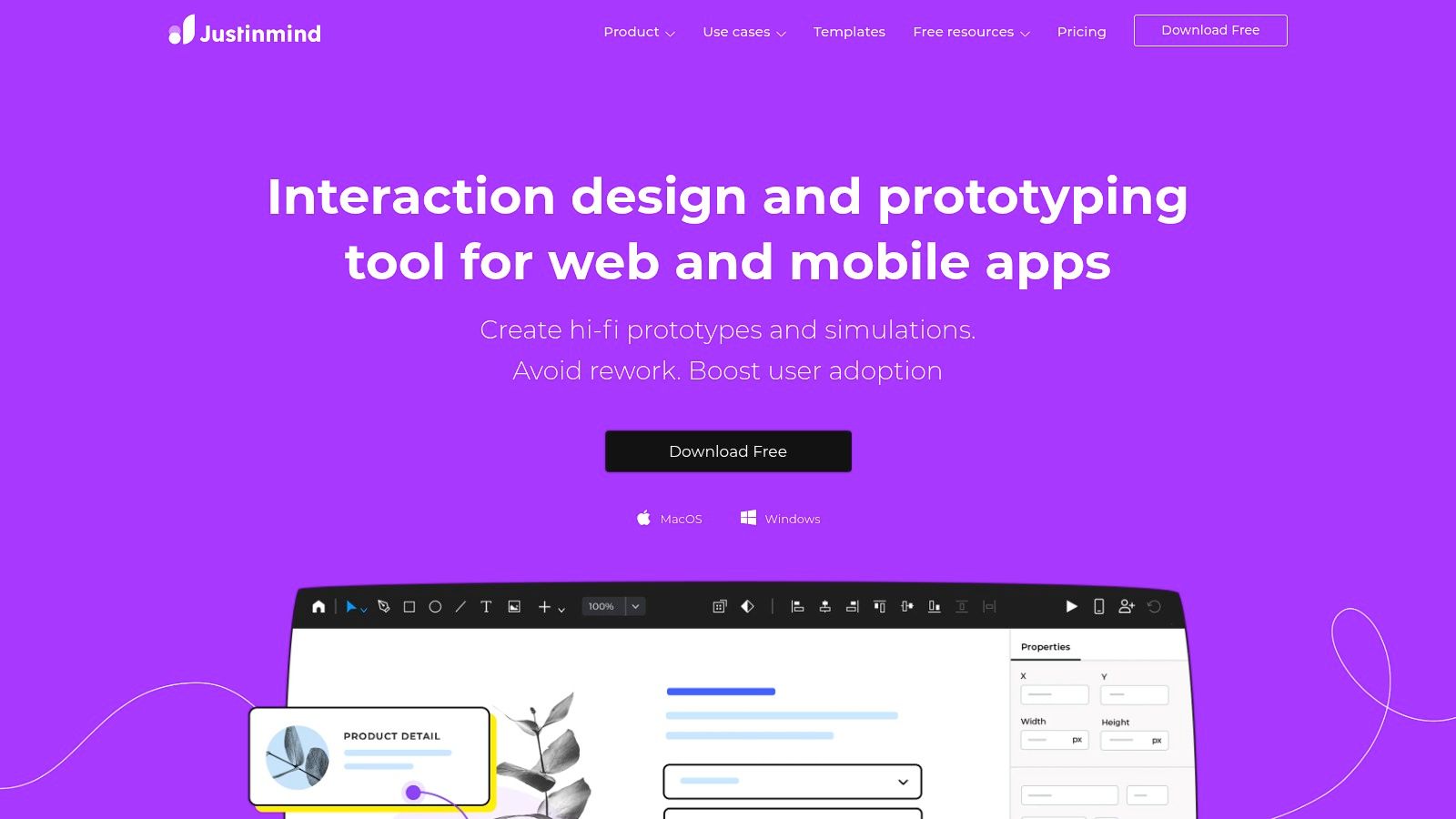
Justinmind sits in a useful middle ground that a lot of teams overlook. It can handle advanced interactions, variables, forms, and conditions, but it also leans into requirements, user flows, and exportable deliverables. That makes it valuable when a mobile project needs documentation discipline, not just visual momentum.
For product teams in regulated or process-heavy environments, that combination matters. You can prototype the app and produce artifacts that stakeholders, delivery leads, and developers can use.
Good fit for documentation-heavy delivery
Justinmind is strongest when design decisions need a paper trail. Integrations with Jira and Azure DevOps help teams connect prototype work to broader delivery systems, and HTML export helps with offline review or controlled stakeholder environments.
It's less fluid than browser-native tools, and the interface can feel heavier than newer products. But if your team routinely hears, “Can you also include the flow, specs, and requirements?” Justinmind starts to look practical very quickly.
- Works best for: Enterprise and agency workflows with approval layers.
- Works less well for: Fast, multiplayer concept jam sessions.
- Hidden benefit: It handles the administrative side of prototyping better than many trendier tools.
I wouldn't pick Justinmind for a founder trying to validate an idea over a weekend. I would pick it for a team that needs the prototype to survive procurement, review cycles, and implementation planning.
7. Penpot
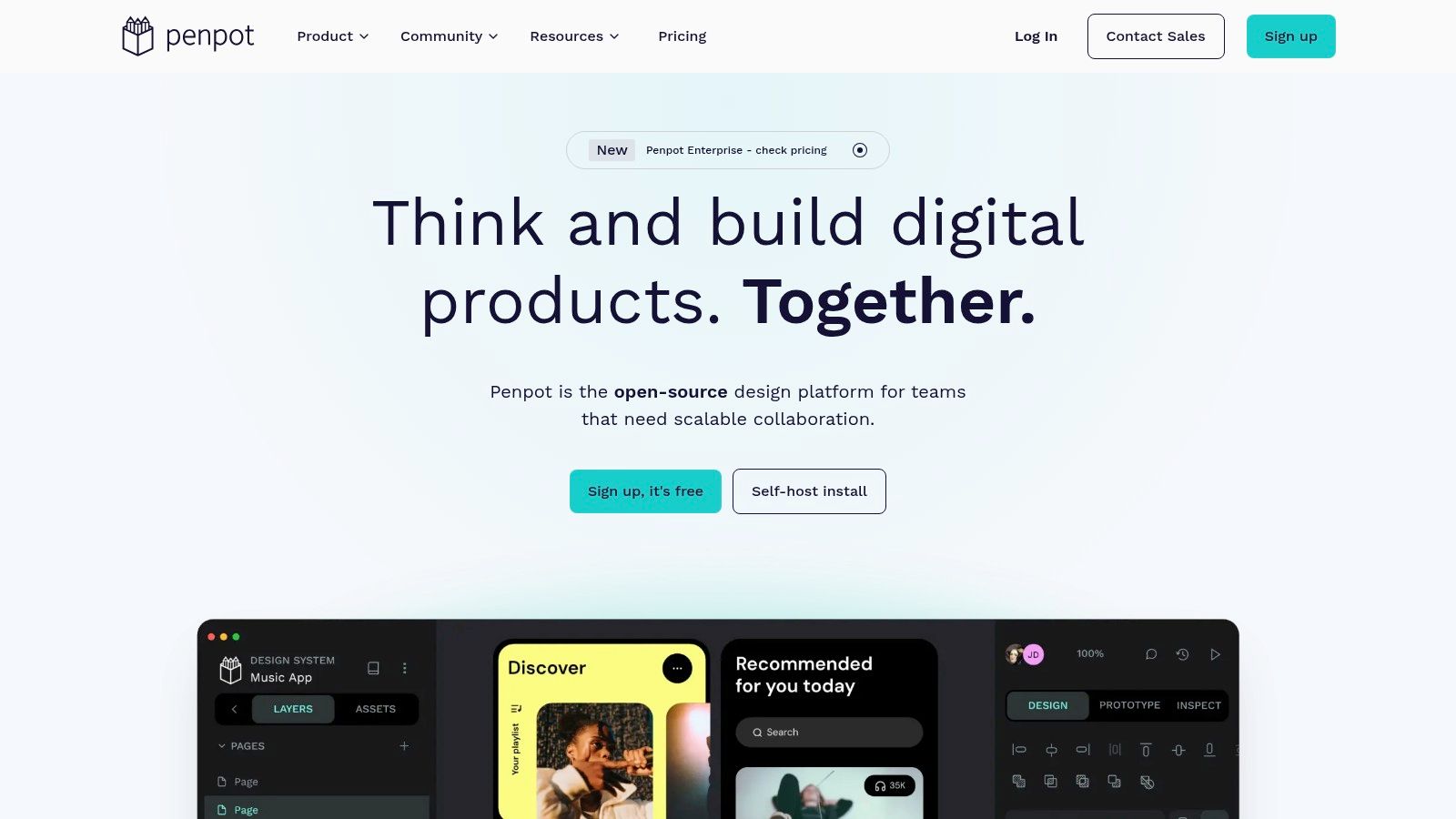
Penpot becomes attractive when ownership matters as much as features. If your company wants open-source software, self-hosting, and less dependence on a single commercial design vendor, Penpot deserves a serious look. It covers design and prototyping in one place and gives teams more control over where their work lives.
That's not a niche concern anymore. Product teams in healthcare, government, and larger enterprises often care about infrastructure control long before they care about the newest AI add-on.
Best when procurement and governance shape the tool choice
Penpot isn't trying to beat Figma at ecosystem depth today. Its advantage is strategic. You get migration flexibility, self-hosting options, and open formats that reduce lock-in pressure over time.
For some teams, that's enough to outweigh a smaller plugin ecosystem and still-maturing advanced features. Penpot also lowers the barrier for organizations that want collaborative UI UX prototyping software without committing to a closed platform from day one.
Teams rarely regret choosing more ownership when compliance, security review, or long procurement cycles are involved.
Choose Penpot when platform control is the requirement. Don't choose it because you expect the broadest marketplace or the most polished AI workflow right now.
8. Uizard
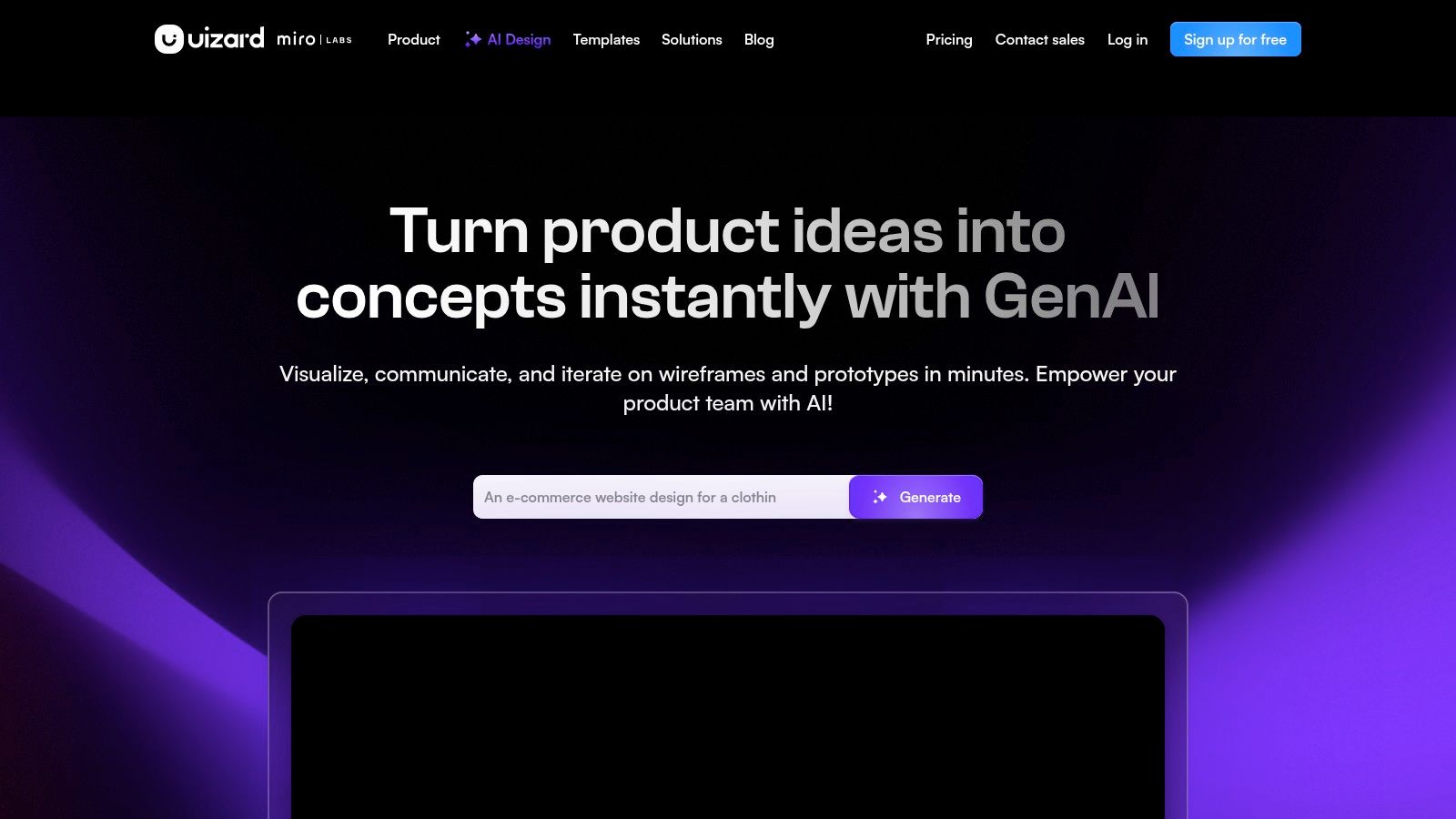
Uizard is one of the easiest tools to hand to a non-designer who still needs to make progress. Founders, PMs, and early-stage teams can turn prompts, sketches, and screenshots into editable mockups fast, then build simple clickable prototypes without learning a heavyweight design system first.
That speed is its strongest argument. You can go from rough concept to visual artifact quickly enough to make an early product conversation concrete.
Where Uizard helps and where it stops
Uizard is best at the front of the mobile journey. It helps teams externalize ideas, compare directions, and get stakeholders reacting to something visual. It's especially useful when the bottleneck is not interaction design depth, but getting the first version of the concept on screen.
That broader shift toward AI-assisted prototyping is already visible. UX Tools' Spring 2026 survey collected 1,478 responses across 18 world regions, and an independent summary noted that the most-used tool after Figma was an AI tool, according to the UX Tools Spring 2026 survey.
- Good for: Early ideation, founder-led concepting, first-pass mockups, simple clickable flows.
- Less good for: High-fidelity interaction testing and refined production handoff without cleanup.
- Practical reality: The output usually needs a designer's eye before it should guide engineering.
Uizard is useful because it lowers activation energy. It is not a substitute for deeper validation when behavior and implementation start to matter.
9. Principle for Mac
Principle is the tool you use when motion is the design problem. Not the layout. Not the copy. Motion. If a transition feels off, if a gesture response seems heavy, or if a micro-interaction needs to communicate status or delight, Principle is still one of the cleanest ways to study it.
The timeline-based model gives designers direct control over pacing and states without dropping into a more technical node or patch system.
Great for motion studies and demos
Principle works well for designers who already have static screens in Figma or Sketch and need to answer a narrow but important question. How should this interaction move? That could mean tab transitions, card expansion, pull gestures, loading states, or subtle onboarding cues.
It's also useful for communication. Video and GIF export make stakeholder review easier, and developers often understand nuanced motion better from a Principle clip than from comments on a static frame.
Its limitations are clear. It's Mac-only, not multiplayer, and not built for large-scale system collaboration or deep logic. That's fine. Principle isn't trying to run your entire product workflow. It's trying to make one interaction unmistakably clear.
10. Origami Studio
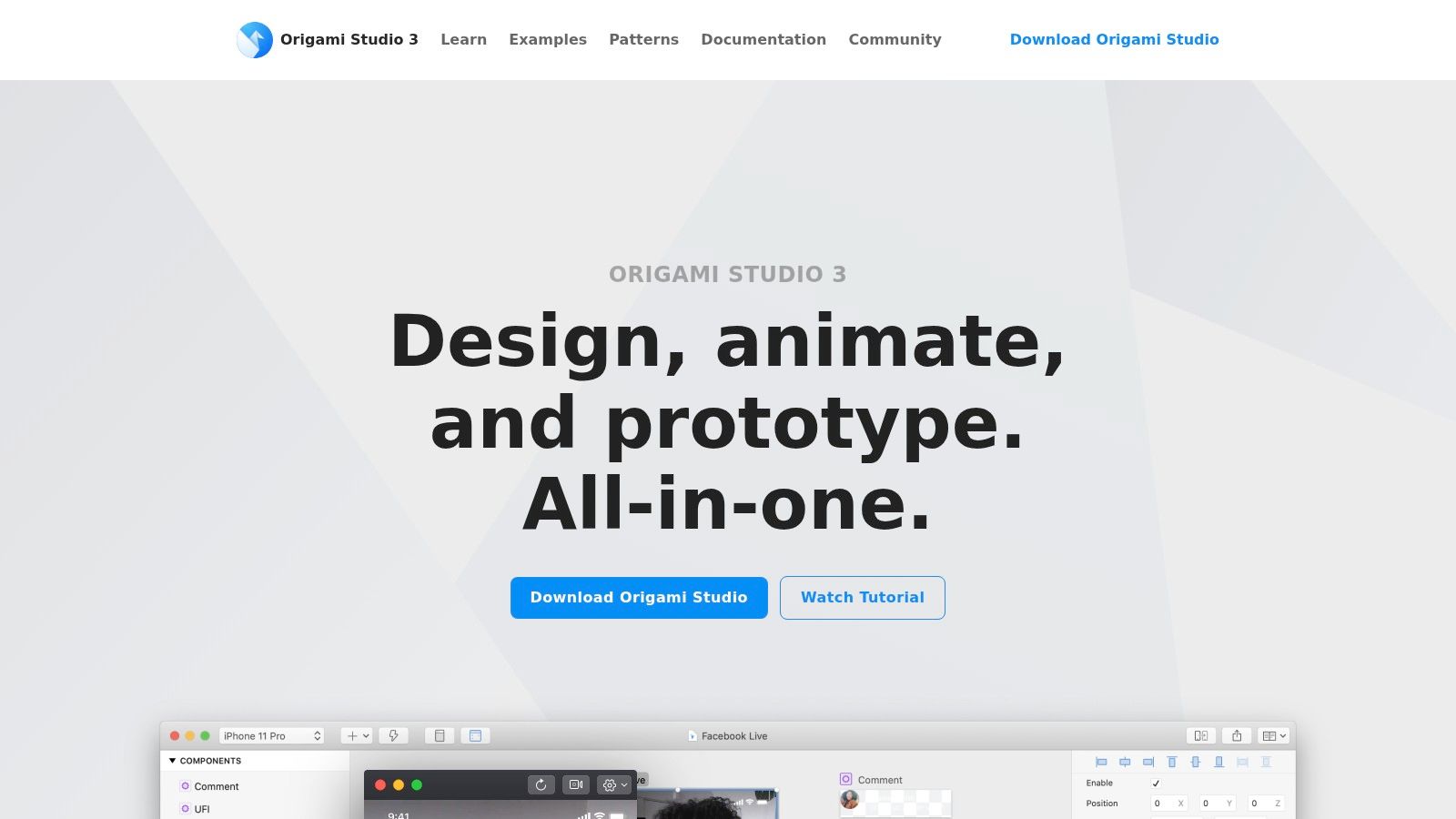
Origami Studio is powerful in the way advanced tools often are. It doesn't flatter beginners, but it gives experienced interaction designers unusually fine control over logic, animation, and data flow. If your team needs to model complex behavior before implementation, Origami can do things simpler tools can't.
The patch-based workflow rewards patience. Once you understand it, you can build mobile prototypes that feel much closer to a real app than standard screen-linking tools allow.
Best for teams exploring behavior in depth
Origami is a strong pick for mobile products where timing, transitions, states, and response chains need close inspection. Live preview on iOS and Android helps, and integration with Figma and Sketch makes it easier to pull design work into a more behavior-focused environment.
This kind of realism has a long lineage. Industry history reviews place the first major period of GUI prototyping before 1995 with UIMS tools, followed by a 1995 to 2005 period where designers could draw functional prototypes and sometimes sketch interfaces directly. Broader software-project research also found prototyping was used in 71% of software projects in 1995 and 60% in a later web survey, according to Global Growth Insights' review of UI and UX design software history.
Origami is not the mainstream team default. It's the right pick when mainstream defaults stop answering the hard interaction questions.
Top 10 UI/UX Prototyping Tools Comparison
| Product | Core features | UX & quality | Value proposition | Target audience | Price / Notable USP |
|---|---|---|---|---|---|
| RapidNative (recommended) | AI prompt/sketch/PRD→React Native + Expo, full‑stack scaffolding, native APIs, live preview, Deploy to stores | Real‑time rendering as you type, shareable phone links/QR, collaborative in‑browser editor, production‑ready code | Rapidly moves ideas to shippable apps, exportable clean code (no lock‑in), reduces handoff & rework | Founders, PMs, designers, developers, agencies, product teams | Free starter (20 credits), paid from $20/mo, Enterprise; exports production RN code, app store deploy service |
| Figma | Browser-based design, interactive prototyping, variables, Dev Mode, plugins | Real‑time multiplayer, excellent shareability, scalable performance (can lag on huge files) | End‑to‑end design workflow, design systems, seamless handoff | Designers, product teams, enterprises, cross‑functional teams | Free tier, paid per‑editor plans; huge plugin ecosystem |
| Sketch | Native macOS editor, click‑through prototyping, cloud storage, dev handoff | Fast native performance on Mac, device mirroring, simple previews | Lightweight, performant authoring with transparent pricing | Mac‑centric designers and small teams | Subscription or one‑time Mac‑only license; strong Mac performance |
| Axure RP | Advanced interactions, conditional logic, repeaters, data simulation, cloud | High‑fidelity, data‑driven prototypes, steeper learning curve | Best for complex UX specs, enterprise flows and usability testing | Enterprise UX teams, researchers, complex app projects | Paid (higher cost), Team edition with cloud & revision history |
| ProtoPie | No‑code conditional logic, timelines, sensor triggers, cross‑device comms | Extremely realistic mobile/device prototypes, good for hardware flows | Validate advanced mobile interactions and sensor behaviors before dev | Mobile teams, researchers, interaction designers | Paid (premium); strong for sensor/hardware prototyping |
| Justinmind | Interactive prototypes with variables, flows, specs, HTML export, DevOps integrations | Documentation-heavy, desktop-centric, solid testing/export options | Combines prototyping with requirements/spec generation for enterprise | Teams needing specs, QA, and DevOps integration | Subscription or perpetual license; Jira/Azure DevOps integrations |
| Penpot | Open‑source design + prototyping, plugins, self‑host option | Collaborative cloud or self‑host, maturing feature set | No vendor lock‑in, predictable cost, self‑hosting for compliance | Teams prioritizing security, self‑host, open standards | Free/self‑host, professional cloud plans; open formats |
| Uizard | AI prompt/sketch/screenshot→editable mockups, templates, dev handoff (CSS/React) | Fast ramp to clickable mockups, non‑designer friendly, needs refinement | Rapid ideation from PRDs/sketches, quick mockups for validation | Founders, PMs, early‑stage teams, non‑designers | Free tier, paid plans with AI credits (often annual); quick AI generation |
| Principle for Mac | Timeline animation, component states, Figma/Sketch import, video/GIF export | Pixel‑perfect motion, optimized macOS performance, simple sharing | High‑fidelity motion & micro‑interaction demos for engineering/design | Motion designers, Mac users, demo creators | One‑time license; excellent for polished animations (Mac‑only) |
| Origami Studio | Patch-based logic/data flow, live mobile preview, Figma/Sketch integration | Powerful interaction control, free, steeper learning curve, limited collaboration | Model complex behaviors and animations at no cost | Interaction designers, researchers, teams validating complex logic | Free (Mac‑only); deep data/animation control |
Match the Tool to Your Validation Stage
The mistake I see most often is treating all prototypes as if they solve the same problem. They don't. A rough concept prototype should help your team decide what to build. A high-fidelity interaction prototype should help you decide how it should behave. A code-backed prototype should help you decide whether you're close enough to ship, hand off, or invest in engineering.
Use RapidNative when you need a realistic mobile prototype that can move toward actual React Native code. That's the strongest fit for founders validating an MVP, PMs trying to reduce handoff churn, and design-engineering teams that want one artifact to survive beyond the review meeting. The prototyping software market itself reflects how established this workflow has become. It reached USD 634.1 million in 2024 and was projected to rise to USD 711.0 million in 2025, with long-range forecasts above USD 1.62 billion by 2033 and USD 1.99 billion by 2035 at roughly 11% annual growth. The same industry report states that in 2024, over 73% of UX and UI professionals worldwide reported using prototyping tools during early design phases, according to Market Growth Reports on the prototyping software market.
Choose Figma or Uizard when the main job is collaborative concept exploration. Figma is the safer default for broader team workflows and design systems. Uizard is better when a founder or PM needs to turn a rough idea into something clickable without much setup. Both are useful early, but they answer different questions. Figma is stronger when the team already speaks design fluently. Uizard is stronger when the team needs to get to first visuals fast.
Axure RP and Justinmind are the better picks when complexity and documentation start to dominate. Axure handles conditional logic and state-heavy behavior better than most tools in this category. Justinmind fits teams that need deliverables, requirements, and implementation artifacts alongside the prototype itself.
ProtoPie, Principle, and Origami all matter when the interaction itself is the risk. ProtoPie is ideal for sensors, gestures, and realistic mobile behaviors. Principle is the cleanest option when the work is really a motion study. Origami is the deeper tool for advanced interaction specialists who need precision more than speed.
Sketch and Penpot are more situational, but still very relevant. Sketch makes sense for Mac-centered teams that value a native editor and straightforward prototyping. Penpot makes sense when open-source ownership, self-hosting, or procurement constraints drive the decision more than ecosystem size.
A short evaluation lens keeps the decision honest:
- Target devices: Will users test this on a real phone, or is desktop review enough?
- Prototype fidelity: Are you validating structure, detailed interaction, or something close to a working app?
- Collaboration: Does the prototype need live multiplayer input from PMs, designers, and developers?
- Handoff: Do engineers need inspectable specs, or code they can extend?
- Pricing: Are you paying for creators, viewers, advanced simulation, or deployment support?
- Engineering after validation: Will the team rebuild from scratch, refine a design artifact, or continue from generated code?
Pick the tool that answers the next real product question. That's usually the decision that saves the most time later.
If your team wants more than a clickable mockup, RapidNative is worth trying. It turns prompts, sketches, images, and PRDs into shareable React Native app prototypes with real code behind them, which makes it a strong fit for mobile validation that might turn into an actual build. Explore it at RapidNative.
Ready to build your app?
Turn your idea into a production-ready React Native app in minutes.
Free tools to get you started
Free AI PRD Generator
Generate a professional product requirements document in seconds. Describe your product idea and get a complete, structured PRD instantly.
Try it freeFree AI App Name Generator
Generate unique, brandable app name ideas with AI. Get creative name suggestions with taglines, brand colors, and monogram previews.
Try it freeFree AI App Icon Generator
Generate beautiful, professional app icons with AI. Describe your app and get multiple icon variations in different styles, ready for App Store and Google Play.
Try it freeFrequently asked questions
What is RapidNative?
RapidNative is an AI-powered mobile app builder. Describe the app you want in plain English and RapidNative generates real, production-ready React Native screens you can preview, edit, and publish to the App Store or Google Play.
Can I export the code?
Yes. RapidNative generates clean React Native and Expo code that you can export at any time. No lock-in, no proprietary format. Hand it to your developers or keep building inside RapidNative.
Is RapidNative free to use?
Yes. The free plan gives you 20 credits a month with no credit card required. Paid plans start at $20 a month and add more credits, code export, private projects and commercial rights to publish to the App Store and Google Play.
Do I need to know how to code?
No. Most users build apps by describing what they want in plain English. Developers can drop into the code whenever they want more control, but coding is optional.
How long does it take to build an app?
Most users have a working first screen in under a minute. A full MVP usually takes a few hours instead of the weeks or months traditional development requires.