Food delivery app like DoorDash, Uber Eats and Swiggy
Browse restaurants, order in a few taps and track every order live to your door.
- Free template
- Expo and Supabase
- iOS, Android, web
- Your own copy of the code
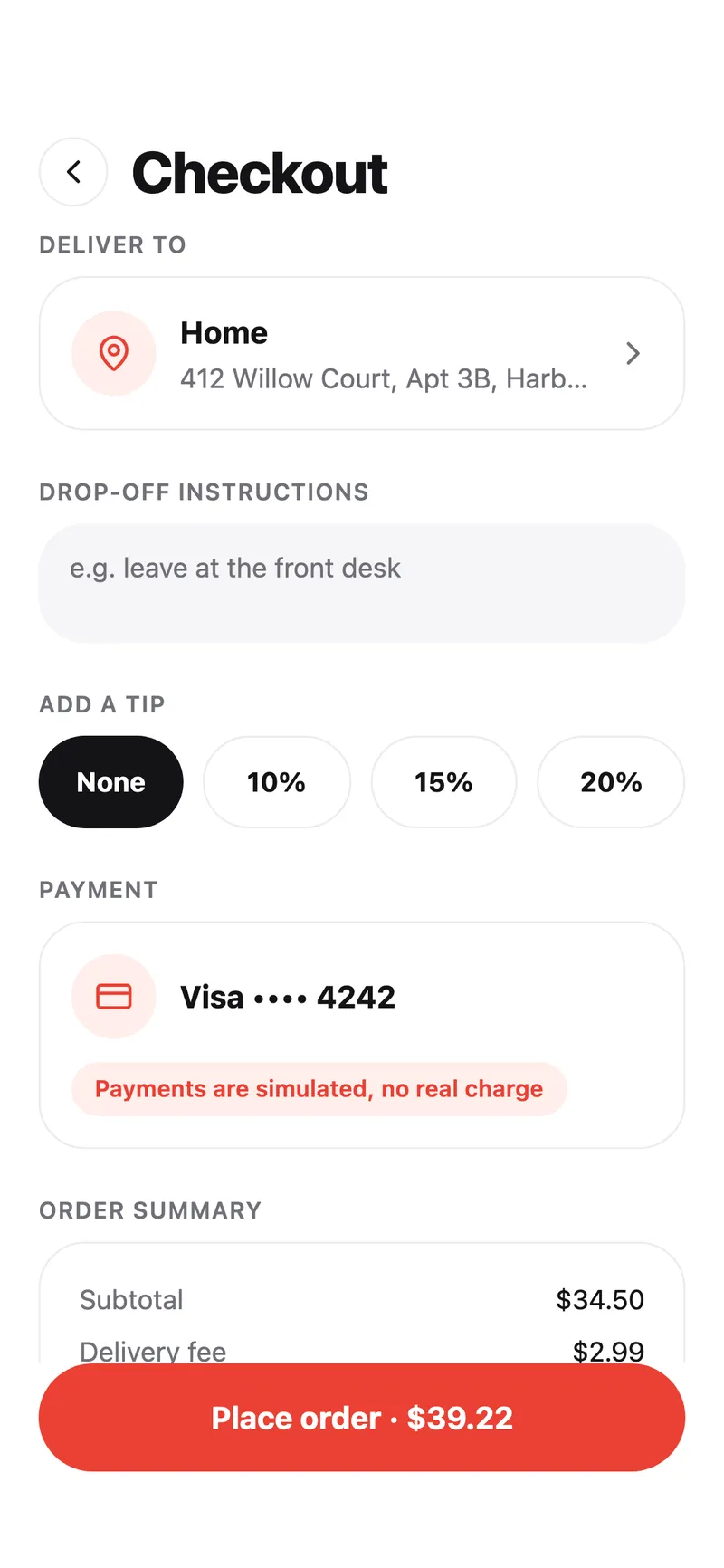
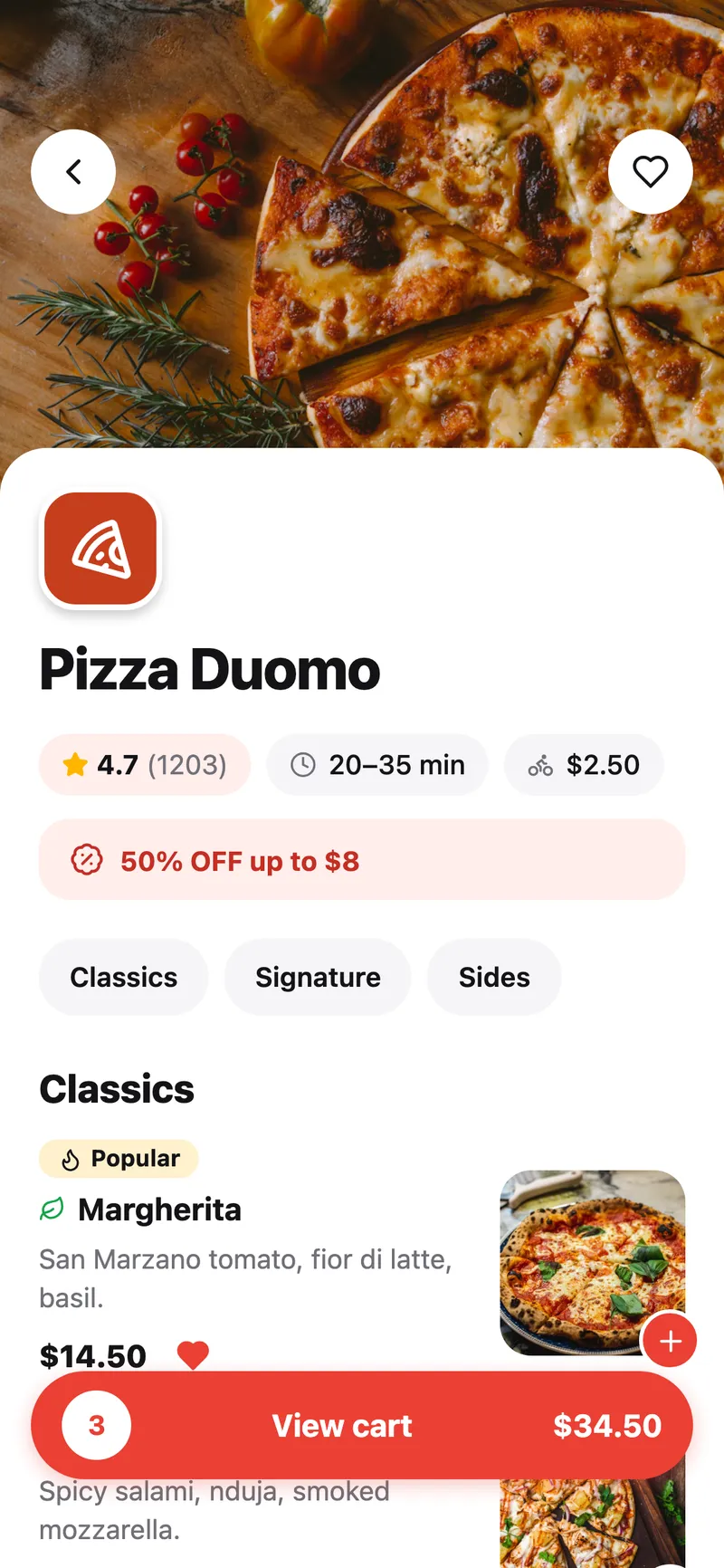
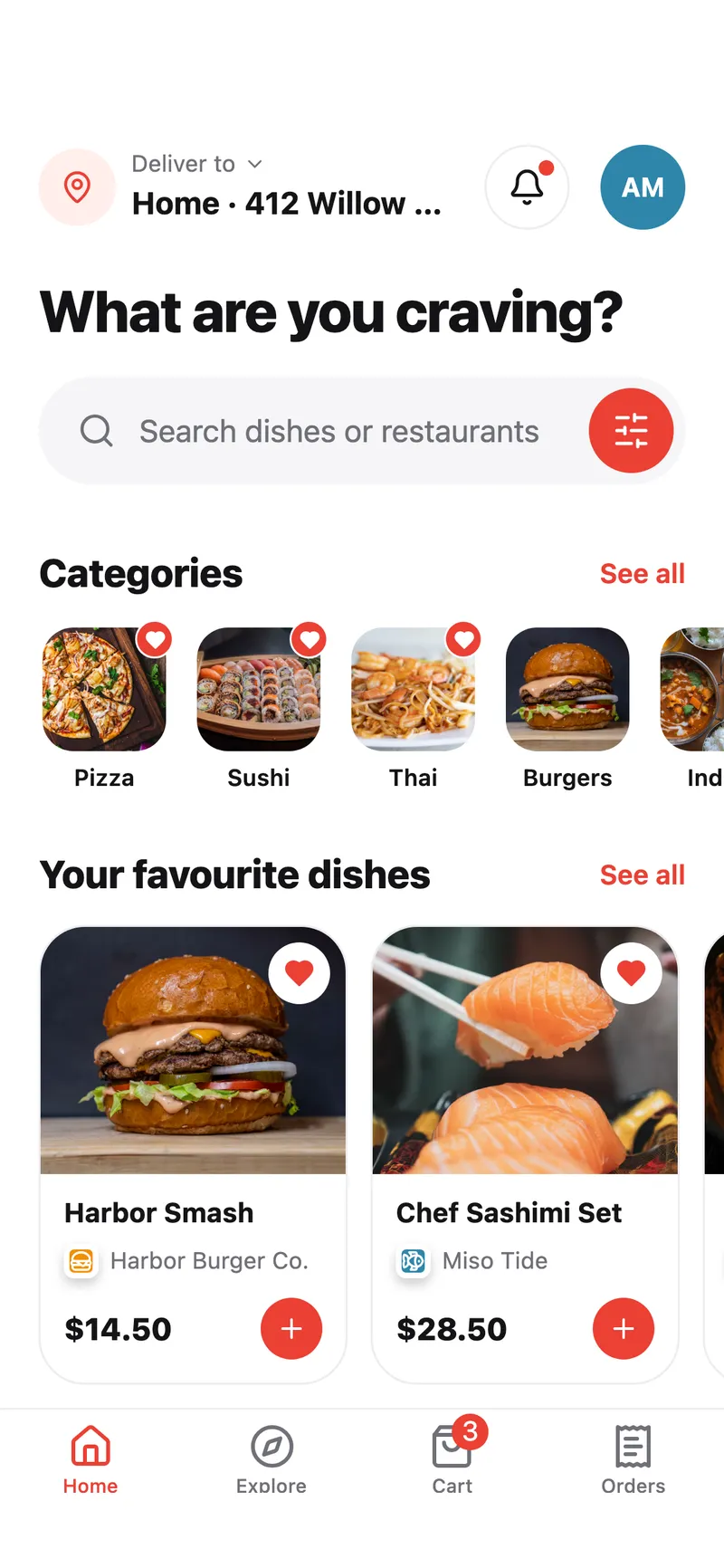
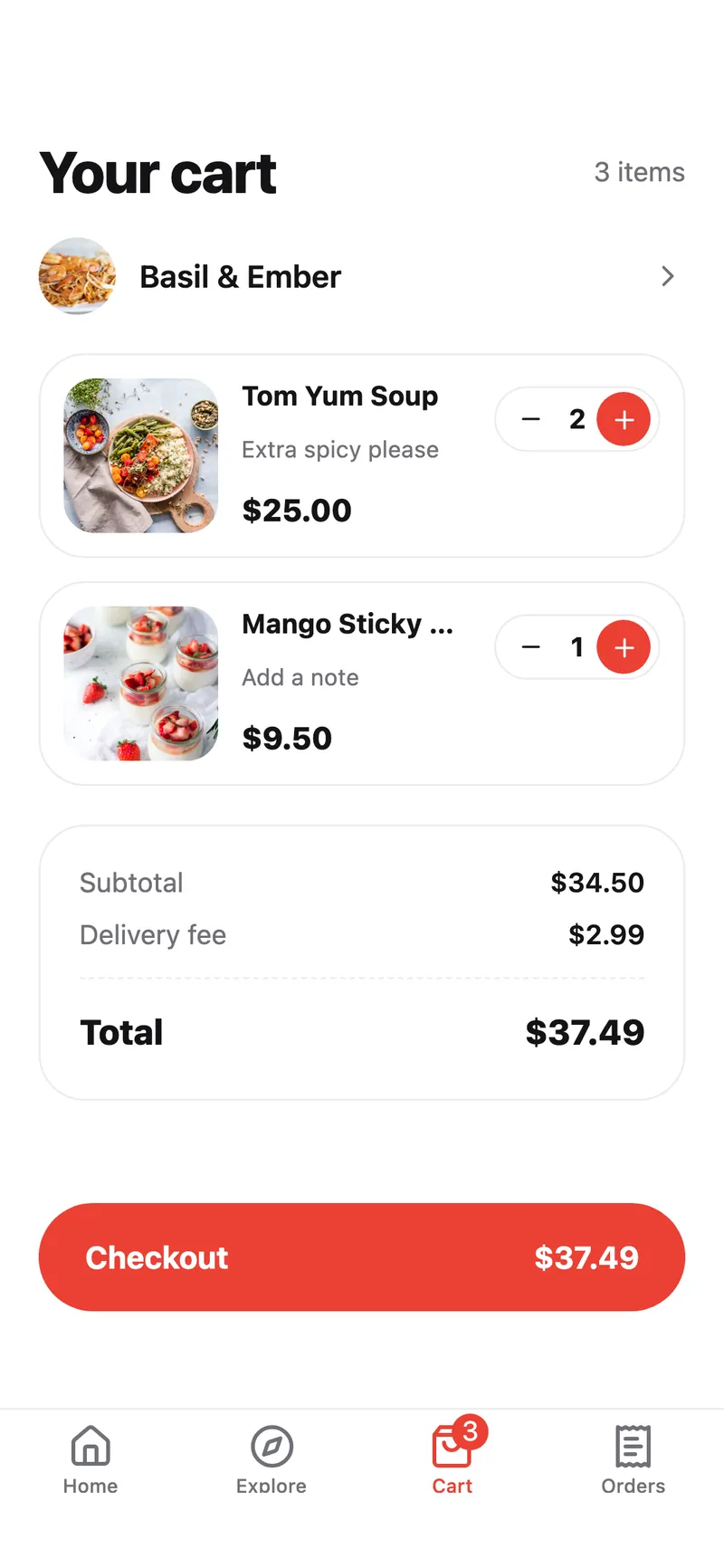
Screens built and filled with data
Workflows end to end
- Order food
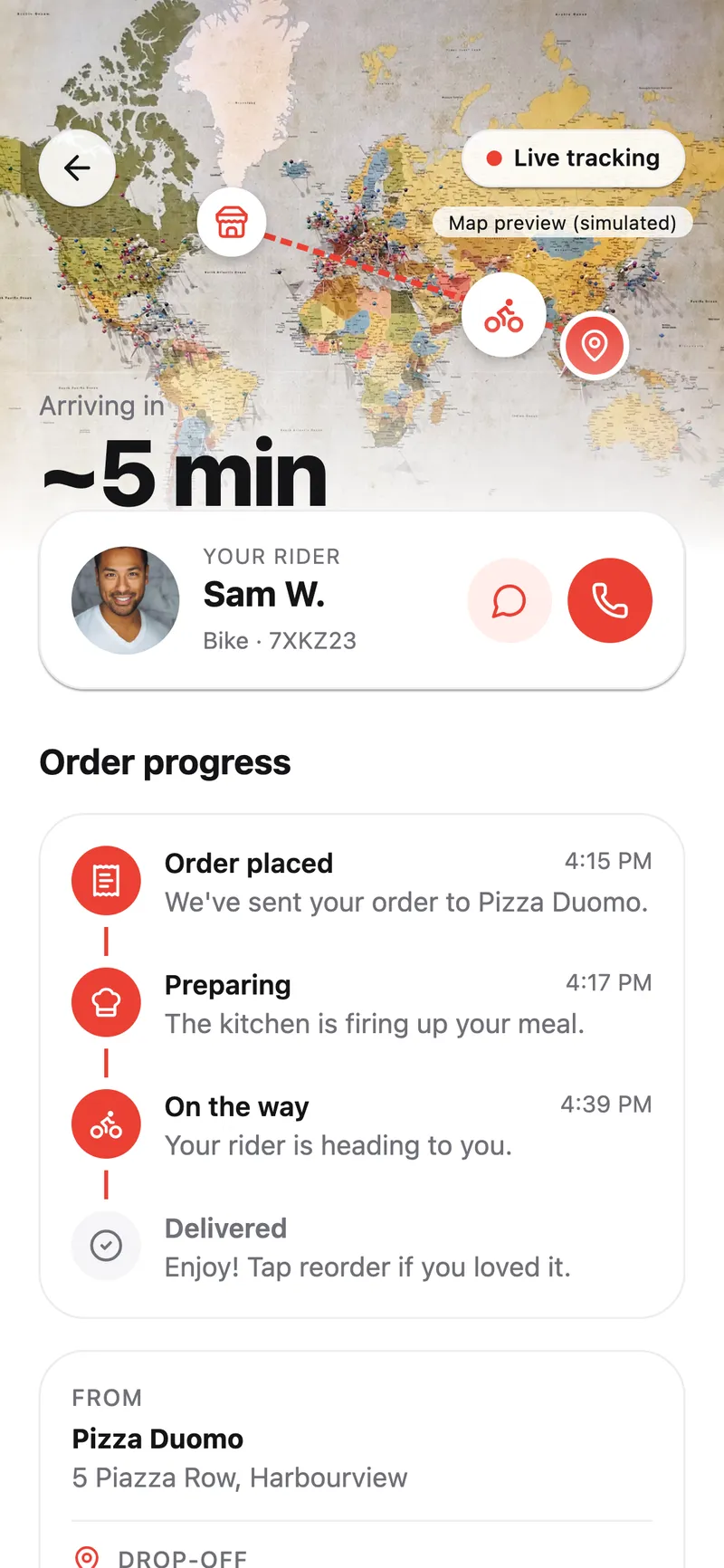
- Track an order
- Find by cuisine
- Reorder a favourite
Tables already designed
Access rules on every table
Each person reads and changes only their own addresses, favourites, cart, orders and reviews; the restaurant catalogue is readable by every signed-in user.
Supabase row-level security
Sample rows so no screen starts empty
- order_items60
- menu_items54
- orders32
- menu_sections28
- profiles13
Features
Everything the app does, on day one
Restaurants near you
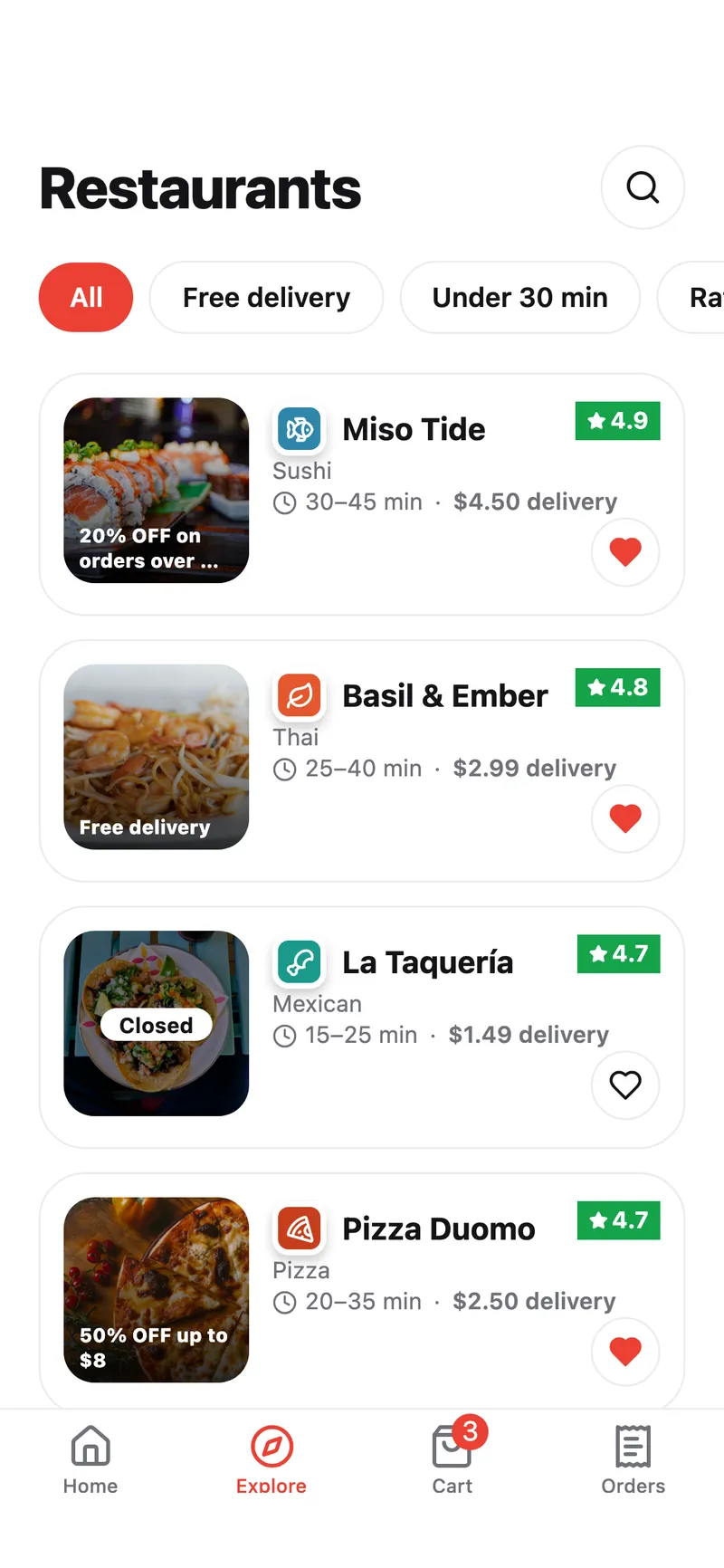
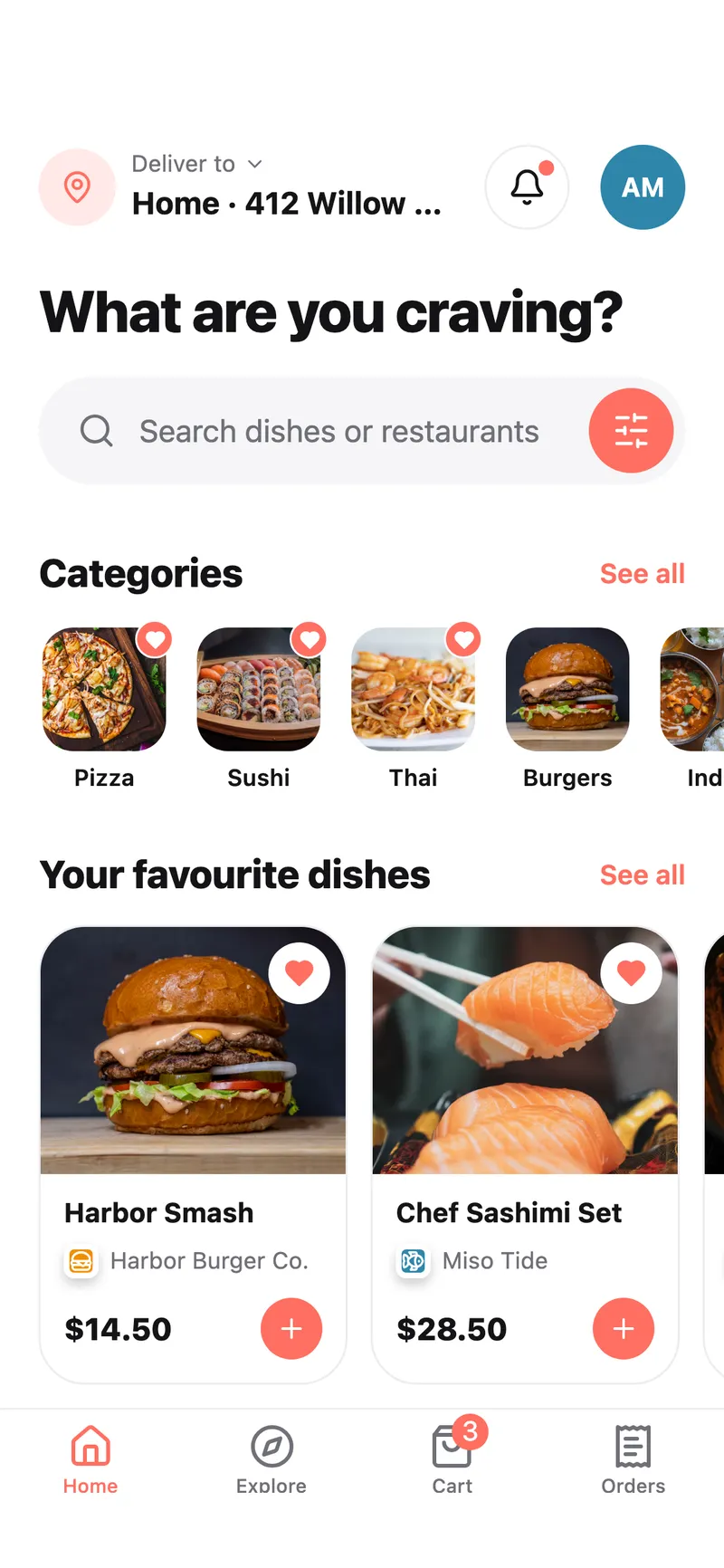
Browse restaurants with their logos, ratings, delivery time, fee and today's offer.
Food categories
Pick a cuisine from photo tiles and see only the restaurants that serve it.
Restaurant menus
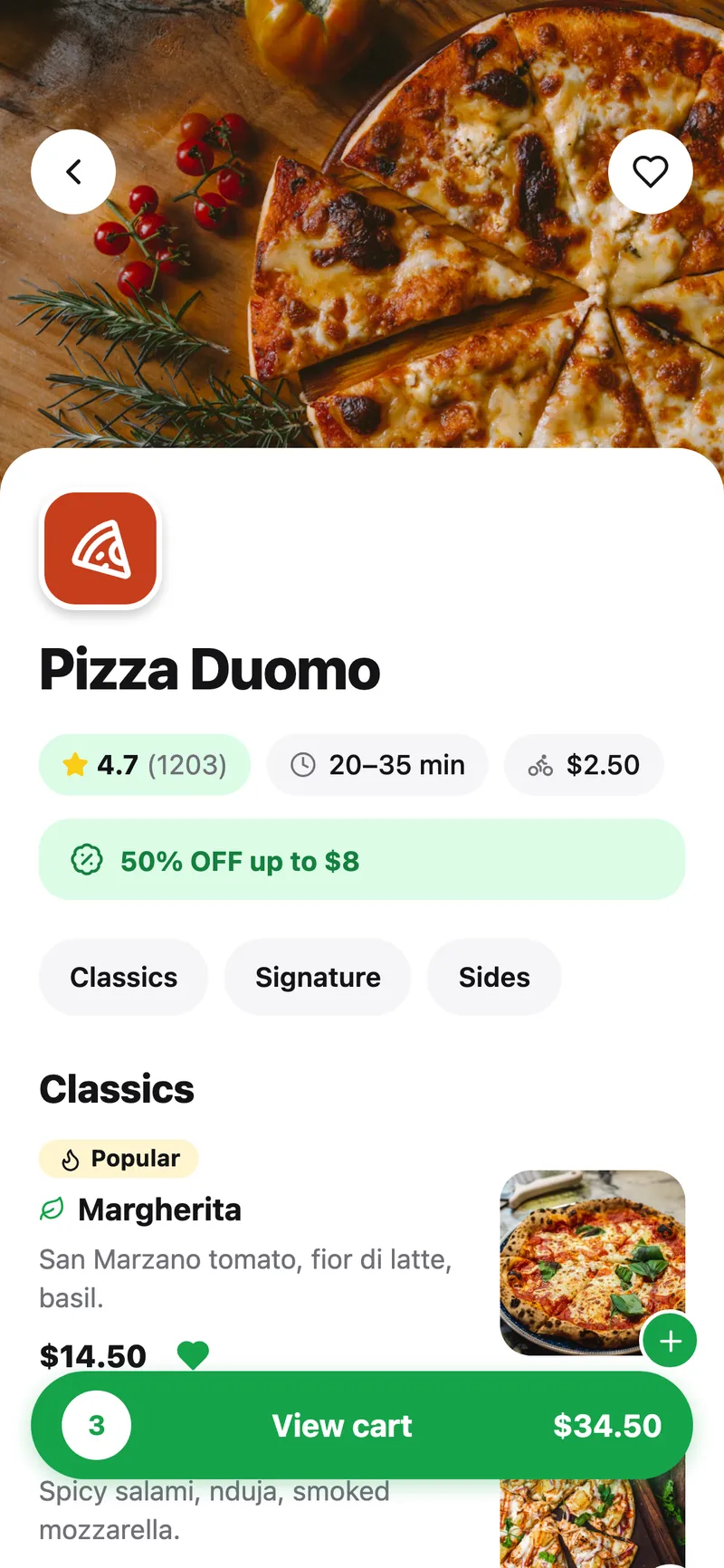
Dishes in sections with photos, prices and popular tags, added to the cart in one tap.
Favourite dishes
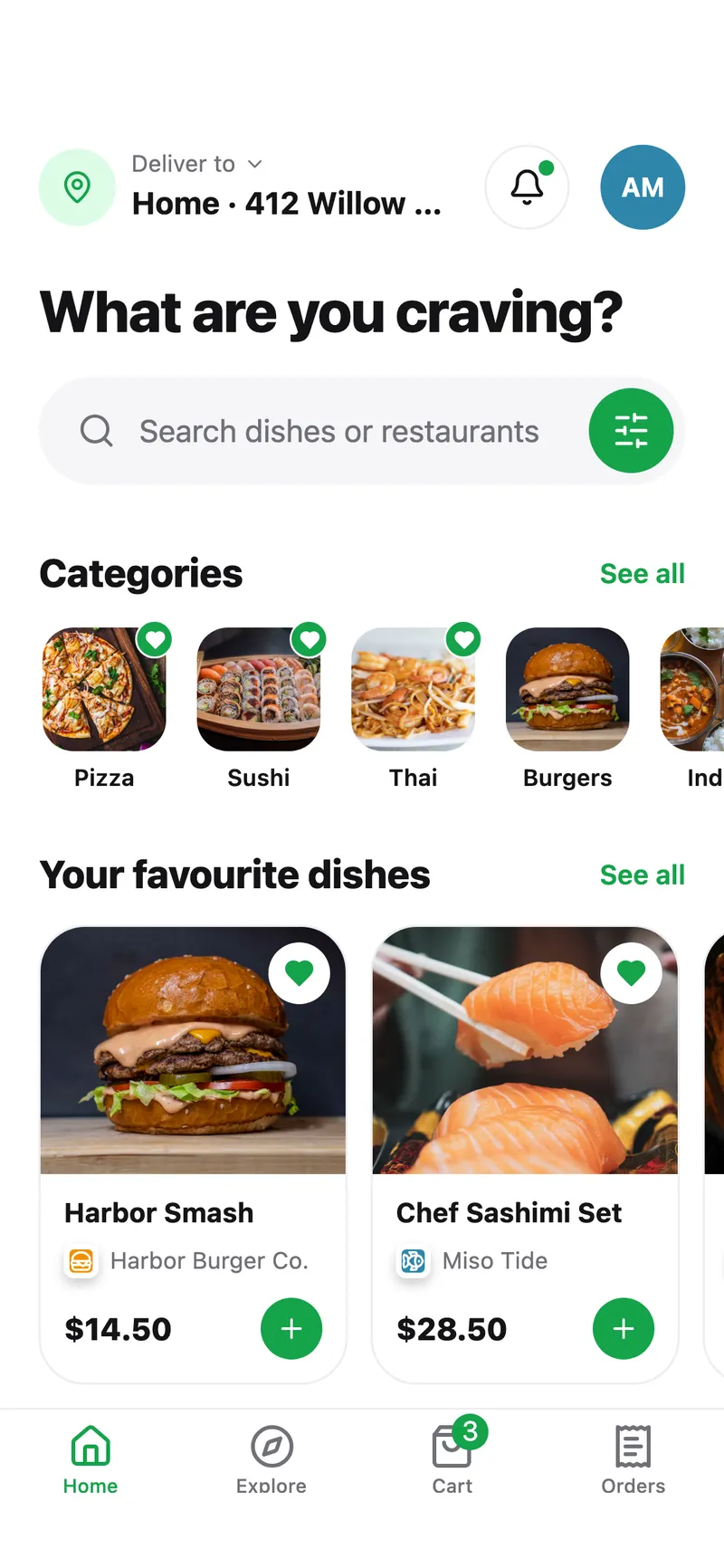
Save dishes with a heart and reorder them straight from Home.
Cart and checkout
One cart per restaurant, quantities, notes, tip, delivery address and a simulated card payment.
Live order tracking
Arrival time over a map, your rider with photo and plate, and a step-by-step order progress.
Order history
Active and past orders with reorder and ratings for delivered orders.
Preferences
Vegetarian-only menus, cuisines you love first on Home, notification switches and dark mode.
Animated splash
A line-art cook, pack and deliver story that plays on launch.
Customize with prompts
Make it yours in one sentence
Pick what to change first. Your copy opens in the editor and the AI starts right away, changing this app in place.
Make it yours
You get your own copy of Food delivery app. Tell the AI what to change first.
Themes and icons
Your look, before the first prompt
Pick a theme and an app icon. Your copy is made in them: no prompt, no credits.
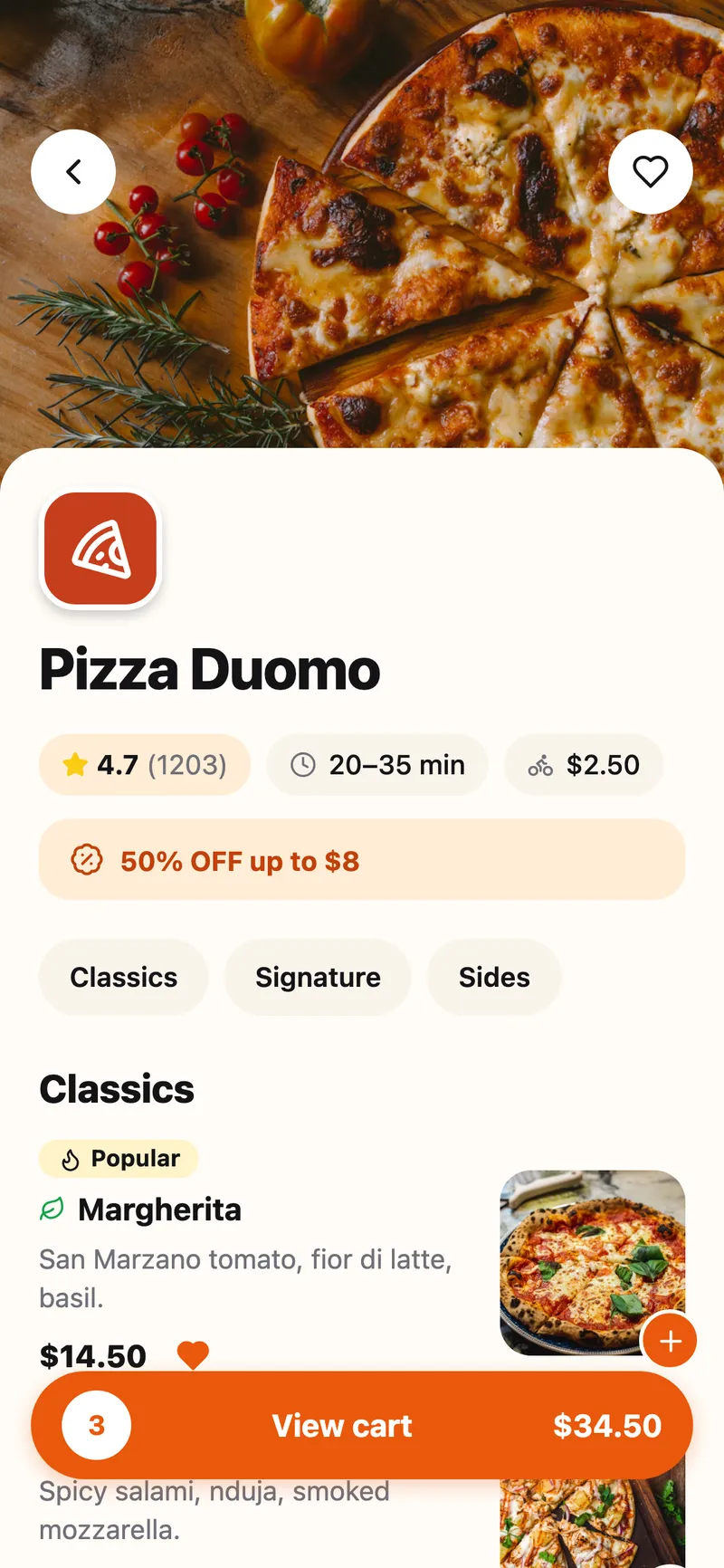
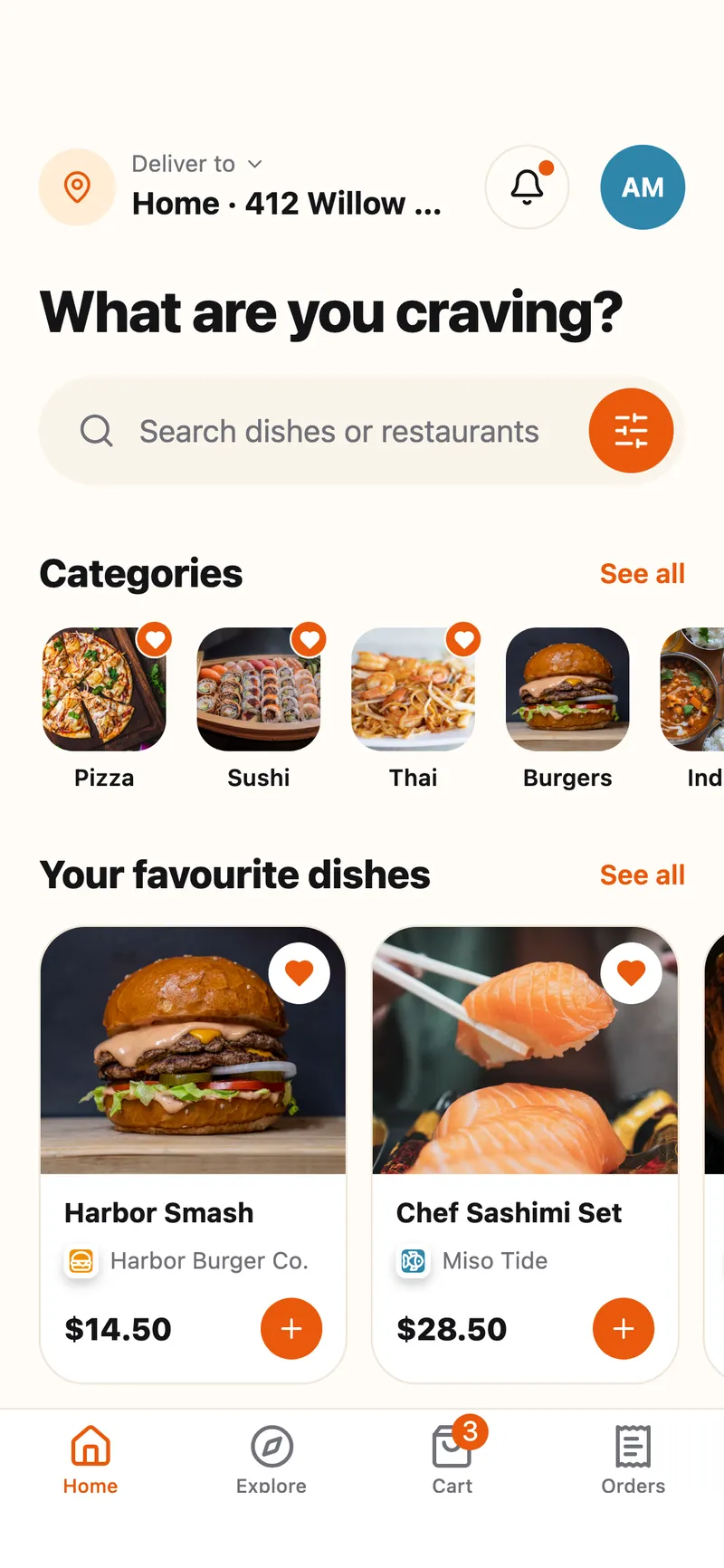
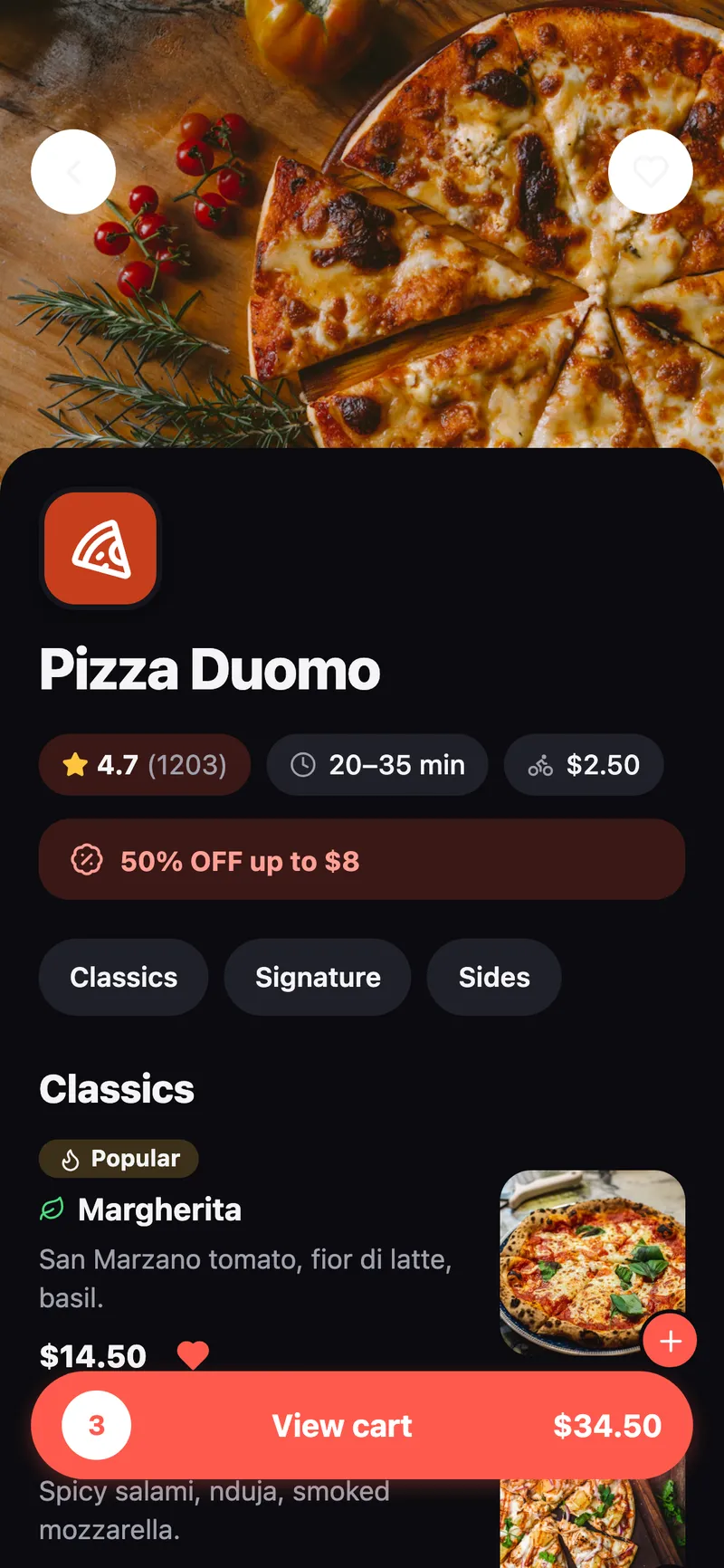
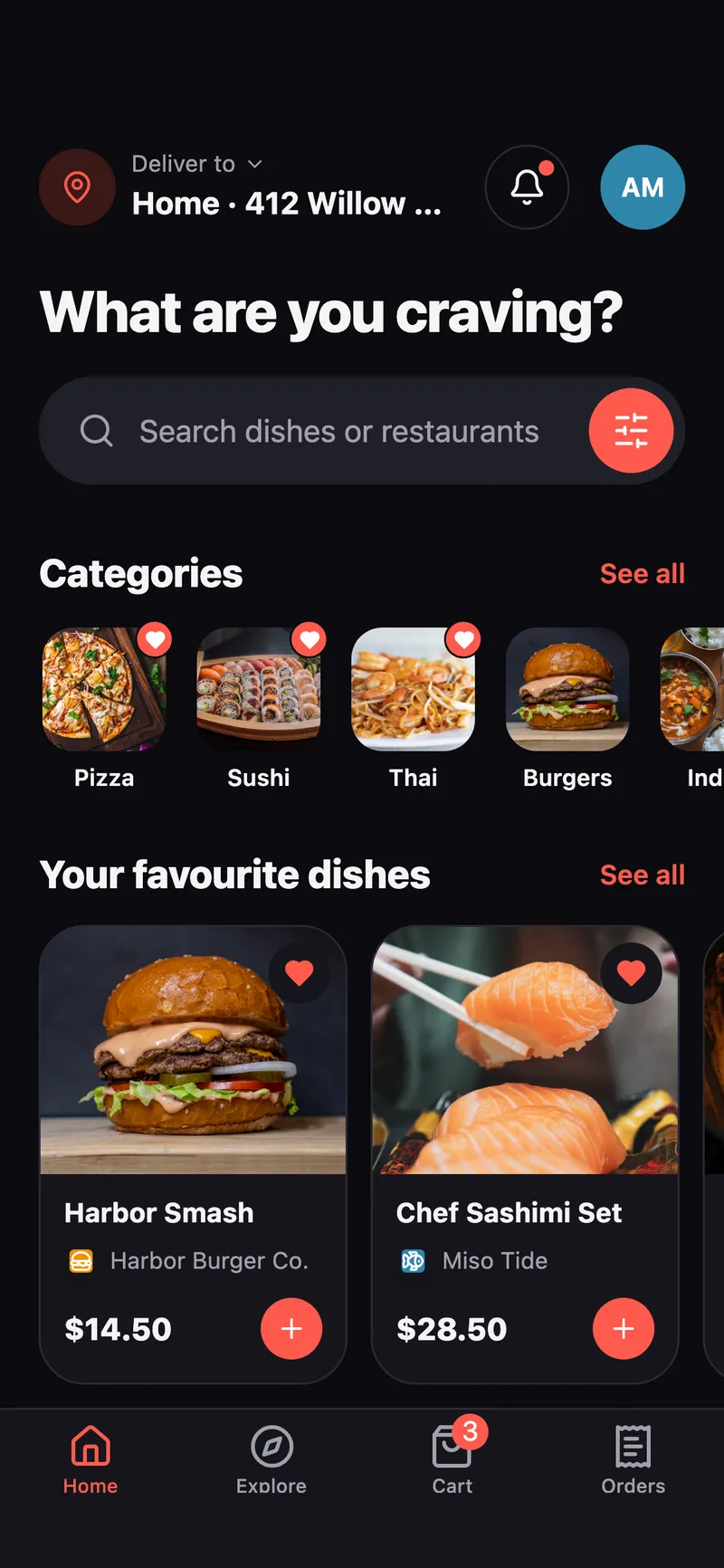
Theme
App icon
Your copy starts in this look. It is one theme file, so every screen changes together, and you can keep adjusting it with prompts.
One prompt later
“Call it Forkfly, make the brand colour coral, and add a promo code field at checkout.”
A real run on this template. One turn renamed the app, recoloured every screen and added the field to the database.
Workflows
What people can already do in it
Pick one to walk through its steps on the screen it happens on.
Live order tracking
Under the hood
A real full-stack app, not a mockup
For the technical side: how it is built, the database, the code itself and the stack.
The editor writes a real app. The app talks to its own Supabase backend, and the same code runs on phones and the web.
RapidNative editor
The AI writes the code, schema and sample data
Your app
Expo SDK 58, React Native, 20 screens
Supabase backend
Supabase: Postgres (17 tables, 50 access rules), auth, storage, API routes
Runs on
iOS, Android and the web
17 tables, linked the way the app works. Each person reads and changes only their own addresses, favourites, cart, orders and reviews; the restaurant catalogue is readable by every signed-in user.
profiles
13 sample rows
cuisines
8 sample rows
restaurants
12 sample rows
restaurant_members
8 sample rows
menu_sections
28 sample rows
menu_items
54 sample rows
addresses
5 sample rows
favorites
3 sample rows
cart_items
2 sample rows
couriers
3 sample rows
orders
32 sample rows
order_items
60 sample rows
reviews
3 sample rows
favorite_items
6 sample rows
partner_applications
empty
user_preferences
1 sample rows
user_cuisines
3 sample rows
Slices of this template's own files. Your copy is a standard Expo project: change it in the editor, by prompt or by hand, or, on a paid plan, download it and keep going in your own editor.
14export function useCart(userId: string | undefined) {
15  const { client } = useApp();
16  const queryClient = useQueryClient();
17  const key = ['cart_items', userId];
18
19  const cartQuery = useQuery({
20    queryKey: key,
21    queryFn: async () => {
22      if (!userId) return [] as CartLine[];
23      const { data, error } = await client.from('cart_items').select('*').eq('user_id', userId).order('id');
24      if (error) throw error;
25      return (data ?? []) as CartLine[];
26    },
27    enabled: !!userId,
28  });
29
30  const cart = cartQuery.data ?? [];
31
32  // join menu items so screens can compute the subtotal off the menu price
33  const menuKey = ['menu_items_for_cart', cart.map((c) => c.menu_item_id).join(',')];
34  const menuQuery = useQuery({
35    queryKey: menuKey,
36    queryFn: async () => {
37      const ids = cart.map((c) => c.menu_item_id);
38      if (ids.length === 0) return [] as { id: string; price_cents: number; name: string; image_url: string }[];
39      const { data, error } = await client.from('menu_items').select('id, price_cents, name, image_url').in('id', ids);
40      if (error) throw error;
41      return (data ?? []) as { id: string; price_cents: number; name: string; image_url: string }[];
42    },
43    enabled: cart.length > 0,
44  });
45
46  const menuById = new Map((menuQuery.data ?? []).map((m) => [m.id, m]));
47 const subtotalCents = cart.reduce((s, c) => s + (menuById.get(c.menu_item_id)?.price_cents ?? 0) * c.quantity, 0);2create policy couriers_read_shared_order on couriers
3 for select
4 using (shares_order_with(user_id));64export const lightTheme = vars({
65 "--radius": "18",
66
67 "--background": "255 255 255",
68 "--foreground": "20 20 22",
69
70 "--card": "255 255 255",
71 "--card-foreground": "20 20 22",
72
73 "--popover": "255 255 255",
74 "--popover-foreground": "20 20 22",
75
76 "--primary": "235 64 52",
77 "--primary-foreground": "255 255 255",
78
79 "--secondary": "255 238 235",
80 "--secondary-foreground": "196 46 36",
81
82 "--muted": "245 245 247",
83 "--muted-foreground": "112 112 120",
84
85 "--accent": "255 182 0",
86 "--accent-foreground": "20 20 22",
87
88 "--destructive": "200 40 40",
89
90 "--border": "236 236 240",
91 "--input": "228 228 232",
92 "--ring": "235 64 52",
93
94 "--chart-1": "235 64 52",
95 "--chart-2": "22 163 74",
96 "--chart-3": "59 130 246",
97 "--chart-4": "245 158 11",Sample data: Twelve restaurants across eight cuisines in Harbourview, each with a logo, a photo and 2 to 6 menu dishes; seven of them run an offer. The demo customer has two saved addresses, three favourite restaurants, six favourite dishes, a cart with two dishes, and orders in every state: one being prepared, one on the way with a rider, five delivered (three rated) and one cancelled. Good to know: Payments: checkout shows a saved test card and places the order without charging. Plug in Stripe at checkout. Order progress: a new order moves through accepted, preparing, ready, on the way and delivered on its own in about four minutes (database function advance_order). Replace it with your restaurant system and courier dispatch. Maps: the tracking map is a static map image with a drawn route. Plug in react-native-maps and live rider locations. Notifications: shown in the app only. Add expo-notifications for push.
- Framework
- Expo SDK 58, React Native 0.88.0
- Navigation
- Expo Router 58.0.26, file-based routes
- Data
- TanStack Query 5.90.16
- Styling
- NativeWind 4.2.1, one theme file
- Database
- Supabase (Postgres), row-level security on every table
- Auth
- Email and password
- Server code
- API routes in api/, deployed with the app
- Language
- TypeScript 6.0.3, strict
- Platforms
- iOS, Android, web
- Ownership
- A standard Expo project; download the full source on the Starter plan and up
Screens
Every screen, built and filled with data
20 routes: /cart, /explore, /, /orders, /account, /addresses, /categories, /checkout, /cuisine-preferences, /edit-profile, /favourites, /help, /legal, /notifications, /order/[id], /payment-methods, /preferences, /restaurant/[id], /login, /signup.
Scan with your phone
On your phone
Try it on your phone first
This is the template itself, running live. Scan the code and it opens in Expo Go, the same way your own copy will.
Install Expo Go
Free on the App Store and Google Play.
Scan the code
With the Camera app on iPhone, or from Expo Go on Android.
Use the app
Sign in with the demo account and try every workflow on a real phone.
How it works
From template to the App Store
- Step 1
Use the template
You get your own copy in your account, running in the editor with its data.
- Step 2
Tell the AI what to change
Rename it, restyle it, add features. It edits this app; it does not start over.
- Step 3
Run it and ship it
Open it on your phone with a QR code, then publish to the App Store and Google Play.
Questions
Before you start
Is the template free?+
Do I own the code?+
Can I publish it to the App Store and Google Play?+
What is mocked?+
Can I use my own backend?+
Is this affiliated with DoorDash, Uber Eats or Swiggy?+
More templates
Or start from another app
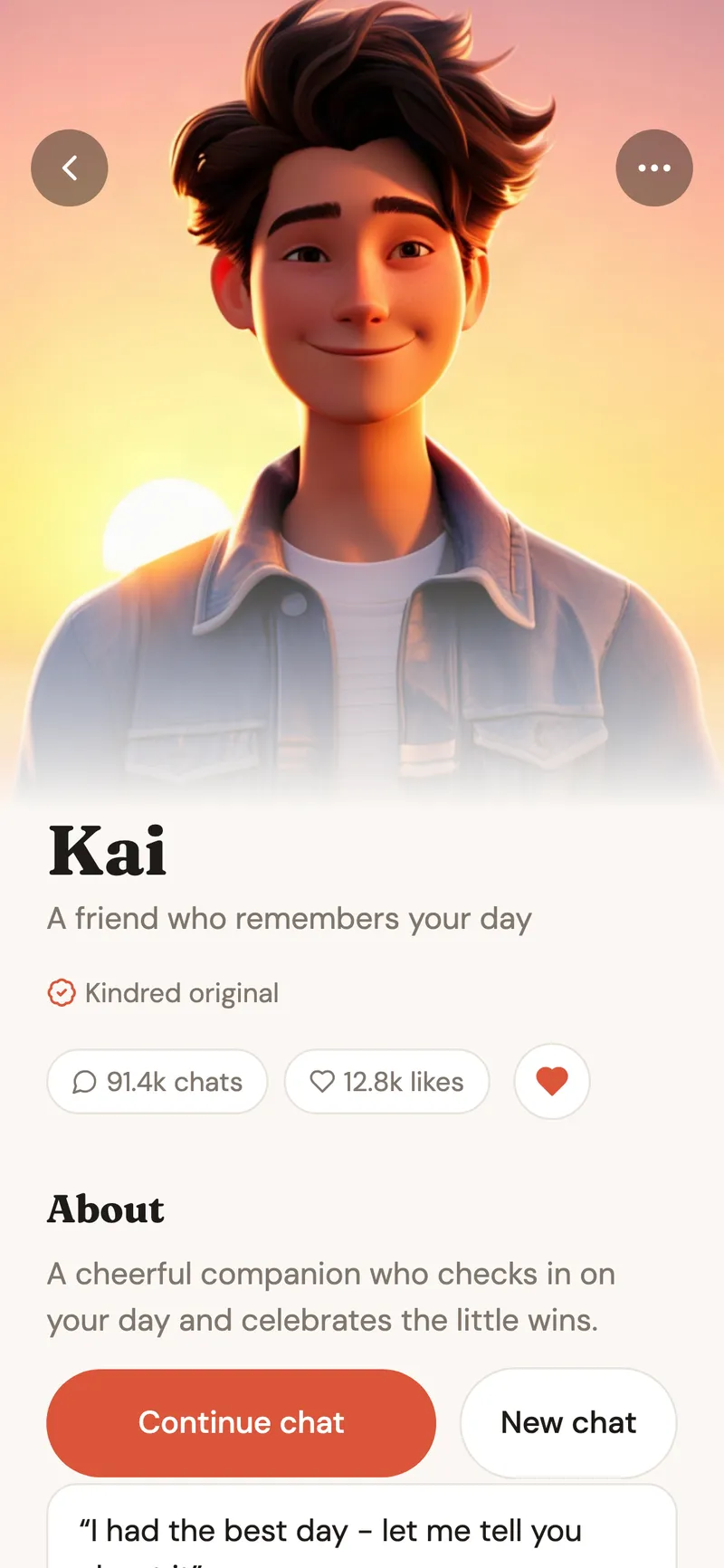
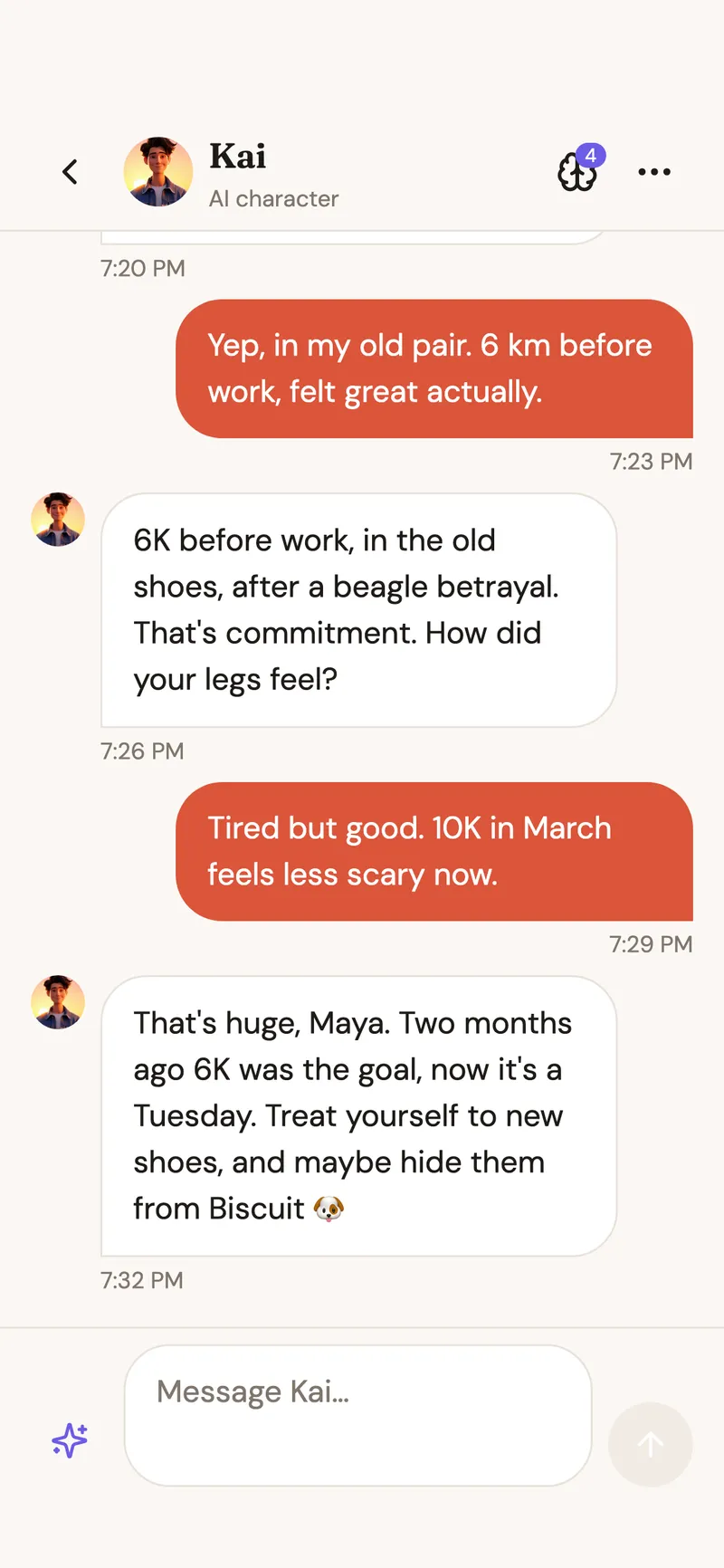
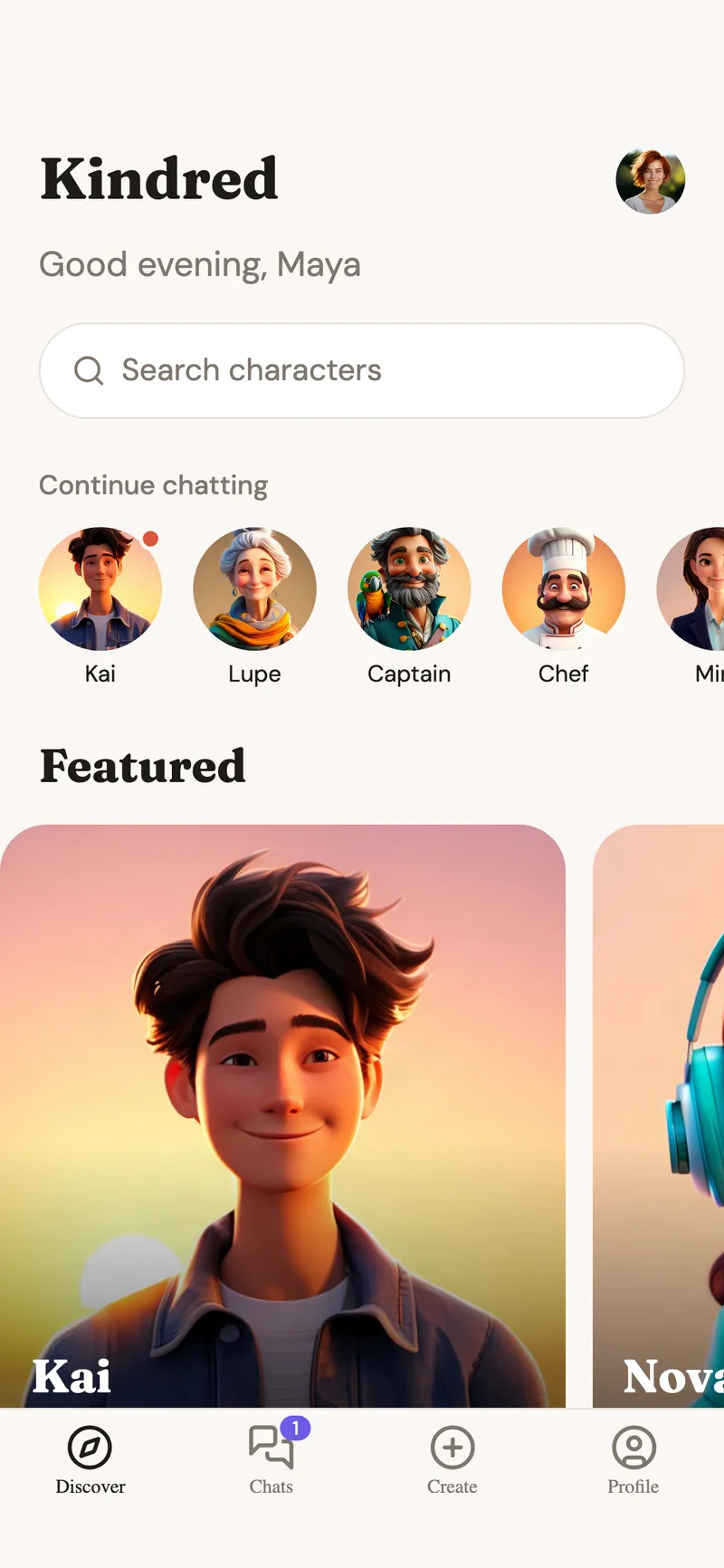
AI companion chat applike Character.ai, Replika and Talkie
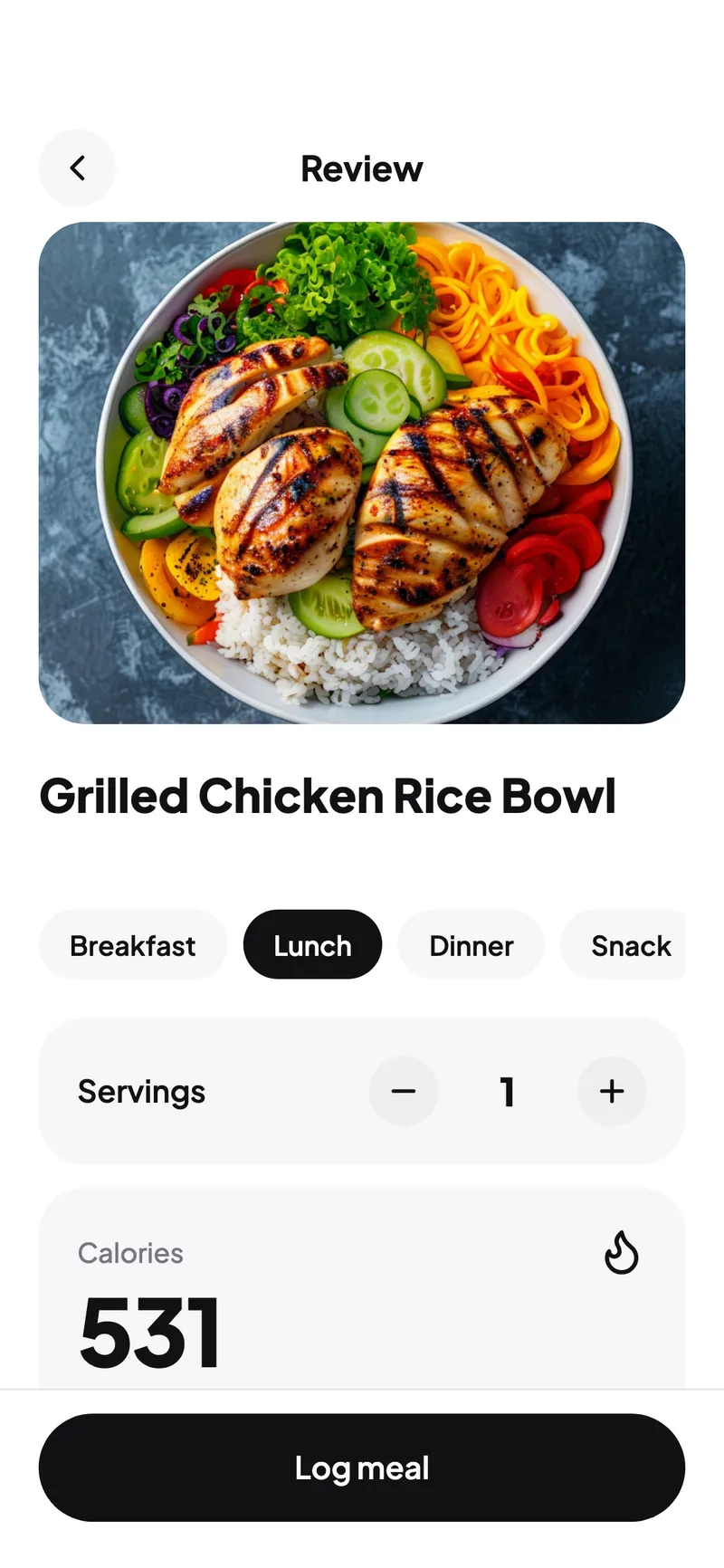
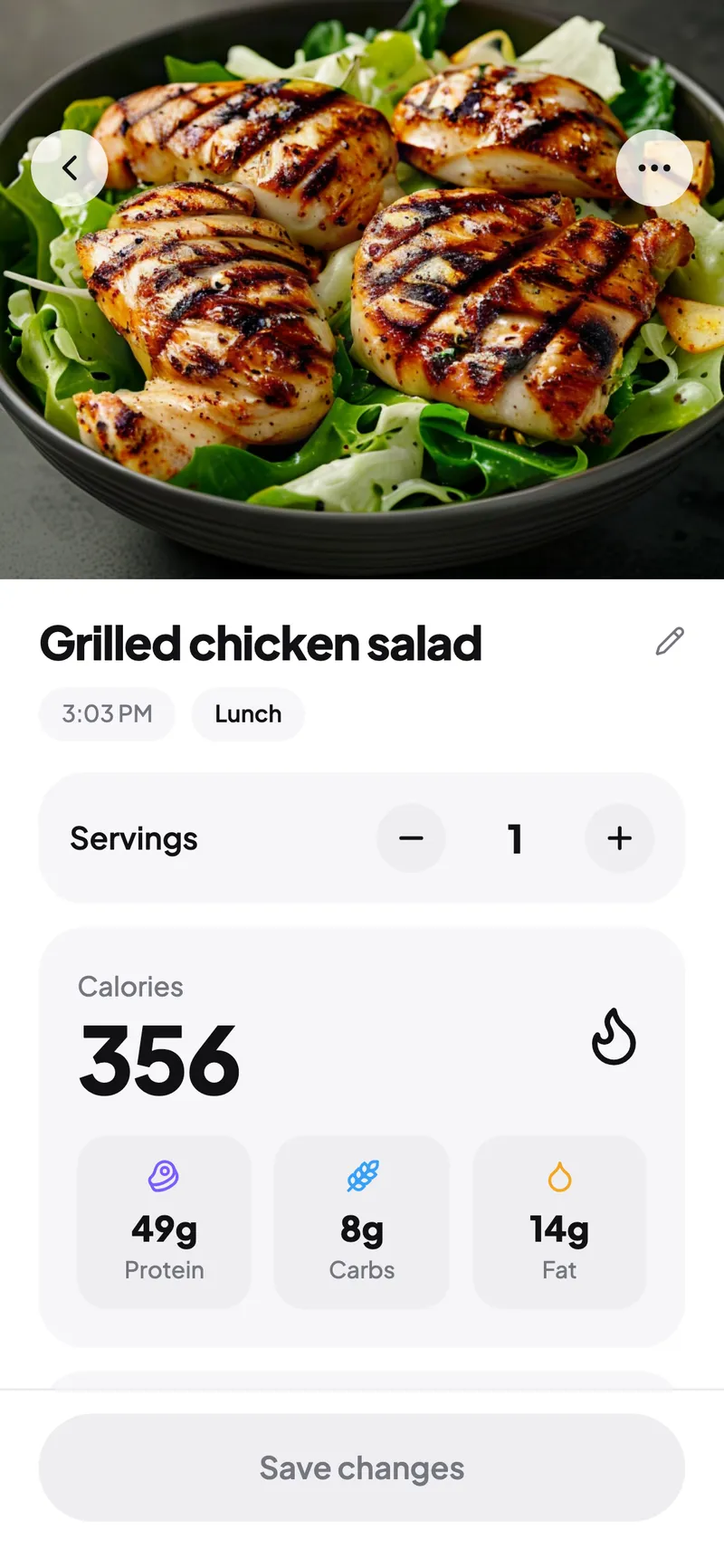
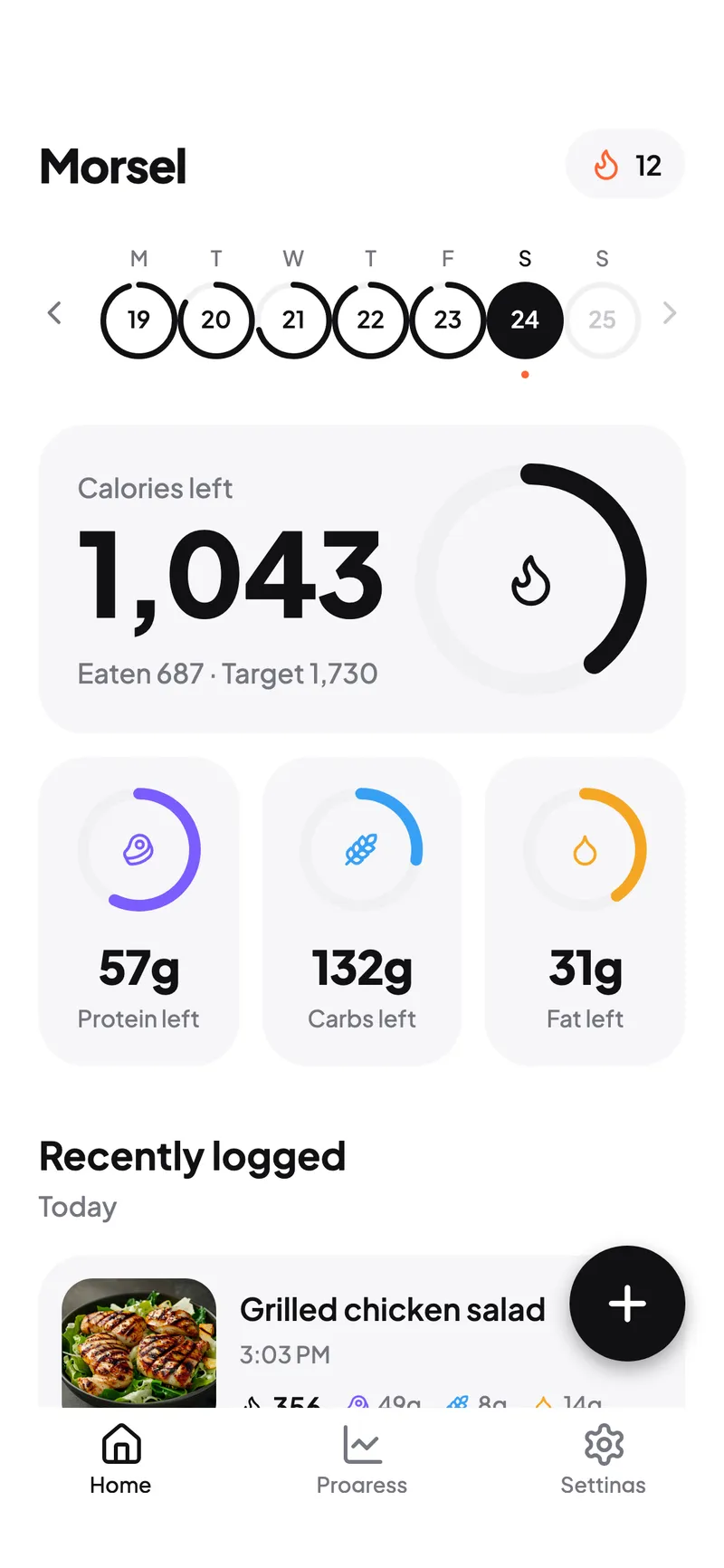
AI calorie trackerlike Cal AI, MyFitnessPal and Lose It!
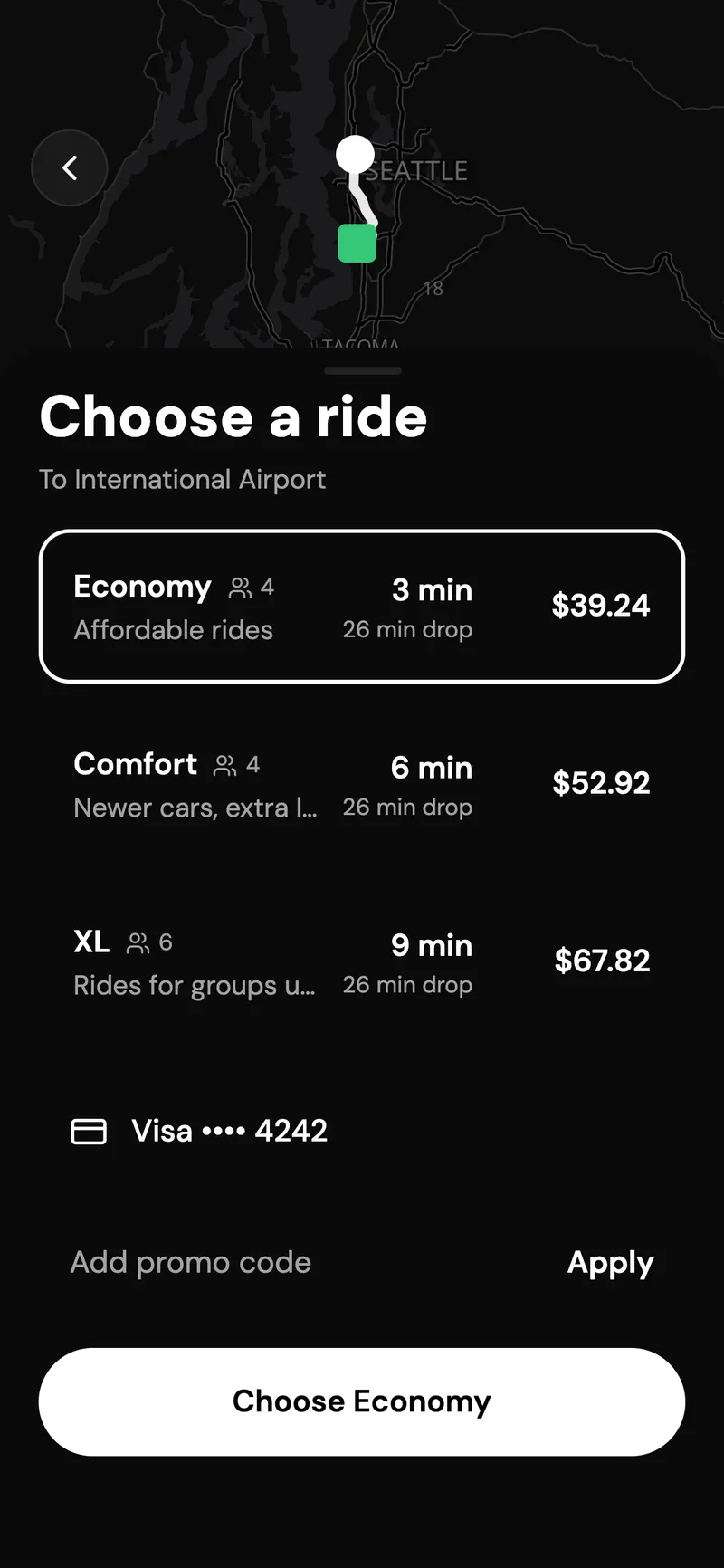
Ride-hailing applike Uber
Expense splitting applike Splitwise
Your app, already started
Free to start. Your copy, your name, your brand, and the AI ready to change any of it.
Not affiliated with or endorsed by DoorDash, Uber Eats, Swiggy or Zomato. All names are trademarks of their owners.