Language learning app like Duolingo, Babbel and Busuu
Learn new words, practise in short lessons and keep a daily streak.
- Free template
- Expo and Supabase
- iOS, Android, web
- Your own copy of the code
Screens built and filled with data
Workflows end to end
- Get started
- Learn a lesson
- Review weak words
- Flip flashcards
Tables already designed
Access rules on every table
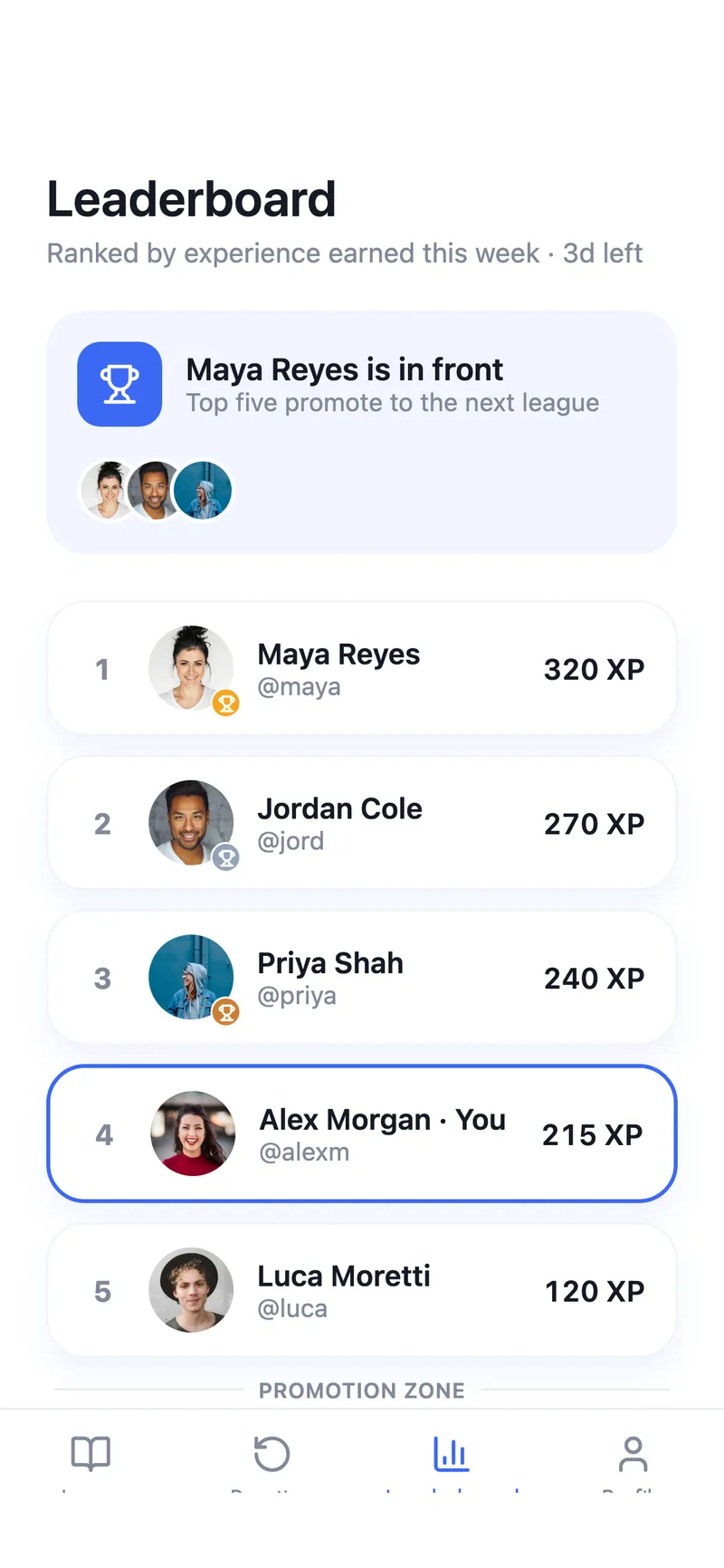
Each learner reads and changes only their own progress, XP, words, achievements and profile; the course catalogue is readable by everyone; the weekly leaderboard comes from a function that returns only names, photos and XP.
Supabase row-level security
Sample rows so no screen starts empty
- exercises280
- xp_events51
- user_words41
- lessons35
- profiles11
Features
Everything the app does, on day one
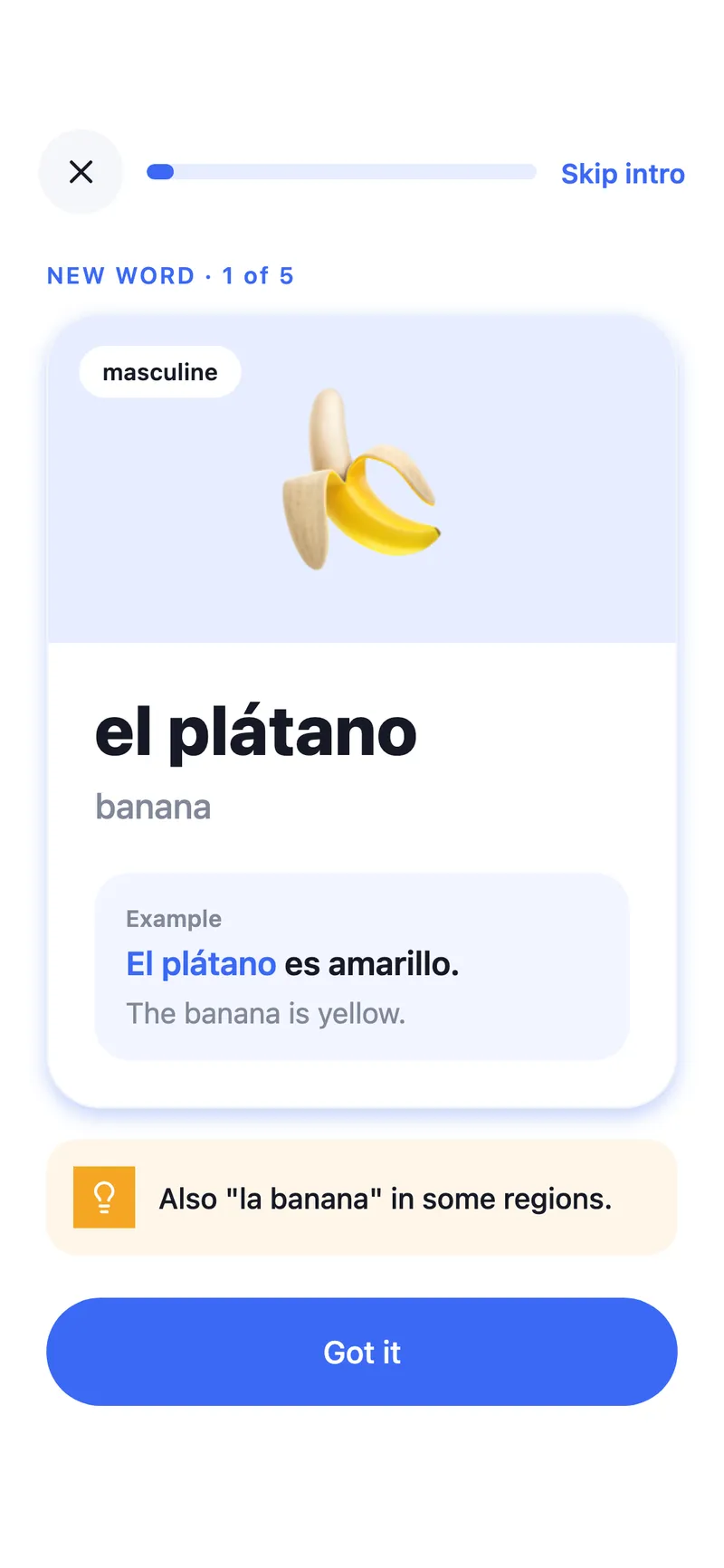
Lessons that teach first
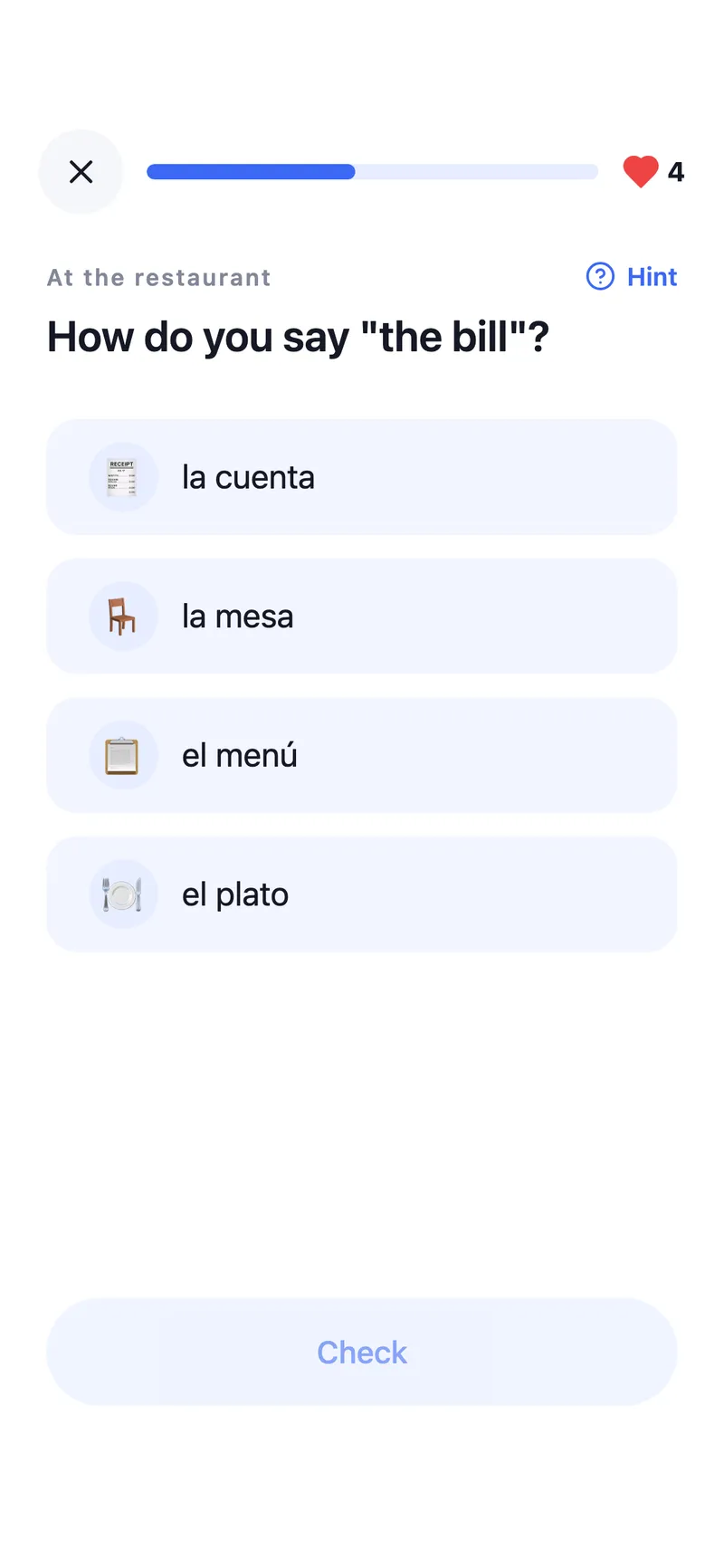
Every lesson opens with word cards (picture, meaning, example sentence, tip) and a grammar tip before the exercises.
Four exercise types
Choose the translation, match pairs, build the sentence from word tiles, and type the answer, with hints and explained answers.
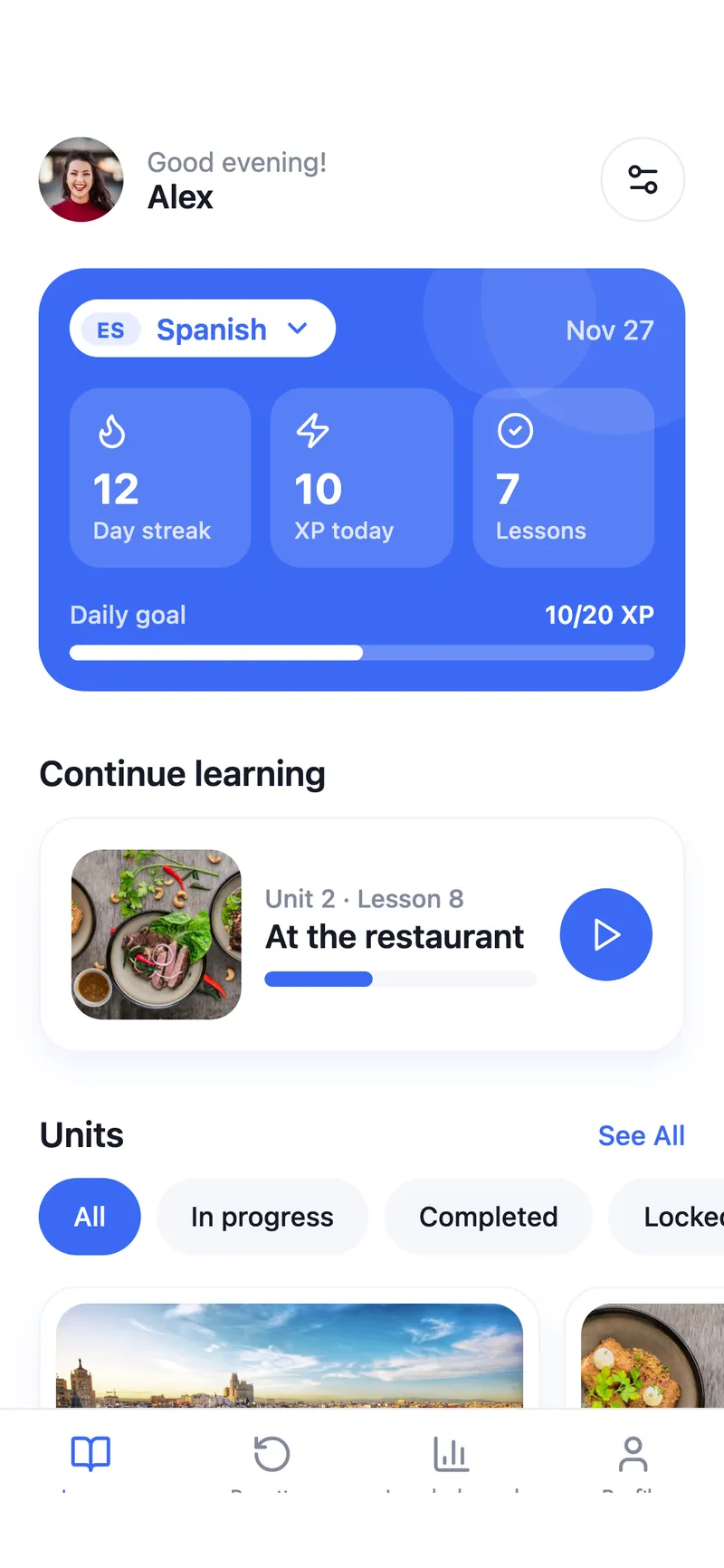
Daily goal and streak
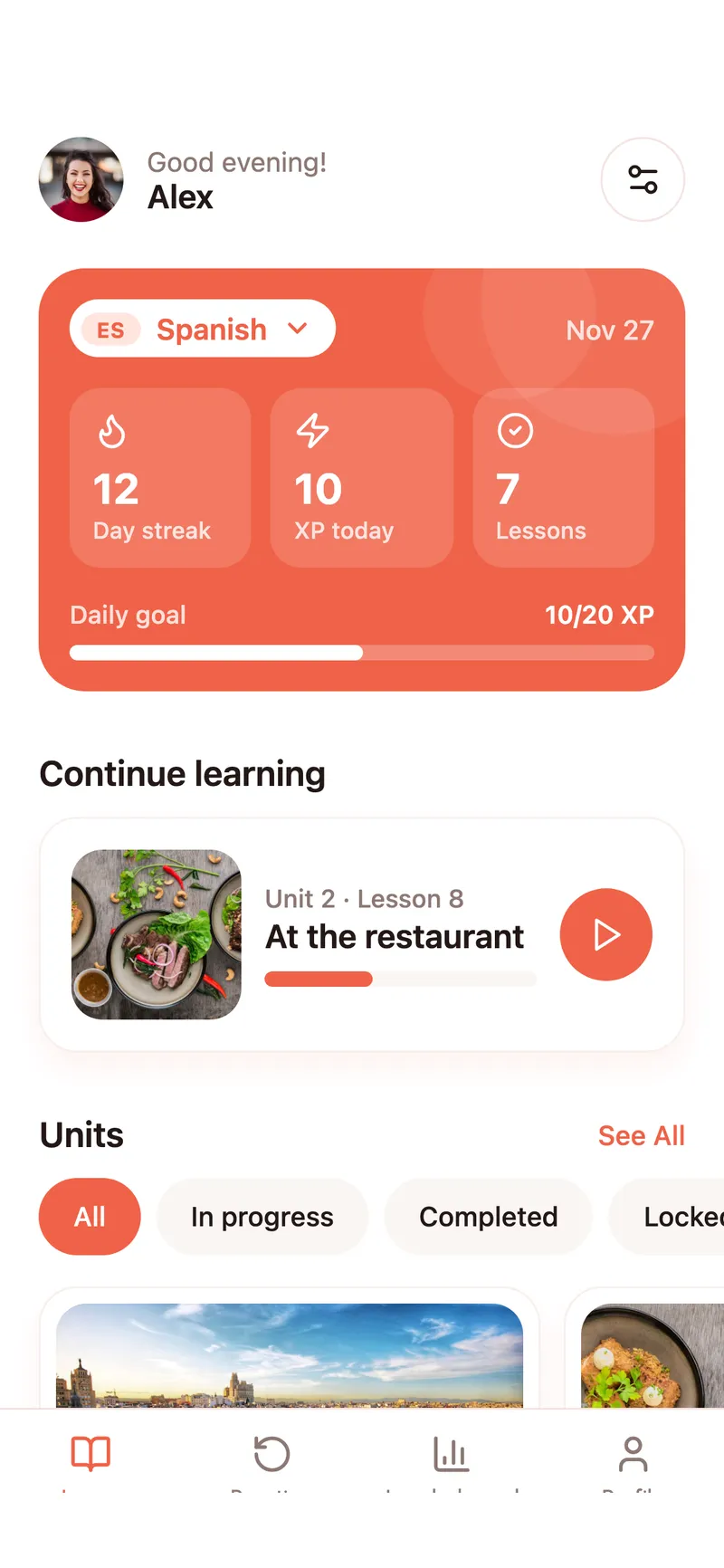
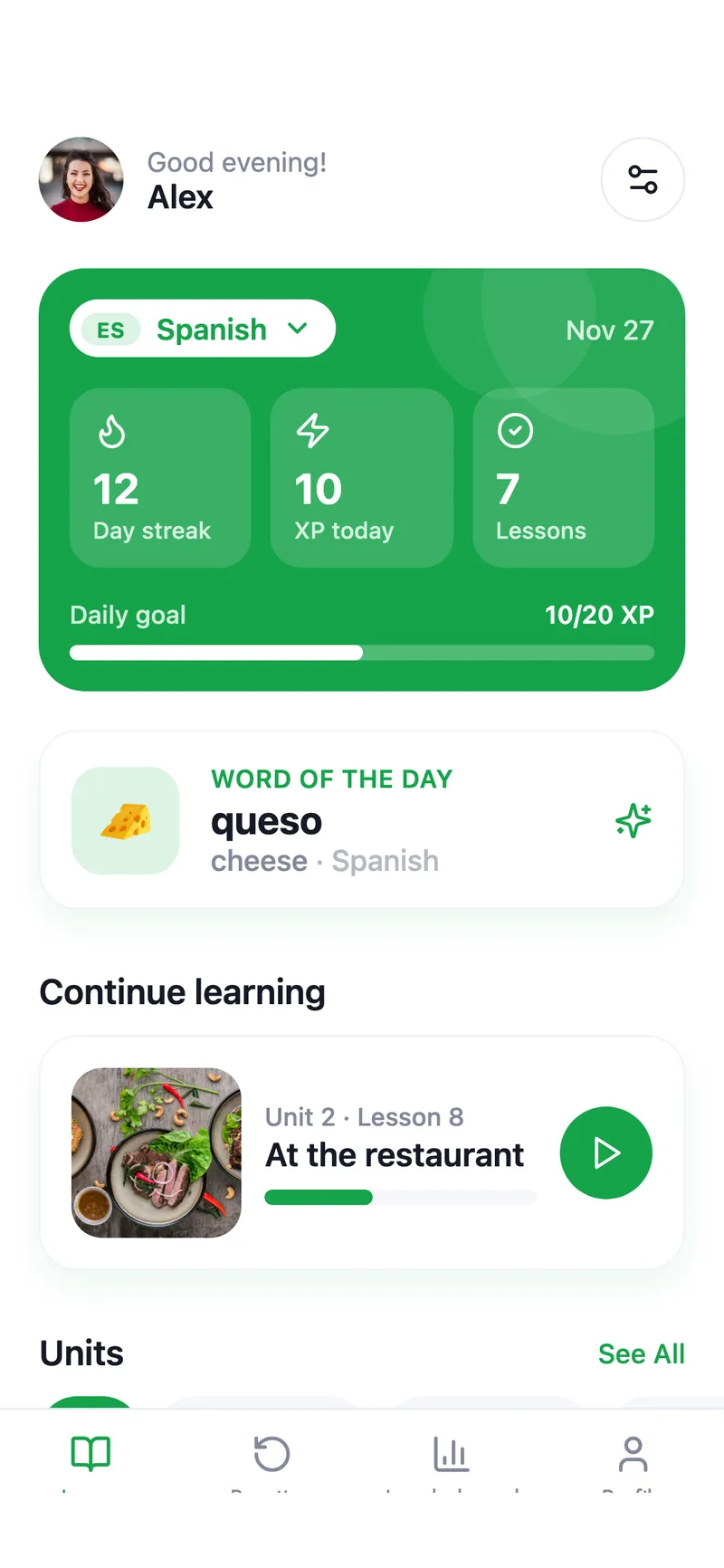
Today's XP against a daily goal, the day streak and lessons done in one banner, with a streak calendar.
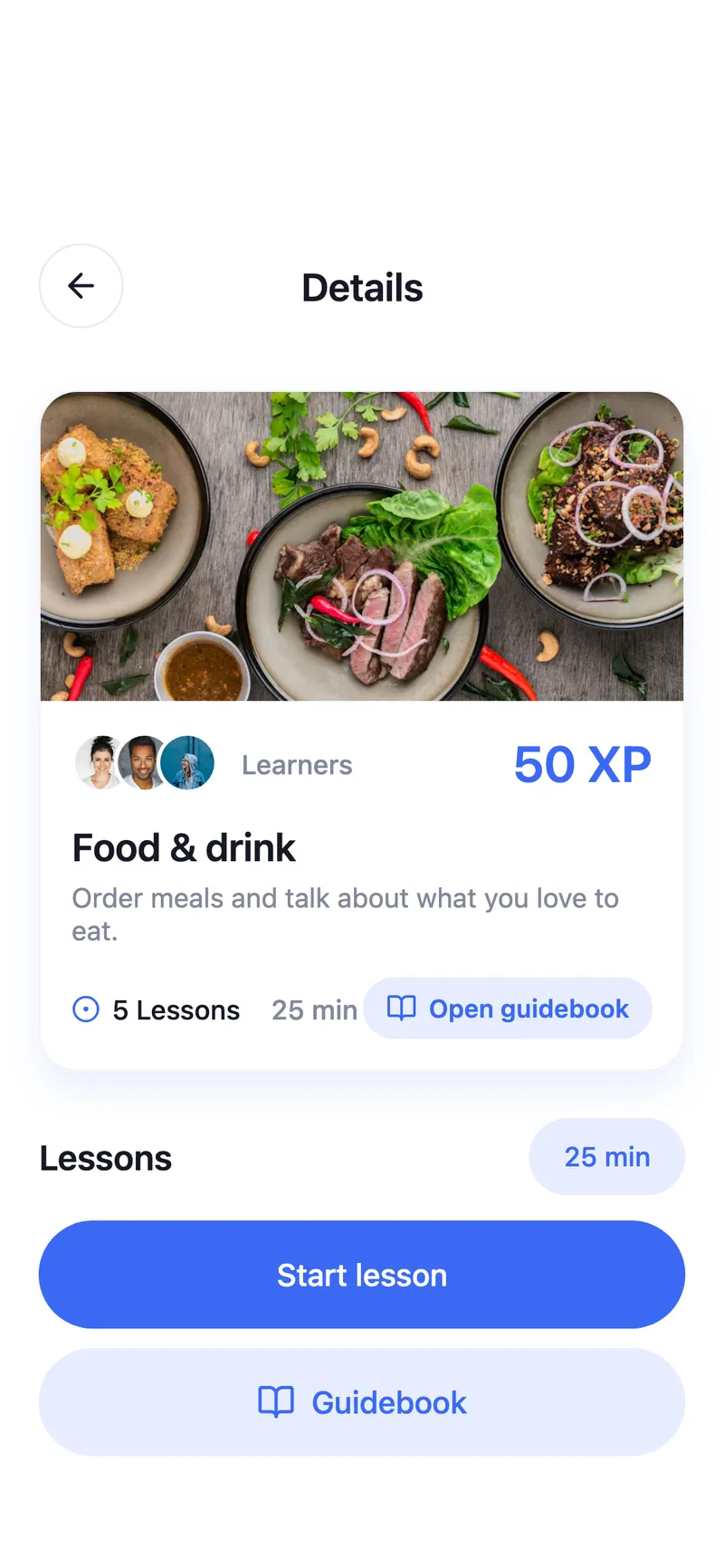
Units and guidebooks
Units with photos and progress, a unit page with its lessons, and a guidebook of key phrases and tips.
Practice and flashcards
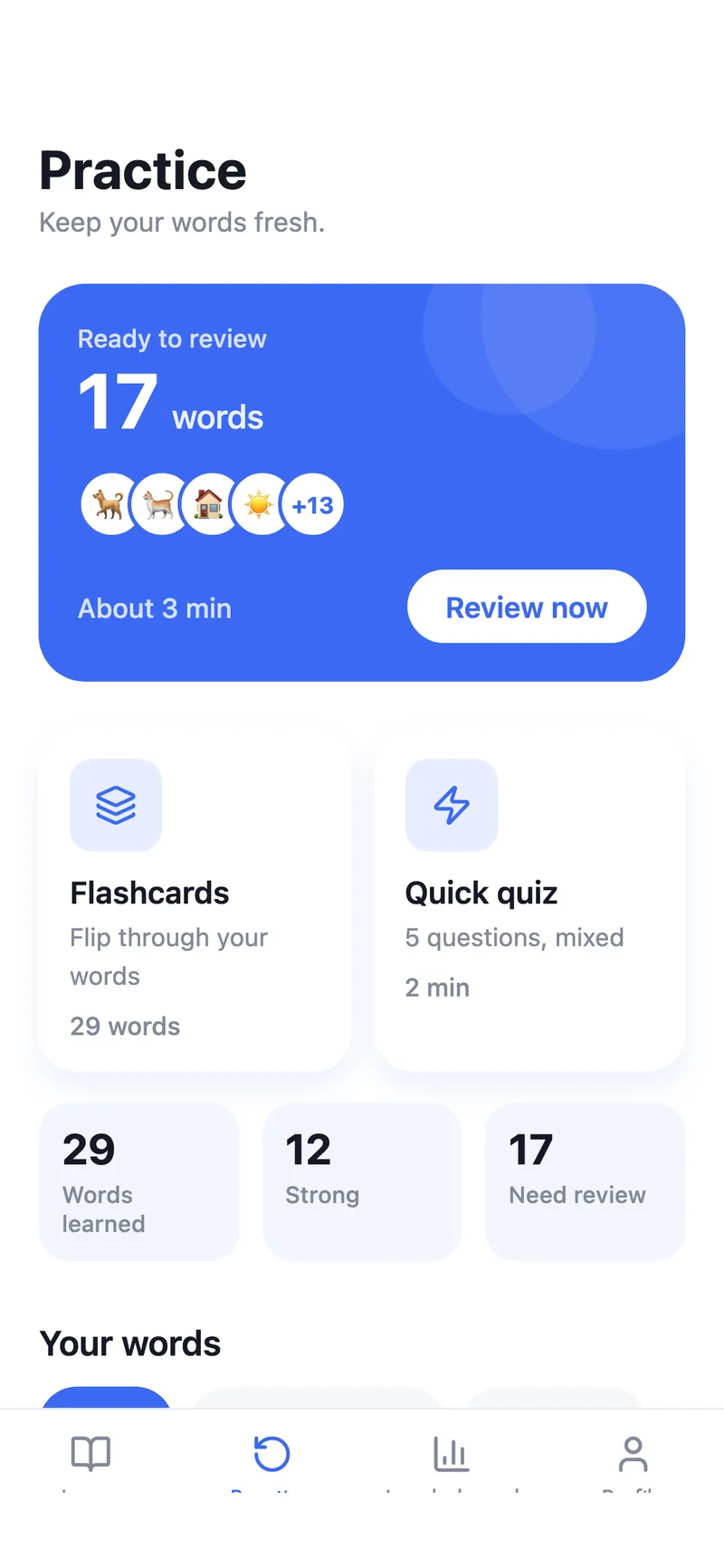
Words you've learned with their strength, flashcards to flip through, and a quick review of weak words.
Weekly leaderboard
Learners ranked by this week's XP with photos, medals and a promotion zone.
First-run setup
New learners pick a language and a daily goal; sign-up confirms the email with a 6-digit code.
Six languages
Switch or add courses from a photo catalogue at any time.
Profile and milestones
Photo, stats, achievements with progress, daily goal and a photo upload.
Customize with prompts
Make it yours in one sentence
Pick what to change first. Your copy opens in the editor and the AI starts right away, changing this app in place.
Make it yours
You get your own copy of Language learning app. Tell the AI what to change first.
Themes and icons
Your look, before the first prompt
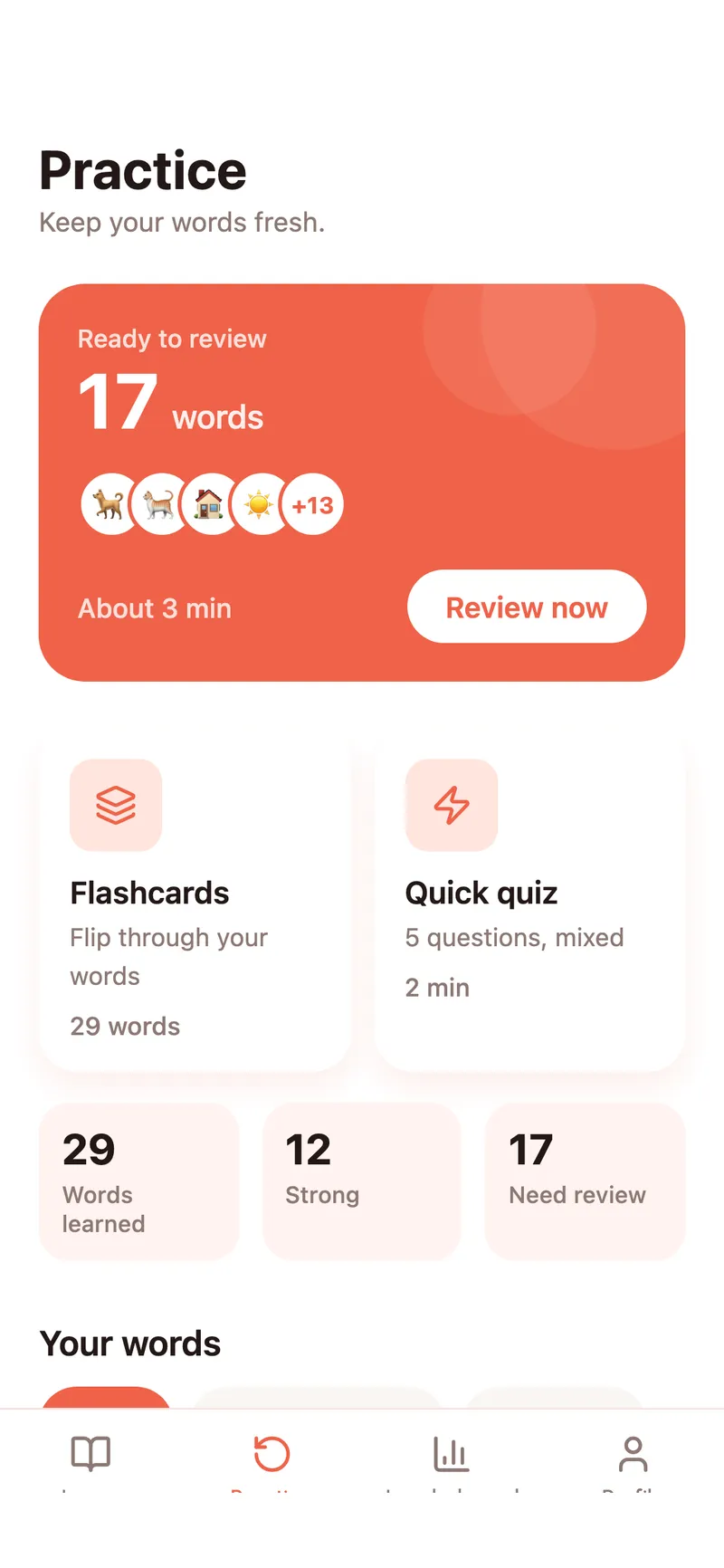
Pick a theme and an app icon. Your copy is made in them: no prompt, no credits.
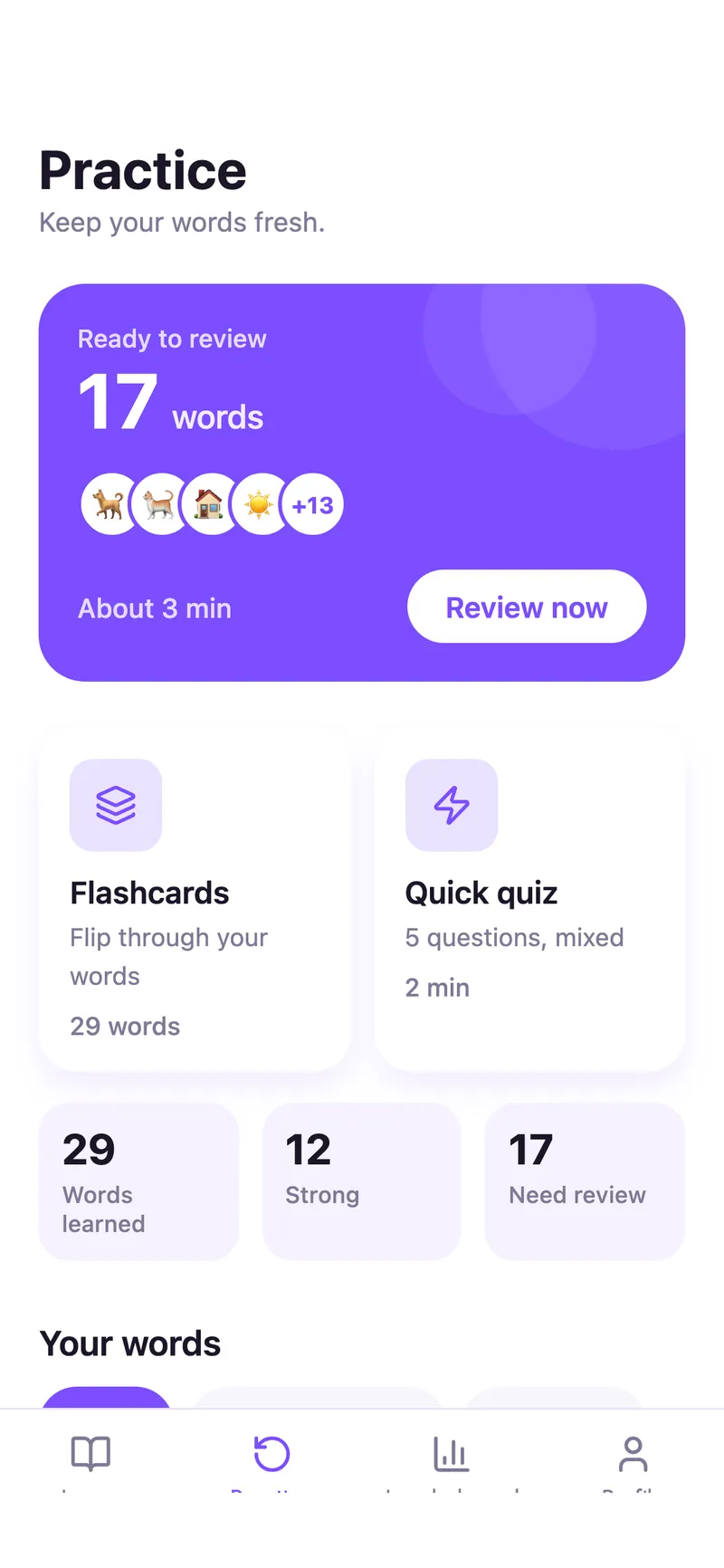
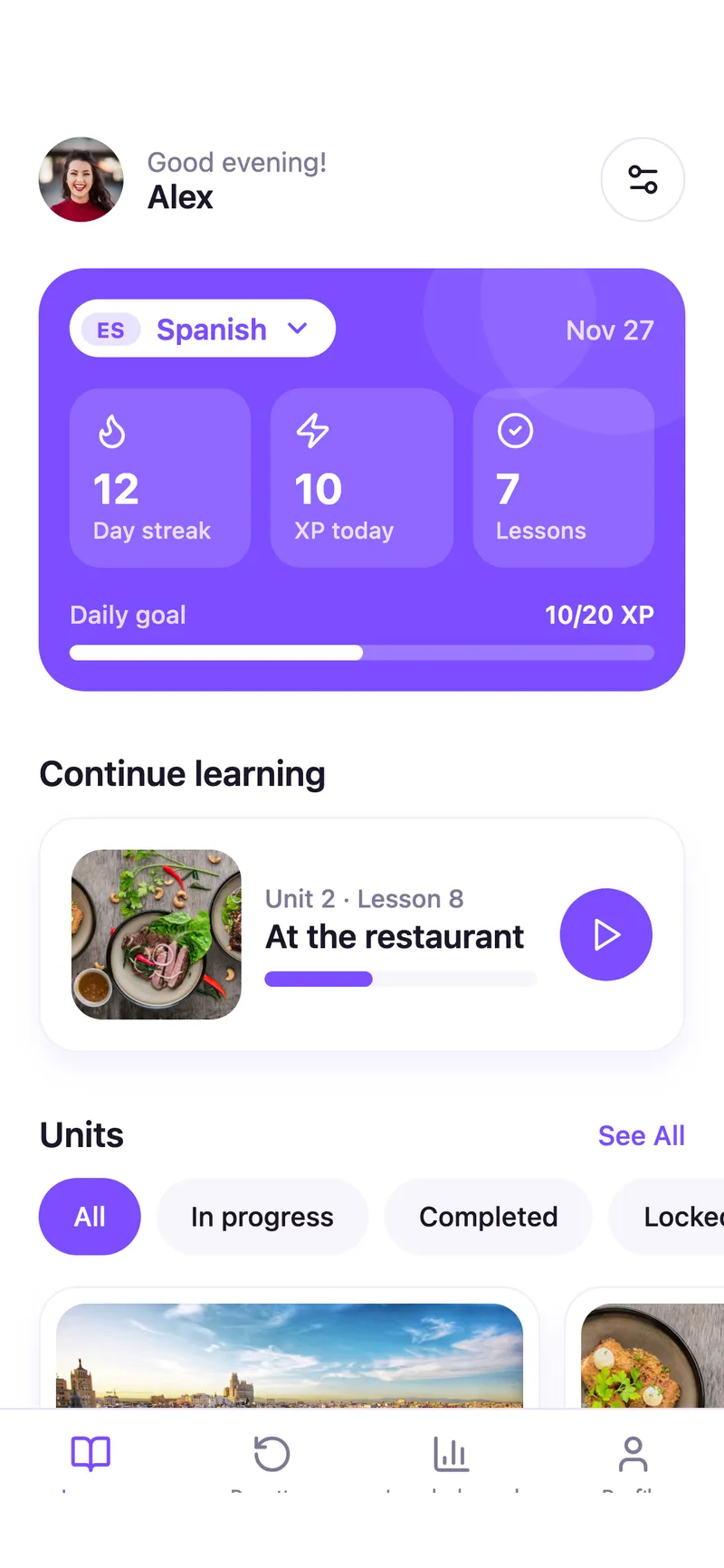
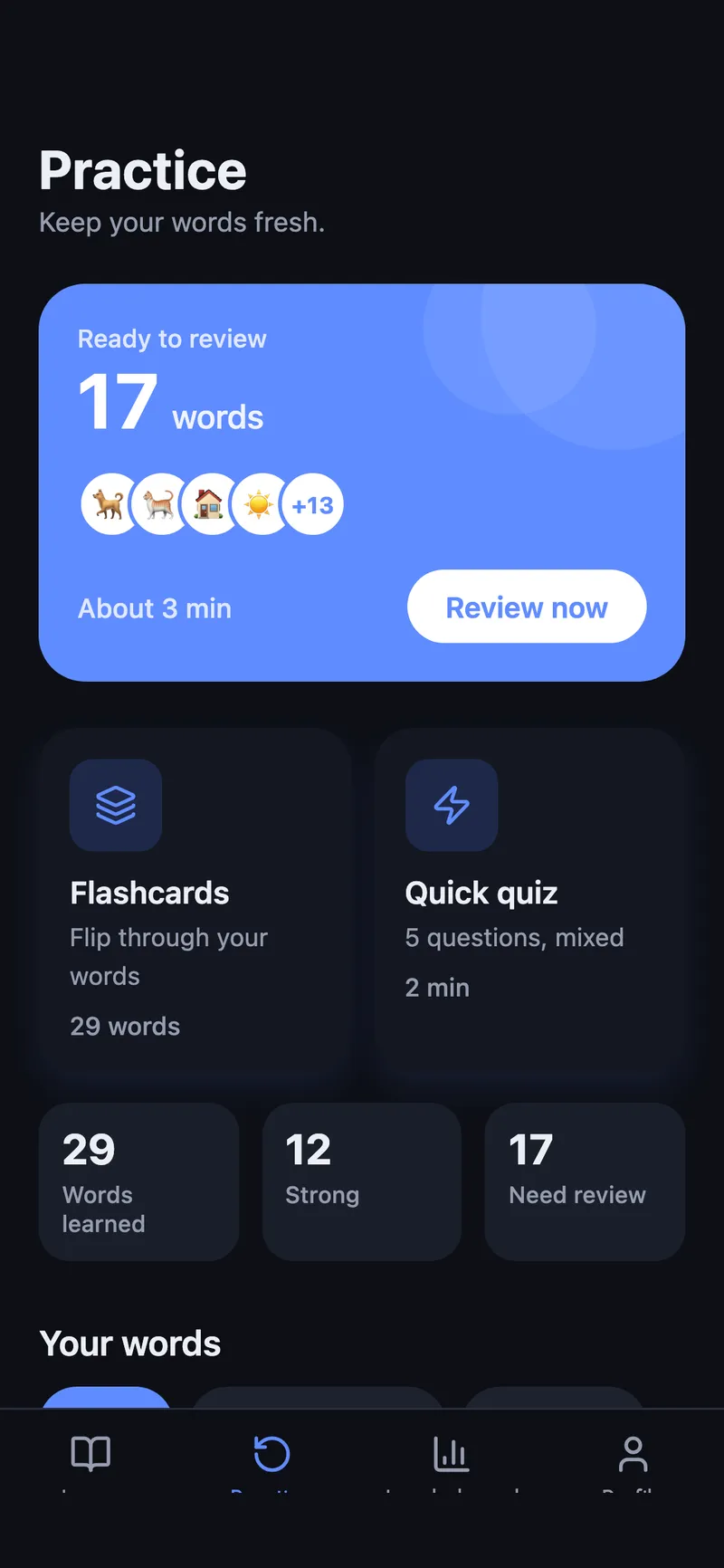
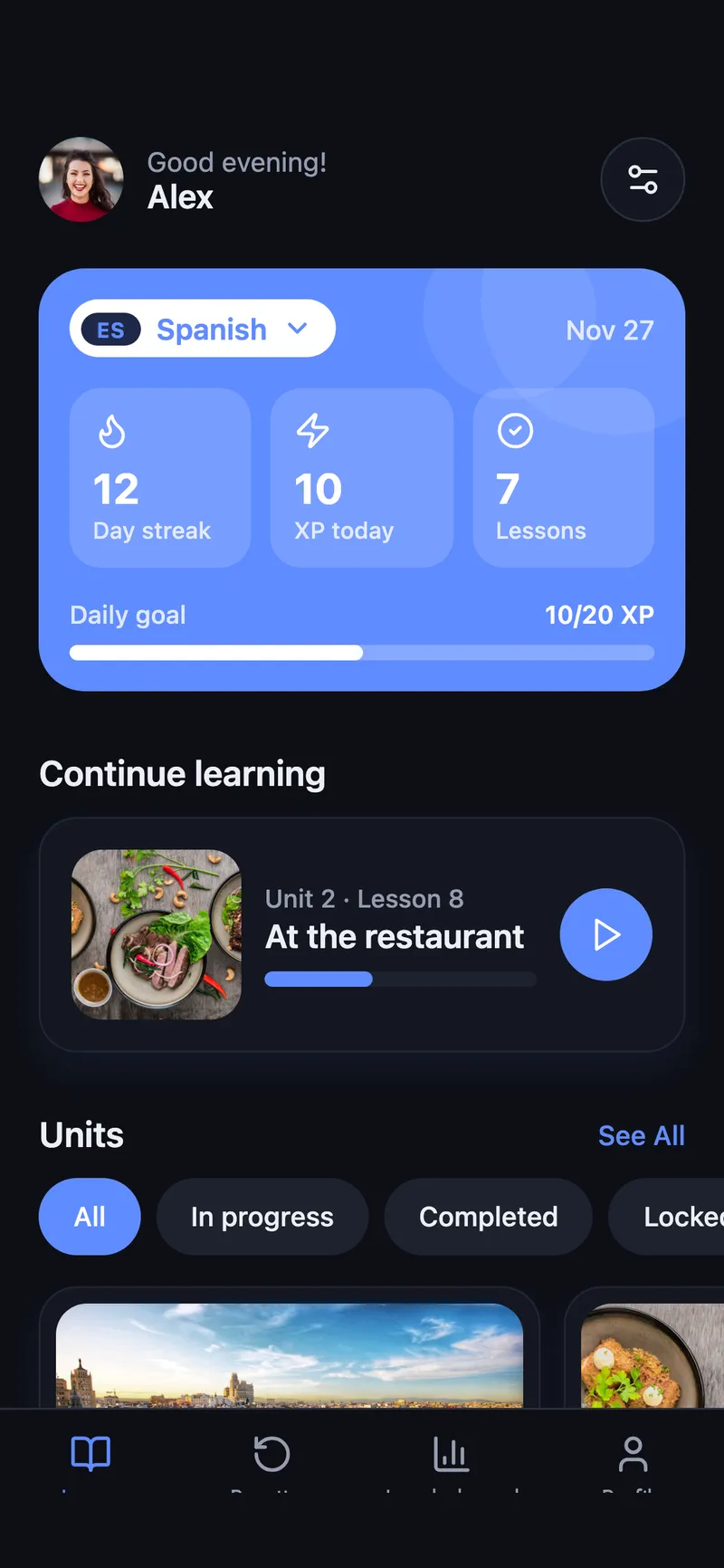
Theme
App icon
Your copy starts in this look. It is one theme file, so every screen changes together, and you can keep adjusting it with prompts.
One prompt later
“Call it Lingora, make the brand colour green, and add a word of the day card to the Learn screen with a word from my course and its translation.”
A real run on this template. One turn renamed the app, recoloured every screen and added the field to the database.
Workflows
What people can already do in it
Pick one to walk through its steps on the screen it happens on.
Daily goal, streak and lessons
Under the hood
A real full-stack app, not a mockup
For the technical side: how it is built, the database, the code itself and the stack.
The editor writes a real app. The app talks to its own Supabase backend, and the same code runs on phones and the web.
RapidNative editor
The AI writes the code, schema and sample data
Your app
Expo SDK 58, React Native, 16 screens
Supabase backend
Supabase: Postgres (15 tables, 32 access rules), auth, storage, API routes
Runs on
iOS, Android and the web
15 tables, linked the way the app works. Each learner reads and changes only their own progress, XP, words, achievements and profile; the course catalogue is readable by everyone; the weekly leaderboard comes from a function that returns only names, photos and XP.
courses
6 sample rows
profiles
11 sample rows
units
9 sample rows
lessons
35 sample rows
exercises
280 sample rows
lesson_completions
7 sample rows
xp_events
51 sample rows
user_words
41 sample rows
user_courses
2 sample rows
achievements
8 sample rows
user_achievements
8 sample rows
vocabulary
empty
catalogue_lookup
empty
profile_photos
empty
teach_cards
empty
Slices of this template's own files. Your copy is a standard Expo project: change it in the editor, by prompt or by hand, or, on a paid plan, download it and keep going in your own editor.
94export default function LearnScreen() {
95  const { client } = useApp();
96  const { user } = useAuth();
97  const queryClient = useQueryClient();
98  const insets = useSafeAreaInsets();
99  const primaryColor = useThemeColor('--primary');
100
101  const { data: profile, isPending: profileLoading } = useProfile();
102  const { data: xpToday } = useXpToday();
103  const [switcherOpen, setSwitcherOpen] = useState(false);
104
105  // Refresh XP-today whenever the screen regains focus (e.g. returning from
106  // a finished lesson). The query key is ['xp-today', userId].
107  useFocusEffect(
108    useCallback(() => {
109      queryClient.invalidateQueries({ queryKey: ['xp-today'] });
110    }, [queryClient])
111  );
112
113  const hasCourse = !!profile?.current_course_id;
114  const courseId = profile?.current_course_id ?? 'spanish';
115
116  const { data: courses } = useQuery<Course[]>({
117    queryKey: ['courses'],
118    queryFn: async () => {
119      const { data, error } = await client.from('courses').select('*').order('id');
120      if (error) throw error;
121      return data ?? [];
122    },
123  });
124
125  const { data: units } = useQuery<Unit[]>({
126    queryKey: ['units', courseId],
127 queryFn: async () => {31export function useProfile() {
32 const { client } = useApp();
33 const { user } = useAuth();
34 const userId = user?.id;
35
36 return useQuery<Profile | null>({
37 queryKey: ['profile', userId],
38 queryFn: async () => {
39 if (!userId) return null;
40 const { data, error } = await client
41 .from('profiles')
42 .select('*')
43 .eq('id', userId)
44 .maybeSingle();
45 if (error) throw error;
46 return (data as Profile) ?? null;
47 },
48 enabled: !!userId,
49 });
50}19create policy teach_cards_select on teach_cards for select using (true);63export const lightTheme = vars({
64 "--radius": "20",
65
66 // Core semantic colors
67 "--background": "255 255 255",
68 "--foreground": "22 25 37",
69
70 "--card": "242 245 255",
71 "--card-elevated": "255 255 255",
72 "--card-foreground": "22 25 37",
73
74 "--popover": "255 255 255",
75 "--popover-foreground": "22 25 37",
76
77 "--primary": "59 105 245",
78 "--primary-foreground": "255 255 255",
79
80 "--secondary": "230 237 255",
81 "--secondary-foreground": "59 105 245",
82
83 "--muted": "245 246 250",
84 "--muted-foreground": "130 136 153",
85
86 "--accent": "245 166 35",
87 "--accent-foreground": "255 255 255",
88
89 "--destructive": "239 68 68",
90
91 "--border": "232 235 243",
92 "--input": "232 235 243",
93 "--ring": "59 105 245",
94
95 // Status colours
96 "--success": "34 197 94",Sample data: Six courses with nine units and 35 lessons: Spanish has three full units (basics, food and drink, travel), French two, and the other languages one each. Every lesson has three to six word cards, a tip and eight exercises. The demo learner is twelve days into a Spanish streak with seven lessons done, 29 learned words at different strengths, three milestones earned, and ten learners with photos on this week's leaderboard. Good to know: Audio: no pronunciation yet. Add text-to-speech or recorded audio on word cards and a listening exercise. Notifications: streak reminders are not sent. Add expo-notifications for a daily reminder. Leagues: the weekly league is a single ranking; promotion between leagues is not run.
- Framework
- Expo SDK 58, React Native 0.88.0
- Navigation
- Expo Router 58.0.26, file-based routes
- Data
- TanStack Query 5.90.16
- Styling
- NativeWind 4.2.1, one theme file
- Database
- Supabase (Postgres), row-level security on every table
- Auth
- Email and password
- Server code
- API routes in api/, deployed with the app
- Language
- TypeScript 6.0.3, strict
- Platforms
- iOS, Android, web
- Ownership
- A standard Expo project; download the full source on the Starter plan and up
Screens
Every screen, built and filled with data
16 routes: /, /leaderboard, /practice, /profile, /courses, /edit-profile, /guidebook/[unitId], /lesson/[id], /lesson/complete, /lesson/review, /onboarding, /practice/flashcards, /streak, /unit/[id], /sign-in, /sign-up.
How it works
From template to the App Store
- Step 1
Use the template
You get your own copy in your account, running in the editor with its data.
- Step 2
Tell the AI what to change
Rename it, restyle it, add features. It edits this app; it does not start over.
- Step 3
Run it and ship it
Open it on your phone with a QR code, then publish to the App Store and Google Play.
Questions
Before you start
Is the template free?+
Do I own the code?+
Can I publish it to the App Store and Google Play?+
What is mocked?+
Can I use my own backend?+
Is this affiliated with Duolingo, Babbel or Busuu?+
More templates
Or start from another app
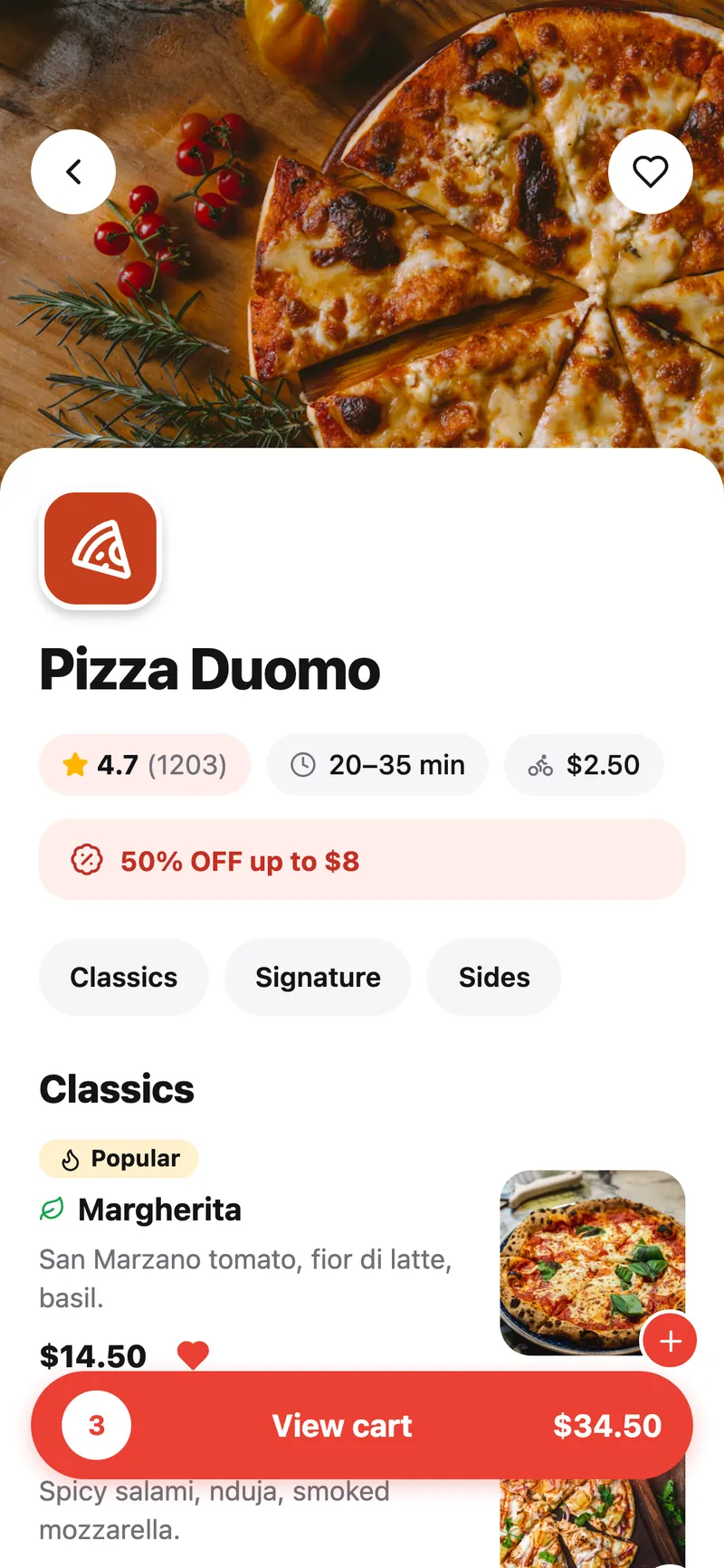
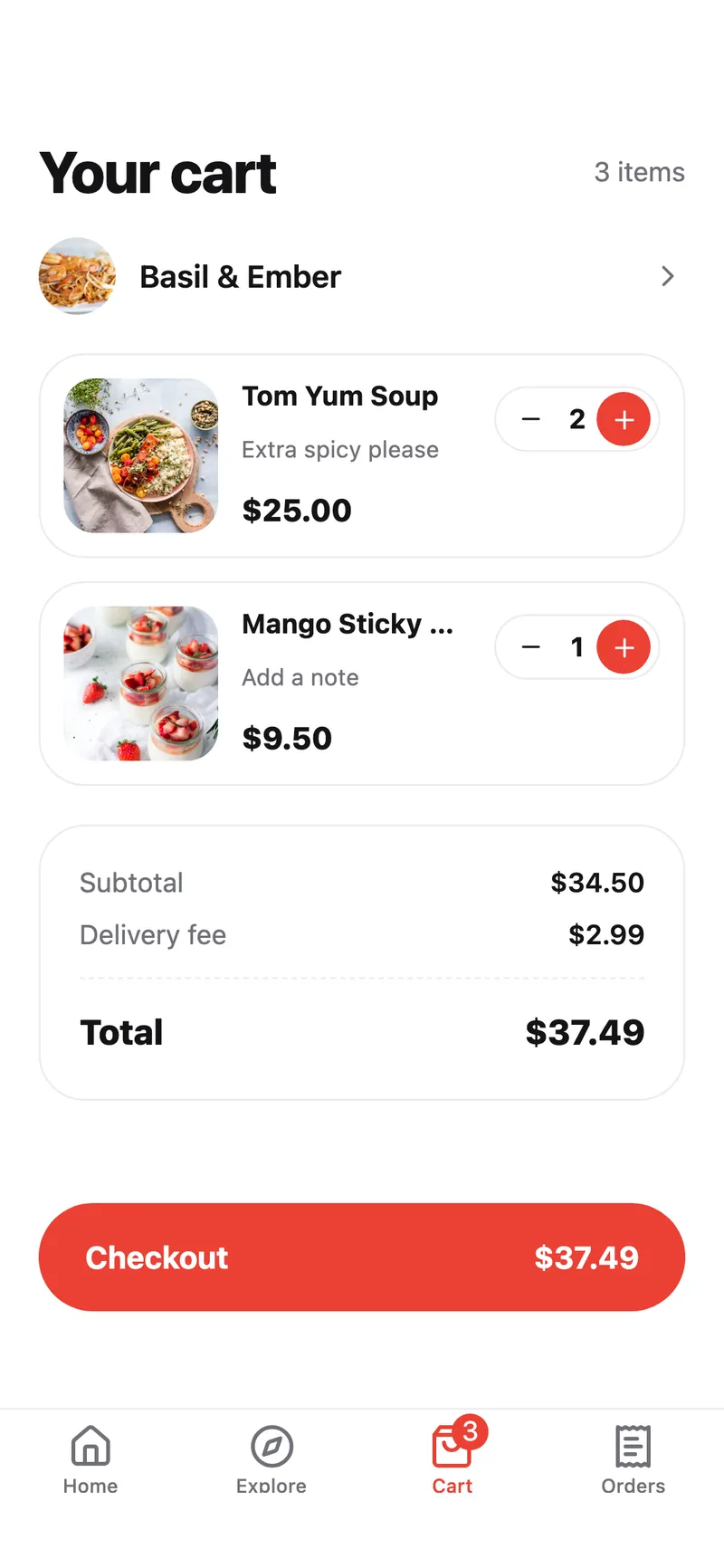
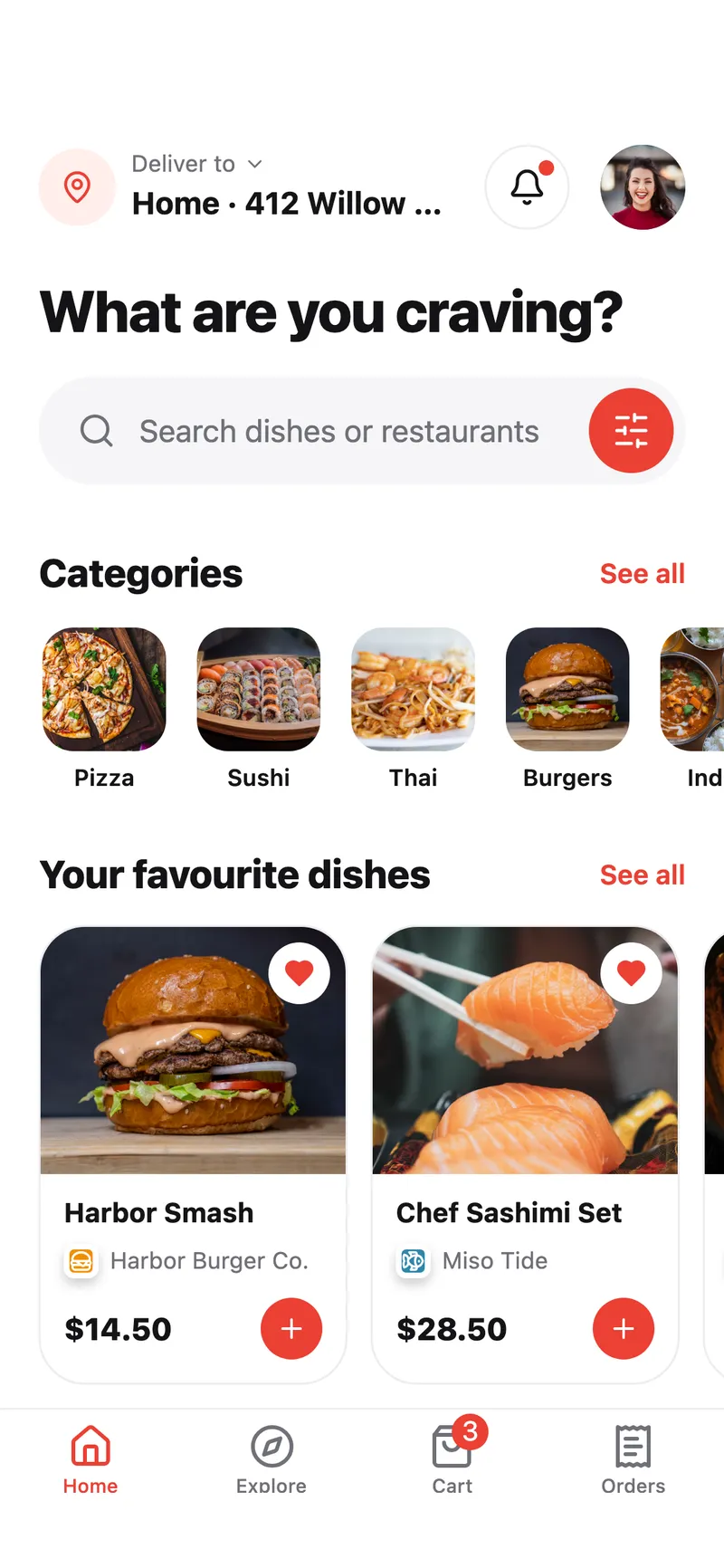
Food delivery applike DoorDash, Uber Eats and Swiggy
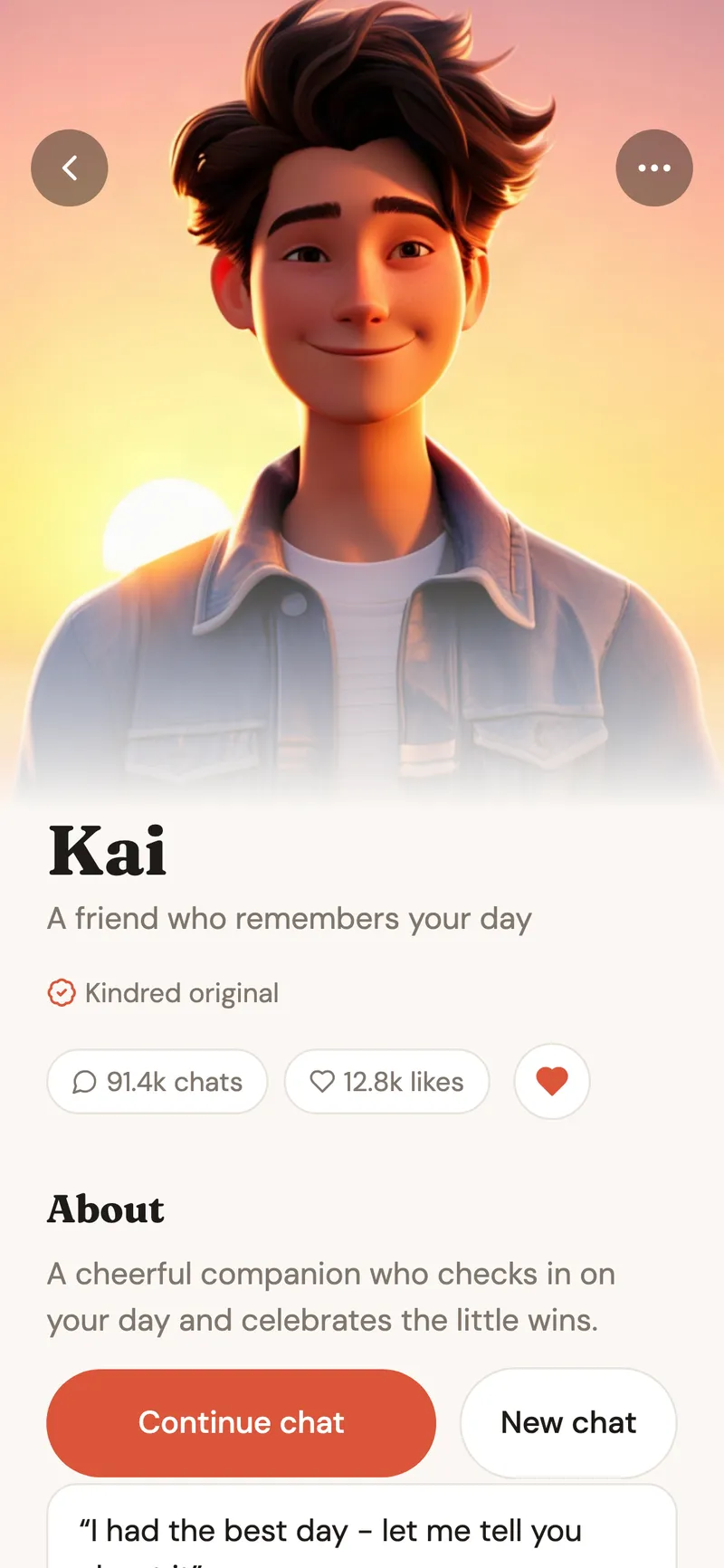
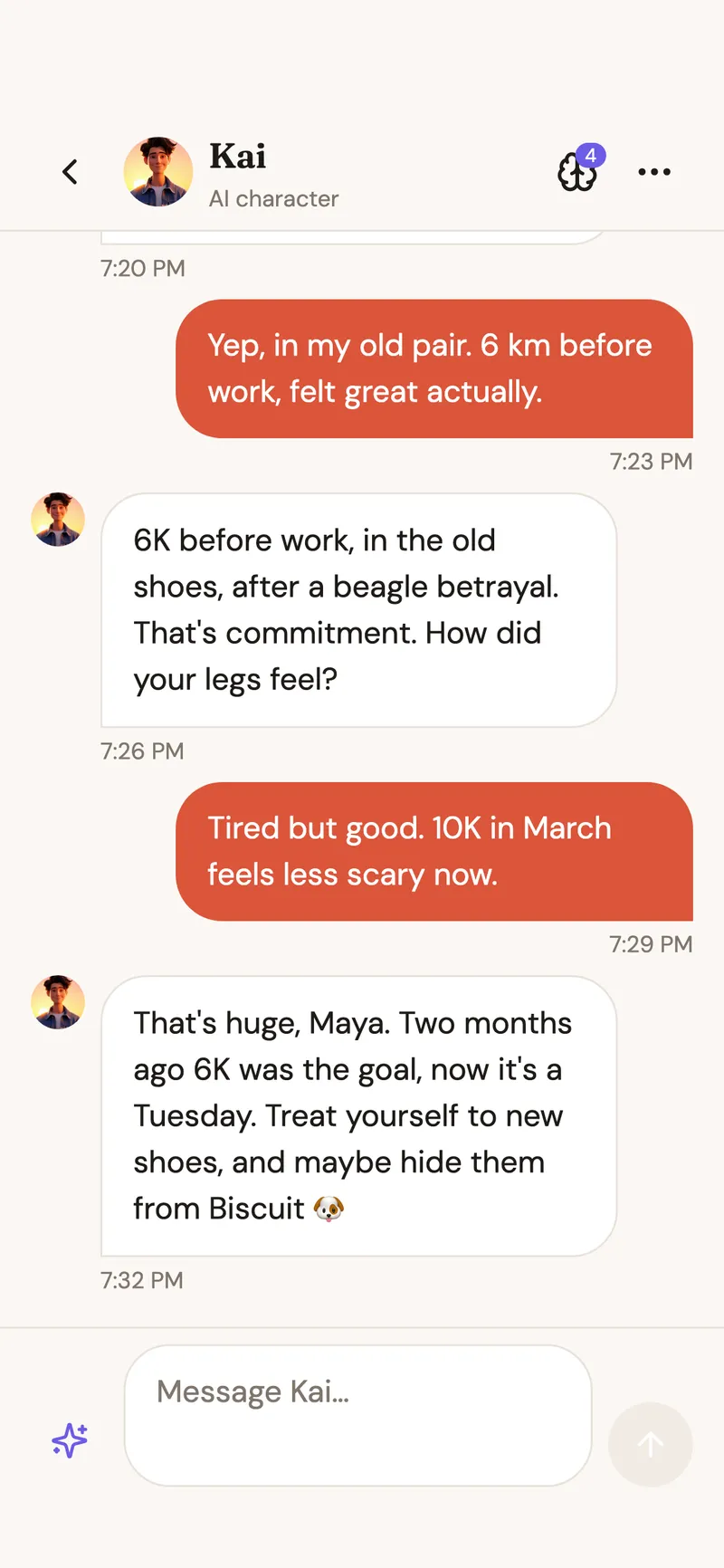
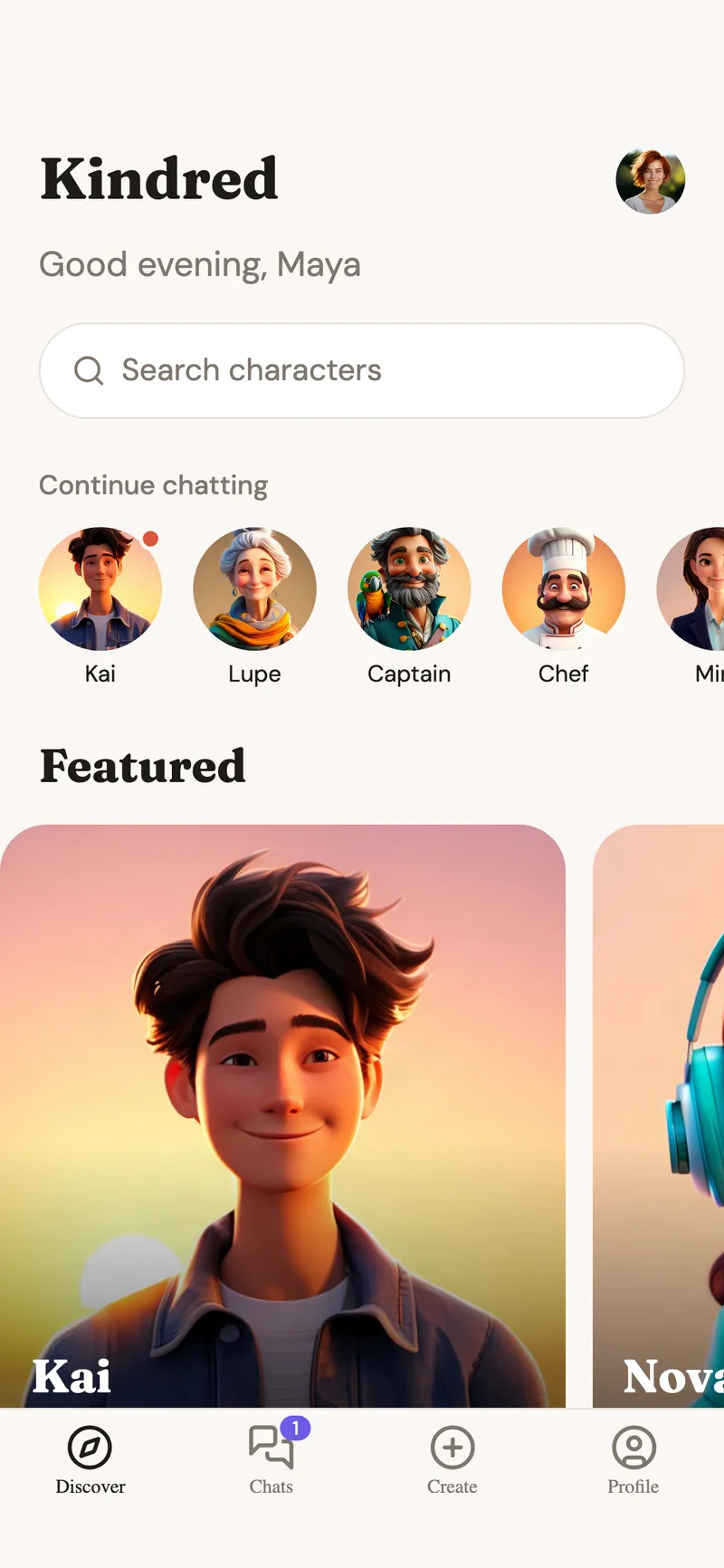
AI companion chat applike Character.ai, Replika and Talkie
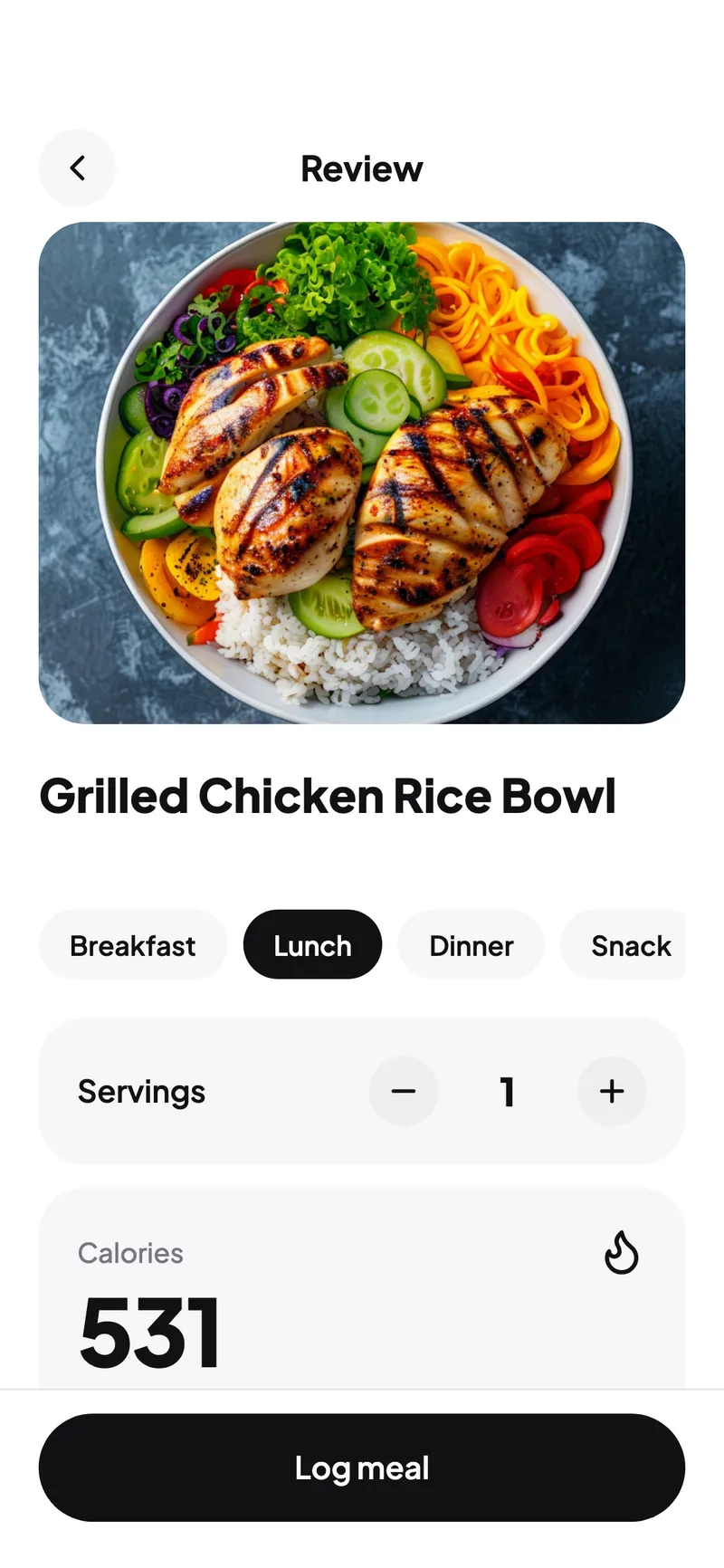
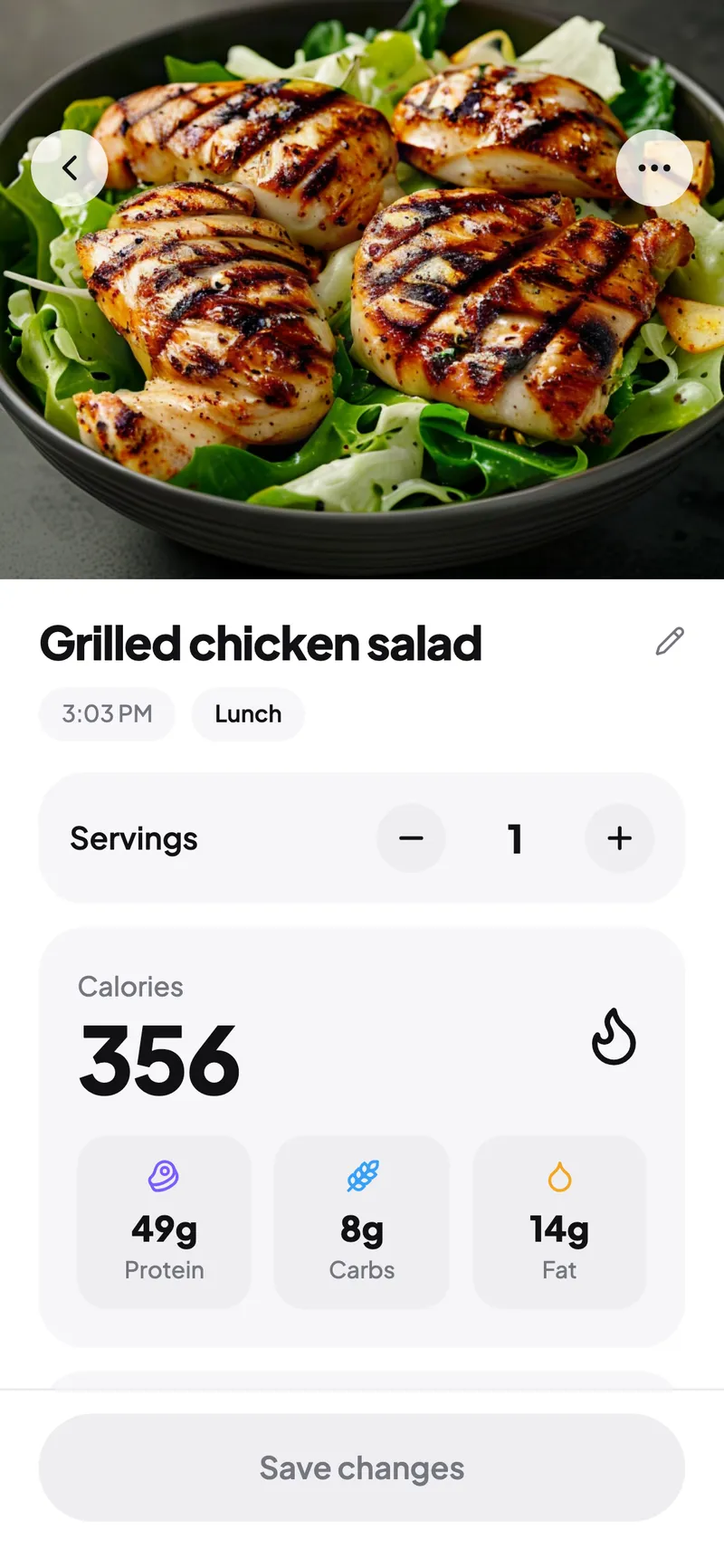
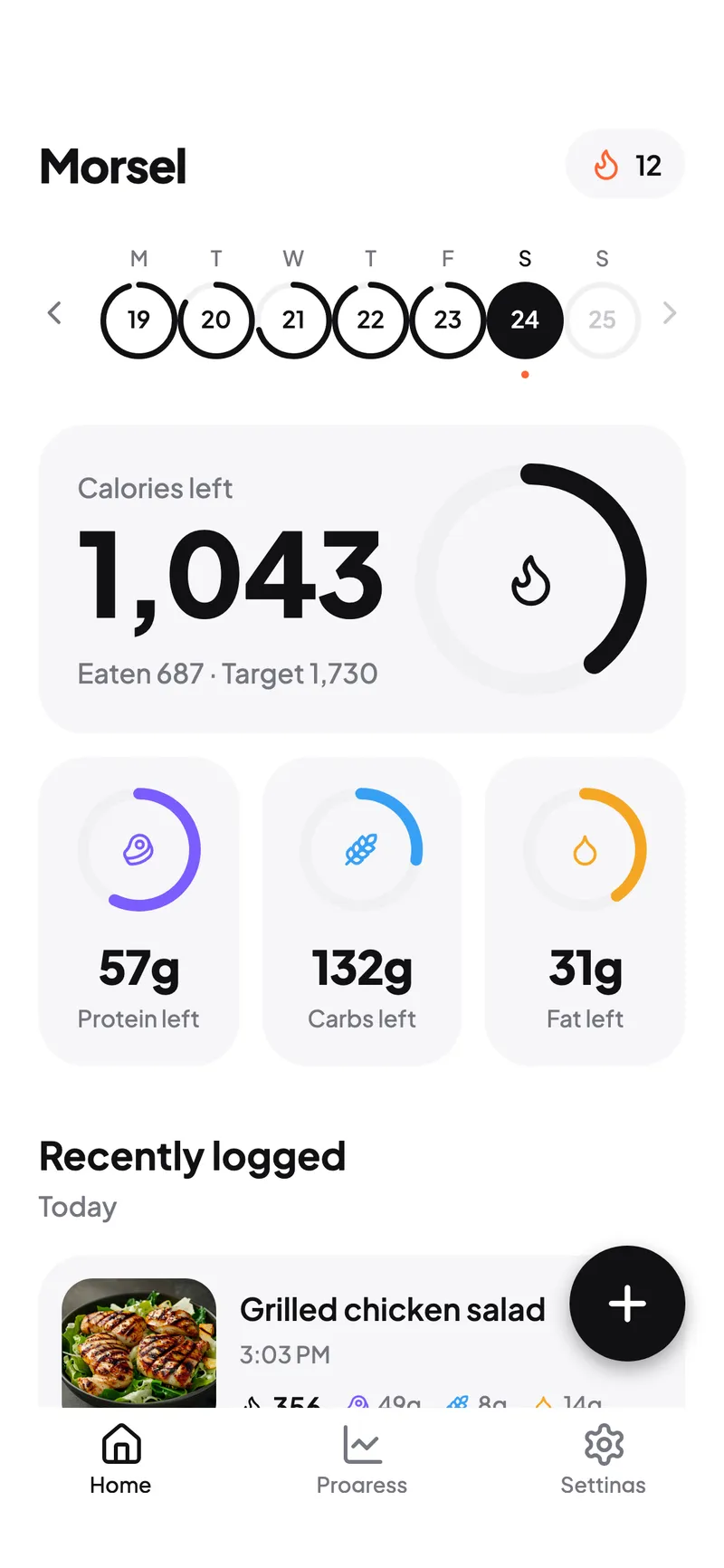
AI calorie trackerlike Cal AI, MyFitnessPal and Lose It!
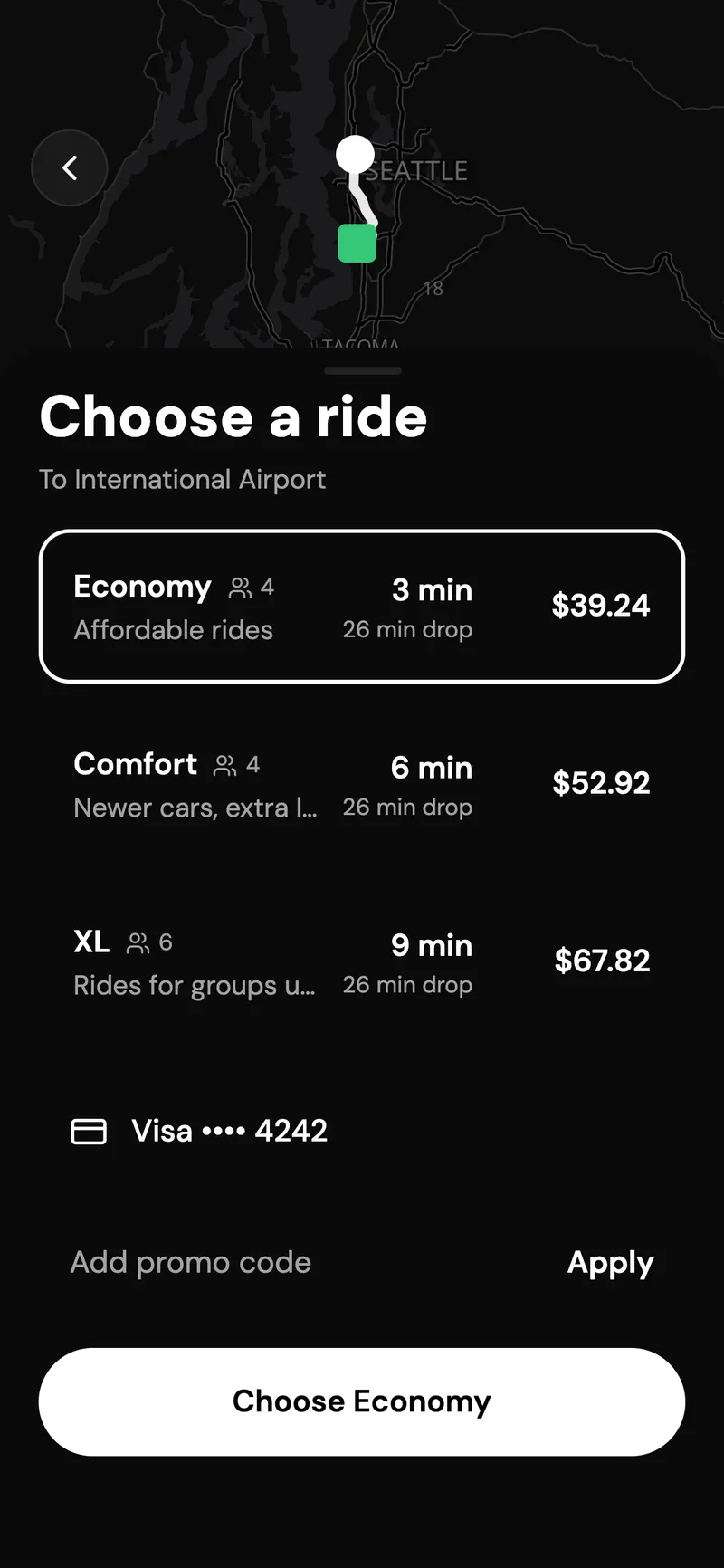
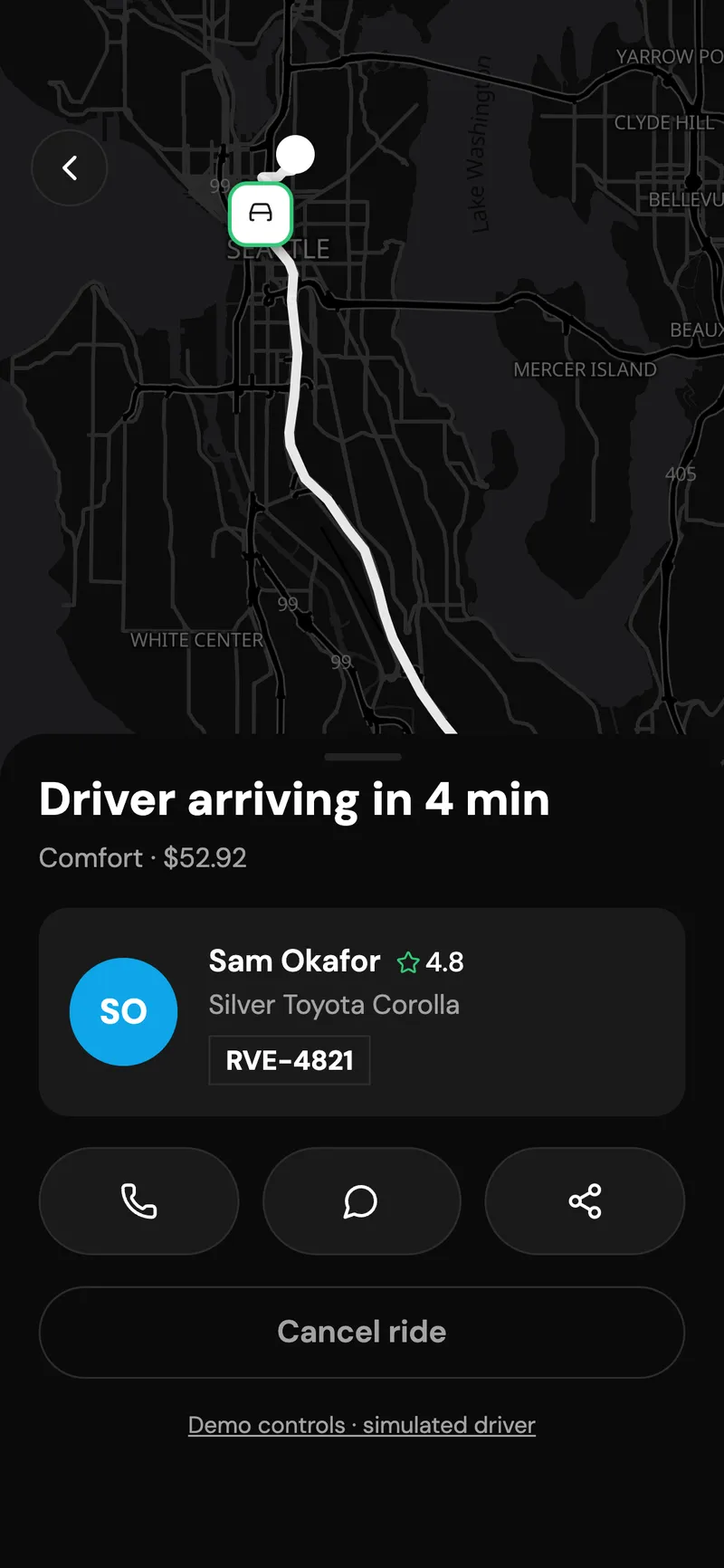
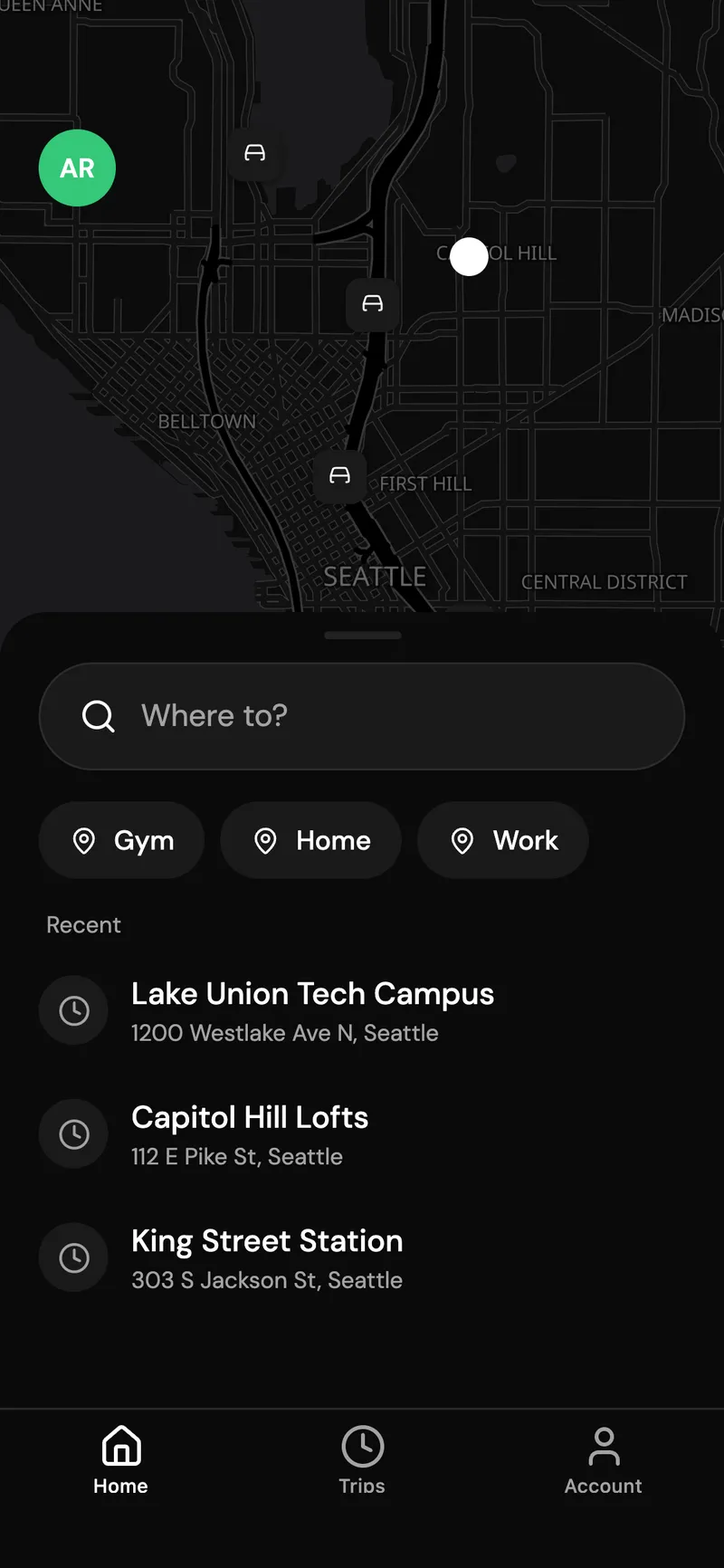
Ride-hailing applike Uber
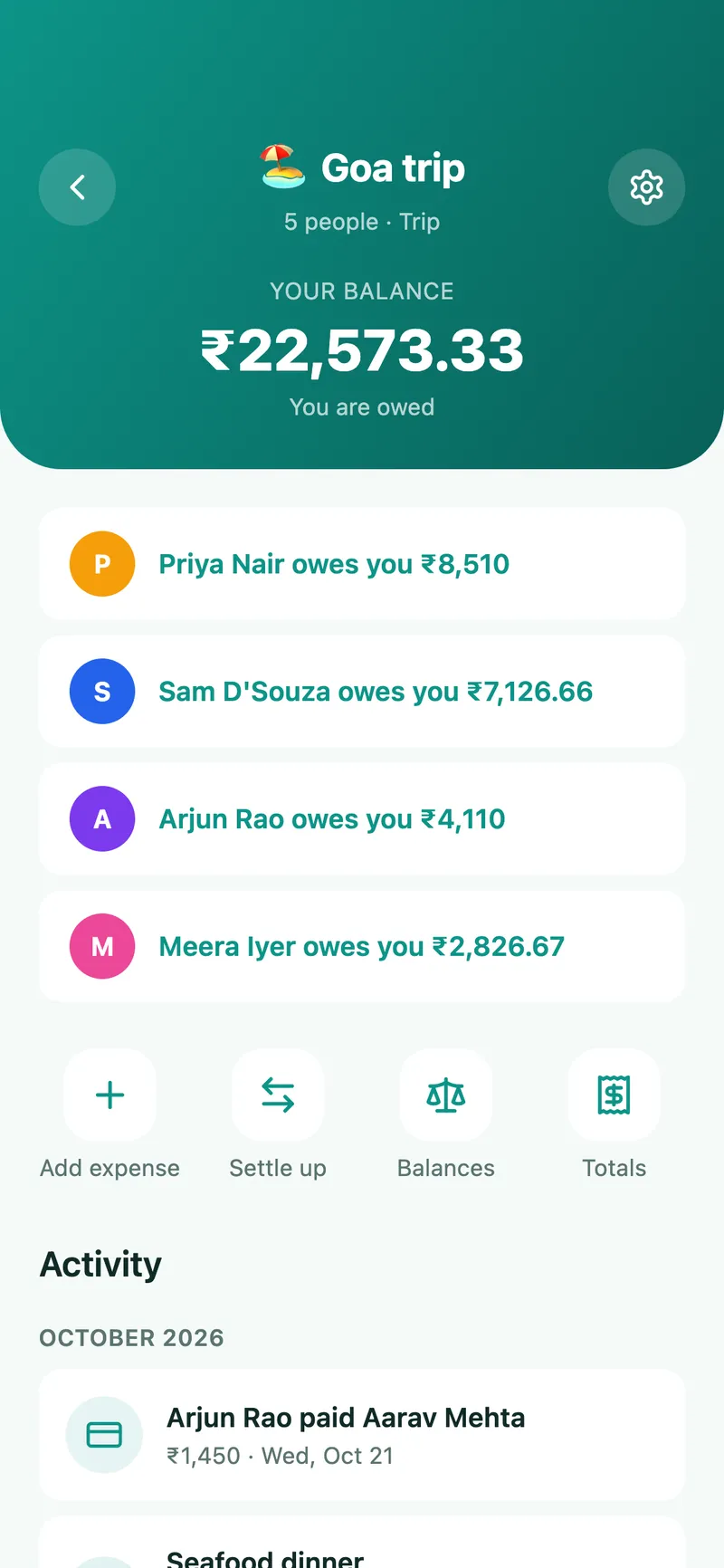
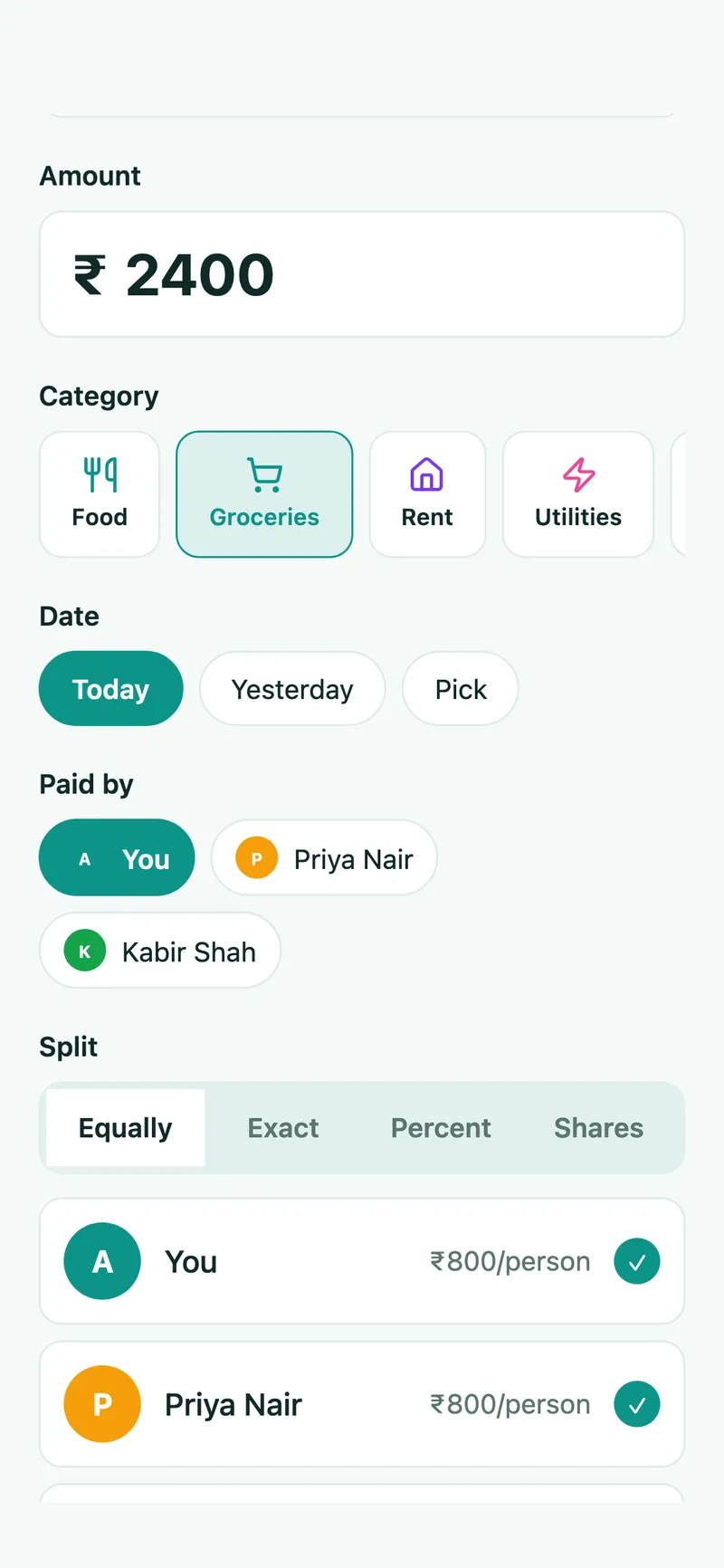
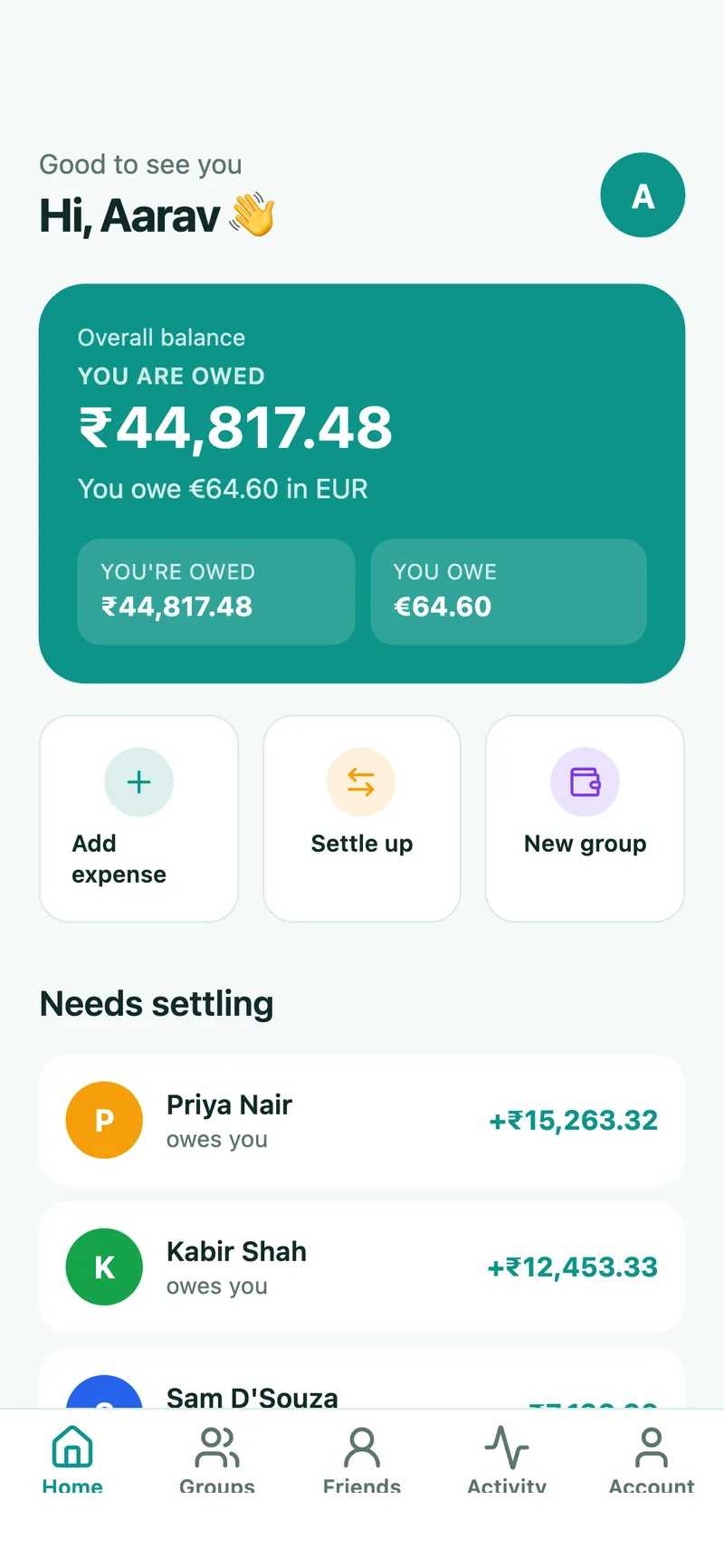
Expense splitting applike Splitwise
Your app, already started
Free to start. Your copy, your name, your brand, and the AI ready to change any of it.
Not affiliated with or endorsed by Duolingo, Babbel or Busuu. All names are trademarks of their owners.